
Sparkle A310 Anti-Whine
Print Profile(2)


Description
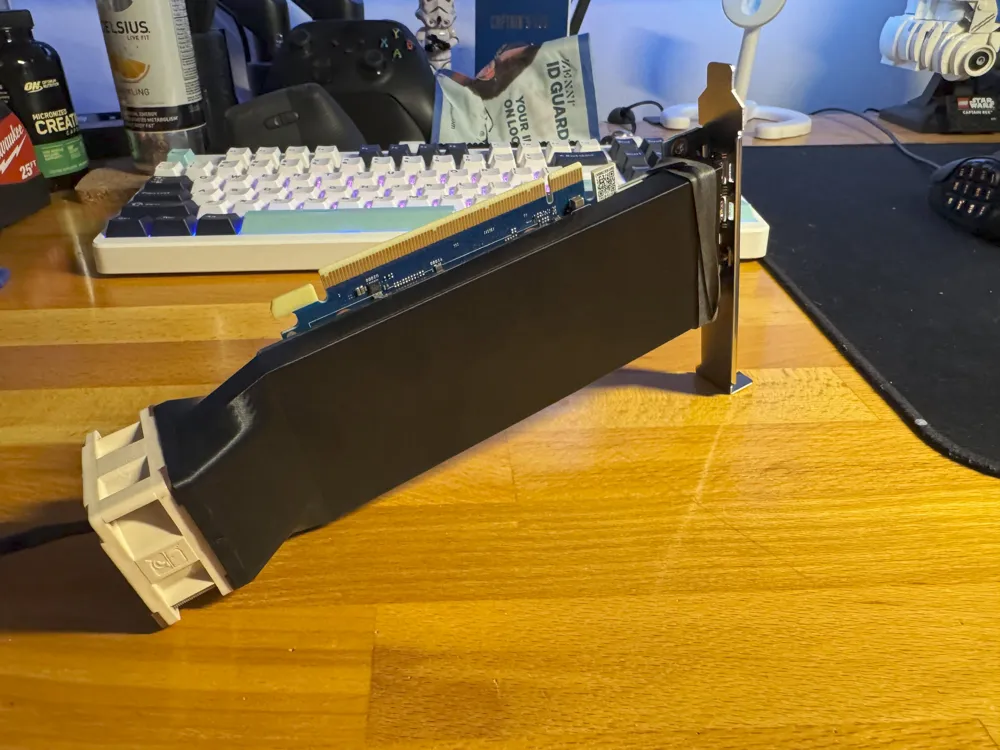
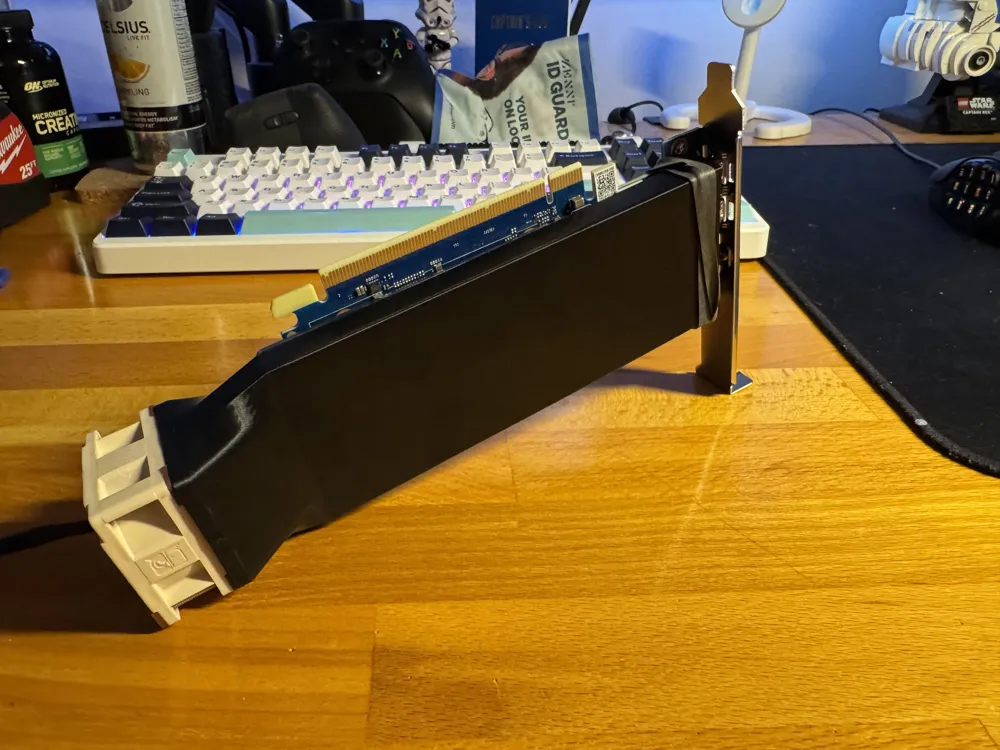
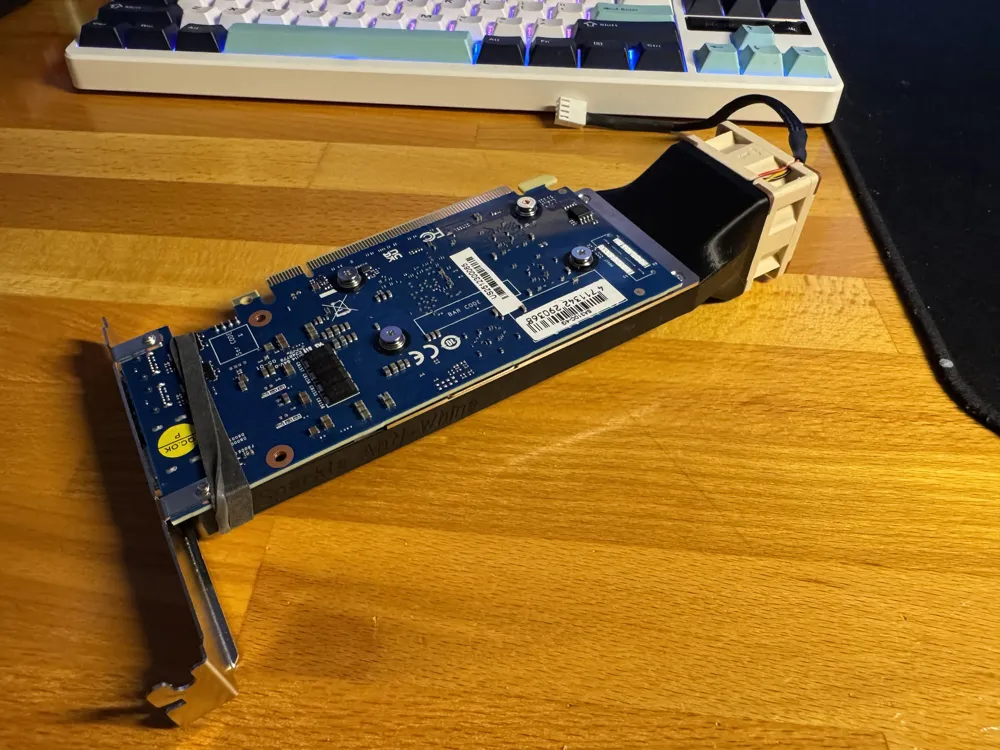
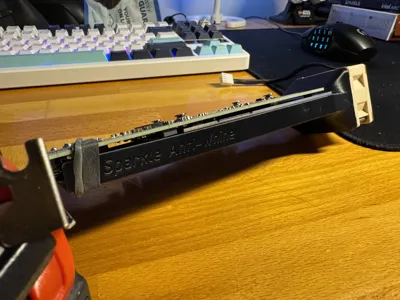
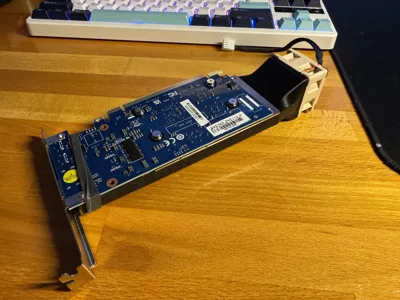
The Sparkle A310 ECO has one of the most annoying, whiniest GPU fans I've ever heard. After some searching around it seems like a common remedy for this is to swap the fan with a 40mm noctua, specifically the NF-A4x20 PWM. I started this journey with some screw positioning templates:
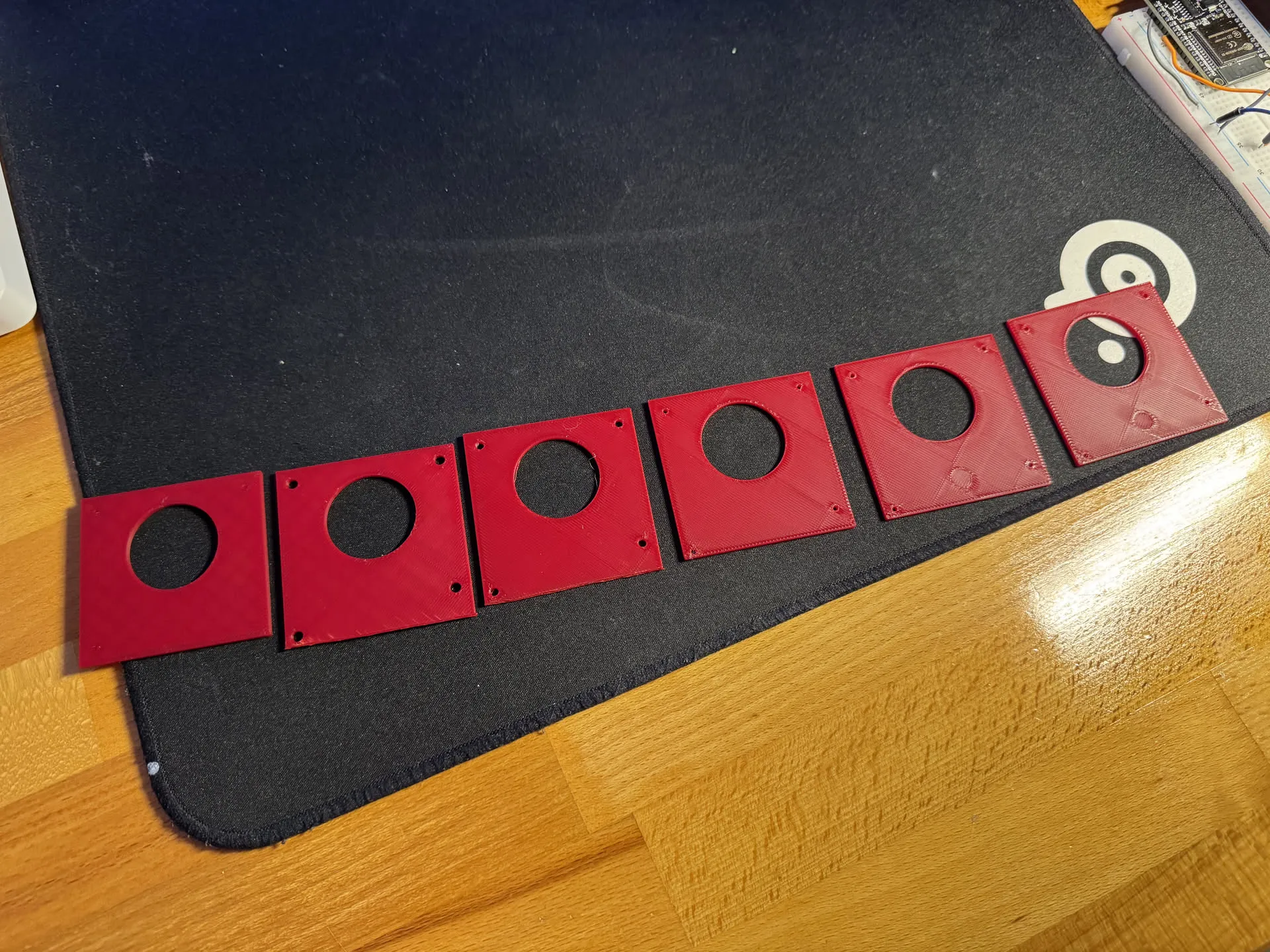
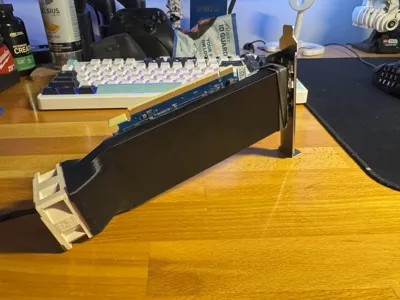
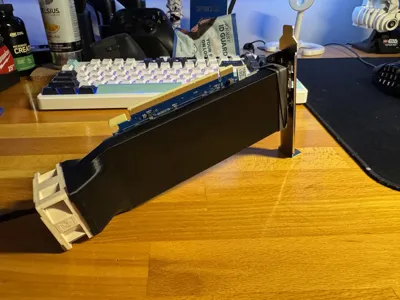
It took about 6 tries, but eventually it fit!
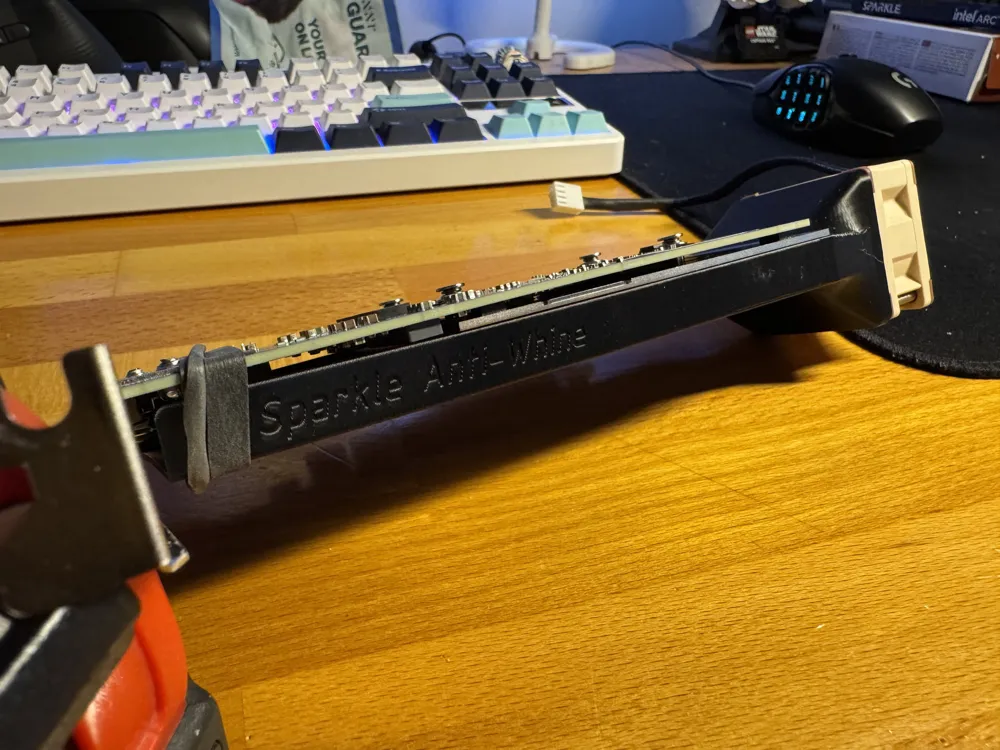
There are two variants:
Heat Set Inserts
- Requires at least 2 M3 heat set inserts for the 40mm fan of your choice.
- Re-uses the small heat sink screws that come with the GPU.
- If the heat sink screws are too short/small, try using the screws that came with the fan!
Self Tapping
- Requires elbow grease to self tap your M3x20 screws for the 40mm fan.
- Re-uses the small heat sink screws that come with the GPU.
- If the heat sink screws are too short/small, try using the screws that came with the fan!
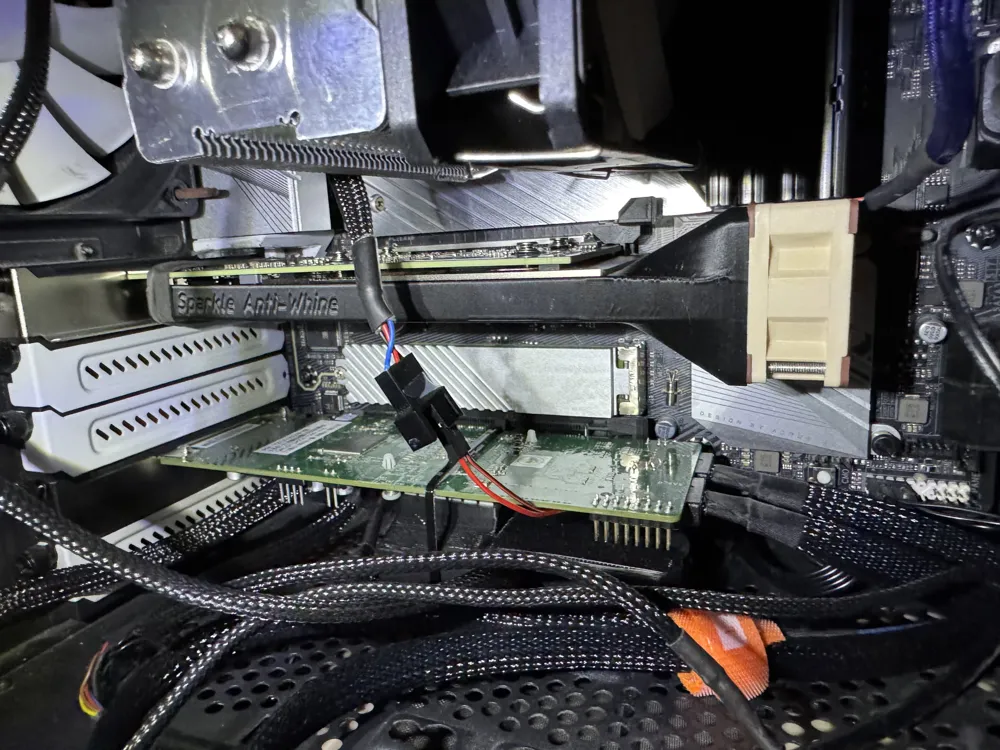
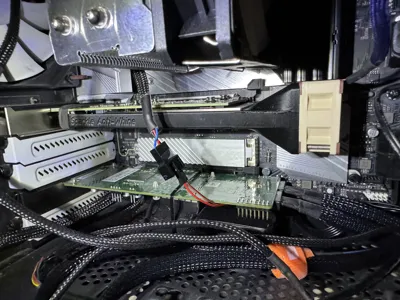
Unfortunately these cards dont have any temperature report (linux), so I cant give a before and after. Seems to be working fine though.
As for fan control I simply connected them to a splitter and set the voltage to maximum. Considering how quiet this fan is I wont be able to hear it, and it should keep the card plenty cool. If you want you could splice the connectors from the OEM fan but… that seems like a lot of work.
I got the idea for this model from 40mm Fan Mount for Sparkle Intel Arc A310 LP by Denk. Their model is nice as well, but I found the inserts to be a bit overkill and the hole spacing to be a little off. That hole misalignment actually caused the heat sink to warp a bit, which I wasnt a fan of.
I also have some thermal imaging of the card with the new setup:
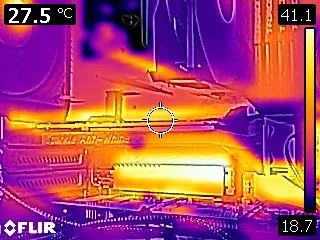
Overall there are a couple ‘hotspots’ of 45C around the card, but nothing serious. On the main heatsink we're getting a 15C delta between the intake and the exhaust which is good:

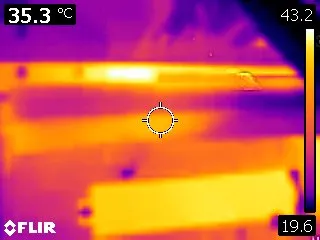
You can actually see the heatsink heating up the air in the middle there, how cool!
Update 5/13/2026
This has held up great over the past few months. Under heavy transcode the card doesn't get above 55C! Just be sure to increase your fan speed. Don't be like me and forget for two months!
License



Comment & Rating (5)