
AMS 2 Pro + A1 Vertical Mount w/ AMS HT holder
Print Profile(2)

Description
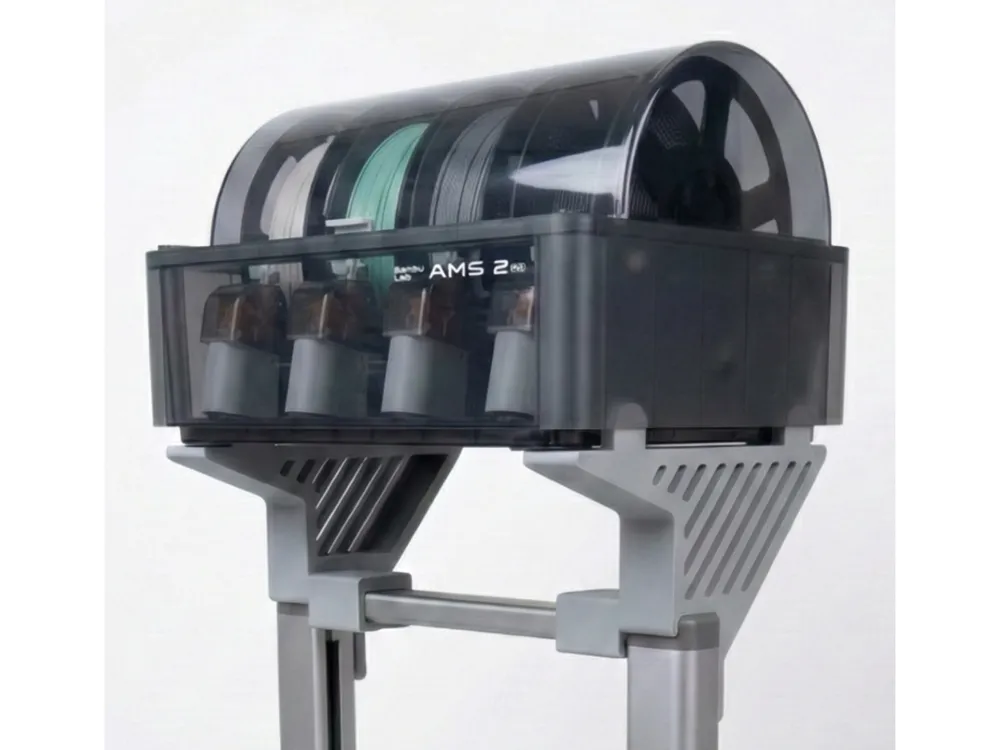
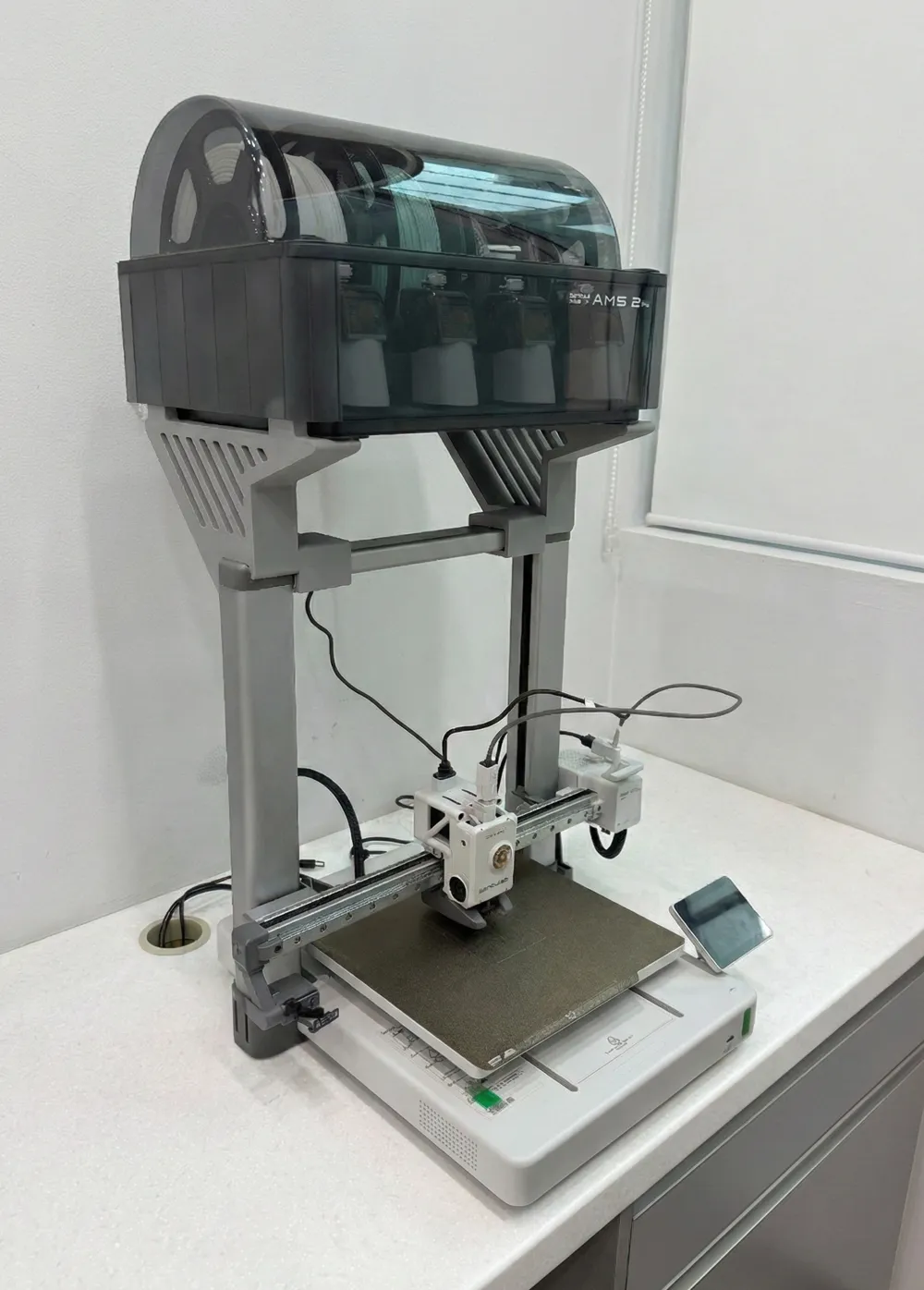
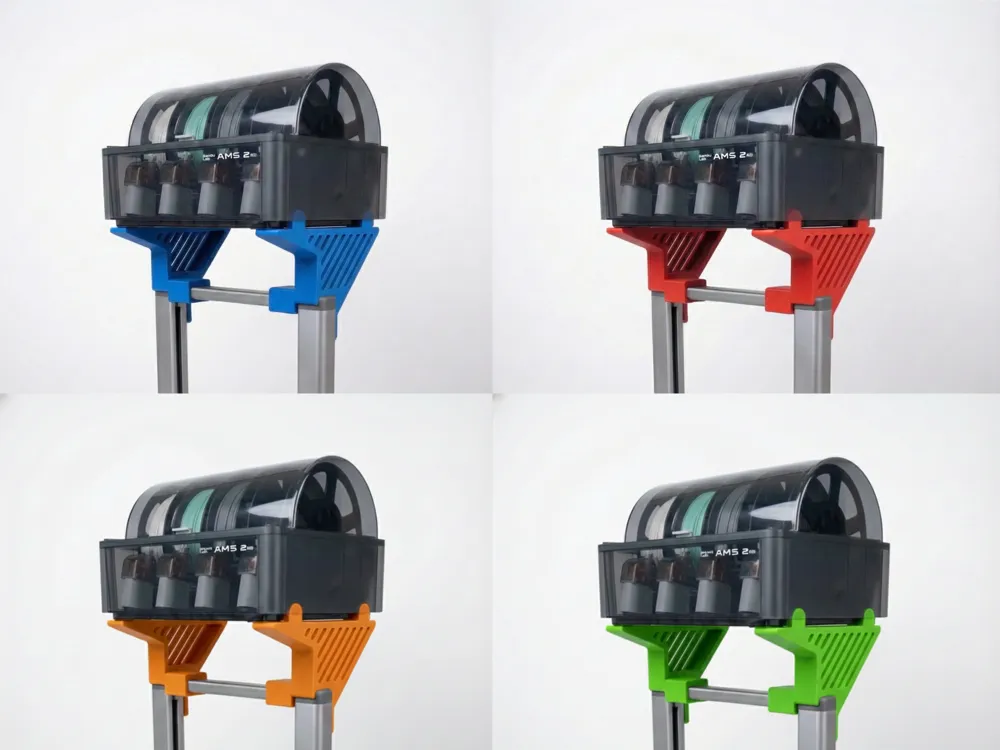
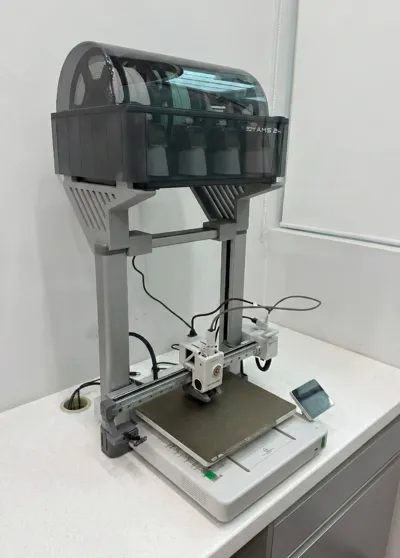
Are you tired of your Bambu Lab A1 and AMS 2 Pro combo taking up too much space. Or if you're mounting it on top using existing mounts, takes up the entire depth of your workbench?
I found that existing mounts pushed the AMS too far back, crowding the PTFE tubes against the wall and wasting desk space. To fix this, I created the AMS2Pro + A1 Vertical Mount.
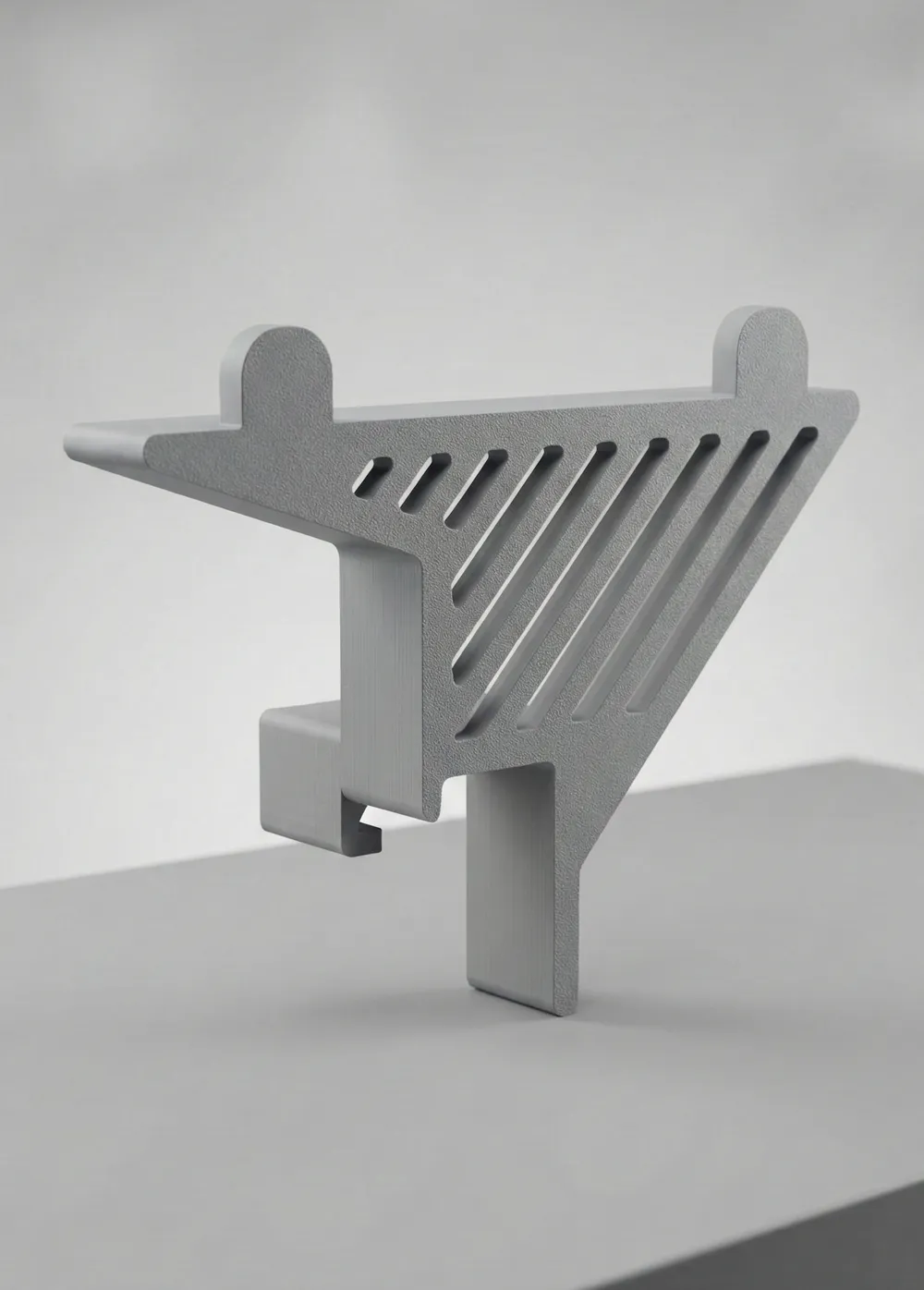
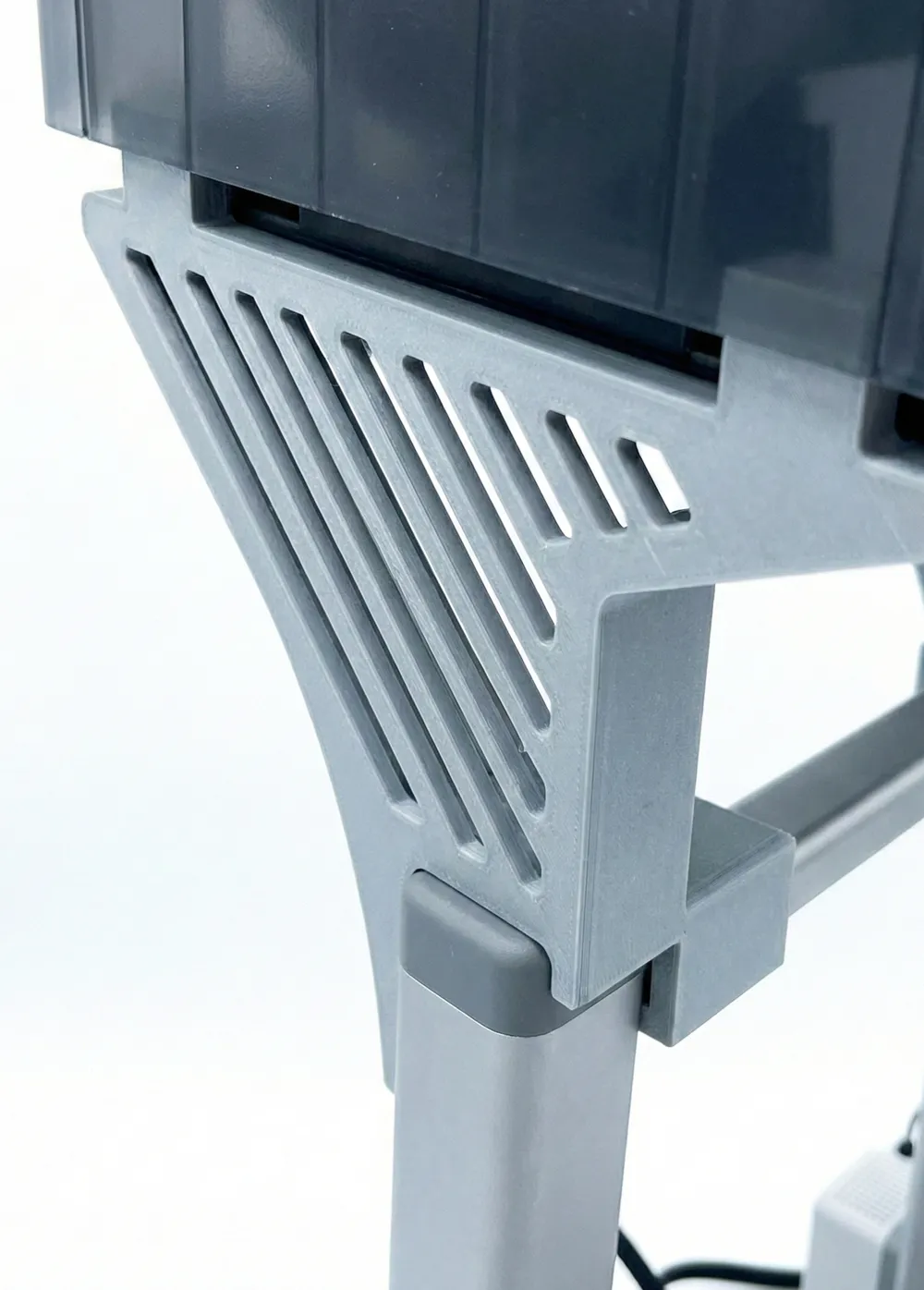
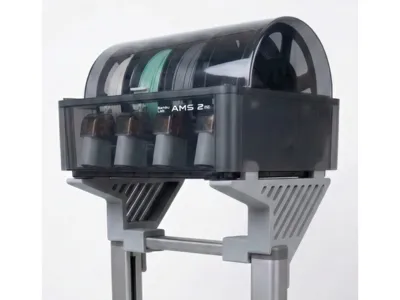
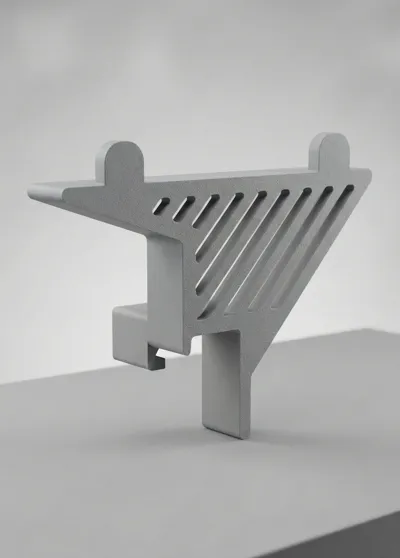
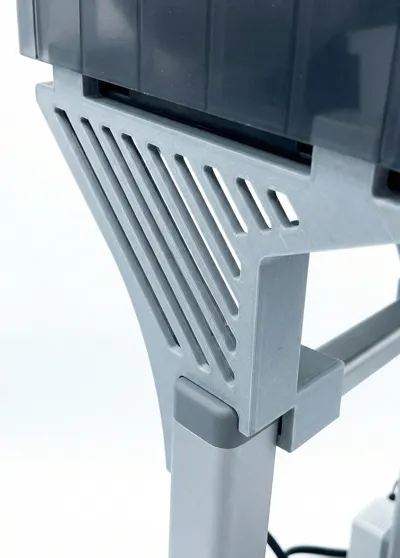
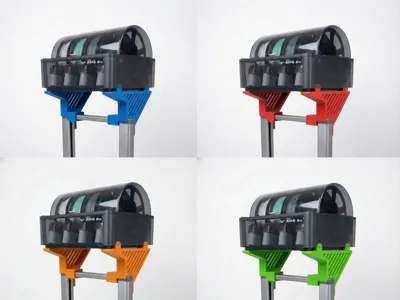
This custom bracket securely mounts the AMS 2 Pro on top of the A1 tower structure. It shrinks the total footprint of the printer setup and ensures the printhead never hits the AMS, even on tall prints.
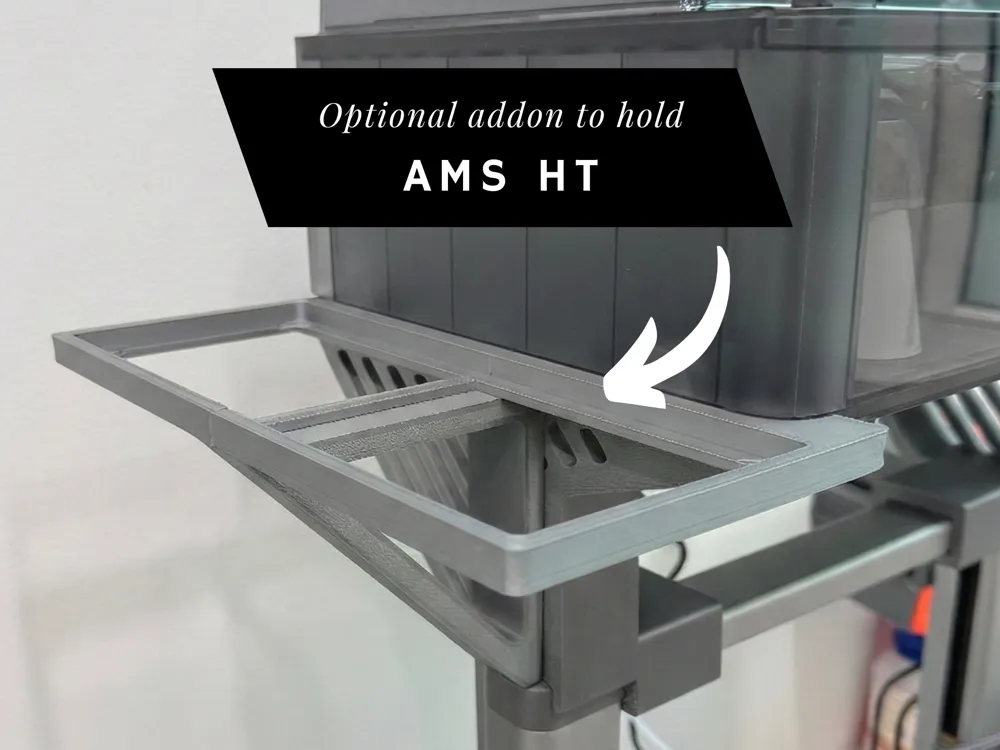
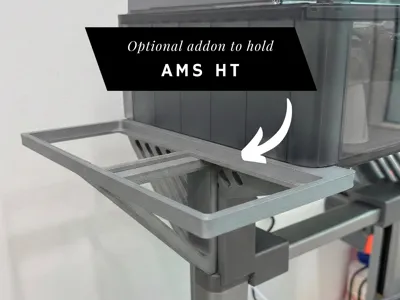
NEW: There is also an optional addon for attaching a bracket to place one AMS HT unit on the left hand side.
If you have a shallow desk or just want a cleaner setup with your A1 and AMS 2 Pro, give this a try!
Installation

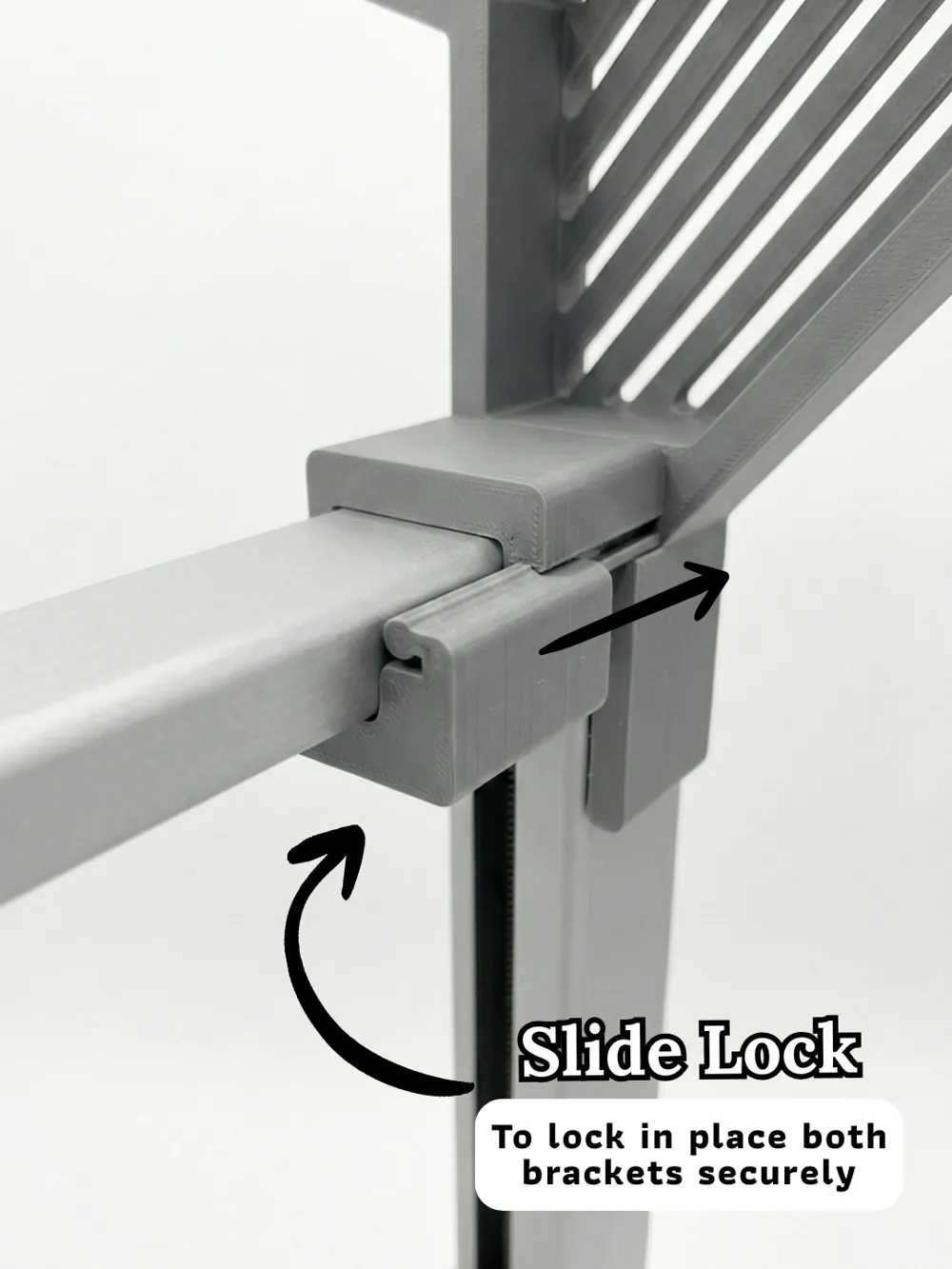
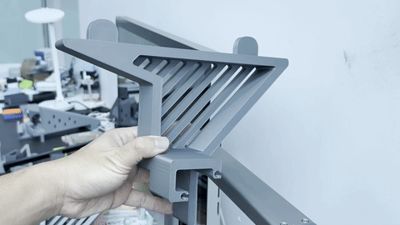
Please refer to the gif video in the image preview above for installation steps for the left bracket. Repeat the same for the right bracket.
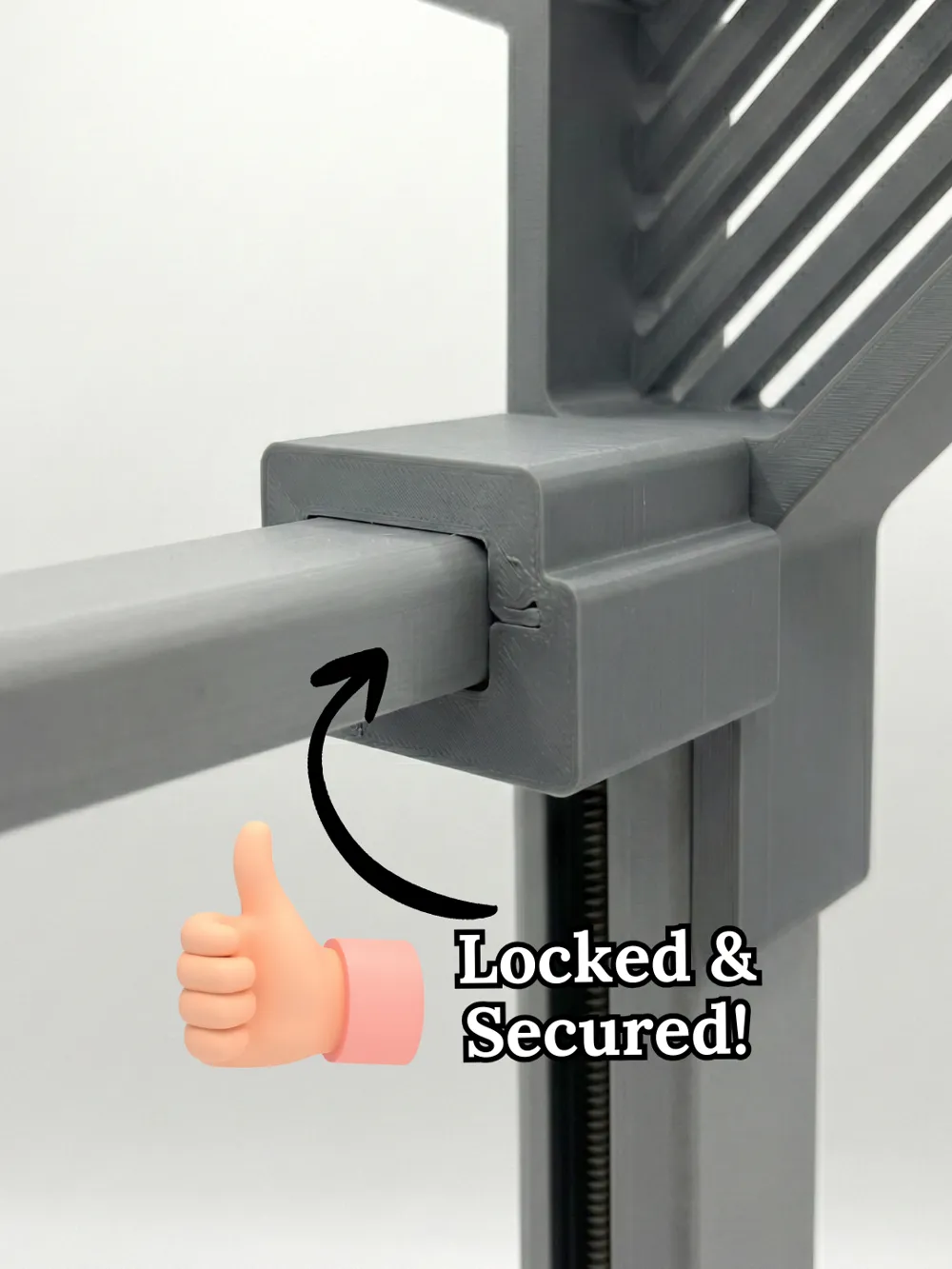
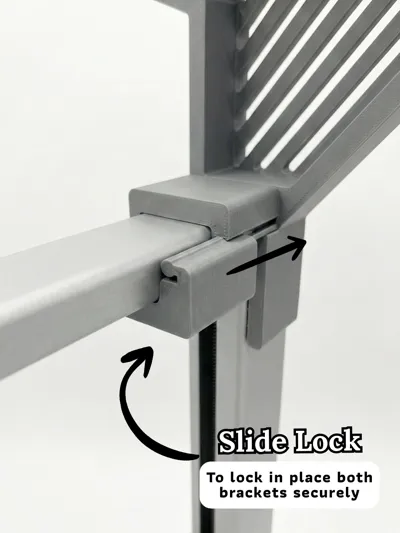
The slide lock part might be a little tight to slide in to the main bracket. This is expected. You can apply some lube to ease the slide insert.
Important: The slide lock part should face the back of your printer (eg: the wall). The slide lock part has a written “Back” text on it to ensure that you're installing it correctly. If you face your A1 printer, and don't see the word “Back”, it means you've installed it correctly.
Updates
7 Jan. 2026: The bracket height has been increased by 20mm to give more clearance for the filament hub & usb cable.
12 Jan. 2026: Added a print profile for a new add-on for attaching AMS HT beside this bracket.
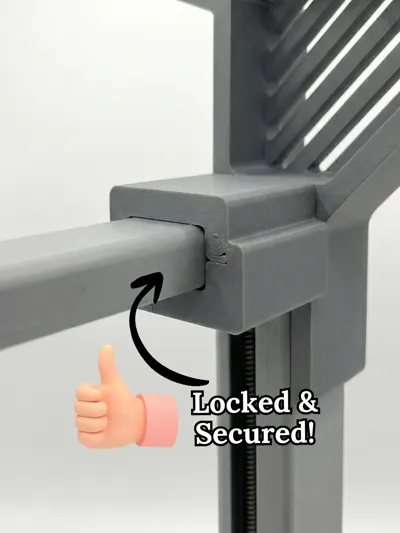
20 Jan. 2026: Added a slide lock mechanism to lock the bracket in place. Prevent it from tipping over.
8 June 2026: Updated the module to accommodate the protruded screws in newer A1s.
8 June 2026: Added a text “Back” to the slide lock part to ensure correct installation.
License

You shall not share, sub-license, sell, rent, host, transfer, or distribute in any way the digital or 3D printed versions of this object, nor any other derivative work of this object in its digital or physical format (including - but not limited to - remixes of this object, and hosting on other digital platforms). The objects may not be used without permission in any way whatsoever in which you charge money, or collect fees.


Comment & Rating (115)