
Closed-Loop HEPA & Carbon Filter for P-Series
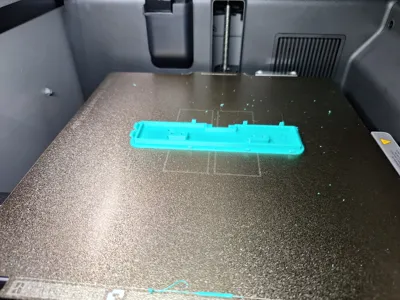
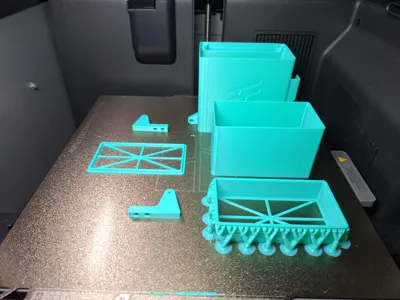
Print Profile(1)

Bill of Materials

Description
-----AD-----
Are you also huge fans of the Gridfinity system, but struggle to create the perfect layout for your drawers, boxes, or storage spaces?
That is exactly the problem GRUND.DEV (aka Makerworld: Xc1Camtain) and I wanted to solve… and we developed (drumroll please 🥁🥁🥁)
A FREE WEB APP that plans your Gridfinity layout for ANY drawer size — with simple mouse clicks and a live 3D preview: Gridfinity Studio (https://gridfinity.ftdesign.at/)

Boost Me (for free)
If you'd like to see more high-quality models and practical ideas, every Like, Follow, Download, Print, and Boost helps us continue creating and improving our projects. They're completely free for you and make a big difference to us. Thank you for your support! 🚀
-----Model description-----
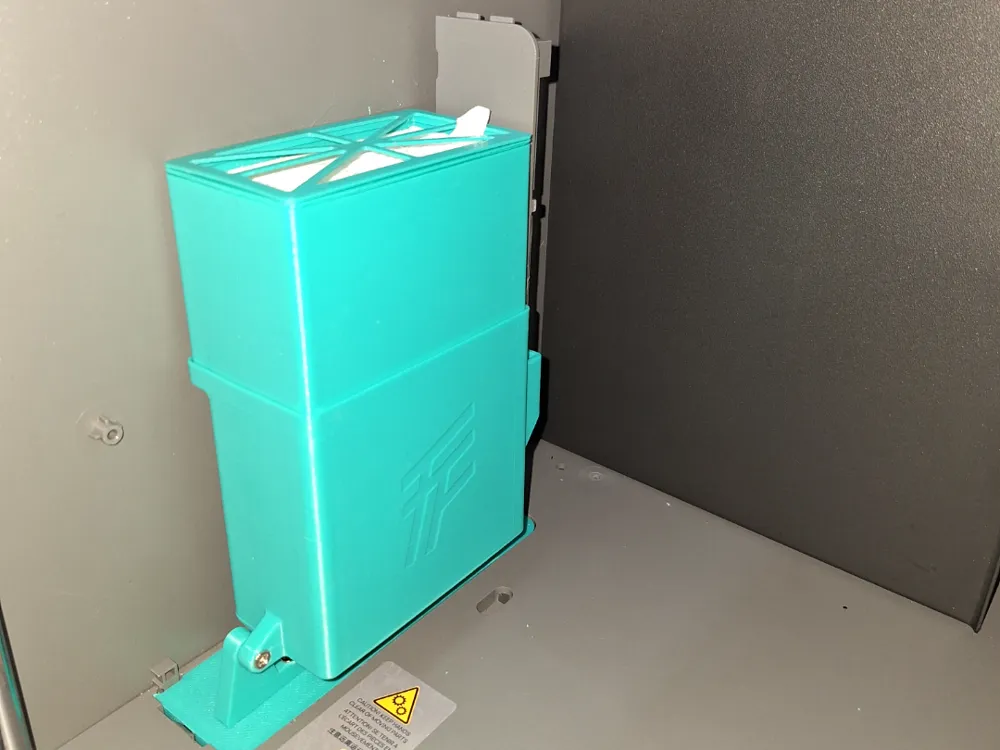
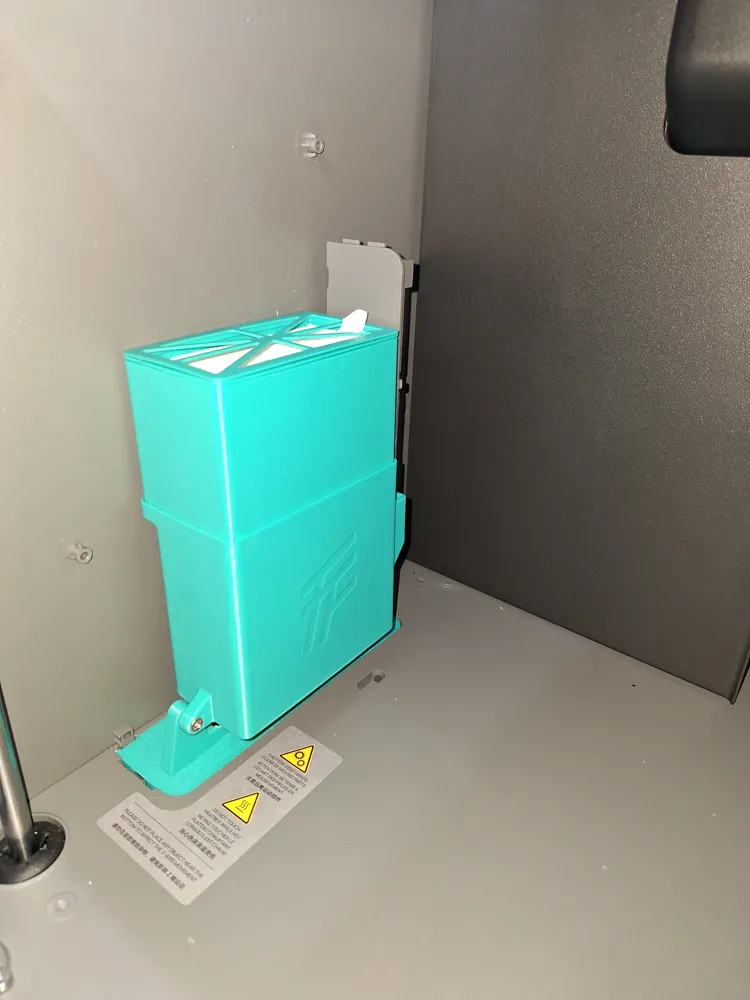
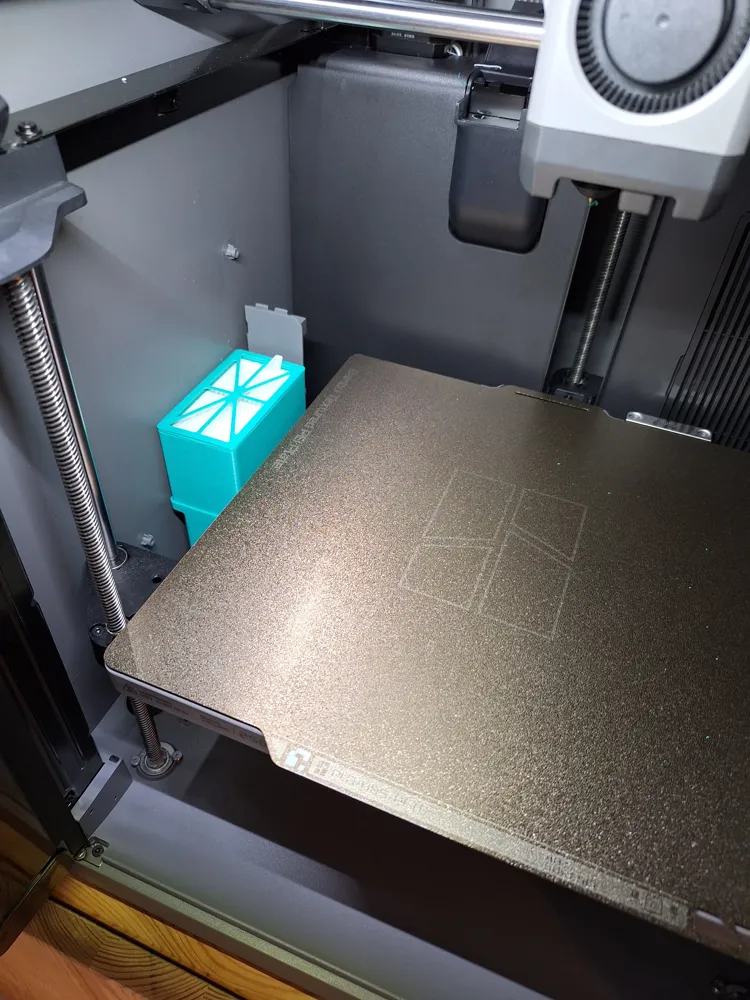
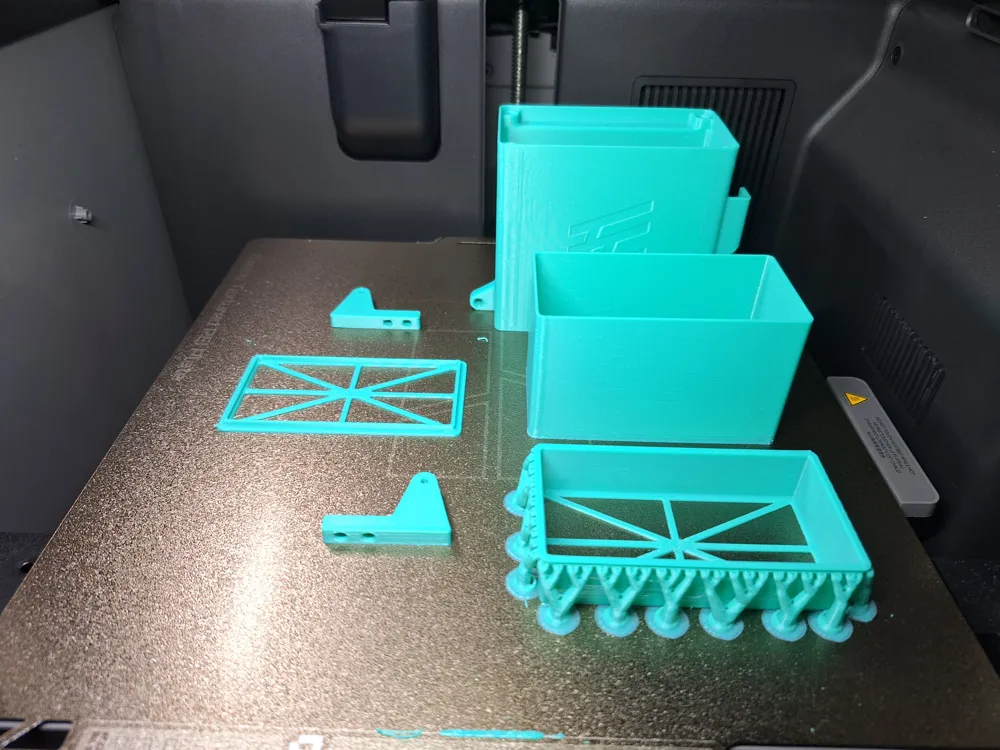
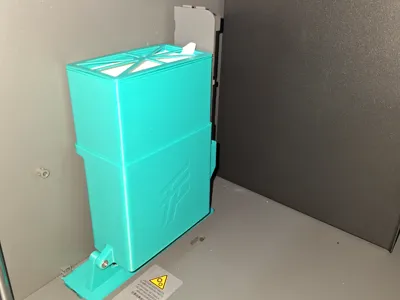
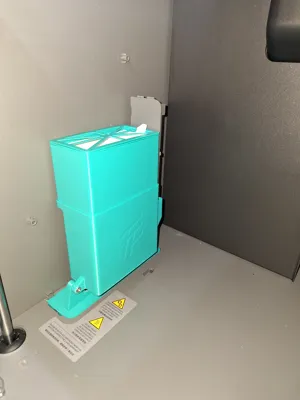
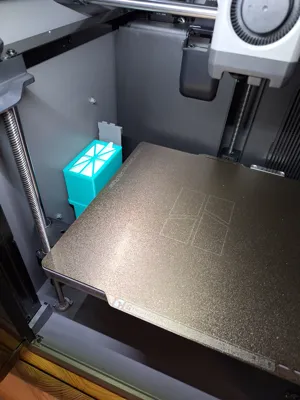
This model is a closed-loop air filtration system designed specifically for the Bambu Lab P2S. It recirculates air internally without exhausting it outside, using a HEPA filter combined with an activated carbon filter to reduce particulate matter and volatile compounds generated during printing. The system is intended to support indoor printing of materials such as ABS and ASA. The design ensures that no original printer components are damaged and allows the printer to be fully restored to its original condition. All parts are mechanically reversible. All unused original parts are properly stored
BOM: (The parts can be adjusted if necessary.)
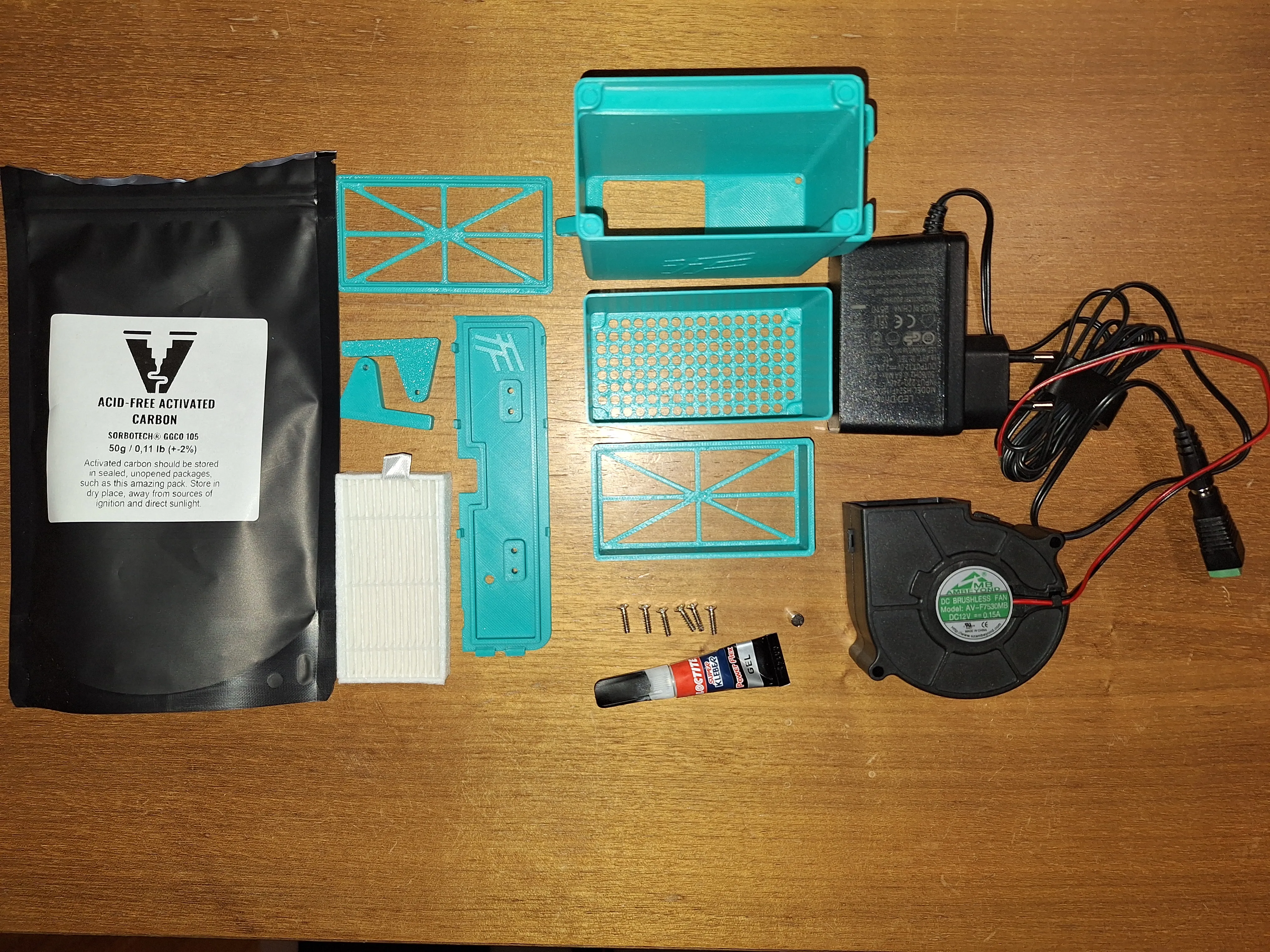
- 3D printed parts
- HEPA filter https://www.amazon.de/gp/product/B07HHQKJ4G/ref=ox_sc_act_title_1?smid=A2ZJWYGW9GOM5X&psc=1
- Activated carbon filter ADNOL® Activated Carbon Pellets 0.75 Liter for Air Filters 3D Printer Air Quality Improvement, CTC80, Diameter 4mm, Energy Class A, Usable as Carbon Filter : Amazon.de: Kitchen, Household & Living
- 7530 DC 24 V fan https://amzn.eu/d/fRIx3sV
- 24 V DC power supply https://amzn.eu/d/9FQ3LIG
- 4 pcs M3 × 10 self-tapping countersunk screws (outer head diameter 5mm) M2 M2.6 M3 Screw Set, 890 Pieces Self-tapping Screws, Flat Head Wood Screw Set, Sheet Metal Screws Countersunk Screws Flat Head Screws, Phillips Screws for Plastic Wood Metal : Amazon.de: Hardware
- 2 pcs M3 × 12 self-tapping countersunk screws (outer head diameter 5mm) M2 M2.6 M3 Screw Set, 890 Pieces Self-tapping Screws, Flat Head Wood Screw Set, Sheet Metal Screws Countersunk Screws Flat Head Screws, Phillips Screws for Plastic Wood Metal : Amazon.de: Hardware
- 8 pcs magnets, 5 mm diameter, 1 mm thickness Keukenket 390 Pieces Mini Strong, Small Round Neodymium Magnets, 6 Different Sizes, Round Small Whiteboard Magnets for Magnetic Boards, Crafts, Office, Refrigerator : Amazon.de: Office Supplies & Stationery
- Cyanoacrylate adhesive (super glue)
- Insulating tape (not shown in photos)
- Double-sided adhesive tape (not shown in photos)
- Optional: hot glue (not shown in photos)
Assembly instructions:
1. Gluing the Magnets
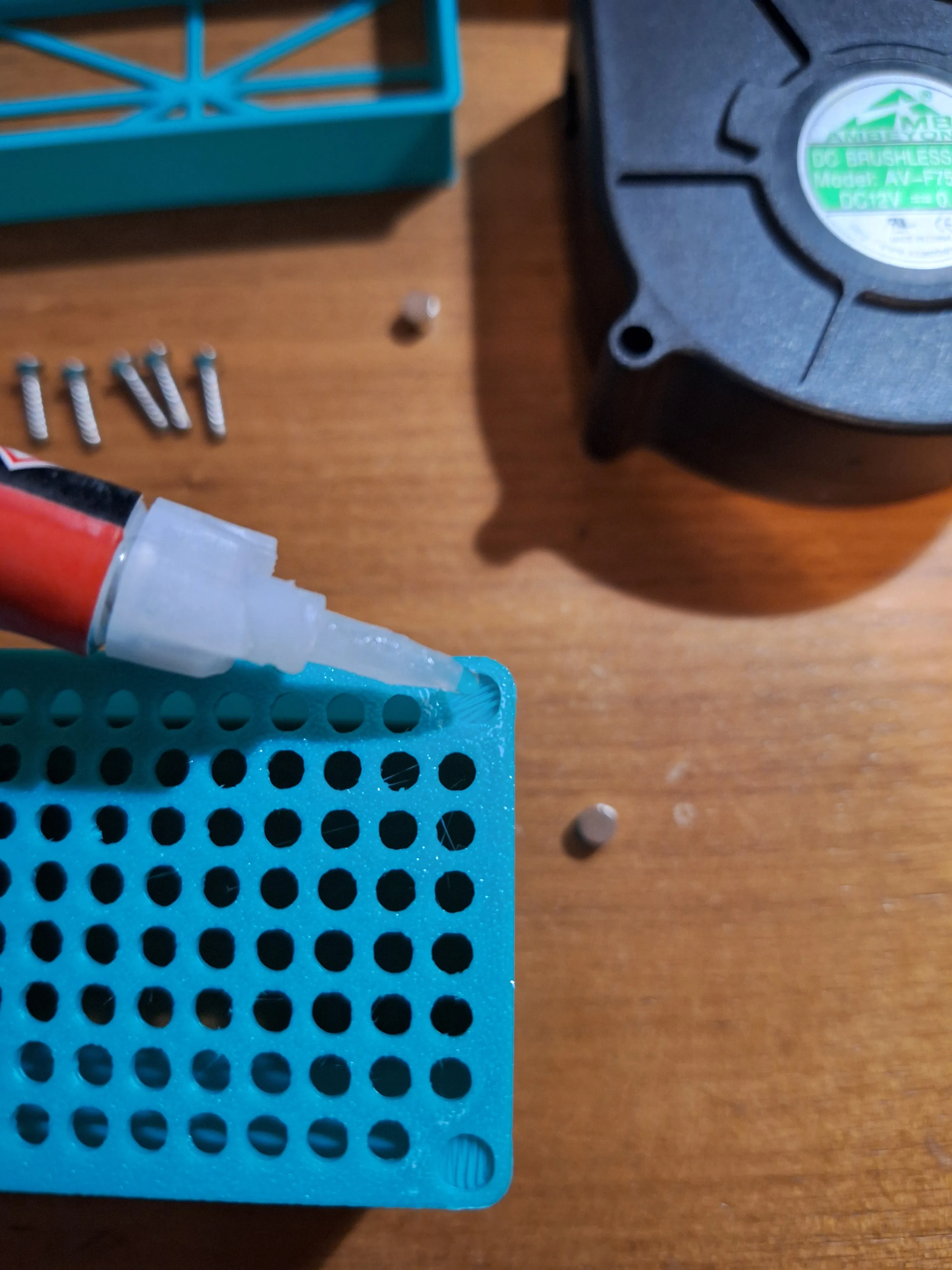
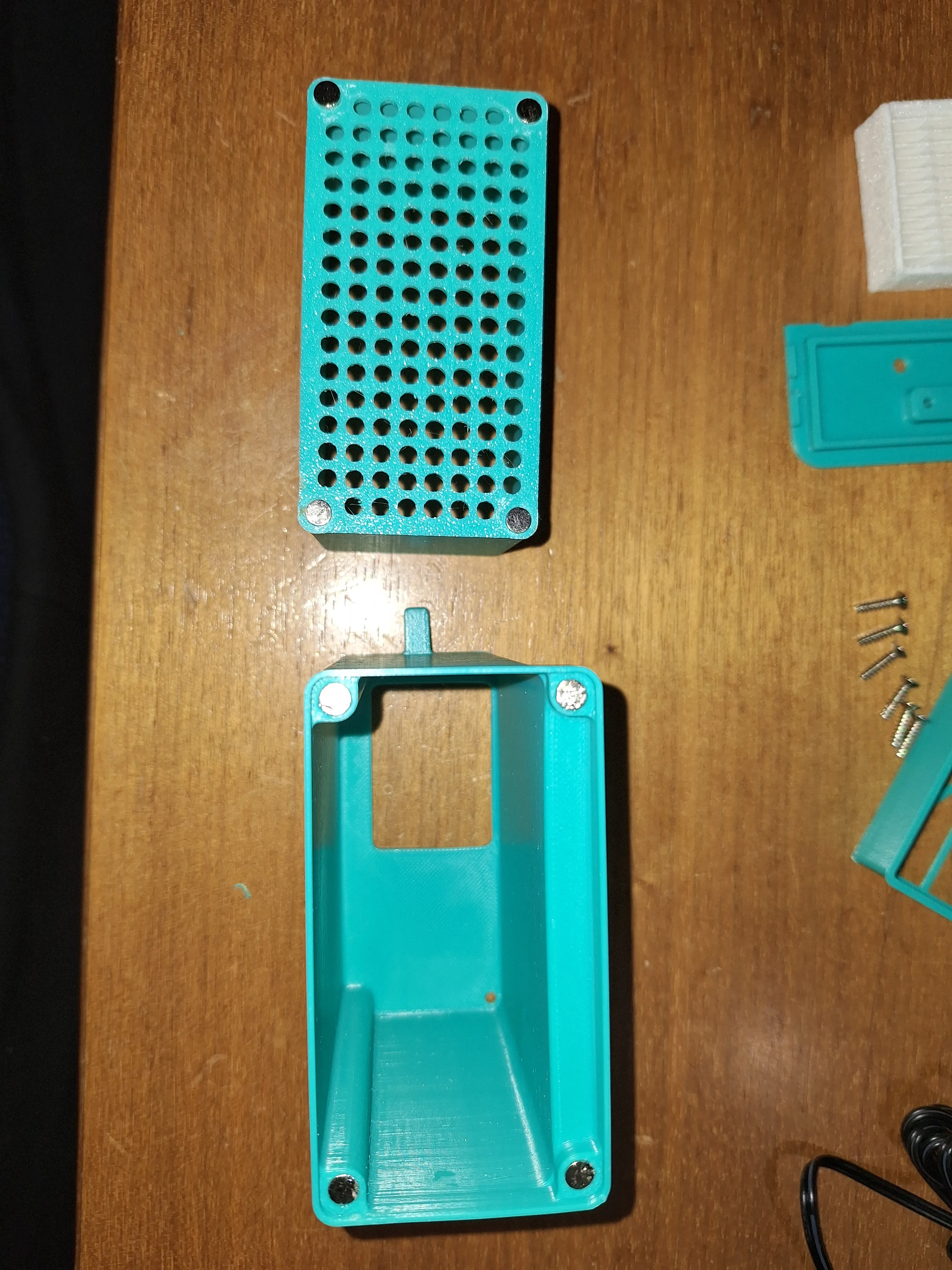
2. Routing the fan cable through the small hole into the fan box.
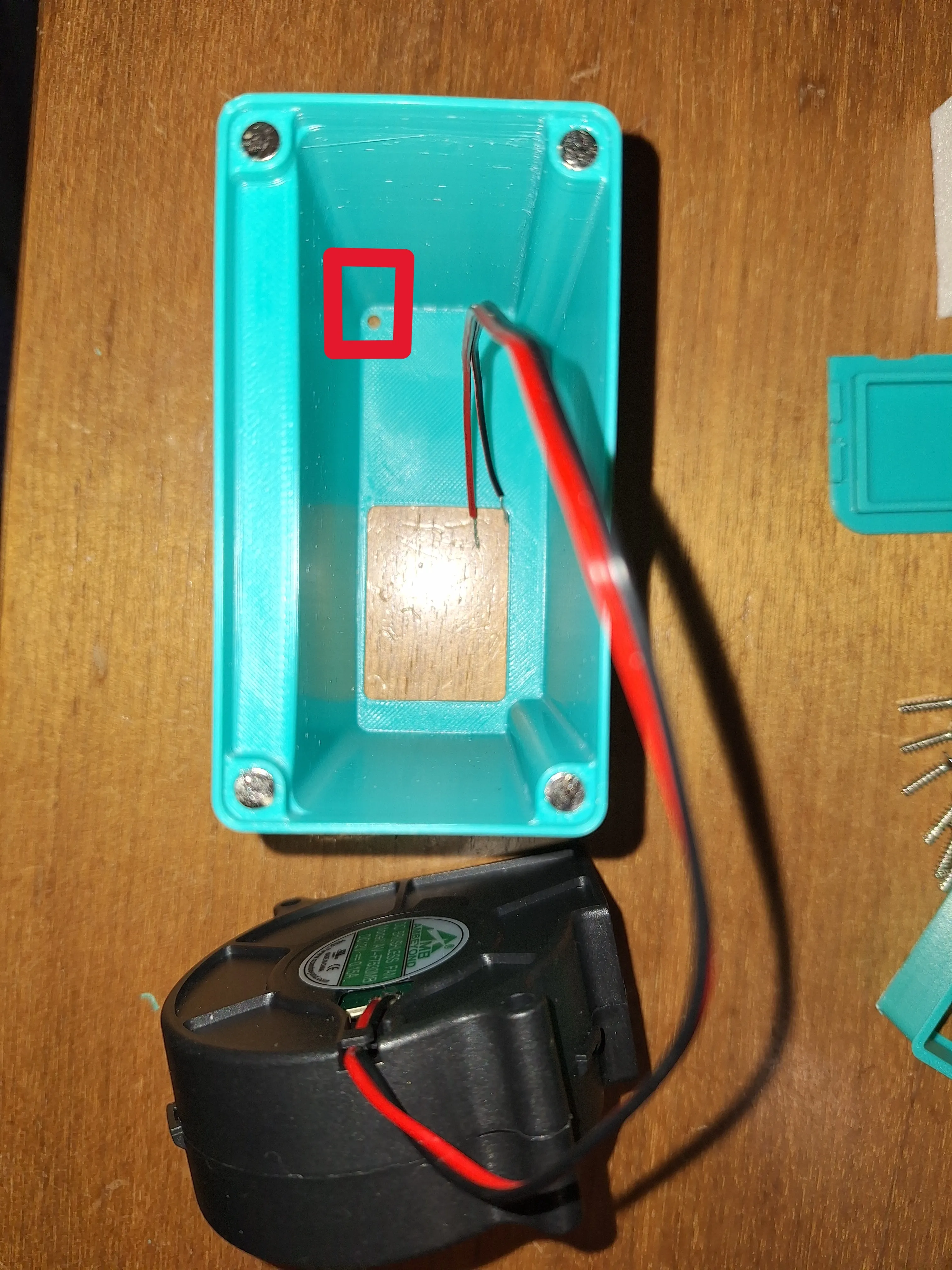
This step can be difficult. You might need to slightly enlarge the hole, or use a cable guide spring to help pull the cable through.
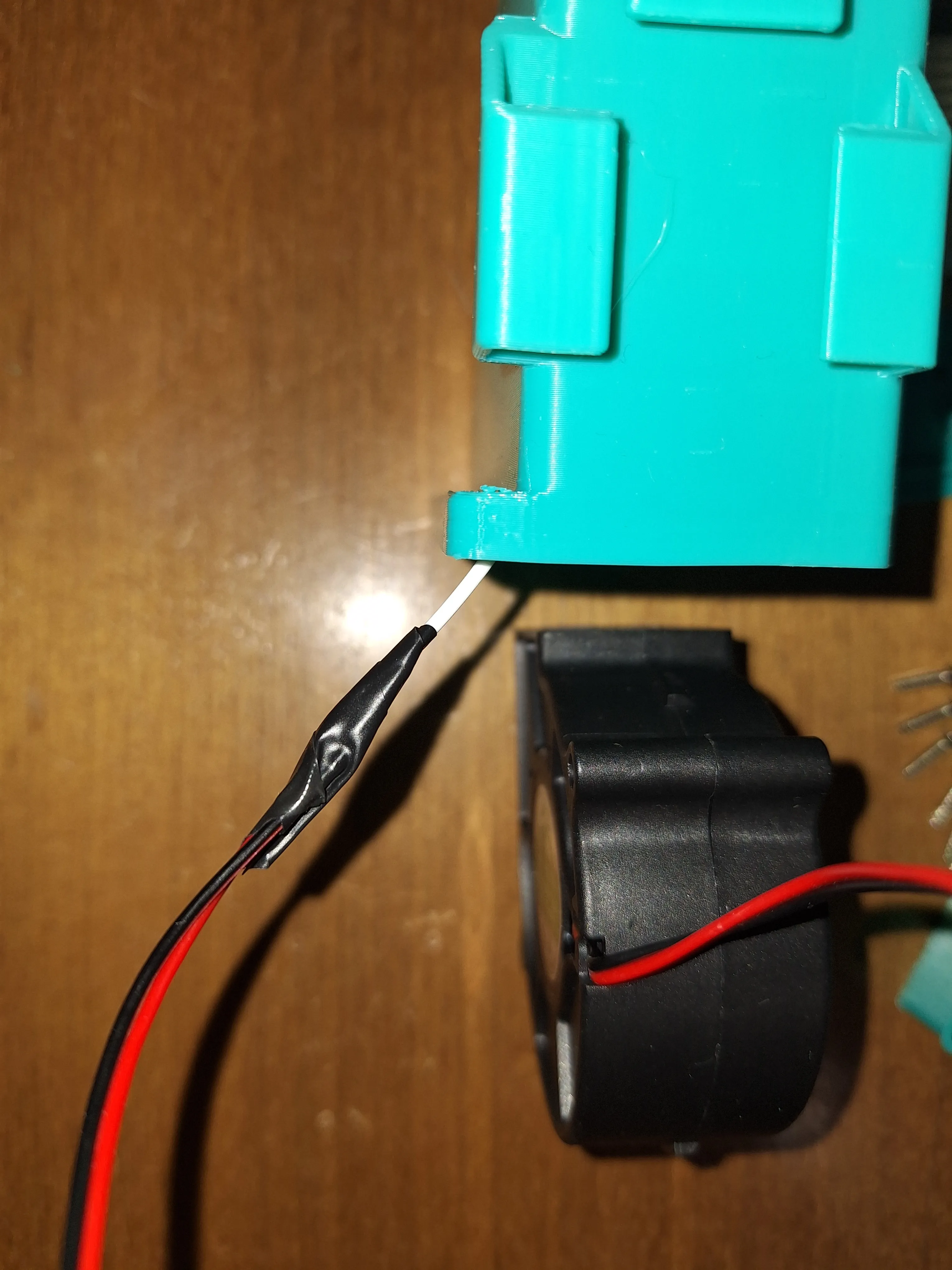
3. Inserting the fan into the recess.
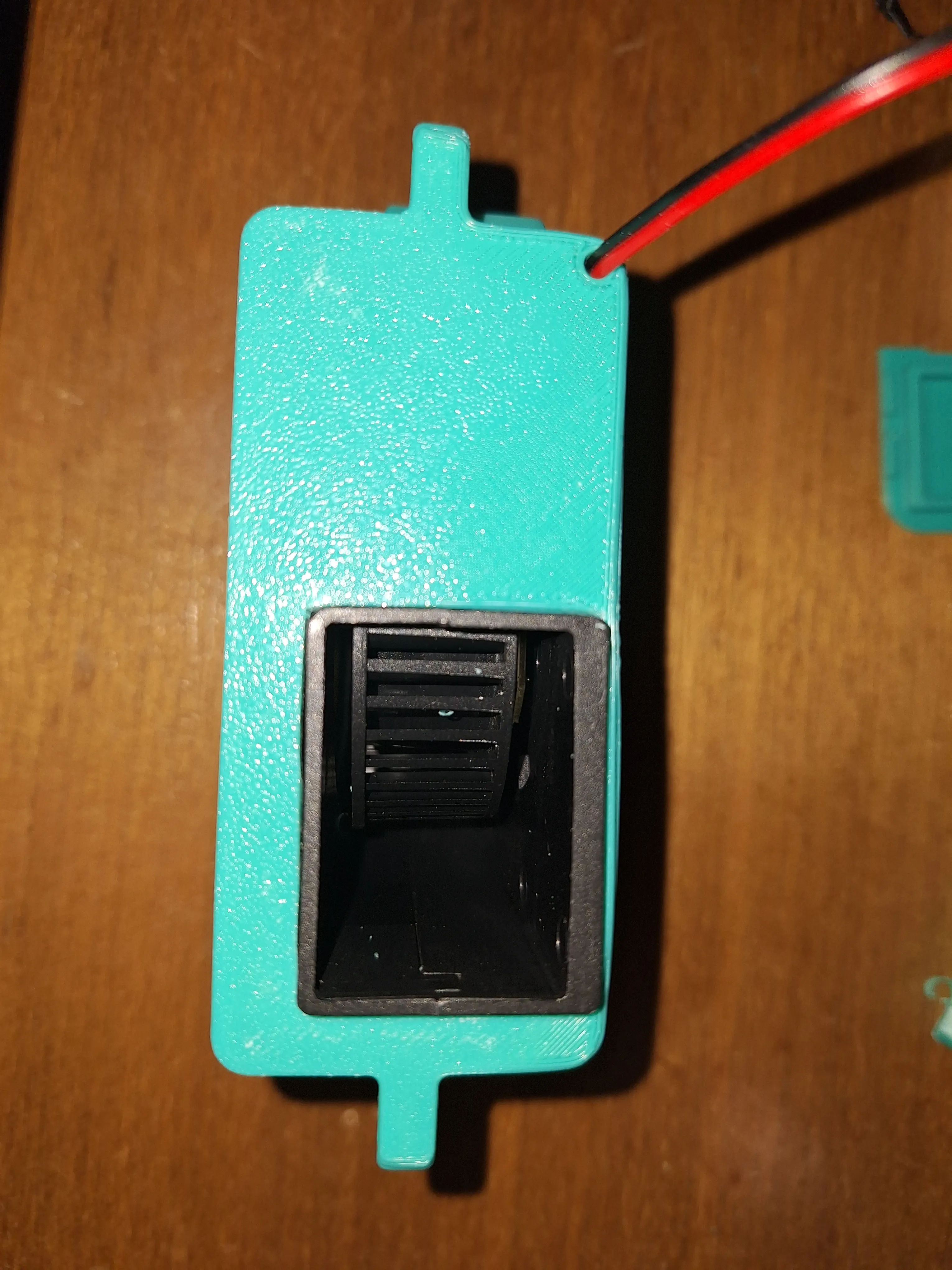
The recess may need some adjustment. It is also recommended to fill the gap between the fan and the box with adhesive (preferably hot glue).
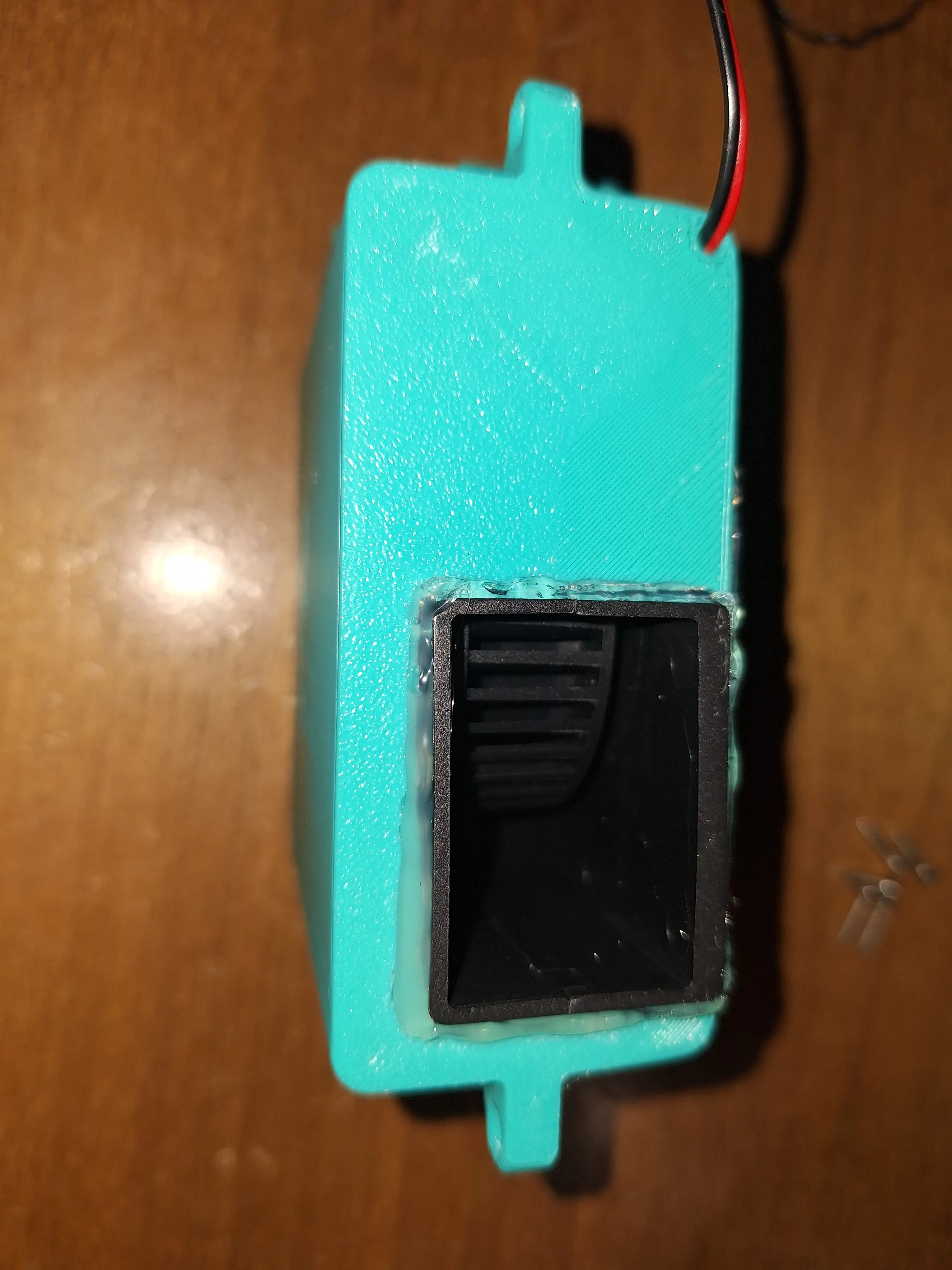
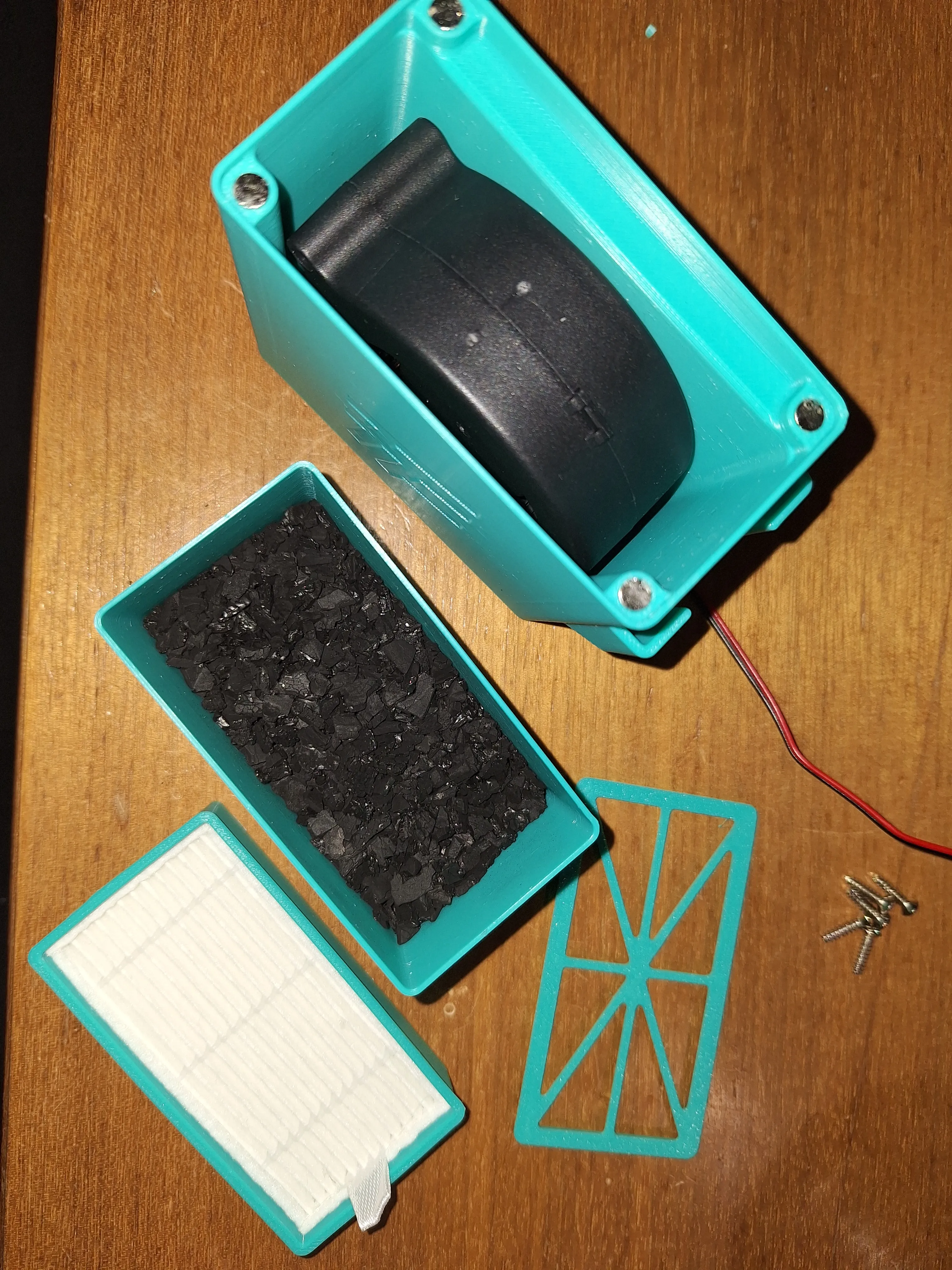
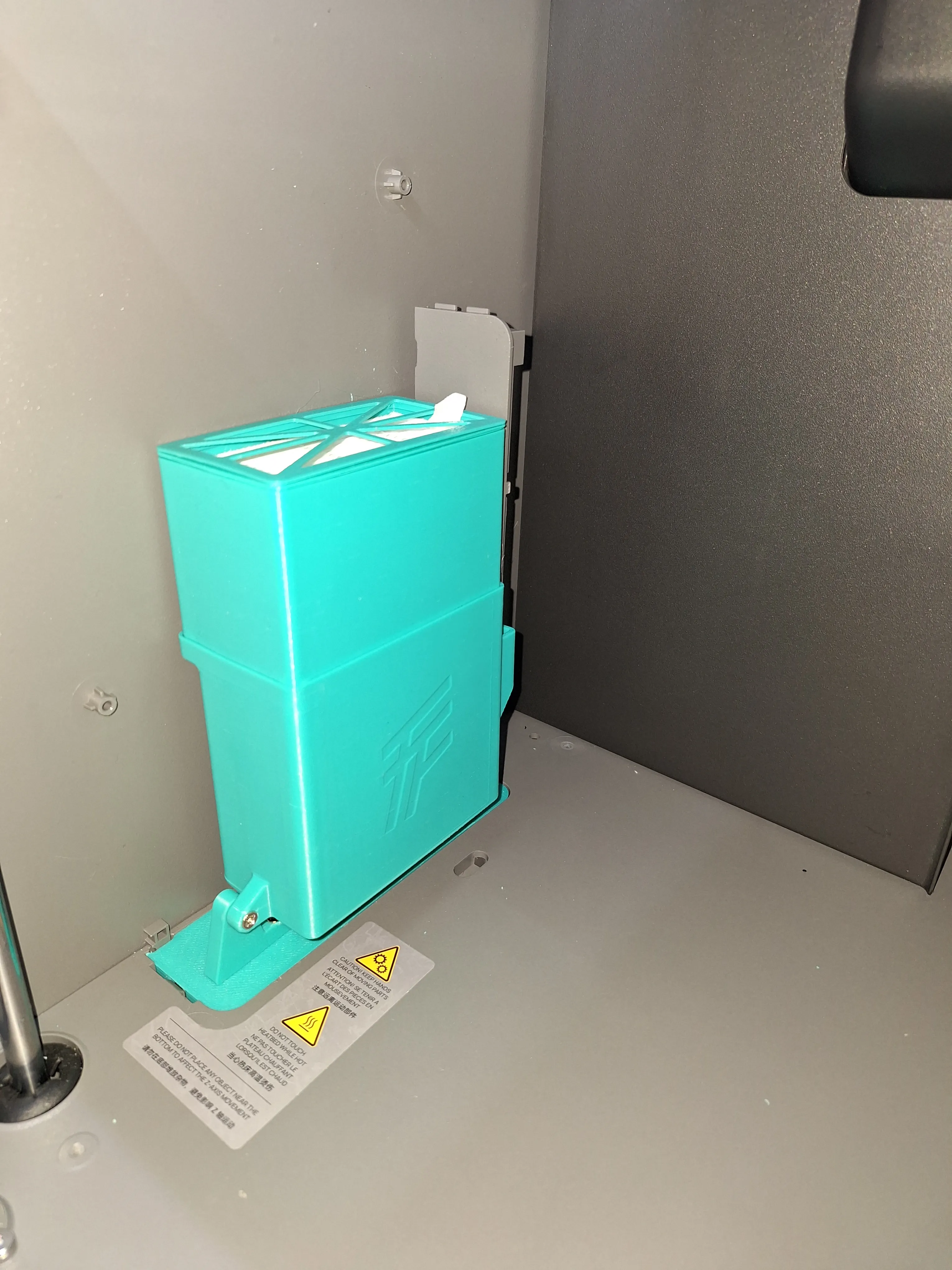
4. Insert the filters into the designated boxes: place the HEPA filter in the small box, then put this box with its lid into the next larger box (with the small round holes).
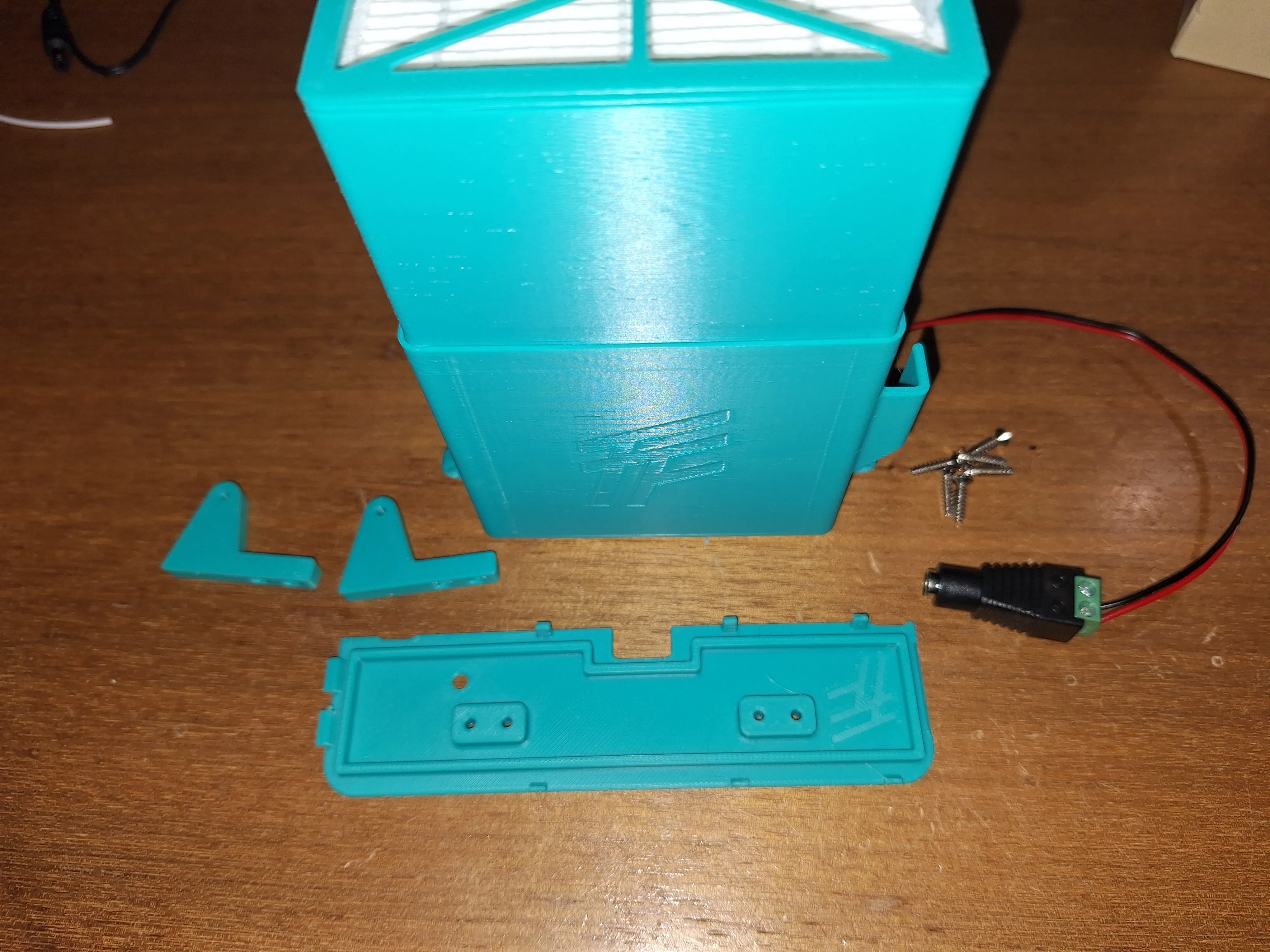
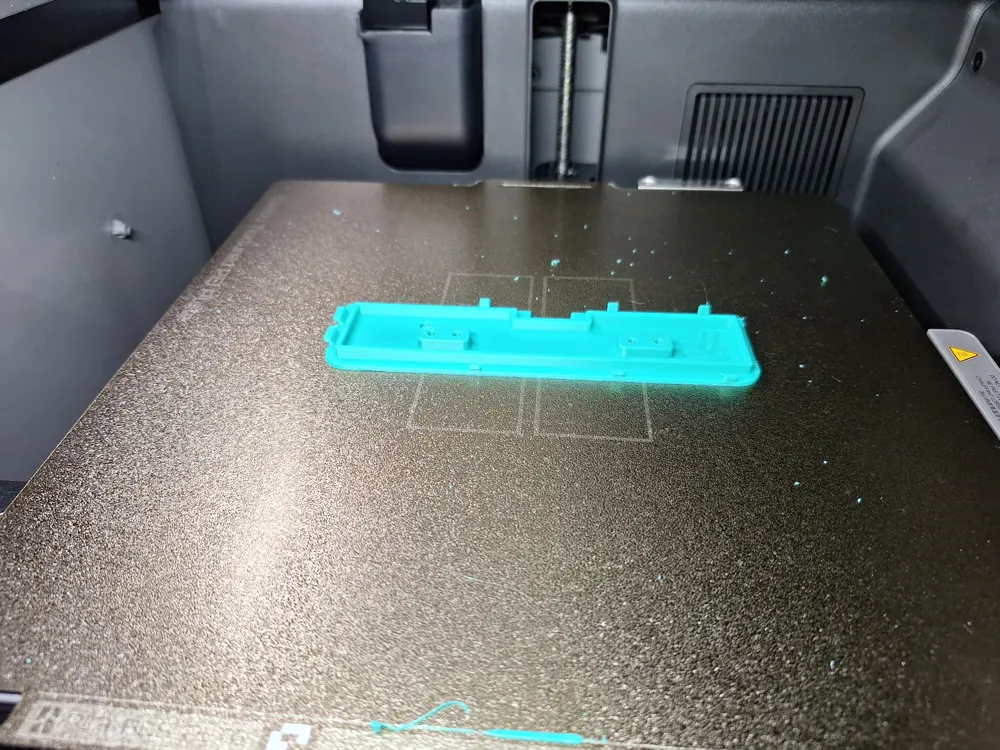
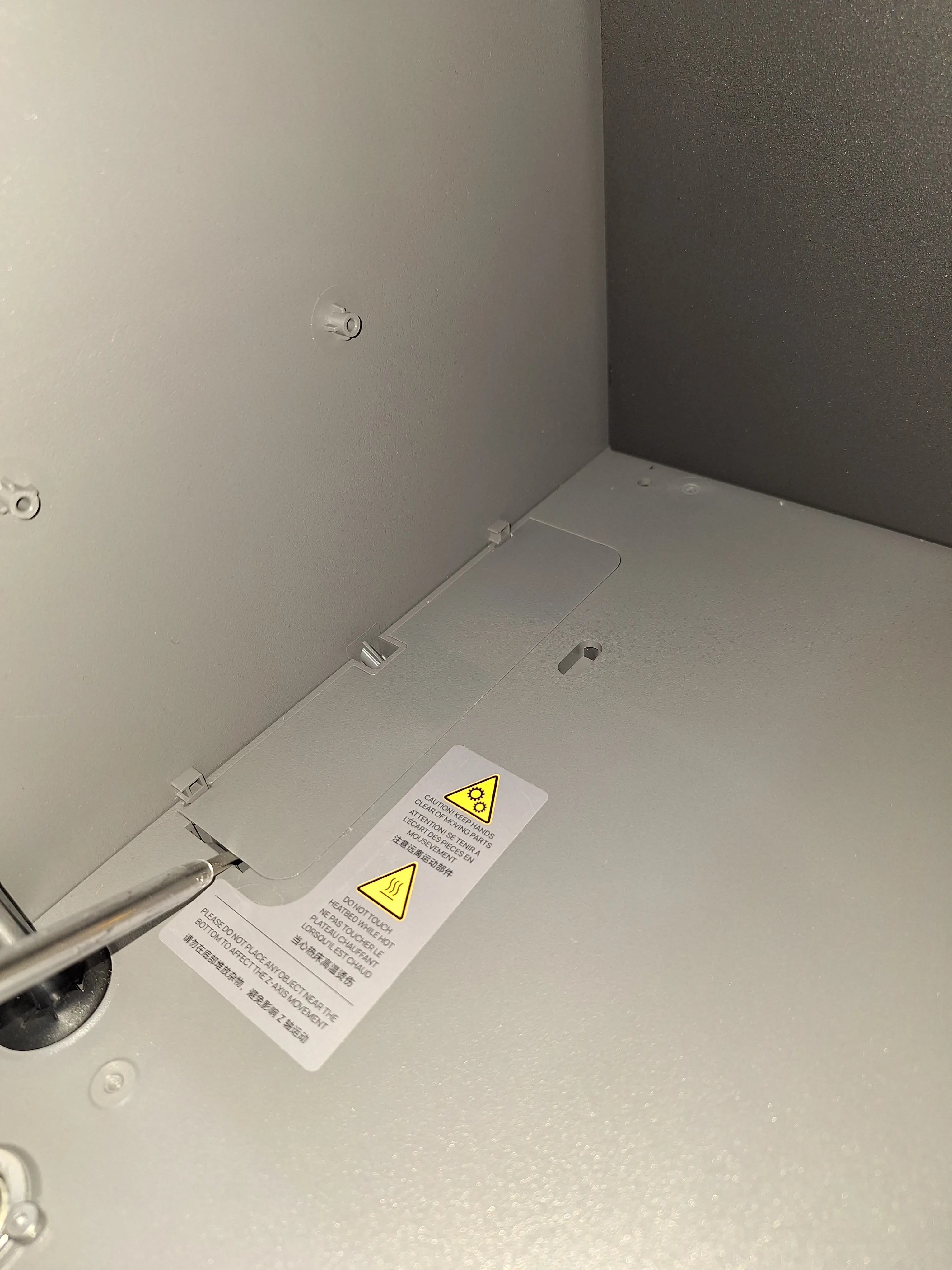
5. In the next step, remove the cover from the printer. This may require a bit of force.
6. Then, the cable can be routed through the newly printed cover and the outlet (without the connector).
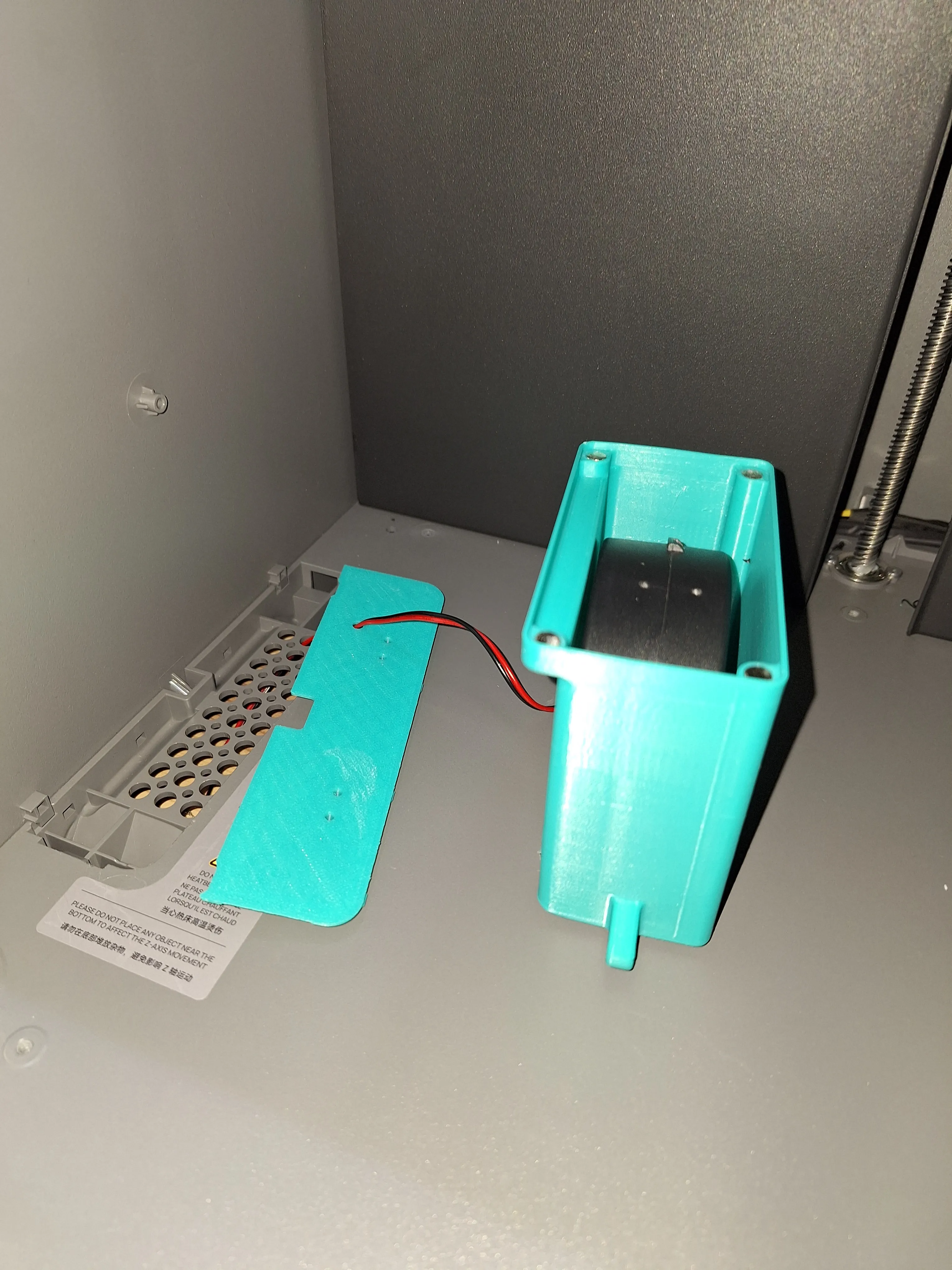
7. Then, attach the supports to the cover using the 4 M3x10 screws.
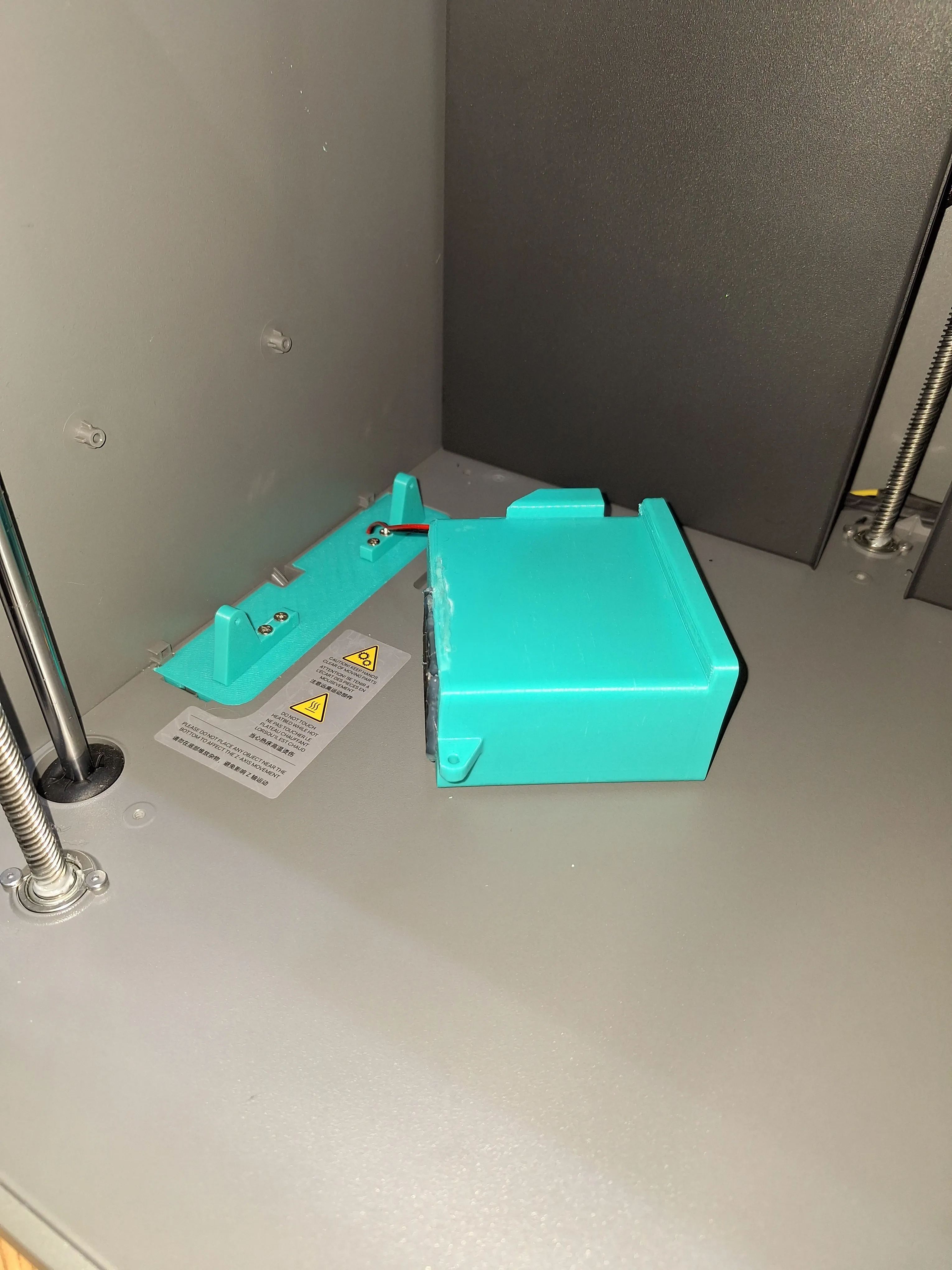
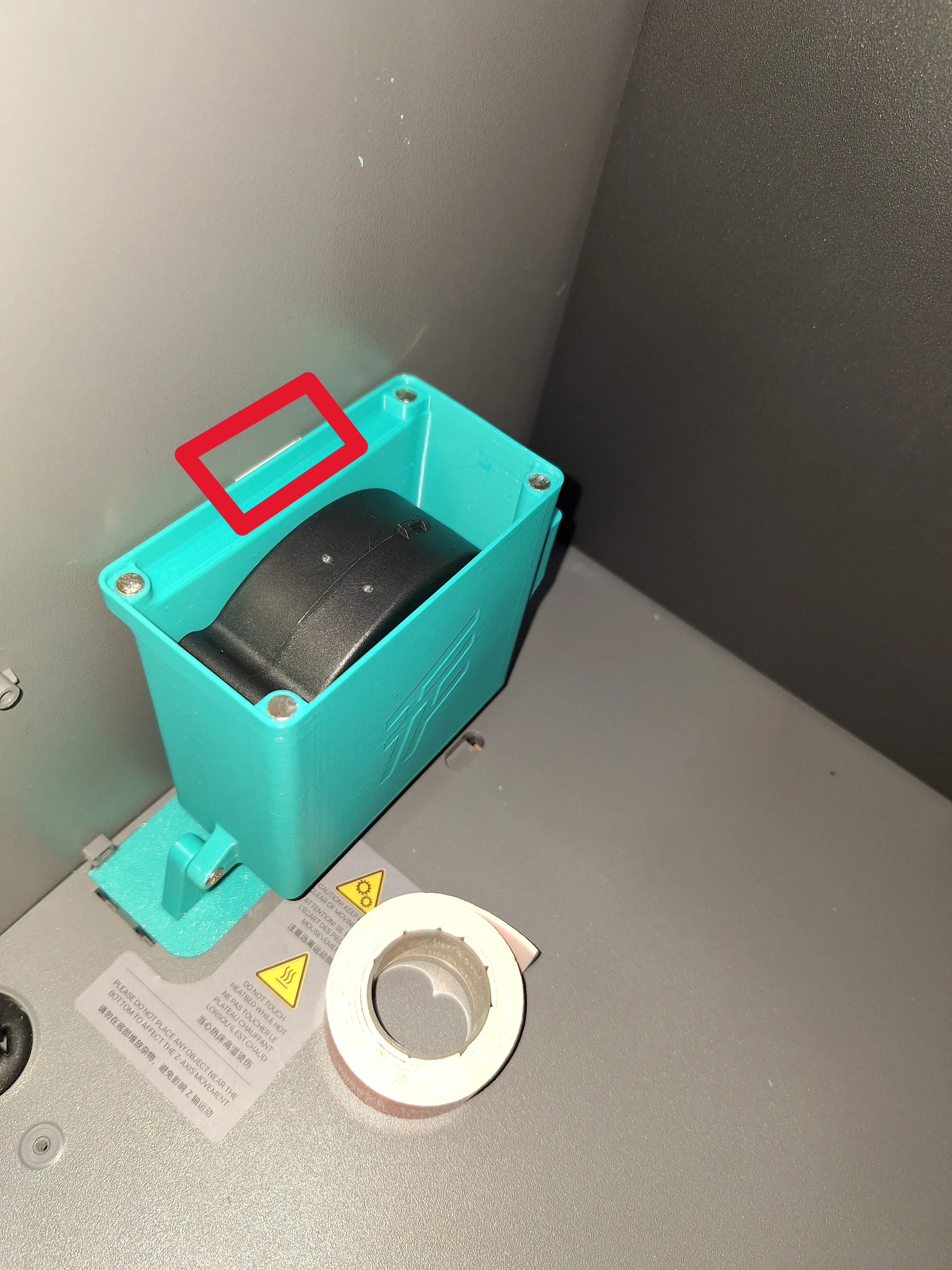
8. Then, attach the fan box with the two M3x12 screws and secure it with a small piece of double-sided tape (see red rectangle).
10. Finally, insert the filter boxes and place the original cover into the designated cover.
If you like my model or print profile, I appreciate every comment. Your feedback helps me continuously improve my designs and print profiles to provide the best possible results for the community. Thank you for your feedback. :)
I offer custom 3D design services, paid commissions, and collaborations. If you need a custom part, model optimization, or print support, feel free to contact me via chat or at FTDesign@outlook.com.
I appreciate any kind of support — especially a beer, which fuels me like it does most engineers. With your support, I can continue designing, improving, and publishing new models. 🍻
Support me here: https://buymeacoffee.com/ftdesign
License

You shall not share, sub-license, sell, rent, host, transfer, or distribute in any way the digital or 3D printed versions of this object, nor any other derivative work of this object in its digital or physical format (including - but not limited to - remixes of this object, and hosting on other digital platforms). The objects may not be used without permission in any way whatsoever in which you charge money, or collect fees.


Comment & Rating (0)