Search models, users, collections, and posts

VEX IQ controller Scuff - Redesign

Print Profile(1)

All
P1P
X1E
P1S
X1
X1 Carbon
H2S
H2D Pro
H2D
A1
P2S
H2C
X2D
A2L

Print set -  complete set with settings.
Print set - complete set with settings.
Designer
2.6 h
1 plate
5.0(2)

Open in Bambu Studio
Boost
24
34
33
5
126
49
Released 

Description

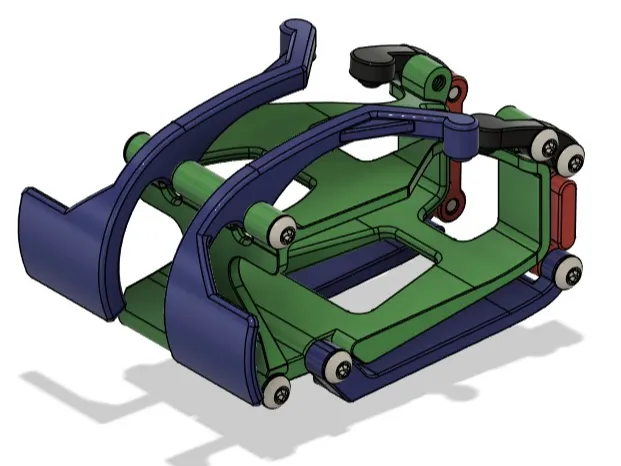
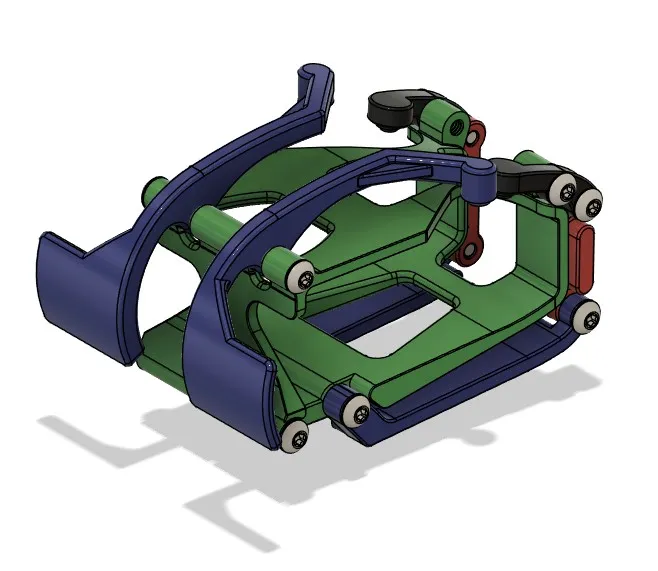
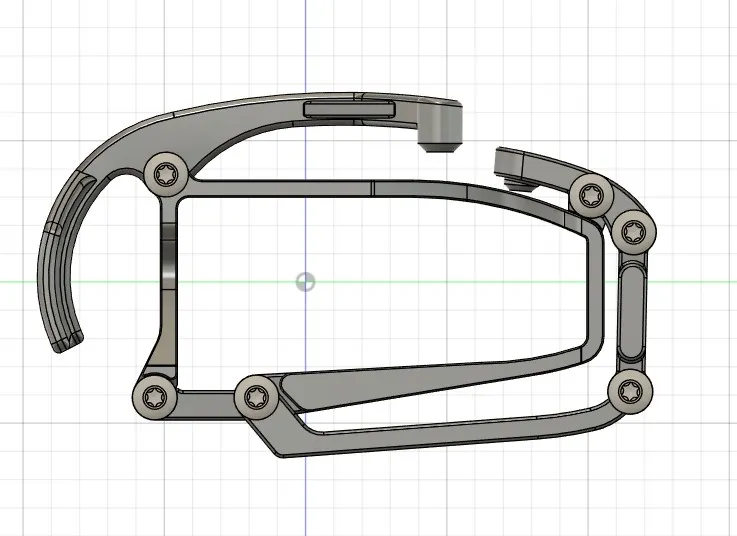
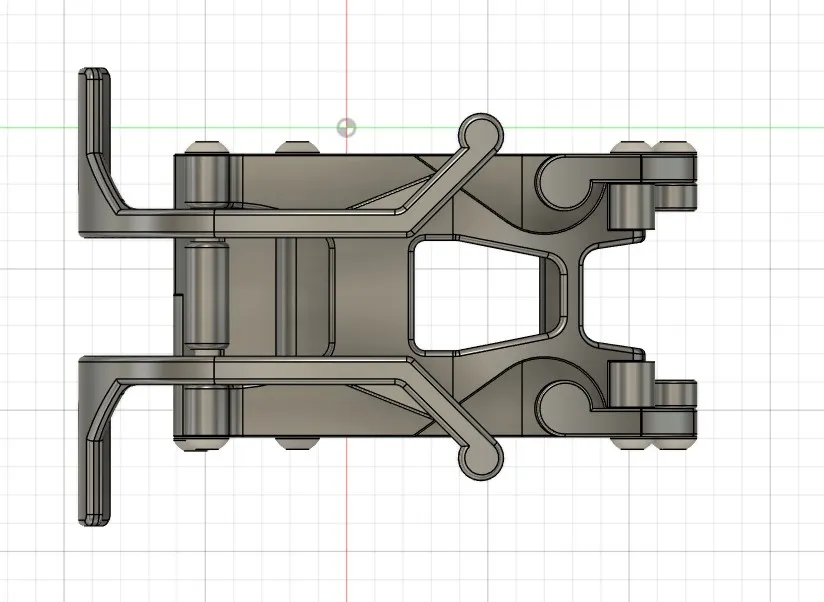
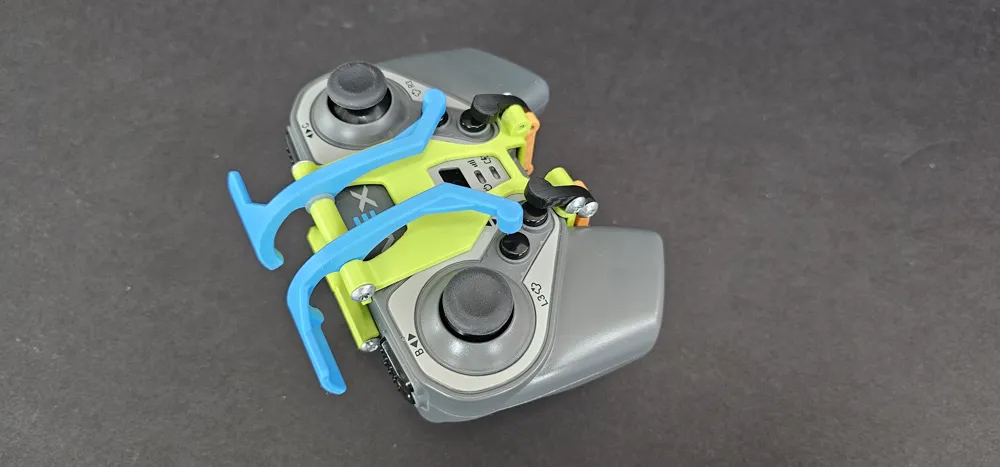
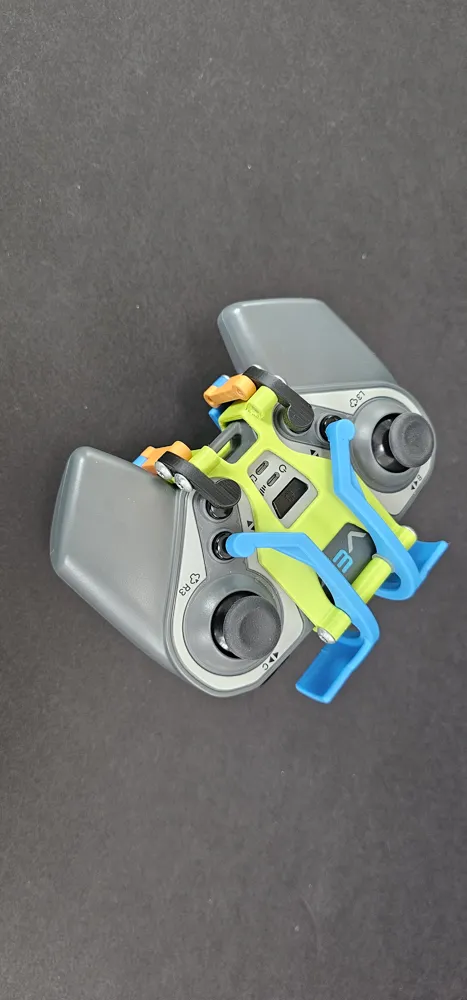
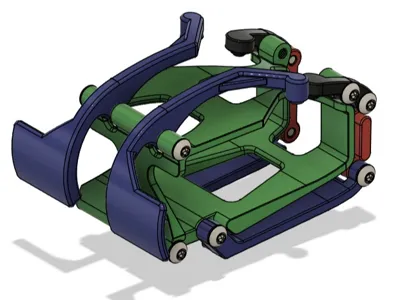
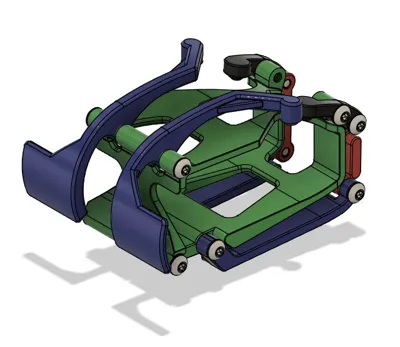
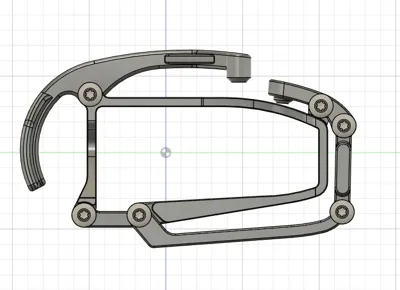
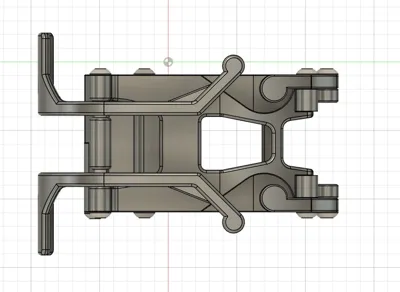
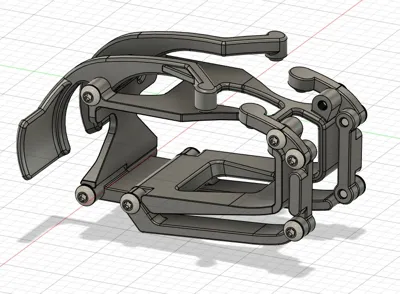
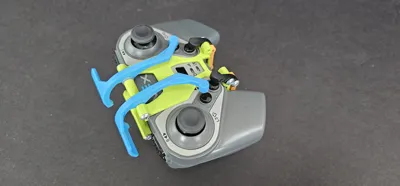
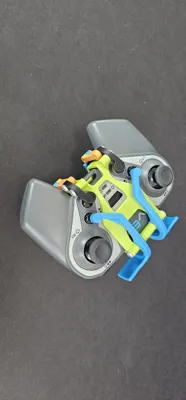
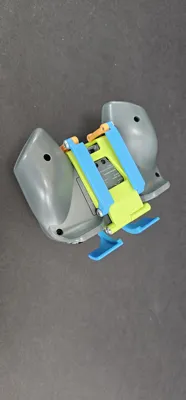
VEX IQ controller “scuff”.   
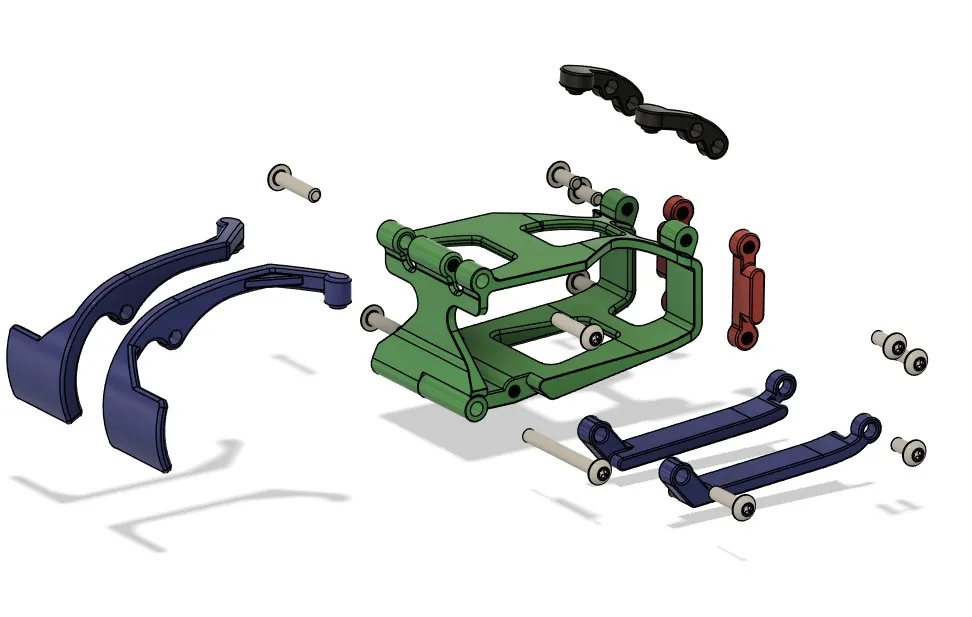
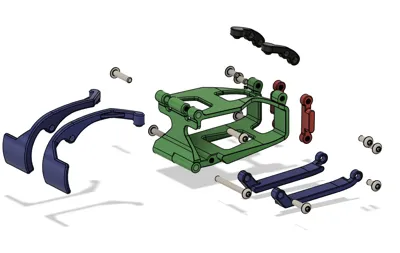
This is a reworked version of my orginal Controller Scuff.  I switched all the hardware to standard V5 #8 bolts so most robotics programs will have those on hand.  You will need (8) #8-32 x 3/8", (2) #8-32 x ¾", (1) #8-32 x 1.5" 

I also reworked the structure to strengthen the parts and repair some issues.  


If you are looking for a different variation - Check out my 2 button Scuff design 

https://makerworld.com/en/models/2419070-vex-iq-scuff-controller-2-button#profileId-2652896


Documentation (1)

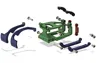
Assembly Guide (1)
Screenshot 2026-02-01 220533.jpg

Comment & Rating (33)

(0/1000)

This is awesome! It is hard to find a SCUF for the IQ controller. This worked great!! The kids are gonna love these!
(Edited)
The designer has replied
0
Reply
Dont forget to check out my 2 button version in the link. It works well for teams only needing to use 2 of the buttons during compititions. Also, I would love to see your finished work. post us a picture if you can.
0
Reply
👍
0
Reply
Looks good, thanks for the photos.
0
Reply
you should make it v5 screws or iq snaps
The designer has replied
0
Reply
Thanks for the feed back, I orginally planned on using standard V5 #8 screws but decided to go with the smaller M3 screws to keep the size as small as possible. The smaller IQ kids have small hands so I didnt want it to get to big.
0
Reply
Replying to @user_910236810 :
fair but it would be better if you made a variation
0
Reply
Replying to @printerlicious :
Keep an Eye out. I will work on that variation. I am also working on a bottom push button design.
0
Reply
I am have issues with the clam shell. I have tried higher temp and higher layer setting but it keeps messing up. the bottom screws holes keep not working
The designer has replied
0
Reply
I think I figured it out; I am assuming you are having the small screw holes fall off of the clam shell. Are you using the 3mf file? If so, that file has a flaw. I fixed this flaw in the redesign but it still shows up as a 3mf. file for some reason. I cant figure out how to delete it. I will keep working on getting it removed. Try using the controller base - redesign v4 STL. File in the Version 2 - redesign folder. Position the clam shell on its side and use tree supports. I use .16 optimal on my Bambu it works great. Let me know if that fixes your issue.
0
Reply
Replying to @user_910236810 :
sorry newer to printing. how would I find that file? is that something of Studio
0
Reply
Replying to @CheckYoSelf :
Click the drop down next to " Download STL/CAD Files " Select " Download STL/CAD Files Click Drop down next to Version 2- REDESIGN " You should see all the individual files for printing. I also uploaded a new version of the 3mf File. Its called " Print set " If you click download 3mf you should get the new version with all the updated parts. Let me know how it goes.
0
Reply
My original attempt to print this failed because the screw bosses on the controller base weren't connected to the rest of the base. I've tweaked the design of the controller base to have those bosses fixed to the rest of the part, and I'll post a profile once I've printed it, assuming it works as hoped.
The designer has replied
0
Reply
thanks for letting me know, I will investigate on my end as well. The one I printed worked so I am wondering what would cause that. Can you post a picture so I can see what the error looks like?
0
Reply
Replying to @user_910236810 :
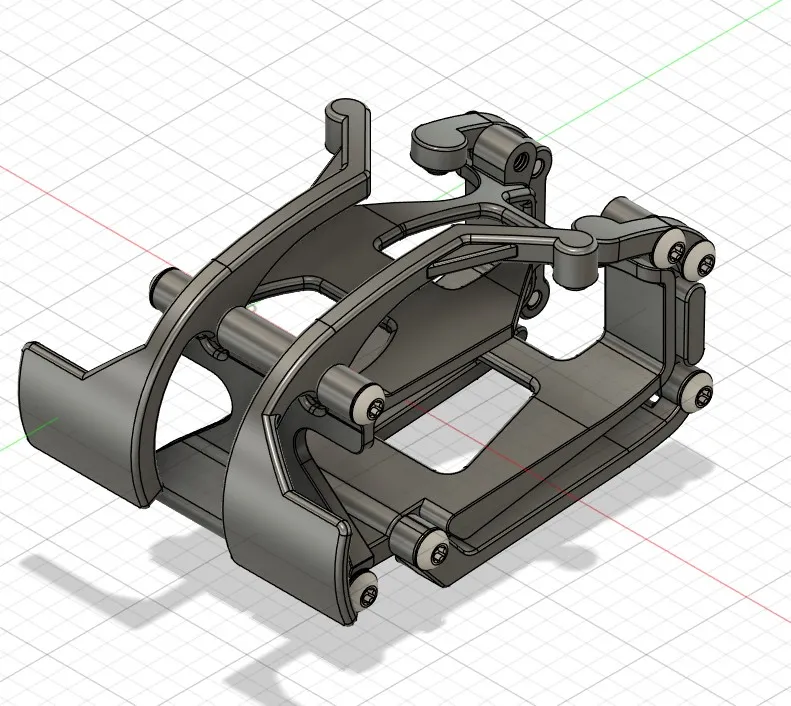
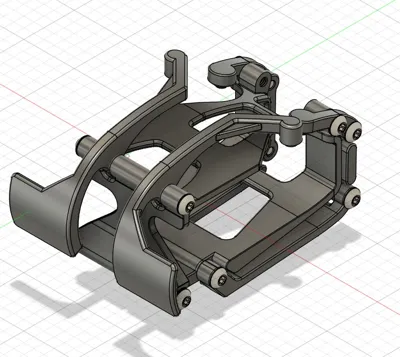
Here's what printed (1st picture) and a screenshot of the STL (2nd Picture) showing the disconnected bosses. Both the base and the loose boss are totally smooth all the way around, so it isn't as though it broke off while removing supports, it actually printed with the space in there. My tweak (3rd picture, currently printing) just fills in that gap so those bosses are fixed to the base.
0
Reply
Replying to @kennethson :
how did you update it?
0
Reply
love it
The designer has replied
0
Reply
Thank you. Post a picture of your finished make, I would love to see it.
0
Reply
Im ordering epoxy to make it glossy so it might a while. I’ll post a picture when I’m finished
0
Reply
could you make a version where the top flaps are lower down my sister can't reach them when she is driving
The designer has replied
0
Reply
I can give it a try, can you send me a picture of exactly what you are wanting. May have your sister hold the controller so I can see what she needs.
0
Reply
soon sorry I meant as for the first word
The designer has replied
0
Reply
What piece broke? If it is the main body, Make sure you print it on its side. If you do that, the layer lines run along the entire length of the part. If you print it sitting up, The layer lines print side to side and it will fail at those lines. give me any info you can or possibly a photo, I am happy to help any way I can.
0
Reply
What size screws to use
The designer has replied
Show original
0
Reply
M3x10
0
Reply
all the screws are #8-32 standard. they are the same screws used for Vex V5 .
0
Reply
can I have a screw list in mm
0
Reply