
Using Bambu Studio, add a charging module to the model using Boolean operations of difference and union






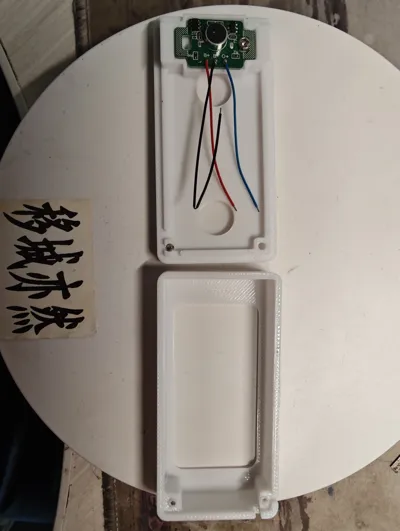
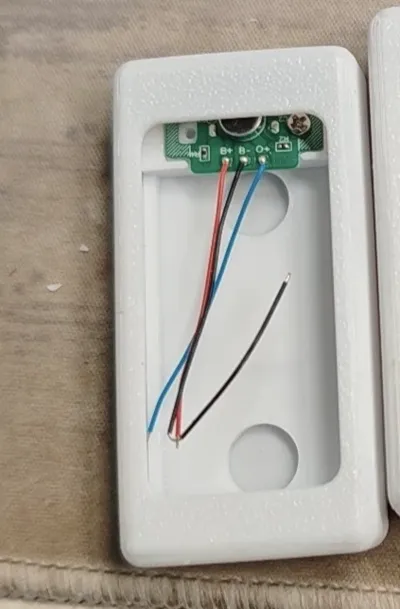
Print Profile(1)

Description
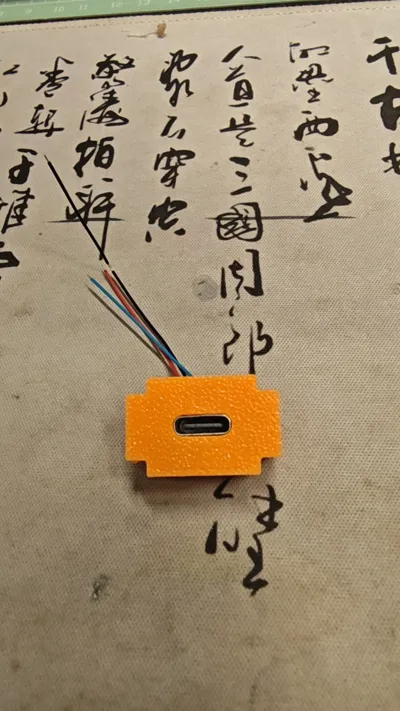
In Bambu Studio, you can add a charging module to a model using Boolean operations of difference and union. Here's how:
- Adding a module using Union operation: First, import both the main model and the charging module model into Bambu Studio. Ensure the two models are positioned correctly so that the charging module is in the desired location to be added to the main model. Then, select both the main model and the charging module object (usually by drag-selecting with the mouse or by selecting them one by one while holding Ctrl). Find the Boolean operation tool in the software, typically found under “Mesh” or a related editing menu, and choose the “Union” operation. After performing the Union operation, the two models will merge into a single entity, and the charging module will be added to the model. The slicing software will then slice and plan the print path for it as a single object.
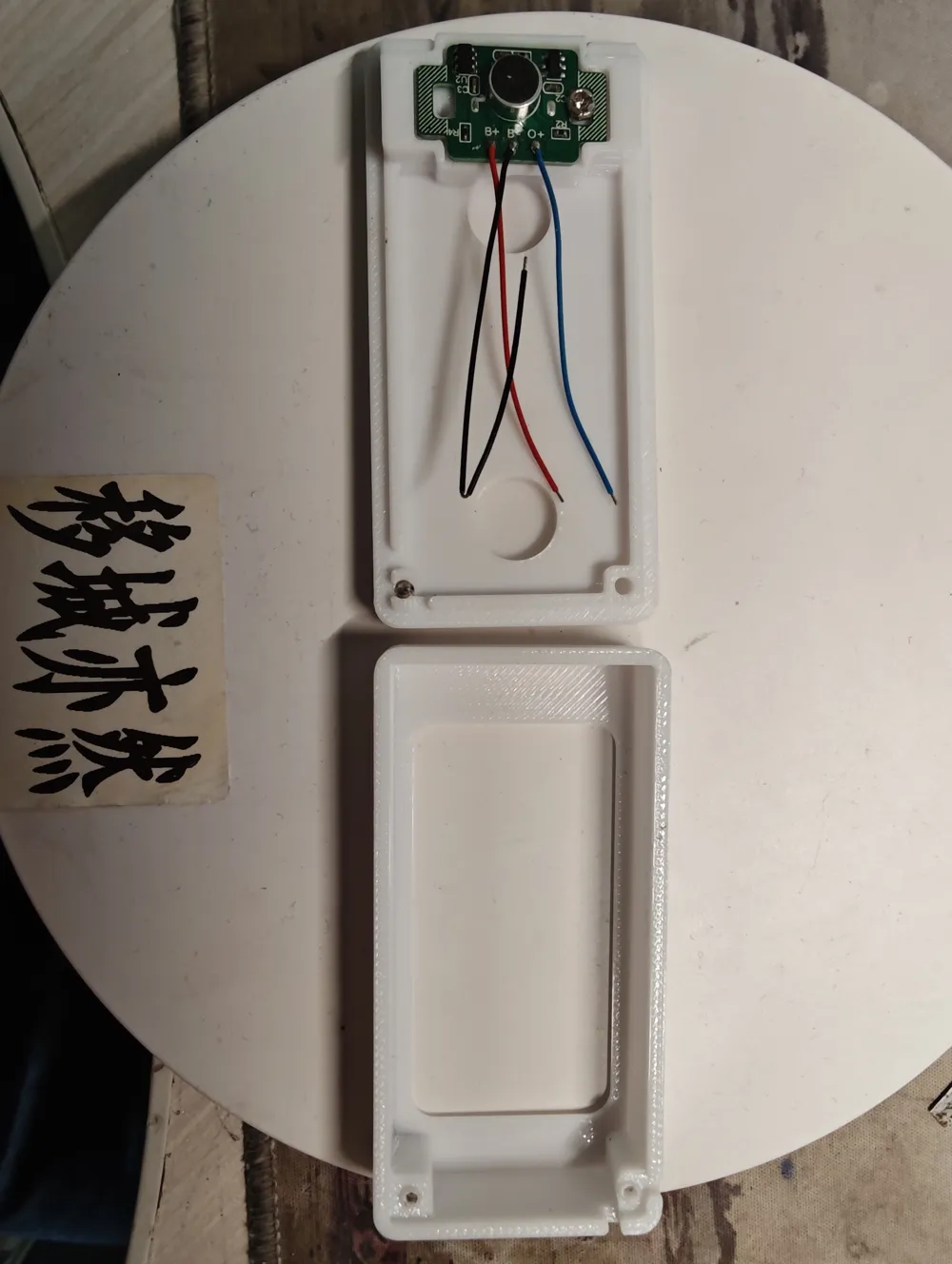
- Adding a recessed module using Difference operation: If you want to add a recessed charging module slot to your model, first import both the main model and a model representing the shape of the charging module (typically a model with the same outer shape as the charging module, but intended as the “material to be removed”). Place the charging module shape model in the appropriate position on the main model, ensuring there is an overlapping section. This overlapping section will be the area where the recess will be created. First, select the main model (the “part A” from which to subtract), then select the charging module shape model (the “part B” to subtract). Next, find the Boolean operation tool, choose the “Difference” operation, and check the “Delete input” option. The software will subtract the overlapping portion of the charging module shape model from the main model, creating a recess. This effectively adds a fitting space for the charging module.
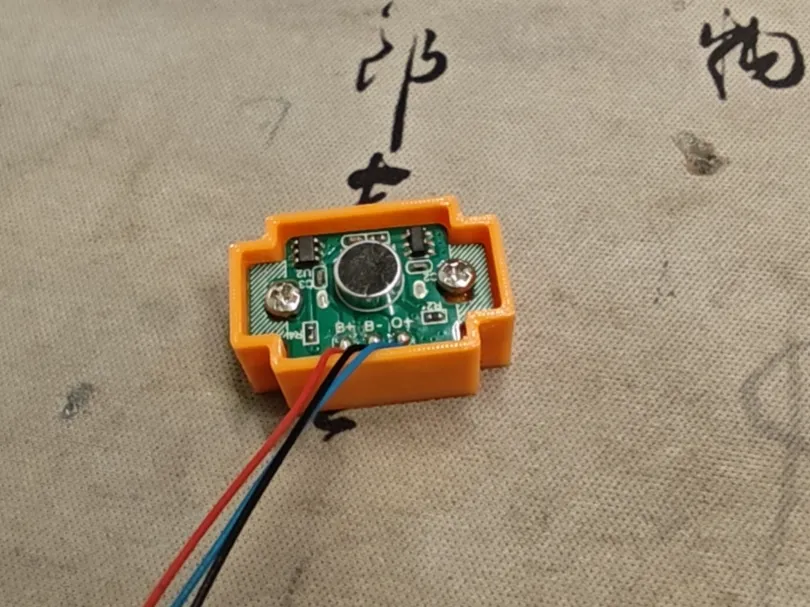
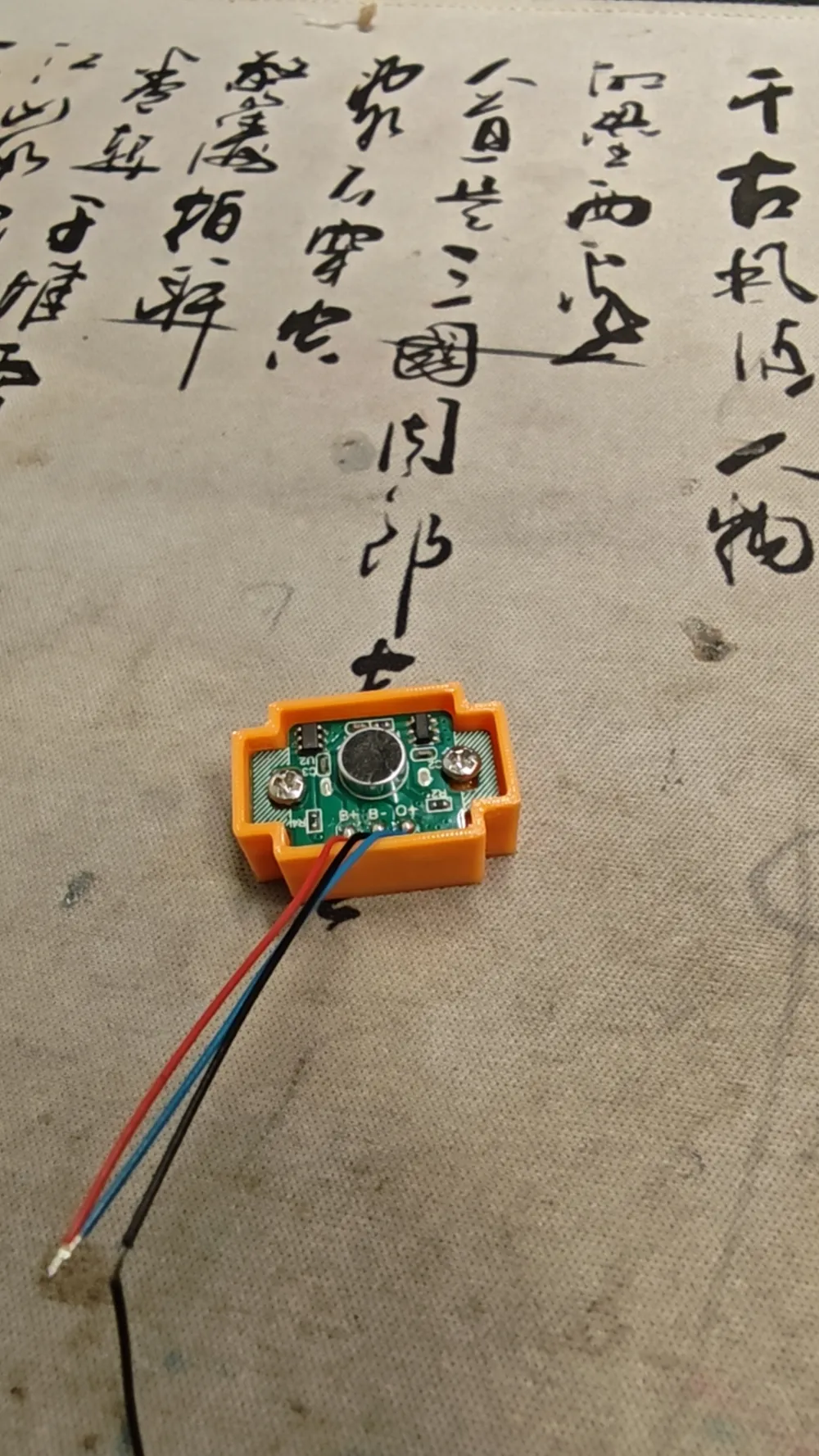
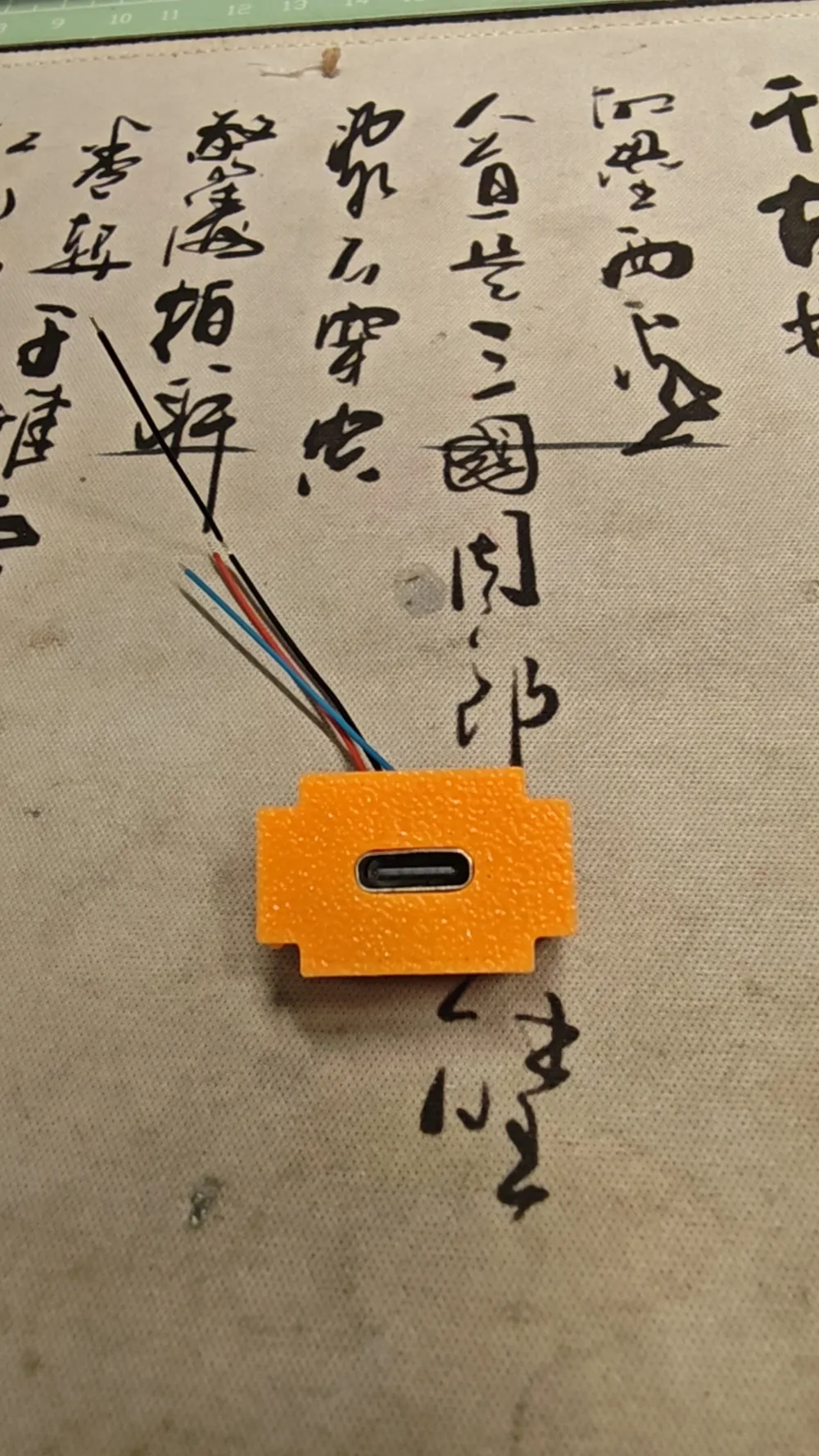
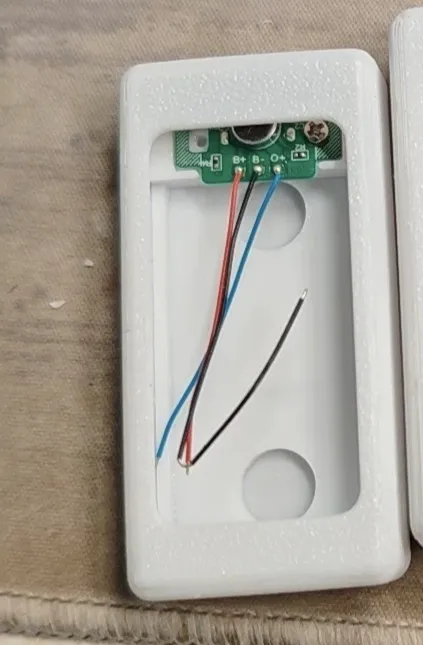
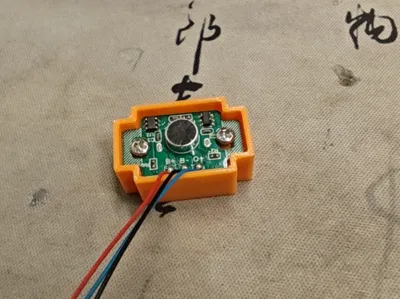
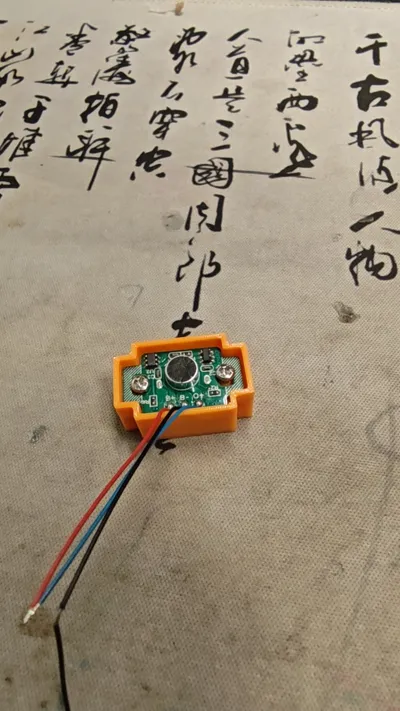
Experience with modifying a 5-point charging board:
1. (Using a fingernail) Removing the R5 resistor next to the Type-C port can increase the B+ battery charge cut-off voltage from 3.9V to 4.2V;
2. (Using pliers) Remove the circular MIC (or possibly the air intake sensor) on the other side, then use the B+ and O+ points there to solder a patch diode (M7 or A7). This can reduce the voltage output from O+ to the price tag by approximately 0.6V;
3. If step 2 is not performed and the output is directly from B+, the voltage will be slightly higher, and a few boards may operate abnormally. In this case, the empty O+ pin will have no voltage (or only voltage when inhaling);
4. The small square holes on both sides can be used to fix the 5-point board.
Documentation (1)
License

You may create derivative works based on this object, provided that all such derivative works are published exclusively on the MakerWorld platform and include proper attribution to the original creator. You may not share, upload, host, distribute, or publish this object—or any derivative work of this object—on any other digital platform, marketplace, or distribution channel. Commercial use of this object and any derivative works is strictly prohibited. This includes, but is not limited to, selling, renting, sublicensing, or using the object in any context in which you receive monetary compensation or other financial benefits.


Comment & Rating (0)