
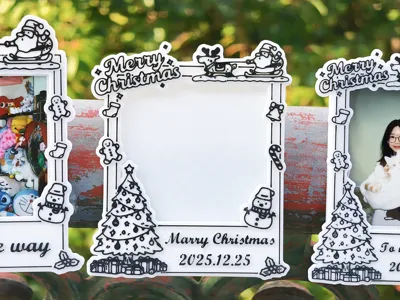
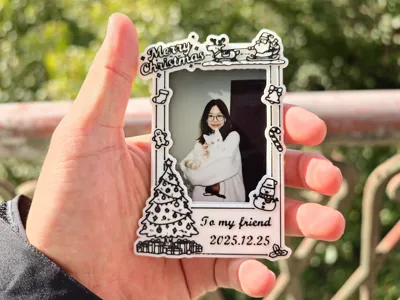
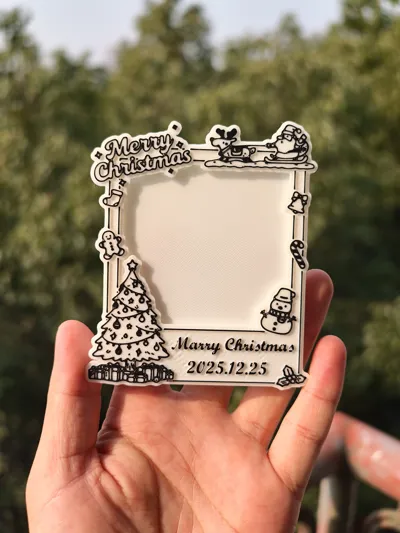
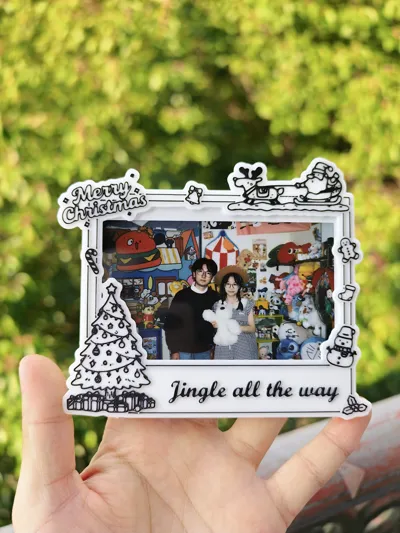
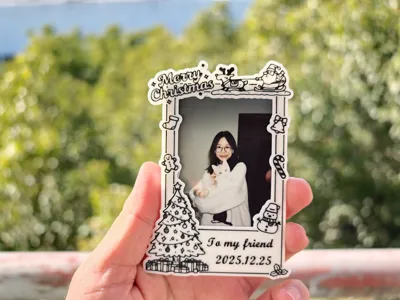
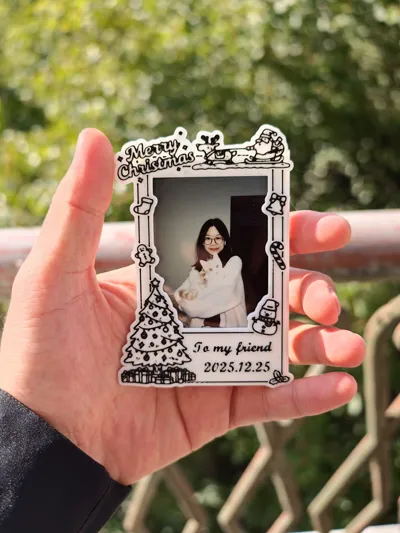
Christmas Magnetic Polaroid Photo Frame | Editable Text Blessing | Santa Claus
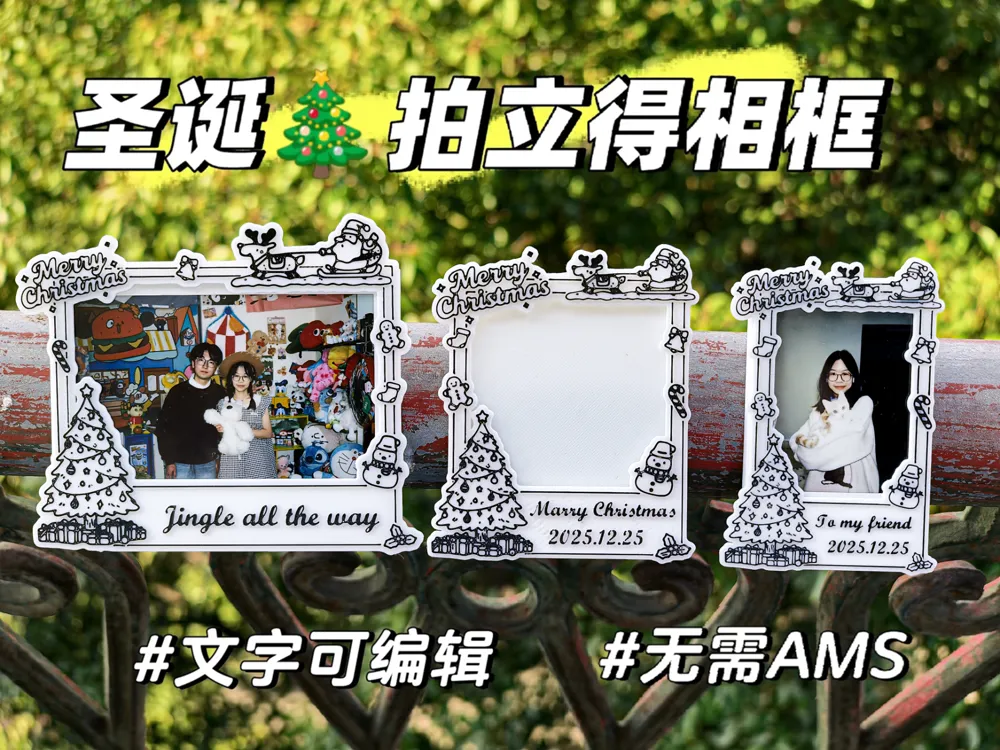

Print Profile(9)


Description
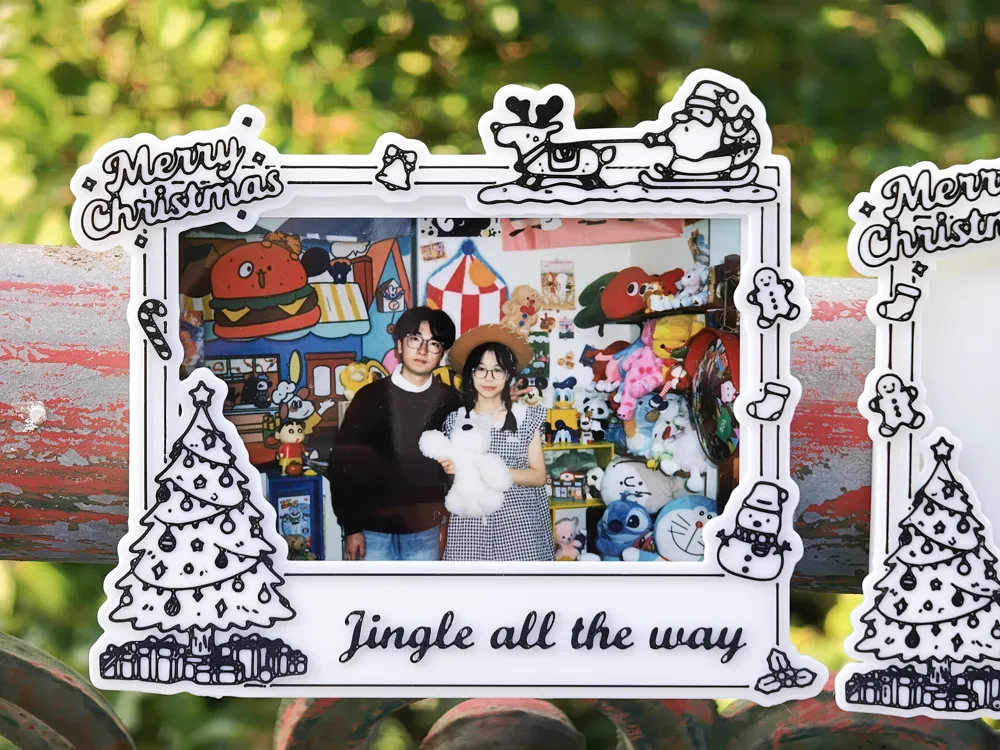
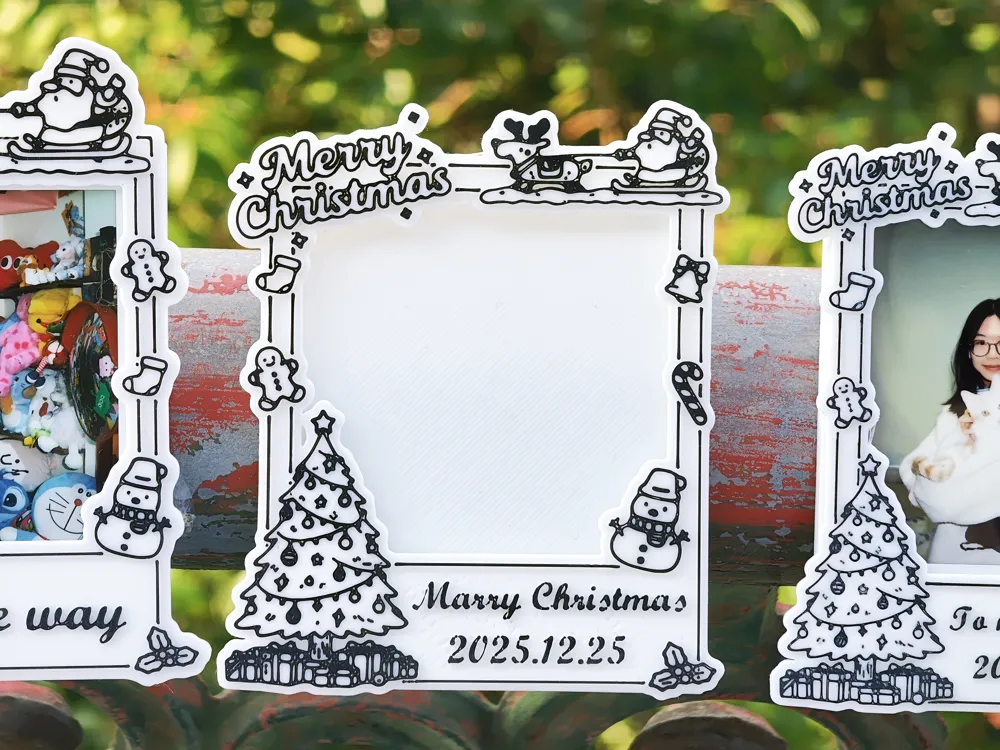
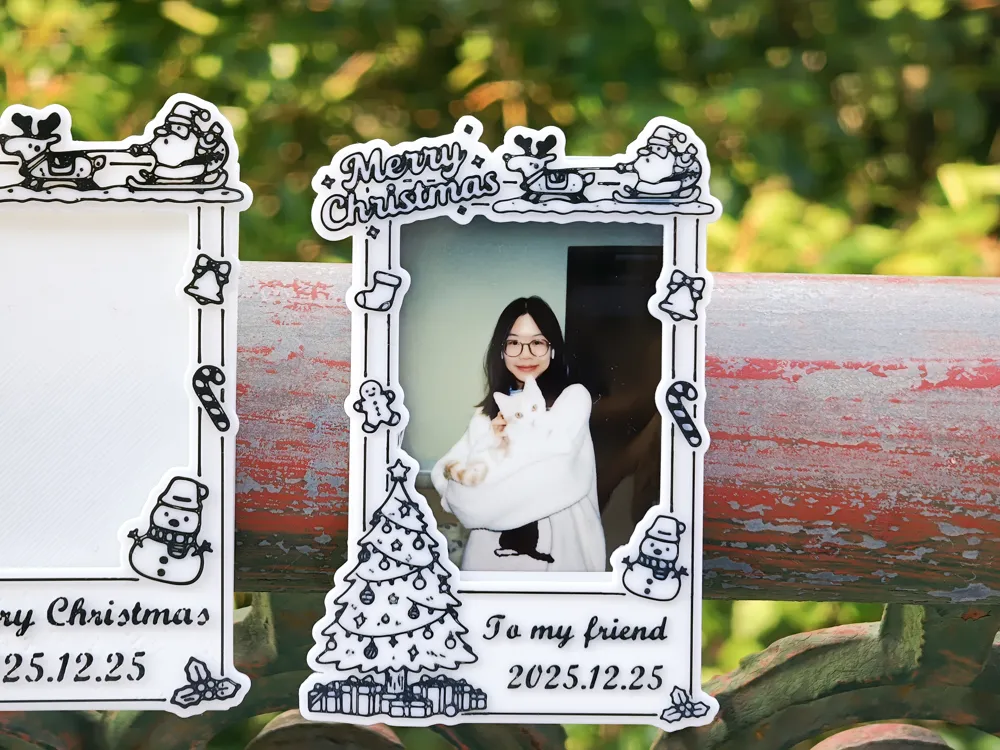
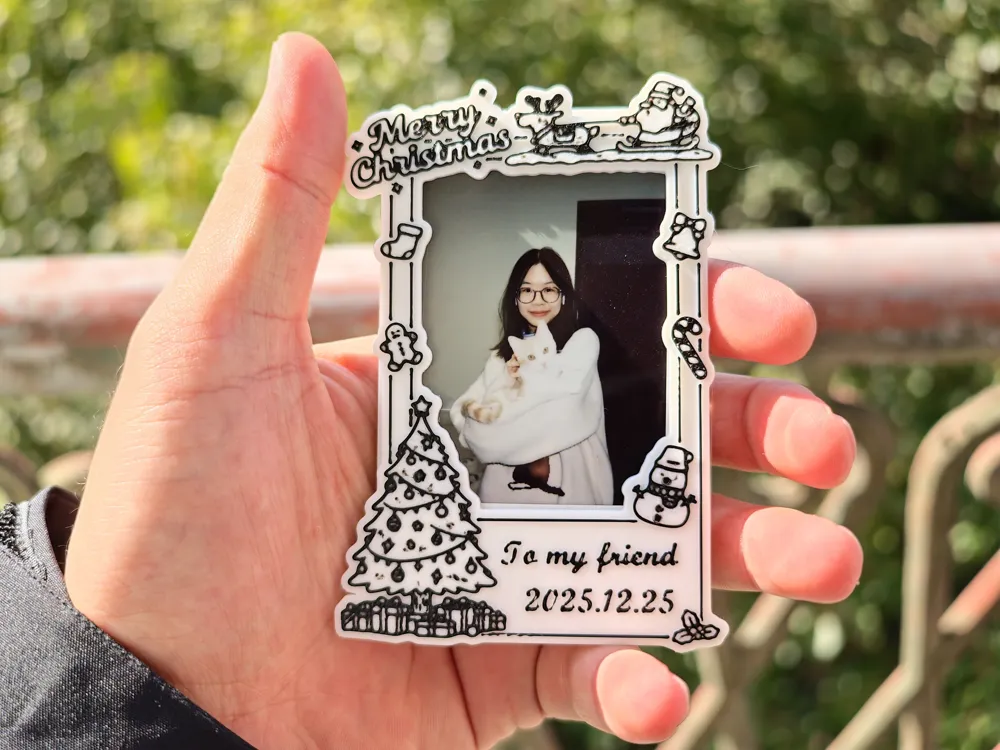
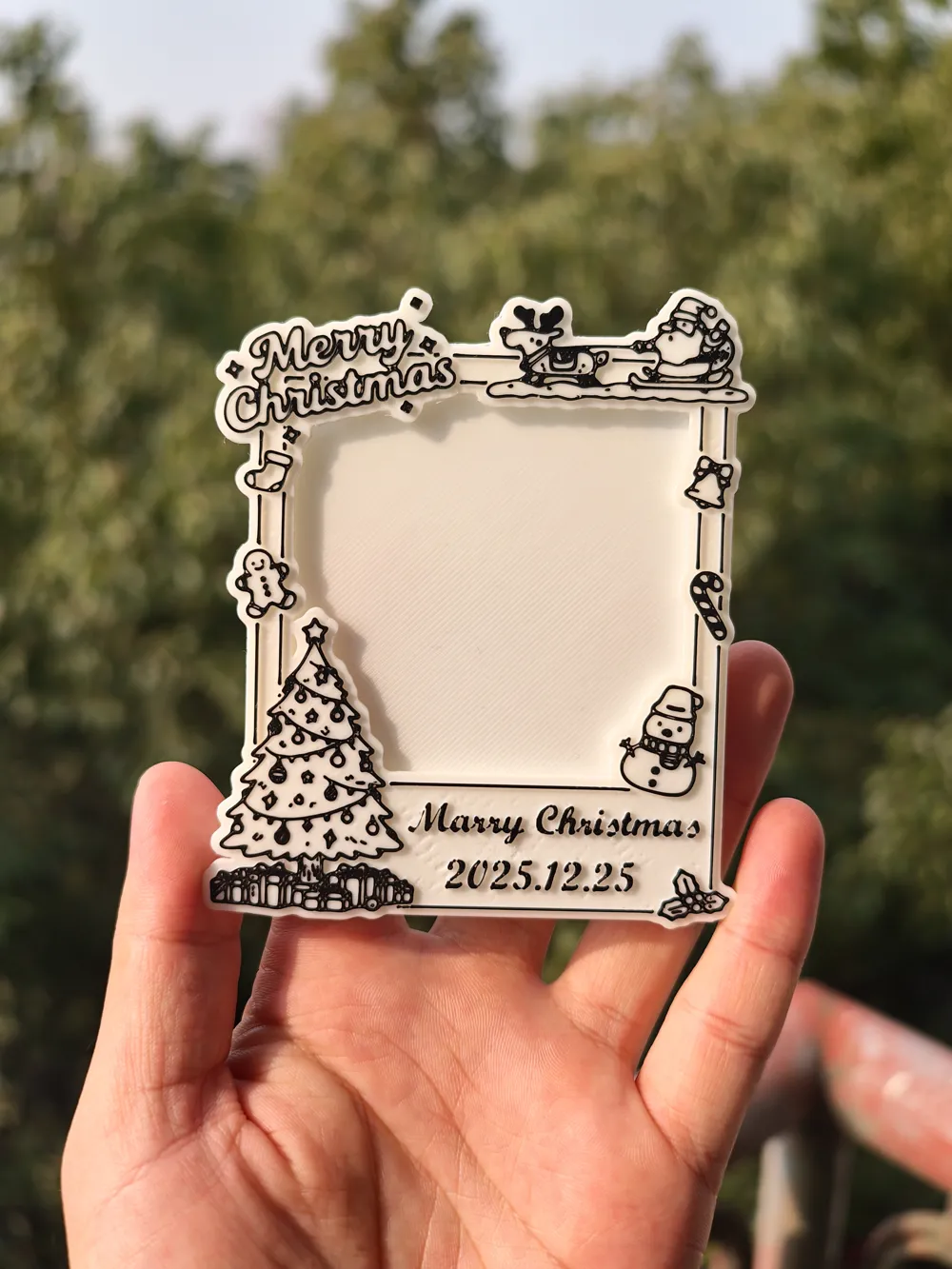
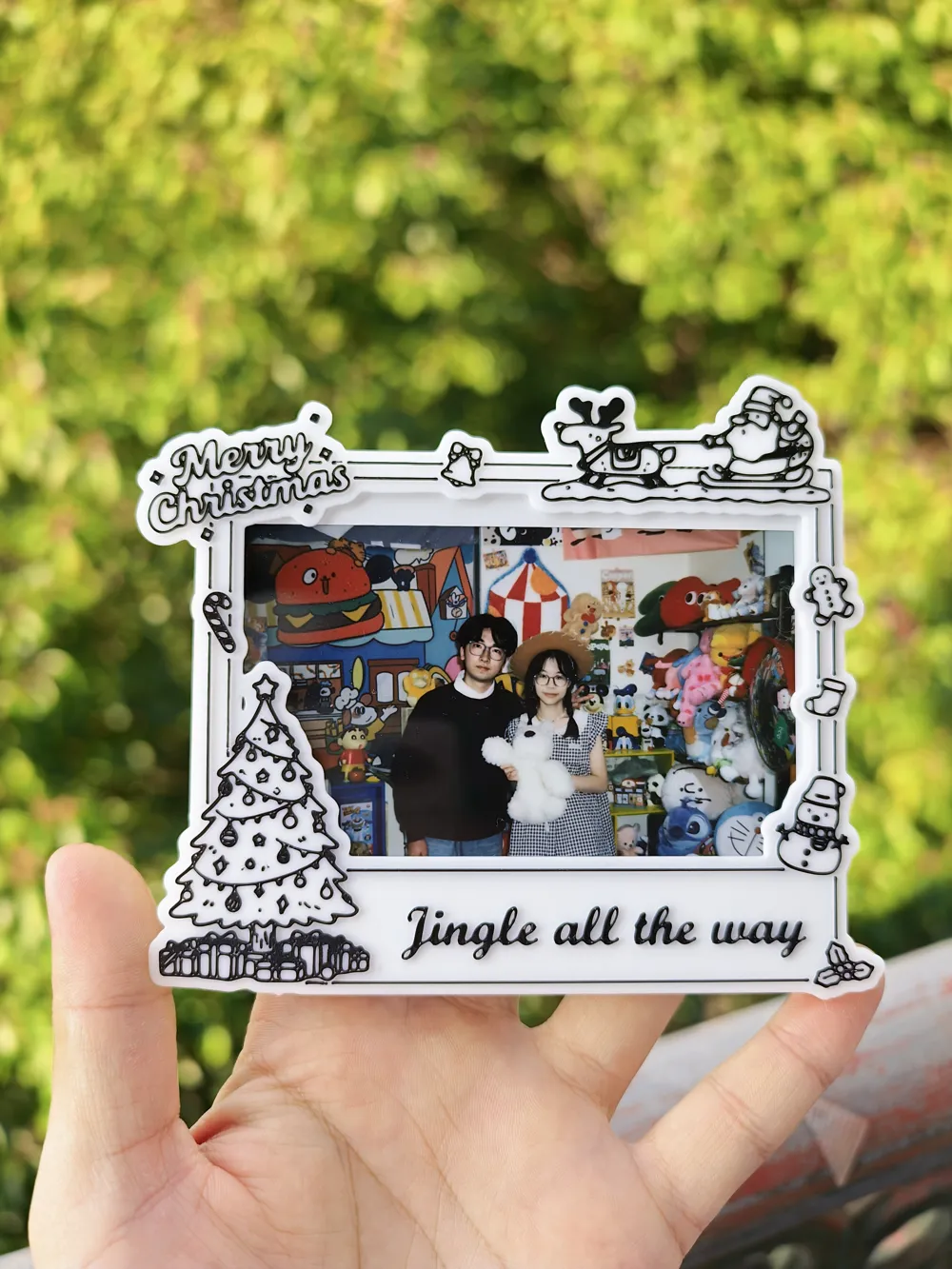
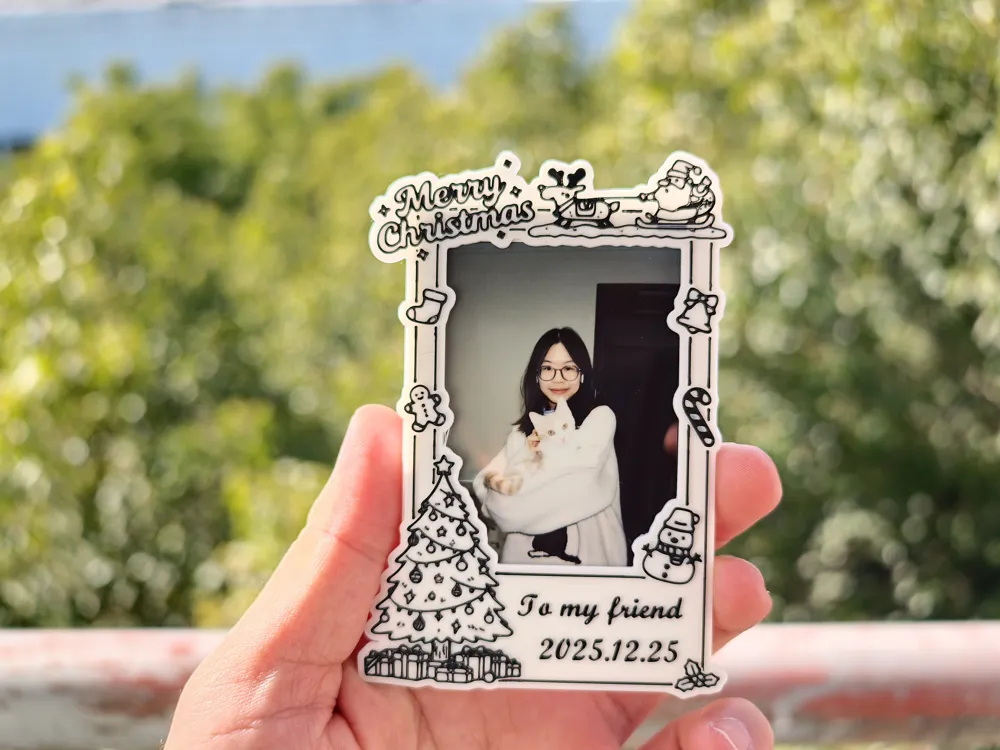
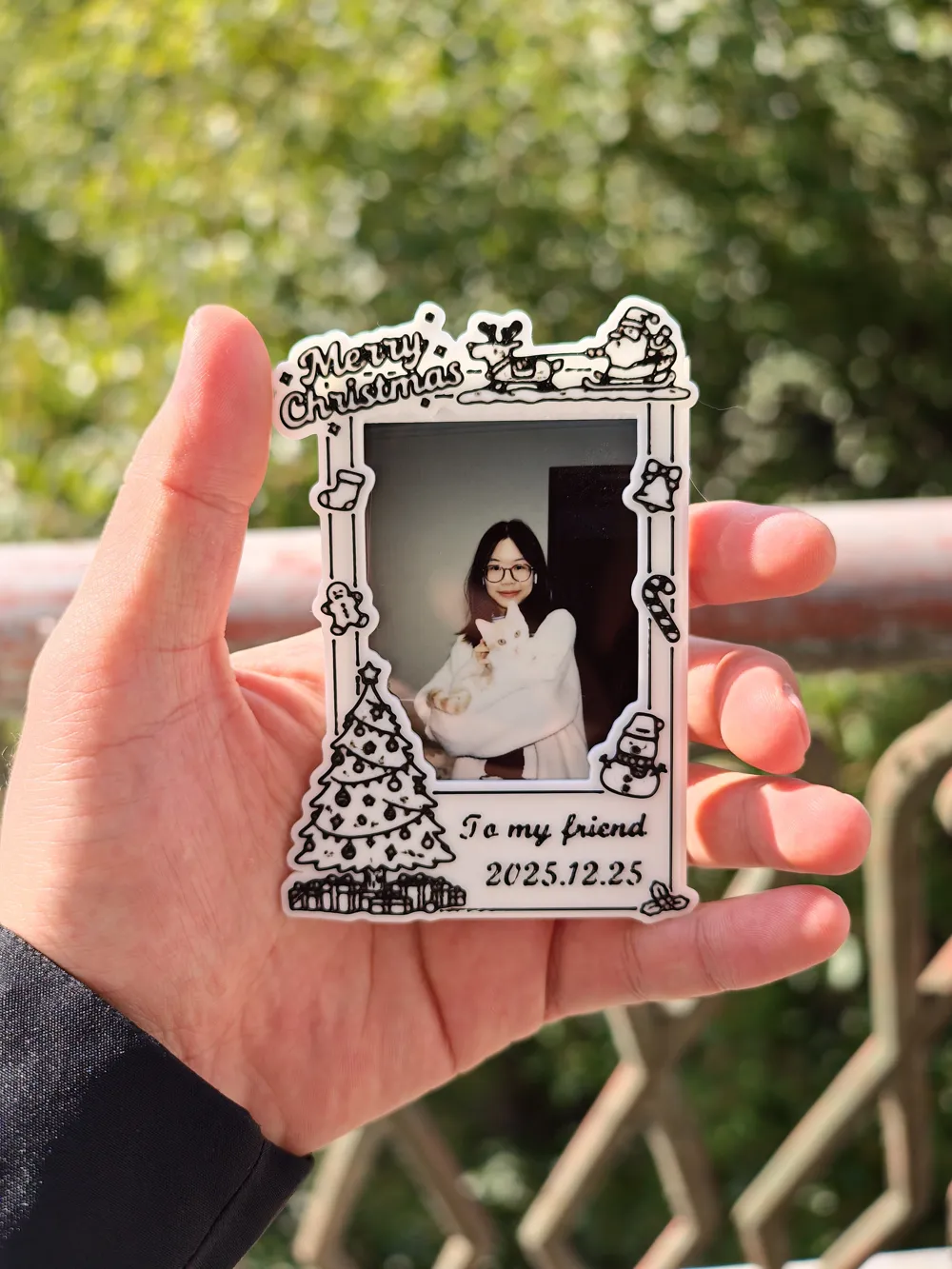
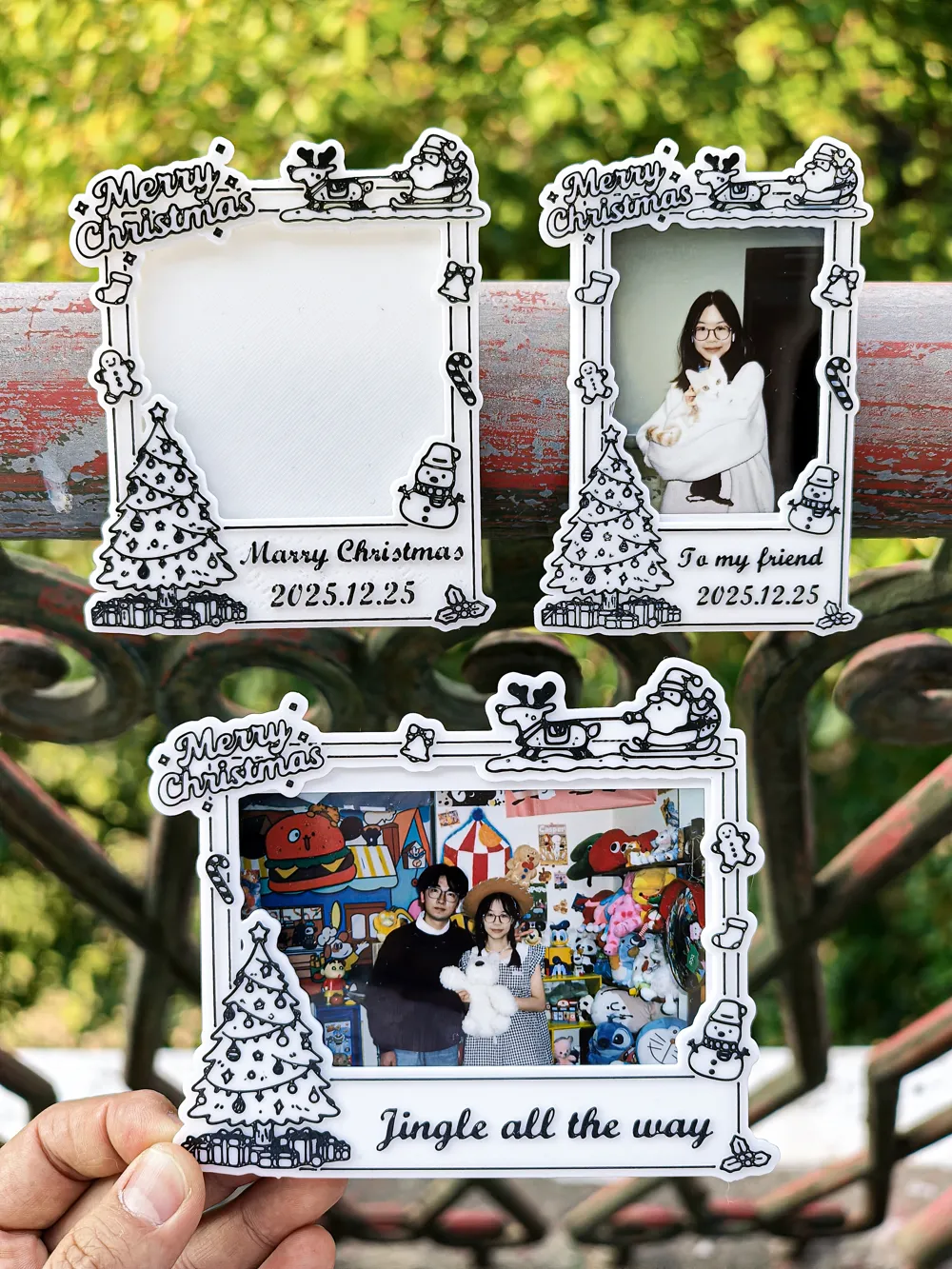
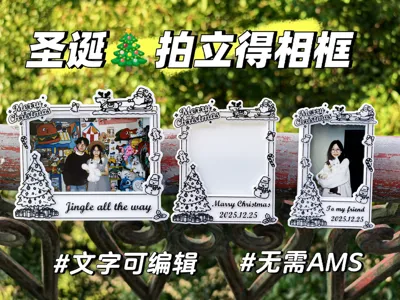
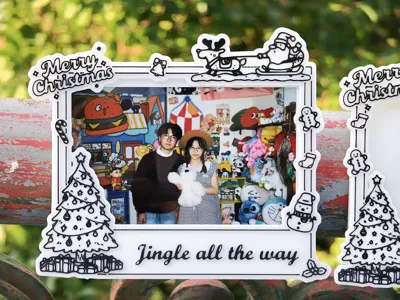
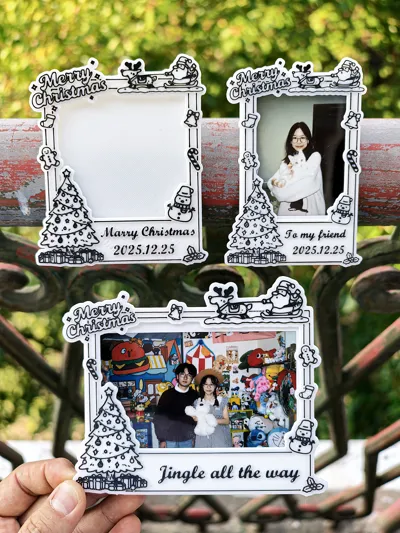
Designed a Christmas-themed instant photo frame, customizable with greetings (default: To my friend, Jingle all the way), supporting 3-inch, square, and wide photo paper. The base and panel need to be printed separately, then assembled with super glue, using 8mm*3mm round magnets
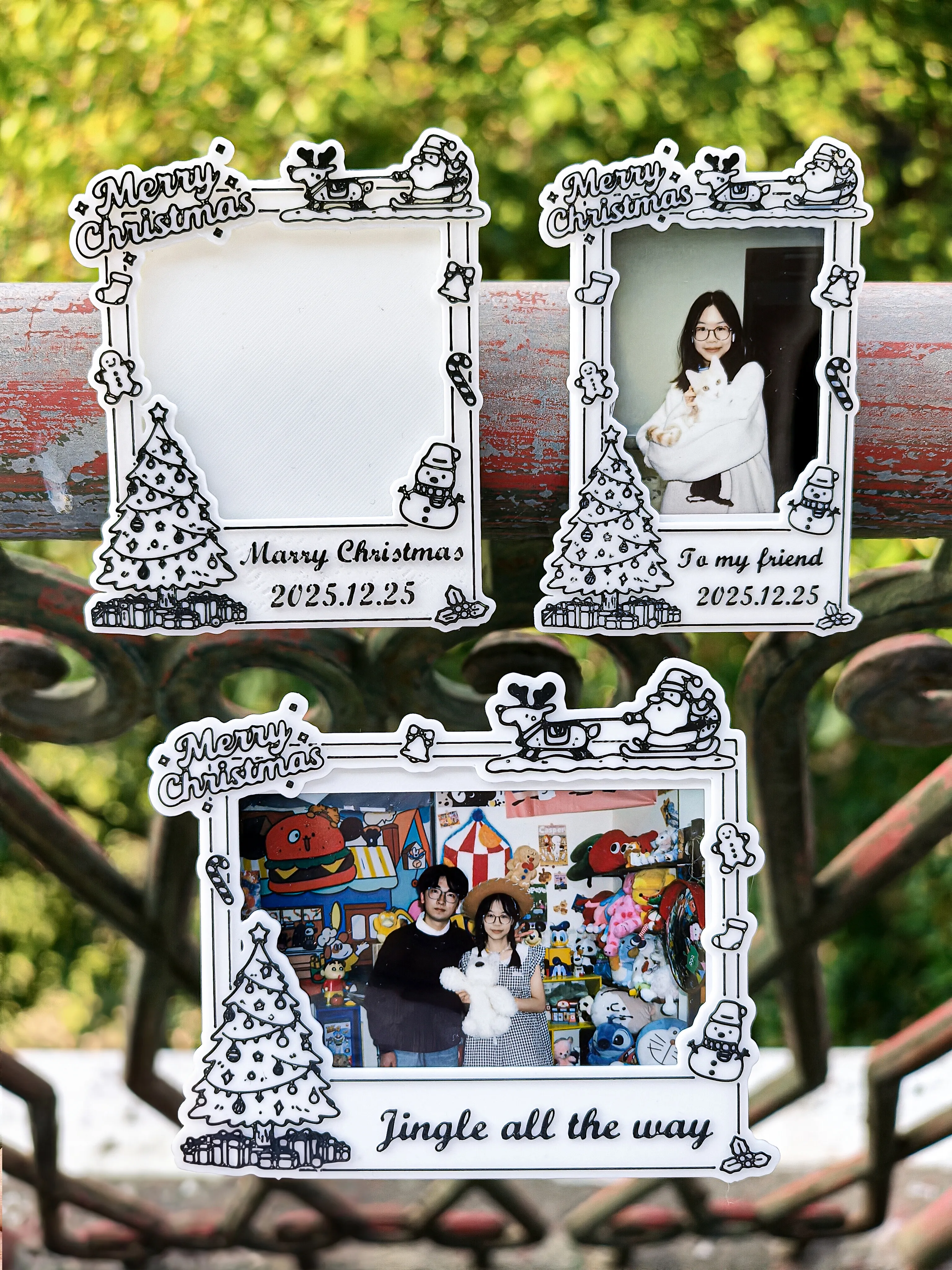
This model has 2 printing versions:
1.AMS printing: This version achieves multi-color printing through automatic filament changing, no manual operation required
2.No AMS printing: This version has the top layer set to auto-pause; during the pause, manually change the filament to black on the device, then resume printing
It is recommended to print this model according to the project's preset print profile If you encounter unclear lines, you can set the following:
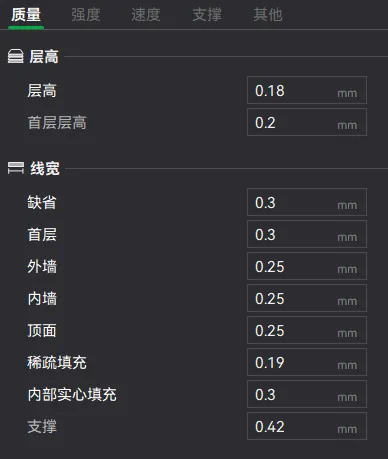
1.Layer height line width: It is recommended to set the line width (outer wall, inner wall, top surface) to 50-70% of the nozzle size, refer to the image below:
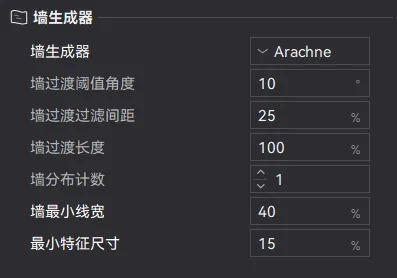
2.Wall generator: Change to Arachne
2.1: Minimum wall line width: Set to 50%
2.2: Minimum feature size: Set to 10%
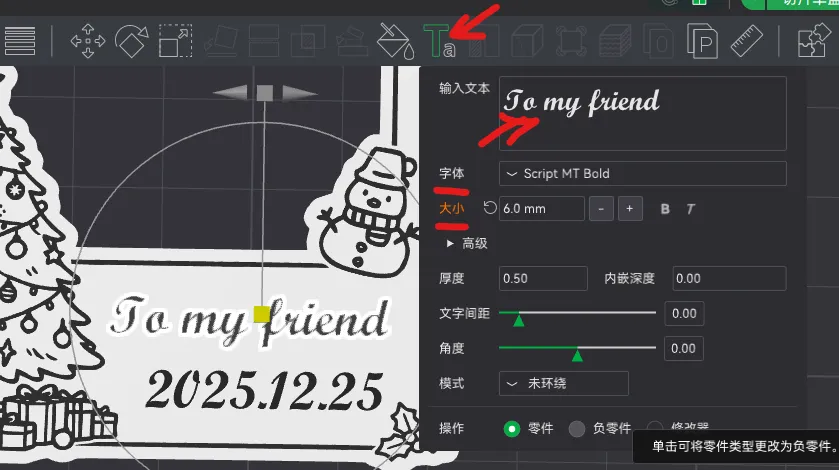
Text editing tutorial:
1.First, select the object, then in the right-side editor, find the text object in the object options, which will turn into a blue box
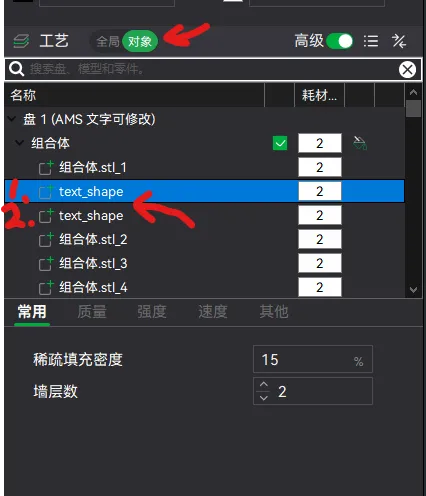
2.From the top toolbar, find and click the text tool; a text editing dialog box will appear, where you can modify the text. It also supports font and size modification
Boost Me (for free)
Please boost me, and I will create more custom instant photo frames
License

You may create derivative works based on this object, provided that all such derivative works are published exclusively on the MakerWorld platform and include proper attribution to the original creator. You may not share, upload, host, distribute, or publish this object—or any derivative work of this object—on any other digital platform, marketplace, or distribution channel. Commercial use of this object and any derivative works is strictly prohibited. This includes, but is not limited to, selling, renting, sublicensing, or using the object in any context in which you receive monetary compensation or other financial benefits.


Comment & Rating (2)