
Eye of Sauron - Christmas Tree Topper (LOTR)
Print Profile(2)


Description
Boost Me (for free)
ONE TOPPER TO RULE THEM ALL!
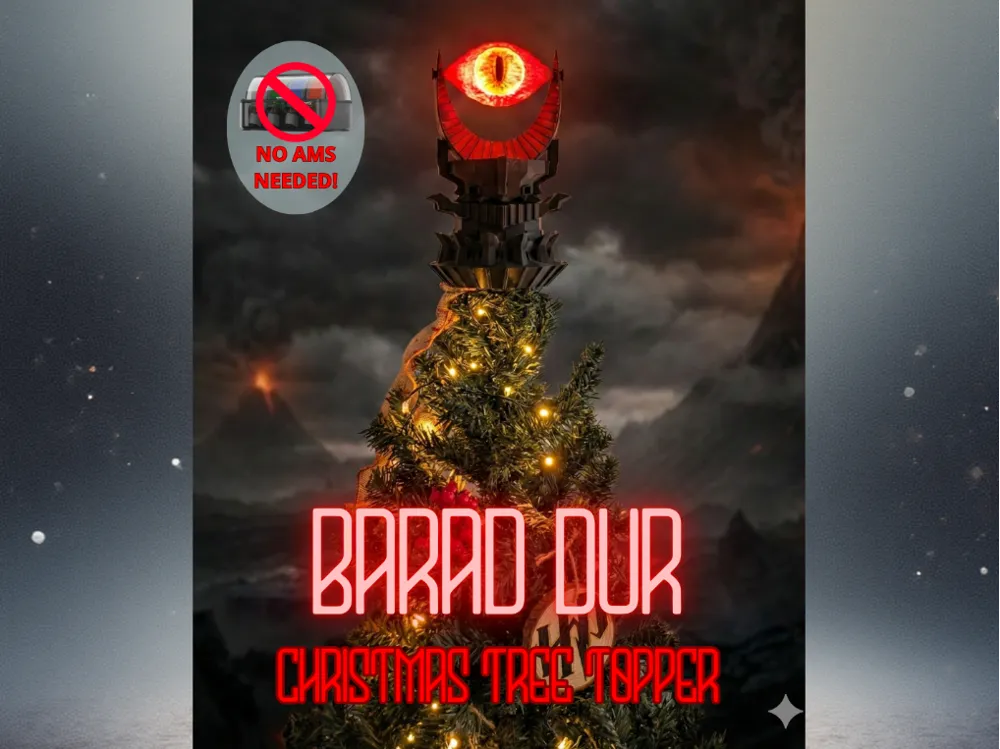
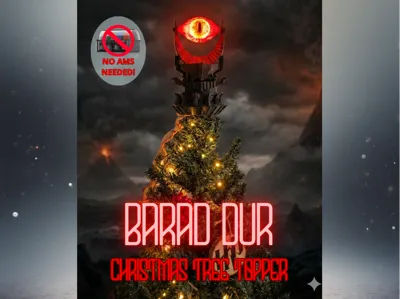
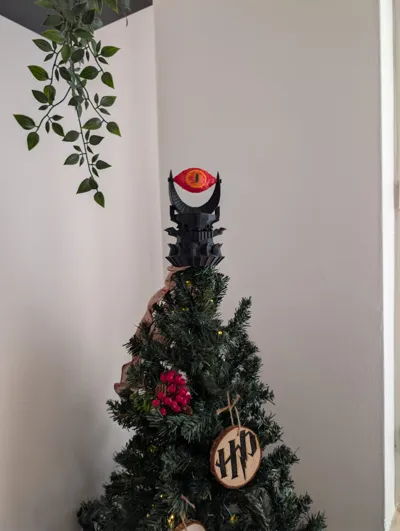
Turn your tree into Barad-dûr with this Eye of Sauron topper! 🌋
Check the description for print settings and the link to the original design. Leave a boost if you serve the Dark Lord! Also Hobbits are ok!
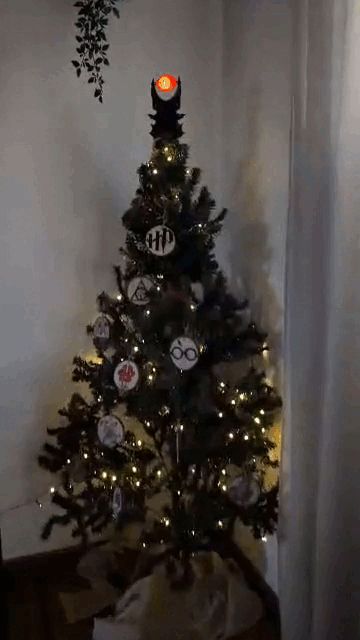
"There is no life in the void... only death." But on my Christmas tree, there is plenty of atmosphere!
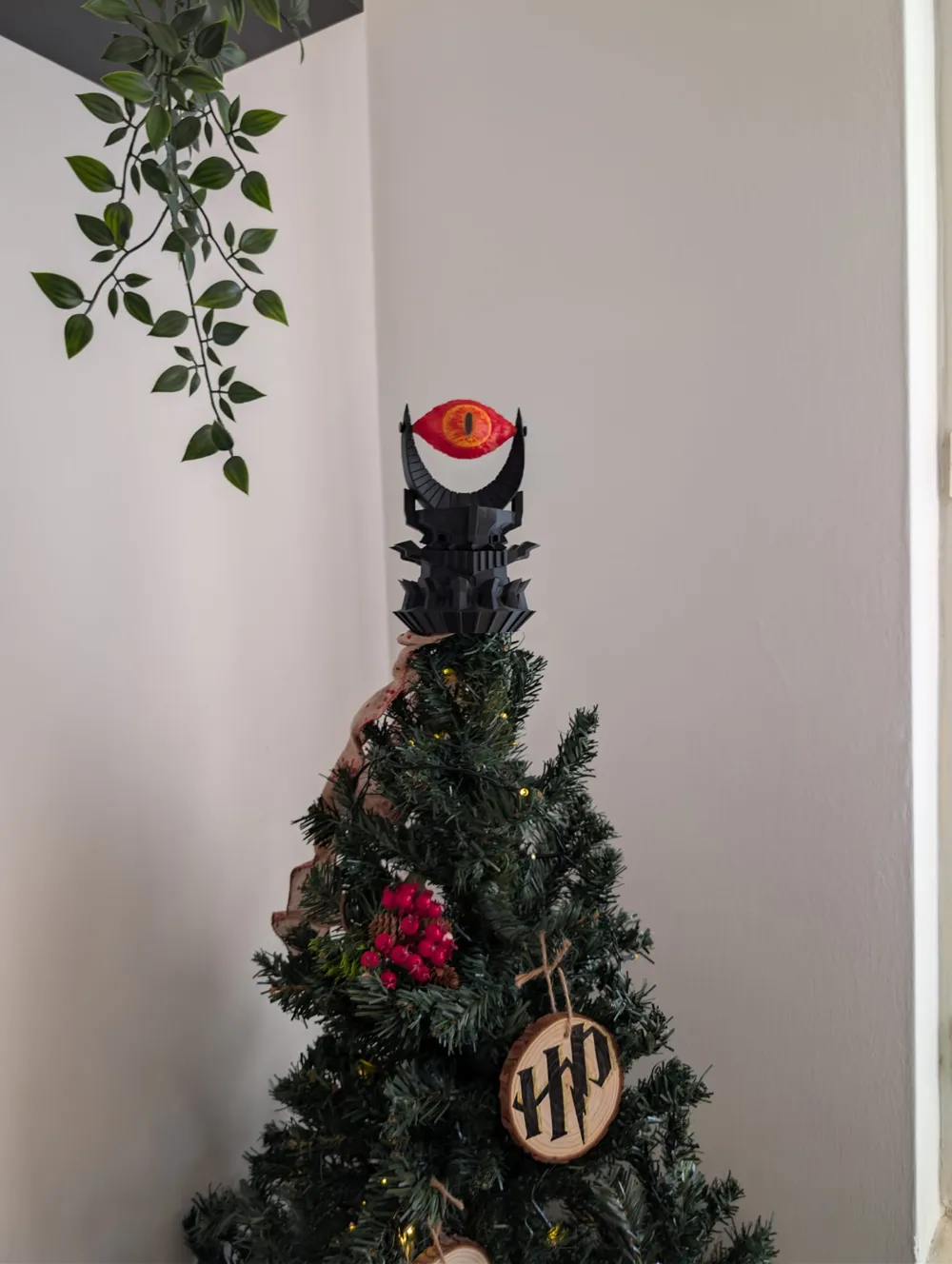
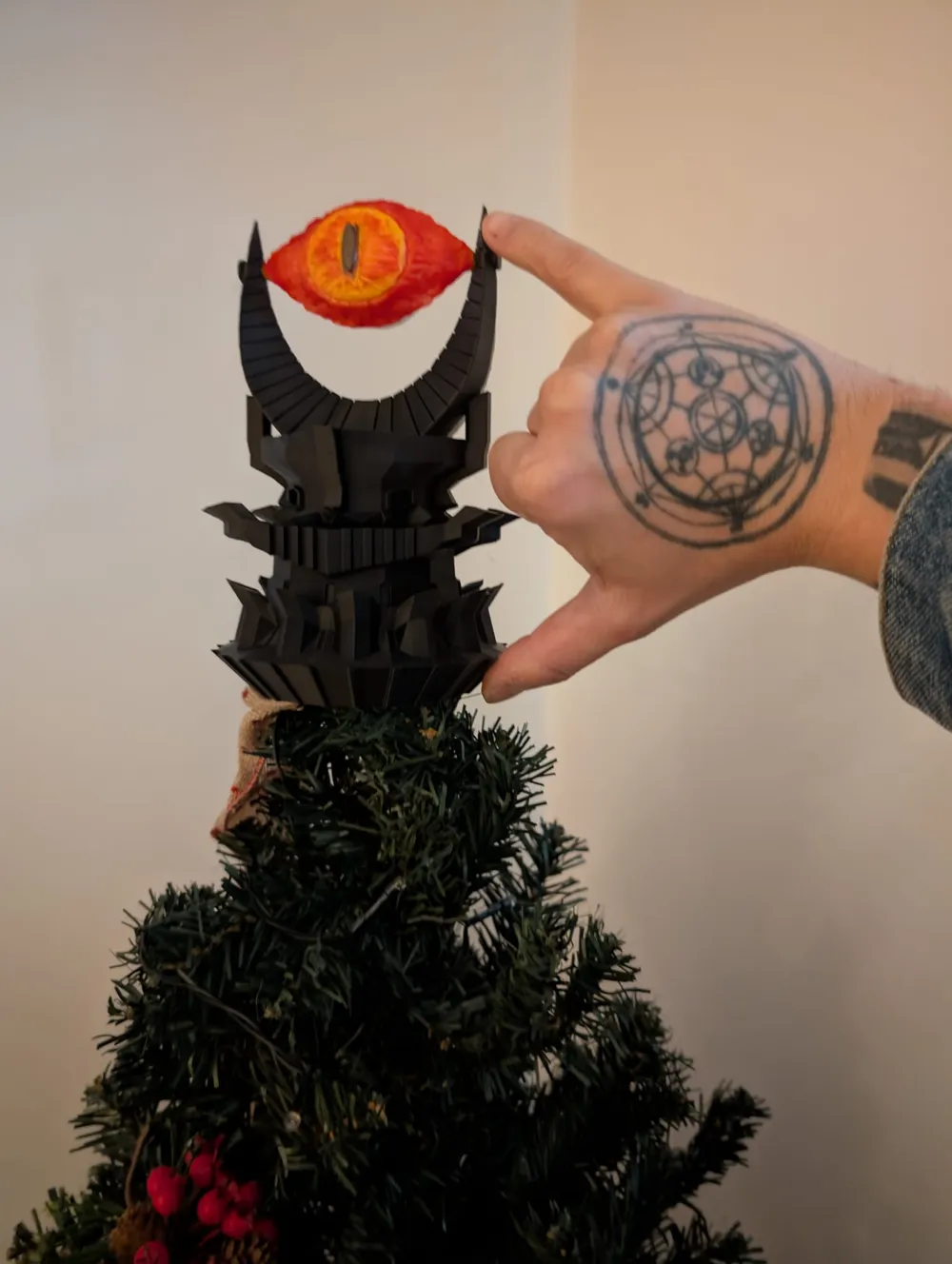
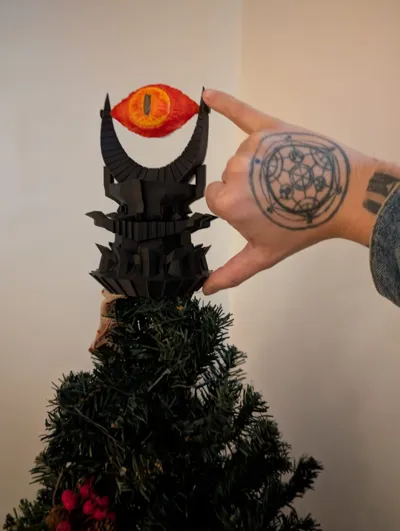
This year I decided to replace the classic star with something much more powerful: The Eye of Sauron. This project is not my original design (you can find the link to the original model below), but I wanted to share my make and the optimal settings to achieve this fantastic glowing effect.

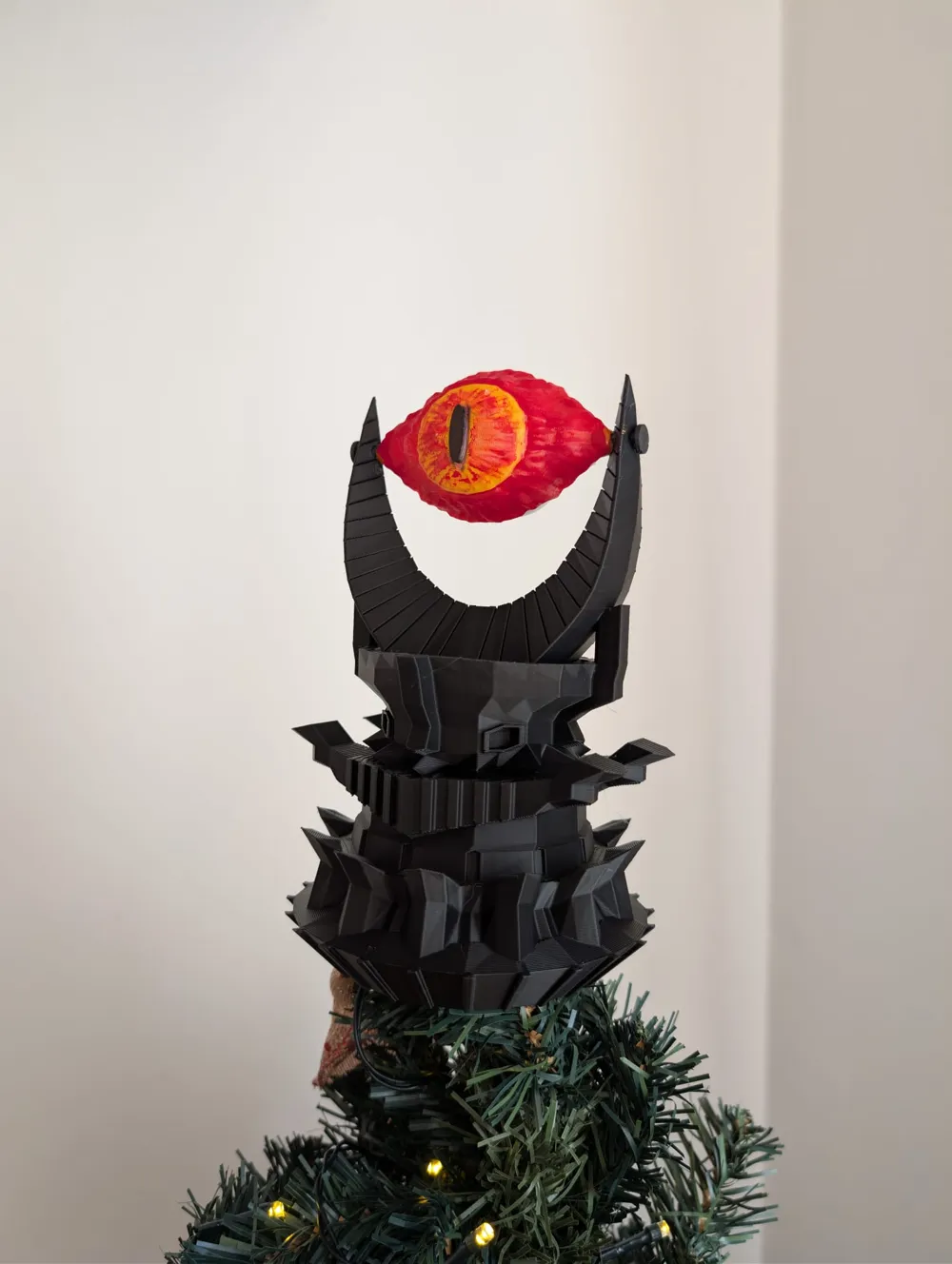
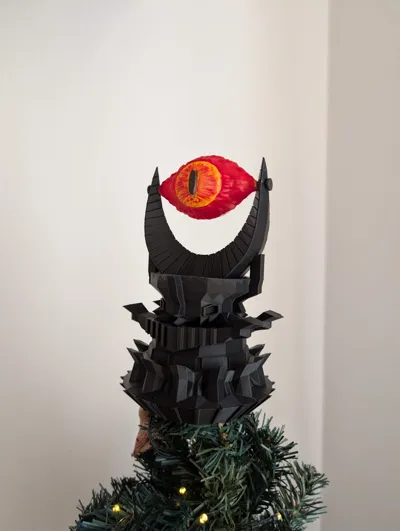
To make it "alive," I printed the eye in transparent PETG and hand-painted it, backlighting it with a modified LED candle. The result in the dark is truly eerie and magnificent!
🎨 Printing Details & Post-Processing
Here is my recipe to get this result:
1. The Tower (Barad-dûr):
- Filament: PLA Matte Charcoal (Bambu Lab) - The matte effect makes the stone look very realistic.
- Layer Height: 0.2 mm.
- Supports: None (The model prints great without them).
- Infill: 5% Gyroid (Light but sturdy).
2. The Eye:
- Filament: PETG Translucent/Transparent.
- Layer Height: 0.08 mm (Crucial for the pupil and flame details).
- Infill: 95% Lightning (This density helps diffuse the light better inside).
🖌️ Painting: I colored the transparent eye using simple Uni Posca markers (Yellow and Red), blending them by hand to create a vivid fire effect.
🕯️ Light (Crucial Modification): For the backlight, I used these flickering LED tea lights: Amazon Link
- ⚠️ IMPORTANT: To fit the candle to the back of the eye, you must remove the fake plastic flame tip covering the LED. Once removed, glue the base directly onto the back of the eye.
🔗 Credits (Original Design)
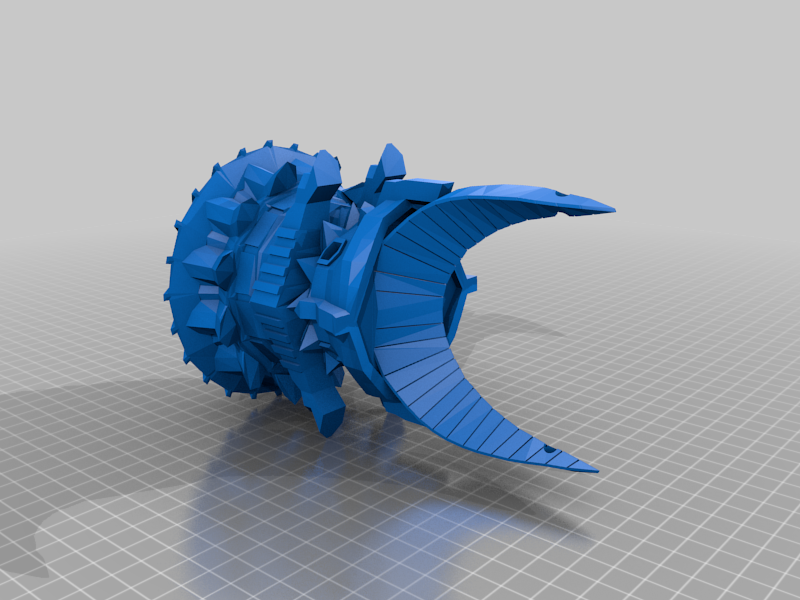
This model was created by ingwe, available on Thingiverse. You can find the original files here: https://www.thingiverse.com/thing:5679739 All credit for the modeling goes to the original creator!
This remix is based on
License

You shall not share, sub-license, sell, rent, host, transfer, or distribute in any way the digital or 3D printed versions of this object, nor any other derivative work of this object in its digital or physical format (including - but not limited to - remixes of this object, and hosting on other digital platforms). The objects may not be used without permission in any way whatsoever in which you charge money, or collect fees.


Comment & Rating (7)