Search models, users, collections, and posts

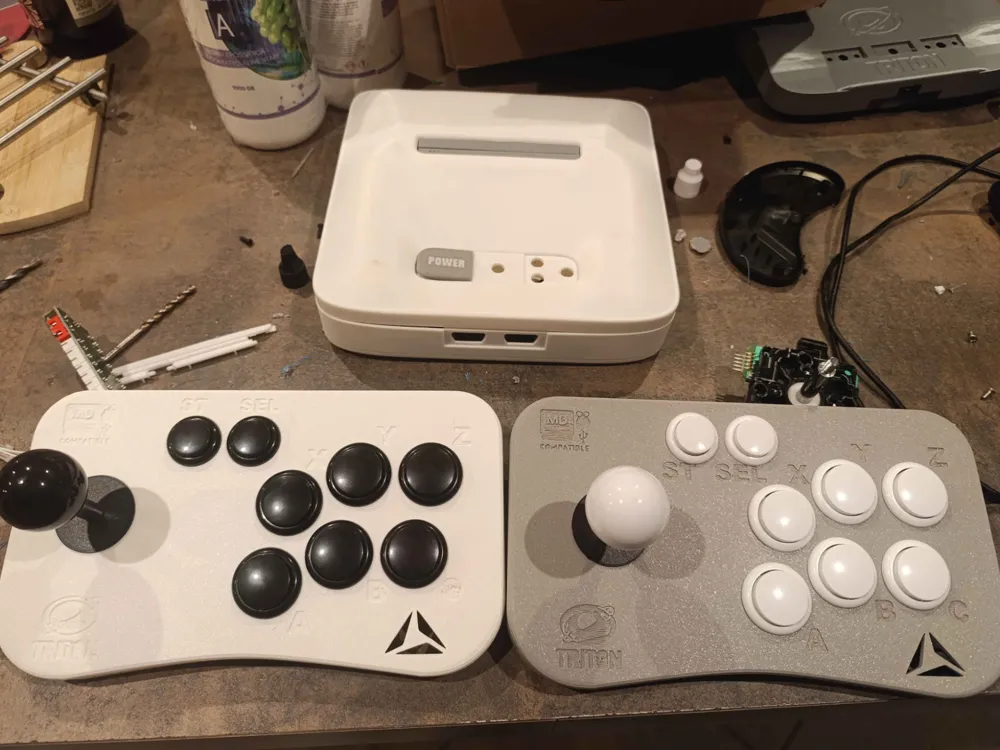
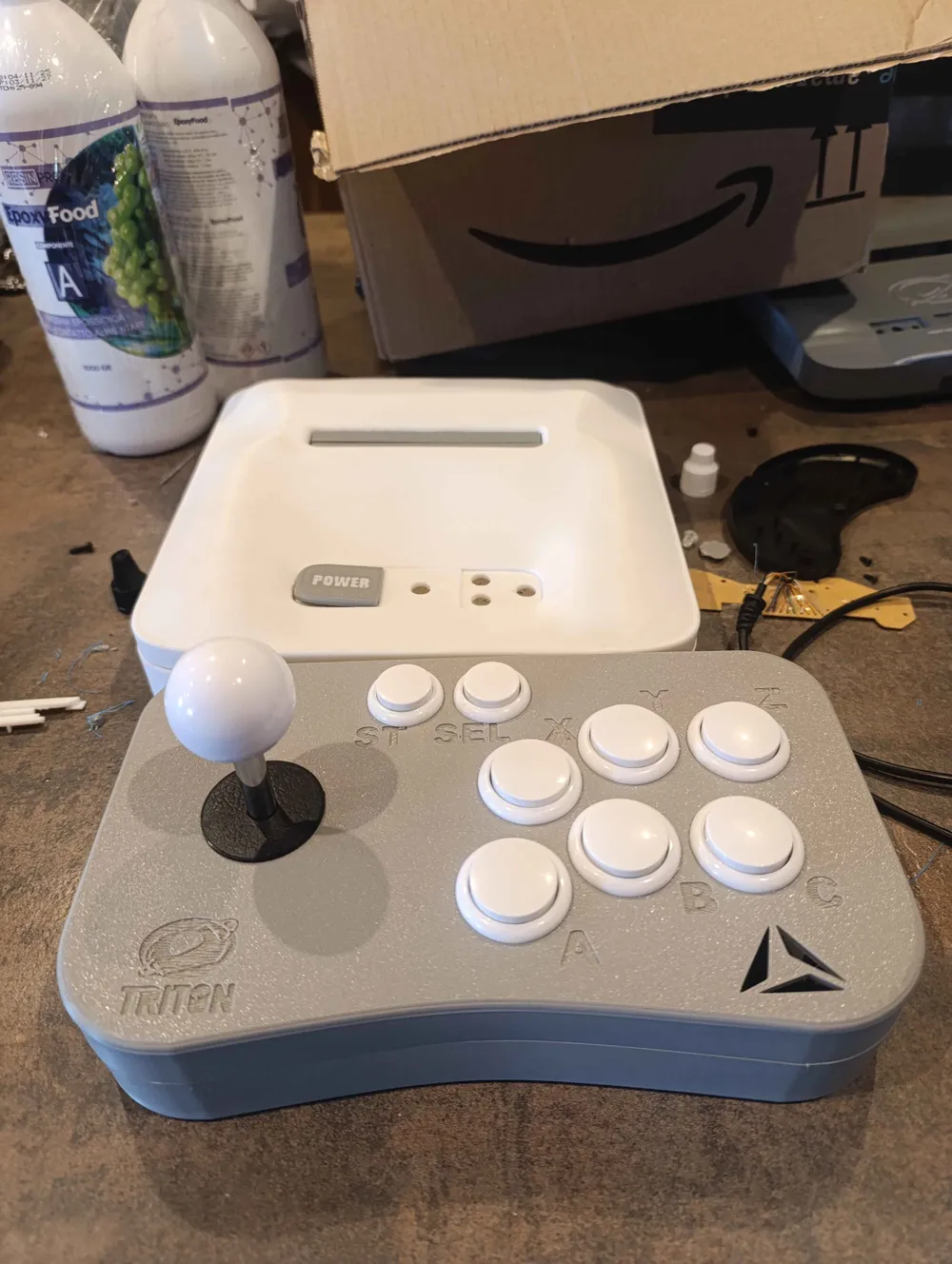
Arcade Pad Genesis Mega Drive 6 buttons + RPi + PC
IP Report
Print Profile(0)
Add the first print profile to earn points
Boost
9
20
0
0
8
0
Released
Description
Content has been automatically translated.
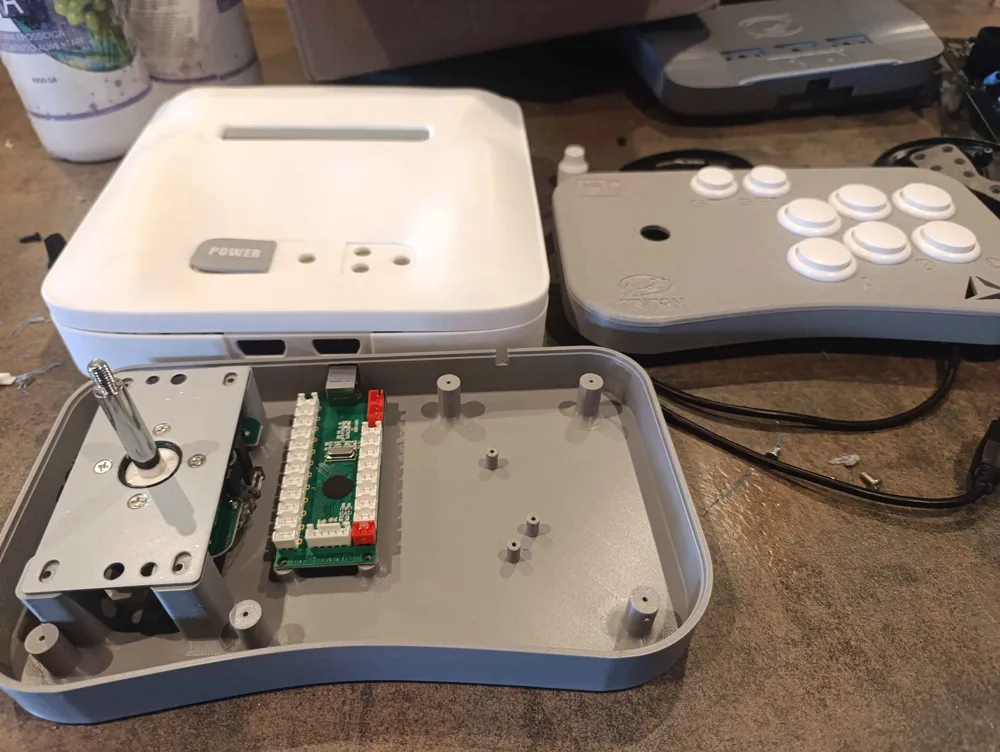
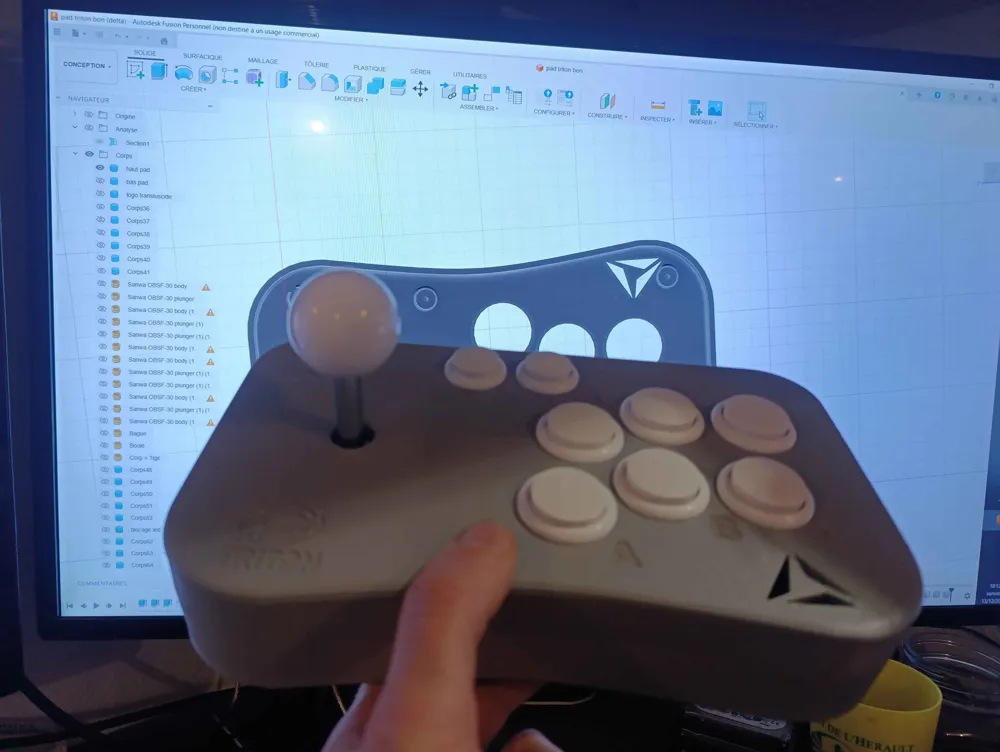
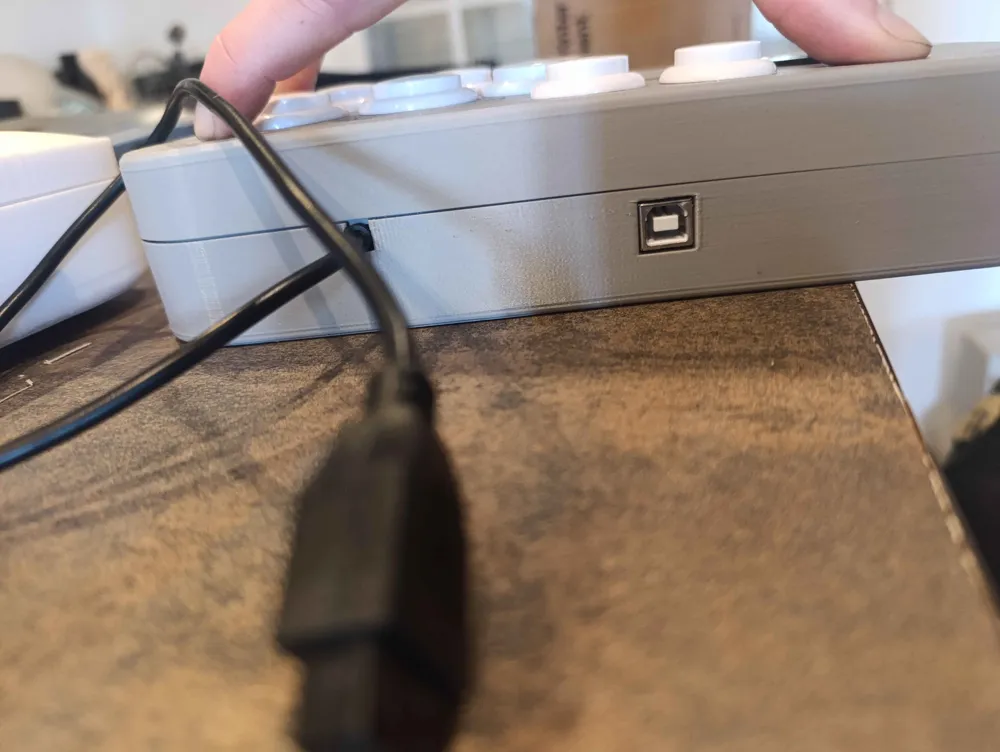
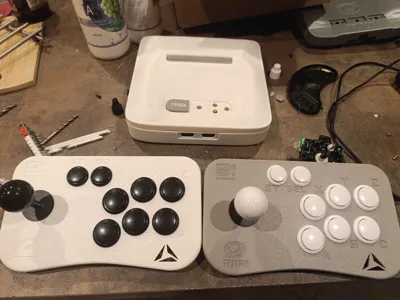
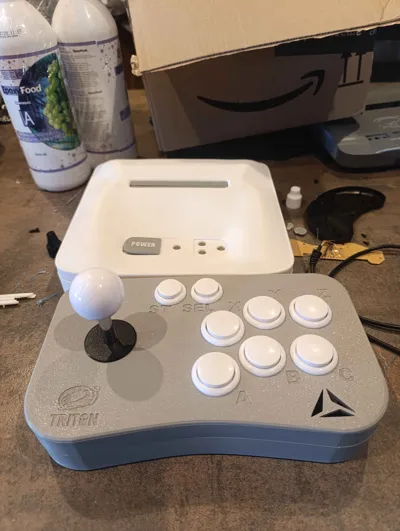
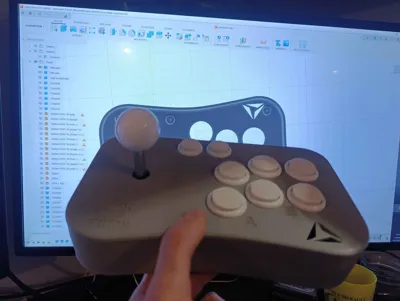
I am therefore sharing an arcade PAD entirely made with 3D Printing
This pad features 6 buttons, Start, Select, and the directions
It is compatible with PC, Raspberry Pi, and Genesis / Mega Drive in 6-button mode
Below you will find the purchase links for compatible buttons
I also make PCBs adapted to my 3D model
👉 Compatible buttons:
https://www.amazon.fr/dp/B076H1TCB5?ref=ppx_yo2ov_dt_b_fed_asin_title
Usage on Mega Drive
For those who also wish to use it on Mega Drive, here is the controller to purchase
You will need to retrieve the electronic circuit board from it
👉 Mega Drive controller:
https://fr.aliexpress.com/item/1005006273487372.html
3D Printing Recommendations
- Print flat
- Material: ABS preferably
- 80% to 100% infill
The stick screws are provided with it upon purchase
For the controller pad hack, simply use the controller's original screws
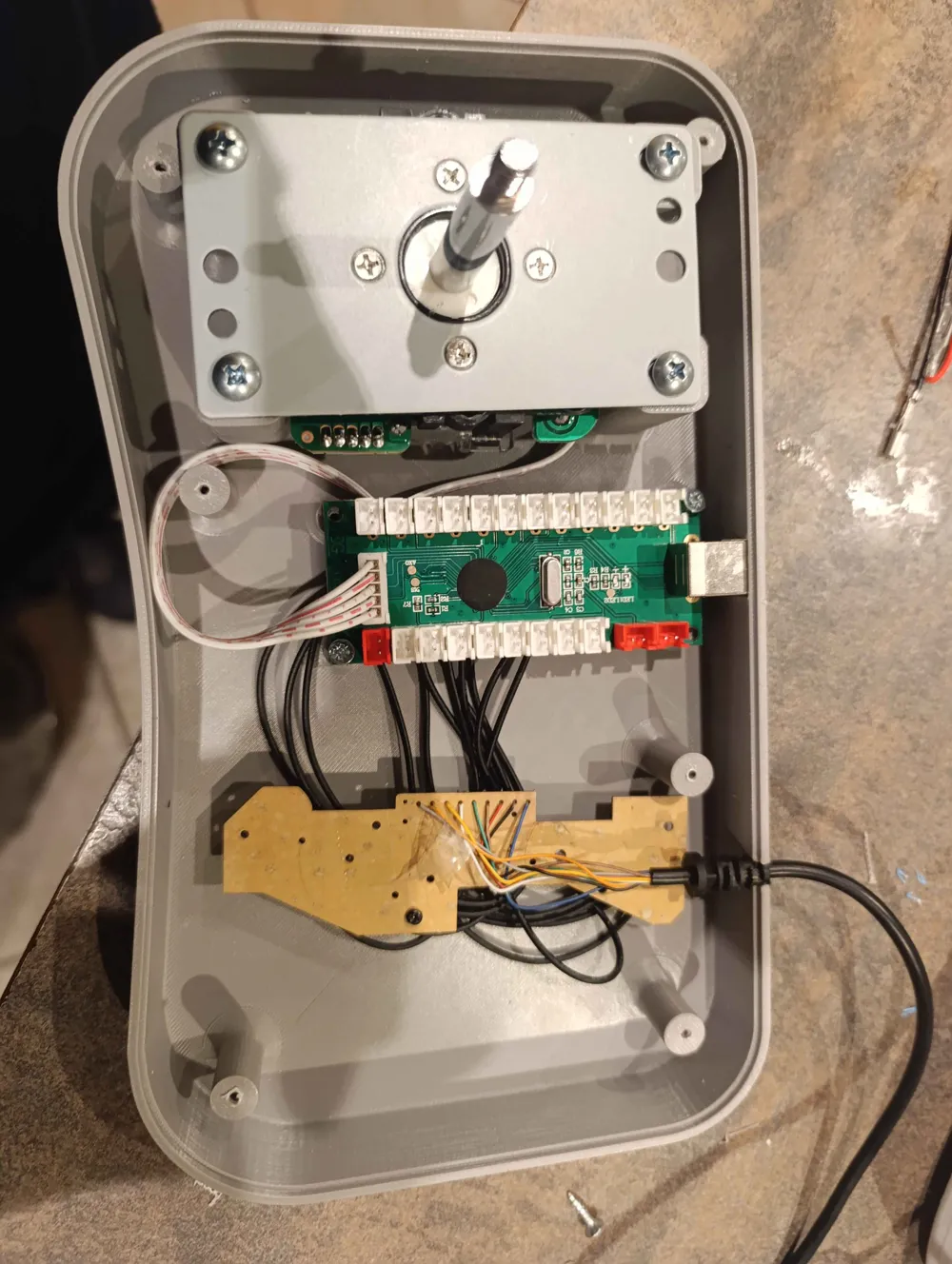
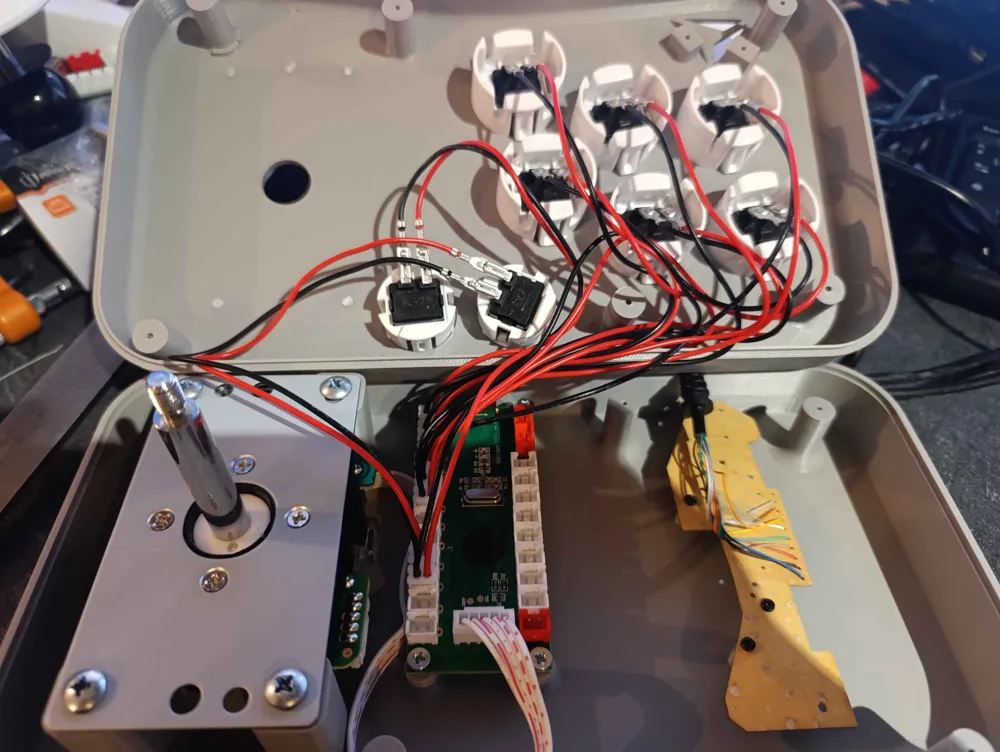
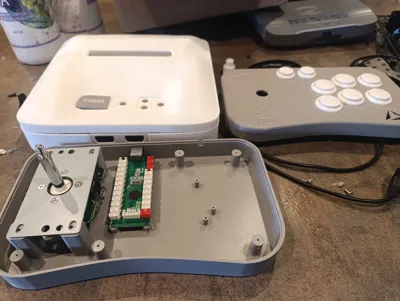
Wiring and assembly
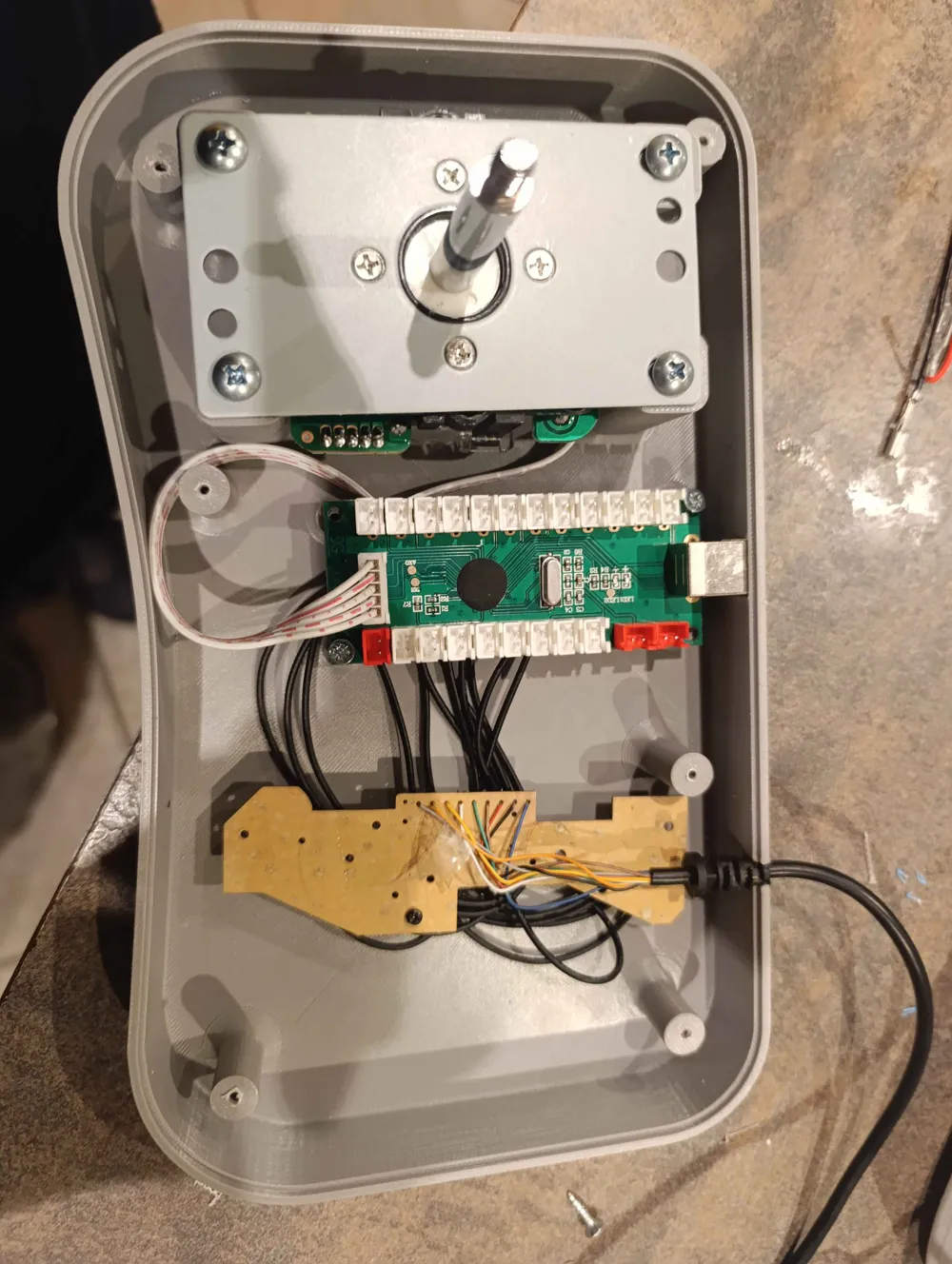
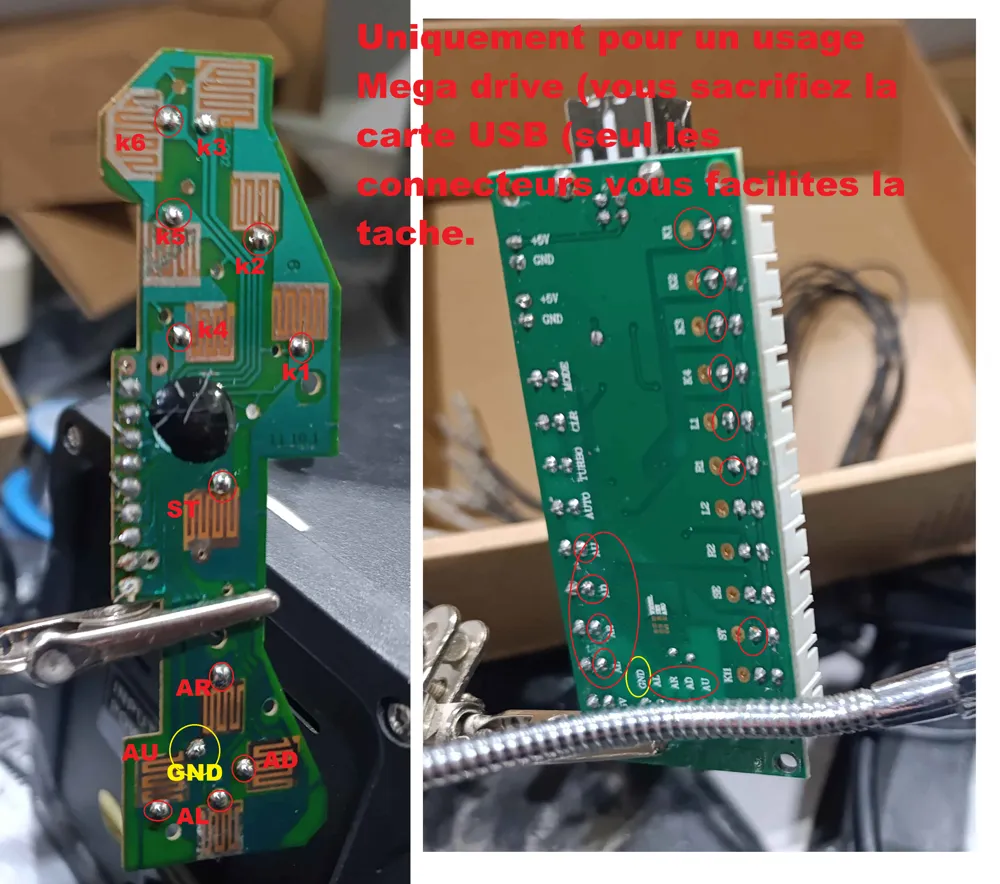
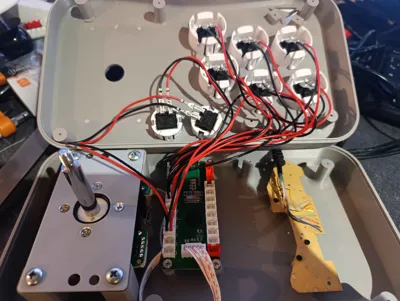
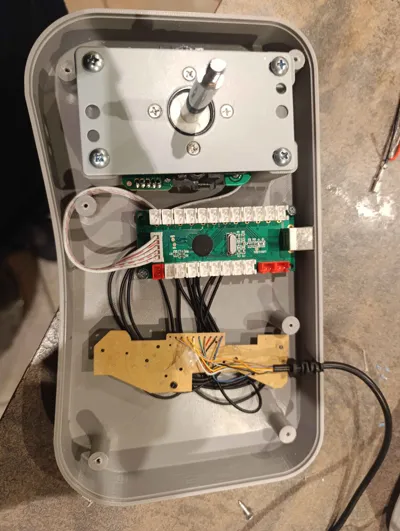
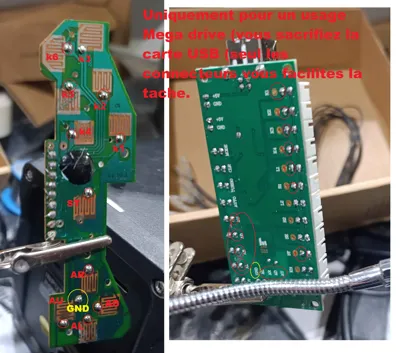
- You will need to bridge the buttons (I have provided the correspondences)
- To close the left and right parts, I used 6 wood or plasterboard screws,
3.5 mm diameter, approximately 5 cm long
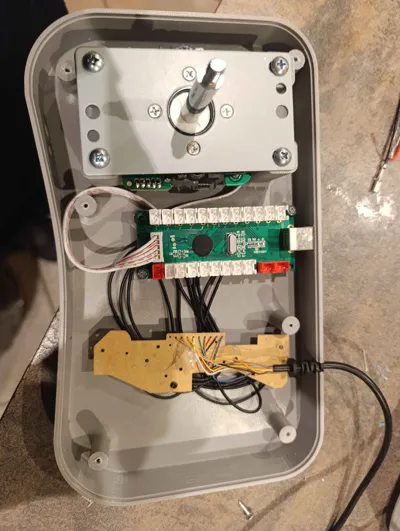
Important information – PCB conflict - Unfortunately, there is a conflict between the two PCBs, despite the installation of a circuit breaker
- It will therefore be necessary to make a choice:
- either use this PAD in Mega Drive mode
- or use it in PC / Raspberry Pi mode
- 👉 Only one mode at a time, no mixed operation
What does not change
- The 3D plans remain identical
- The casing and assembly are not affected
Possible choices
- Mega Drive circuit installation
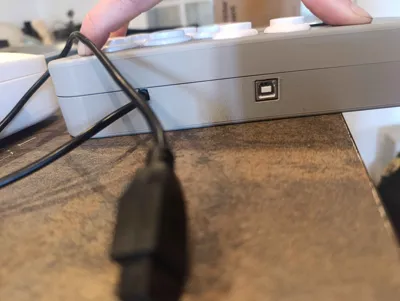
- USB circuit installation (PC / RPI)
About the Mega Drive circuit
- The Mega Drive circuit can be modified:
- either as a PAD Hack
- or by connecting under the USB board connectors
- ⚠️ Warning:
This last solution is not recommended in the long term
The USB board will eventually be sacrificed, as it will not withstand repeated electrical conflicts
But it will be more convenient to connect. (you get it with the button kit (it's free)
Forum links
https://delta-island.com/forum/viewtopic.php?t=6235&sid=19686df52039a894b06561366d45f9ce
License

This user content is licensed under a
Creative Commons Attribution-Noncommercial-NoDerivatives


Comment & Rating (0)