Search models, users, collections, and posts

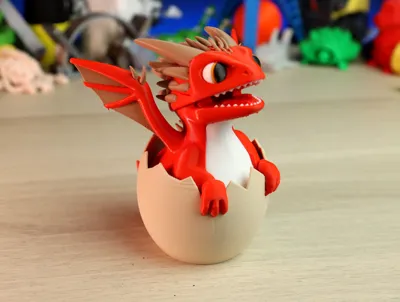
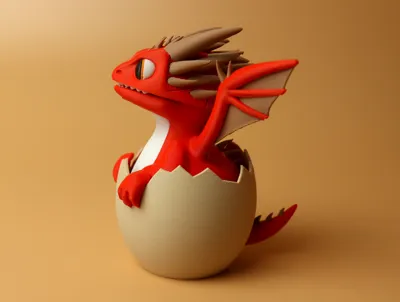
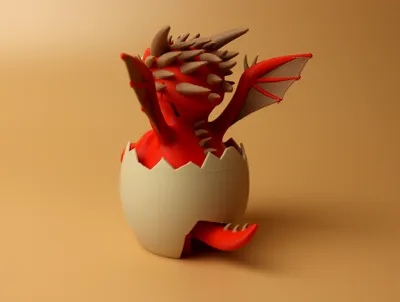
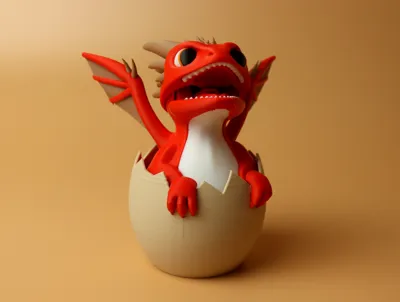
Hatching Little Dragon!
GIF

Print Profile(1)

All
H2C
X1E
X1
H2S
P2S
A1
H2D Pro
P1S
X1 Carbon
P1P
H2D
A2L

0.2mm layer, 2 walls, 15% infill
Designer
17.1 h
2 plates
4.8(19)

Open in Bambu Studio
Boost
1364
3695
47
61
1.1 k
170
Released 

Bill of Materials

Bambu Filaments
Select all
Matte Scarlet Red (11200) / Refill / 1kg
Beige (10201) / Refill / 1kg
Matte Latte Brown (11800) / Refill / 1kg
Jade White (10100) / Refill / 1kg
Black (10101) / Refill / 1kg
Red (10200) / Refill / 1kg
Orange (10300) / Refill / 1kg

Description

Hi all!



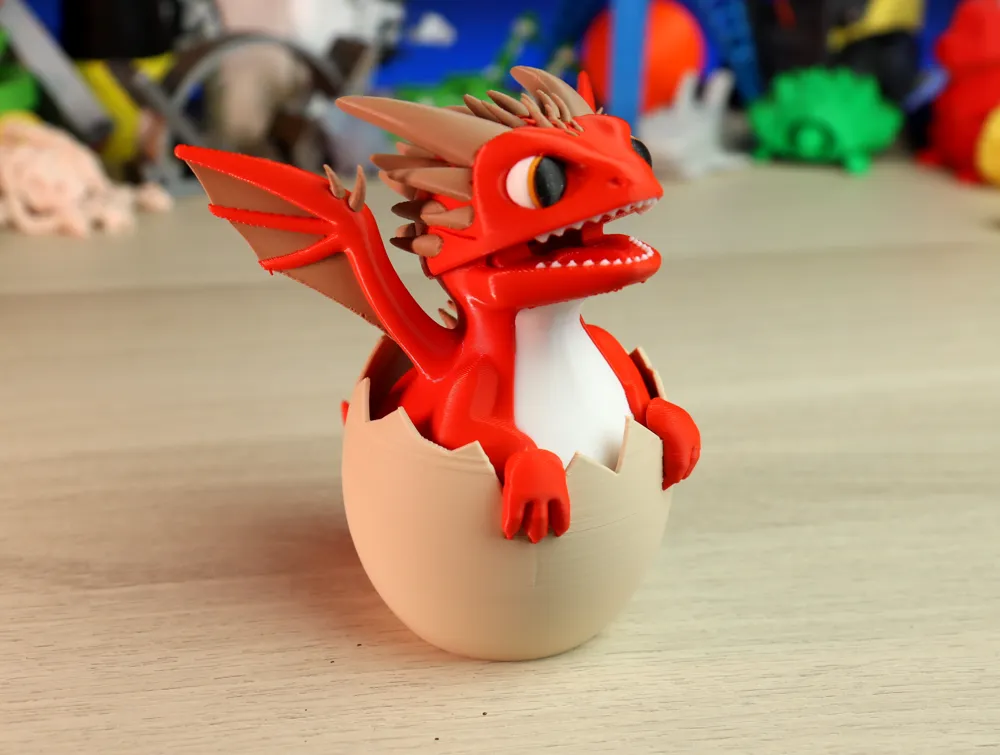
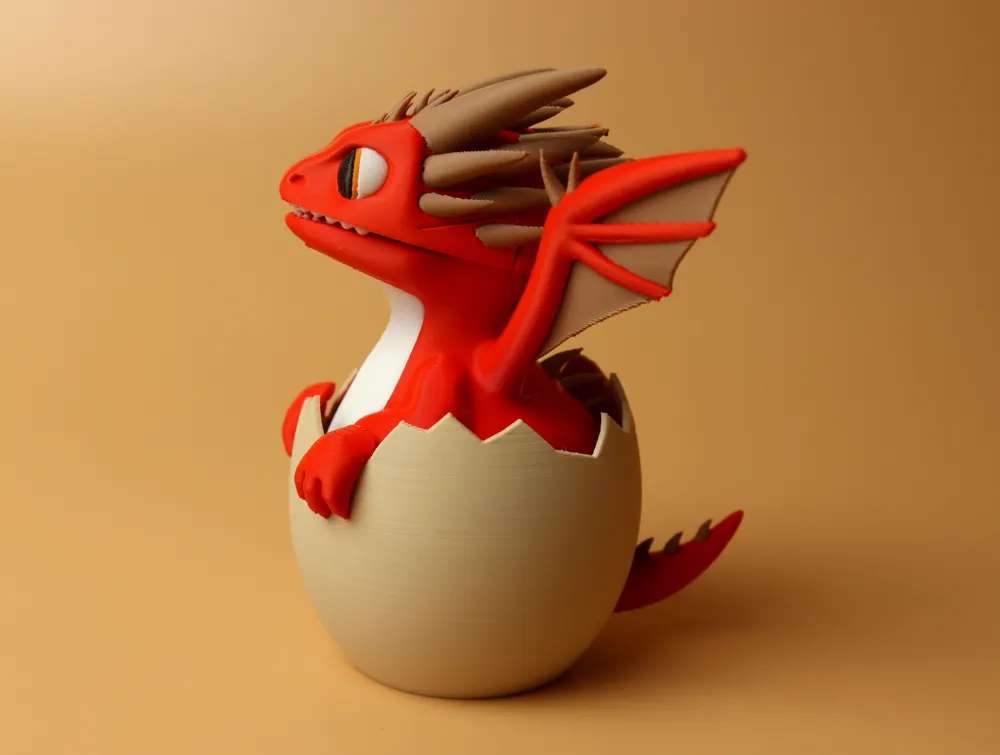
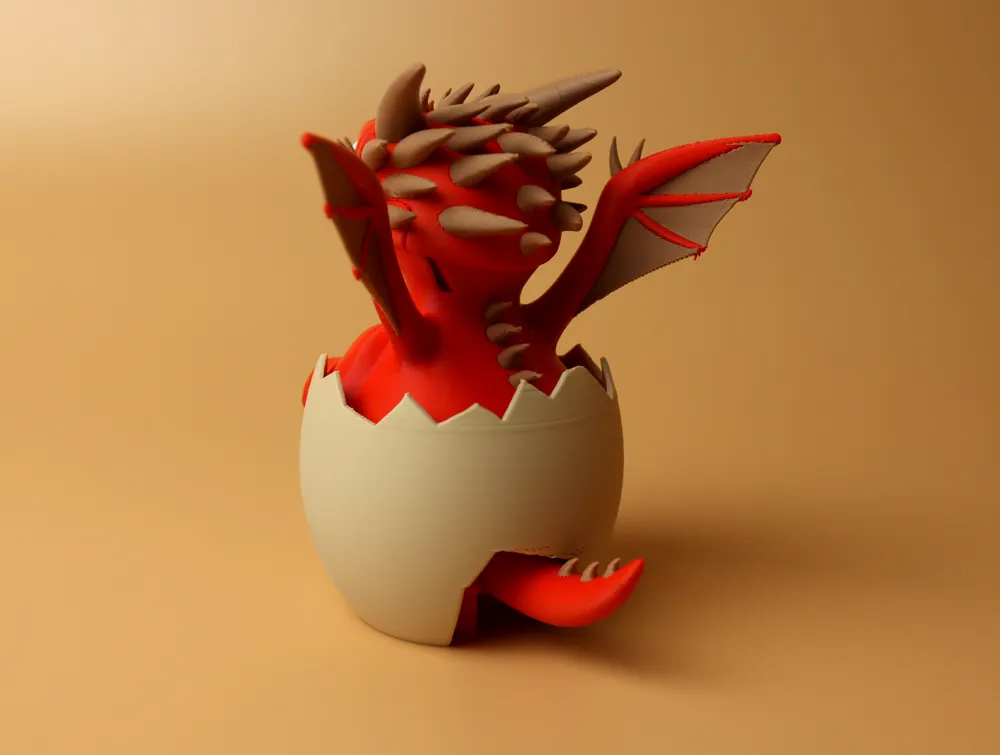
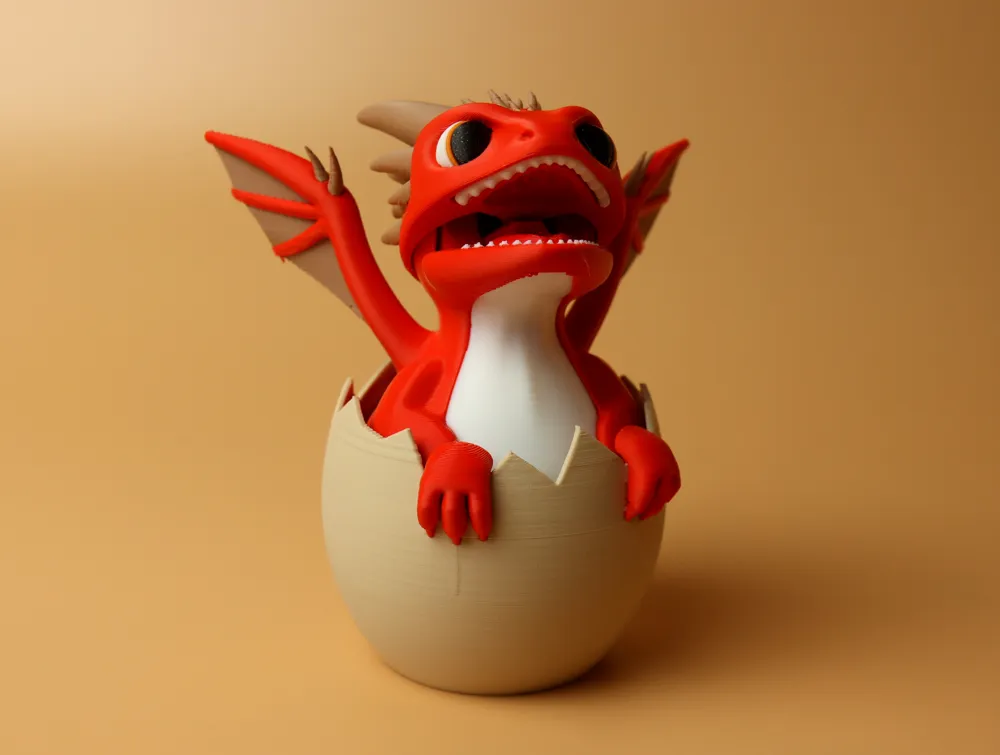
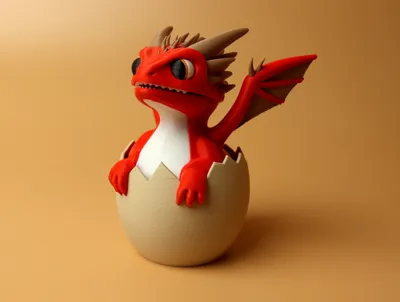
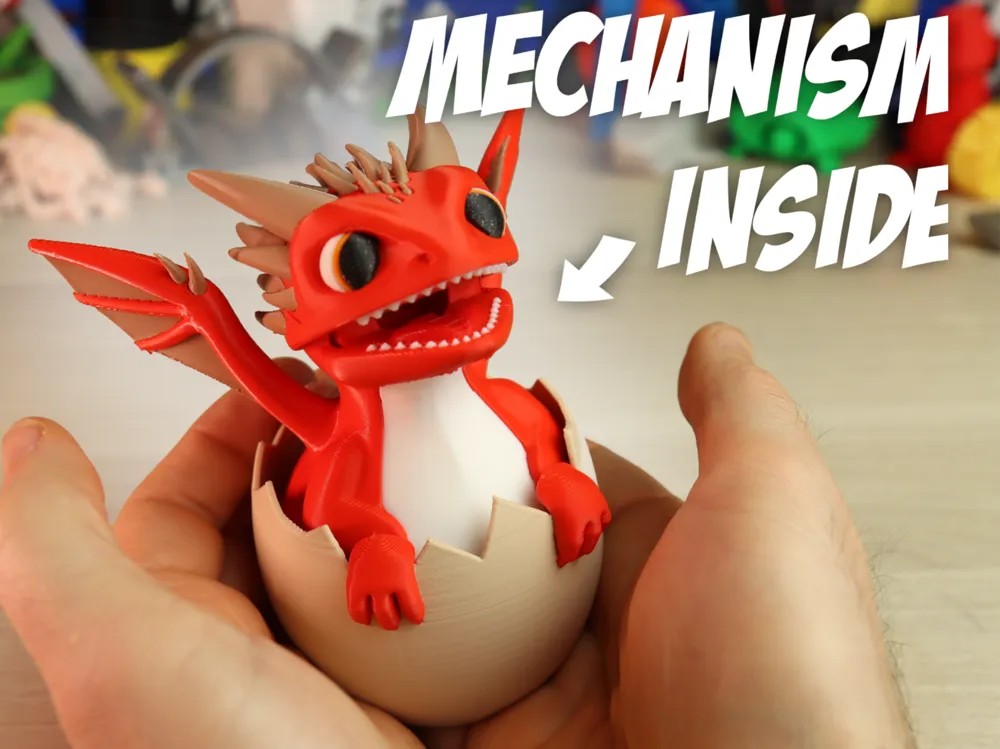
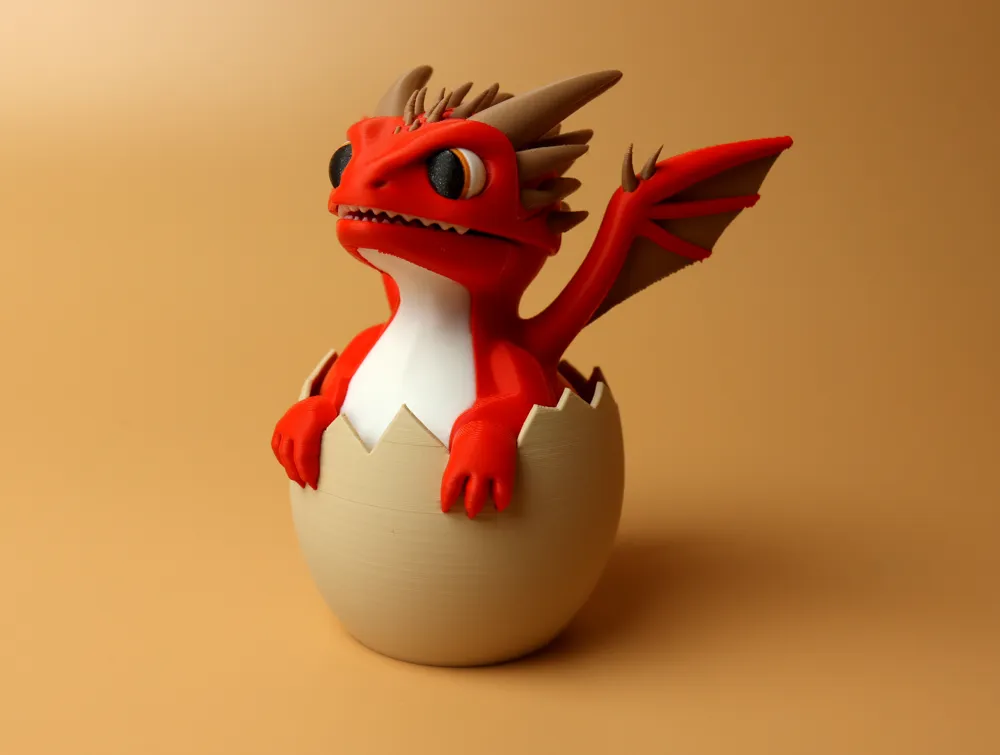
I'm happy to finally share my latest creation: a little baby dragon that just hatched :)



Most of the print is a print in place, mostly without support. It is optimized to print with 5 different colors at a time, so you only need 1 AMS unit and one external spool.


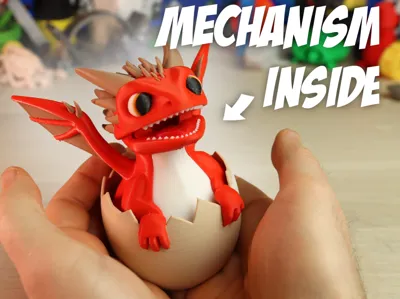
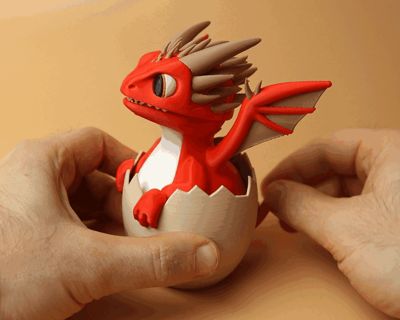


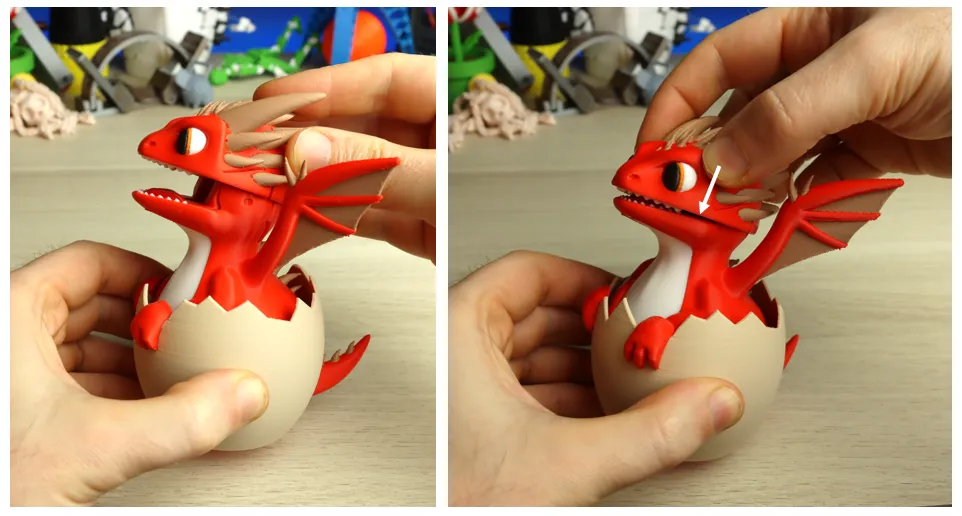
I also added a mechanism inside: if you push the tail down, the mouth will open. You can also move the tail sideways and the dragon will rotate as well. This little GIF shows the movement:


Boost Me (for free)

Consider boosting my model if you like it! It helps me out a lot!

Membership

This model is included in my membership! So if you have my membership, you are allowed to sell this model.

Join


assembly instructions:


Remove the body from the printplate. Remove the supports from the tail:
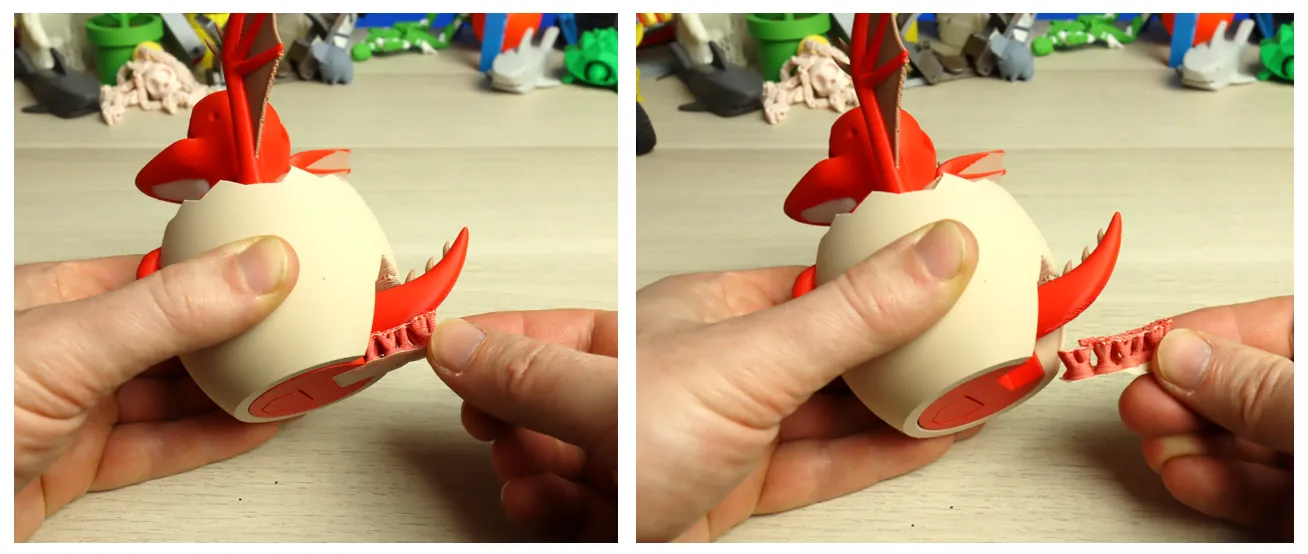
After that push the tail down and see if the mechanism gets loose (it should if your printed prints with nice tolerances):
 

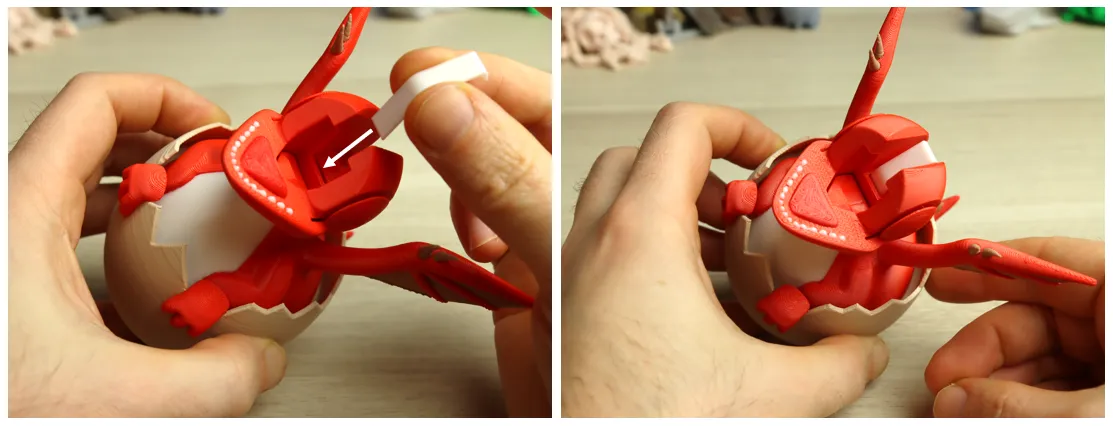
You can insert the spring in the top:


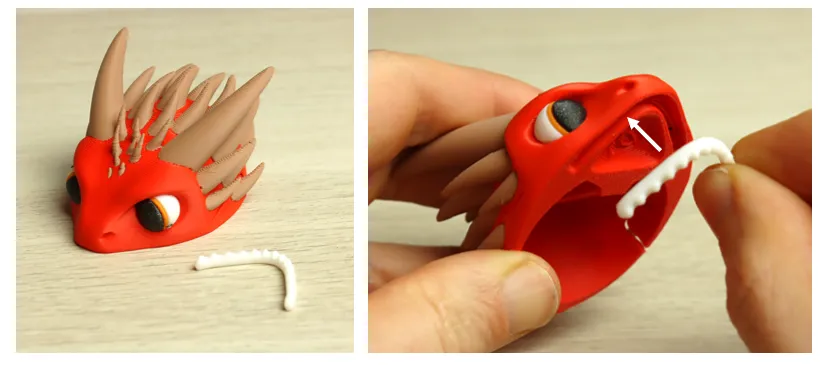
Take the teeth and head. Use a little drop of glue to make the teeth stick to the head (If the model is succesful, I might try to make this a click mechanism but thats not easy to do at this small scale). The teeth should fit nicely into the groove:
Now the final step: assemble the head on the body. You should just hold the head nice and horizontal, and push it slowly down on the body.

You will probably feel a little click when it is correctly placed, and the head should be able to move very easily. 
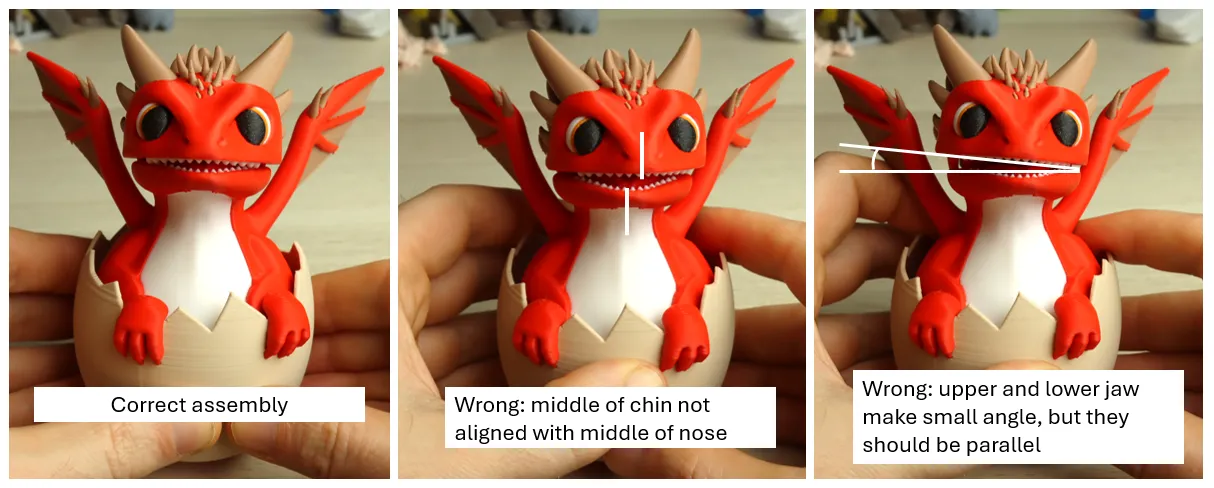
Just to be sure, the pictures below show the correct assembly and some wrong ones:
Thats it! Hope you like it…

(the mechanism with the tail might need a couple of up and down movements for everything to become smooth).


Greetz

PC

Comment & Rating (47)

(0/1000)

Print Profile
0.2mm layer, 2 walls, 15% infill
It took an unimaginable amount of filament, but it turned out incredible, and looks awesome
3
Reply
Print Profile
0.2mm layer, 2 walls, 15% infill
this is a pretty awesome print! used my new H2C and had no issues at all! tolerances printed perfectly and the little support came off the tail really easy.
The profile uploader has replied
profile
1
Reply
Thanks for sharing!
(Edited)
1
Reply
Replying to @printchallenge :
No problem at all!
0
Reply
Print Profile
0.2mm layer, 2 walls, 15% infill
A beautiful dragon. Printing on a single extruder is time-consuming and expensive, but it's worth it. I think it would be possible to make a modular model for ease of printing and to save on plastic. Thanks to the author 👍🤝
The profile uploader has replied
profile
1
Reply
looks great, and yes you must have created a lot of noodles :) I will see what I can do to perhaps update this for single nozzle printers, but for now I created this mostly for h2d / h2c printers... this is what these printers are good at. For example It would be a pain having to glue all those little horns on the head, it would probably end up a bit messy. Same for the eyes, wings etc...
0
Reply
Very nice model, prints and fits together perfectly. I changed the painting to just four colors and added some highlights in the eyes. Since I only got a P1S from Bambu I opted to print these two all on one plate in 11h on my U1. Sadly that’s also why I can’t rate this model.
The designer has replied
designer
1
Reply
thats ok :) thanks for sharing, yellow horns and highlights in the eyes look really nice!
0
Reply
Boosted
Print Profile
0.2mm layer, 2 walls, 15% infill
fun print.
profile
1
Reply
printed beautifully (and with no waste at all on my H2C) wonderful model, such a cute idea! FUNCTIONS SO WELL!! ⭐️⭐️⭐️⭐️⭐️
0
Reply
Printed great om my A1, reduced to 4 colours . Would print multiples on the plate to reduce waste per dragon.
0
Reply
Print Profile
0.2mm layer, 2 walls, 15% infill
Very original model, awesome mechanism. Great gizmosity! I saved some time and poops by scaling all parts to 70%, I do NOT recommend. I was pleased that the mechanism still worked perfectly, however there were spots too thin on the head. I did get him assembled and working, but it took some careful repairs with ca glue before his head would stay on properly. No stars subtracted as it was my own dumb choice to downsize it. Kid is thrilled. I used silk blue and gold, and bone white for the shell/eyes he looks great!
0
Reply
Good print I ran out of filament tho
0
Reply
Print Profile
0.2mm layer, 2 walls, 15% infill
Took a long time but it is well worth it great module thank you
0
Reply

License

If you want to use this model commercially, please join my membership.
Join Now
This user content is licensed under a Standard Digital File License.

You shall not share, sub-license, sell, rent, host, transfer, or distribute in any way the digital or 3D printed versions of this object, nor any other derivative work of this object in its digital or physical format (including - but not limited to - remixes of this object, and hosting on other digital platforms). The objects may not be used without permission in any way whatsoever in which you charge money, or collect fees.