
DIY ESP32 Macro Keypad
Print Profile(1)





Description
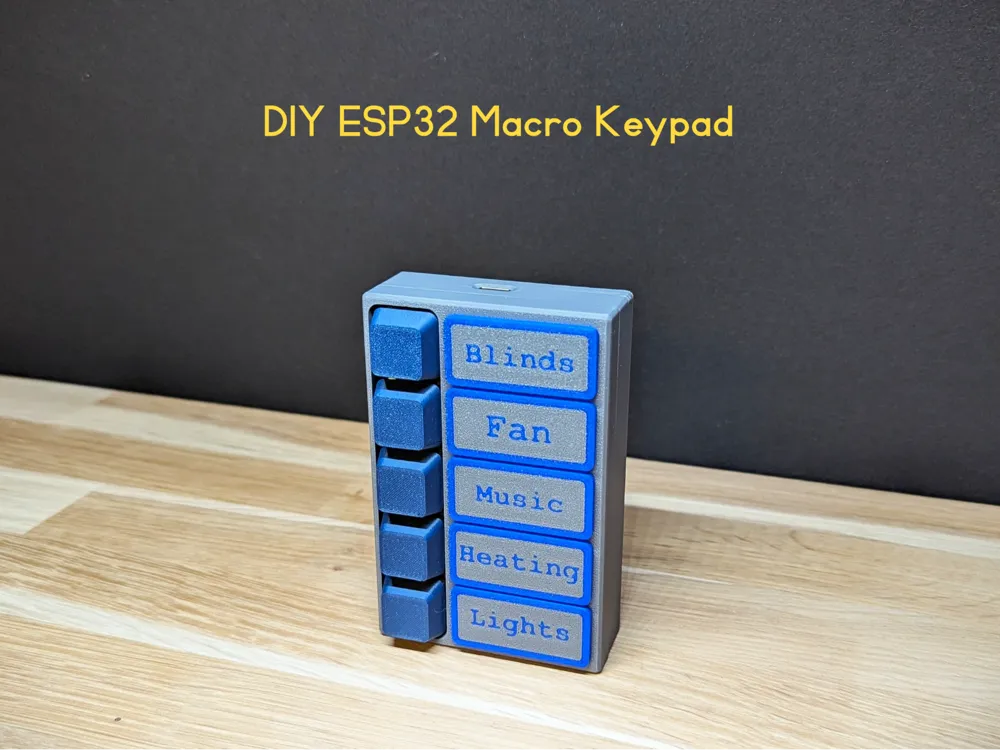
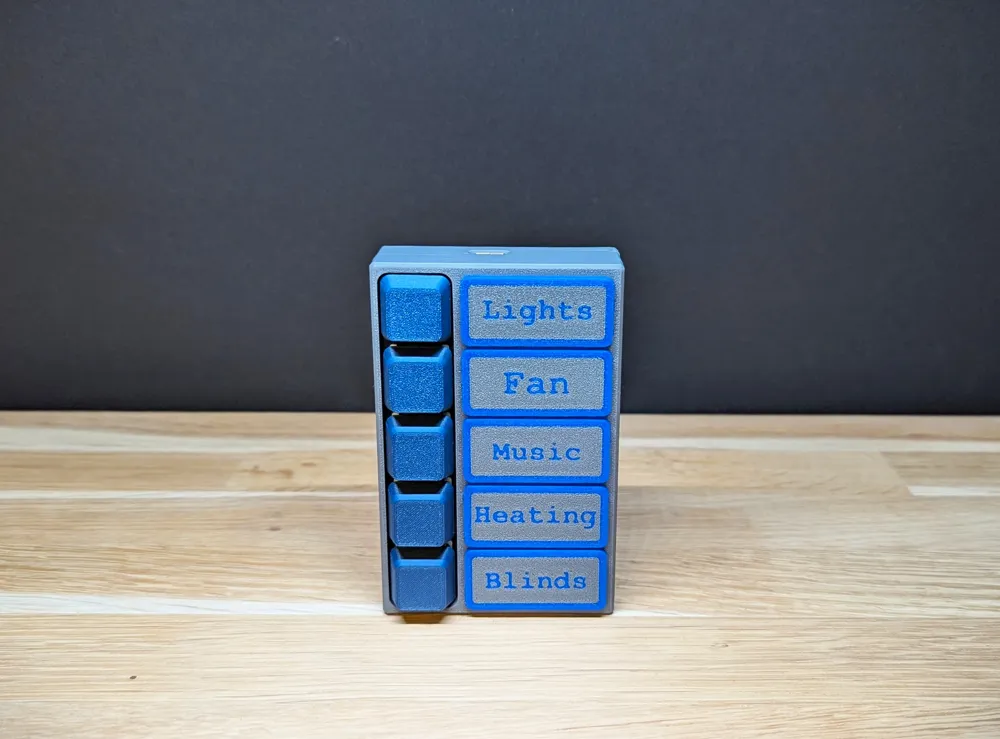
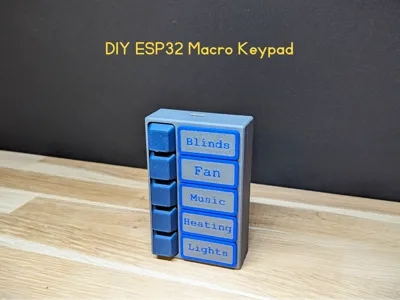
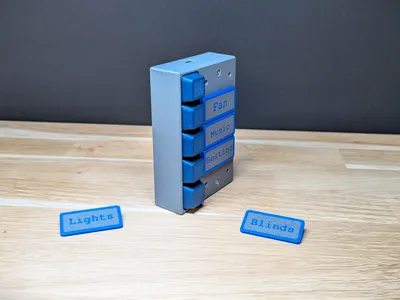
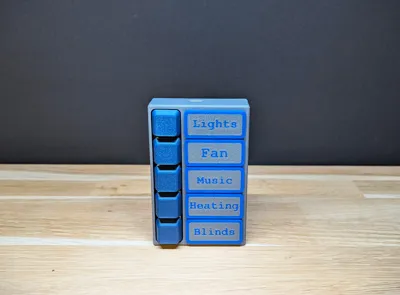
DIY ESP32 Macro Keypad – 3D Printed, Fully Programmable, Custom Nameplates
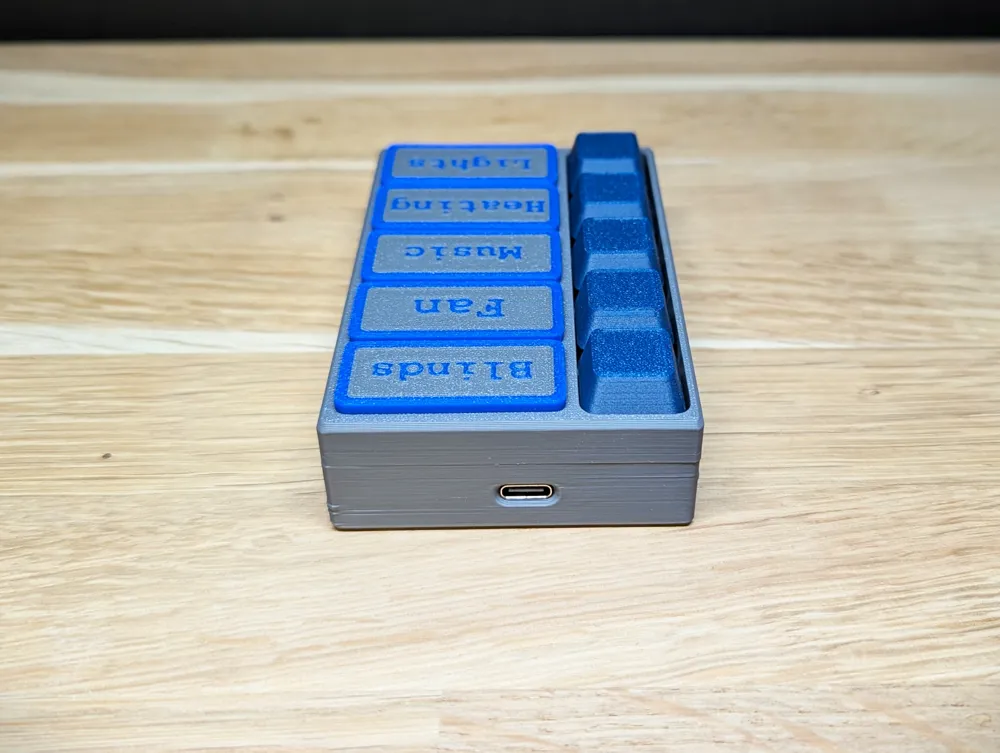
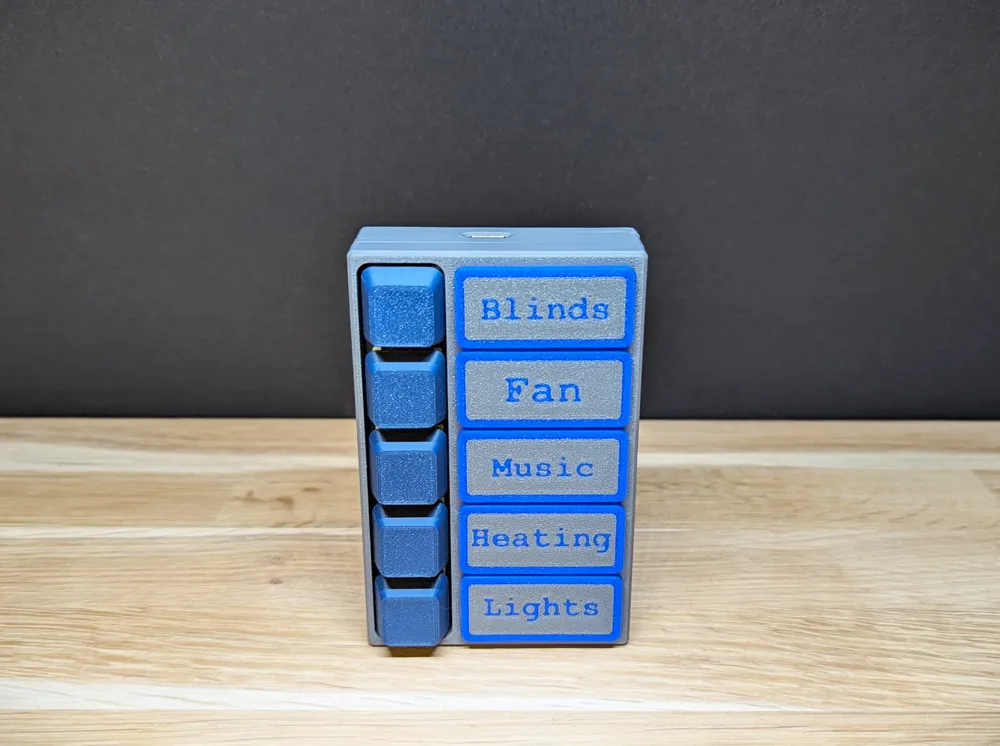
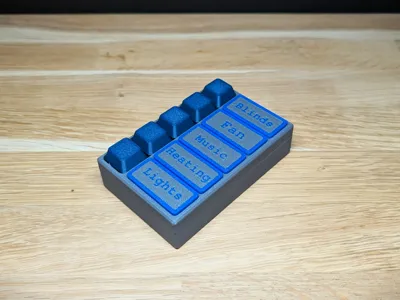
This DIY ESP32 Macro Keypad is a compact and fully customizable 5-button controller designed for home automation, MQTT workflows, shortcuts, macros, and other creative projects.
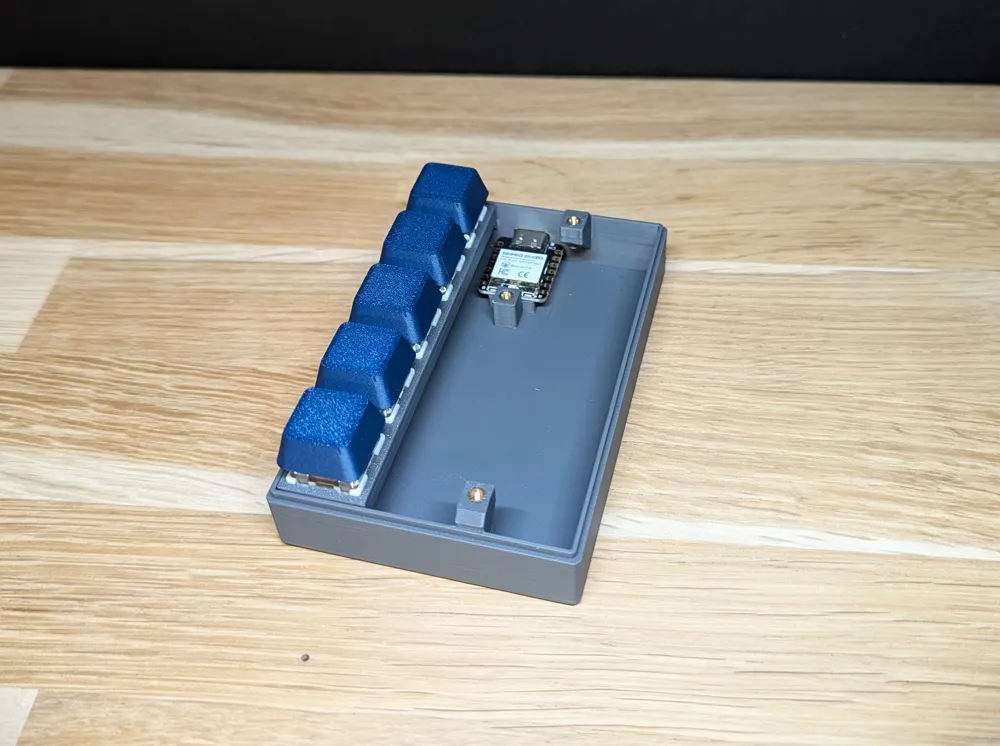
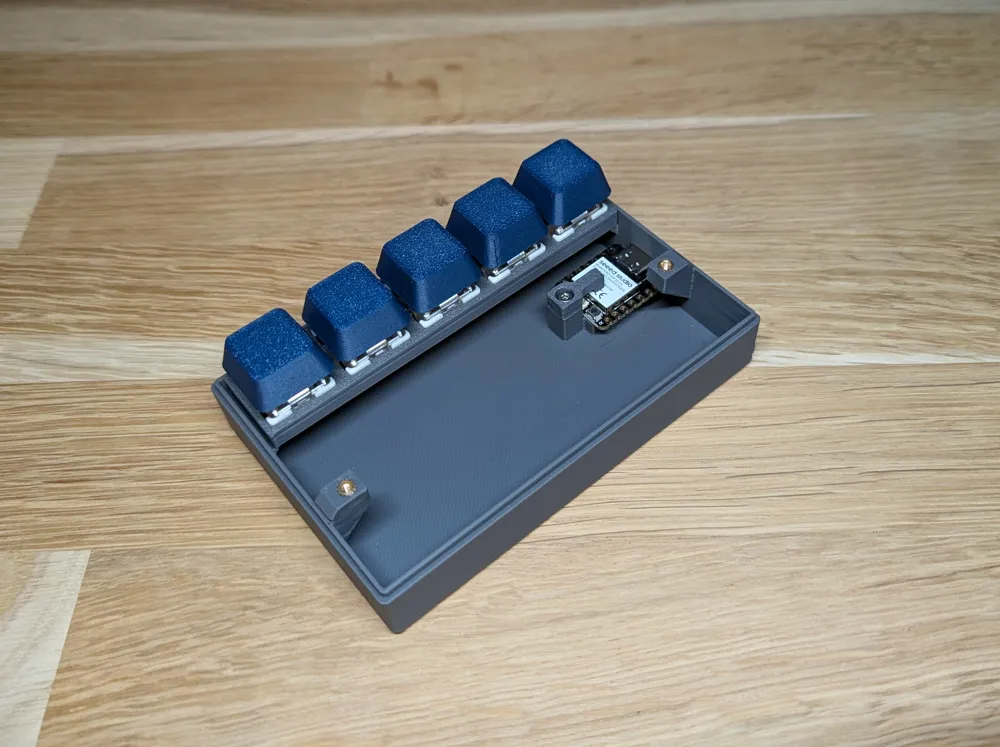
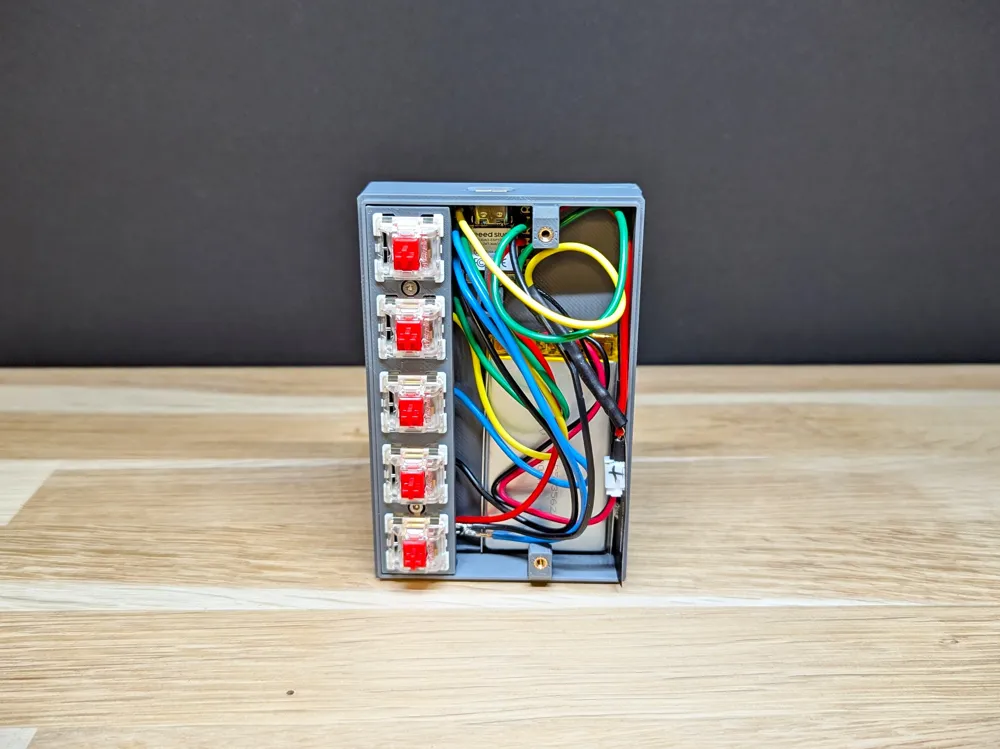
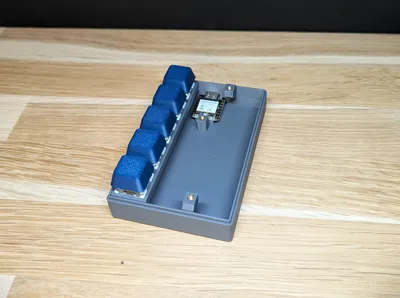
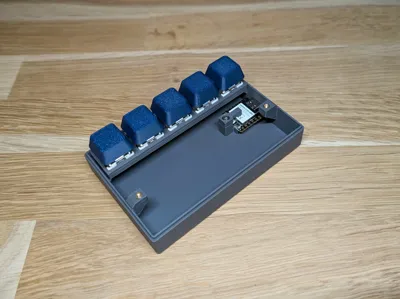
The enclosure is entirely 3D printed, built around the Seeed Studio XIAO ESP32-C3 and Gateron mechanical switches for a satisfying, reliable click.
Whether you're building a smart-home control pad, a small Stream-Deck-style hotkey board, or a dedicated automation remote, this model provides a clean and flexible starting point.
🔧 Features
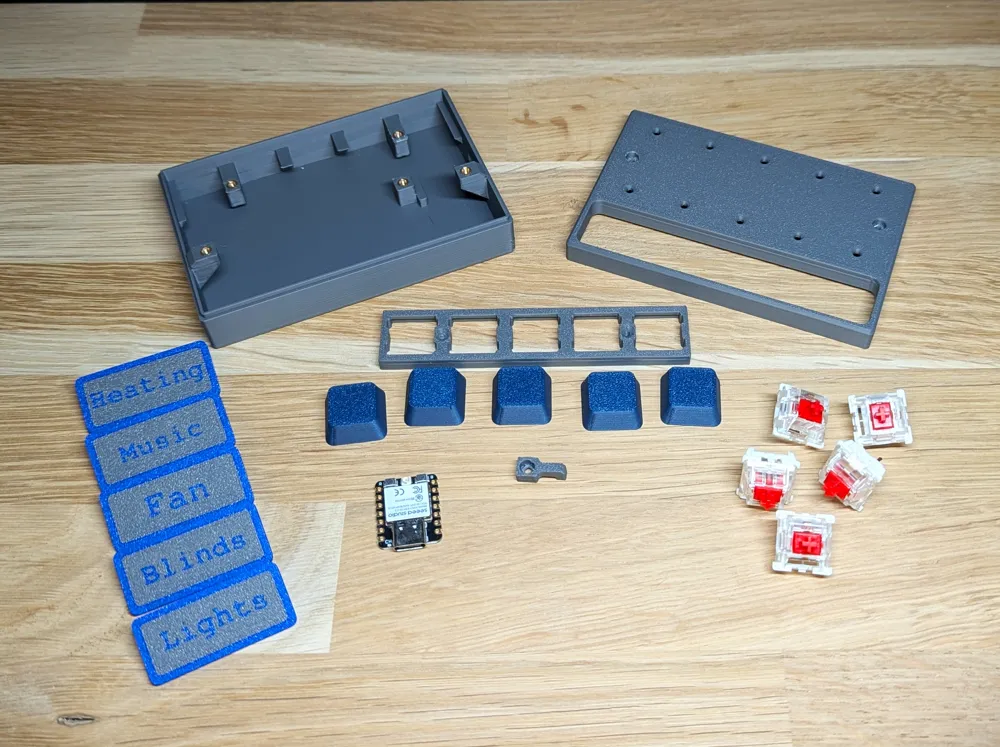
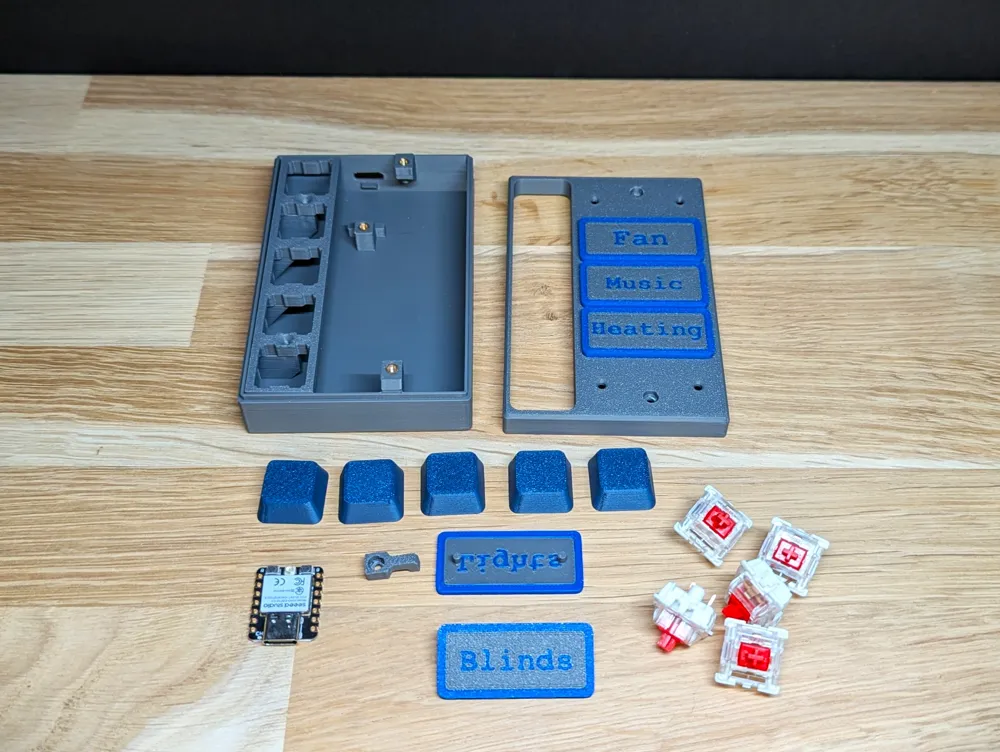
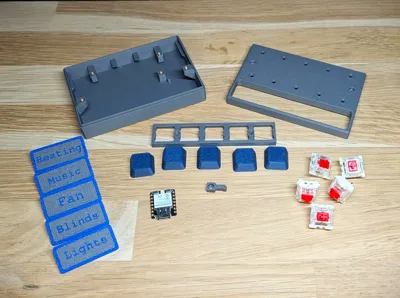
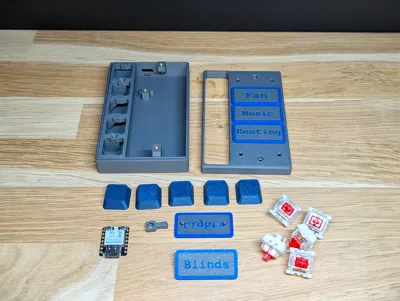
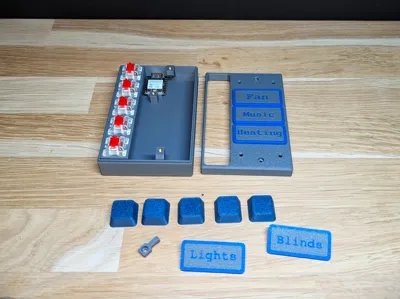
- Fully 3D-printed enclosure (base housing, top cover, switch plate, and ESP32 retention clip)
- Programmable with ESP32-C3 (MQTT, Home Assistant, Homey, custom firmware, etc.)
- 5 mechanical switches for macros, commands, or scene triggers
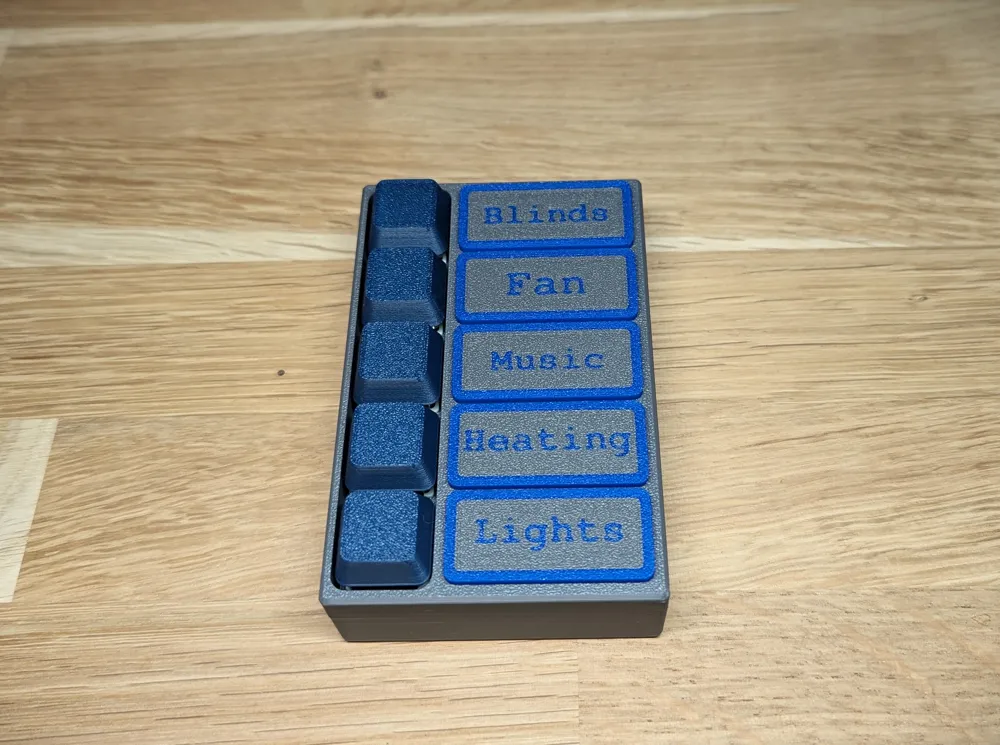
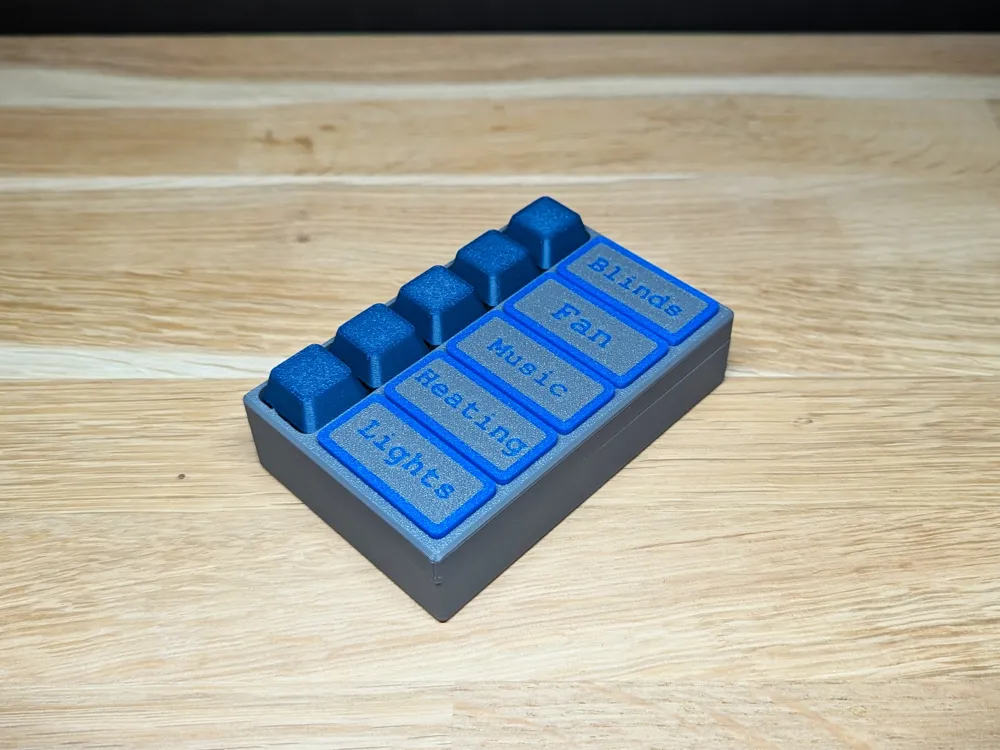
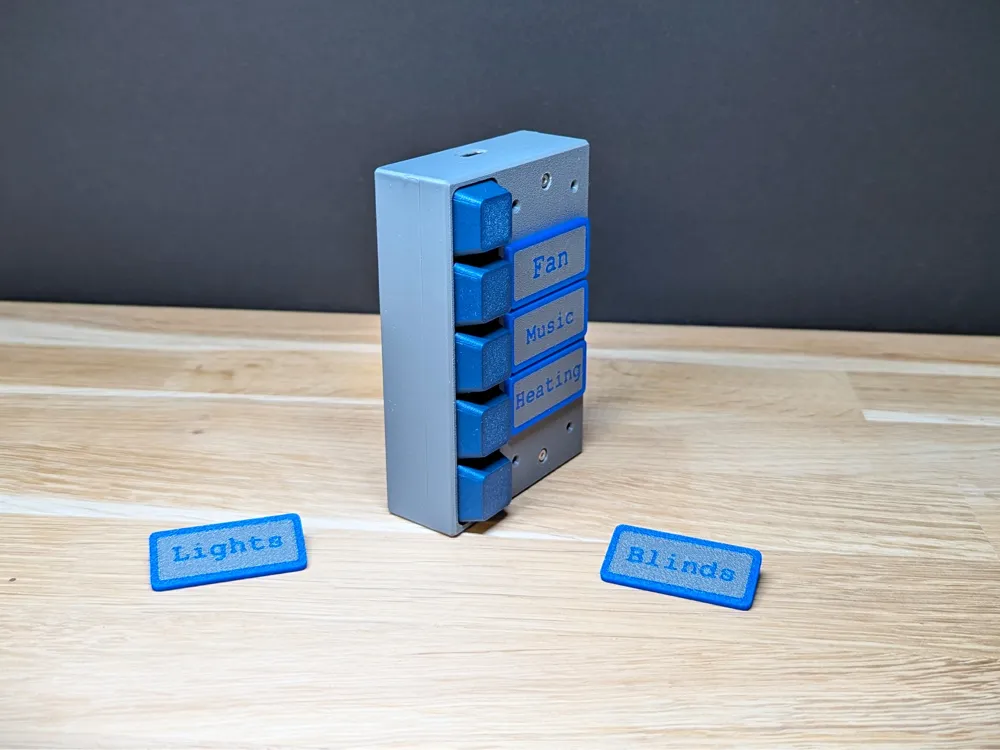
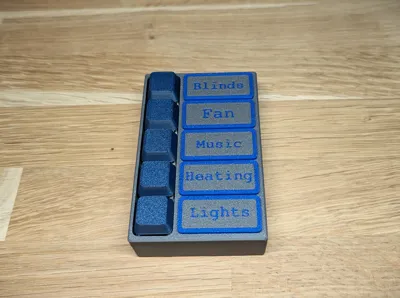
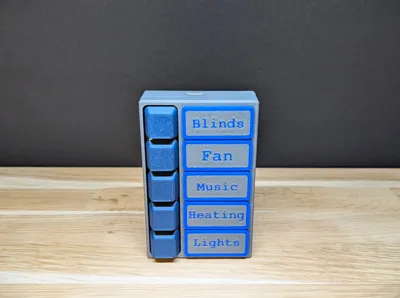
- Customizable nameplates — edit the text directly in Bambu Studio to match your setup
- Easy wiring layout with space for clean cable routing
- Compact design suitable for desks, walls, or smart-home panels
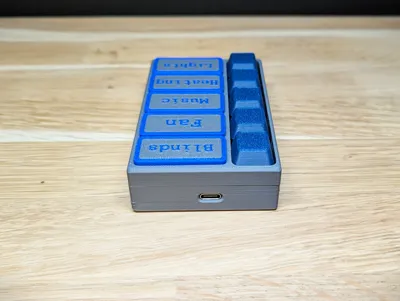
- Supports both wired (USB-C) and wireless operation via WiFi
- The enclosure includes space for an 18650 Li-ion battery, allowing completely wireless use
🧩 Included Parts (STL Files)
- Base Housing
- Top Cover
- Switch Plate
- ESP32 Retention Clip
- Keycaps
- Editable Nameplates (two-color printable, text customizable in Bambu Studio)
📐 Dimensions
- Overall size: 100 × 65 × 25 mm
(Length × Width × Height, excluding keycaps)
🧾 Bill of Materials
- ESP32-C3 (Seeed XIAO ESP32-C3)
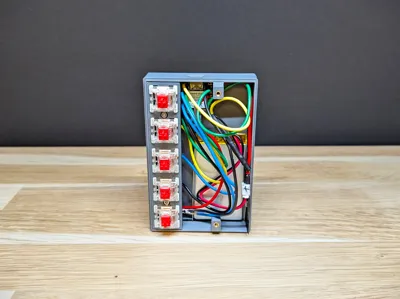
- Gateron Red mechanical switches – 5×
- M2×4 heat inserts – 5×
- M2×6 inbus bolts – 5×
- 18650 Li-ion battery (optional for wireless operation)
🖨️ Printing Notes
- Designed for FDM printers
- Prints well in PLA or PETG
- Nameplates are two-color and can be edited via Bambu Studio Text Plate
- No special supports needed for most parts
🔌 Assembly
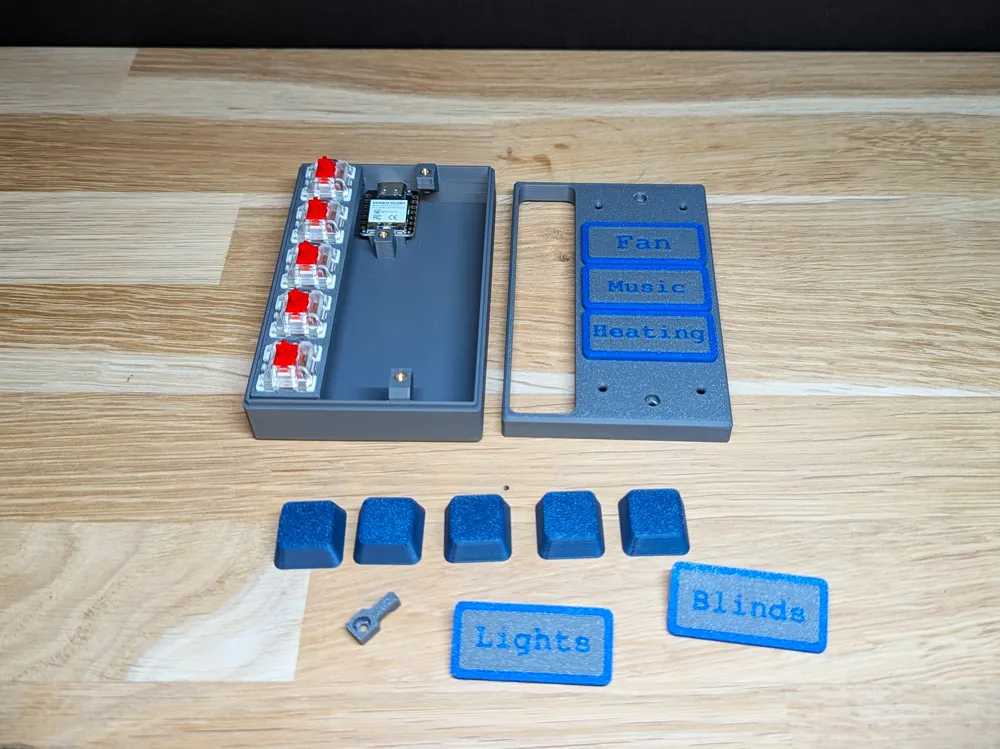
The build is straightforward:
- Insert the heat inserts in the base housing
- Mount the ESP32-C3 using the retention clip
- Snap the switches into the switch plate
- Wire the switches to the microcontroller
- Close the enclosure using M2 bolts
- Add your custom keycaps and nameplates
Wiring can be done with simple direct GPIO inputs, or through matrix scanning depending on your firmware.
🎯 What can you use it for?
- Home Assistant / Homey buttons
- MQTT commands
- Smart-home scenes
- Keyboard macros
- Shortcut launcher
- A minimal DIY Stream Deck alternative
📝 Custom Nameplates
All nameplates are editable in Bambu Studio.
Simply select the text, type your own label (e.g. Lights, Fan, Music, Scenes, Tasks), and slice as a two-color print.
No external tools required.
Check out my other designs here: My MakerWorld Uploads!
Boost Me (for free)
Like this design? Give it a boost! 🚀
Membership
Subscribe for commercial rights
License

You shall not share, sub-license, sell, rent, host, transfer, or distribute in any way the digital or 3D printed versions of this object, nor any other derivative work of this object in its digital or physical format (including - but not limited to - remixes of this object, and hosting on other digital platforms). The objects may not be used without permission in any way whatsoever in which you charge money, or collect fees.


Comment & Rating (2)