
Bone Skeletal Scorpion Monster – Horror & RPG
Print Profile(1)

Bill of Materials


Description
Boost Me (for free)
Thank you all very much for your support, if you like this model and my work please leave a boost ^^
Thank you all for your support. I'm always happy to hear your opinions and suggestions for new models. So please share them in the comments.
You can offer me a coffee and support my work here >>> https://ko-fi.com/drakeforge3d If you like my work and want to support me, I appreciate any support. The website also includes a commercial license that allows you to sell all my existing models.
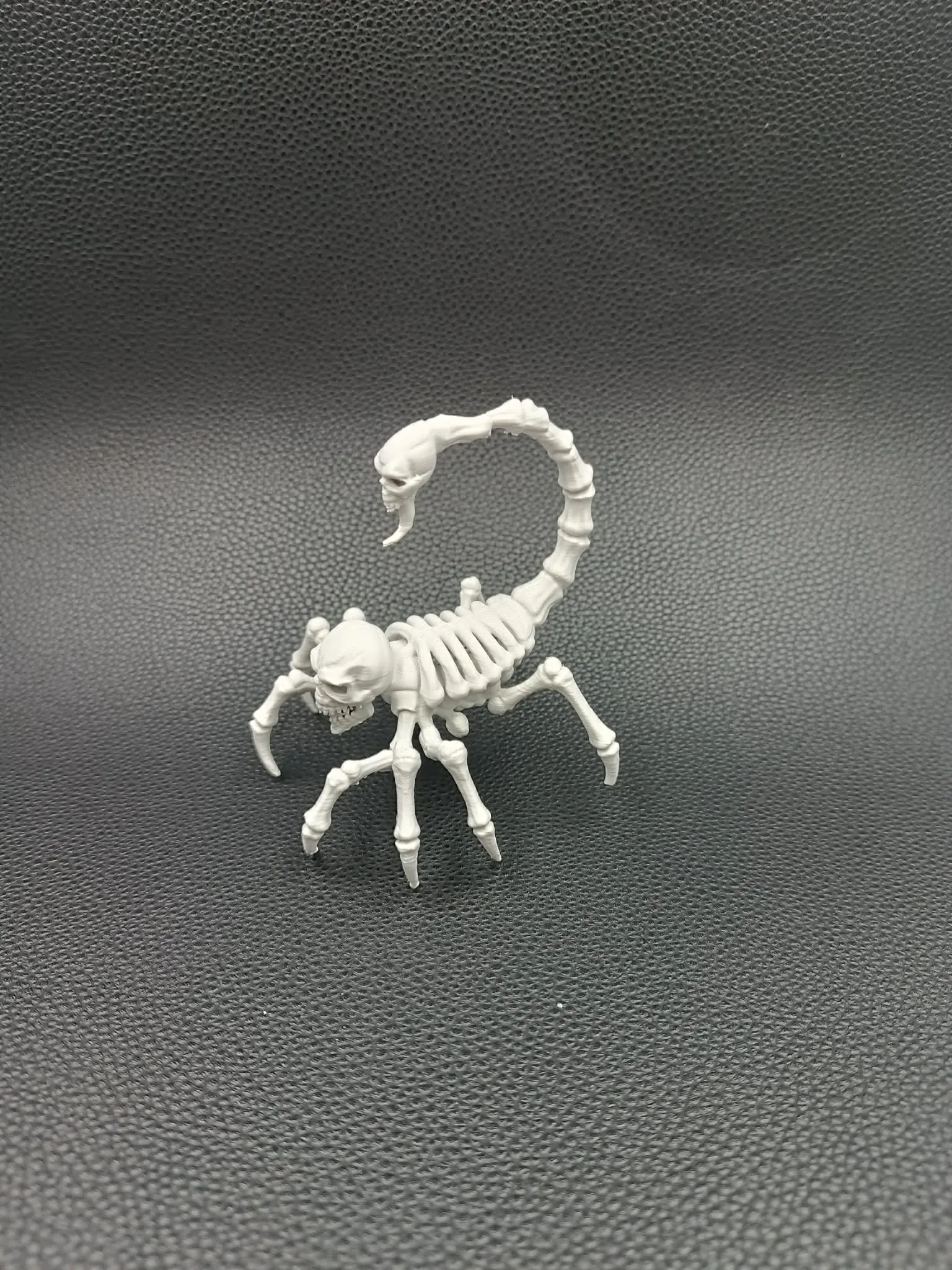
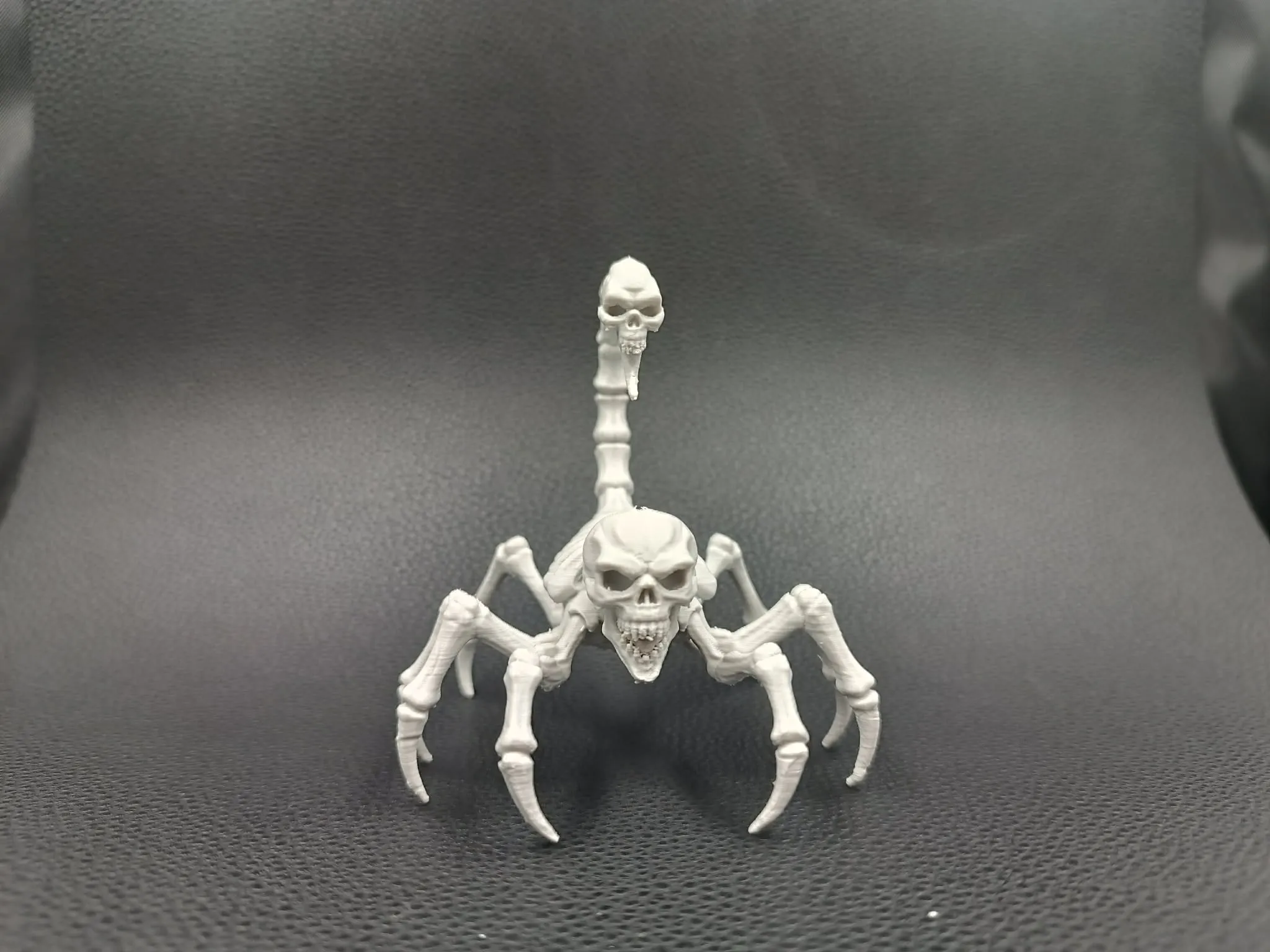
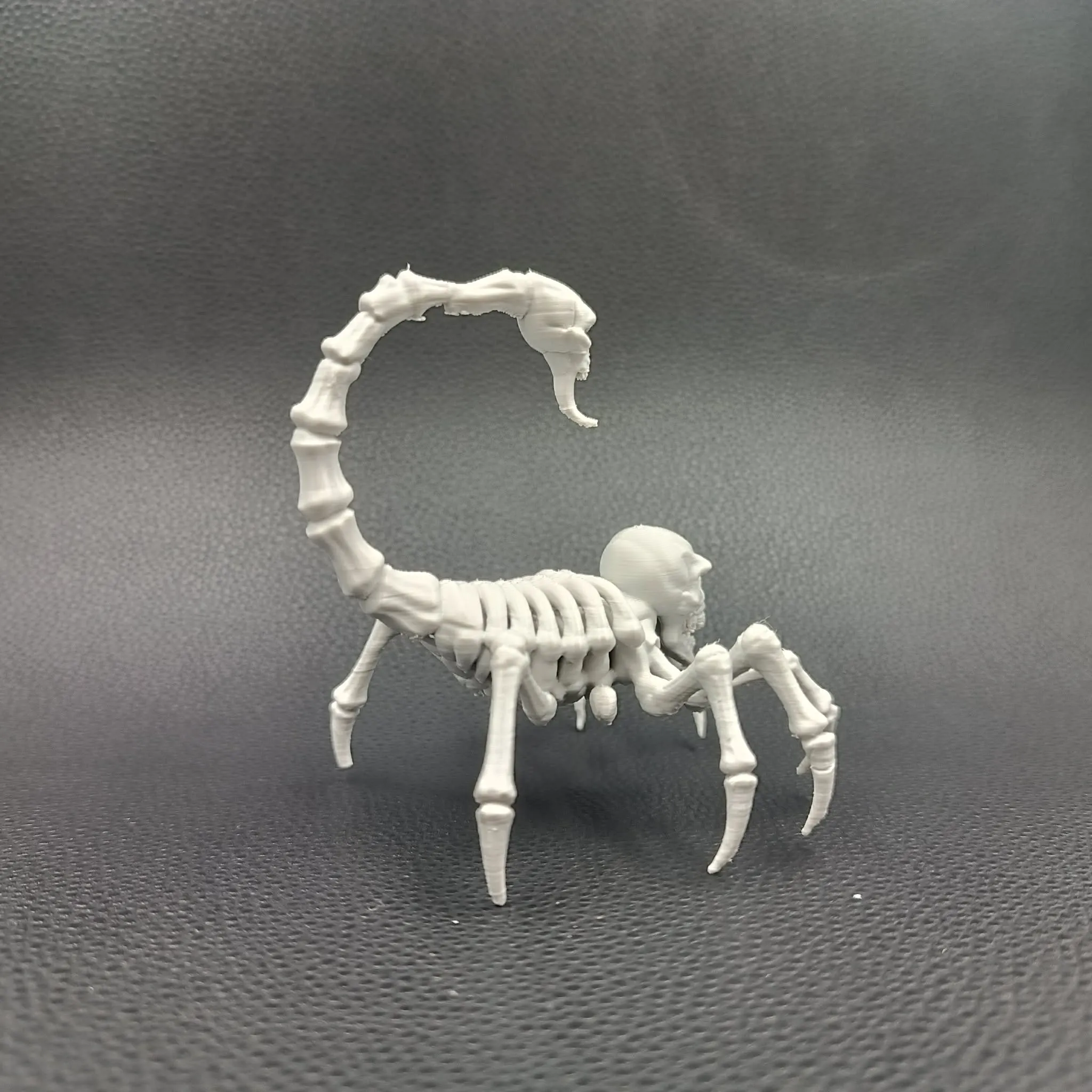
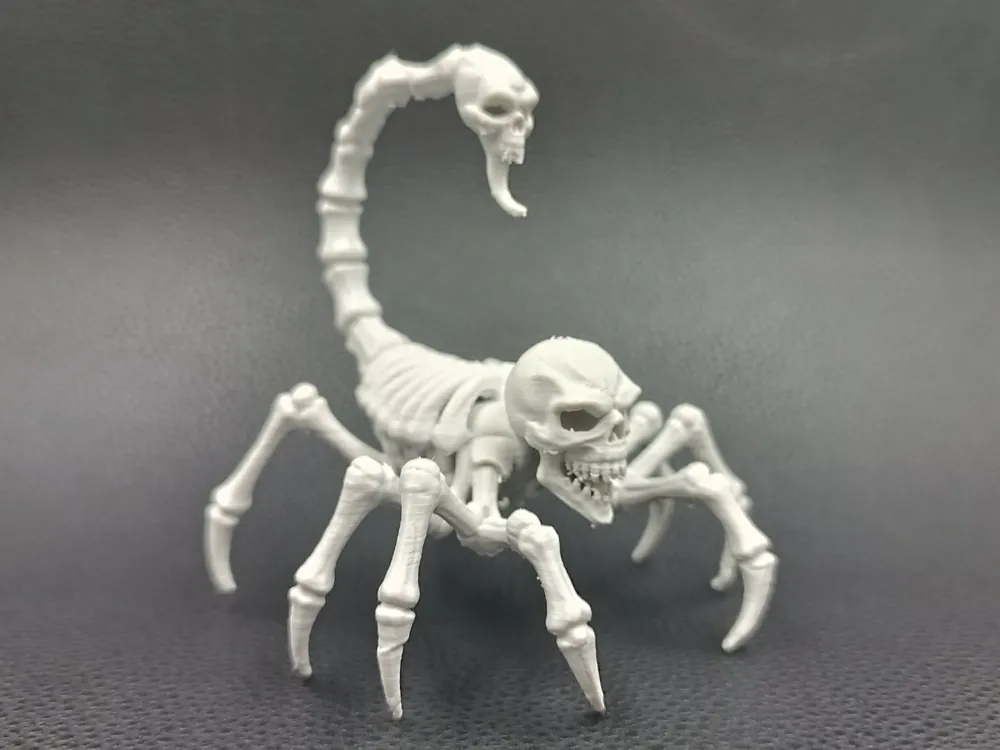
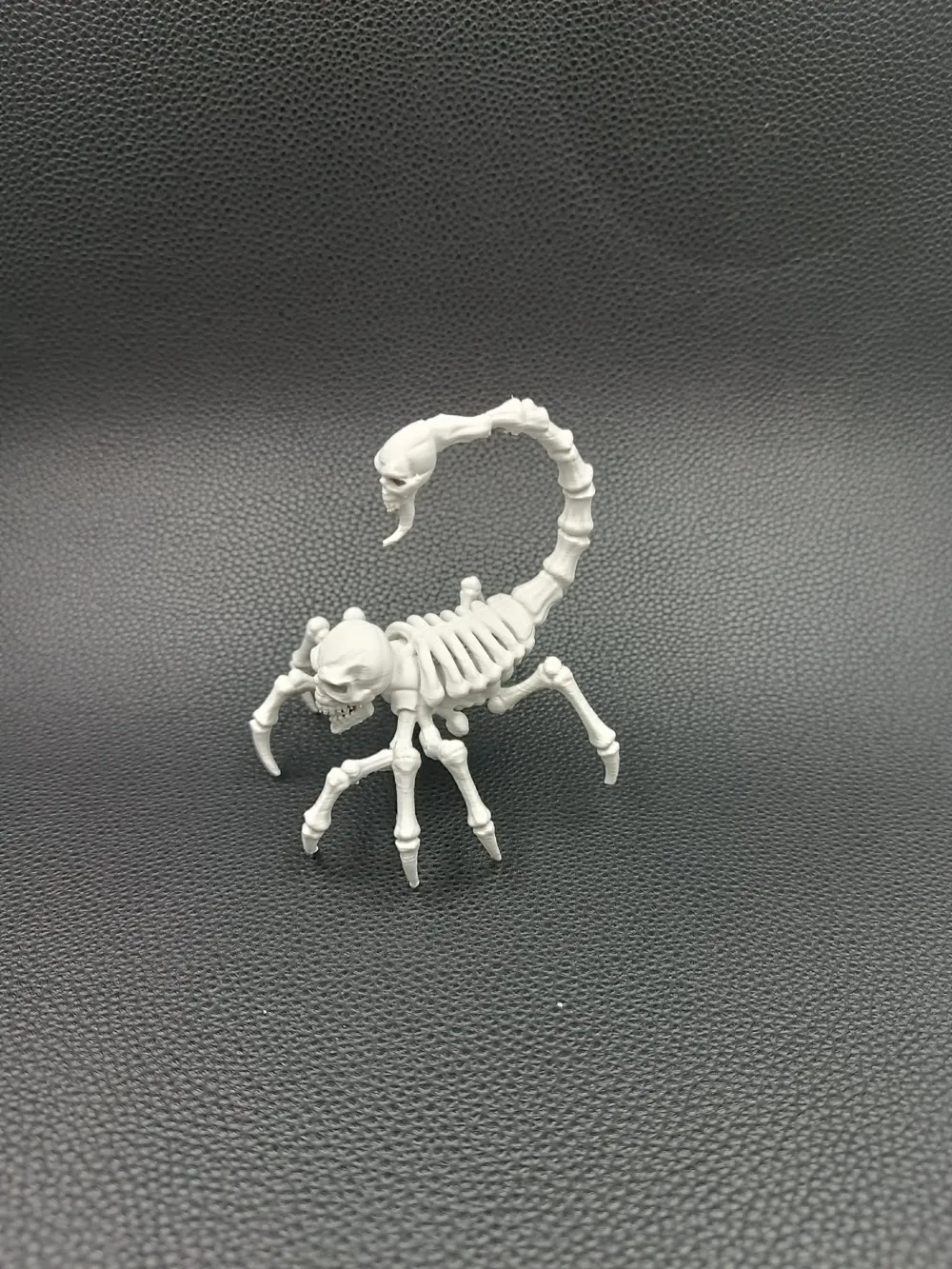
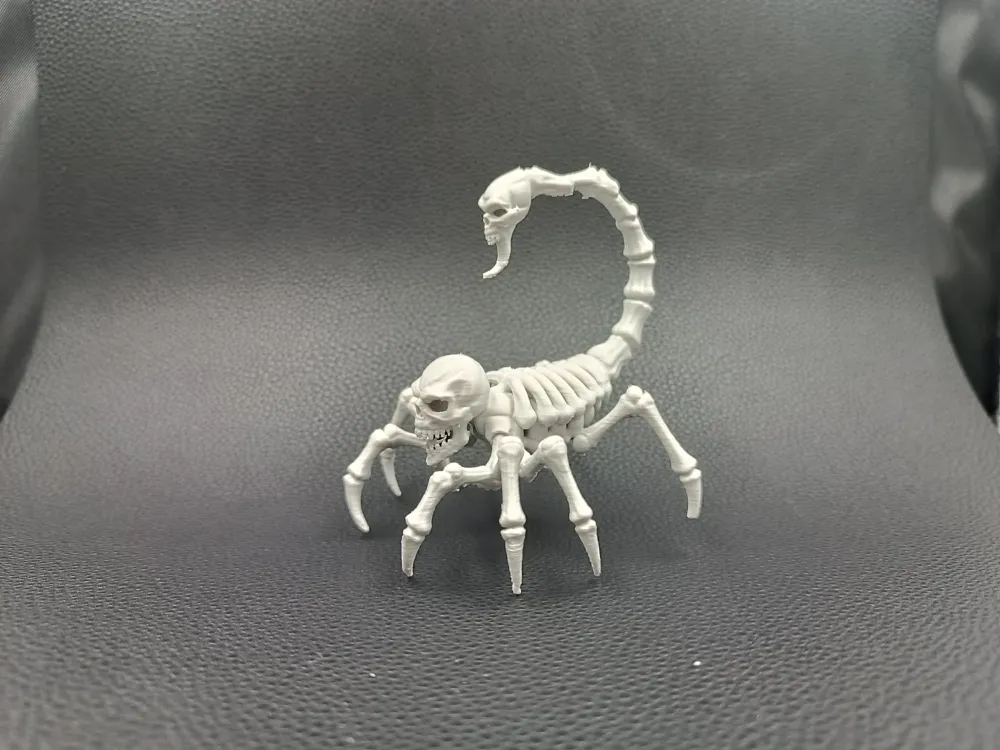
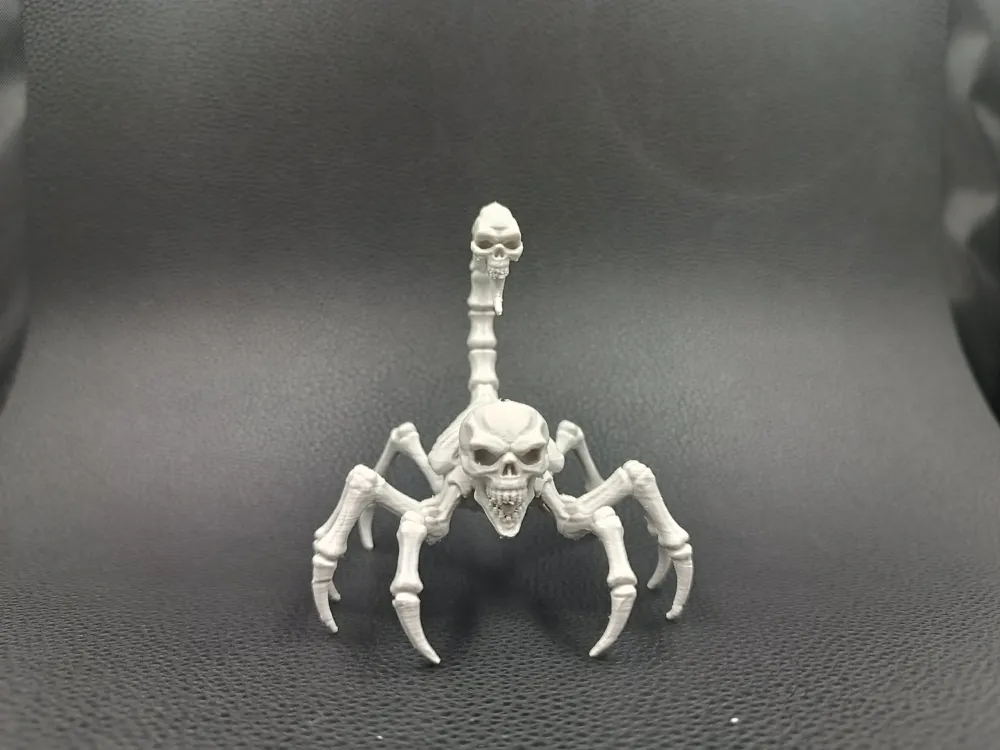
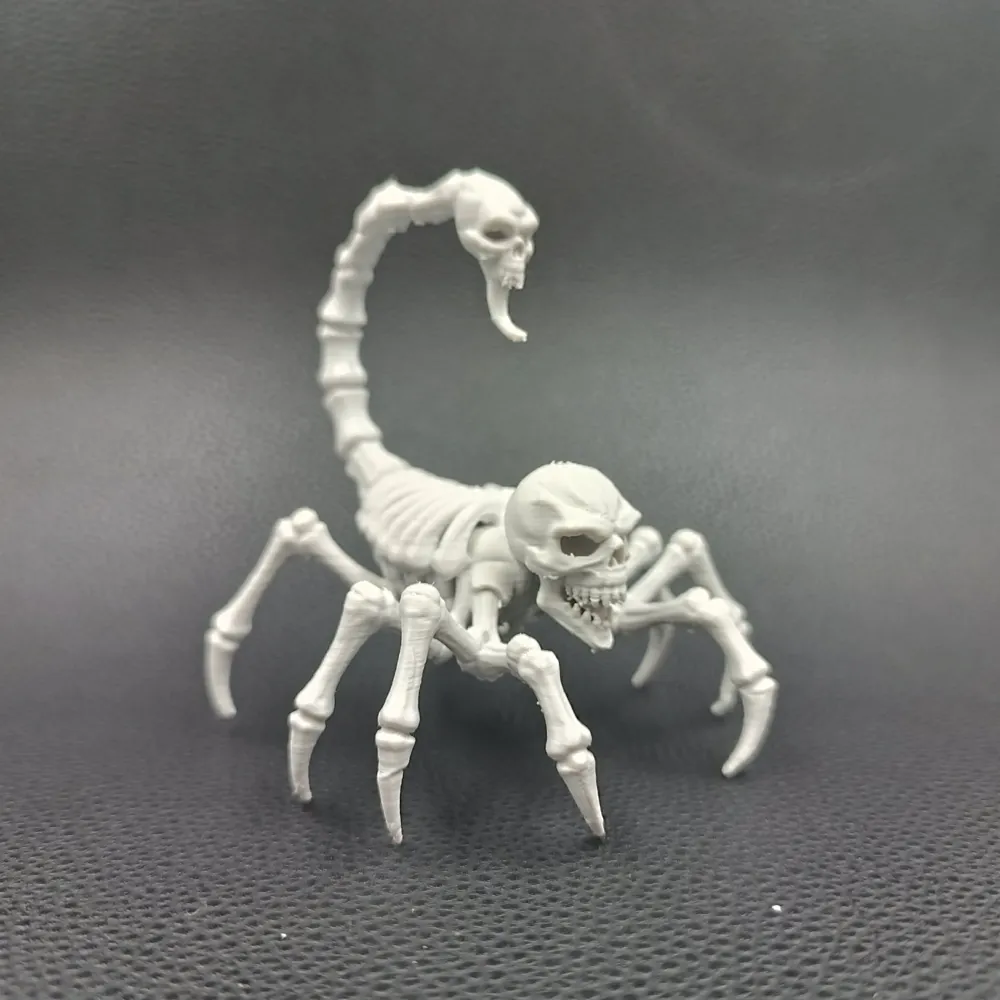
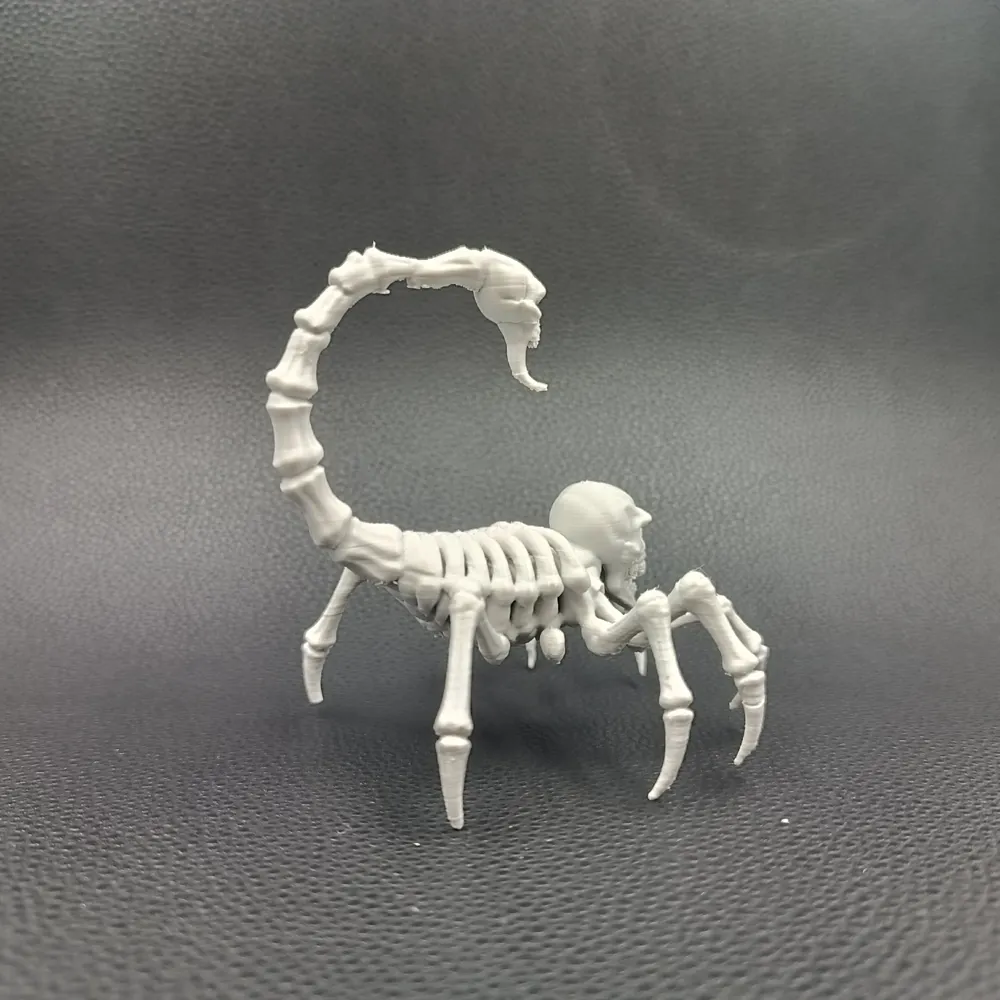
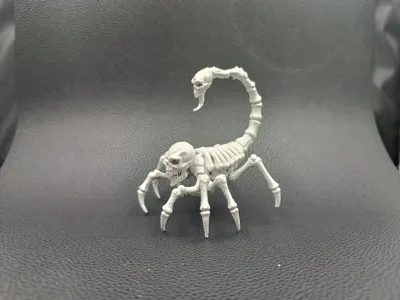
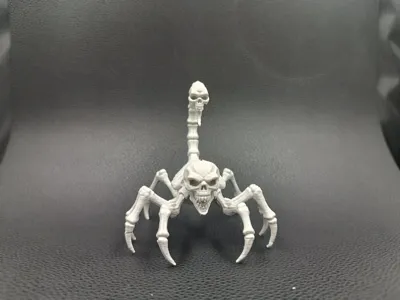
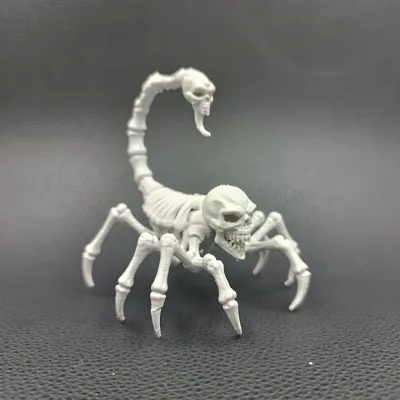
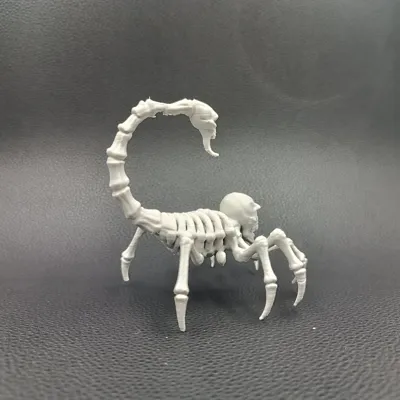
This skeletal scorpion creature looks as if it clawed its way out of a cursed ossuary, assembled from bones that refused to rest. Its spindly limbs curve like sharpened questions, and its skull-shaped head grins with hollow delight, as though savoring the silence that follows a frightened gasp. The arched tail ends in another skull, giving the monster a double dose of menace, ready to strike with supernatural spite.
Every ridge and rib feels hand-carved for dramatic shadowplay, making it a perfect desk guardian for lovers of the macabre. Place it beside your keyboard, and it lurks like a tiny necromantic sentinel. Drop it onto an RPG table, and it becomes an unforgettable encounter: a bone-scraping ambusher for D&D, Pathfinder, or any dark fantasy campaign.
This model thrives in FDM printing, presenting crisp skeletal shapes that look both fragile and hungry for stories.
A creature born of bone, dread, and pure tabletop delight.
Guide
Each of my models is printed 2-3 times before releasing the profile. So if you have a problem with printing:
1. DRY THE FILAMENT
2. CHANGE THE NOZZLE TO A NEW ONE.
Recommendations Guide : In case of a problem with damage to the supports, I recommend reducing the printing speed of the supports by 30-50% and the travel speed to 400mm/s. When removing the supports, I recommend first cutting off the pieces right next to the character, but not removing them, just cutting them off. Remove the remaining larger pieces and only then detach the remaining smaller pieces. This reduces the risk of damaging delicate elements.
Please note that if you use a different filament than the recommended one, the effect may be different from my print. For example, printing in silk PLA will look better but the supports and the print itself will be more brittle and less durable.
Recommendations:
- 0.08-0.2. In the event of changing the original height, the height of the supports should be changed.
PLA+HS, PLA+, PLA, PLA silk Recommended materials are listed in order from best to good.
- Clean the plate thoroughly before printing.
Make sure the filament is dry and free from dirt. This can damage the print or weaken the support
License

You shall not share, sub-license, sell, rent, host, transfer, or distribute in any way the digital or 3D printed versions of this object, nor any other derivative work of this object in its digital or physical format (including - but not limited to - remixes of this object, and hosting on other digital platforms). The objects may not be used without permission in any way whatsoever in which you charge money, or collect fees.


Comment & Rating (16)