
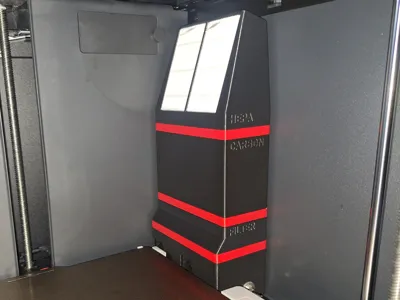
Bentobox V2.0 Remix for P1/X1
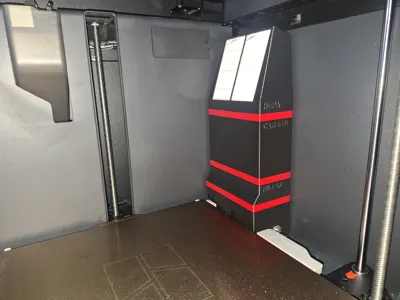
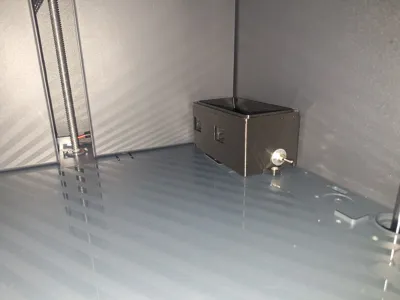
Print Profile(4)


Bill of Materials

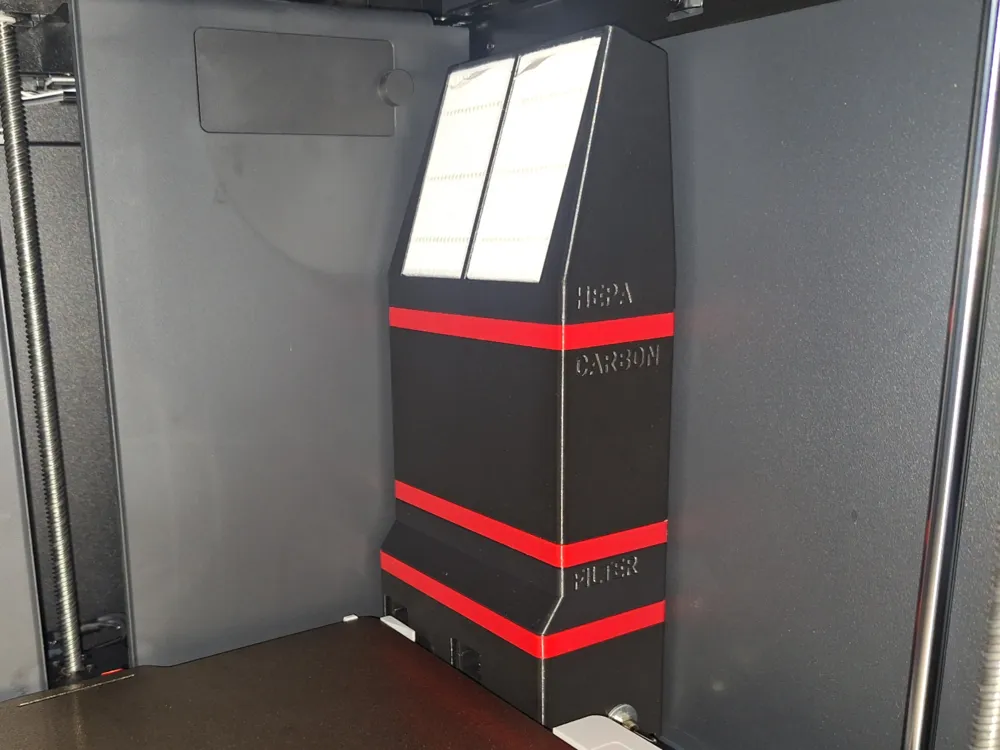
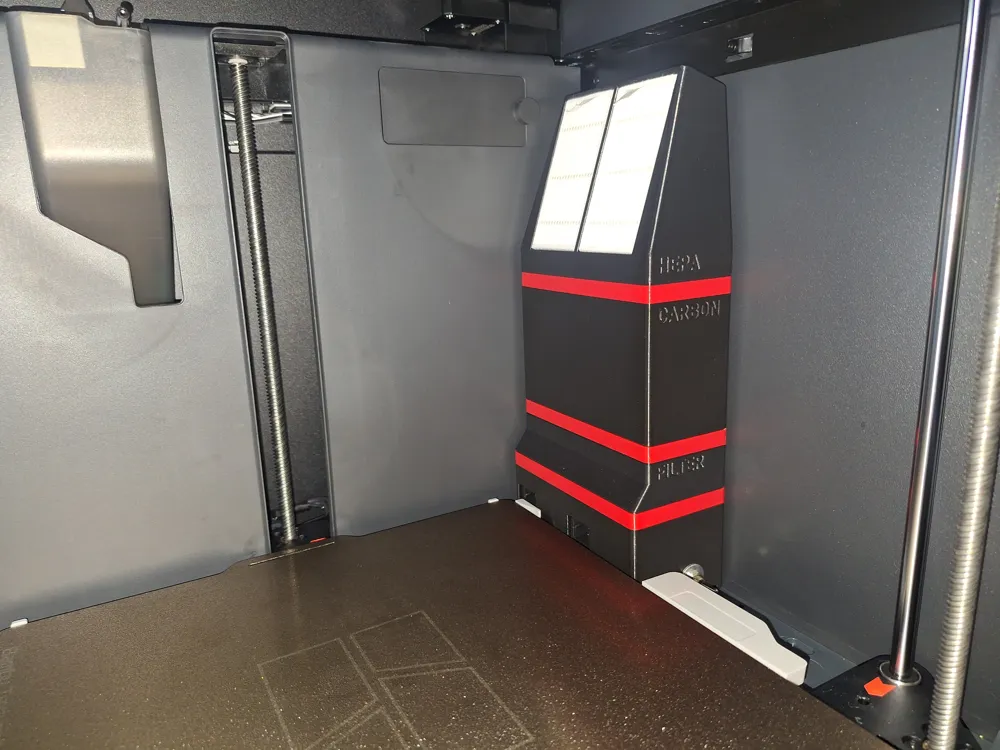
Description
The original Bentobox is a brilliant idea and design. So, big thanks to thrutheframe for allowing remixes.
Printing without supports is possible if your overhangs are reasonably dialed in. Both options available in print profiles. Print seals in TPU, or use rubber bands.
What is different from the original in this remix?
- Fans with higher static pressure - fan housing is desgined for GDSTIME 5015 (idea borrowed from SSX556's remix on printables)
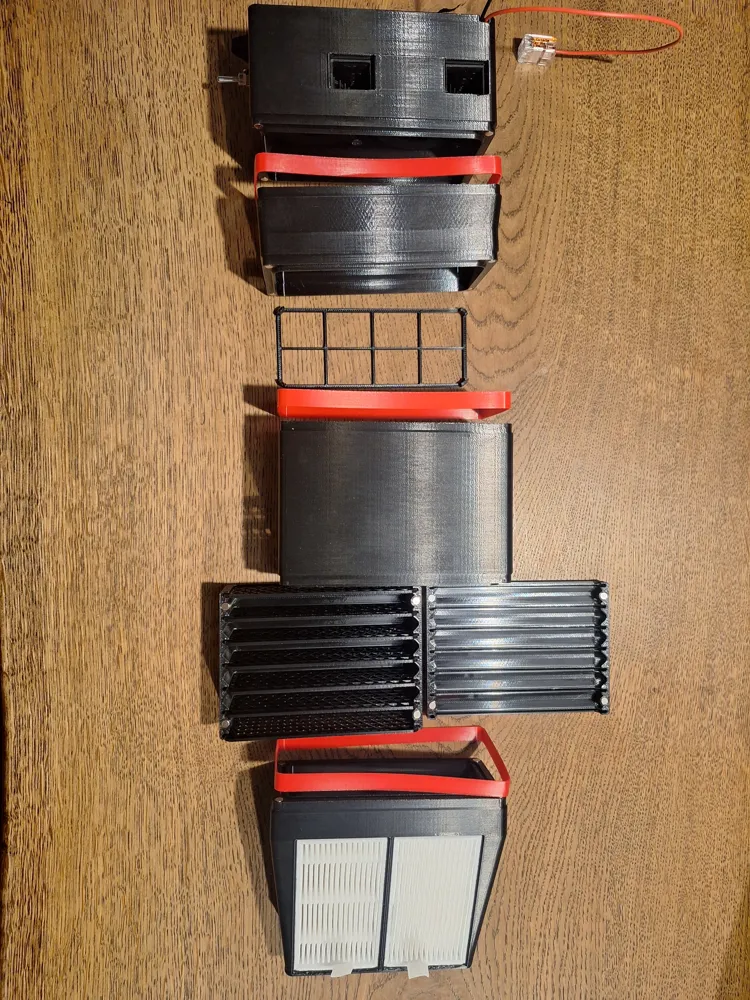
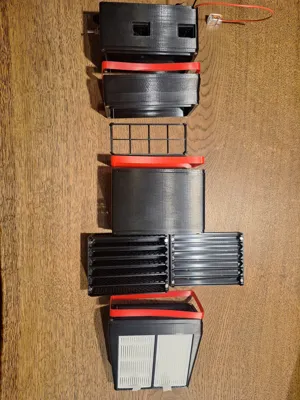
- Double HEPA housing
- Felt tray to keep carbon dust contained
- TPU seals (wide rubber bands can also be used)
- Increased number of Carbon chambers
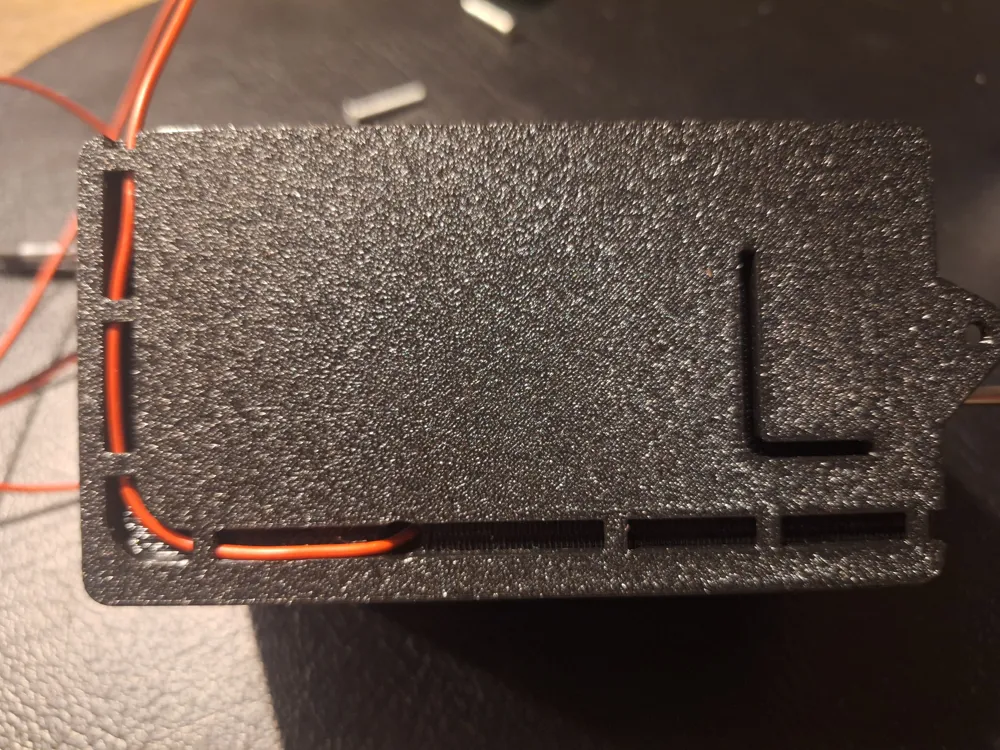
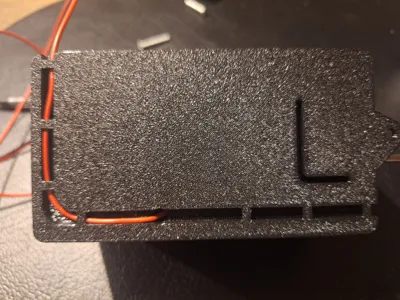
- several cable routing options on underside of fan housing
- several small changes, such as press fit 4x2 magnets - glue isn't needed
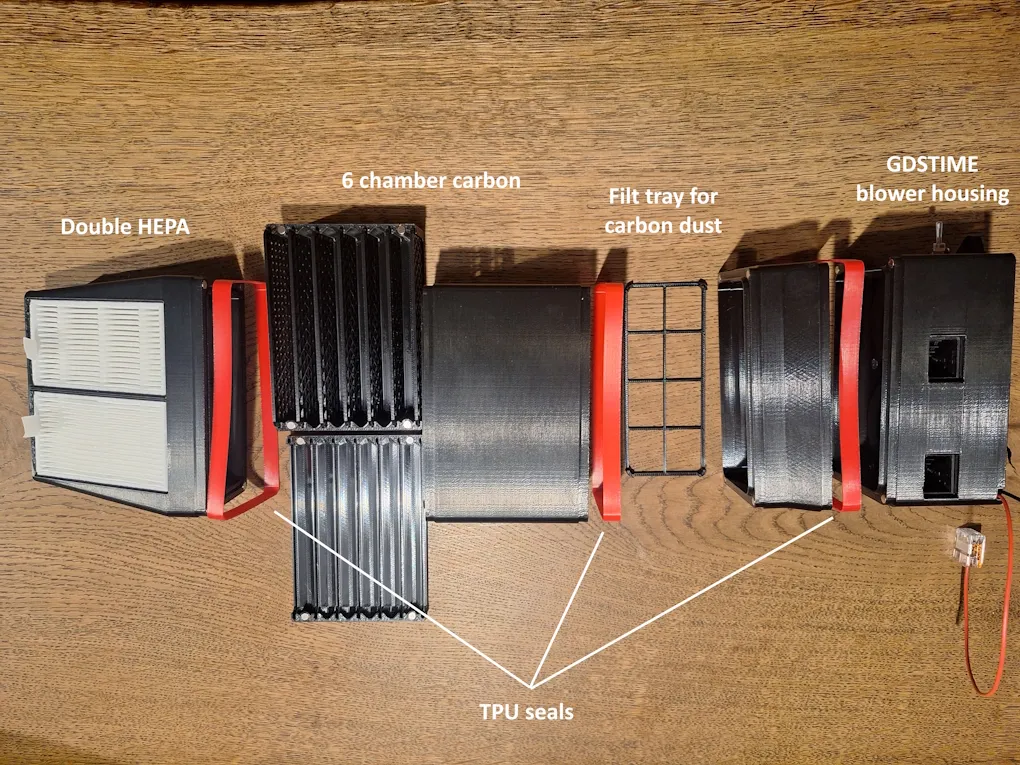
Fan housing is made for GDSTIME 5015. Several 5015 fans will fit, some may require small adjustments to outlet holes (STEP files are available). These fans are easy to find, and have a very good price to performance balance.
Double HEPA filter intake will “lighten the load” enough that post carbon filtration is a possibility. Placing HEPA after carbon is not a good idea, degradation of the activated carbon will accelerate without HEPA as first filtration. I've settled on double HEPA on intake and filtration felt, foam or nylon after carbon as the best solution. Quick DIY solution for carbon dust collection - use a nylon sock. Machine filtration felt, PC dust foam and so on can also be used.
Number of carbon chambers have been increased for better airflow. When filling them, do not overfill - 60-70% is sufficient.
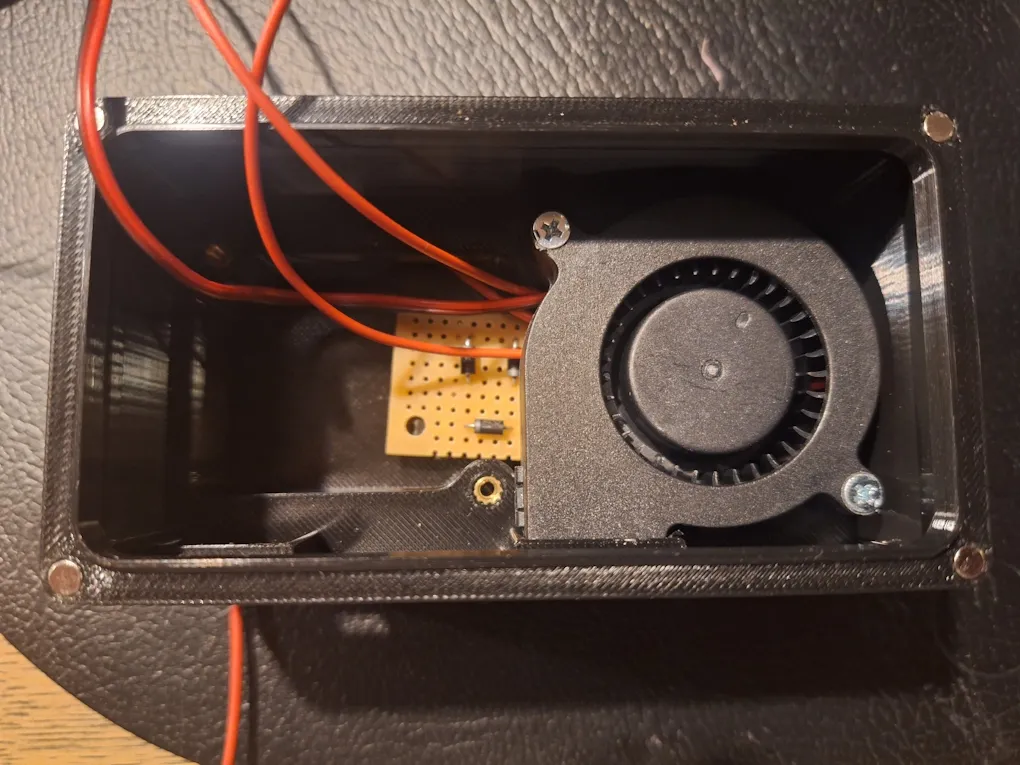
I've added several options on cable routing on fan housing. There are cable exit points on both sides, and the front as well.
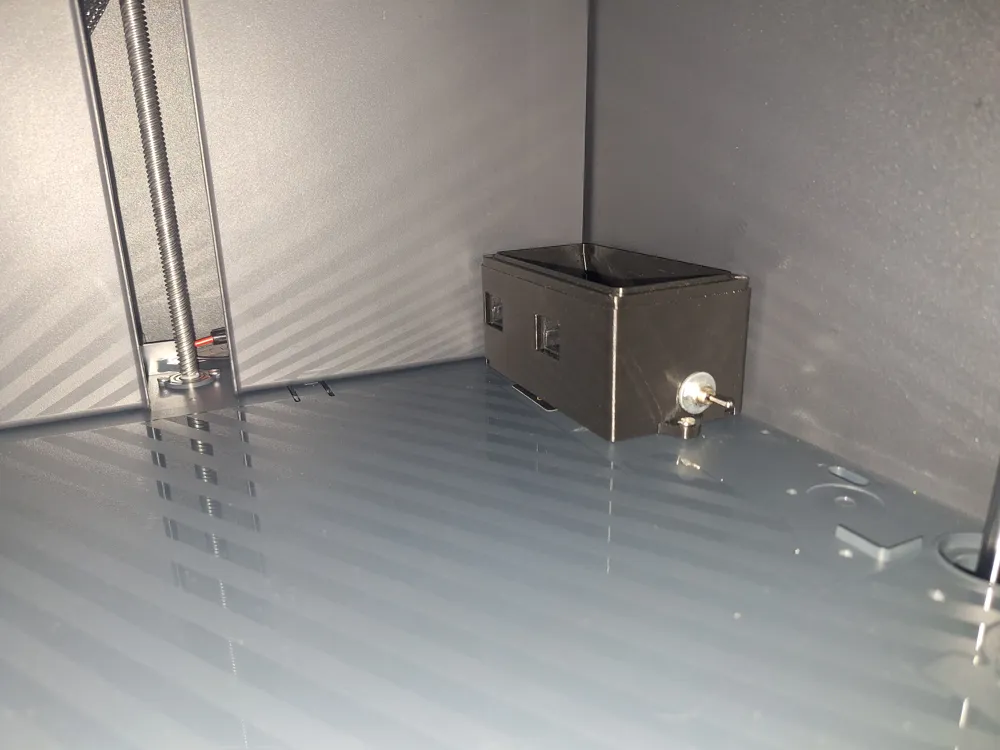
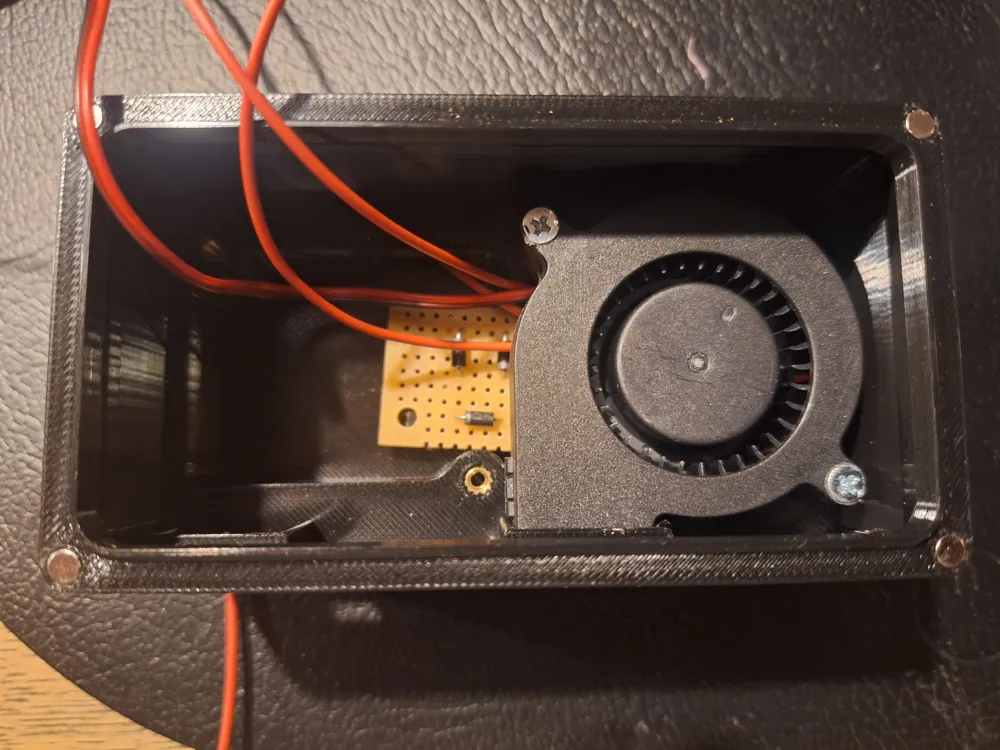
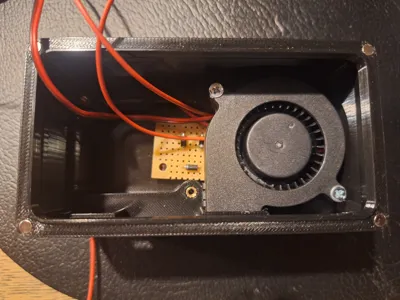
I've used an on-off-on switch, allowing for both full and reduced speed. The sweet spot I've found on noise/peformance, with 24V GDSTIME, is aprox. 20V. So, I decided to keep installation simple, with parts I already had available.
If you want a similar setup - I reduced voltage with 7 pcs 1n4007 diodes in series (1n4004 also works). As shown in the picture, I used some leftover “zero PCB”, you dont need a PCB - just make sure to use at least shrink tube to avoid short circuits.
- Connect the positive (red) wire from the power supply to the middle pin (COM) of the on-off-on switch.
- Connect the two fan positives together, then make a Y-split to the left and right pins of the switch — one connection direct, the other through the series diodes.
- The diodes should be oriented with the anode toward the switch (the non-striped end toward the switch).
- Connect the two fan negatives together and connect to -V on power supply
- OPTIONAL - install a 0.5 amp glass fuse on +V (between power supply and switch)
HEPA filter (same as the original, 8x8x1,5 cm)
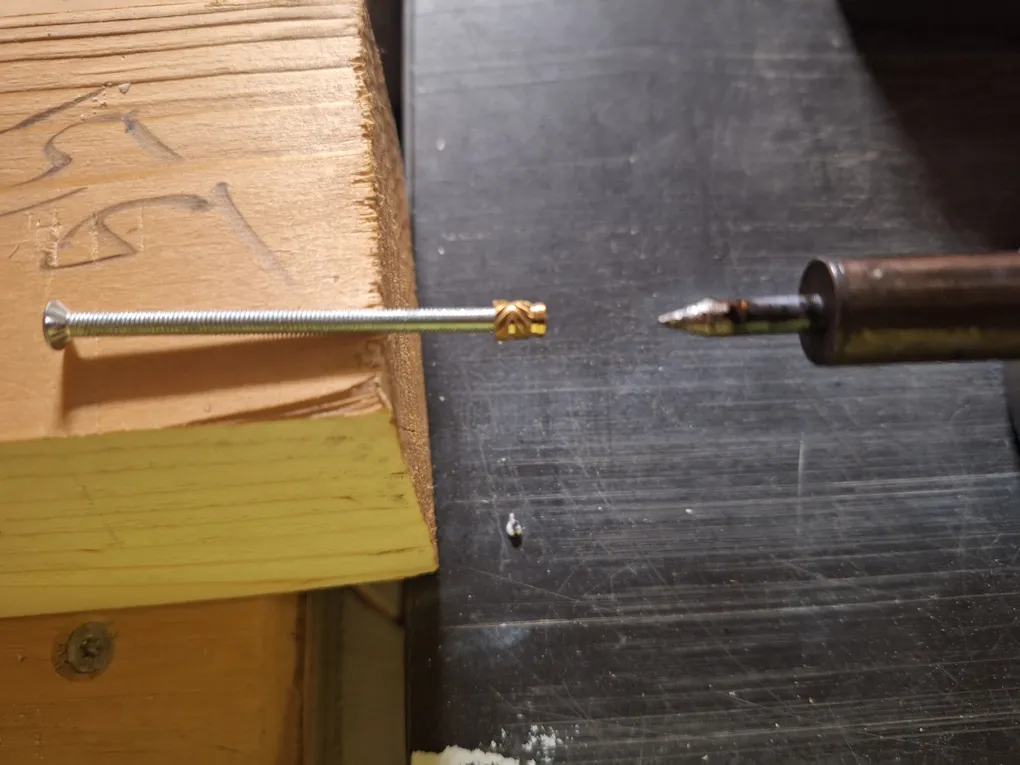
When installing inserts, don't use a soldering iron inside the housing, space is limited. Instead, attach the insert to a bolt, heat the insert with a soldering iron, and use the bolt to press it into place.
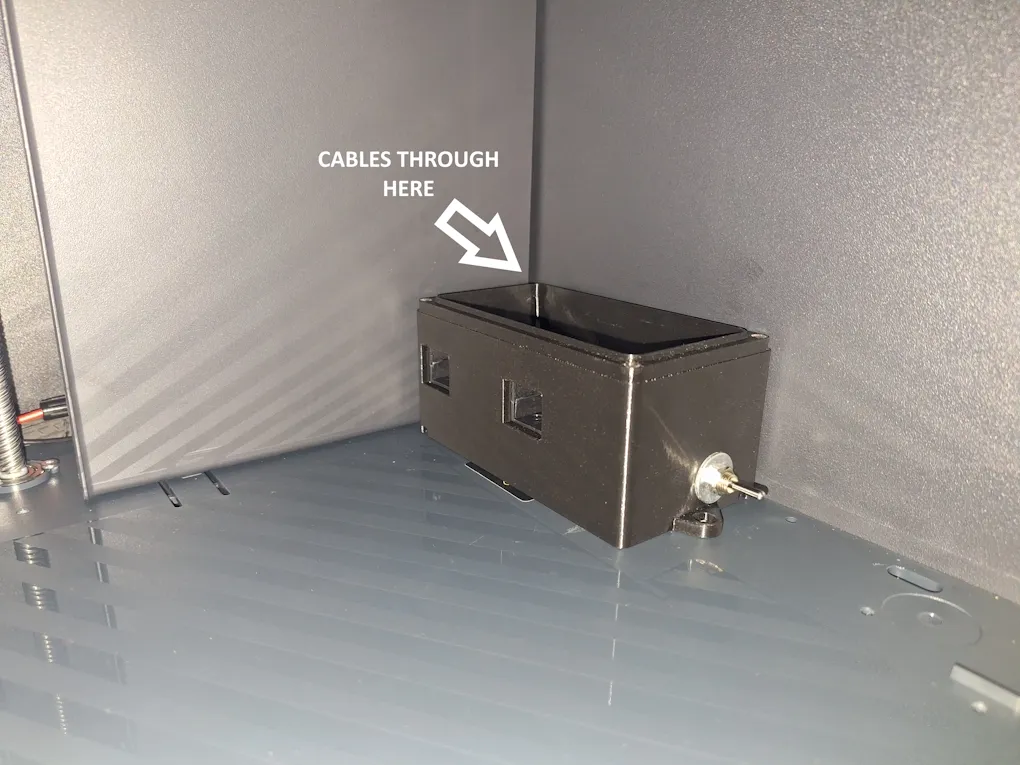
It is possible to power the fans from the printer’s power supply. Follow this guide:
https://wiki.bambulab.com/en/p1/maintenance/power-board.
Red goes to +V, black to –V.
Removing the backplate isn’t difficult — take your time and track where the screws go (there are four different types/sizes). The rubber inlet for the PTFE tube must be removed to detach the backplate, some force is required. When reinstalling it, loosen the adjacent screws first.
If you choose to use the printer’s power supply, you can achieve a very clean installation by routing the cables between the back and side plates. It’s a tight fit, but it is possible.
This remix is based on


License



Comment & Rating (11)