
iPad Pro 13" LCARS Desk Mount
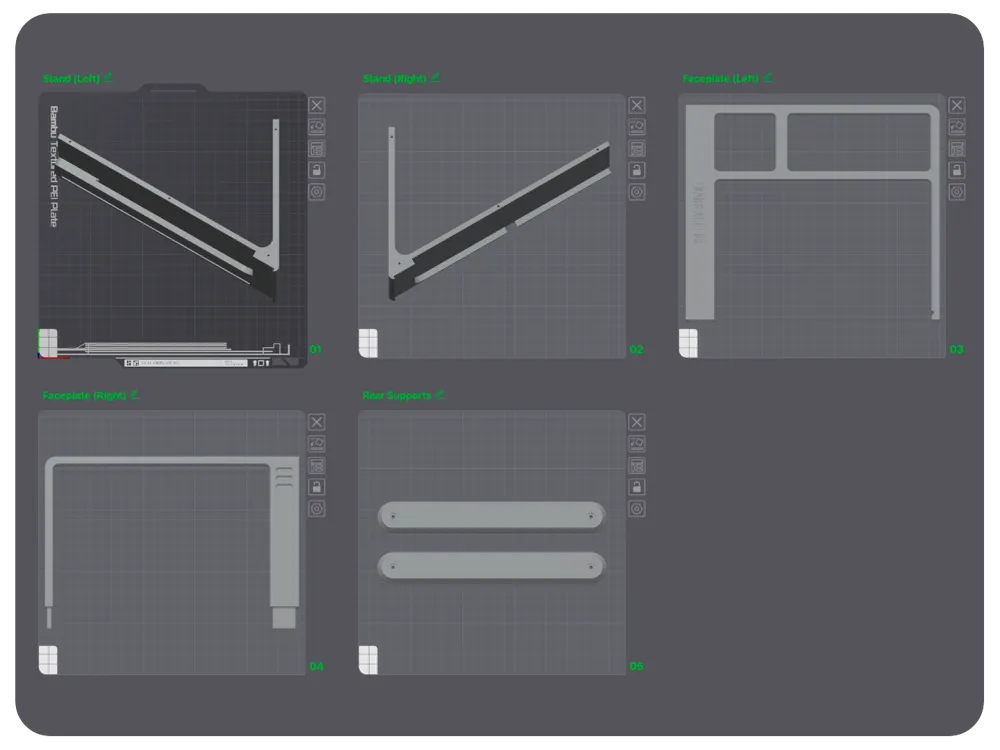
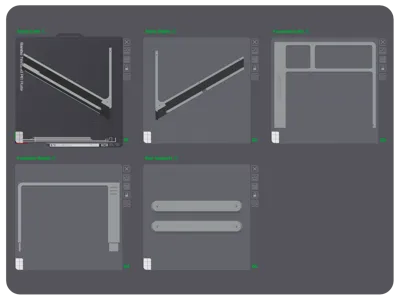
Print Profile(1)

Bill of Materials


Description

Introduction
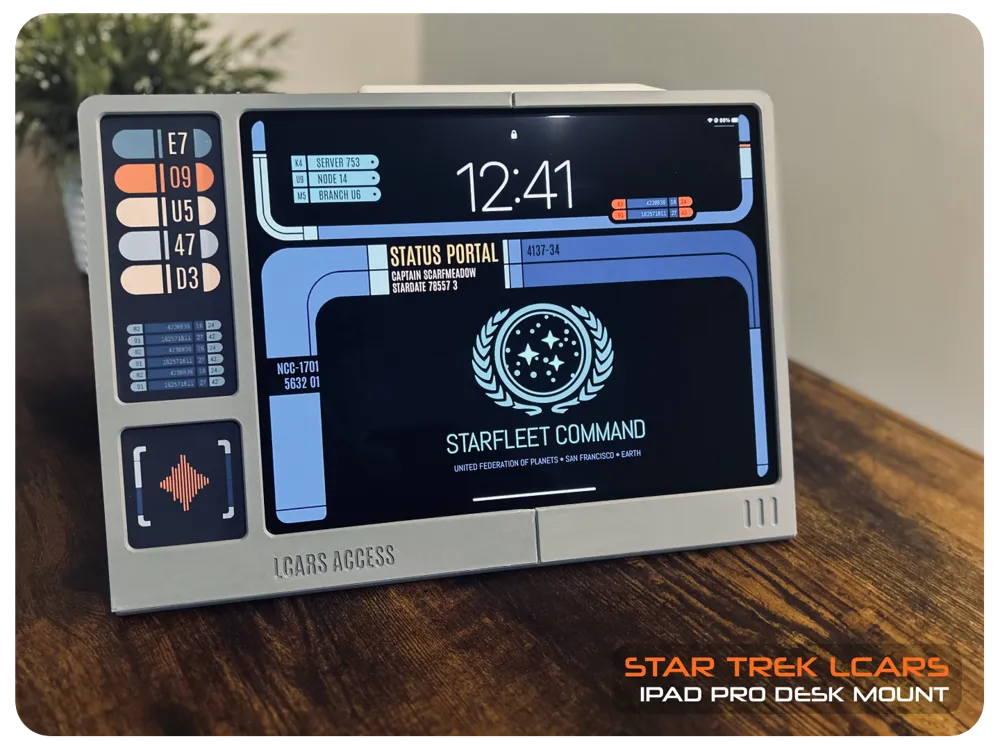
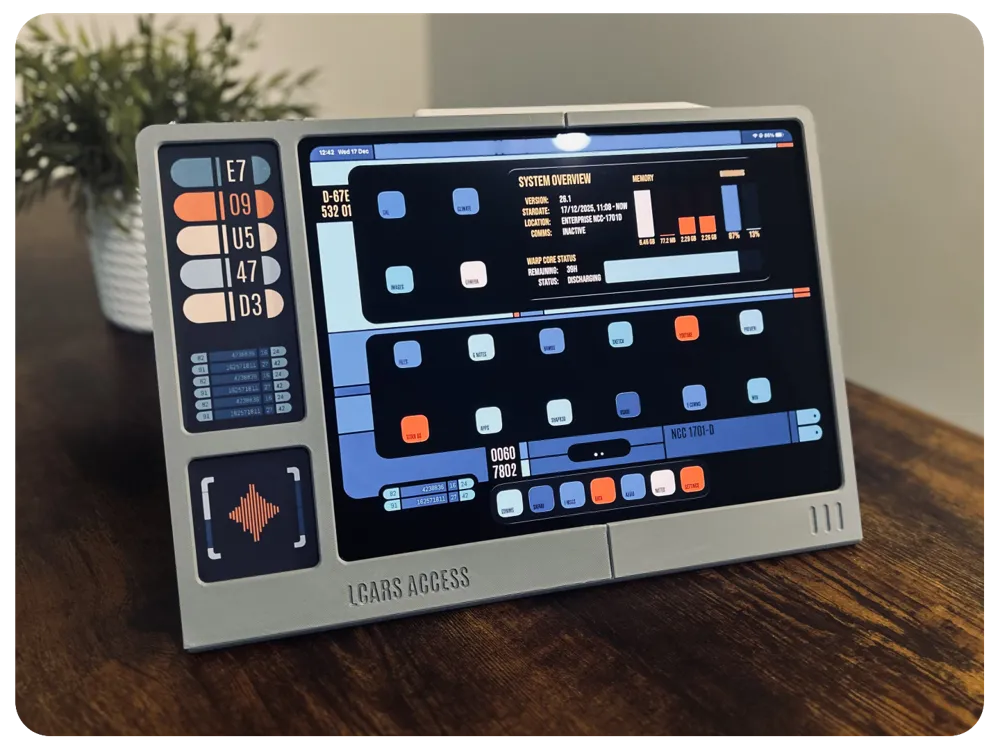
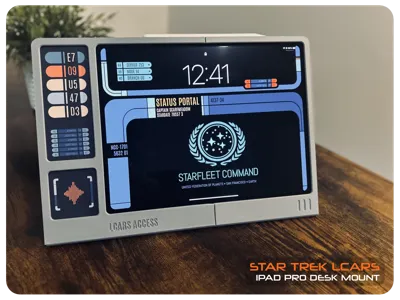
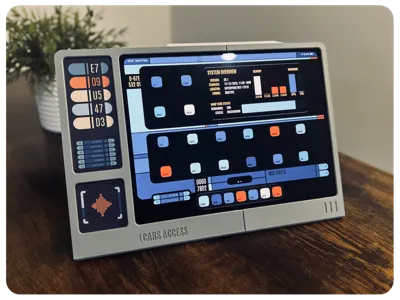
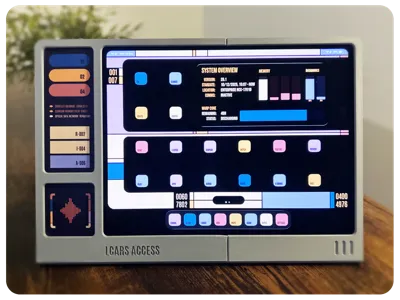
iPad Pro 13" LCARS Desk Mount - Bring a touch of 24th-century flair to your 21st-century workspace! This LCARS-themed desk mount turns your iPad Pro 13" into a sleek, futuristic control console—perfect for productivity, creativity, or simply showing off your sci-fi style. Designed with smooth curves, bold interface motifs, and that unmistakable Starfleet-era aesthetic, it’s the ultimate blend of function and fandom.
Features & Highlights
- Authentic LCARS-Inspired Design - Modelled after the iconic Library Computer Access and Retrieval System, complete with the layered panels and curved geometry that make LCARS so instantly recognisable.
- Perfect Fit for iPad Pro 13" - Custom-sized to securely cradle the new 13-inch model, keeping it stable whether you're sketching, typing, or navigating your starship.
- Clean Desk, Clean Command Center - Lifts your iPad off the tabletop to free up space and reduce clutter, helping your workstation feel as streamlined as a starship bridge.
- Charging Cable - Opening for your charging cables is available — no more tangled subspace anomalies.
- Great for Everyday Use (or Role-Playing as a Starship Officer) - Perfect for video calls, media playback, side-car displays, or pretending you’re about to activate warp drive.
Upgrade your command deck and boldly go where no desk setup has gone before!
Model Details
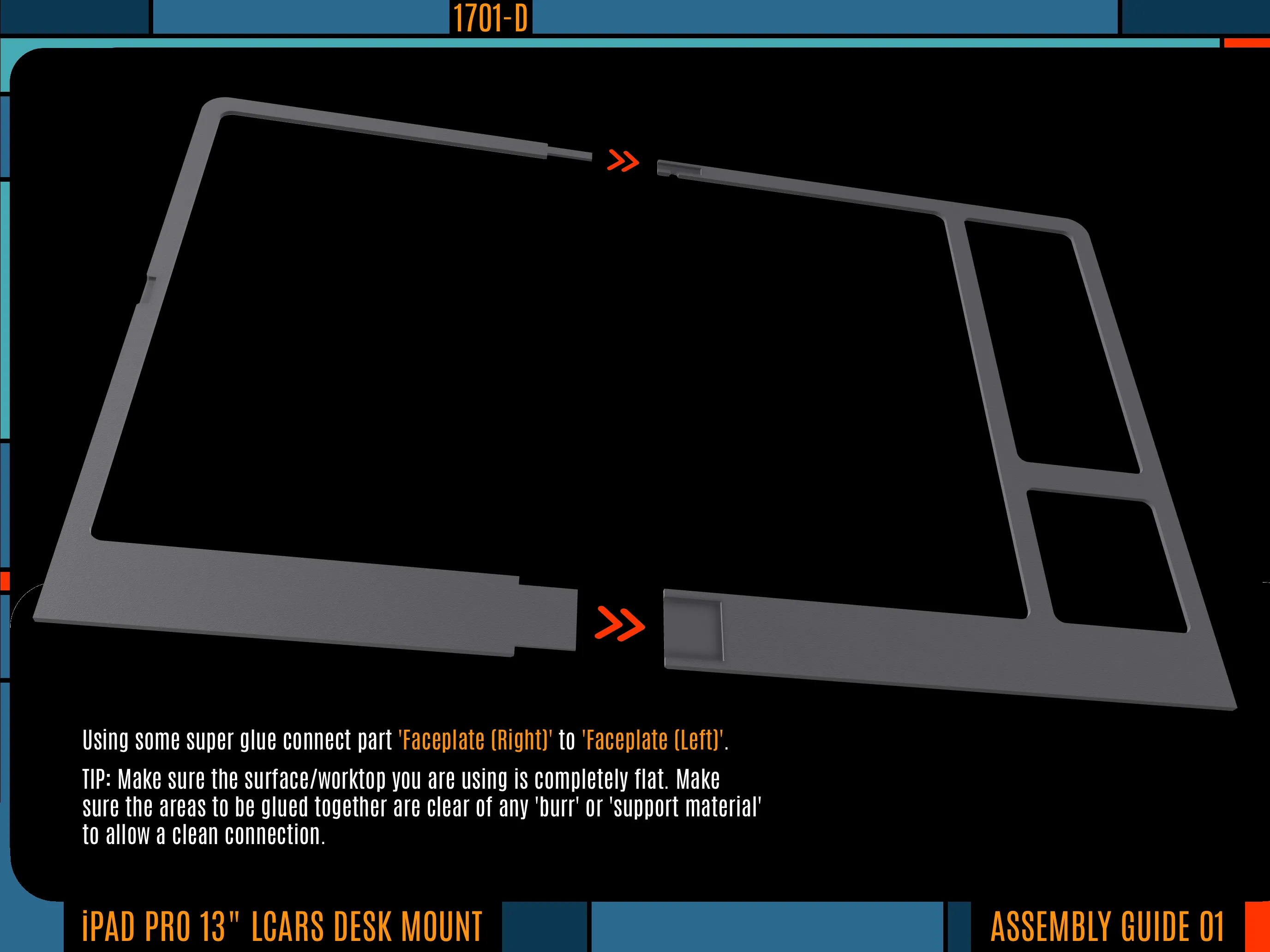
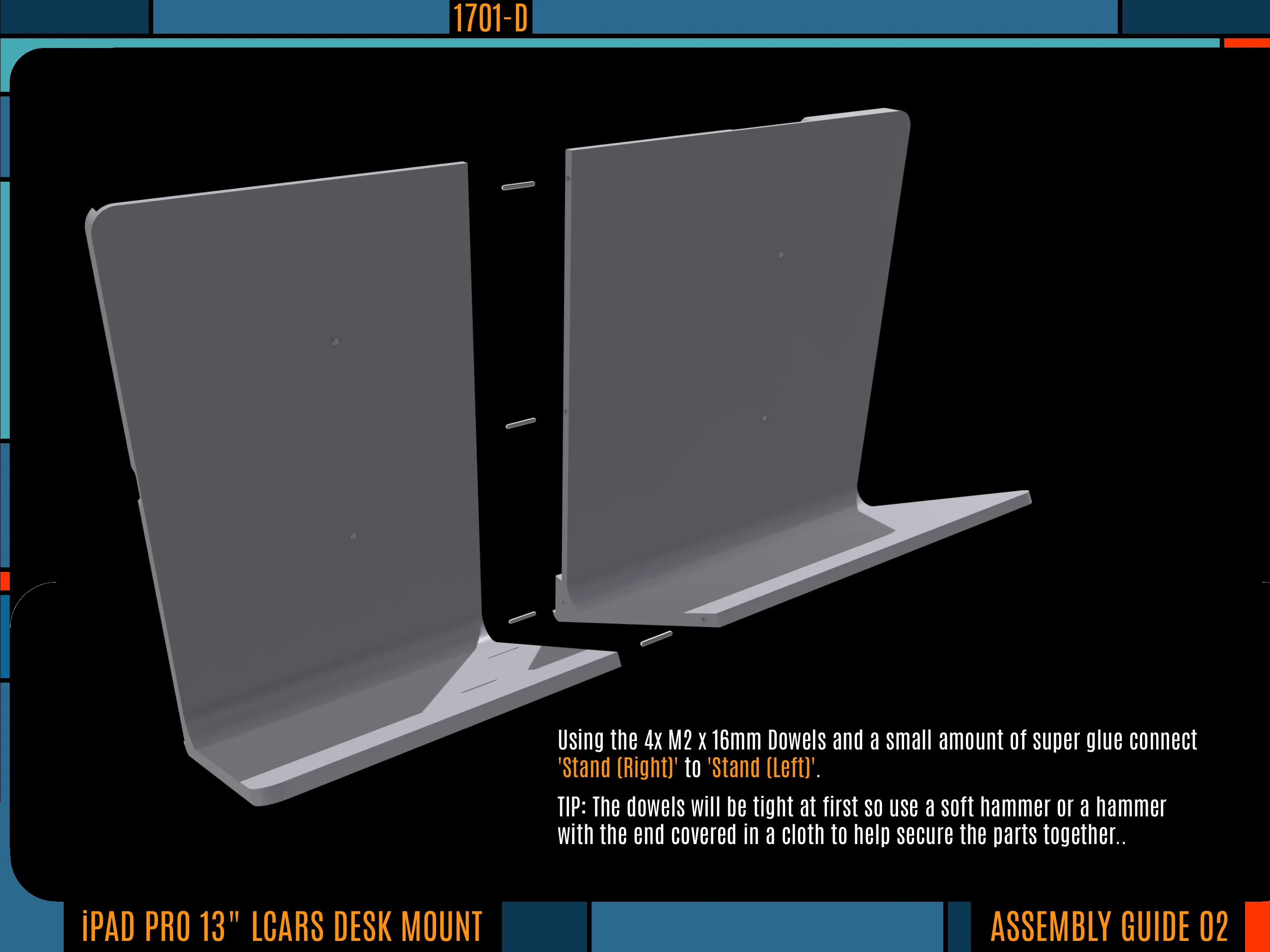
Assembly is pretty straight-forward. Along with the bolts and dowels listed in the ‘Bill of Materials’, you will also need some super glue (ideally with a brush applicator) and a maybe a soft hammer. Below you will find a basic assembly guide and some details regarding the LCARS theme I created for my iPad Pro.
IMPORTANT: Please make sure you have really good bed adhesion as any warping of the parts will make assembly difficult and will also spoil the aesthetics of the model. I recommend using the the ‘Bambu Cool Plate Super Tack’ or ‘Bambu Cool Plate Super Tack Pro’ build plate (or something similar).
Assembly
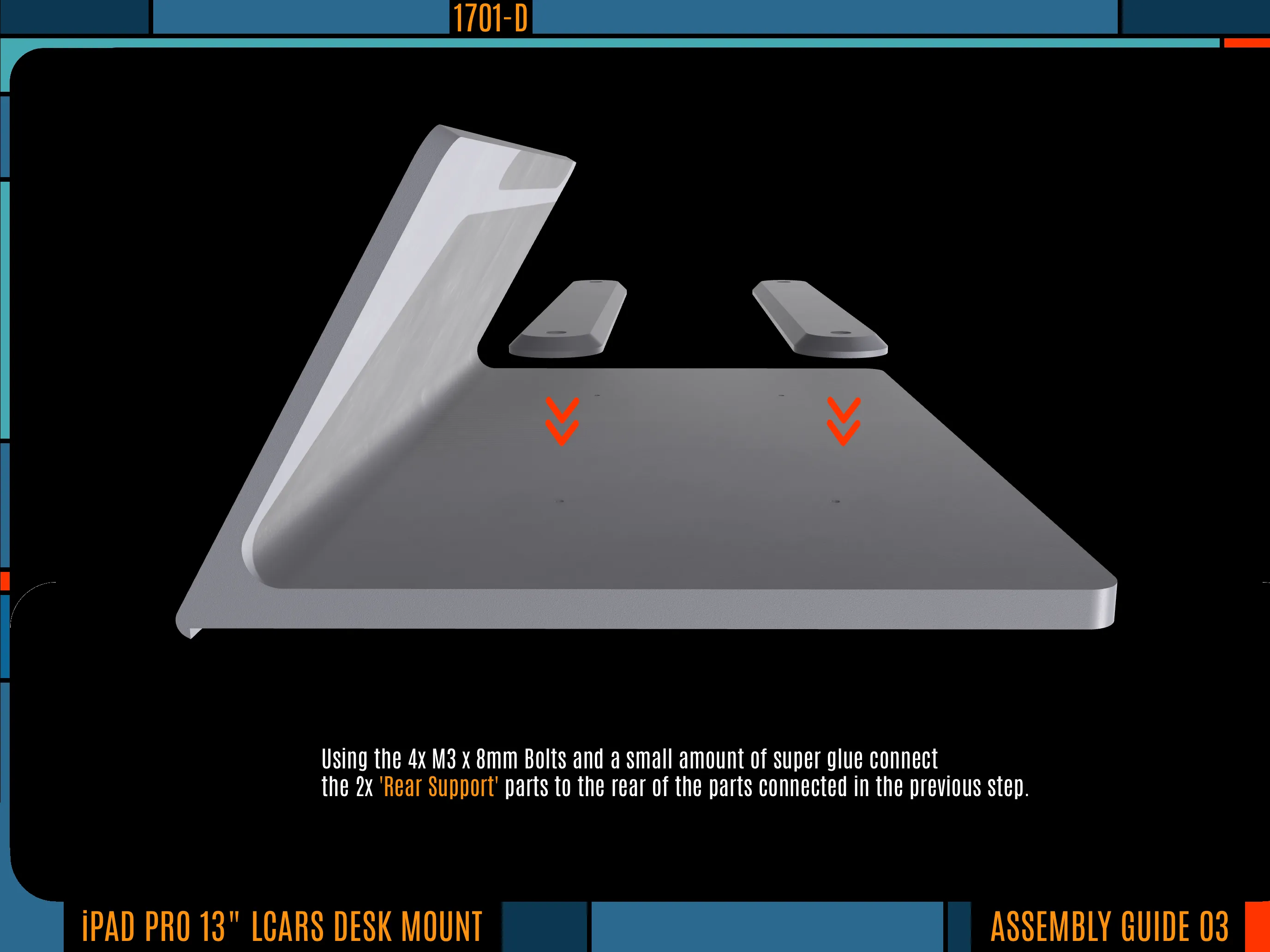
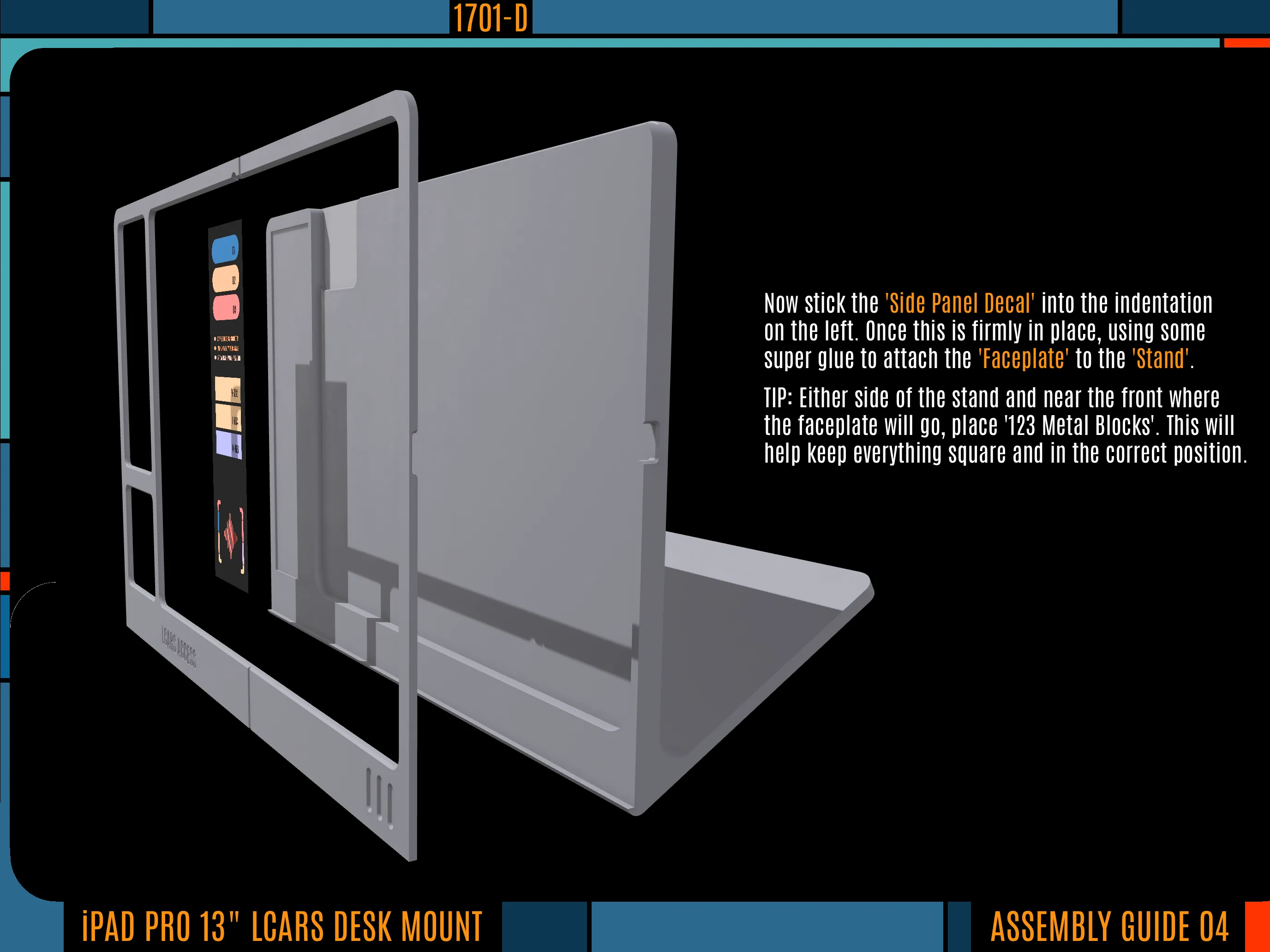
LCARS iPad Pro Theme
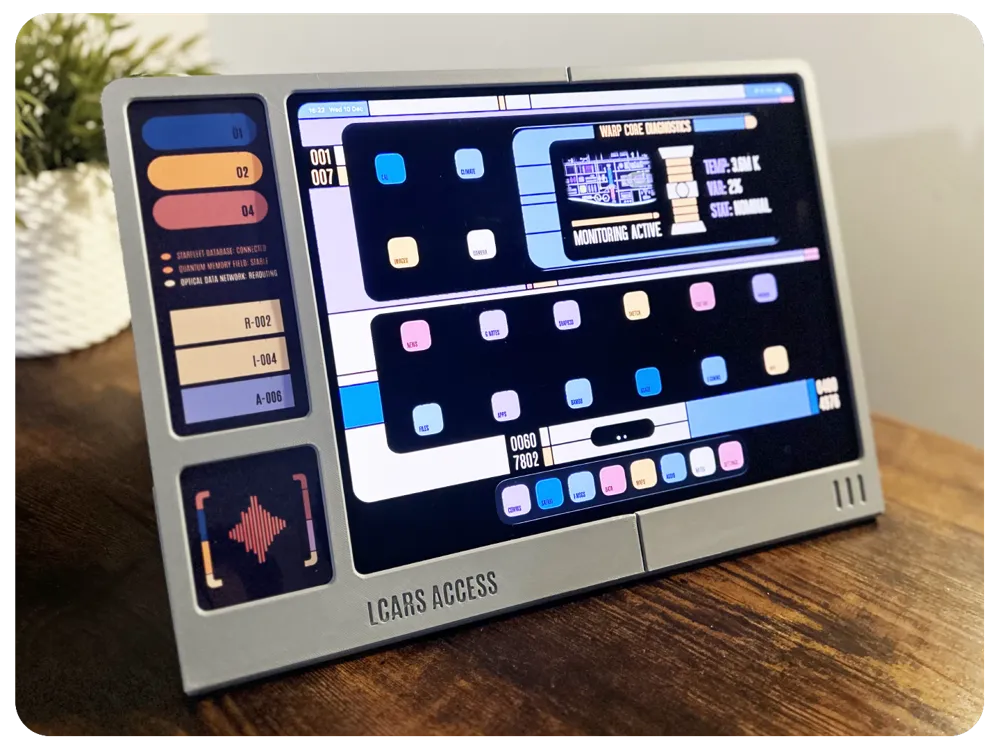
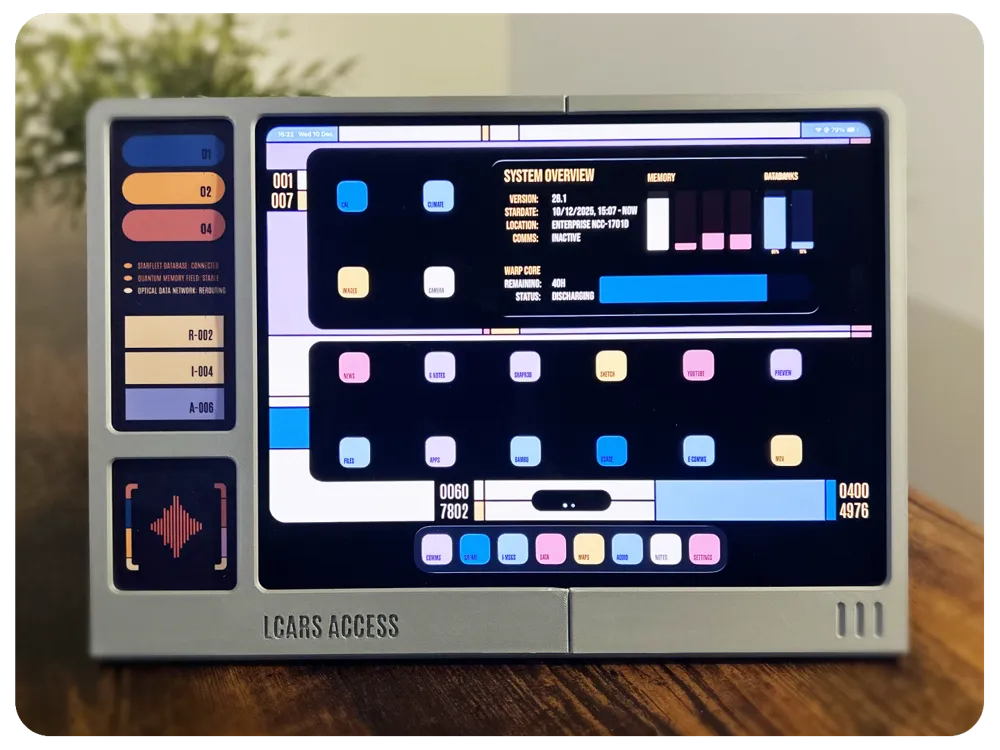
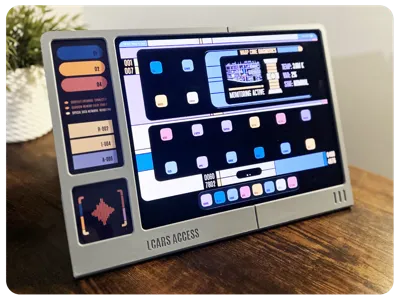
I've created some LCARS themes for the iPad Pro that don't require any third party apps on the iPad. The only software you will need is Photoshop or the browser based software called PhotoPea, these would be needed to customise the app shortcut icons and Lock Screen background. There are two themes, one from the Star Trek: TNG era and the other a more modern looking theme like you would see in Star Trek: Lower Decks.
In the ‘Documentation’ section there are ZIP files that contain the following folders and files:
- LCARS Themed Background Images: There a two background images, one for the ‘Lock Screen’ and one for the ‘Home Screen’. You will need to edit the Lock Screen image to change the captains name.
- LCARS Themed Shortcut Icons: A collection a shortcut icons I used, just add this folder to you ‘Files’ app so it can be accessed later by the 'Shortcut' app. If you wish to create your own custom icons a .psd template has been provided. For info on how to create shortcuts with custom images there are plenty of resources online to help with this.
- Font: This contains the font ‘Antonio’ which you will need if you plan on creating your own icons and to edit the Lock Screen background.
- Widget Images: Contains a couple of images used for the stacked Photo widgets you see in the video. Create two albums labelled Widget 01 and Widget 02. Add one of the images to each album. Then create two Photo widgets on your Home Screen each linked to one album. Then ‘stack’ the widgets.
- LCARS Side Panel Decal: PDF with the decal for the side panel. For best results print on glossy paper.
Possible Future Updates
- iPad Pro 11" Version
- iPad Mini Version
- Handheld/Wall Mountable Version
- Slim Version (no side panel)
- Slide Mechanism for easier removal of iPad
PLEASE NOTE: Please don't request custom sizes or versions as I currently only have access to an iPad Pro 13" and obtaining accurate 3D models of Apple devices is looking expensive. It will also be difficult to test anything I don't own or have access to.
YouTube Demos

This model has been made available to download and print for free with a great deal of time and effort going into designing and presenting it here on MakerWorld. If you enjoyed this model please give generous consideration to leaving a Boost or a Rating — it’s a quick, easy and free way to show appreciation and helps support my work here on MakerWorld. Thanks for checking out my designs!
Boost Me (for free)
Boost here for free!
Documentation (2)
License

You shall not share, sub-license, sell, rent, host, transfer, or distribute in any way the digital or 3D printed versions of this object, nor any other derivative work of this object in its digital or physical format (including - but not limited to - remixes of this object, and hosting on other digital platforms). The objects may not be used without permission in any way whatsoever in which you charge money, or collect fees.


Comment & Rating (7)