Search models, users, collections, and posts

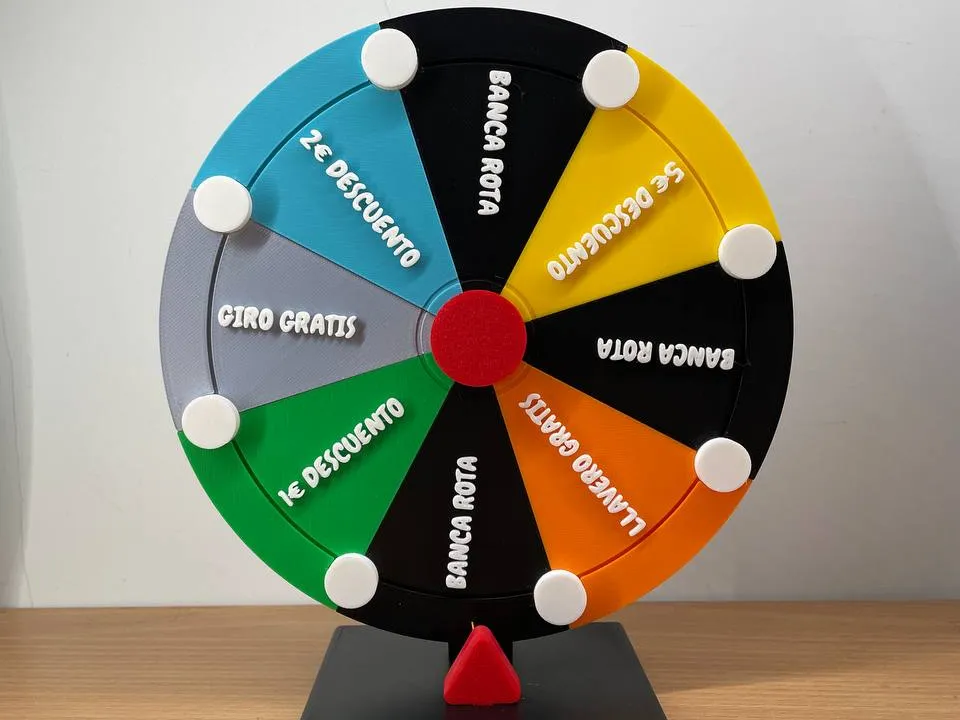
Mini prize wheel for your store, parties....
GIF

Print Profile(1)

All
A1 mini
A1

0.2mm layer, 6 walls, 25% infill
Designer
8 h
4 plates
5.0(1)

Open in Bambu Studio
Boost
458
1325
18
9
438
168
Released 

Bill of Materials

Bambu Filaments
Select all
Bambu Green (10501) / Refill / 1kg
Black (10101) / Refill / 1kg
Jade White (10100) / Refill / 1kg
Red (10200) / Refill / 1kg
Pumpkin Orange (10301) / Refill / 1kg

Description

NEWS MODELS:

Upgrade P1S XY Belt Dust Cover
Toy 3d model Iphone air
Roller coaster section for exhibition (Model 1)
Roller coaster section for exhibition (Model 2)



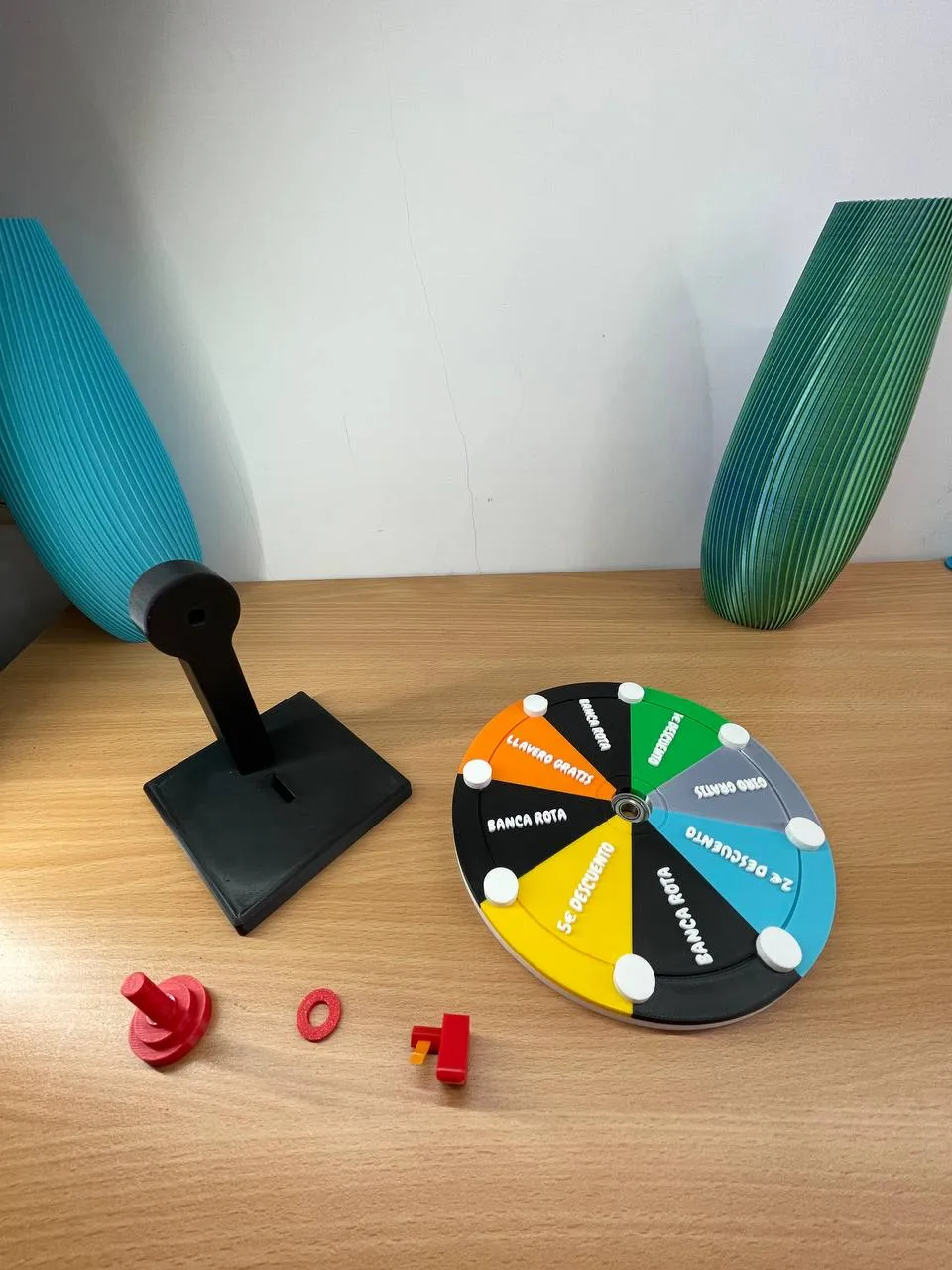
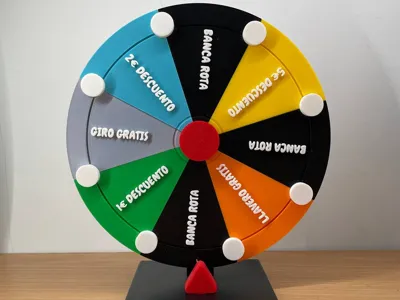
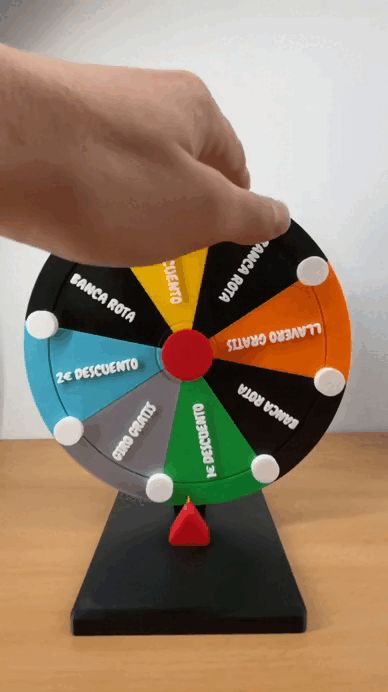
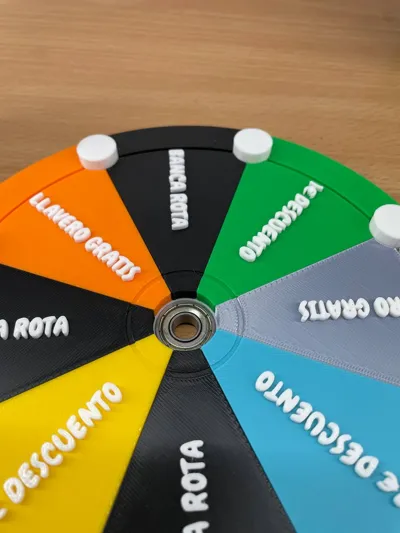

A super fun prize wheel! It makes the characteristic sound of a prize wheel when it spins.

This is based on the Pipin.world spinning wheel. I thought it was a great project, but I felt it was missing some features, so I decided to create my own.


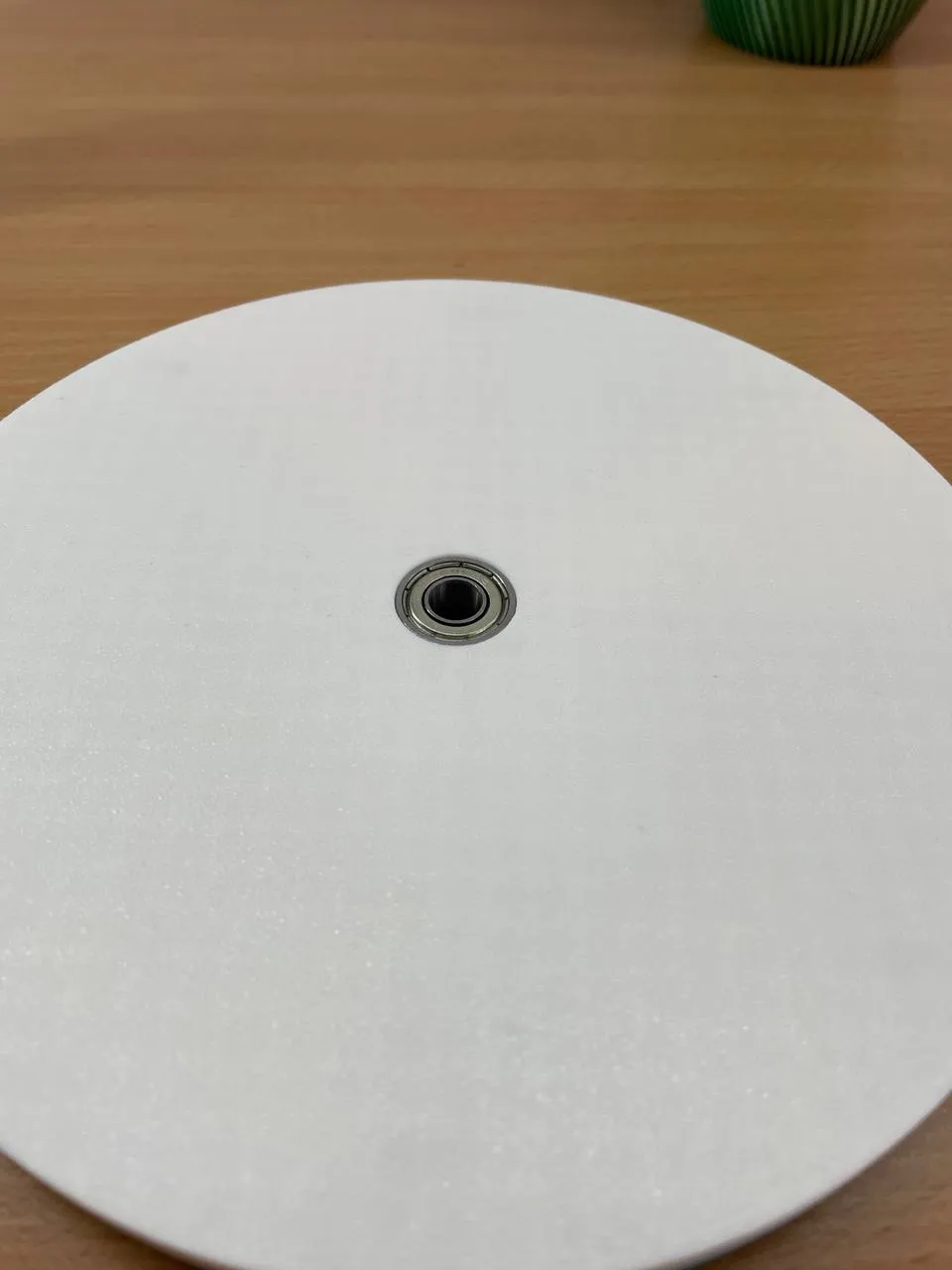
One of the things I missed was the ability to use a bearing so it could spin twice as long.


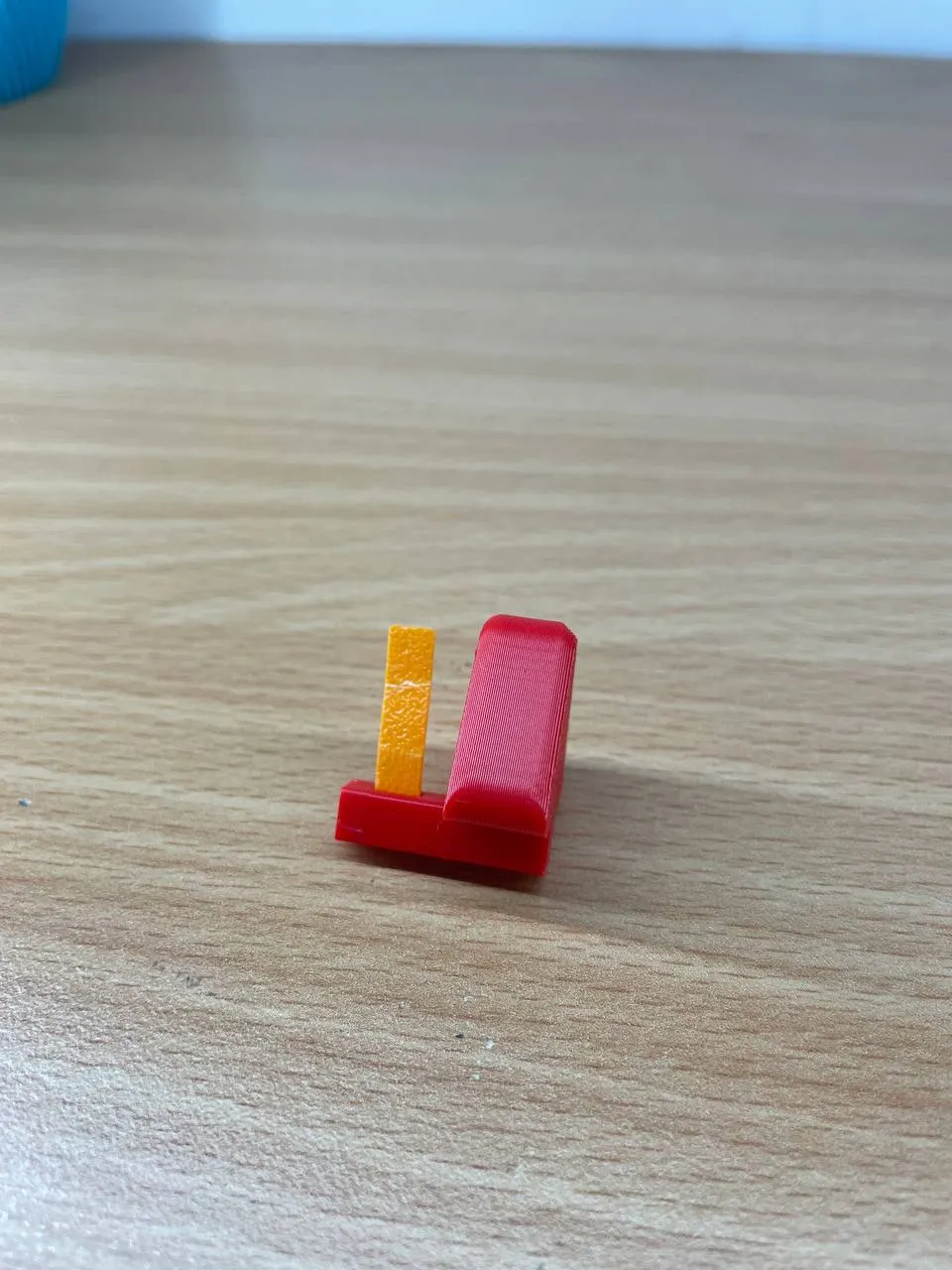
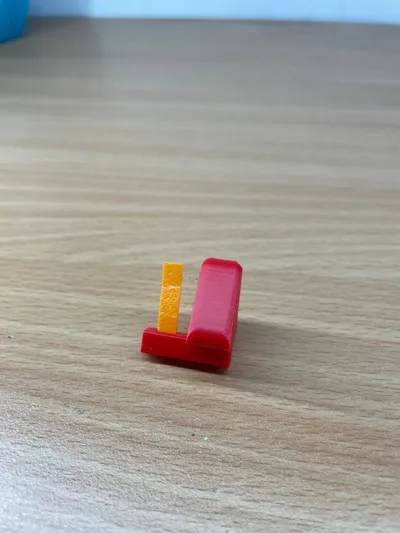
In my project, I used their tab system for selecting prizes; it's one of the best systems I've seen.


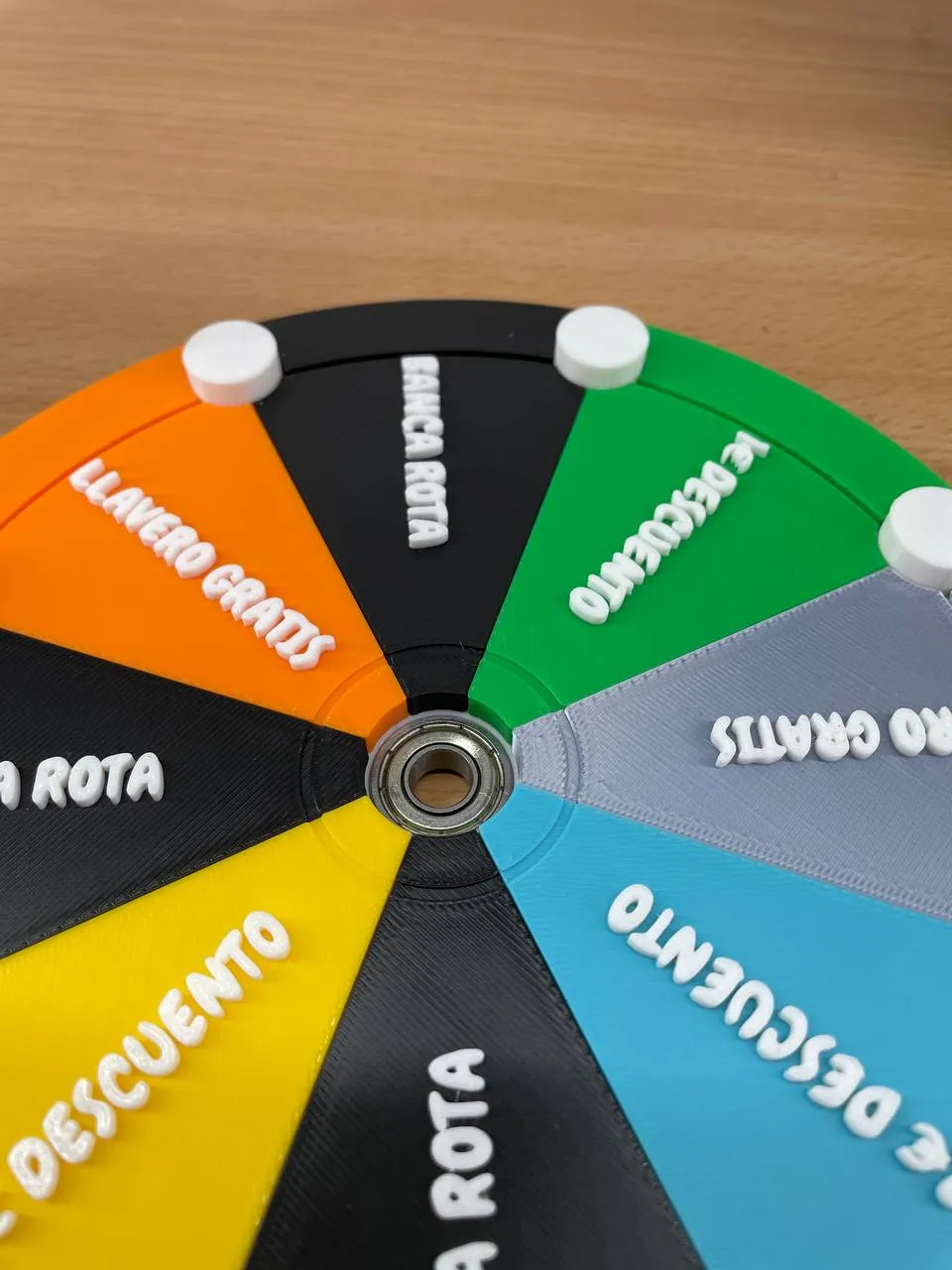
I also used the interchangeable prize style. It's wonderful to be able to change the prizes without having to make new wheels or use glue.

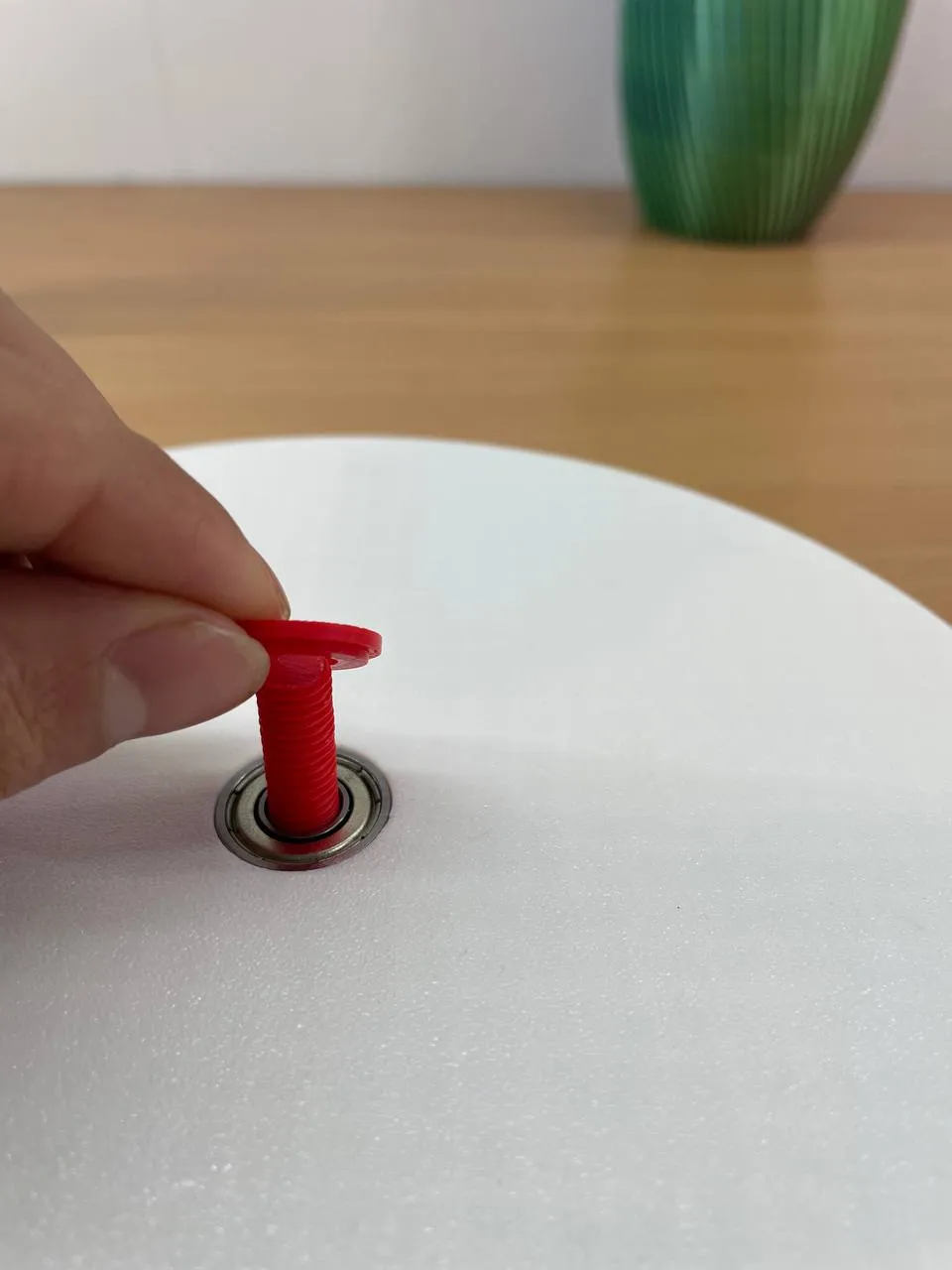
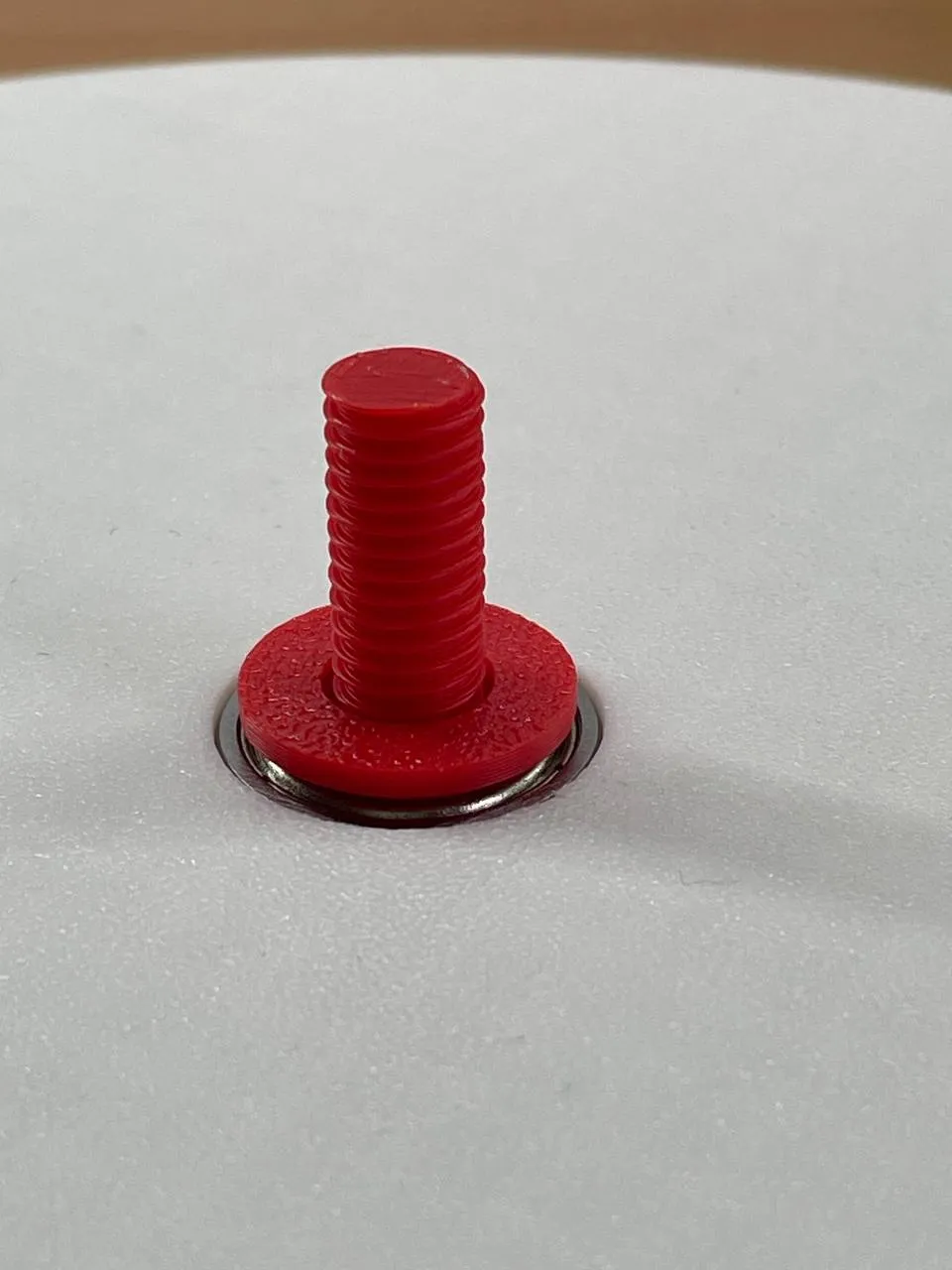
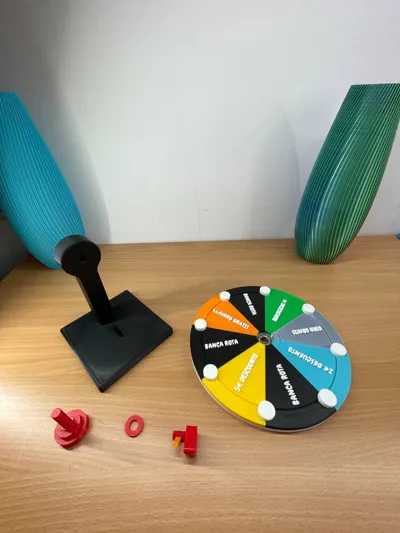
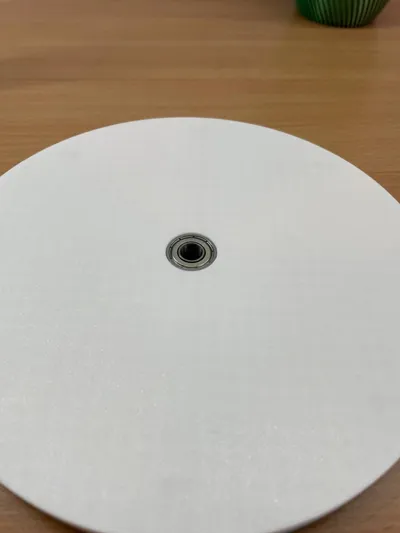
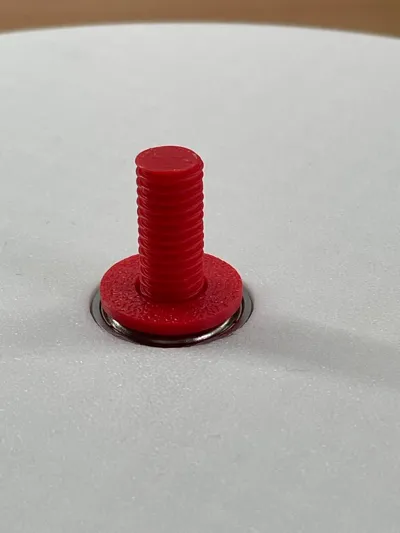
In my project, I used a 698ZZ bearing.


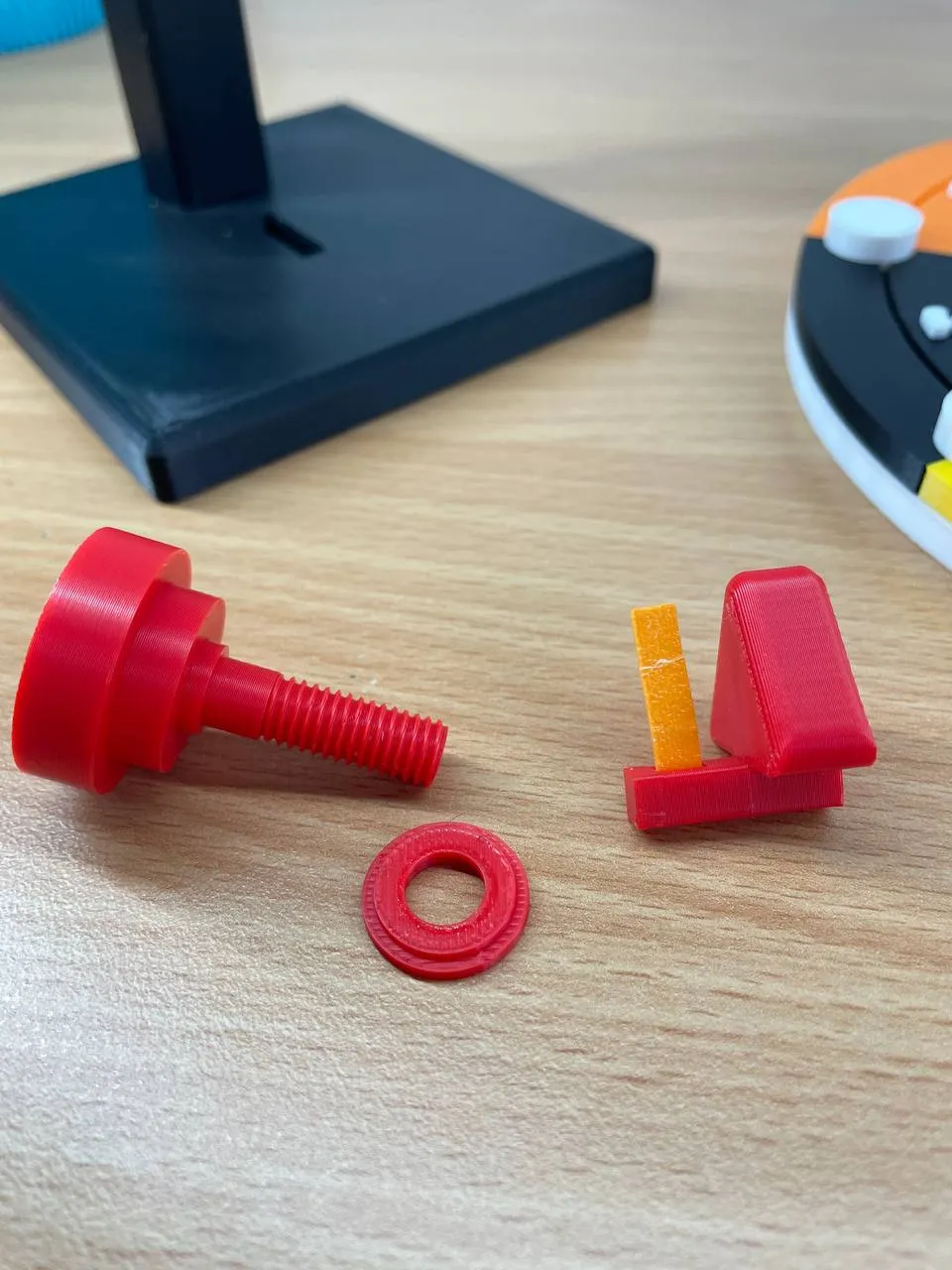
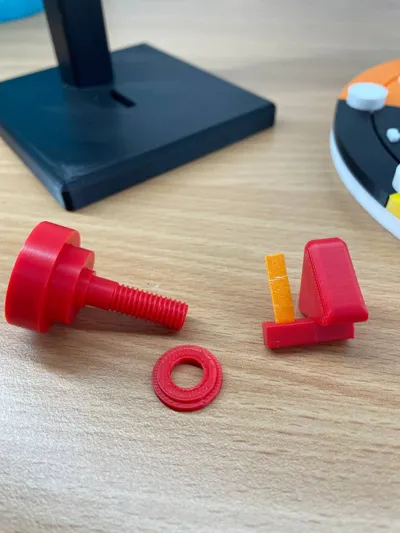
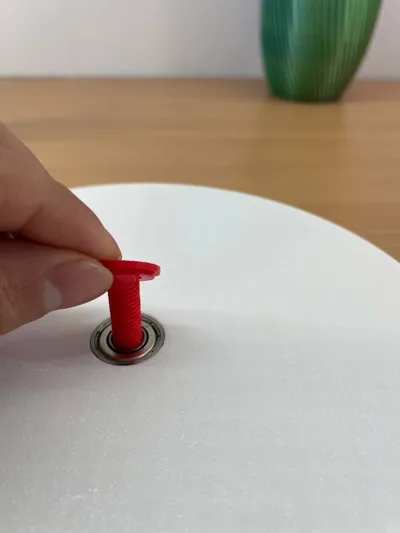
When assembling the wheel, the rear washer must be positioned with the narrow end against the bearing, allowing it to rotate freely.


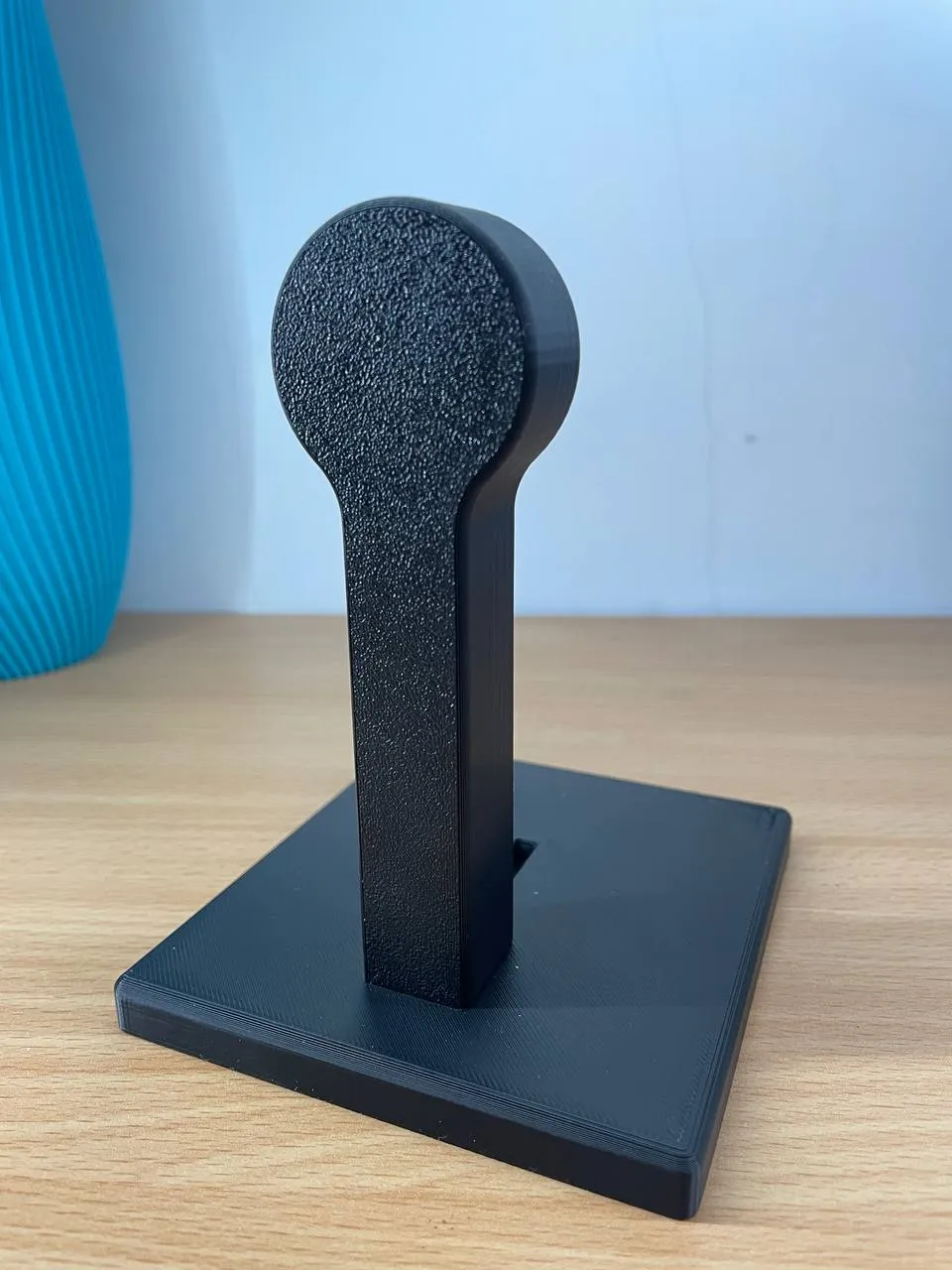
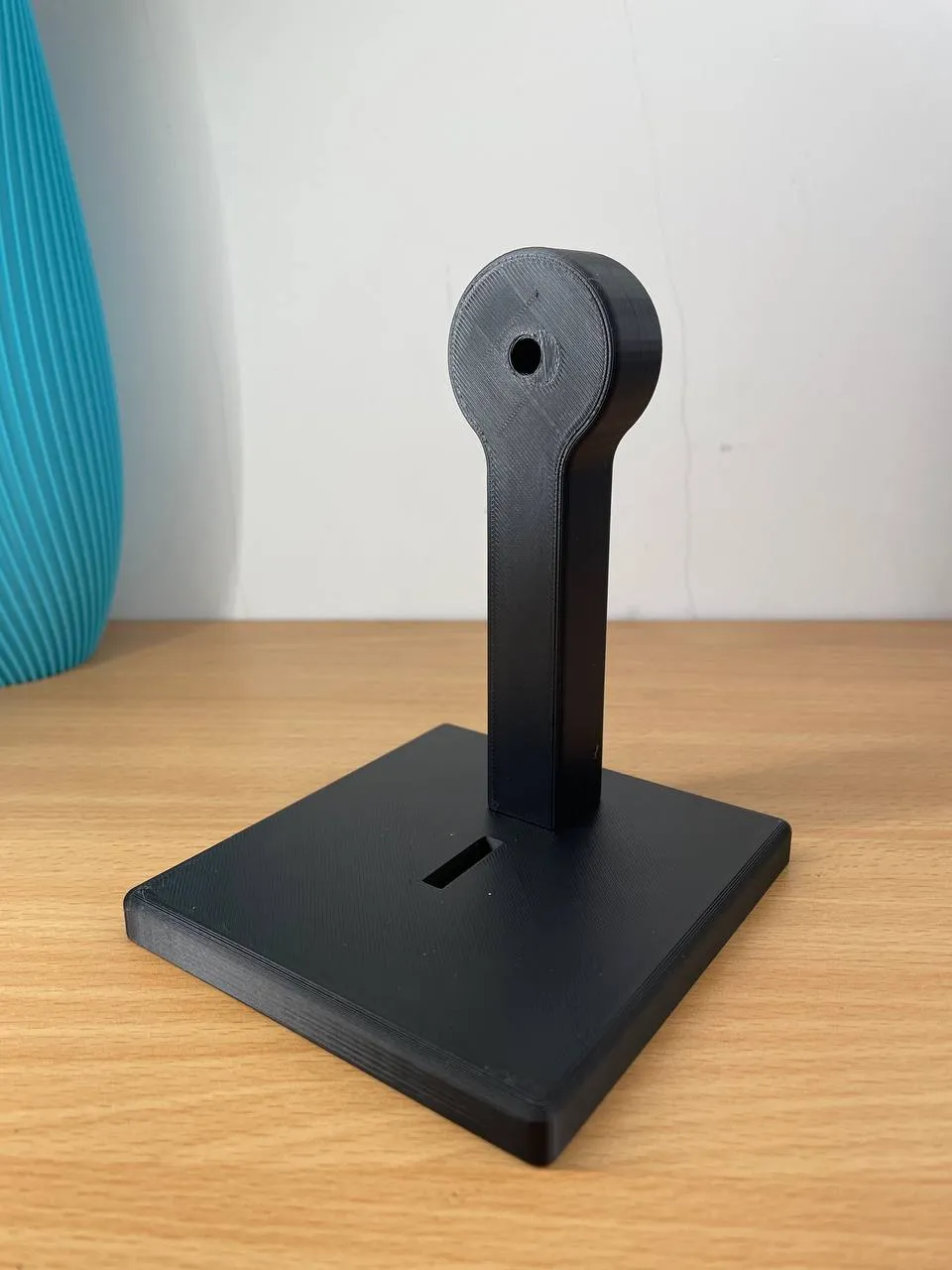
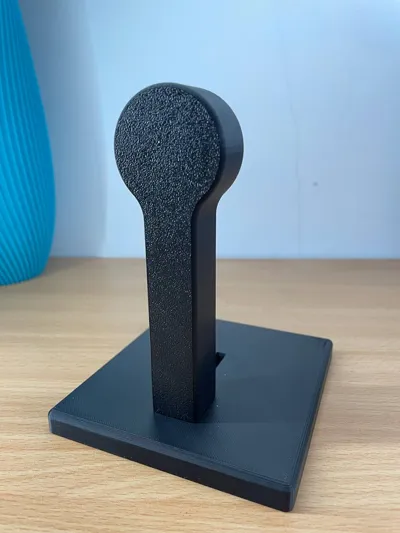
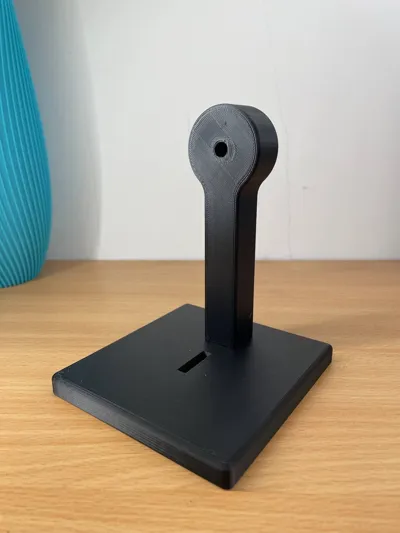
The base and the black support must be glued with superglue; the other pieces are attached without glue.


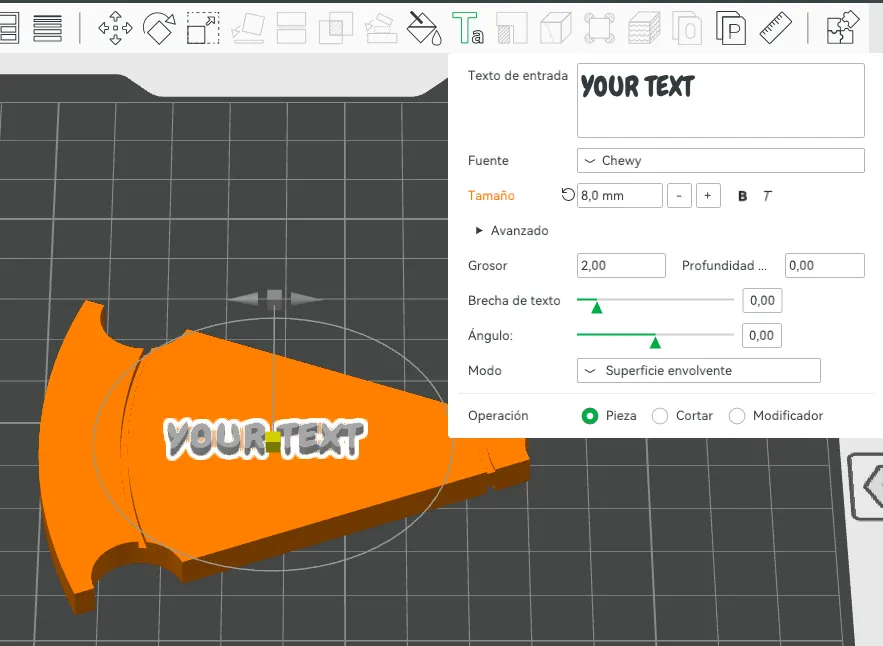
The text can be edited from Bambu Studio.



⭐Features:


✔️Colors can be changed in Bambu Studio.

✔️Printing with AMS.

✔️Easy to print model.

✔️No glue used (ONLY IN BASE AN SUPPORT).


Comment & Rating (18)

(0/1000)

Boosted
would love to print this but it’s saying it doesn’t support P2S or H2C…any way to fix that?
The designer has replied
0
Reply
how you are trying to print it from the mobile app or bambu studio
Show original
0
Reply
the mobile app has a bug regarding this, people have complained a lot on reddit and we recommend using the desktop app
Show original
0
Reply
Boosted
Replying to @Aldezo_88 :
ok, thank you. I will try the desktop
0
Reply
hello, what size is the bearing it uses
(Edited)
The designer has replied
Show original
0
Reply
698ZZ
0
Reply
Replying to @Aldezo_88 :
gracias
0
Reply
¡Viva España!
The designer has replied
0
Reply
vivaaa
0
Reply
you know that it doesn't give me the option to change colors, I don't know what I'm doing wrong
The designer has replied
Show original
0
Reply
if you think of that click on that piece and go to the paint tool and click erase paint and repaint, sometimes bambu studio goes crazy
Show original
0
Reply
Hello! Mine is a PS2. How can I print it the same size as yours? Because when I open the project it shrinks considerably making the adaptation
The designer has replied
Show original
0
Reply
does it turn out like this without touching anything just by changing your printer
Show original
0
Reply
how to change the text in the field
The designer has replied
Show original
0
Reply
In Bambu Studio in the Objects section, right-click on the text and edit
Show original
0
Reply
Print Profile
0.2mm layer, 6 walls, 25% infill
The profile uploader has replied
0
Reply
Muchas gracias
0
Reply
No more

License

This user content is licensed under a Standard Digital File License.

You shall not share, sub-license, sell, rent, host, transfer, or distribute in any way the digital or 3D printed versions of this object, nor any other derivative work of this object in its digital or physical format (including - but not limited to - remixes of this object, and hosting on other digital platforms). The objects may not be used without permission in any way whatsoever in which you charge money, or collect fees.