
Indicators on Babetta
Print Profile(0)
Bill of Materials
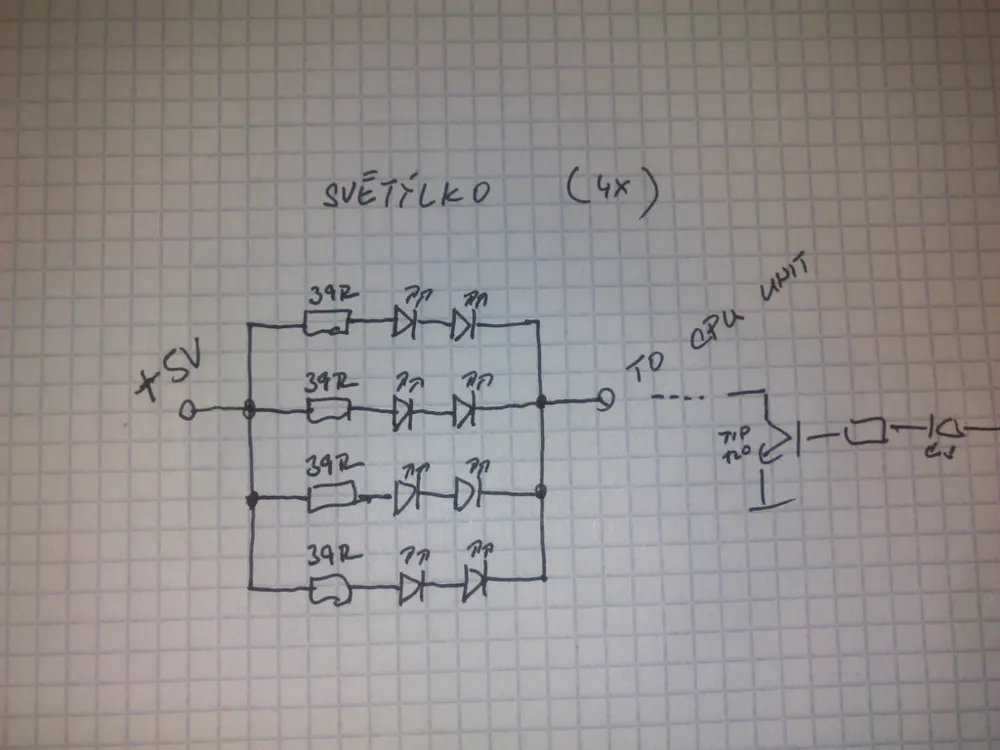
- Resistor 39R x 16:
- LED orange x 32:
Description
Indicators on Babetta
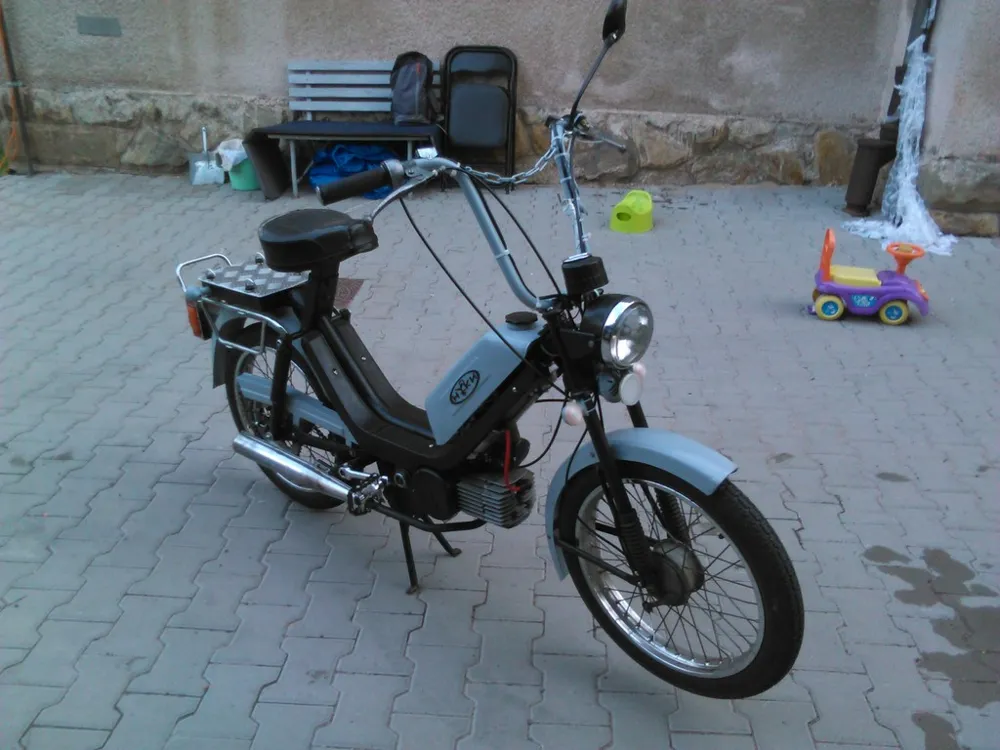
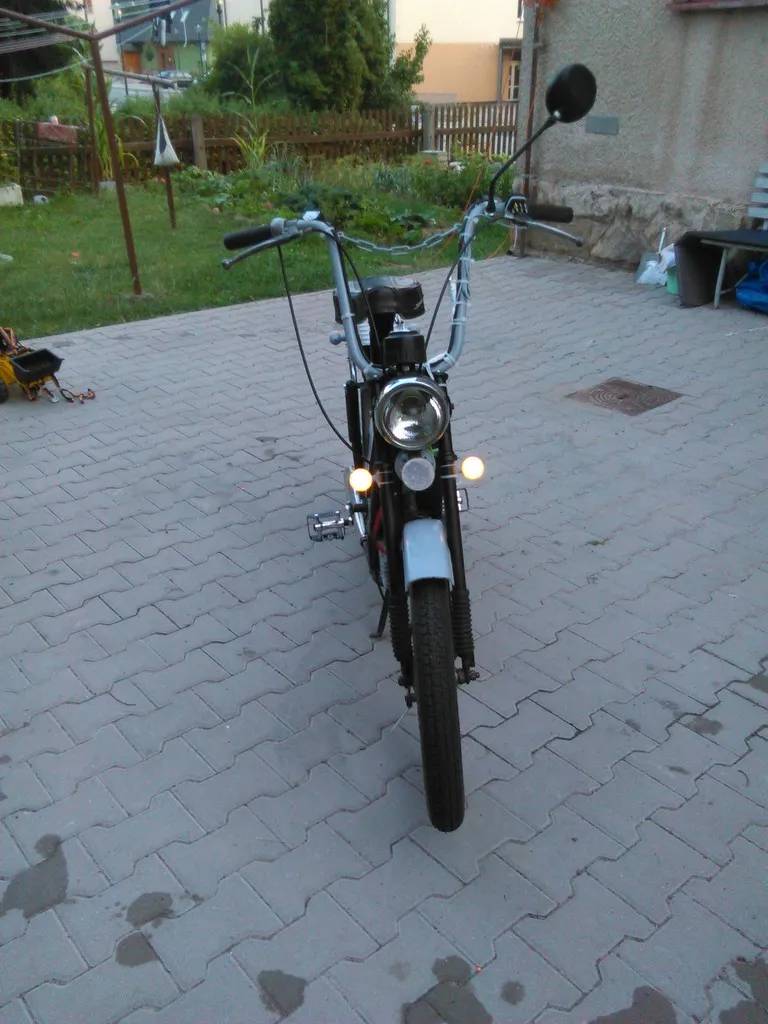
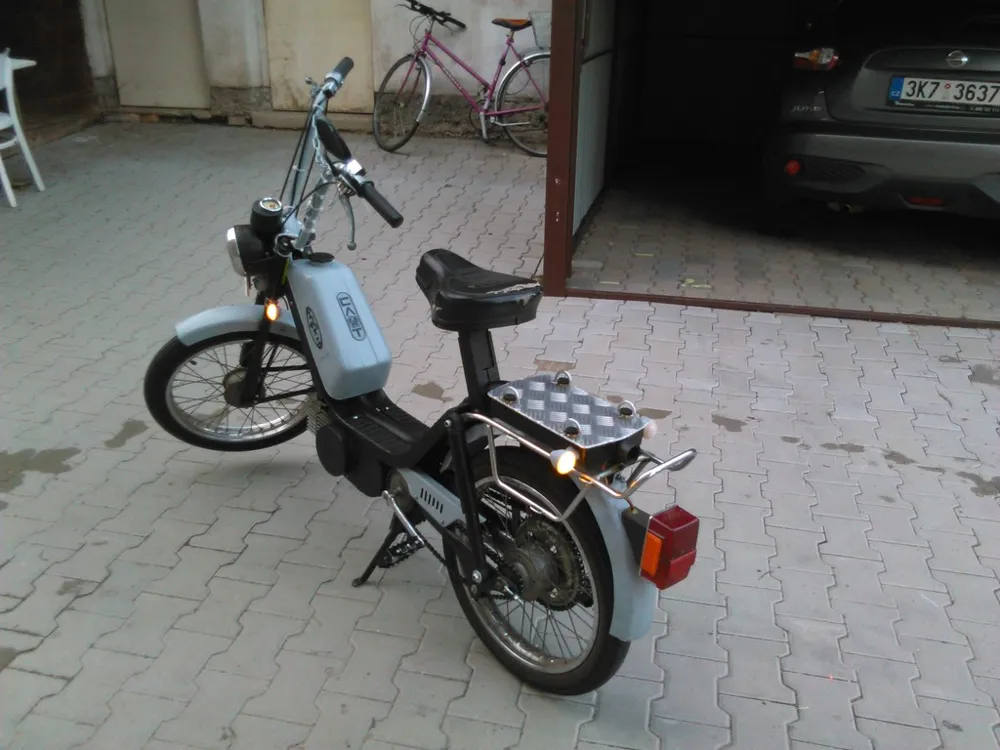
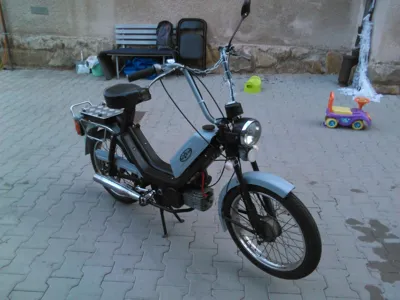
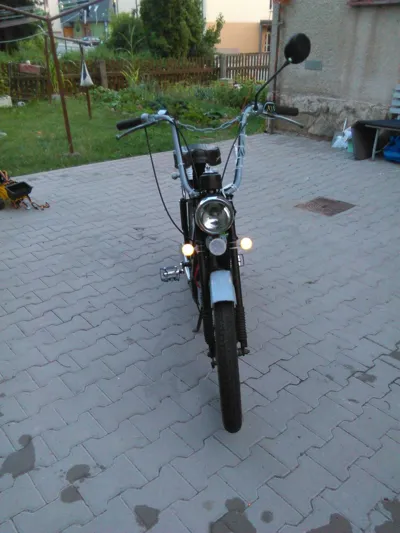
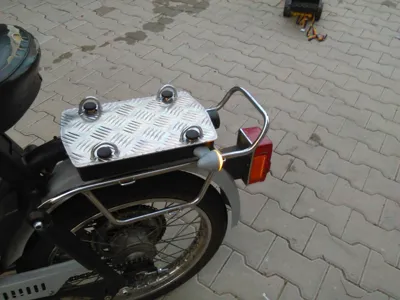
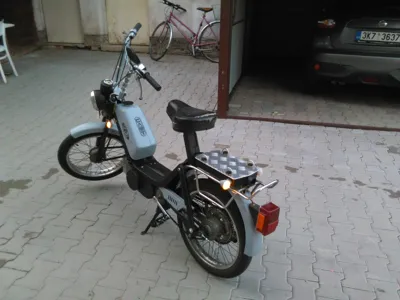
I recently acquired an iconic Czechoslovak moped, the Babetta 210 from 1986. Due to its age, the Babetta is not equipped with indicators (though they could be purchased at the time), so I decided to add them. However, the models available on the market didn't quite suit it, so I decided to make my own (I know they don't have homologation, but since the Babetta isn't subject to registration, it's not such a problem).
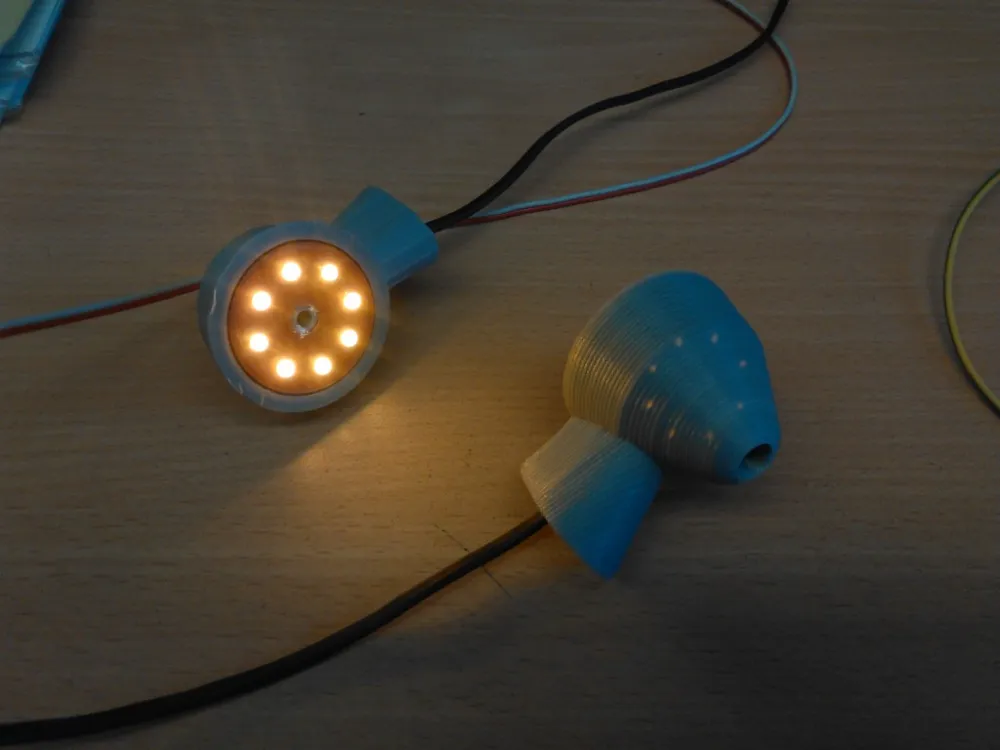
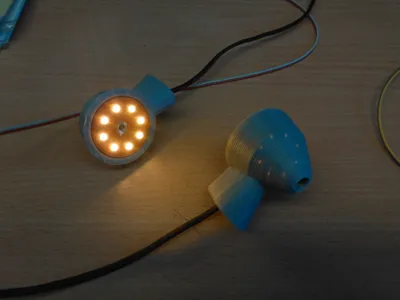
Now to the indicators themselves. They are modeled to lightly resemble the shapes of the original indicators used at the time, and with easy printing without supports in mind. The main difference, however, is the absence of a hollow threaded rod by which the indicators were then attached to the frame; instead, the mounts are already integrated. Another change is the use of LEDs instead of incandescent bulbs and, of course, microprocessor control implemented by Arduino with the AT Tiny85 MCU.
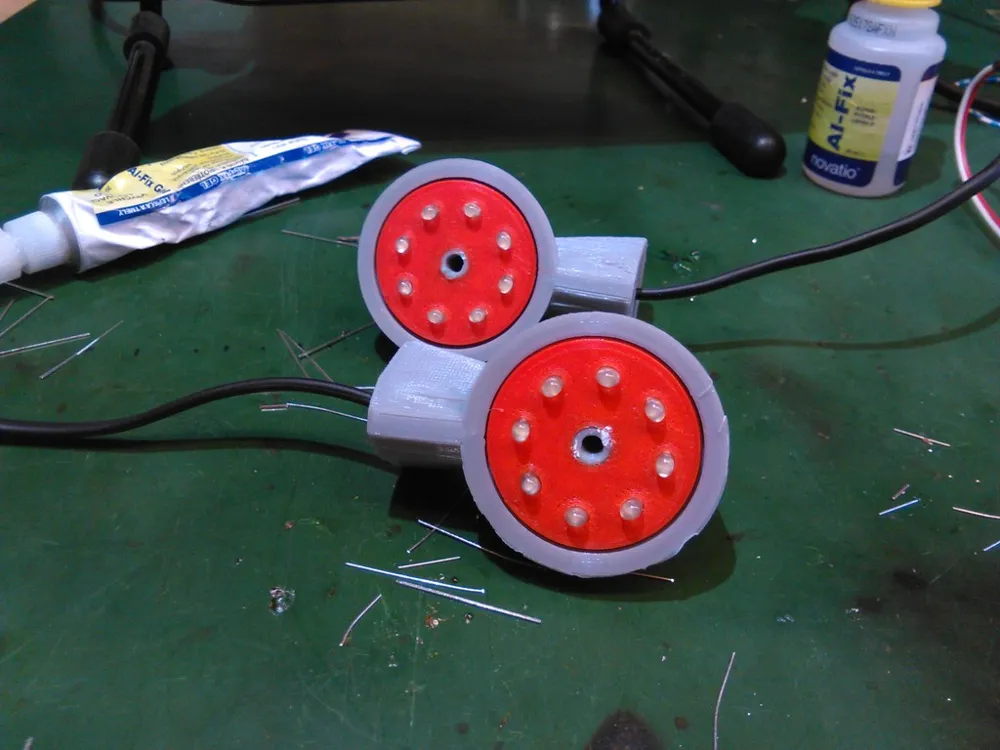
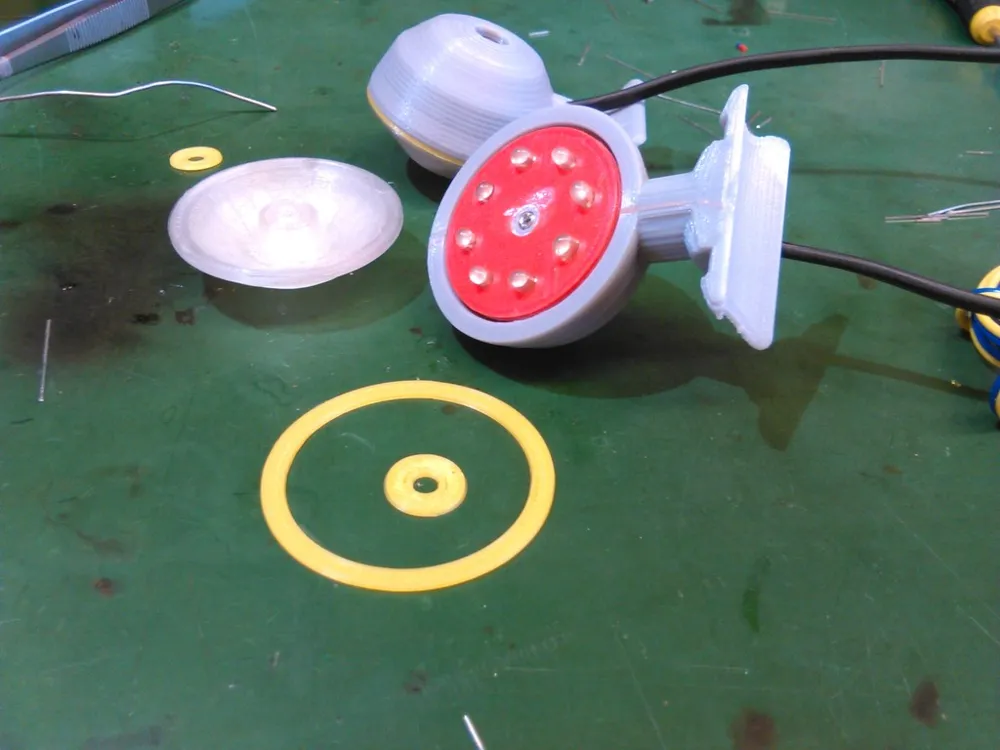
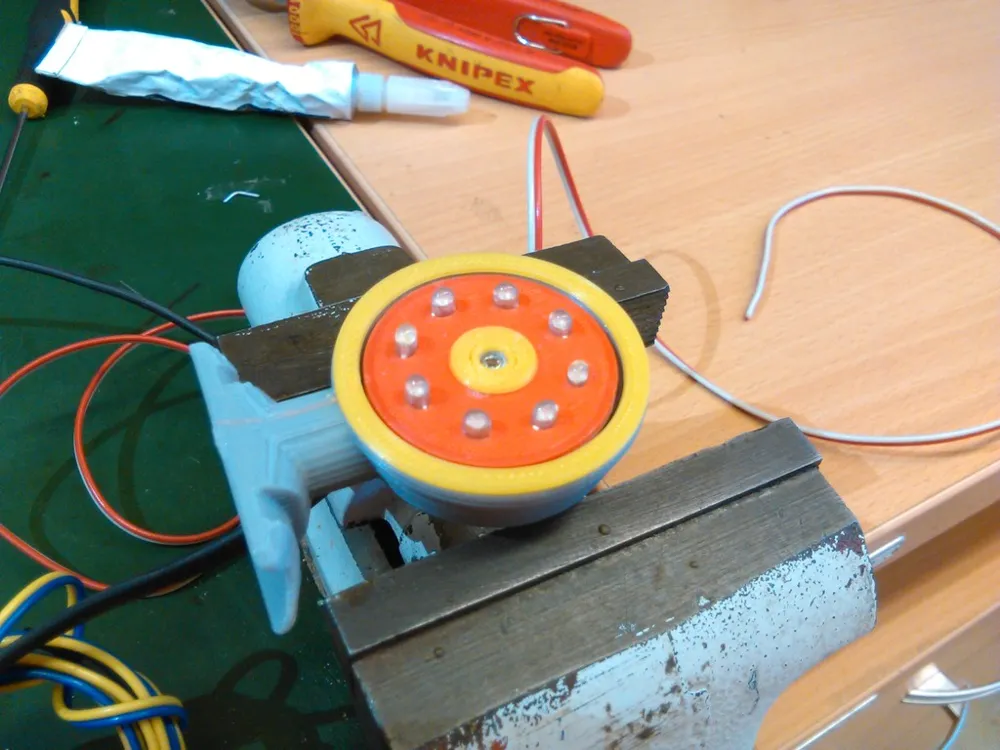
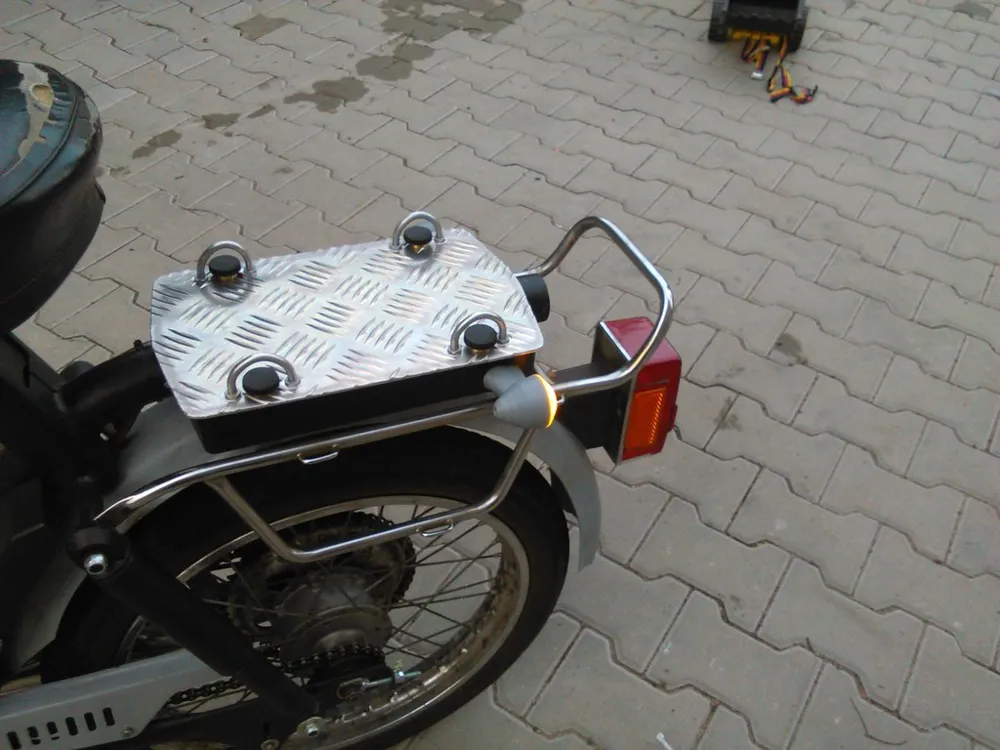
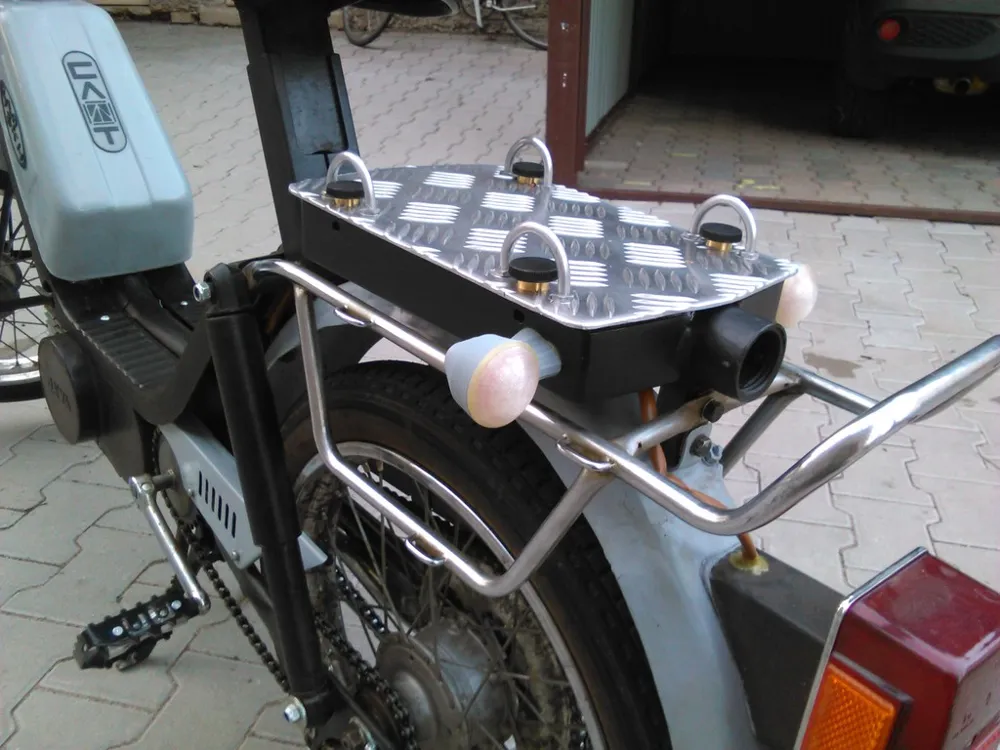
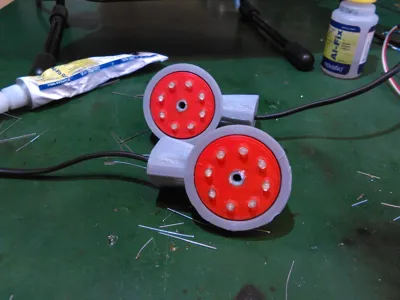
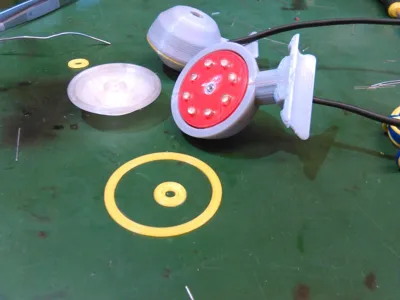
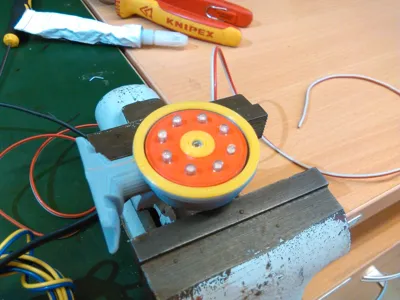
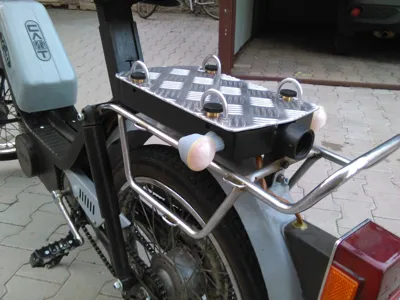
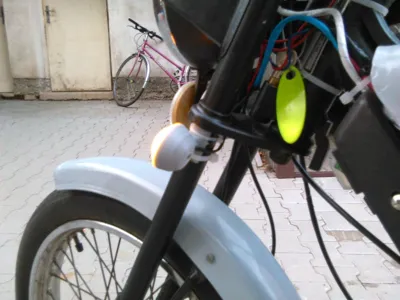
Structurally, the front and rear lights are identical and differ only in the shape of the body itself and the mounting method. Generally, however, each light consists of a printed lens, which should be made from transparent uncolored material, two sealing rings made of TPU, a mask into which the LED is placed, and finally the body itself.
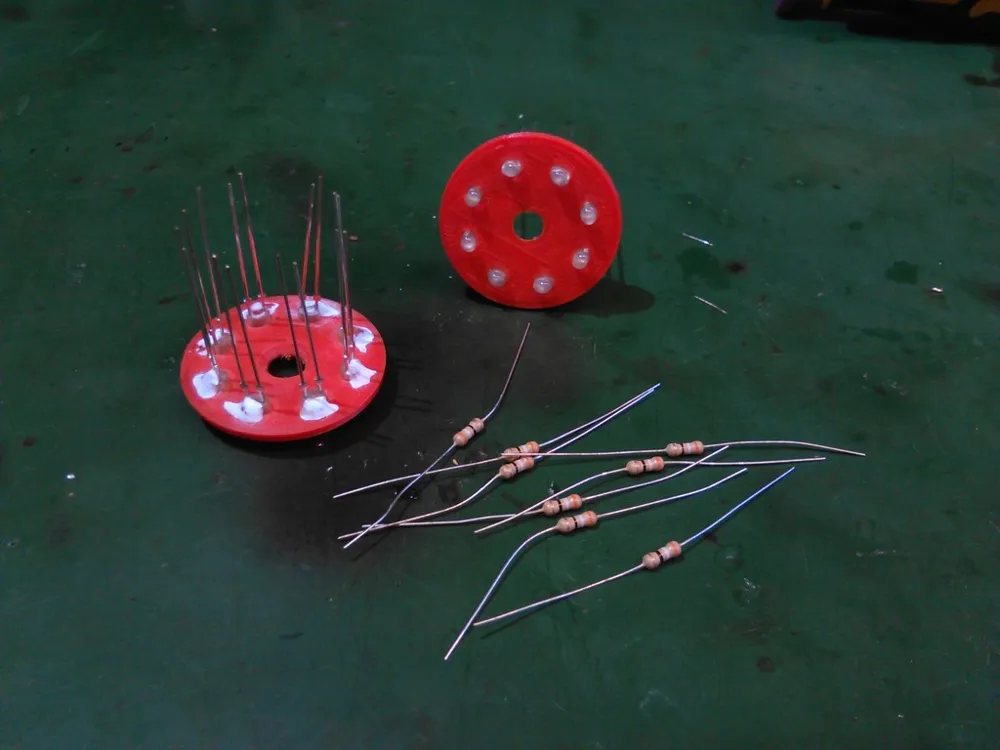
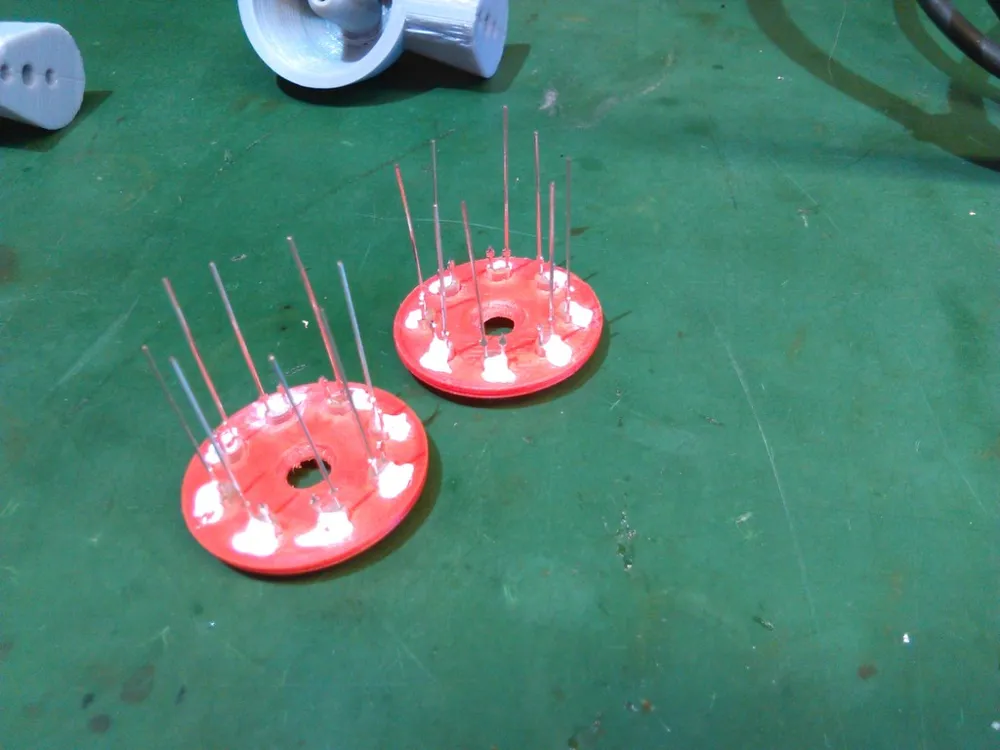
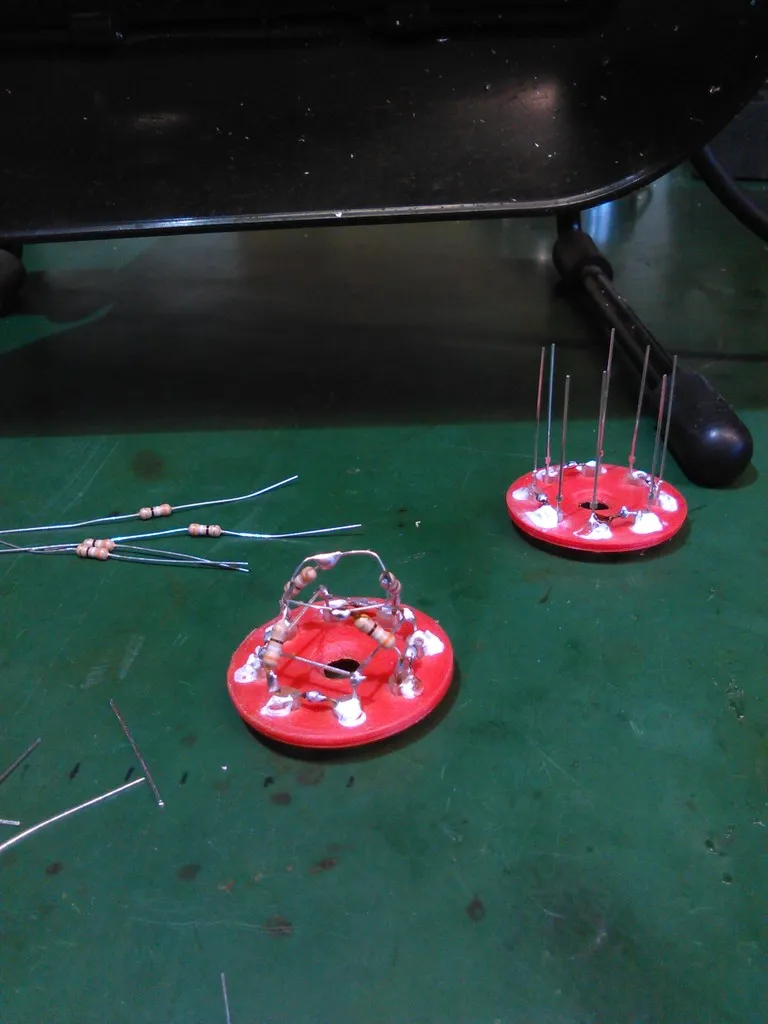
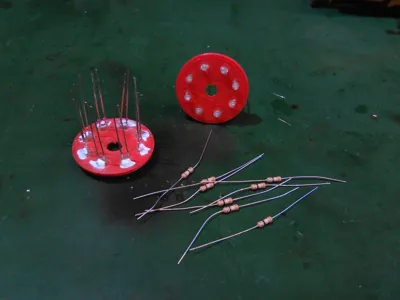
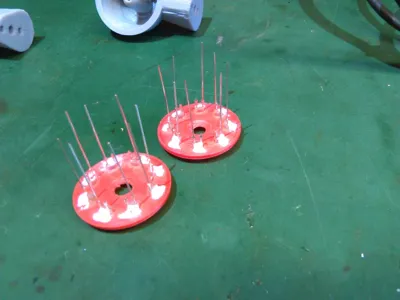
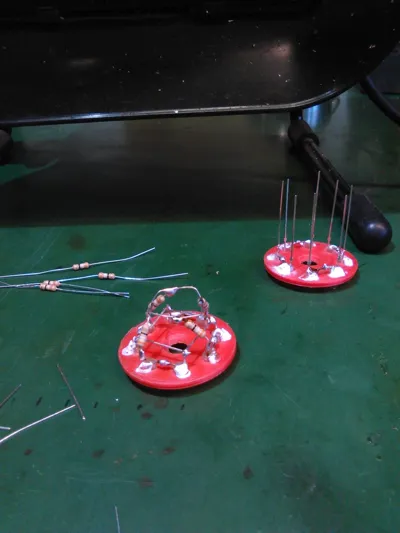
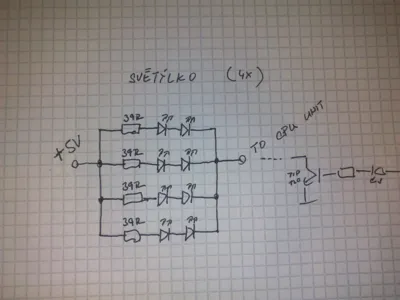
The LEDs are placed on a dedicated ring, to which they are secured with a drop of super glue. Subsequently, they are simply wired according to the attached diagram in a "sparrow's nest" style, see photo.
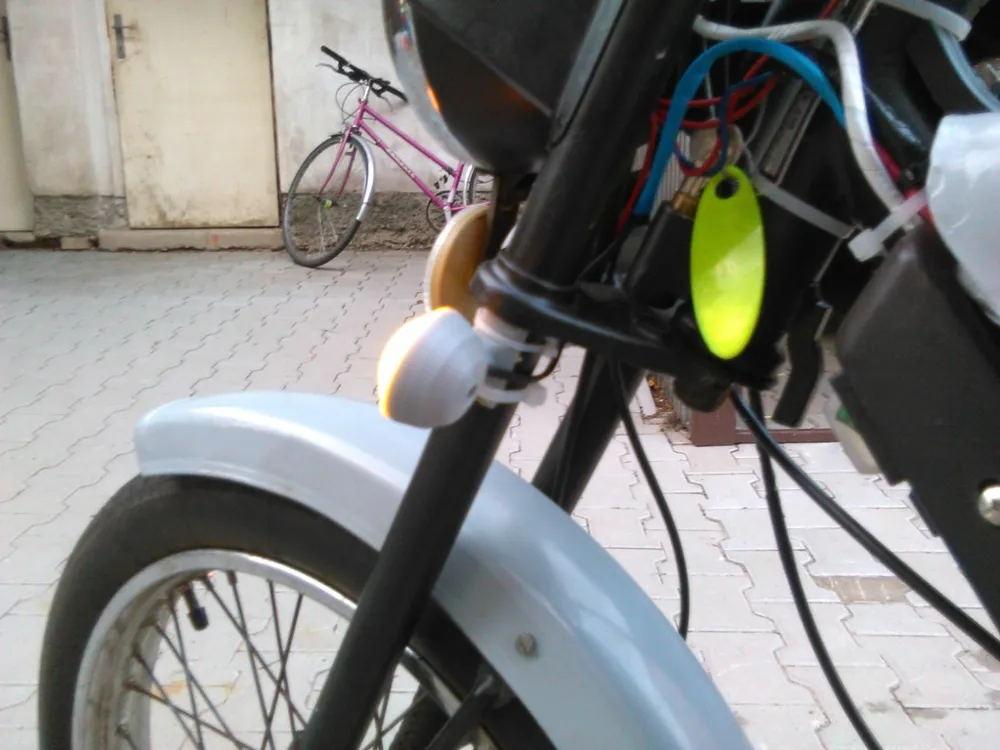
The front lights are attached to the upper part of the spring shock absorbers using glue and zip ties.
In the case of rear lights, it is necessary to cut M4 threads into them and drill three 4mm diameter holes for each light into the back wall of the "tool box" (two for the fixing screws and one for cable routing).
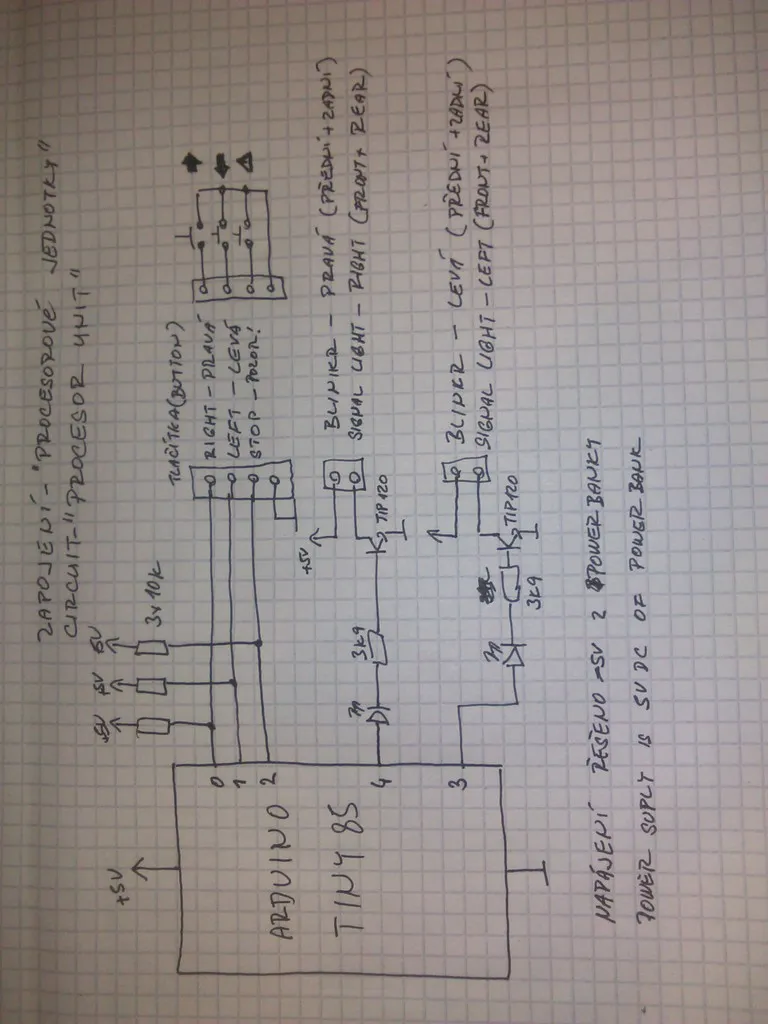
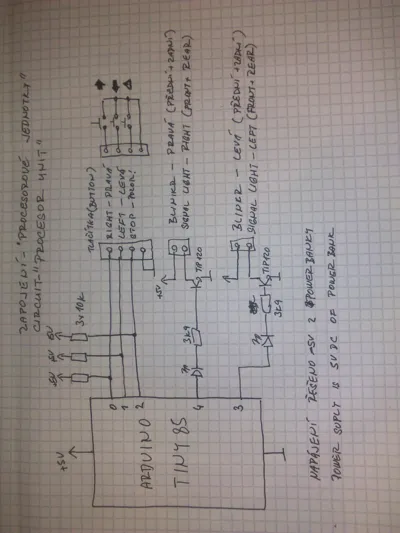
However, for the indicators to work, it is necessary to equip the Babetta with some cycling circuit. A universal 12V flasher (6V for older models) can be used here. However, I decided to build my own with an AT TINY 85 microcontroller from Atmel on a universal board. The use of Arduino was directly suggested here due to its cost and ease of programming, and thus potential later modifications. The wiring diagram is in the drawing above.
Thanks to the use of a microcontroller, it was possible to use ordinary buttons instead of switches for control. As a result, the indicators have the following functions. Pressing a direction button activates flashing for that direction. Pressing the same button again turns off the flashing. However, it is possible to switch directly to flashing in the opposite direction by pressing the button for the opposite direction. Flashing in any direction can, of course, also be turned off by pressing the STOP button. By pressing the STOP button, the so-called hazard lights can also be activated; if the indicators are not currently active, all lights will begin flashing simultaneously.
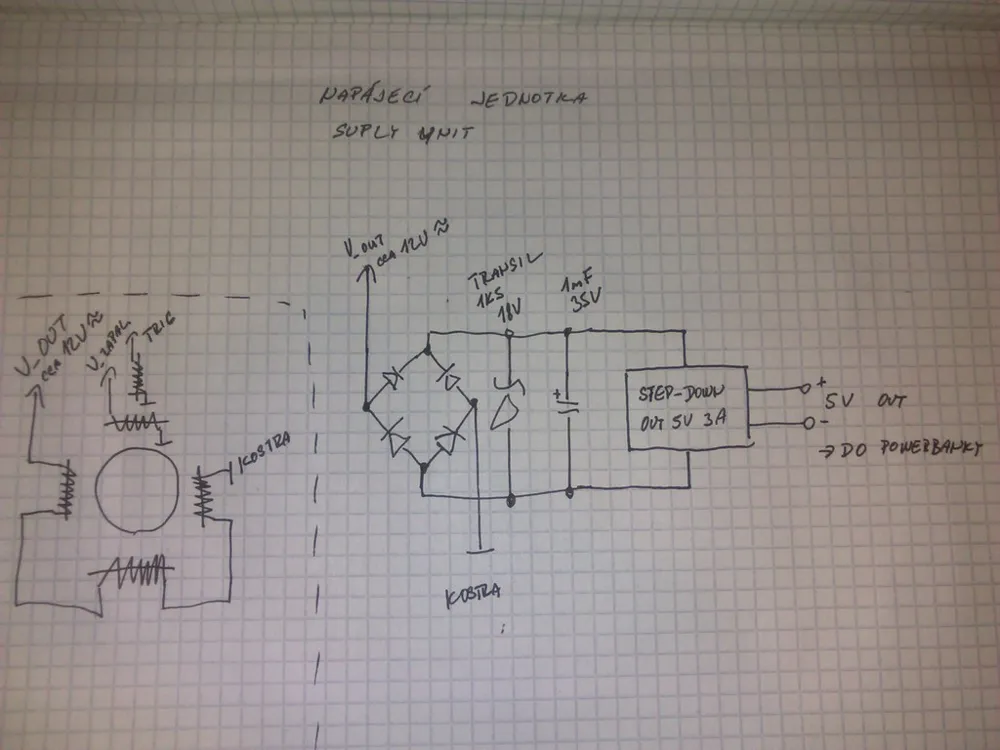
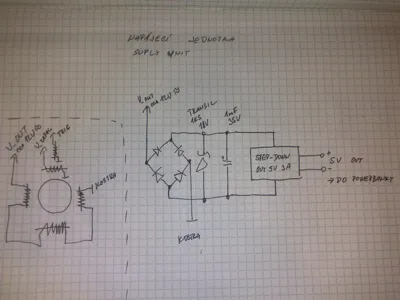
In order to operate the indicators and especially the hazard lights even without the engine running (for example, in case of a breakdown), the entire system is powered by a classic power bank, which recharges from the lighting circuit while driving. For this purpose, a circuit with a rectifier, a protective transil, a capacitor, and especially a step-down converter module is used, as shown in the diagram above.
A file for SimulIDE and a binary have also been added for function testing.
Print Settings
Printer:
Rebel II
Rafts:
No
Supports:
No
Resolution:
0.2
Infill:
20%
Filament: GEMBIRD PLA, TPU gray, transparent, yellow
Category: AutomotiveLicense



Comment & Rating (0)