Search models, users, collections, and posts

Slidy Slime Ball - Flexi Print in Place
GIF

Print Profile(4)

All
A1 mini
H2S
H2C
H2D Pro
X1 Carbon
A1
X1E
P1S
X1
H2D
P2S
P1P
X2D
A2L

0.2mm layer, 2 walls, 0% infill
Designer
4.2 h
1 plate
4.6(268)

Less holes and less noisy
Designer
4.8 h
1 plate
4.7(121)

Faster and Stronger print!
3.6 h
1 plate
4.8(36)

Tested profile - 71g, perfect supports, safe print
4.6 h
1 plate
4.6(107)

Open in Bambu Studio
Boost
2689
7372
743
305
21 k
11 k
Released 

Description

Boost Me (for free)

Have some boosts you need to get rid of or want to support me for free? Drop a boost! A dollar goes a long way!

Membership

Looking to support my work? Join my commercial membership today!

Join

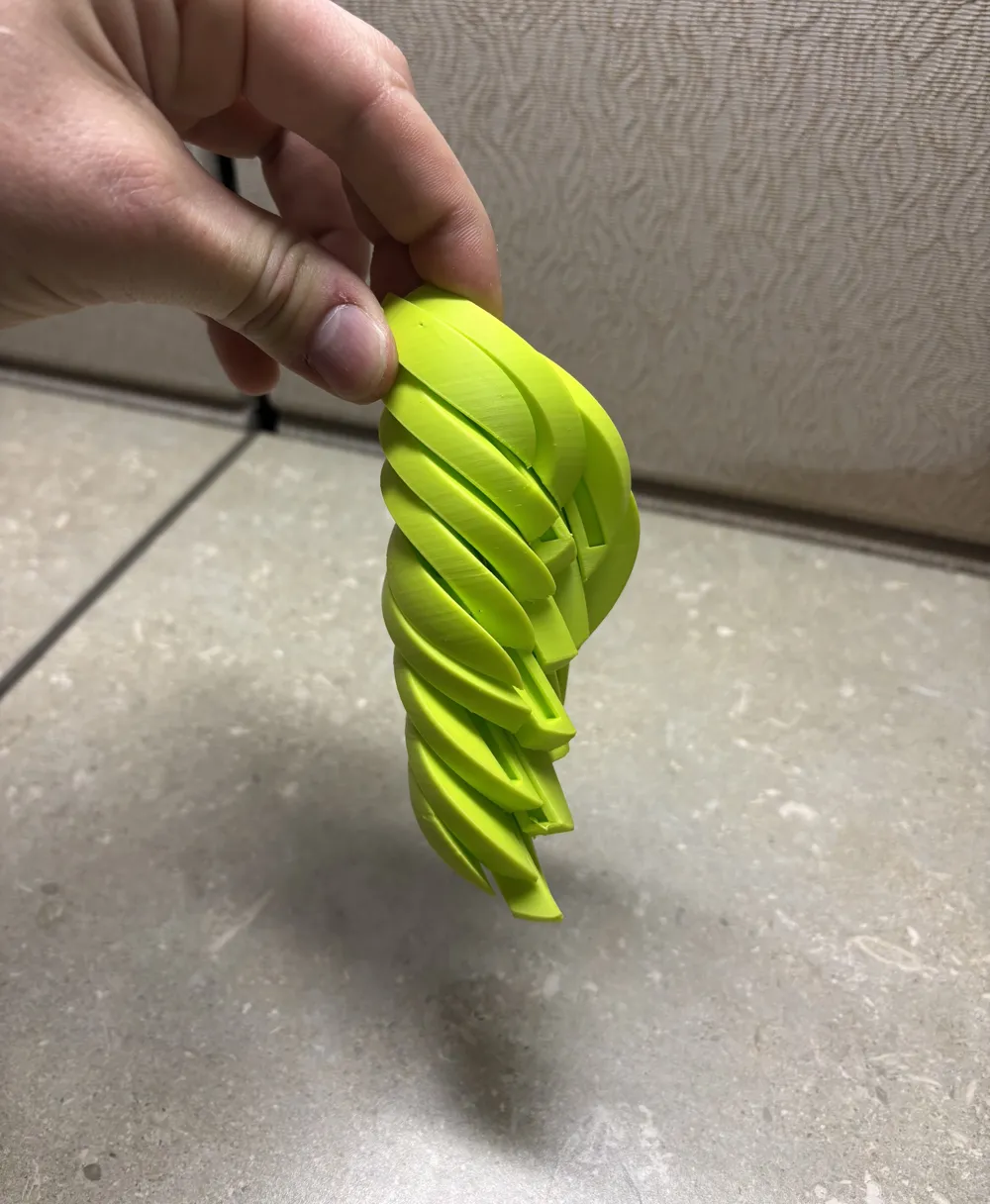
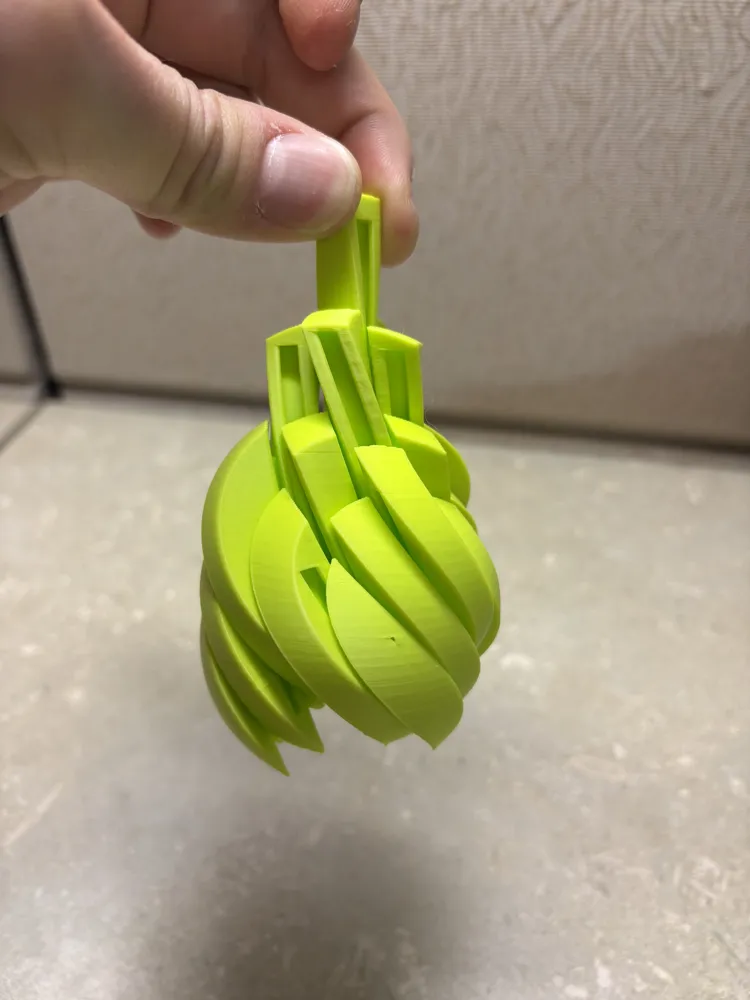
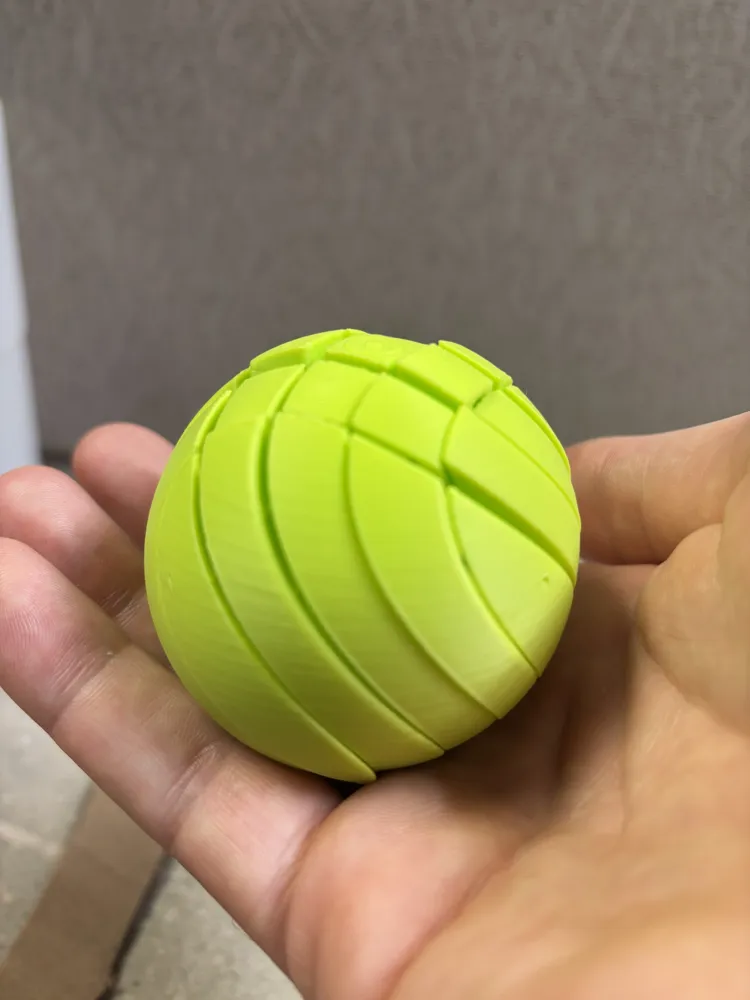
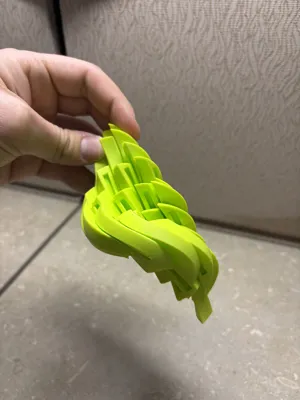
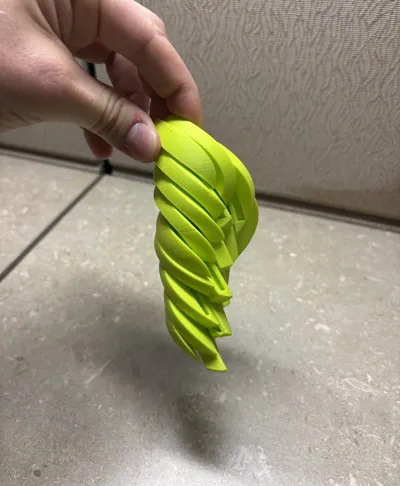
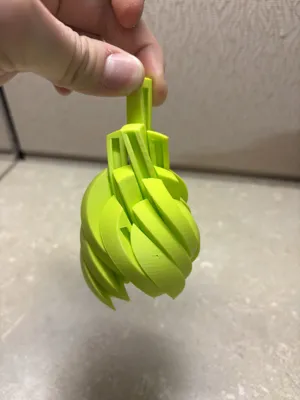
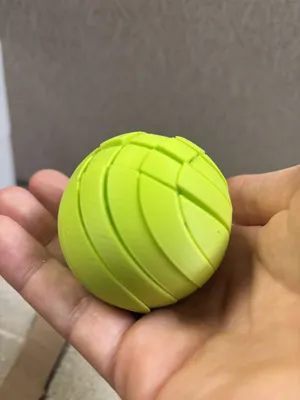

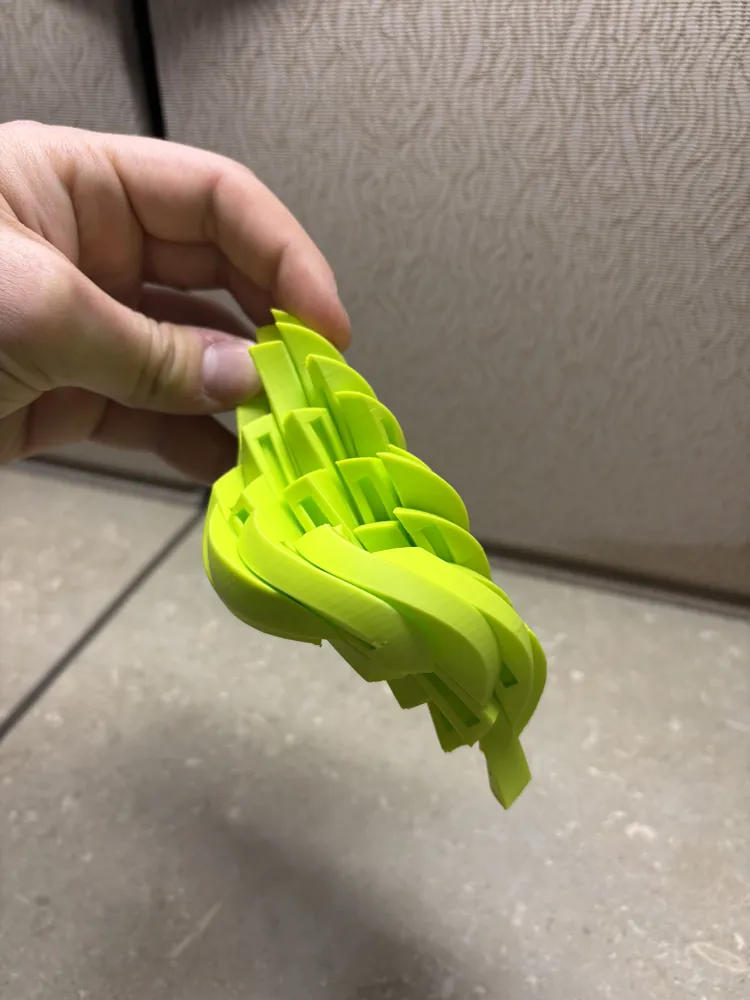
Here is a Slidy Slime Ball! It is a sphere made up of many pieces that slide around in a corkscrew pattern! All these things make cool sensory effects that you will love!

Fair warning, this print is complicated. There is a lot of support needed and there will be slight defects on the outside in some places. It may take more than one try but it's a super cool toy once you get it right.

Comment & Rating (743)

(0/1000)

Clearly a copy of Ruven Bals slime ball, should be taken down.
The designer has replied
1
Reply
This is my original model. I created it from scratch and have my own CAD files.
13
Reply
don’t assume things
designer
2
Reply
be kinder to @horseman3000 he said he didn’t copy it so you should trust him. even if he did it’s better to have more than one version of things
(Edited)
designer
11
Reply
I've printed it twice and I'm having trouble getting the pieces to work. I'm using pretty standard PLA filament, is there a type of filament that would work better? the actual fidget itself prints just fine, I just can't get the pieces to slide or really move around too much.
The designer has replied
0
Reply
interesting, did you use my print profile or did you create your own?
0
Reply
Replying to @horseman3000 :
I didn't make any changes in the code, I downloaded the file in the slicer app. Full disclosure, I am pretty new to printing so I'm pretty green to this. The outside pieces slide down a little bit the middle 9 dont move. Is there a better type of filament that could help that you know of? I'm using Orca slicer and a Flashforge adventurer 5M Pro
0
Reply
Replying to @user_126354534 :
I'm thinking that something is getting messed up within the transfer from the bambu lab slicer to the Orca slicer which isn't your fault. Any pla is the best choice of filament so I don't think you're going wrong there. You might have to get more familiar with the Orca slicer (because I am not) and see if there's a way you can add your own supports and make sure they are not being built inside the slots in the model or if there are any other issues. Are you seeing any unusually rough layer lines on the outside of the print when it is done?
0
Reply
failed twice
1
Reply
Pla print-file and PetG filament?
0
Reply
Looks like you did a filament change right after the bottom support was printed. Now that's sure silly to do in that fragile location!
0
Reply
Replying to @KevlarPrints :
I didn’t. was printing another one on the same plate. floated the switch in this object.
0
Reply
Print Profile
0.2mm layer, 2 walls, 0% infill
the model has not been printed, the parts are not moving, pla lite
0
Reply
you gotta use stuff like PETG for prints like that
0
Reply
Replying to @user_2860584057 :
I disagree, I have already printed one of these out of PLA before without issues, you just have to have your printer calibrated enough
0
Reply
Replying to @user_2860584057 :
I successfully printed it in PLA.
0
Reply
Print Profile
0.2mm layer, 2 walls, 0% infill
Very addictive fidget toy! I printed one in PLA and another in PLA Silk +. I don't recommend the Silk because the fibrous nature of that filament causes friction and prevents smooth sliding (there may be a setting to smooth it more, but I'm a noob and would have no idea how to do that). I copied another user and kept the supports to use to hold the balls when not in use (plus they look cool). Warning to others that this is a bit noisy and isn't ideal for use while un-muted on a work call (which is what my intended use was going to be). Otherwise, I love it!
The profile uploader has replied
0
Reply
I love silk for this reason too! I do have another print profile labeled "less holes and less noisy" if you are interested in a less noisy version :)
0
Reply
Replying to @horseman3000 :
GAH! How did I miss that?!
0
Reply
Replying to @horseman3000 :
I have the ball fall apart during printing. Normal setting we use for the filament for hundreds of prints.
0
Reply
Print Profile
0.2mm layer, 2 walls, 0% infill
Printed pretty well, but some holes in the outer walls that only appear for this model.
The profile uploader has replied
0
Reply
yeah I might have scaled it down a little too far.
0
Reply
Replying to @horseman3000 :
Printed a second one (started red\black dual PLA, then purple PLA, finished with red PLA) for the kiddo. They were quite happy with it. Same holes in the outer walls, but didn't get a picture of it before they went to school.
0
Reply
Replying to @nivek1385 :
mine looks lik this, how did u get the supports off
0
Reply
Print Profile
Tested profile - 71g, perfect supports, safe print
Perfect print, works great. Thank you.
2
Reply
what brand is that tri filament! love the color scheme
0
Reply
Replying to @Dilly.crafts24 :
Ziro tricolor matte Pla-Volcano. Enjoy.
0
Reply
@horseman3000 there is a setting in bambu studio (on build plate only) I added this setting to the supports and there were none to remove on the inside so you can get right to playing after removing th main supports you should probably add this setting to you model’s
(Edited)
The designer has replied
1
Reply
Yes, I am aware of this feature, but I thought it was already on the profile I uploaded
0
Reply
Replying to @horseman3000 :
ok
0
Reply
the model i downloaded doesnt have the supports, can anybody help me find them? because i tried printing it with supports that my slicer generated and the prind came out with a really bad texture... HELP PLEASE!
The designer has replied
0
Reply
If you paint support onto the bottom half of the sphere and turn on “print supports on build plate only” that should work well
0
Reply
Replying to @horseman3000 :
what do you mean paint... thanks for responding but i still dont underestand, plase help :(
0
Reply
Replying to @user_3703923897 :
are you using the Bambu lab slicing software?
0
Reply
Print Profile
0.2mm layer, 2 walls, 0% infill
My 7yo liked to play with it for a solid 5 minutes. The support the ball had while printing was stronger than mine.
profile
3
Reply

License

If you want to use this model commercially, please join my membership.
Join Now
This user content is licensed under a Standard Digital File License.

You shall not share, sub-license, sell, rent, host, transfer, or distribute in any way the digital or 3D printed versions of this object, nor any other derivative work of this object in its digital or physical format (including - but not limited to - remixes of this object, and hosting on other digital platforms). The objects may not be used without permission in any way whatsoever in which you charge money, or collect fees.