
Santa & Friends: Christmas Coaster Set with Stand
Print Profile(4)


Description
Boost Me (for free)
If you enjoy this print, Hit Boost 🚀. Your Boosts directly fuel my next projects. It helps me keep creating more unique designs for the community
Licensing & Commercial Use
- Non-Commercial Use Only: This design is provided for personal, non-commercial use.
- Commercial Licensing: If you intend to sell physical prints or use the design for any commercial purpose, you must contact me directly to discuss licensing and formal permission.
✨ Bring the Holiday Spirit to Your Table! 🎄
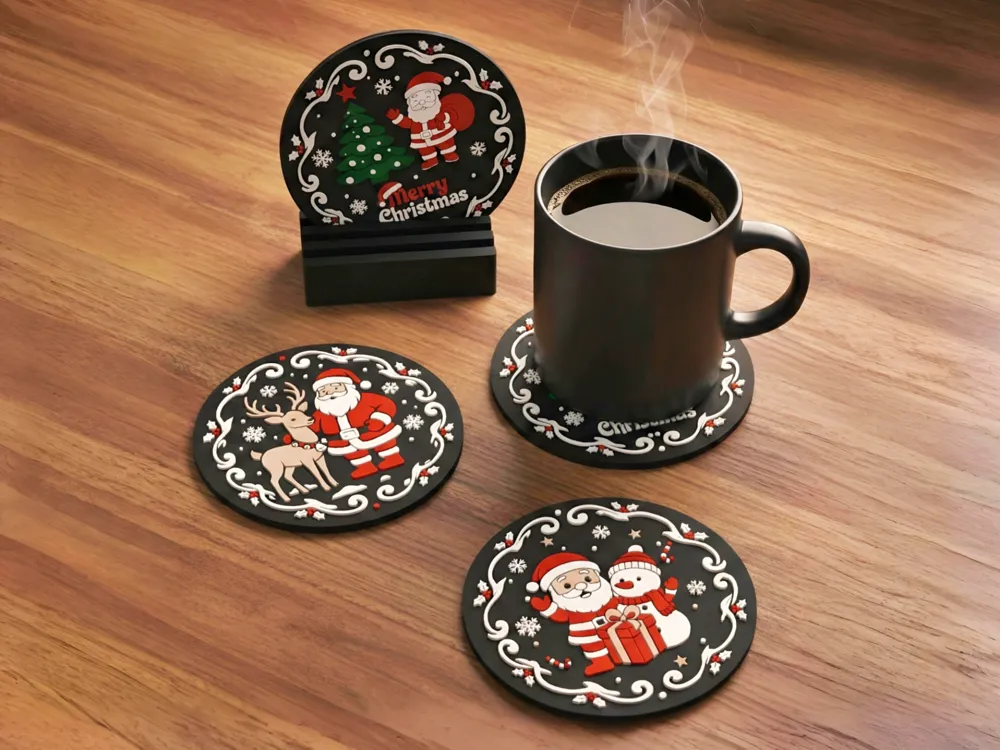
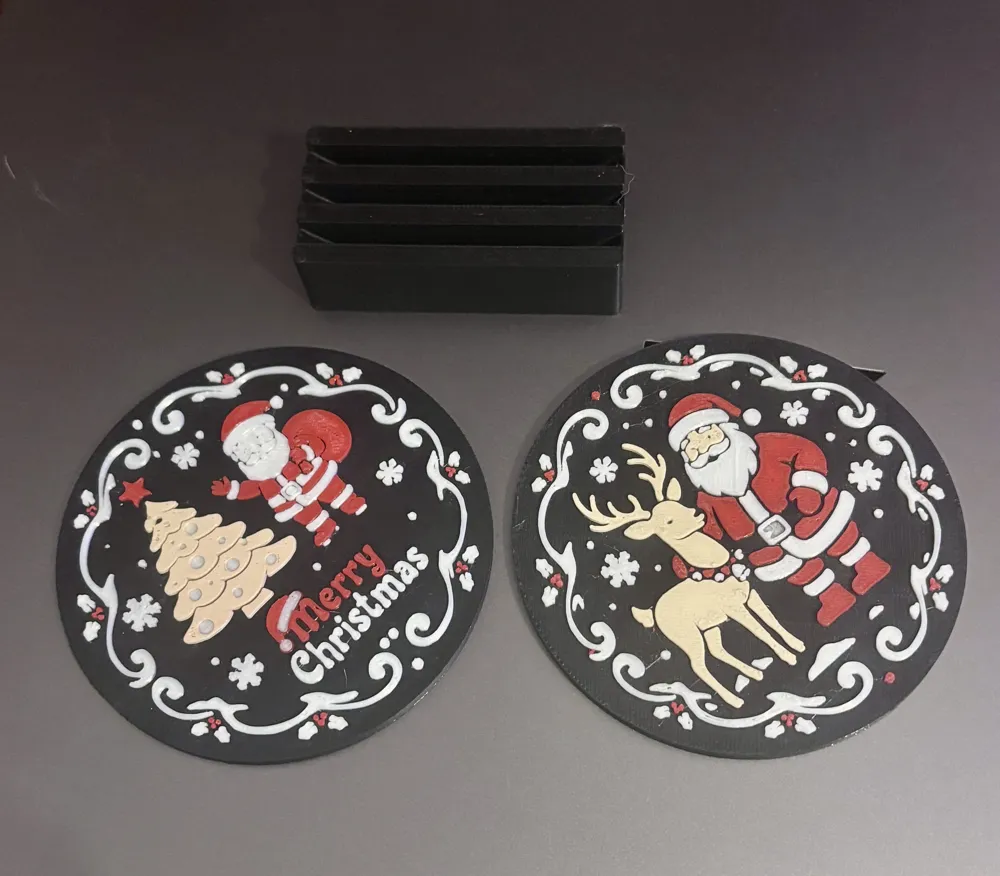
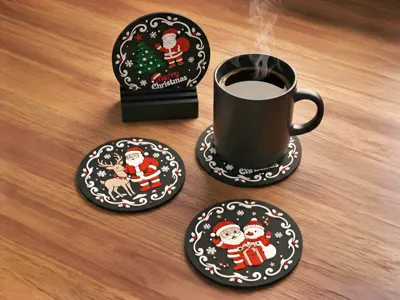
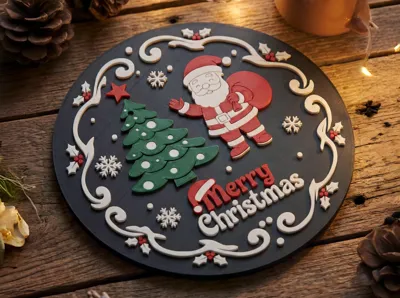
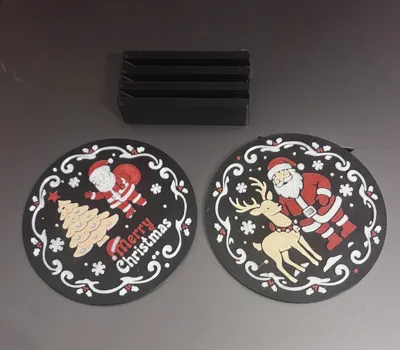
Celebrate the season with this "Santa & Friends" coaster collection! Designed with a charming 2.5D relief style, these coasters feature a classic vintage-style scrollwork border and adorable holiday scenes. The set comes complete with a custom-designed slotted stand, turning your coasters into a festive display piece when not in use.
✨ Unique Design Features:
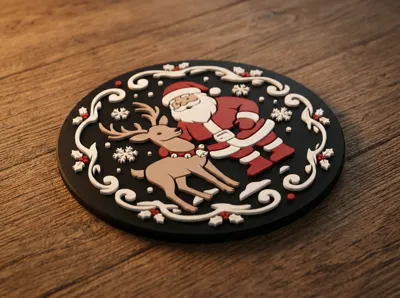
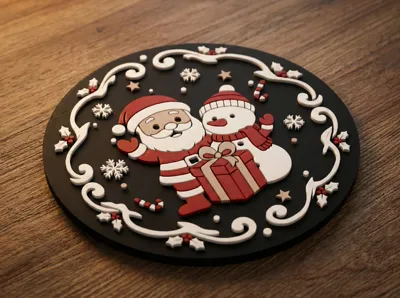
- 2.5D Relief Art: Unlike flat prints, these coasters feature raised layers that give the characters and borders a satisfying tactile depth and a high-quality, premium look.
- Vintage Scroll Border: The intricate white filigree border frames each scene beautifully, mimicking classic holiday ornaments.
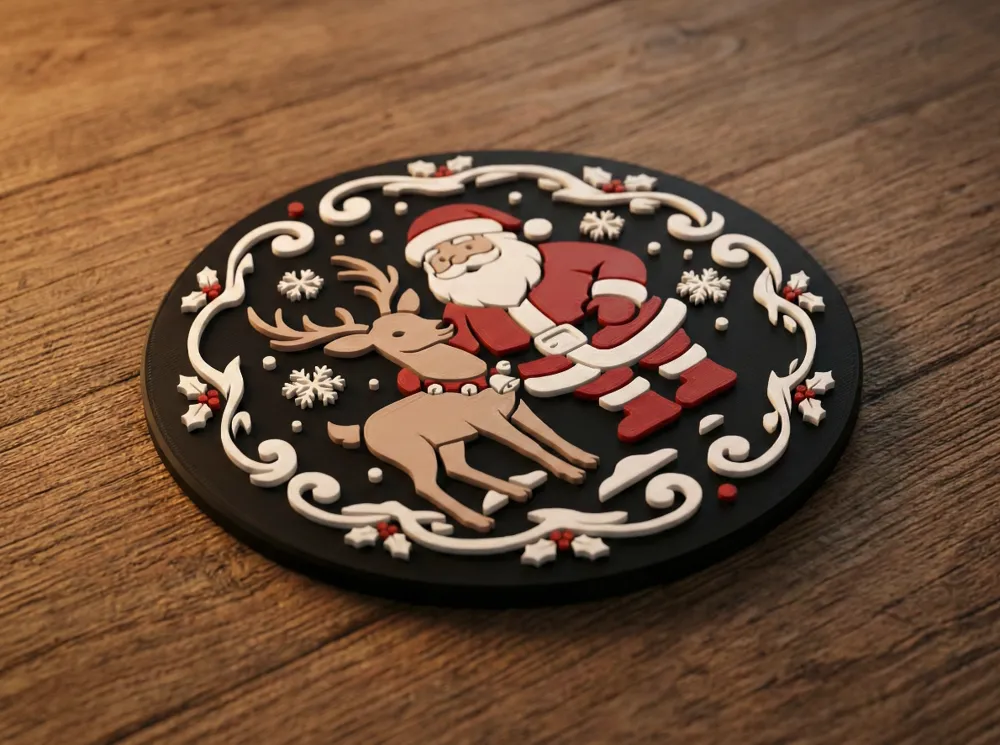
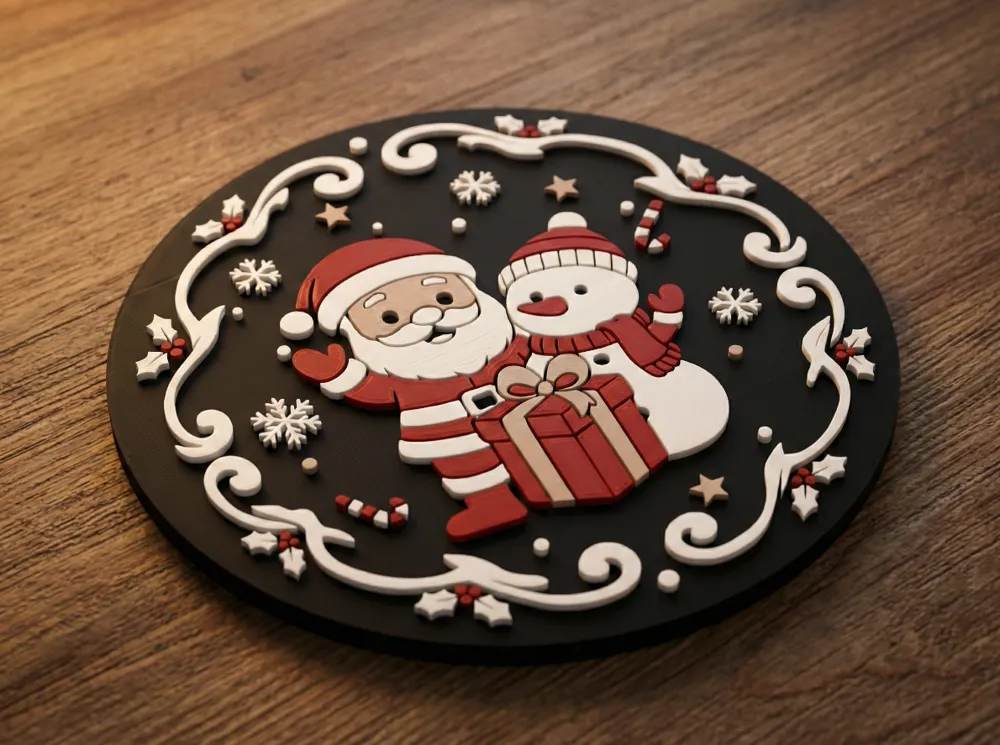
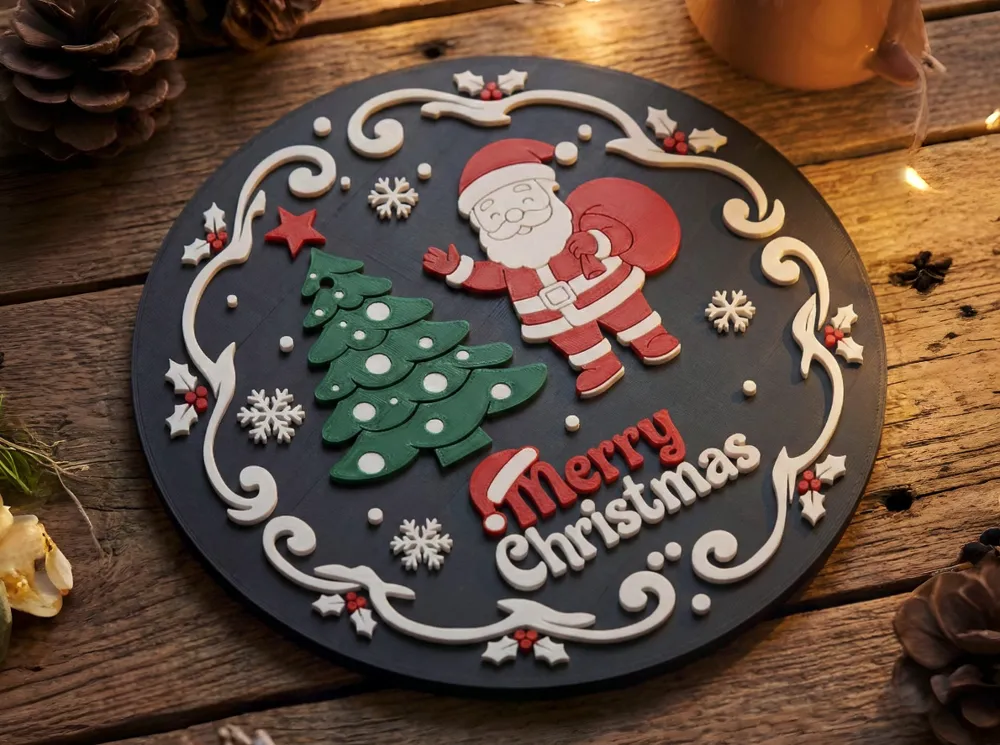
- Complete Set: Includes designs for Santa with his Tree, Santa & Reindeer, and Santa & Snowman.
- Functional Display: The included stand isn't just for storage; it angles the coasters so they act as holiday decor when you aren't drinking your hot cocoa!
💡 The Design Idea: I wanted to create a coaster that felt more like a "ceramic" or "hand-painted" decoration than a standard plastic print. The contrast between the dark background and the bright festive colours makes the characters pop, while the "smooth" geometric aesthetic ensures mugs sit flat and stable.
🖨️ Printer & Filament Recommendations:
- Filament Type: PLA or PLA Matte is highly recommended. Matte PLA (especially for the black background and white details) hides layer lines best and gives that smooth, finished look.
- Colours Needed: Black (Base), White (Border/Snow), Red, Green, Brown, and Skin/Beige.
⚙️ Slicing & Printing Tips:
- Top Surface (Crucial!): To get the super smooth finish seen in the renders, enable "Ironing" on all top surfaces. This smooths out the extrusion lines and makes the print look injection-moulded.
- Infill: 100% infill is recommended for coasters. It gives them a nice weight and prevents warping from hot mugs.
- Layer Height: 0.2mm base, but consider 0.16mm or lower for the top relief layers for sharper details on Santa's face.
- Scaling: Scale X and Y only if you need larger coasters; do not scale Z (height) or you will mess up the color swap layers.
👇 Show Off Your Prints!
I’d love to see your color combinations! If you print this, please upload a Make and rate the print profile. Happy Holidays and Happy Printing! 🎁
Boost Me (for free)
If you enjoy this print, Hit Boost 🚀. Your Boosts directly fuel my next projects. It helps me keep creating more unique designs for the community!
Check out my other models from my profile: https://makerworld.com/en/@aaril/upload
If you are experiencing bed adhesion issues with this model, here are a few quick tips:
🛠️ Quick Fixes for Better Adhesion
- Clean the Build Plate: Wash your plate with warm water and dish soap (like Dawn) to remove oils from your fingers. This is the #1 cause of peeling!
- Add a Brim
- Increase Bed Temperature by 5°C for the first layer
Still having trouble? Feel free to leave a comment with your printer model and filament type, and I'll do my best to help you troubleshoot!
If you’re noticing fine "cobwebs" or hairs on your print, it’s likely a temperature or retraction issue. Try these steps to clean it up:
🕸️ How to Fix Stringing
- Lower the Nozzle Temp: Try decreasing your printing temperature by 5°C–10°C.
Quick Tip: You can quickly remove any remaining fine strings with a quick pass of a heat gun or a lighter!
Happy Printing! ✨
License

You shall not share, sub-license, sell, rent, host, transfer, or distribute in any way the digital or 3D printed versions of this object, nor any other derivative work of this object in its digital or physical format (including - but not limited to - remixes of this object, and hosting on other digital platforms). The objects may not be used without permission in any way whatsoever in which you charge money, or collect fees.


Comment & Rating (43)