
Custom Name Cribbage Pegs — Personalized Crib Pegs
Print Profile(1)

Description
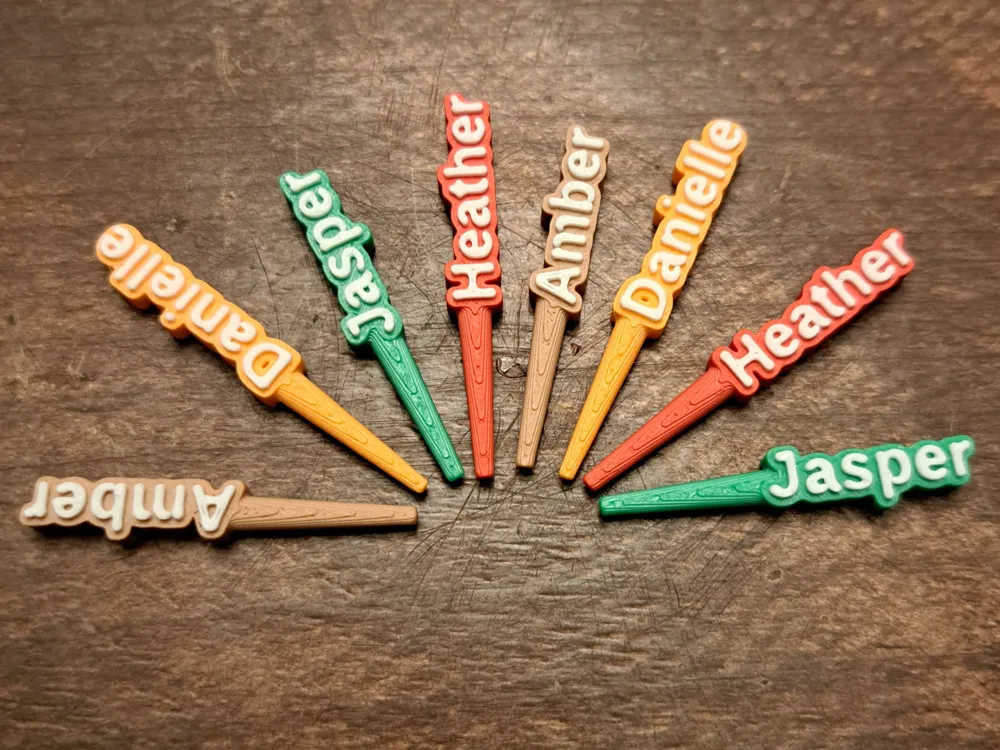
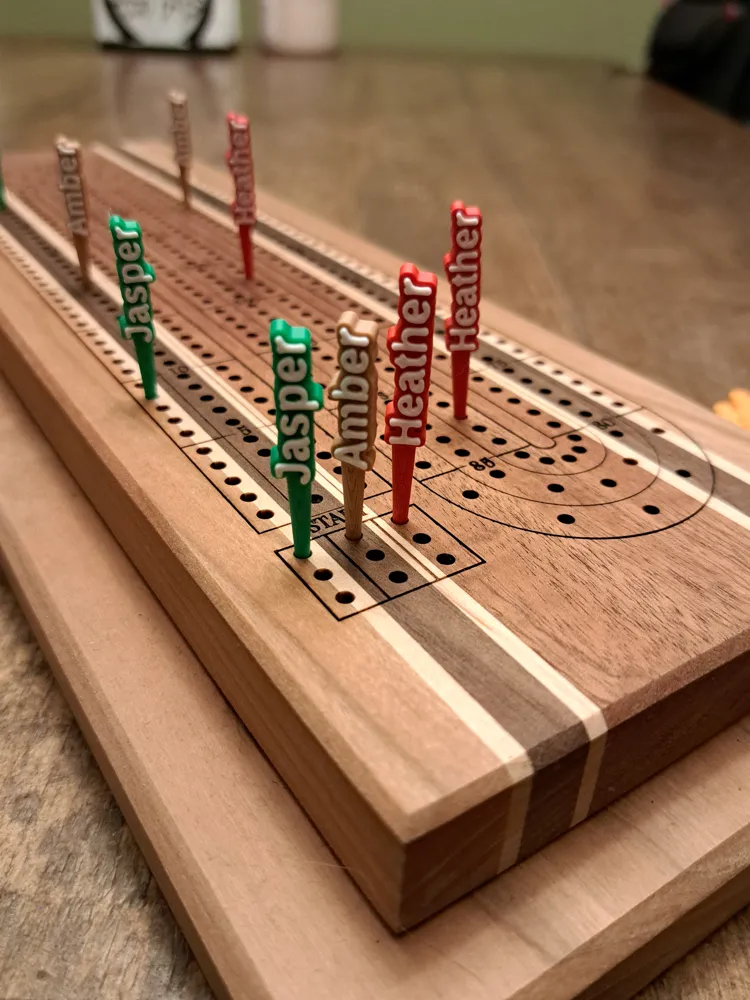
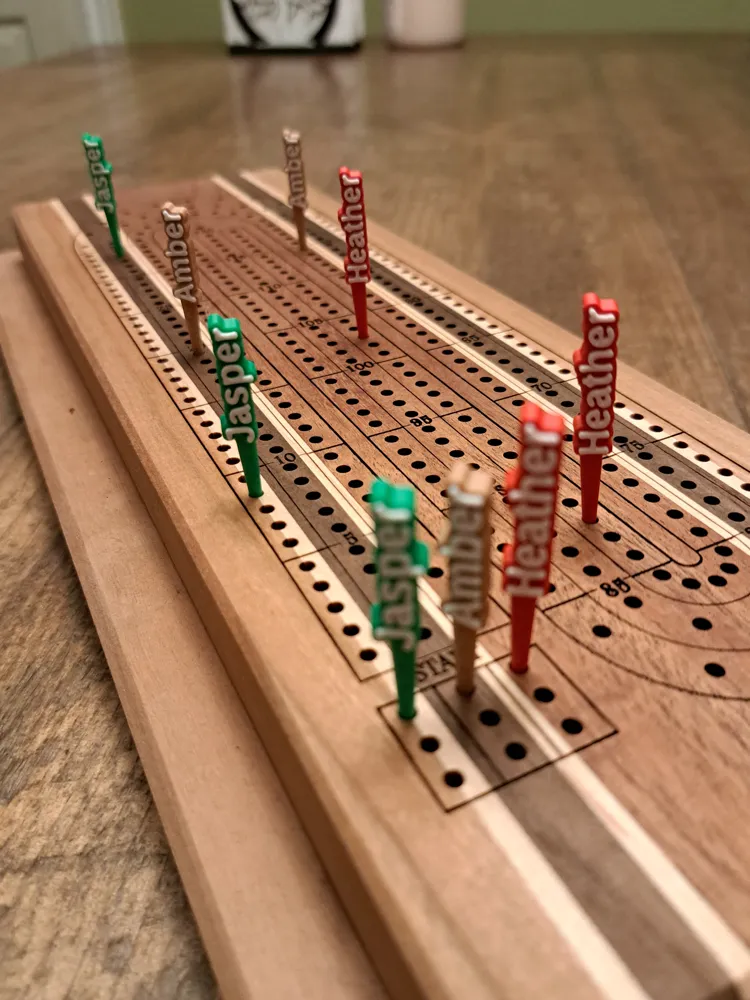
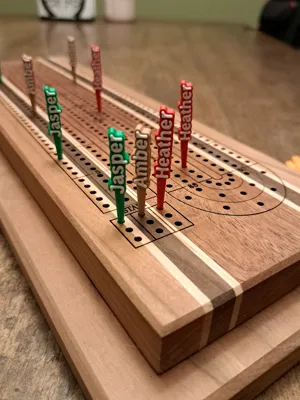
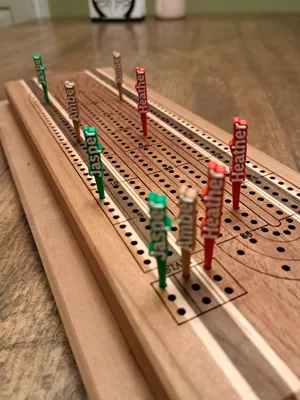
Customizable Name Cribbage Pegs
Add a personal touch to your cribbage board with these custom name cribbage pegs! Perfect for gifts, game nights, or making your board truly one-of-a-kind.
These pegs let you enter any name or word, choose from multiple universal fonts, and fine-tune X/Y alignment for perfect text-to-peg positioning. Designed for strong printing, smooth fit, and crisp lettering.
How to Use
- Open print profile in Bambu Studio to import the layer-height colour-change presets
- Click “Customize” on the MakerWorld page.
- Enter your desired name in “peg name.”
- Fix alignment if needed:
- If the peg shaft isn’t fully touching the first letter, increase “shaft x offset.”
- If the peg doesn’t look visually centered (tall letters or letters with tails like g, j, y), adjust “shaft y offset.”
- When happy with the preview, press “Download," choose your printer, and hit “Confirm.”
- Press “Download” again and select STL.
- Import the STL into Bambu Studio and slice the model.
- For dual-color printing: after slicing, go to Layer 21, right-click, choose “Change Filament Color,” and pick your accent filament.
- Print as usual. (Supports are required.)
Features
- Personalized text — Enter any name, initials, or word.
- Multiple fonts selectable from a drop down menu
- Thick, sturdy text outline for durability on the board.
- Horizontal peg shaft perfectly aligned and adjustable.
- Fine-tuning controls:
- X-axis peg position (touch the first letter perfectly)
- Y-axis peg centering (visual alignment)
- Requires supports
Recommended Print Settings
- Layer Height: 0.12–0.20 mm
- Walls: 2–3
- Infill: 20%
- Material: PLA or PETG
- Supports: Required
- Text Size: Works well even on small crib pegs
- Orientation: Print laying on the back
- Change filament color on Layer 21 for name accent
Customization Options (Parametric Model Maker)
- Peg name — Your name or word
- Font — Pick from a huge list of fonts
- Shaft x offset — Moves shaft to touch the first letter along the X-axis
- Shaft y offset — Fine vertical alignment along the Y-axis (usually not needed)
Tips
- The horizontal peg shaft triggers a “floating regions” warning in the slicer. Please enable supports for a perfect print.
- For names with descenders (g, y, p, j), use the Y-offset for perfect visual balance.
- Try bold fonts for maximum readability on small pegs.
- Customize colors when printing pairs for team play (e.g., red/blue or metallics).
- Change the layer color on Layer 21 for the name accent color.
License

You shall not share, sub-license, sell, rent, host, transfer, or distribute in any way the digital or 3D printed versions of this object, nor any other derivative work of this object in its digital or physical format (including - but not limited to - remixes of this object, and hosting on other digital platforms). The objects may not be used without permission in any way whatsoever in which you charge money, or collect fees.


Comment & Rating (40)