
Custom Minecraft Keychain and nametag Generator
Print Profile(1)

Description
If you would like to see more models from me just like this one please 🙏 consider boosting this listing that way I know what you guys want to see more of and it really helps me out alot, thank you so much.
Boost Me (for free)
If you like my models remember to Boost me! It really helps support my work and lets me keep creating fun tools for you. Thank you for your support!
If you would like to sell my models or just support me directly please purchase the commercial license below!
Membership
Get instant access to commercial rights and start selling prints today! Simple subscription, clear terms, full permission.
If you would like to sell my models please purchase the commercial license below!
Membership
Get instant access to commercial rights and start selling prints today! Simple subscription, clear terms, full permission.
☕ Enjoy my models?
Thank you for checking them out! Your support through likes, boosts, comments, and makes really means a lot to me. Everything I share is free, but if you'd like to directly support my work and help me create more 3D models, you can buy me a coffee here:
https://buymeacoffee.com/nexuslabs
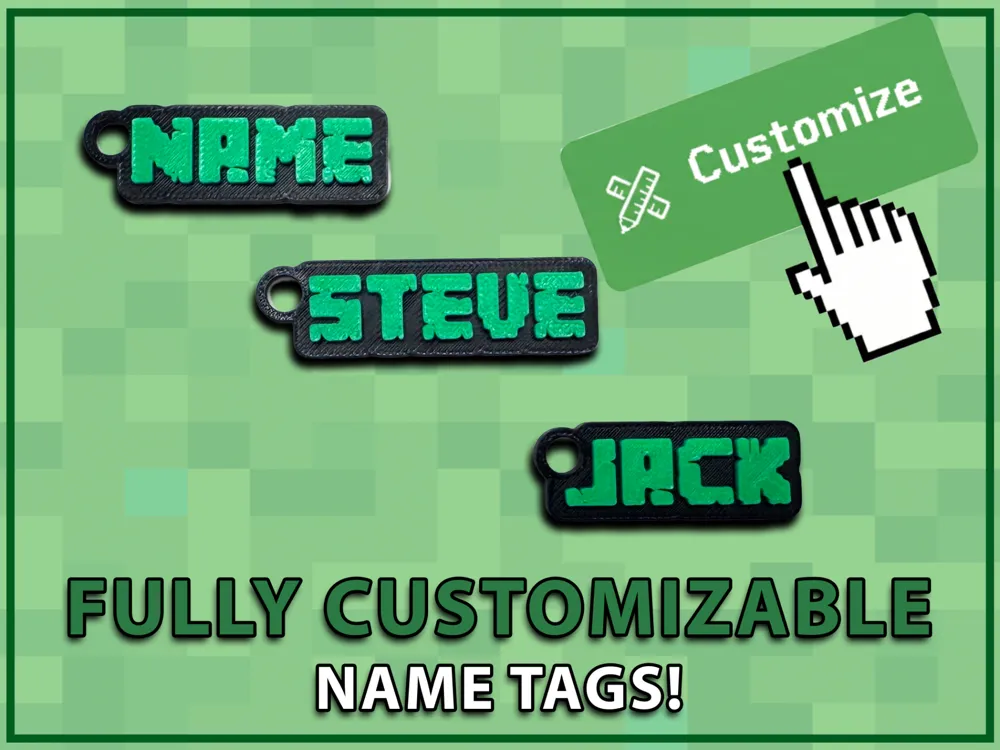
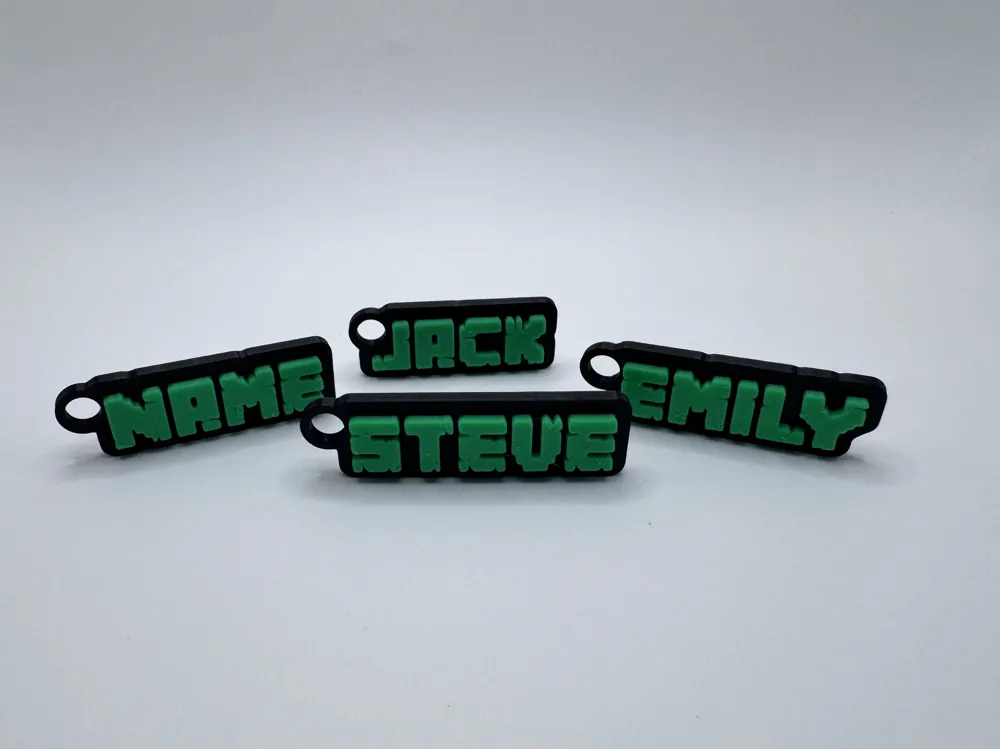
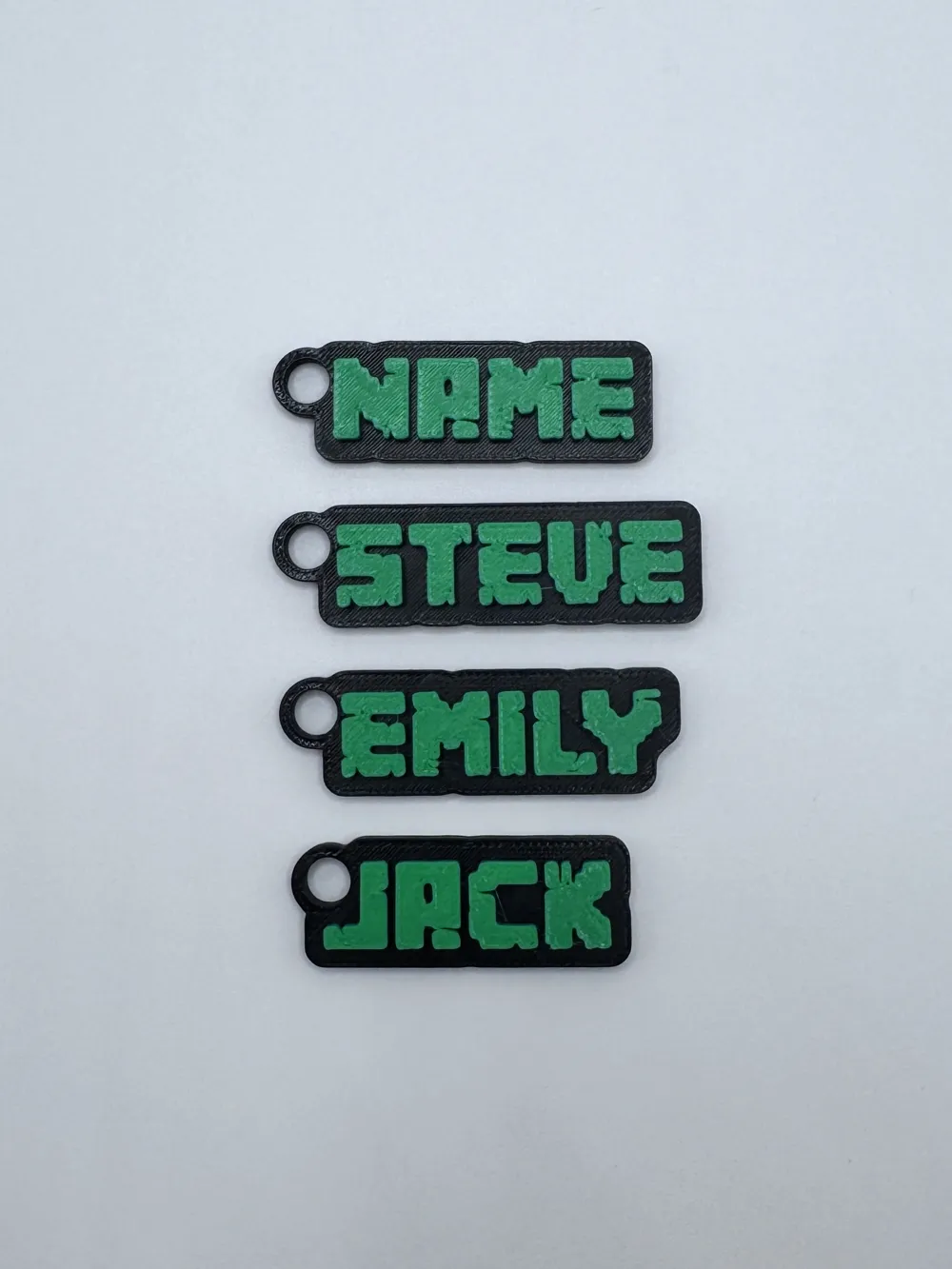
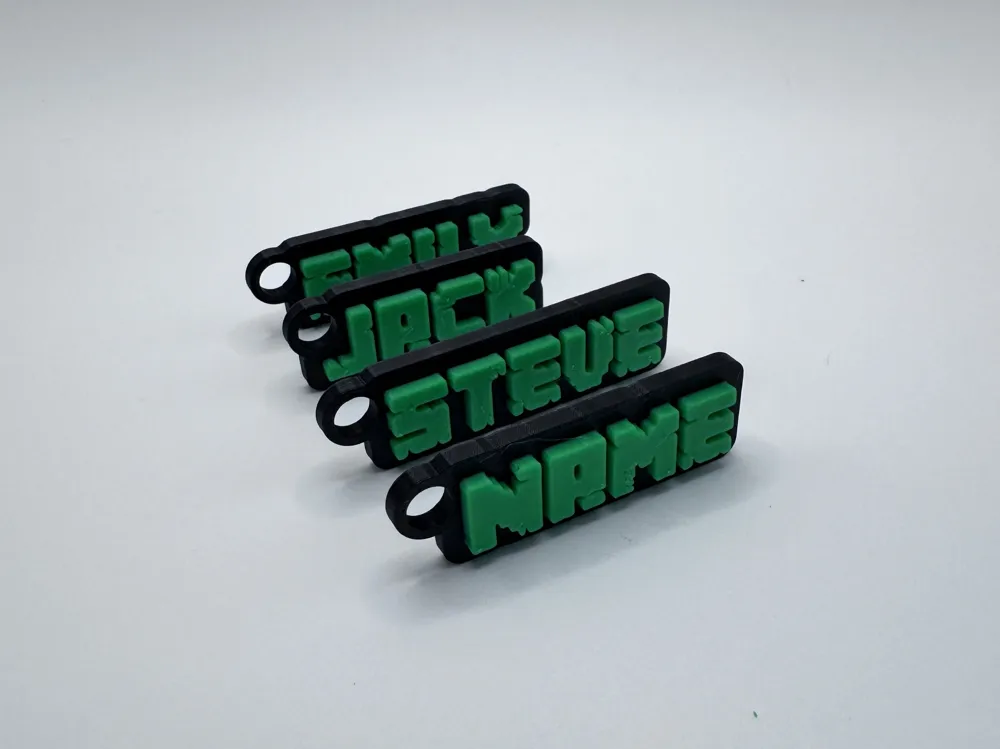
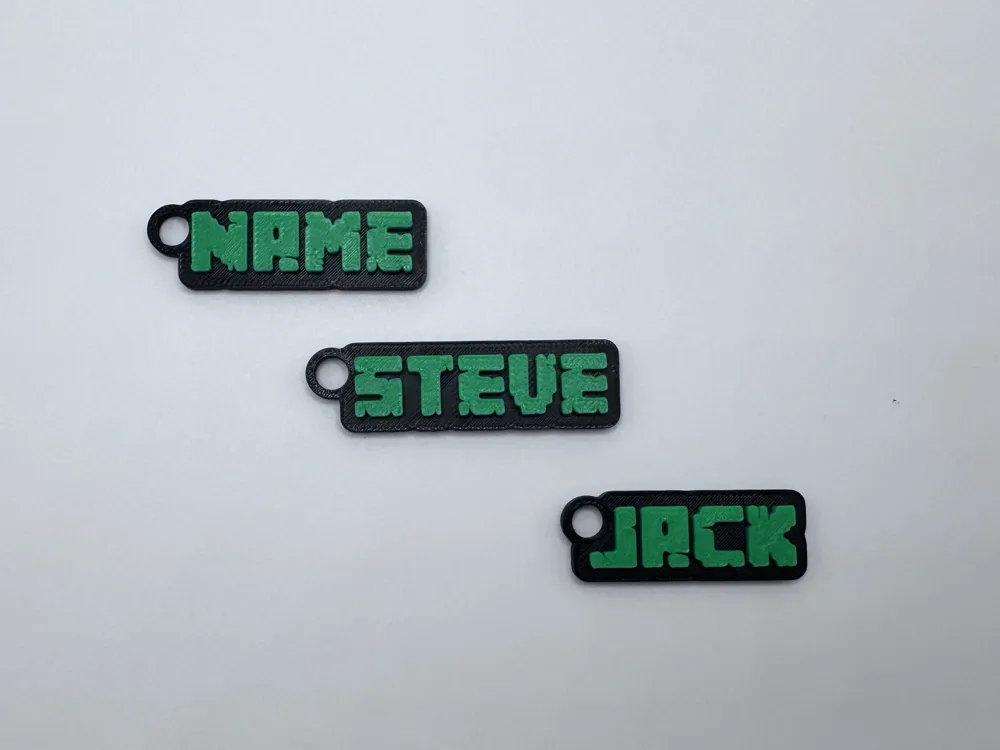
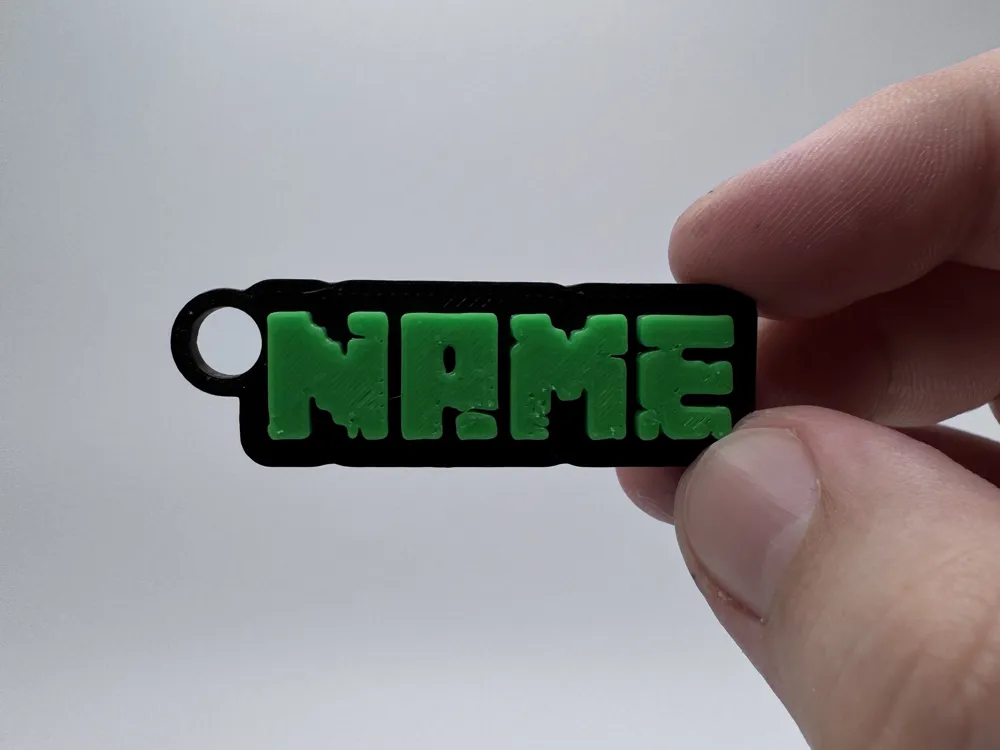
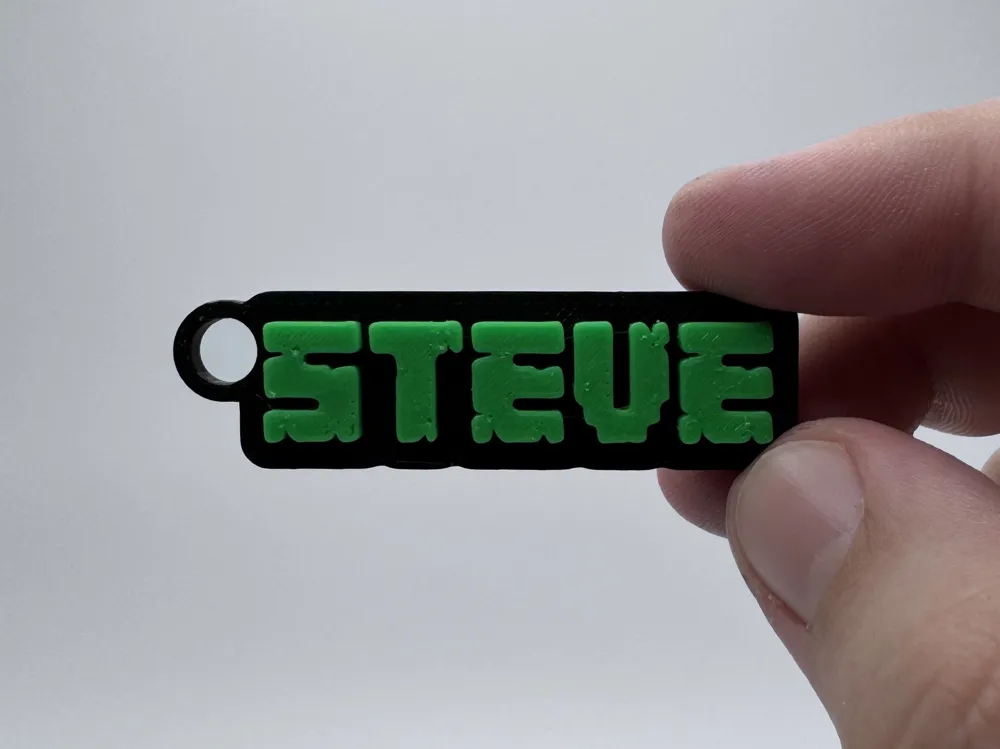
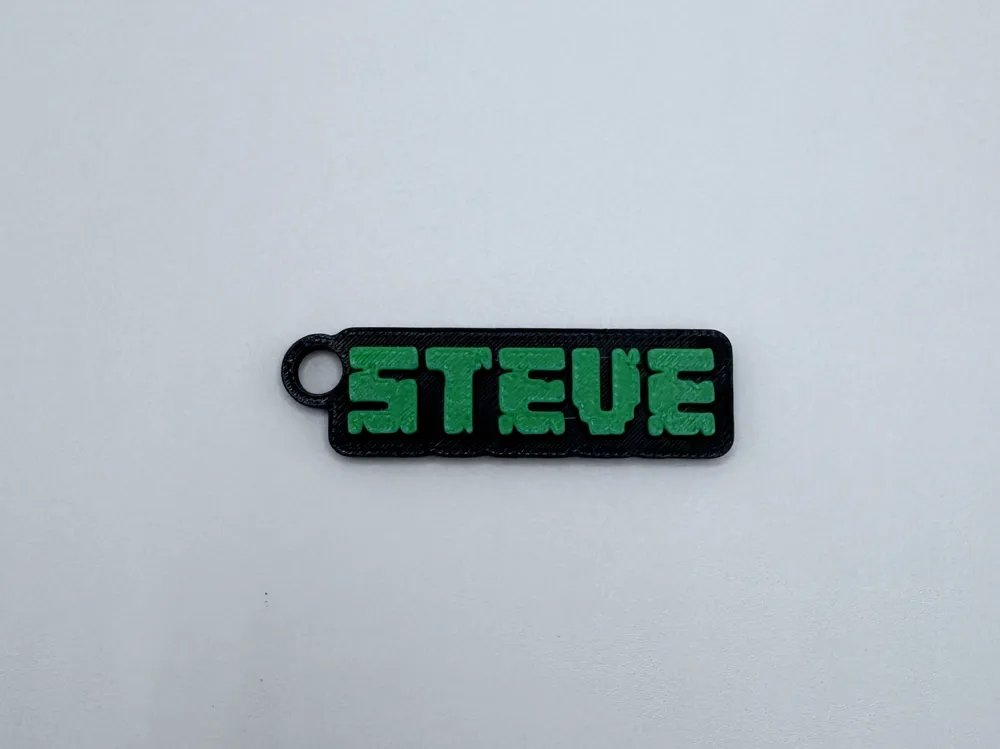
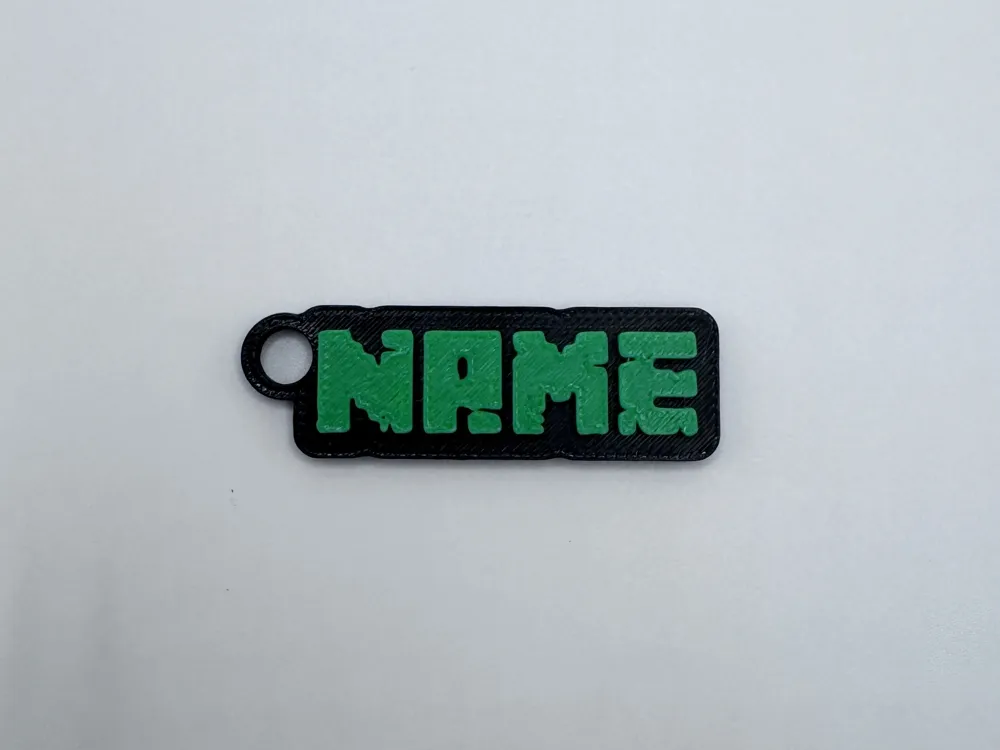
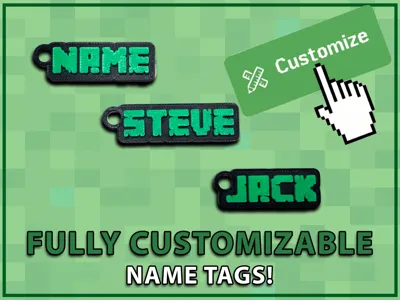
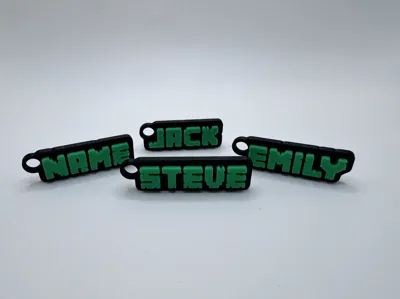
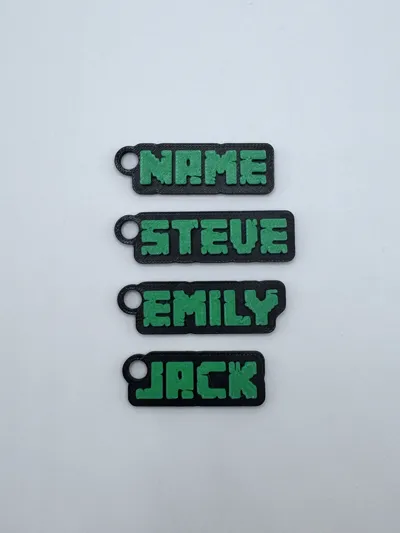
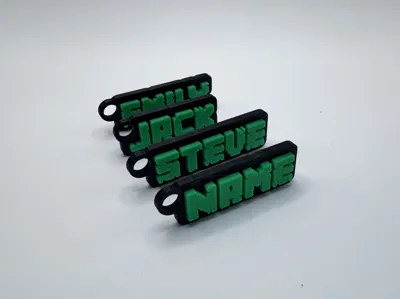
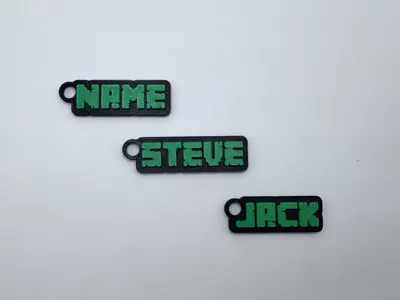
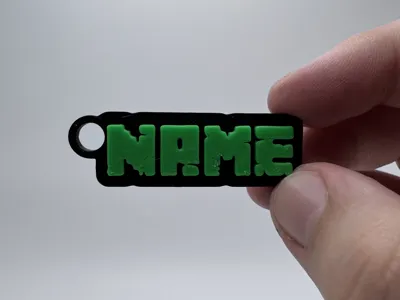
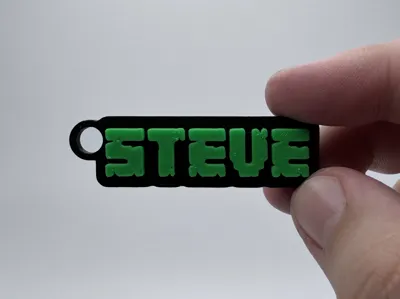
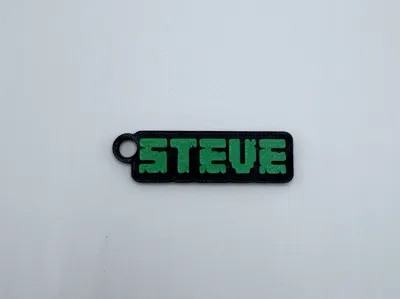
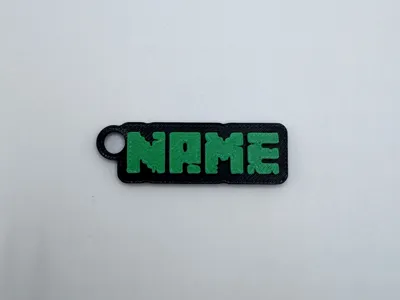
Who doesn't love minecraft, It's one of the biggest games ever. With my custom generator you can Create your own fully custom keychains, name tags, or party favors. This generator is completely custom coded and made to look like your creation was built in minecraft! Have fun making your own designs and remember to post a picture if you make one, i'd love to see how it turned out!
Boost Me (for free)
If you like my models remember to Boost me! It really helps support my work and lets me keep creating fun tools for you. Thank you for your support!
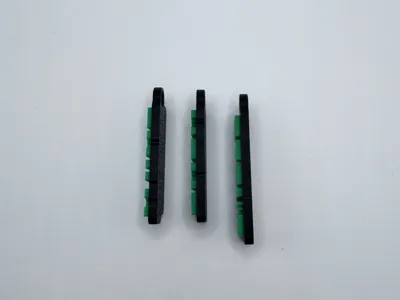
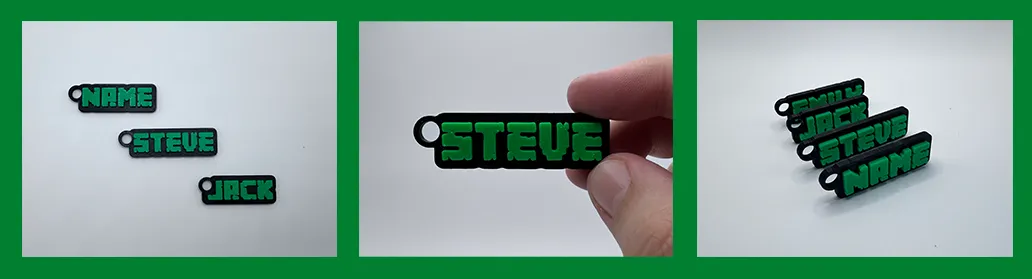
Example Keychains
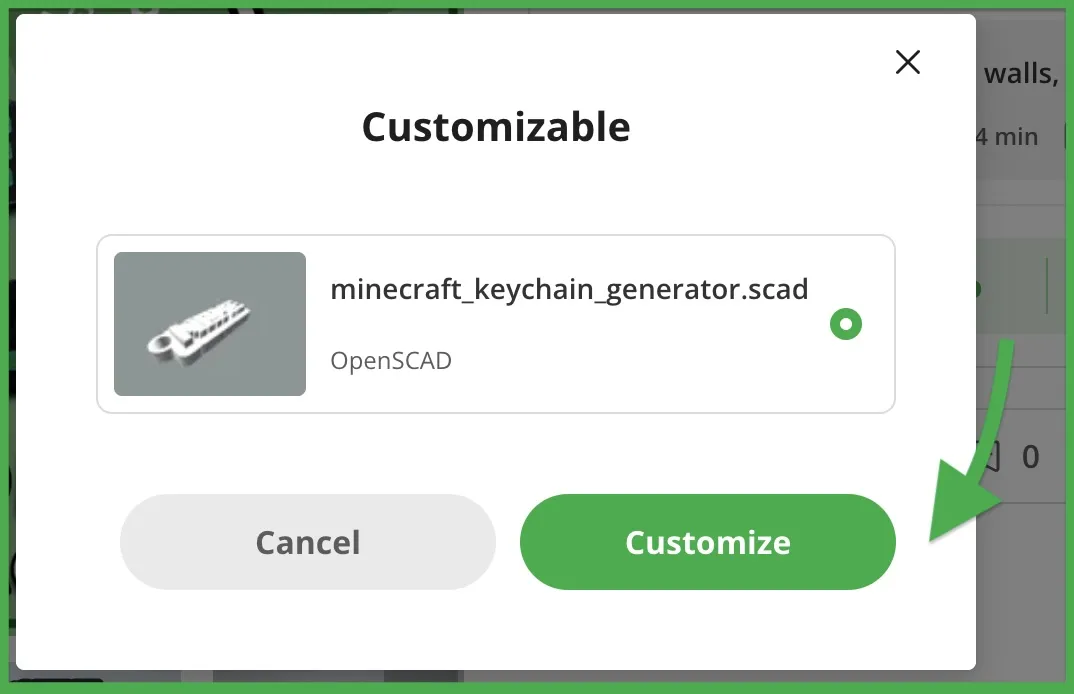
click on the green “CUSTOMIZE” button found in the model listing
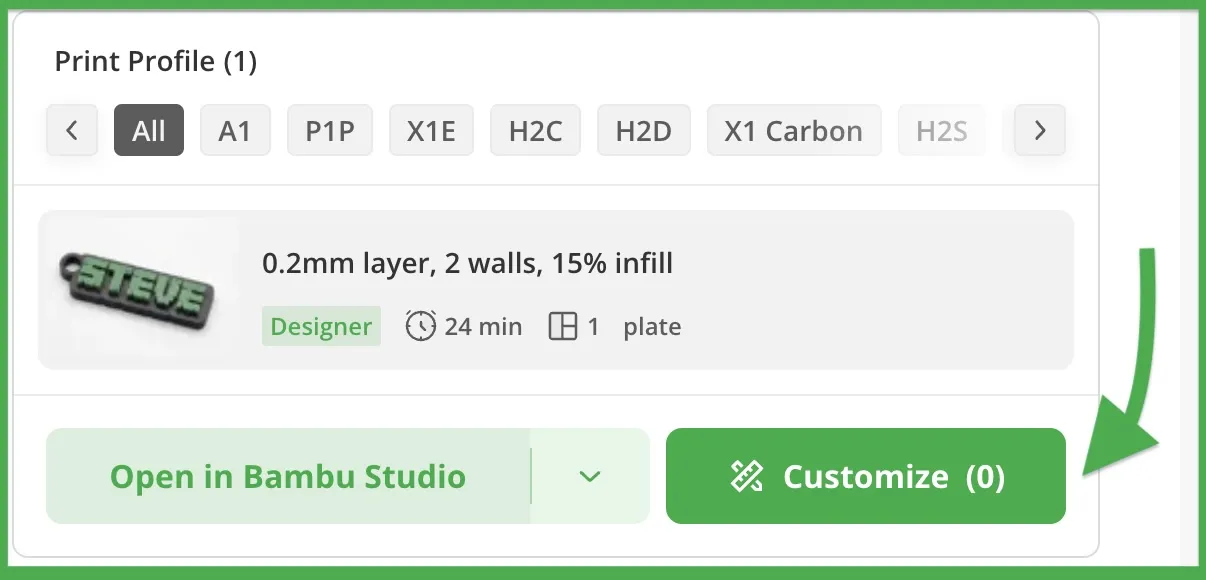
Once you see the popup just click on the green “CUSTOMIZE” button again
- From there you will be put into Bambus “Parametric Model Maker” and on the left you will see 4 dropdowns with their options :
- Parameters
- Word - The word or username you want your keychain to say
- Letter Spacing - The spacing between individual letters
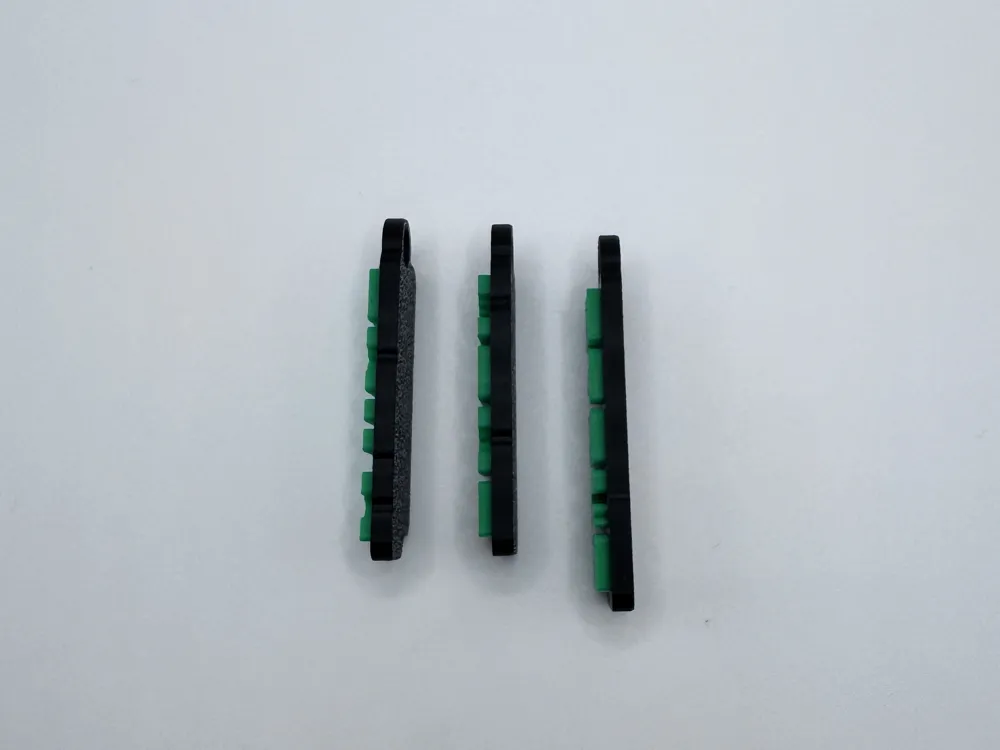
- thickness (mm) - The Z thickness of the letters
- Global Scale
- keychain Scale - The overall scale of the Keychain
- Plate Settings
- Plate Margin - The margin between the plates outer edge and the letters
- Plate Thickness (mm) - The Z thickness of the plate
- Keychain Hole
- hole Inner diameter (mm) - The diameter in mm of the inner hole
- hole x location - The location of of the hole on the X axis
- hole y location - The location of the hole on the Y axis
- Parameters
Things To Keep In Mind
Color Recommendations: to get the classic minecraft look I printed mine with a matte black plate and green letters however feel free to expirement with different colors and find what you like best!
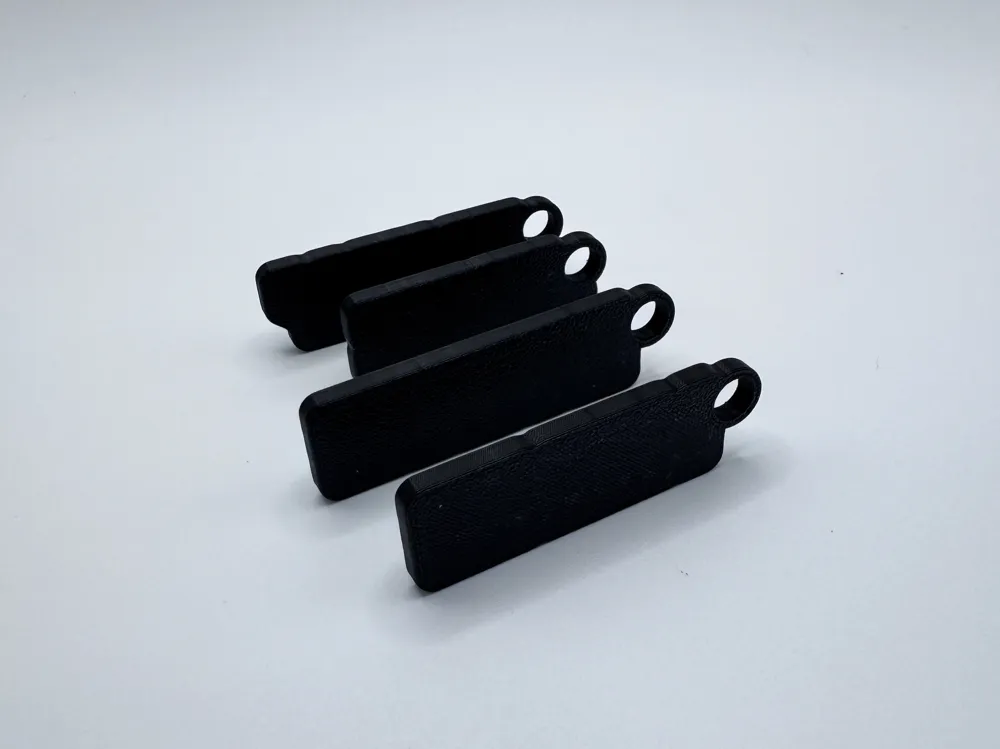
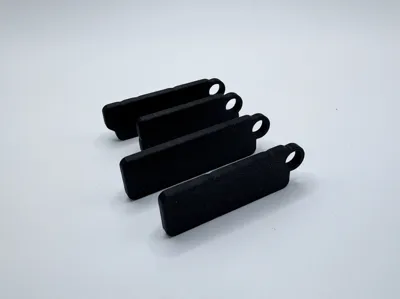
Default values: The Default settings are what I recommend for a standard thickness keychain. However feel free to play around with them if you want a chunkier or slimmer look to the keychain.
Hole Size: I recommend leaving the inner diameter of the hole at 6mm or larger, otherwise it may be too tight to fit on a standard metal keyring
If you have any issues with the customizer or have any feedback on how to make this generator better, feel free to comment! I'm always open to new ideas and appreciate the feedback.
If you like this custom generator Try My Other ones! I'm sure you'll find a font you'll like:
Barbie Style Font:
Harry Potter Style Font:
Grand Theft Auto Style Font:
Star Wars Style:
Fortnite Style Font:
Grinch Style Font:
Version History
v1.0 - Initial Release - Current Release
License

You shall not share, sub-license, sell, rent, host, transfer, or distribute in any way the digital or 3D printed versions of this object, nor any other derivative work of this object in its digital or physical format (including - but not limited to - remixes of this object, and hosting on other digital platforms). The objects may not be used without permission in any way whatsoever in which you charge money, or collect fees.


Comment & Rating (12)