
Bambu Studio PLA Temperature Test Tower
Print Profile(2)
Description
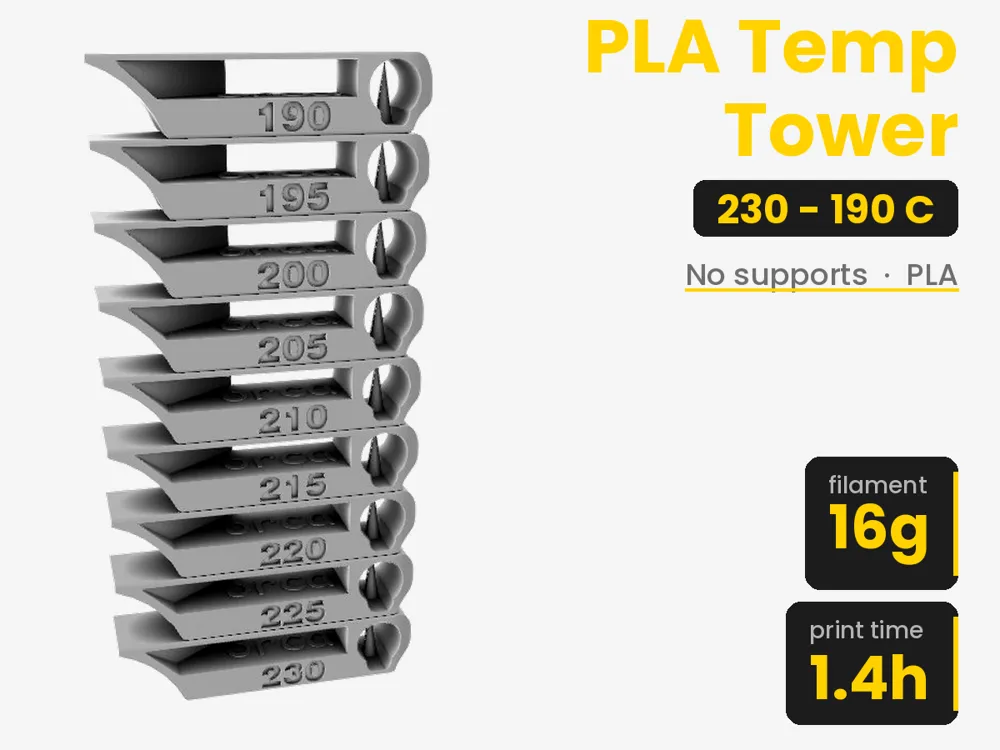
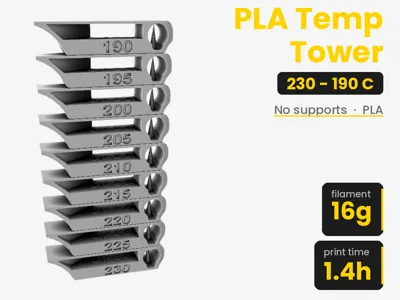
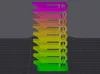
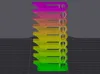
PLA Temperature Tower
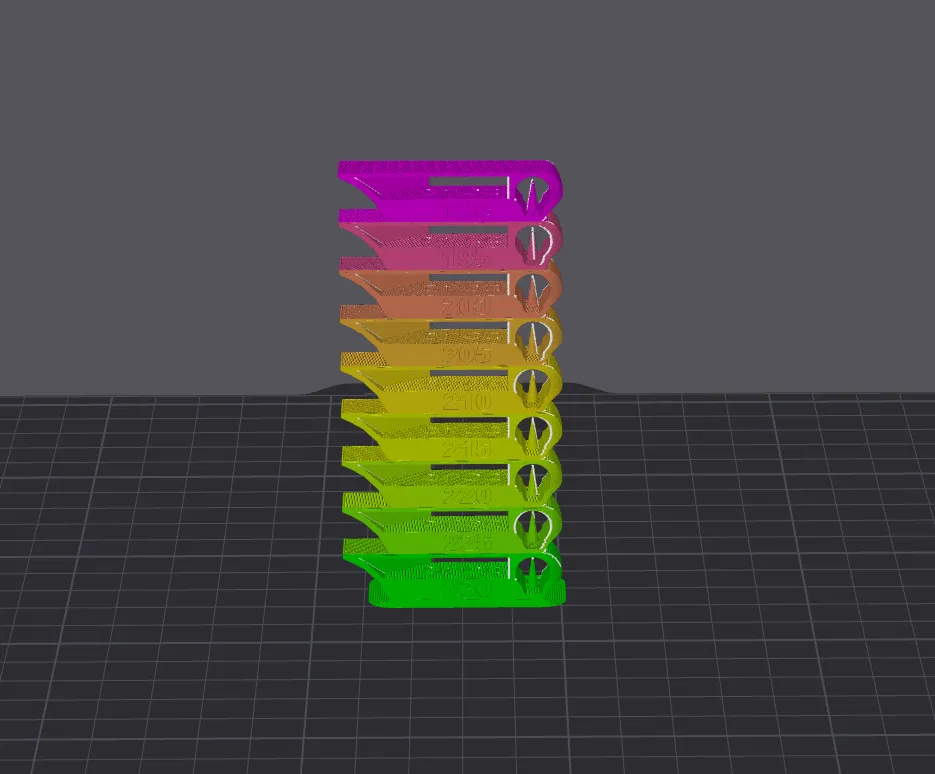
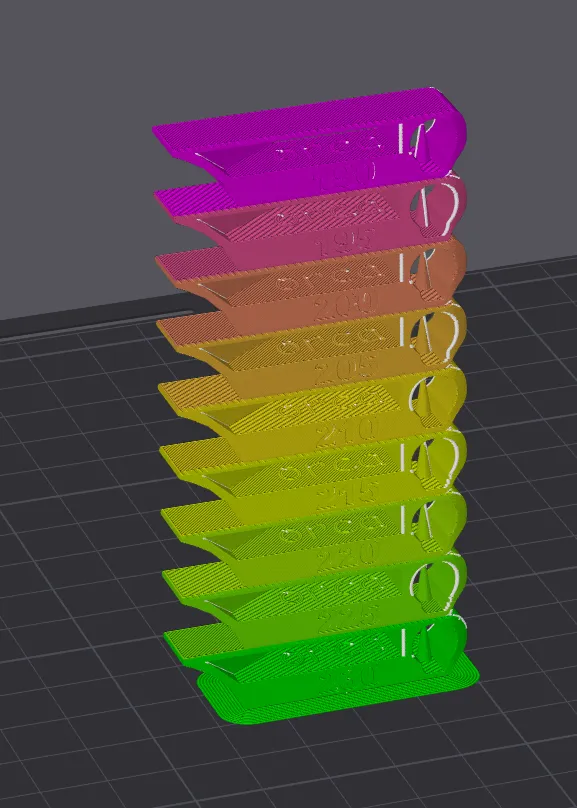
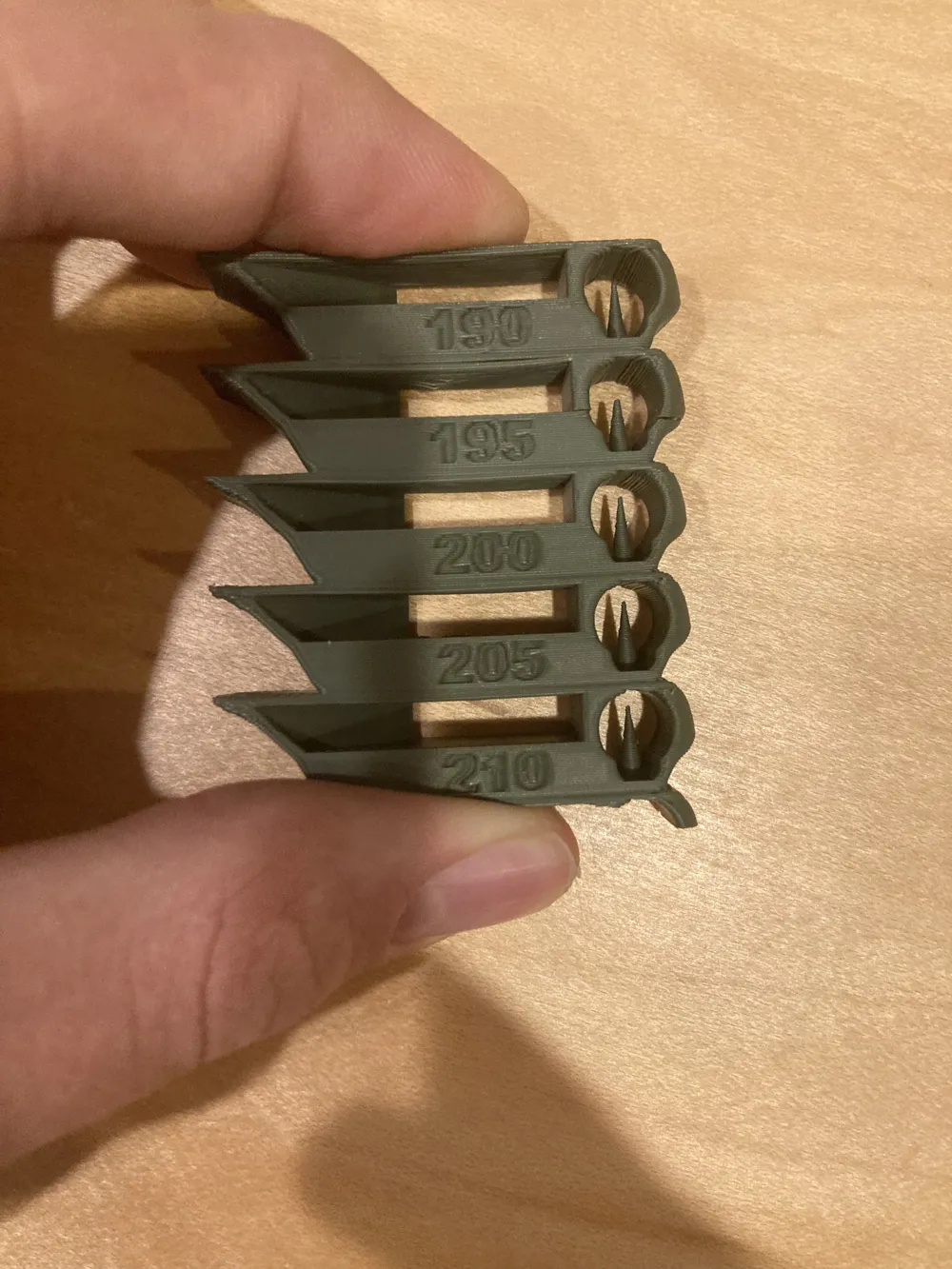
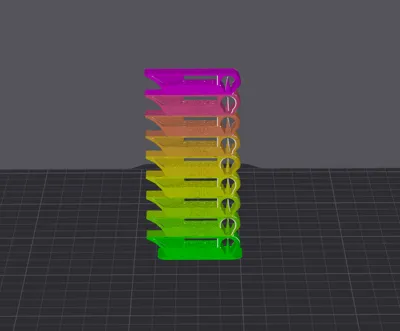
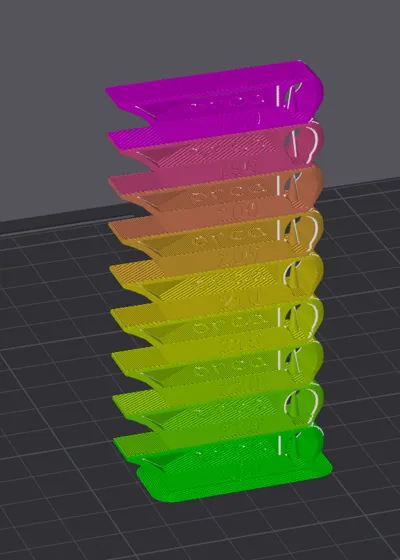
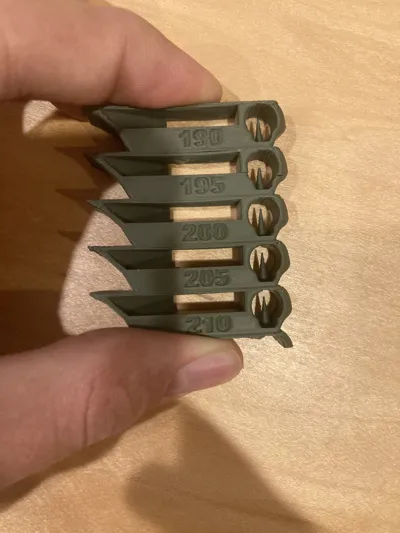
This PLA temperature tower is remixed from OrcaSlicer's built-in calibration model and adapted to work with Bambu Studio. It prints a stack of blocks, stepping through temperatures from 190°C to 230°C automatically, so you can test a full range in one print and find the best setting for your PLA filament.
What to check on each block:
- Stringing – Look for fine hairs or wisps stretched between towers or features. Stringing usually gets worse at higher temperatures as the filament becomes thinner and more likely to ooze between travel moves.
- Layer adhesion – Check whether layers are fully fused or if you can see/feel separation lines. Try gently flexing the block to see if anything snaps; weak adhesion often means the temperature was too low for proper bonding.
- Extrusion consistency – Examine the vertical walls for smoothness. Under-extrusion looks thin, gappy, or shows visible gaps between lines; over-extrusion looks lumpy, rough, or shows excess material bulging outward.
- Bridging – Inspect any bridged or overhanging sections for sagging or drooping. PLA bridges best at cooler temps with strong part cooling, so excessive sag usually points to too much heat.
- Surface finish – Look at the overall texture. Ideal PLA surfaces are matte-to-semi-gloss and smooth. Excessive shine, blobs, or "zits" (small raised dots) often indicate the temperature is too high.
- Corners and fine details – Check sharpness of small features and text if present; too much heat can cause fine details to blur or round over.
The best temperature is usually the block with minimal stringing, clean bridging, strong layer adhesion, and a smooth, consistent surface without excess gloss or blobbing.
The included 3MF file is compatible with Bambu Studio and OrcaSlicer.
License & attribution: This remix follows the AGPL-3.0 license of the original asset, includes all source files, and credits OrcaSlicer (https://github.com/OrcaSlicer/OrcaSlicer) and gaaZolee (https://www.thingiverse.com/gaaZolee/designs).
Thanks for downloading, and I hope this was useful! Please leave an honest review or comment with any concerns about the model or profile. Have a wonderful day!
Boost Me (for free)
If these temperature towers have saved you time dialing in your filament, consider giving this a boost.
This remix is based on


License



Comment & Rating (168)