
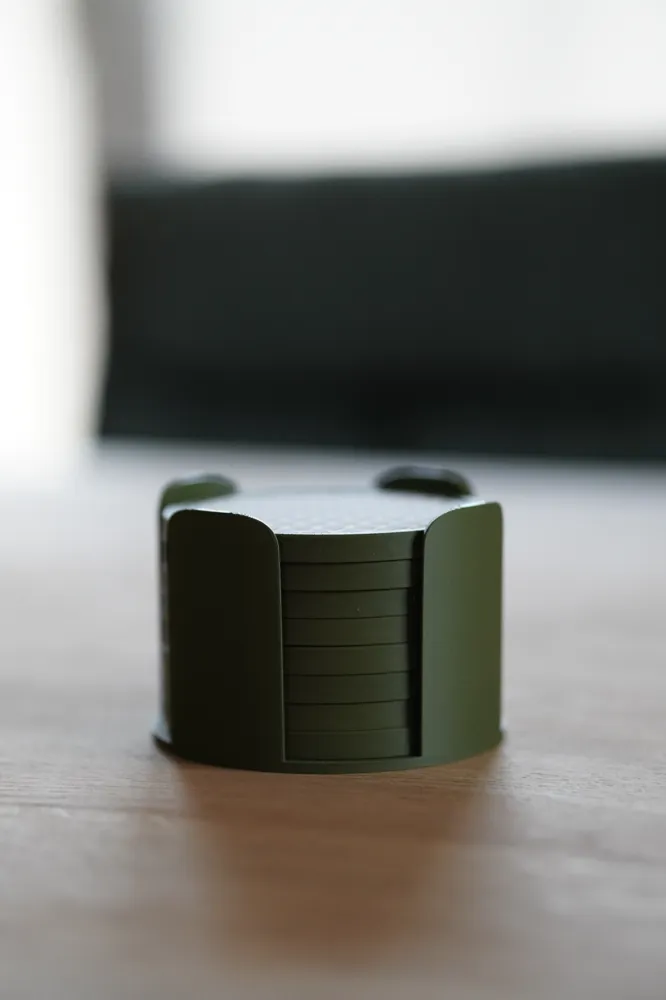
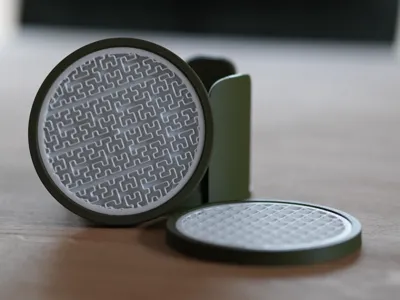
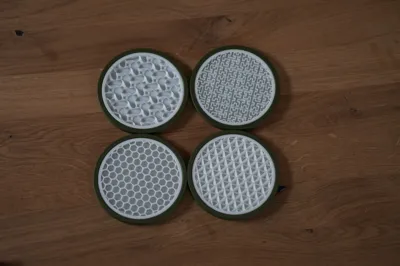
Print Profile(1)

Description
Hi everyone!
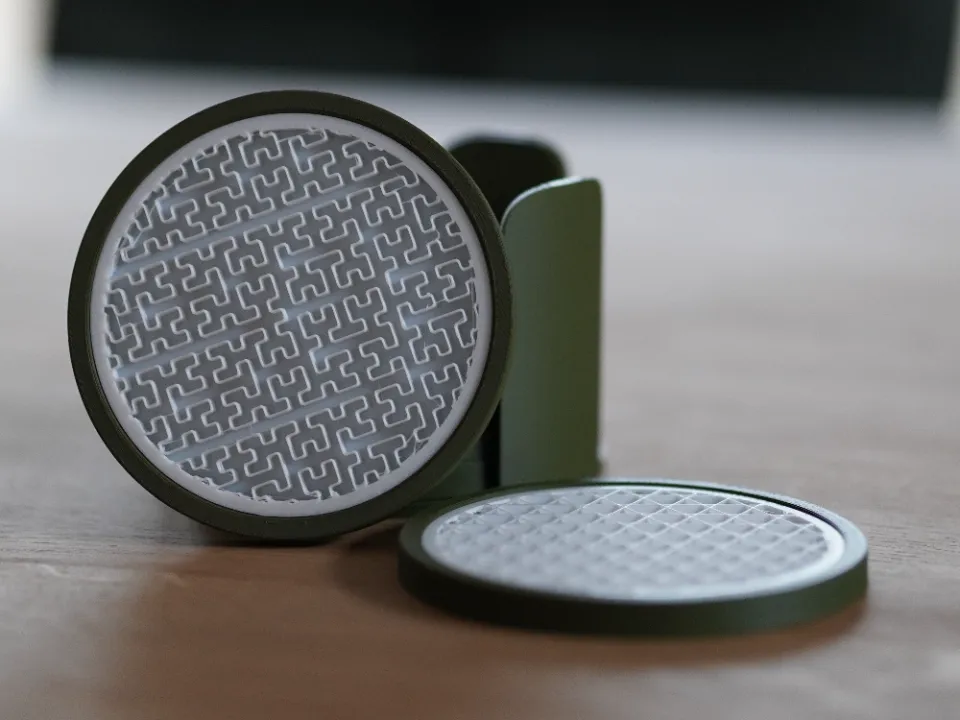
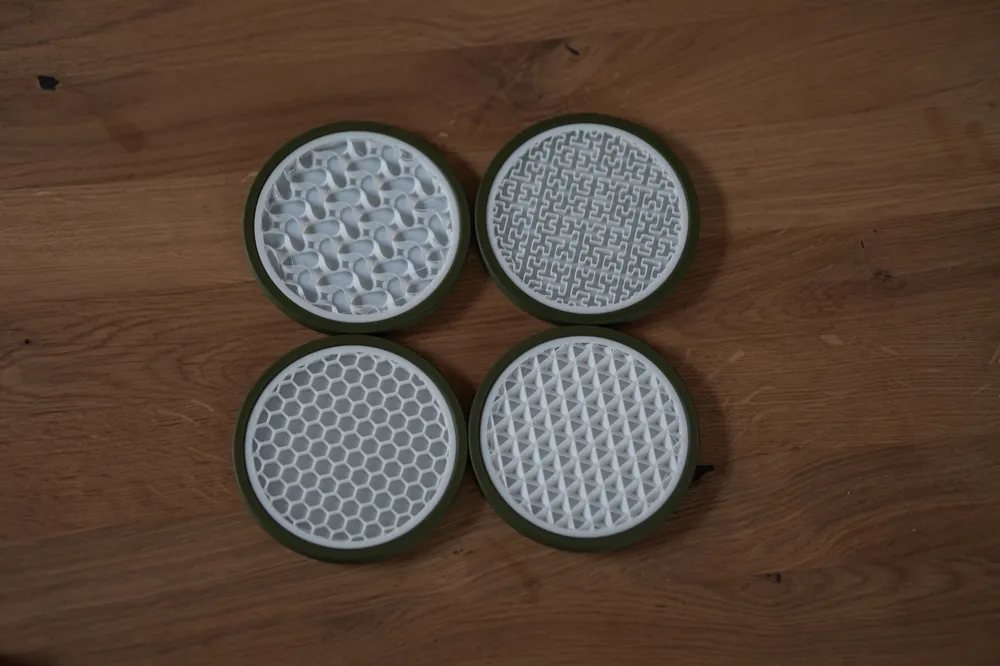
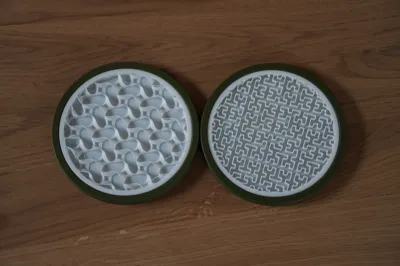
With this 3mf file / model you can make your very own infill coasters and have them with a pattern (wide, narrow) as you like.
I used modifier parts for that and removed the top shell layers so you can see the infill.
Inspired by these infill coasters I wanted to try my own version which gives me a bit more flexibility.
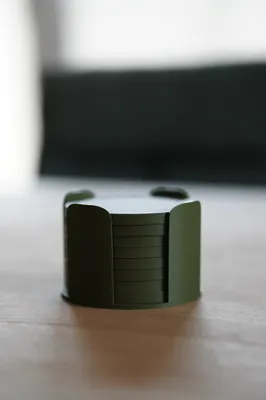
And I was also missing a holder for those coaster. Initially I wanted to publish this model as a remix but the licence settings restricted me to do so.
Usage
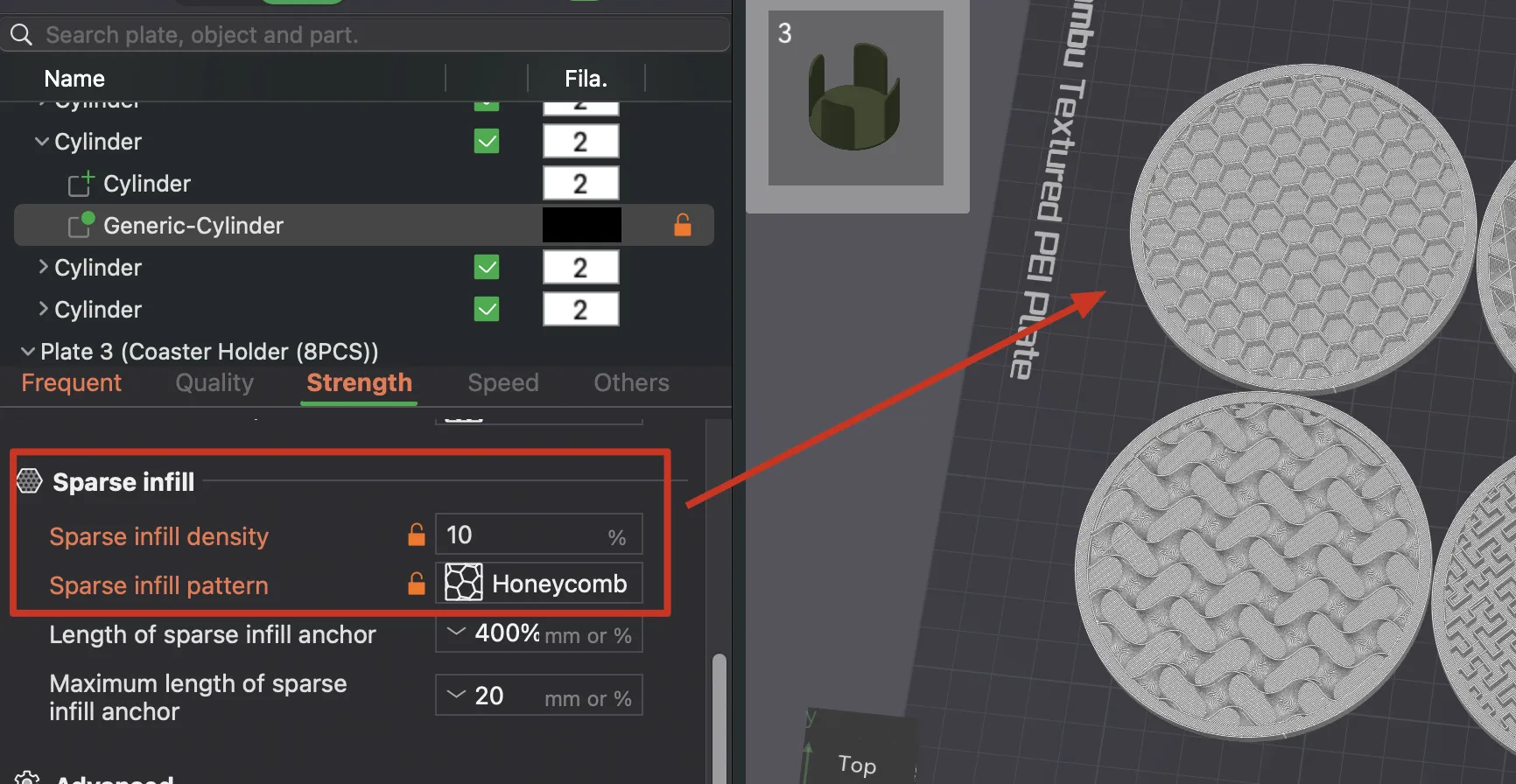
To make your own infill coaster you just open up the file and under “Objects” you find the Generic-Cylinder or just select the yellow modifier circle on the plate:
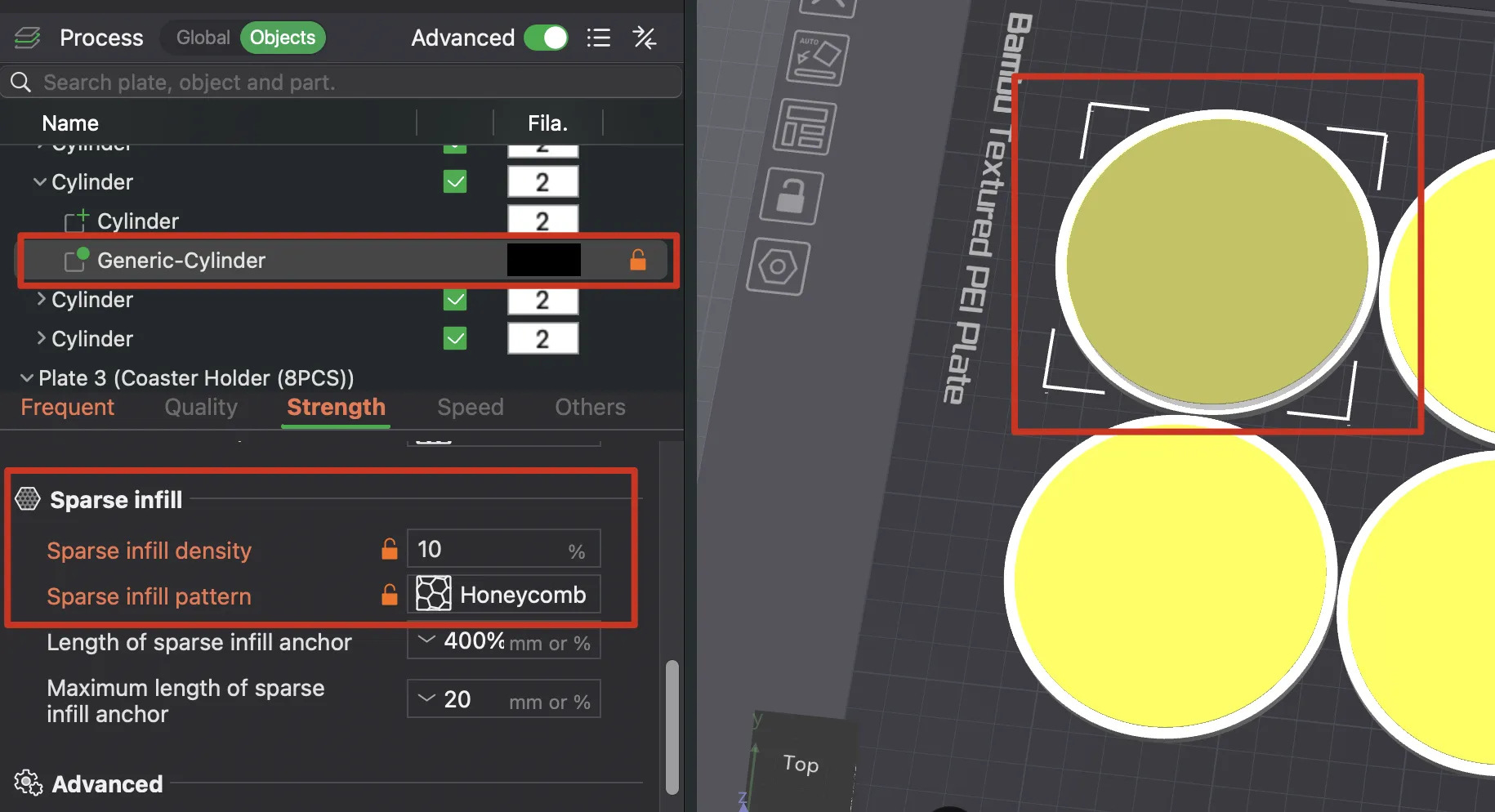
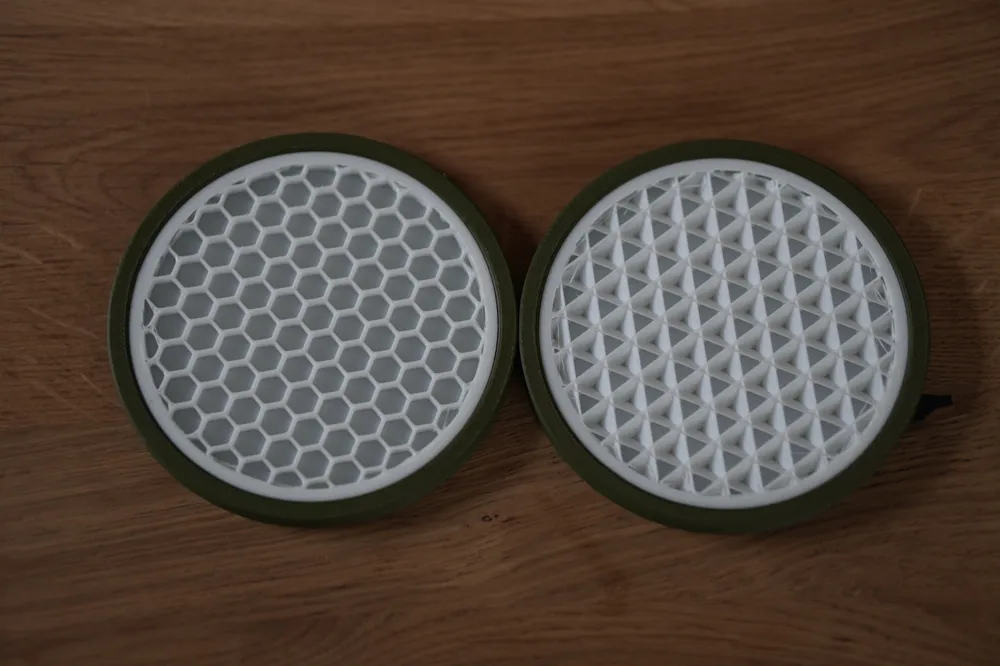
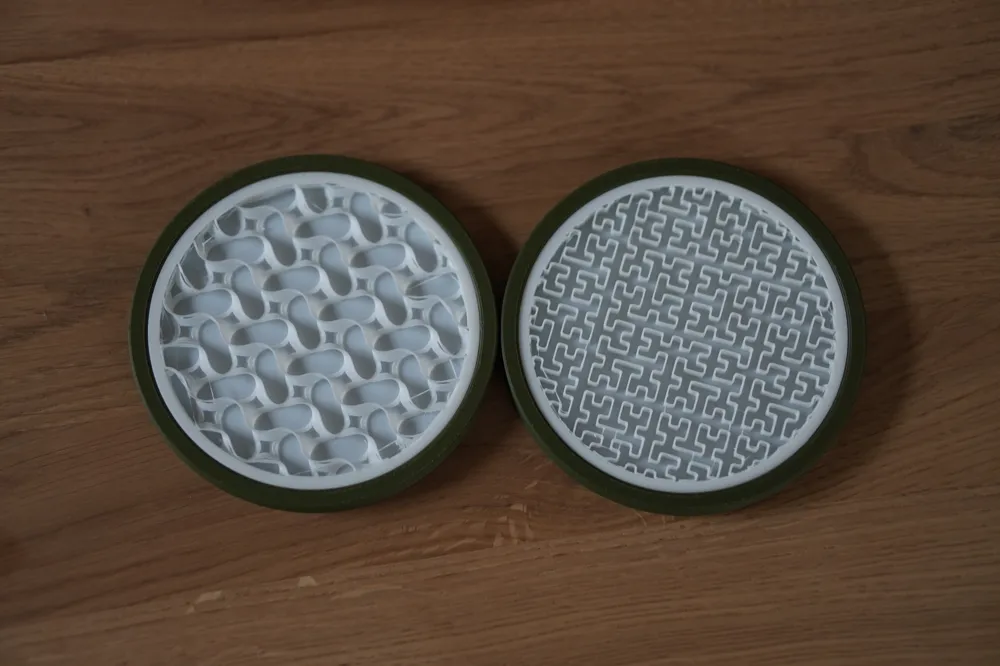
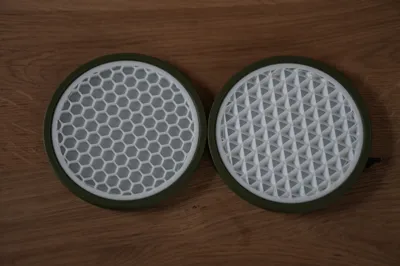
At the Sparse infill pattern you can select the pattern of your choice (for example Honeycomb) and play around with the Sparse infill density.
Check in the slicer to see how your pattern and settings would turn out.
The higher the infill density of this modifier, the more narrow the infill will be.
The lower the infill density, the more gaps and space you'll achieve.
Example with high infill density (30%):
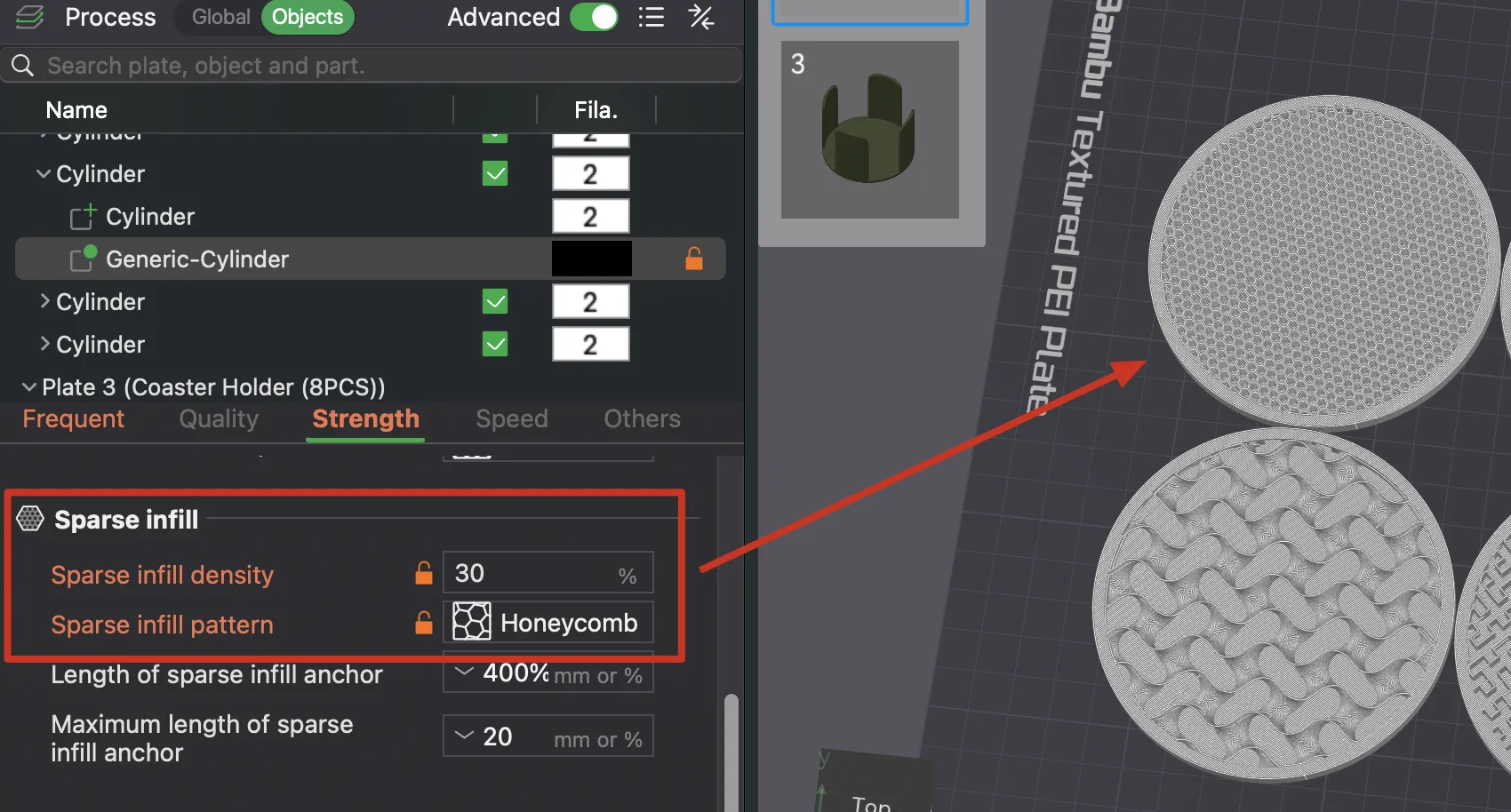
Example with low infill density (10%):
IMPORTANT
You'll need to double check with the preview/slicer that you avoid having just one single new layer in a different direction at some infills like the gyroid one.
There are also patterns just basically don't work this way, like Concentric because there is no stability and you can break the infill with a single finger.
REWORK MIGHT BE NEEDED
Also there needs to be some additional reworking after the print because with this flexibility in creating your own coaster there's the small downside of some stringing. At least I'm not experienced enough in bambu slicer to avoid those stringing so you'll need to heaten up some parts of just clip the stringing off with a plier.
Boost Me (for free)
License



Comment & Rating (2)