
Strobe Light for Official Cyberbrick Forklift
Print Profile(1)

Description

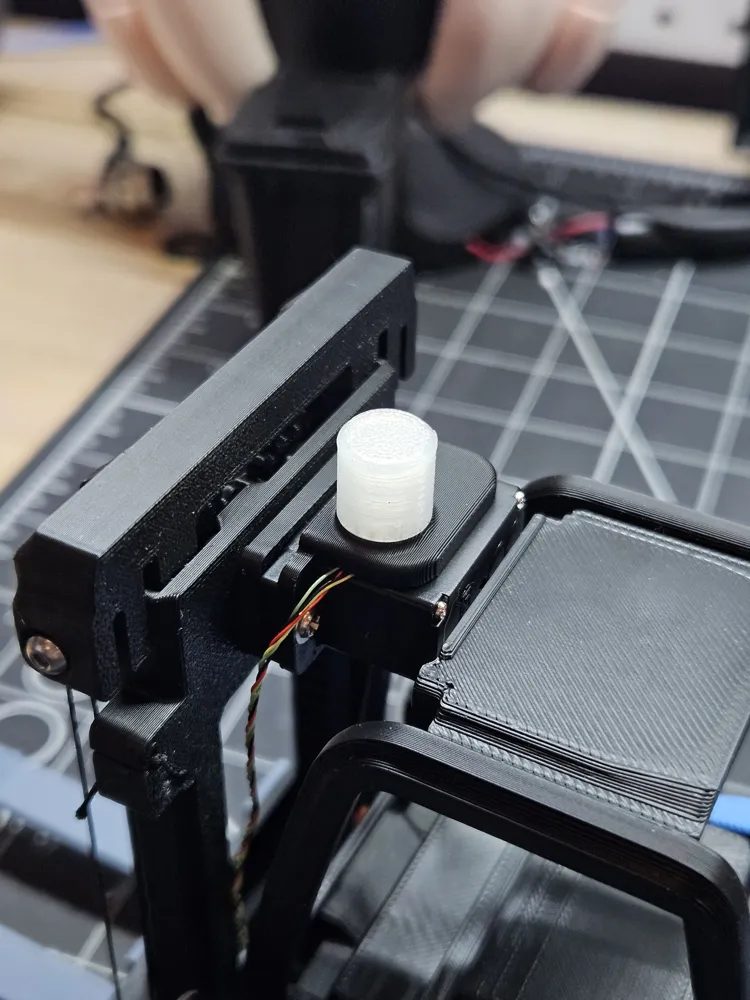
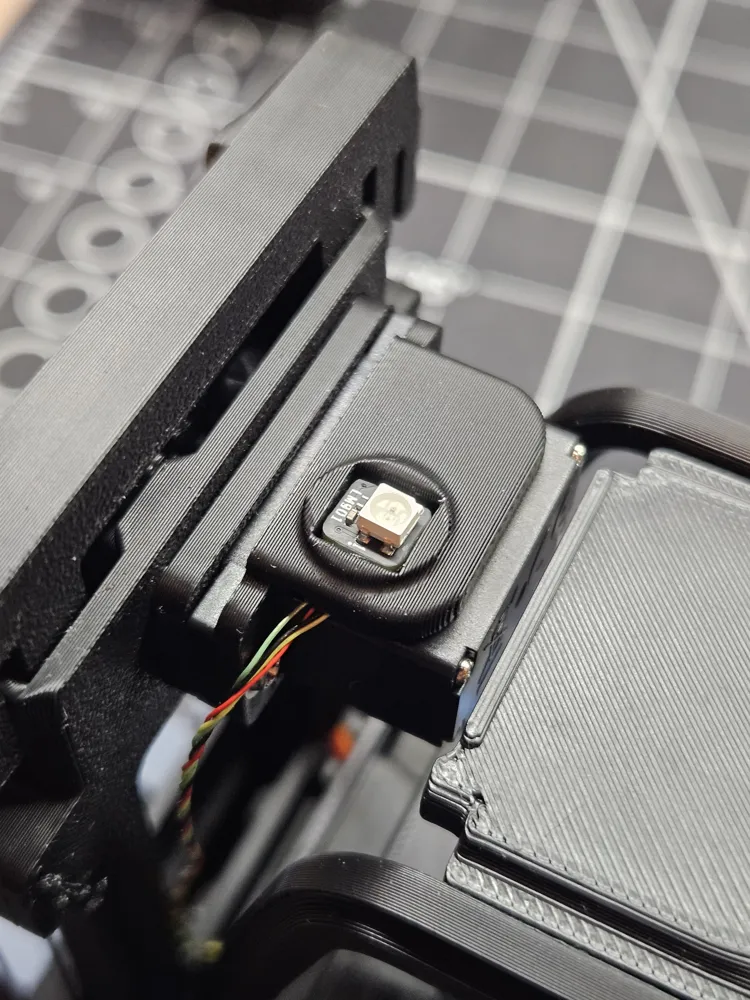
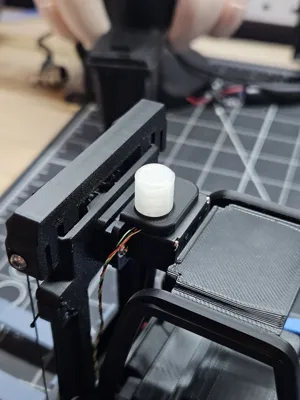
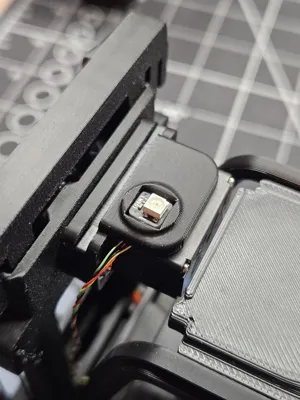
The LED is plugged in the slot #3 in the LED controller. It's controlled by “Code” and not with the LED configuration, because there's only flash/steady and I wanted a real strobe effect. You can check the code and change the RGB color for each line or add modes.
Currently in the config file it's the toggle button
(I = Headlights + Strobe, 0 = OFF, II = Strobe only)
The mount replace the servo backplate, can be printer without AMS, since it's 2 part. It's press fit so no glue required.
Documentation (1)

License

You may create derivative works based on this object, provided that all such derivative works are published exclusively on the MakerWorld platform and include proper attribution to the original creator. You may not share, upload, host, distribute, or publish this object—or any derivative work of this object—on any other digital platform, marketplace, or distribution channel. Commercial use of this object and any derivative works is strictly prohibited. This includes, but is not limited to, selling, renting, sublicensing, or using the object in any context in which you receive monetary compensation or other financial benefits.


Comment & Rating (6)