
Legion Pro 7i Gen10 PowerBrick Desk Mount
Print Profile(1)

Description
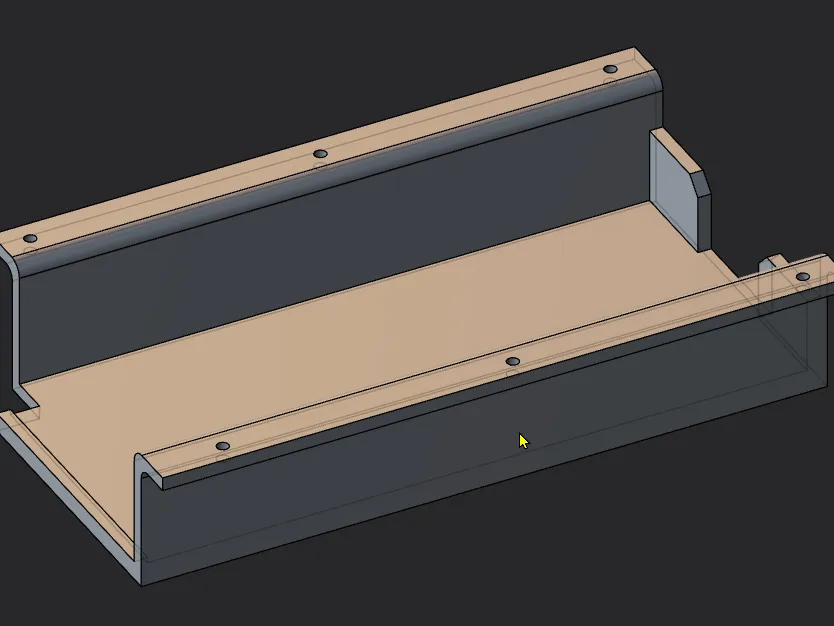
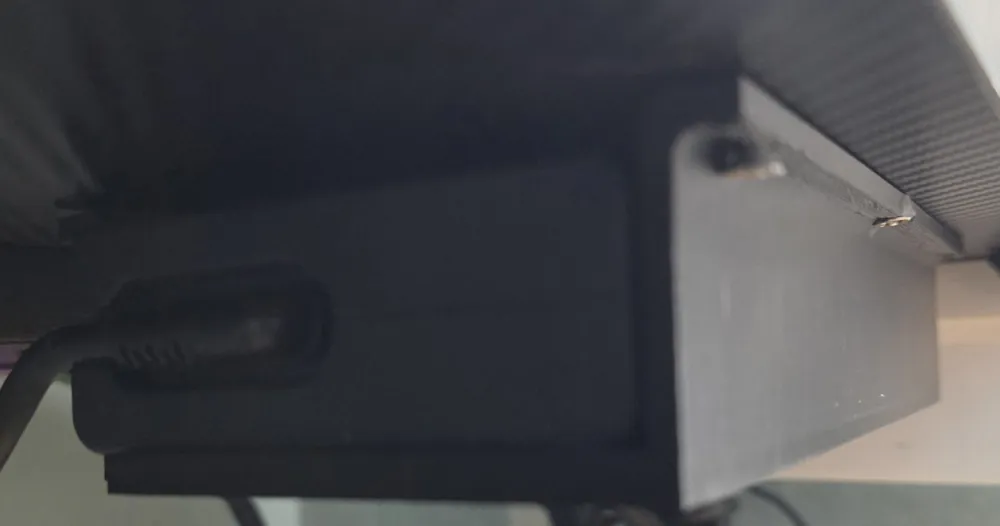
Lenovo Legion Pro 7i Gen 10 Desk AC Charger Mount (Underside)
Overview
Say goodbye to cable spaghetti under your battle station! This sleek 3D-printable mount tucks your Lenovo Legion Pro 7i Gen 10's bulky AC charger neatly to the underside of your desk, keeping cords routed and your setup clutter-free. Designed for gamers and pros who demand a clean aesthetic, it features a secure cradle that grips the charger's barrel while allowing easy plug access. No more dangling bricks tripping your feet—mount it once, charge forever. Perfect for standing desks or tight spaces; holds up to 500g with zero sag.
Why You'll Love It
- Universal Fit: Custom-contoured for the Legion Pro 7i Gen 10 charger (150W+ brick), but scales easily for similar bricks.
- Easy Routing: Built-in cable channels guide your power cord straight to your laptop—minimal bend radius to avoid wear.
- Low-Profile: Only about 20mm thick—hugs the desk without bulk, with optional screw holes for rock-solid mounting.
Print Settings (Tested on Bambu H2D)
- Material: PETG (durable & heat-resistant); or PLA for quick prototypes. Black or matte gray for stealth mode.
- Layer Height: 0.2mm for smooth curves.
- Infill: 15% (gyroid is nice)—lightweight yet tough.
- Supports: Minimal tree supports for the cradle overhangs (easy removal).
- Bed Temp/Nozzle: 80°C/240°C (PETG); speed 40mm/s (Suggestion, not requirement).
- Time/Weight: ~45 mins, 35g filament. Pro Tip: Print flat on the bed (mounting face down) for warp-free results—add a brim for adhesion on glass beds.
Installation
- Print & clean up supports.
- Position under your desk; mark screw holes if using.
- Slide the charger into the cradle—arms snap shut for security.
- Route your cable through the channels and plug in. Done: Zero desk droop, Super Tidy.
Notes & License Born from late-night Legion sessions where chargers kept vanishing into the abyss (thanks, r/LenovoLegion).
If you wish to use it commercially, please give me some good vibes in return.
License



Comment & Rating (0)