
Critter Kitchen + À la cart expansion INSERT
Print Profile(4)


Description
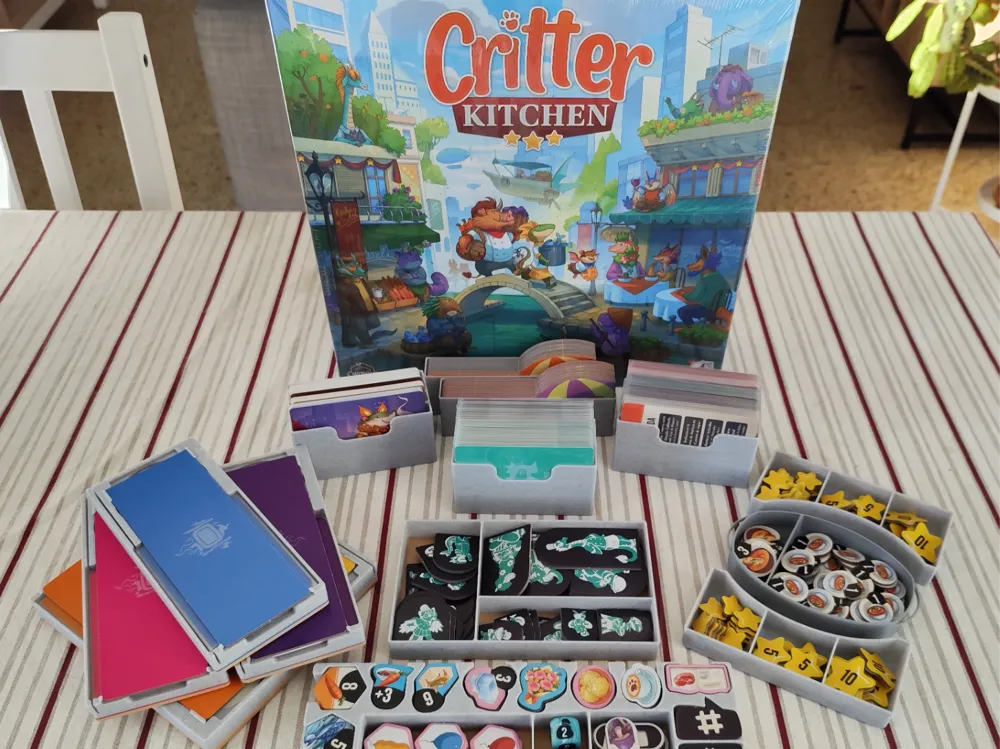
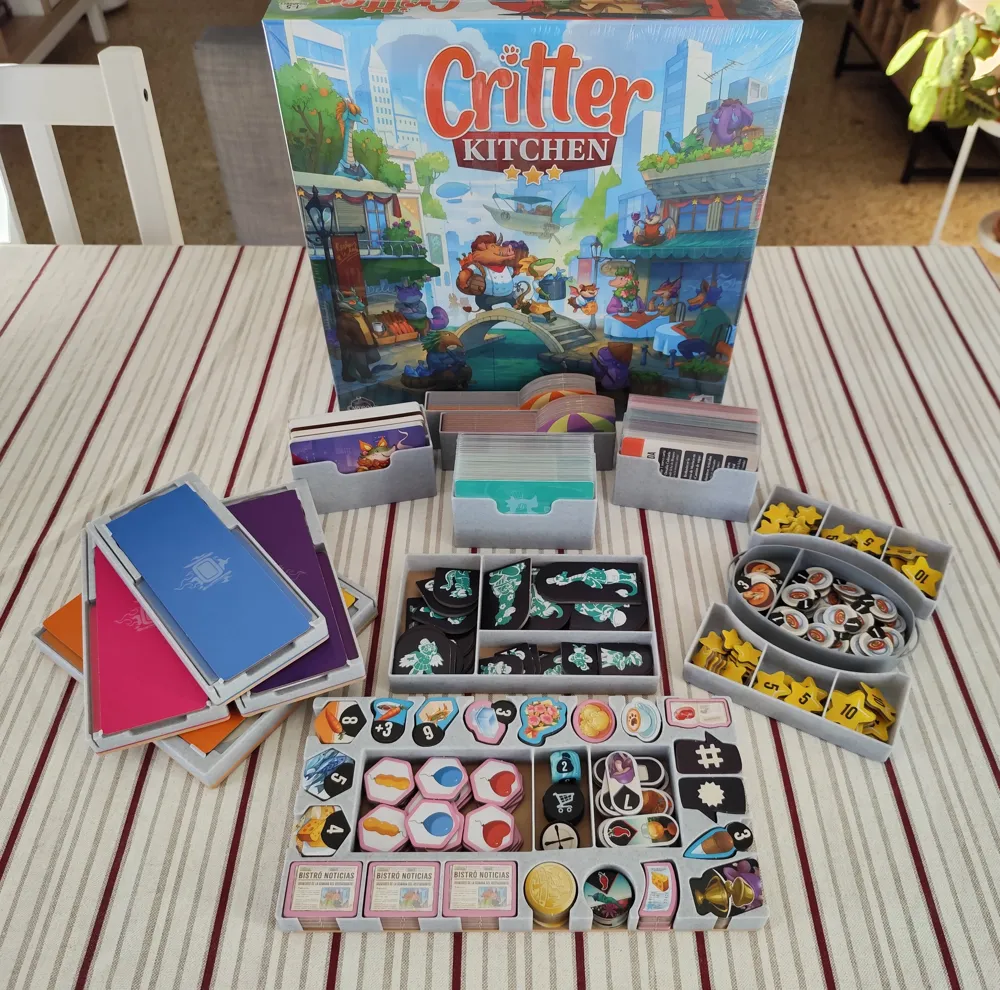
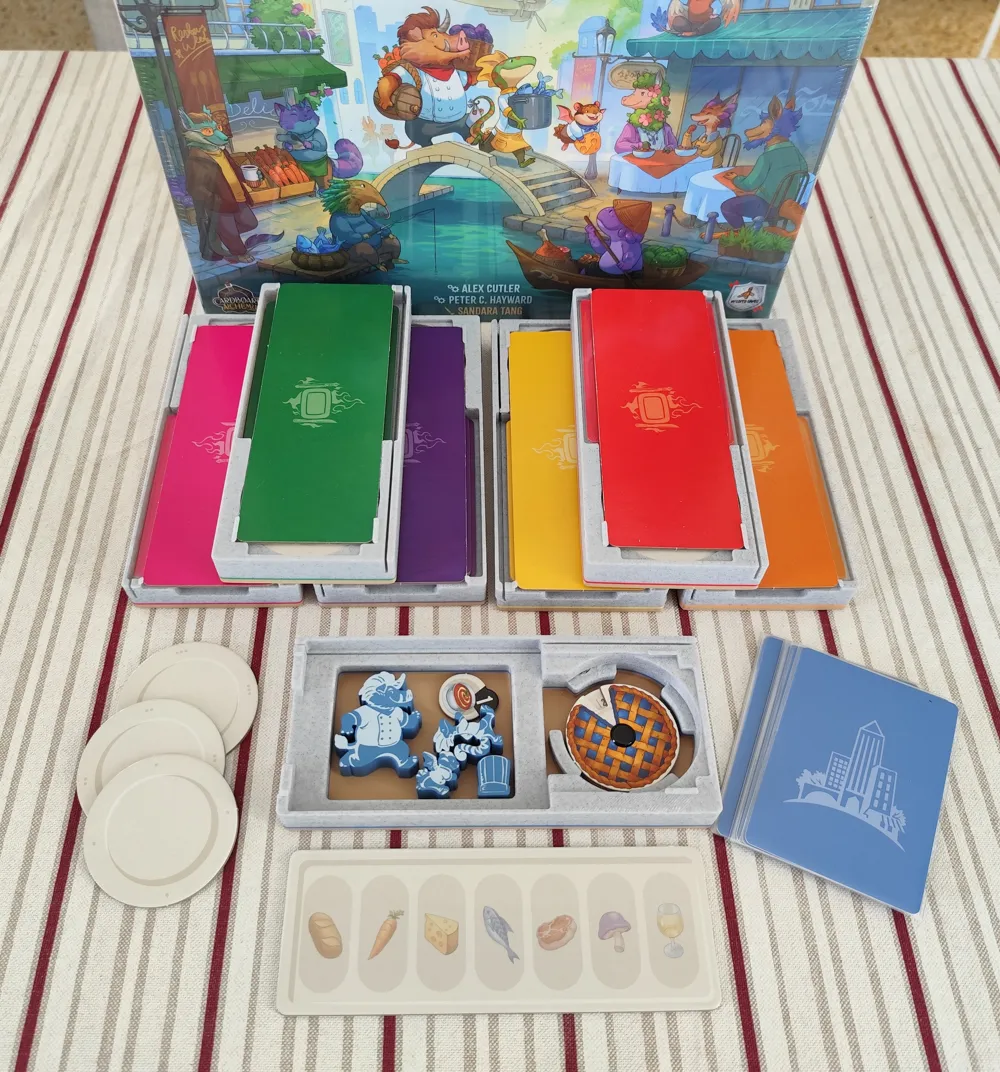
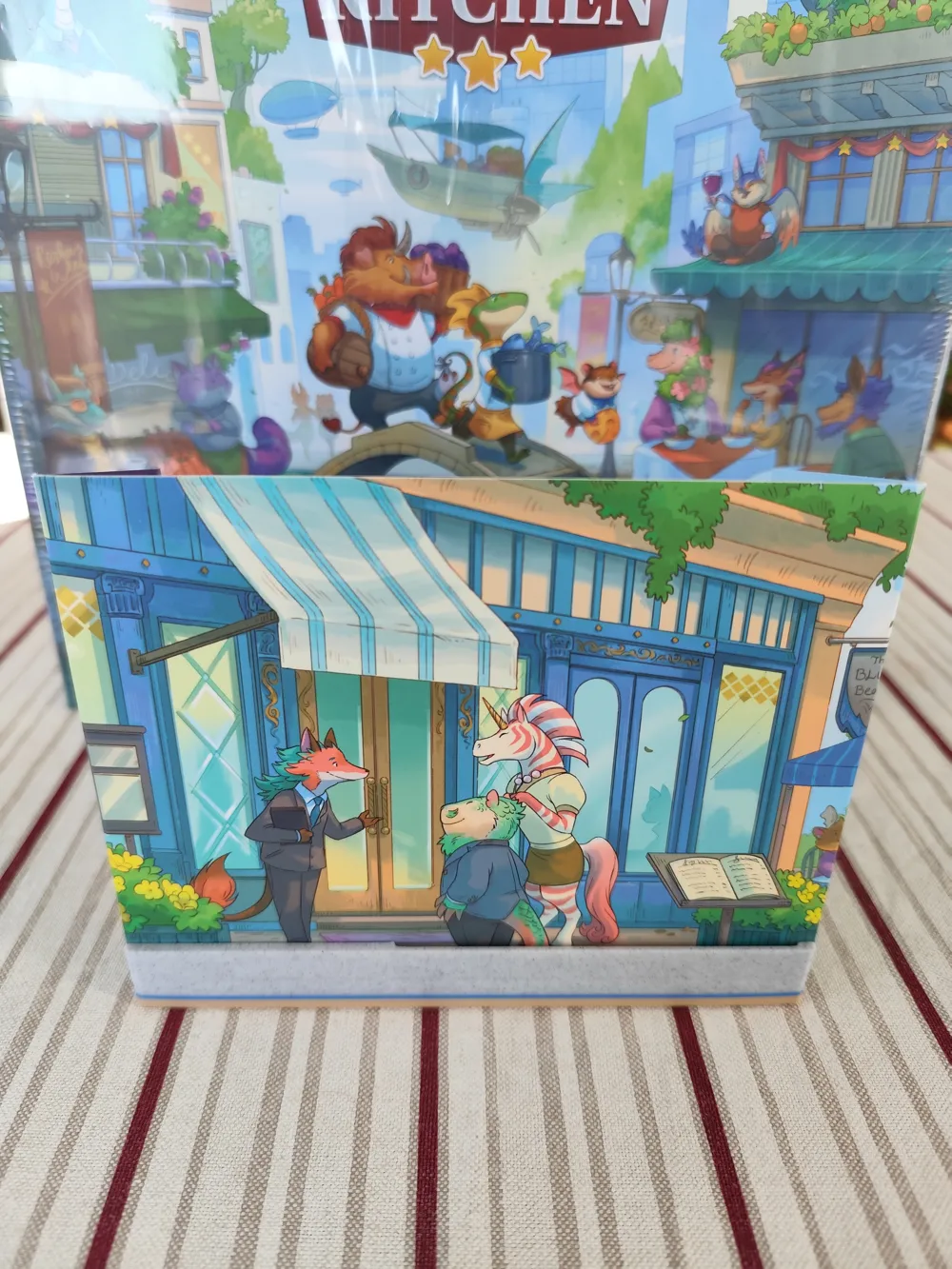

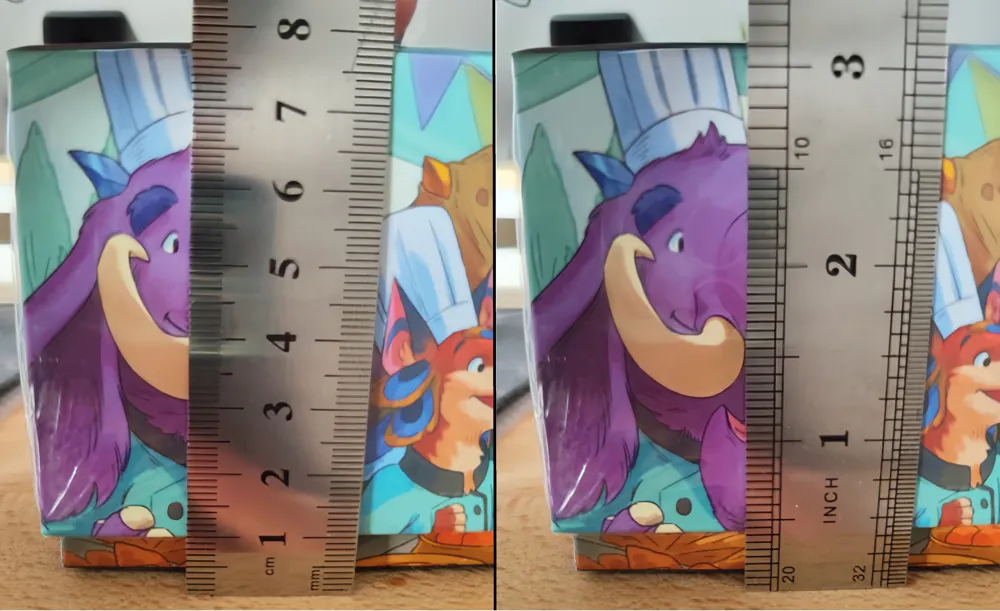
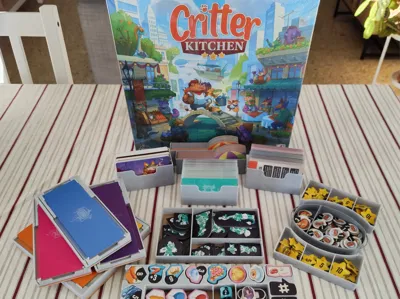
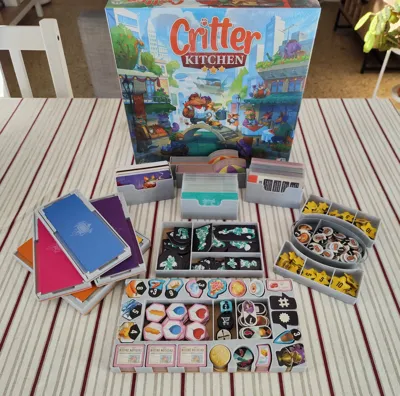
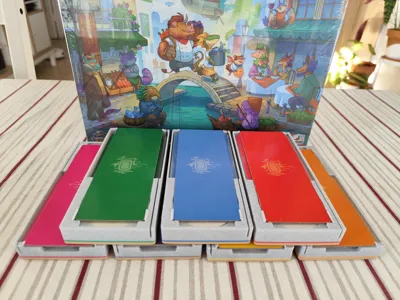
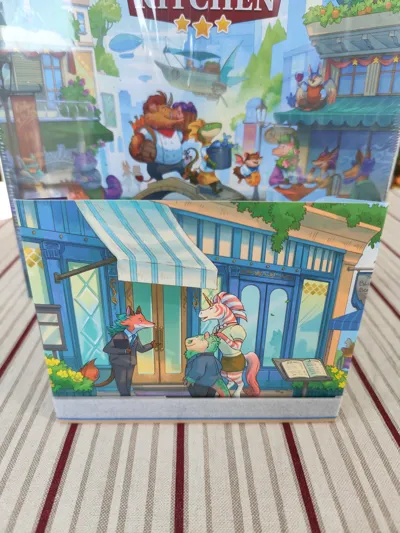
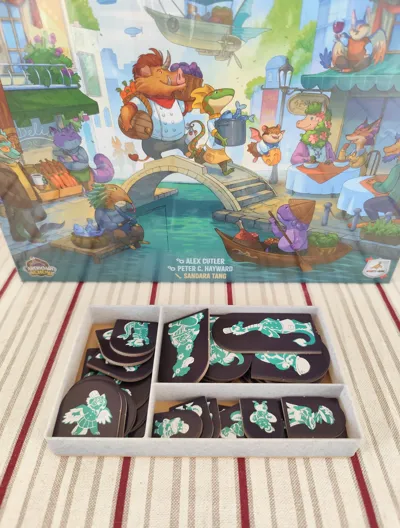
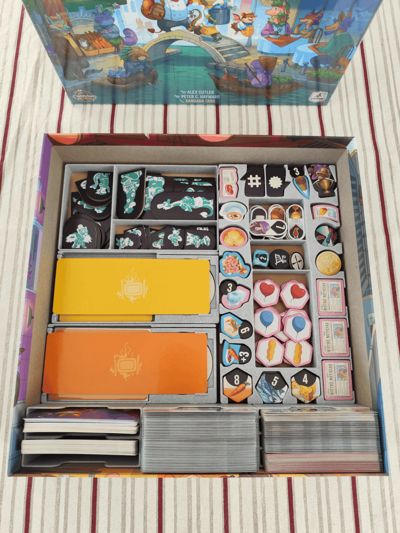
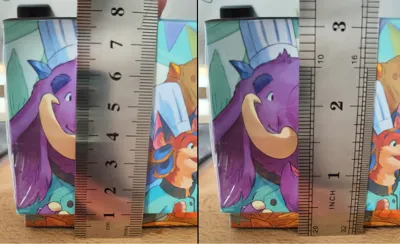
This insert is made for the retail edition of the boardgame Critter Kitchen and its expansion Critter Kitchen: À la cart, fitting all the components in the base game box. It has a little lid lift (aprox. 1cm) as shown in pics.
It does fit sleeved and unsleeved cards. Just note that with sleeved cards, some location boards fit quite tight in the box, meaning you may need to push the cards a little to make them fit, but nothing extreme and it causes no damage as far as I can tell in my copy of the game.
Components:
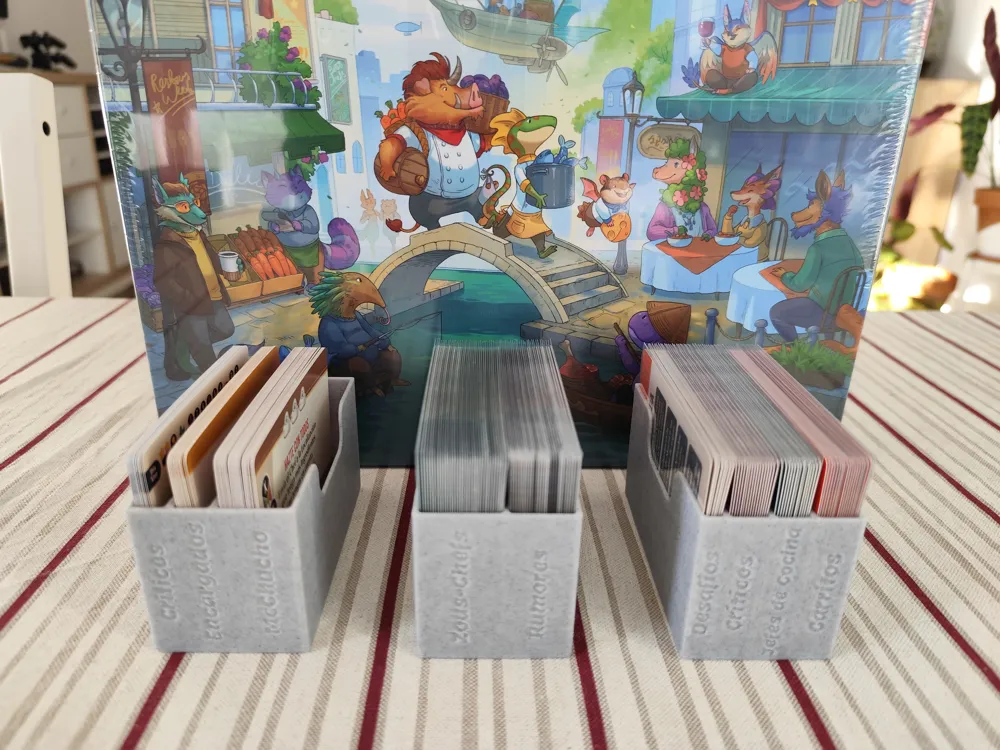
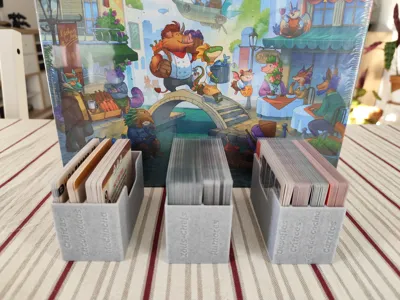
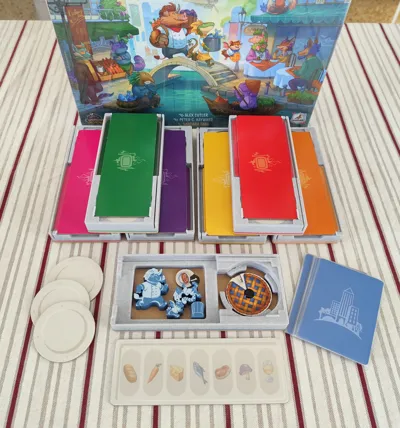
- Card Trays: divided into 3 trays - one for Solo Mode cards, another for the Set Up cards, and one to use during games, like the Zous-chefs cards. Important: The stl files are UNLABELED, if you wish labeled card trays, please download the 3mf file. Text is editable, so you can change to the language you need, the default one is english.
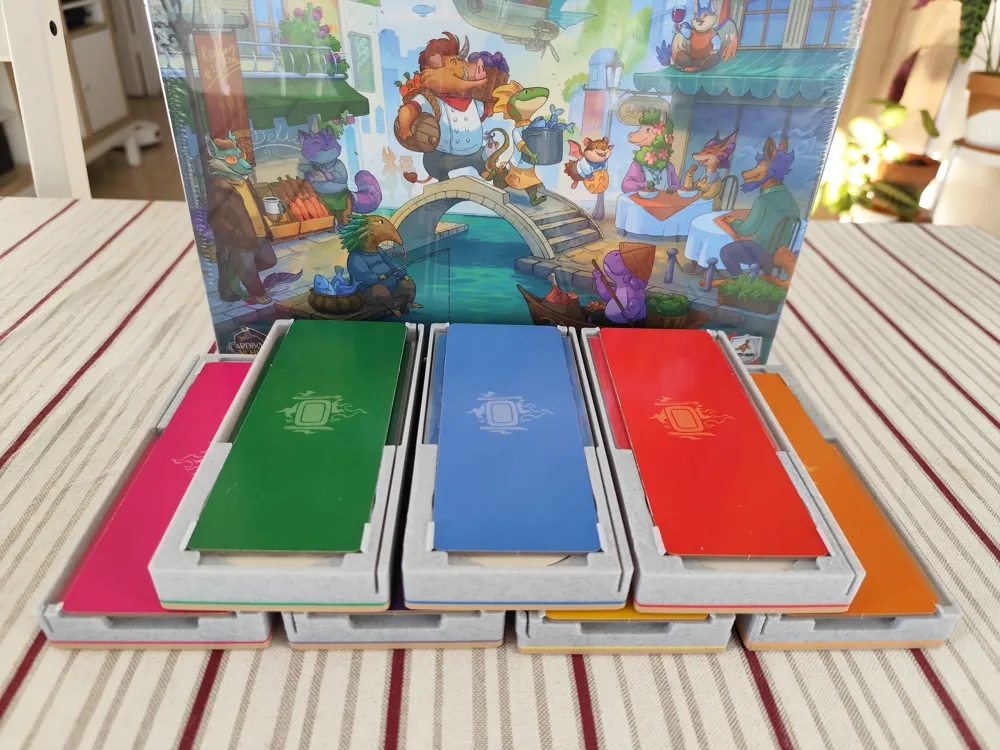
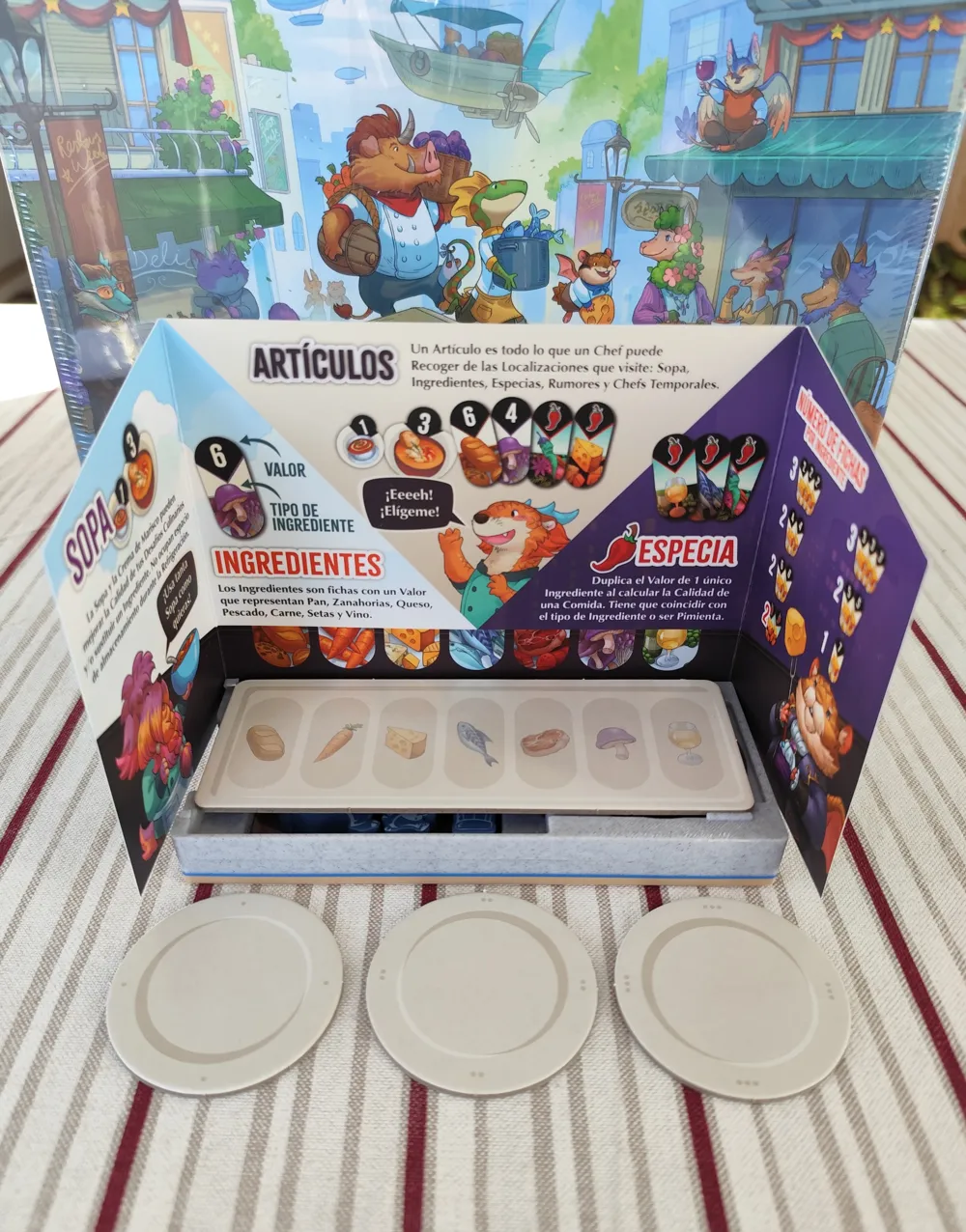
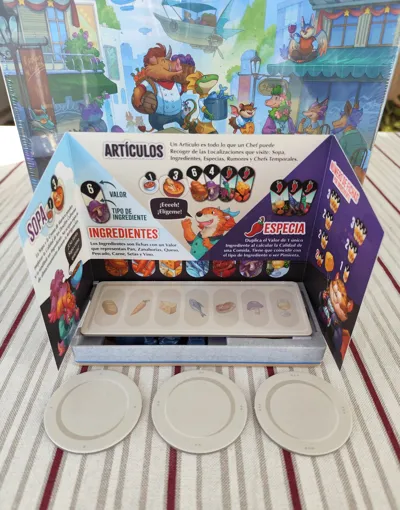
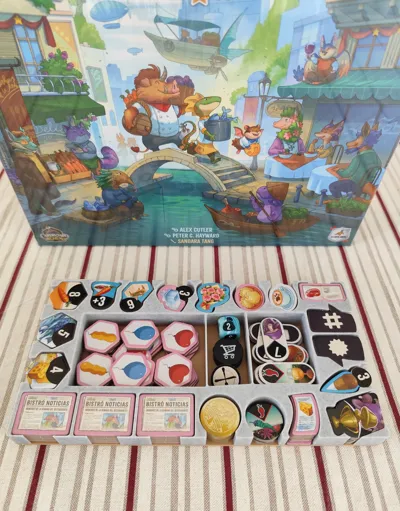
- Player Trays: one for each player. It holds all the player components, including cards, tokens and plates. It's also useful during games as it holds the restaurant shields/screens and works as storage for your ingredients.
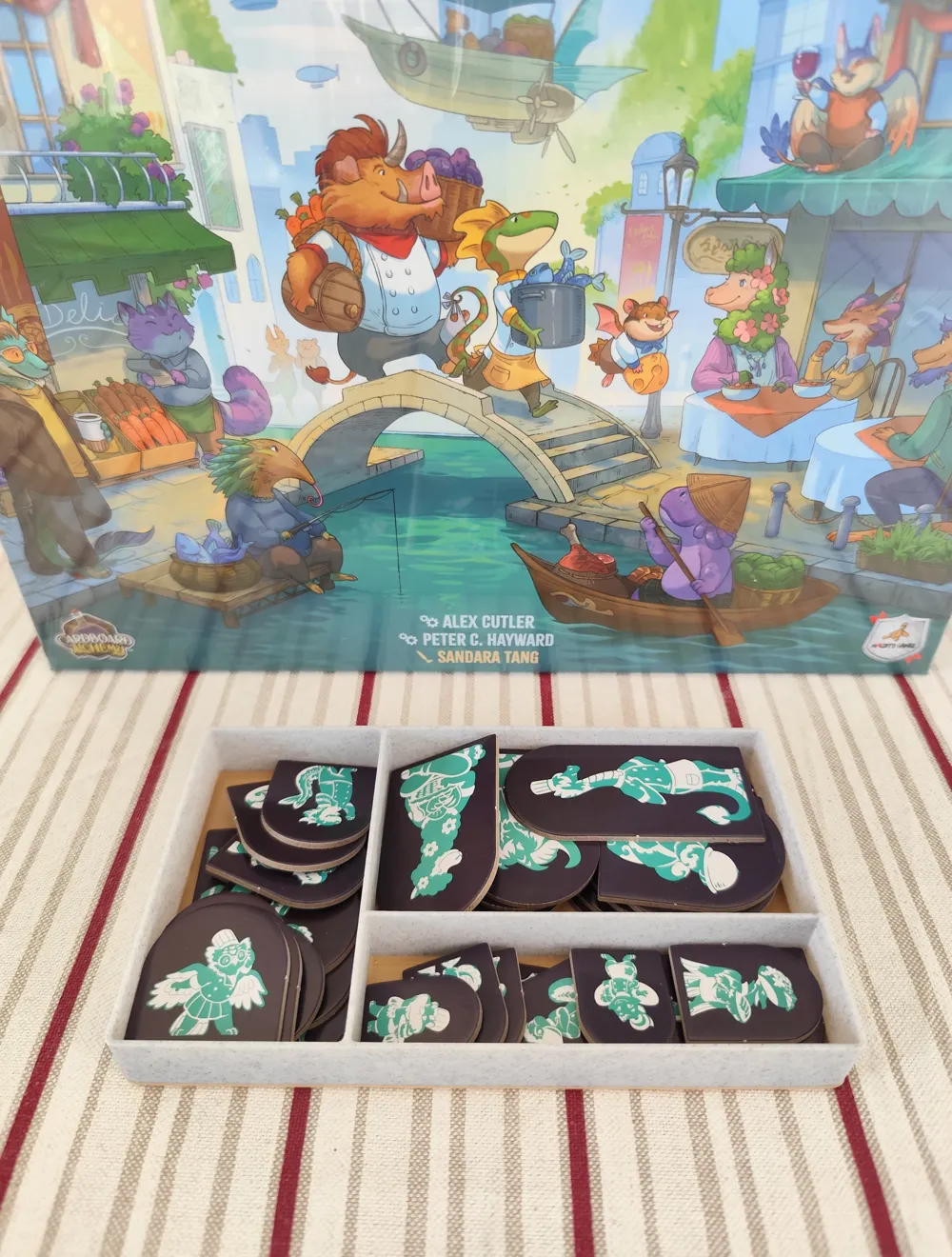
- Zous-chefs Tray: a place to hold all the cardboard helpers. It has compartments to sort them by size: Big, Medium and Small, as seen in pics.
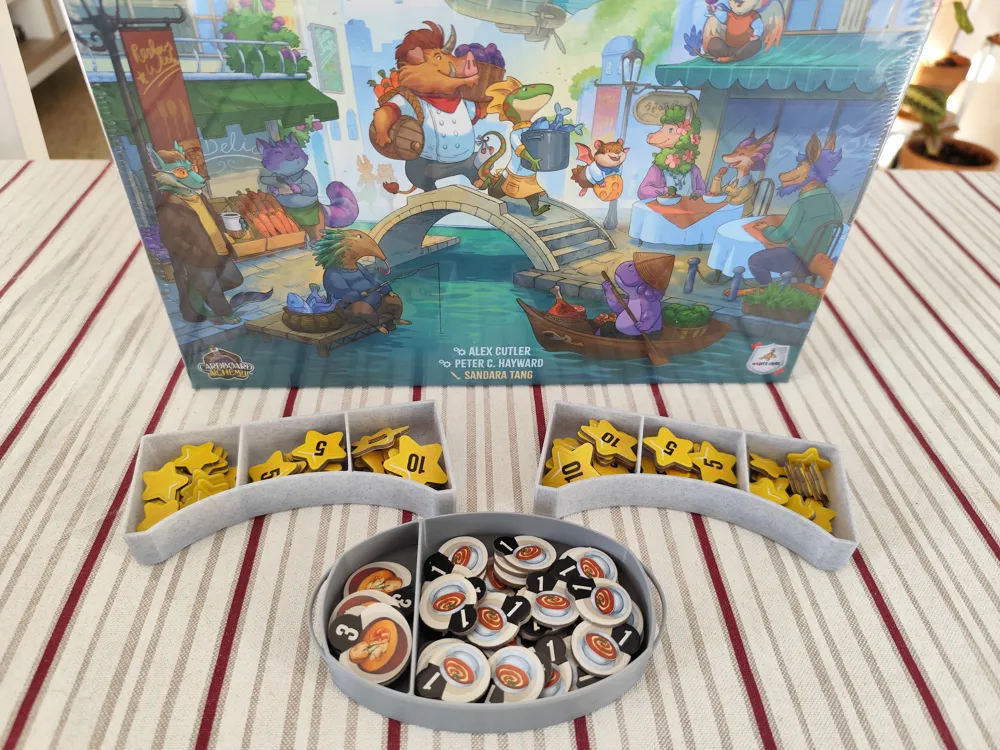
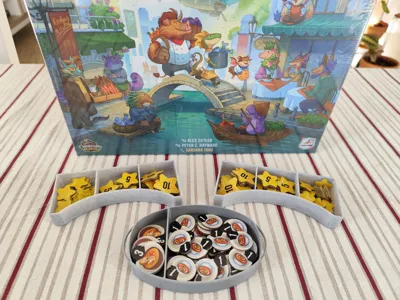
- Star Storage: two handy trays to keep the stars at reach of all players.
- Soup Pot: thematic token holder for the soup and bisque tokens.
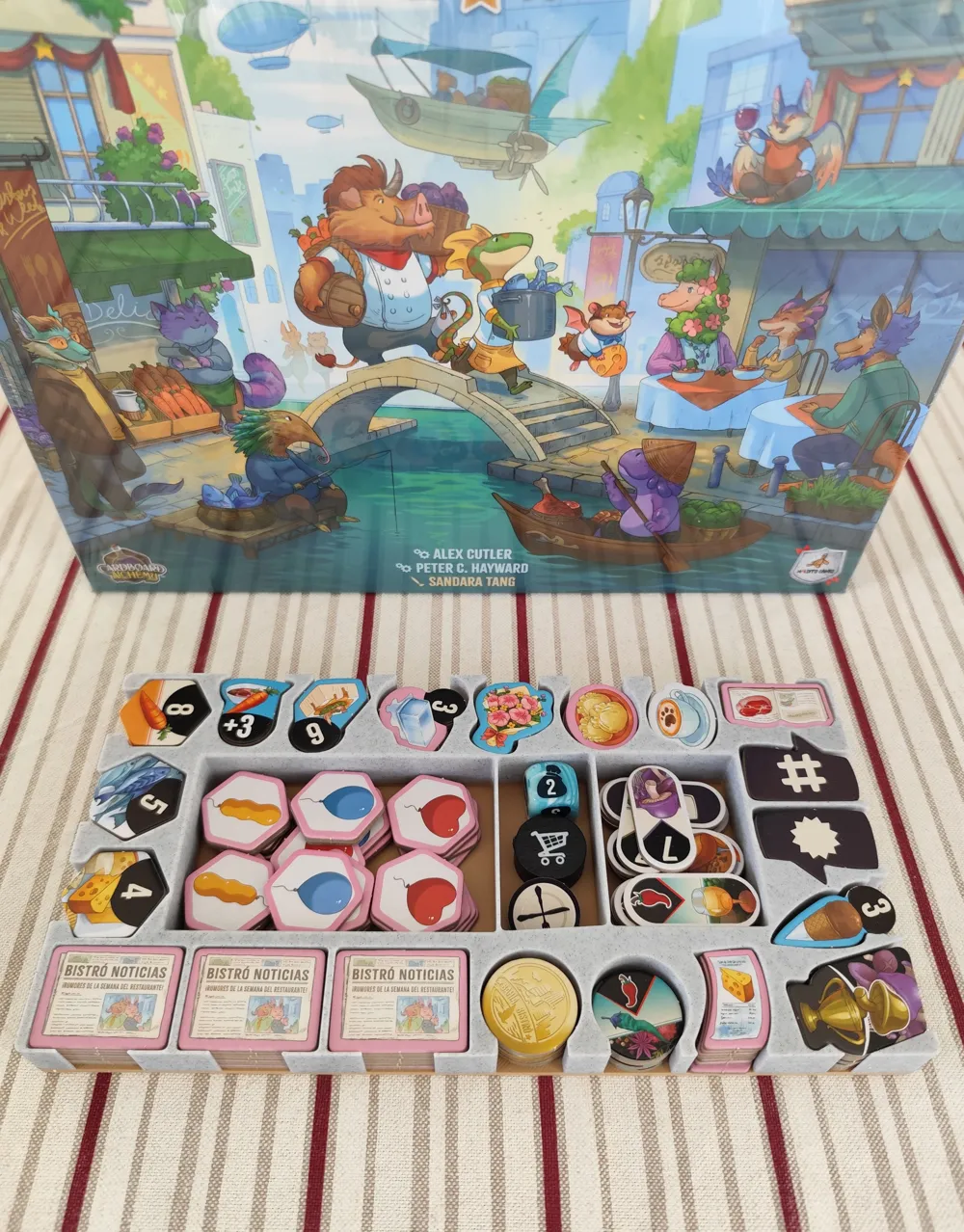
- Miscellaneous Token Tray: holds all the tokens from the expansion, the ingredients and rumors for 6th and 7th player games, round tracker, hold token and mystery die.
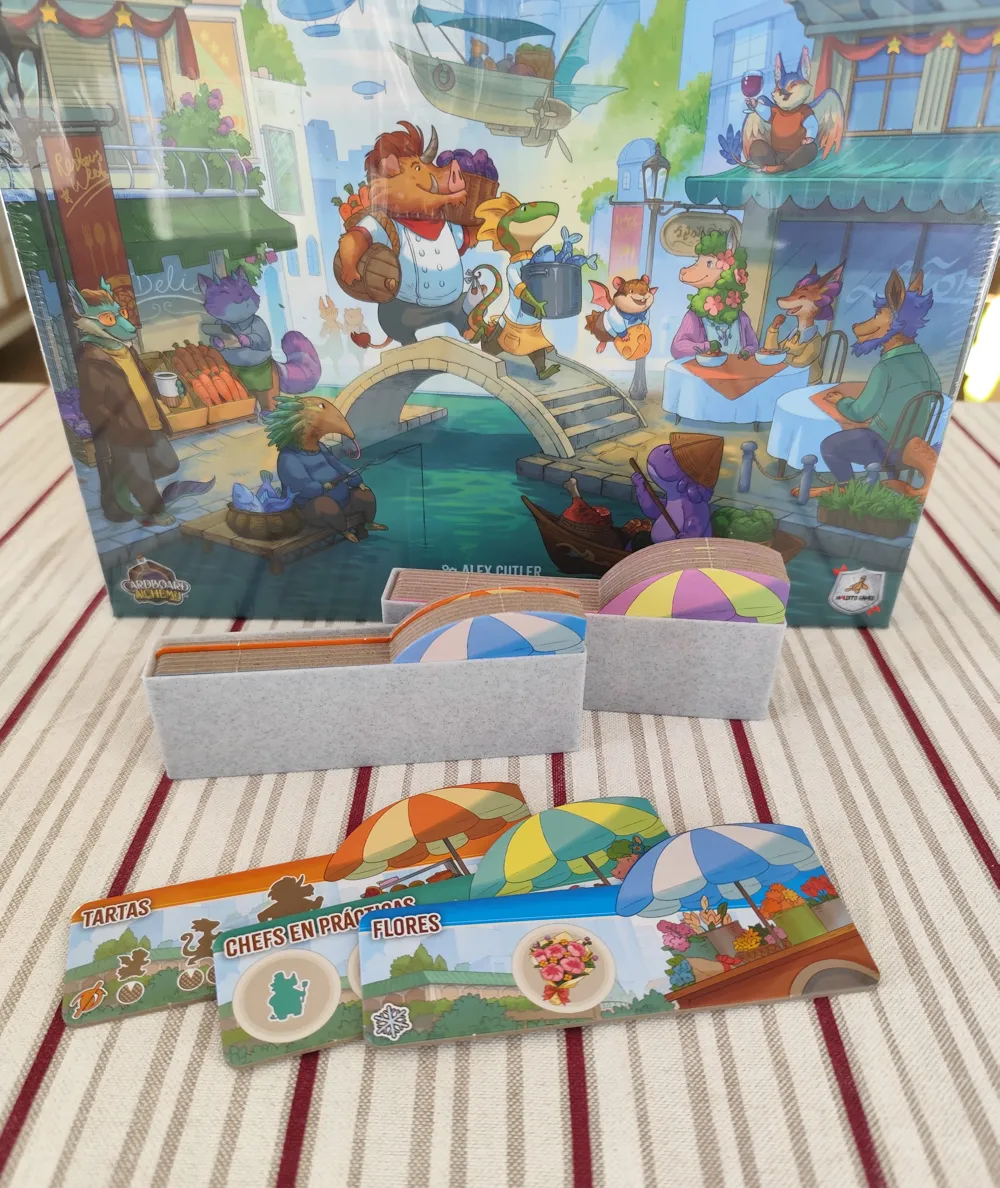
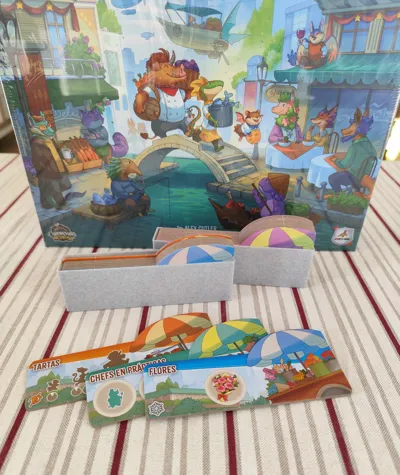
- Cart Holders (optional): two pieces to keep all the cart tiles together. You could also just place them in the box without the holder.

How to store player components in player tray.
PS: when storing the components in the box, divide the restaurant screens/shields into two piles - 2 screens/shields go on top of the ingredients bag and 5 screens/shields go on top of the cardboard locations.
Due to makerworld's limitation on the number of picsallowed, the storage steps are shown as a GIF. If you'd like to see pics step by step you can click here.
Boost Me (for free)
Do you like my designs? Don't forget to boost them! :D
License



Comment & Rating (72)