Search models, users, collections, and posts

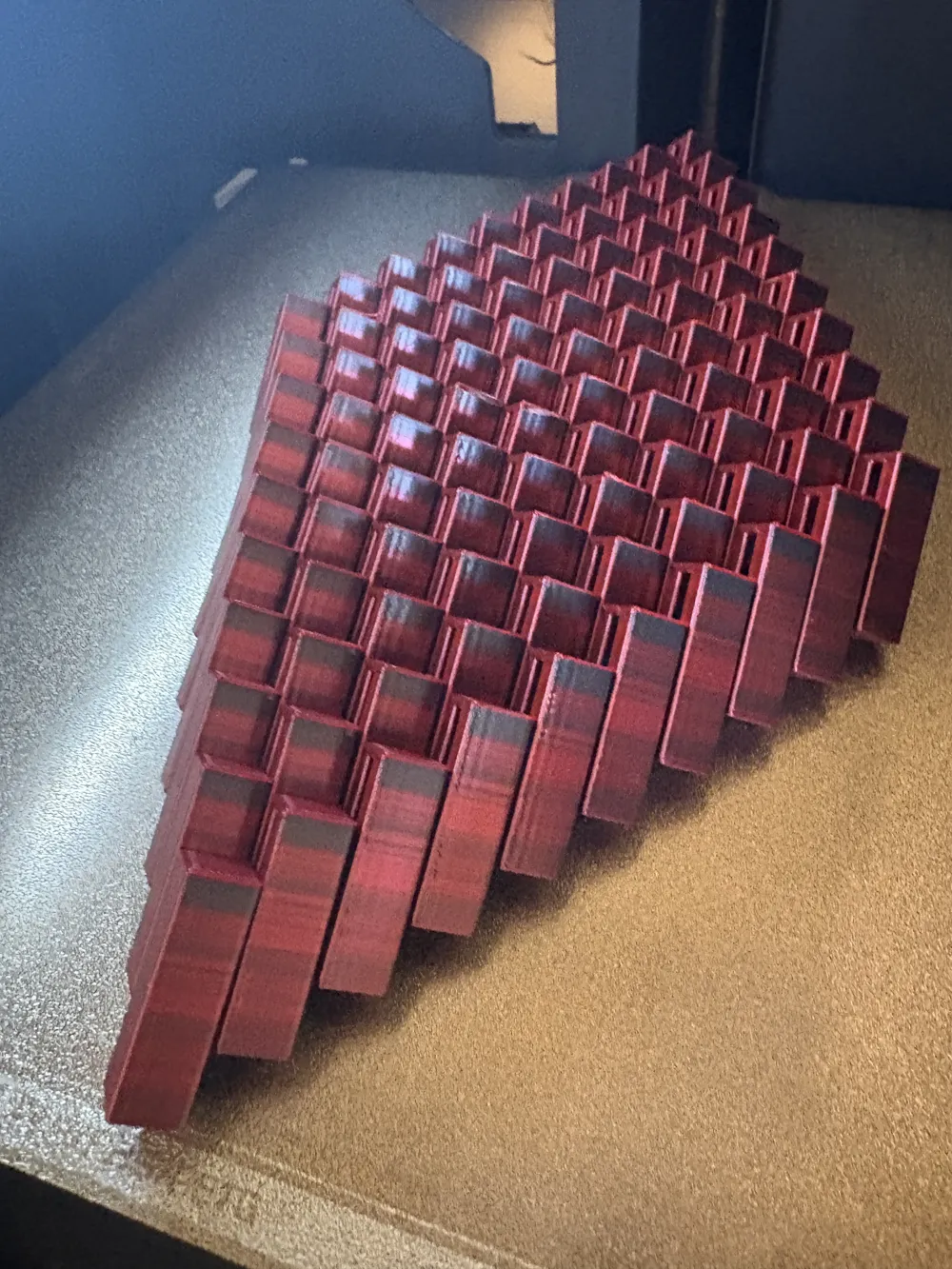
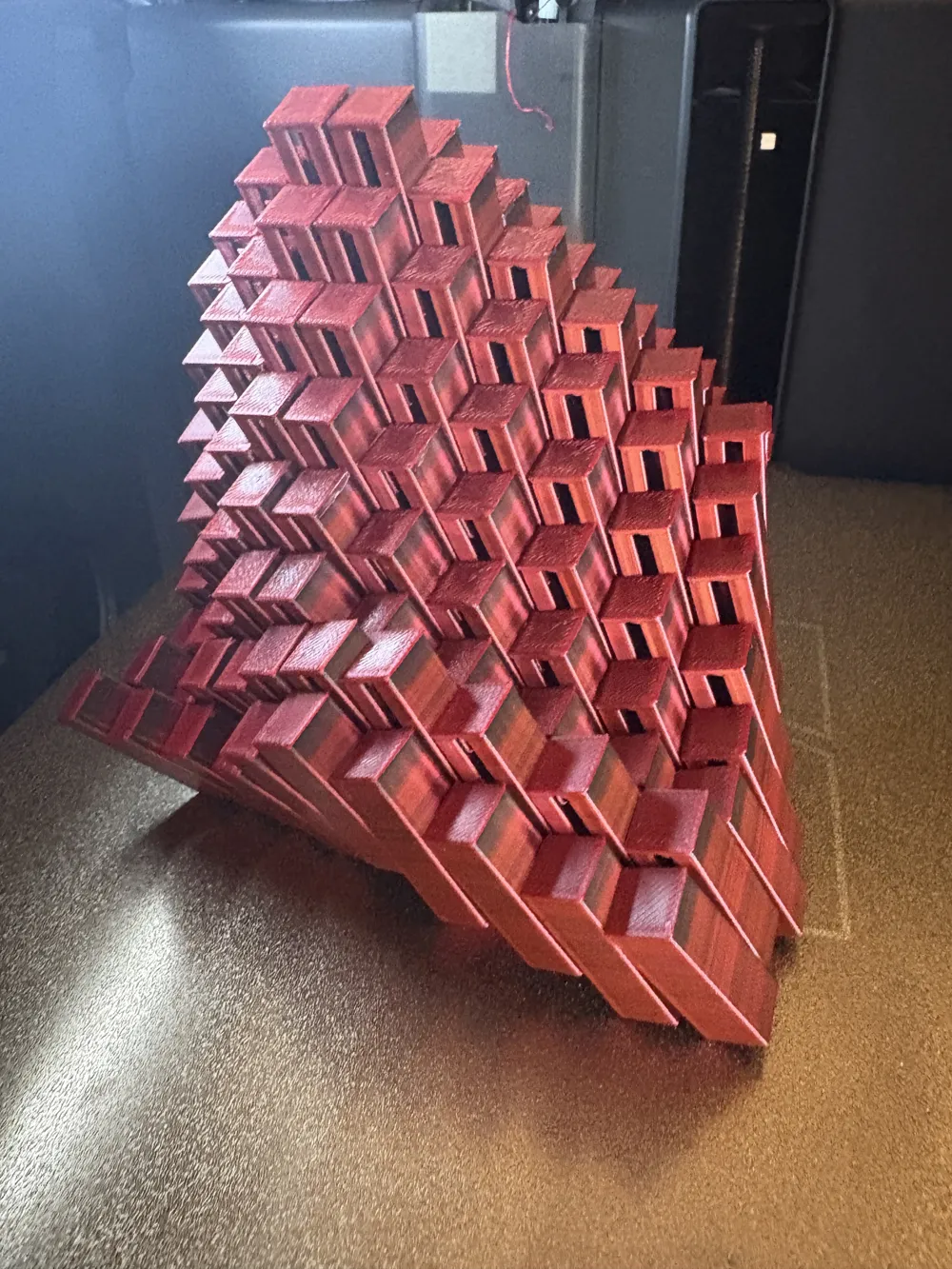


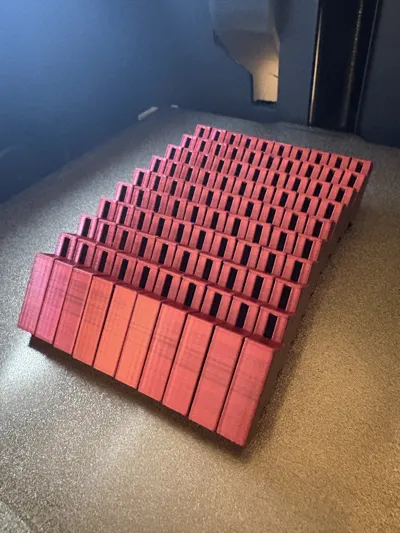
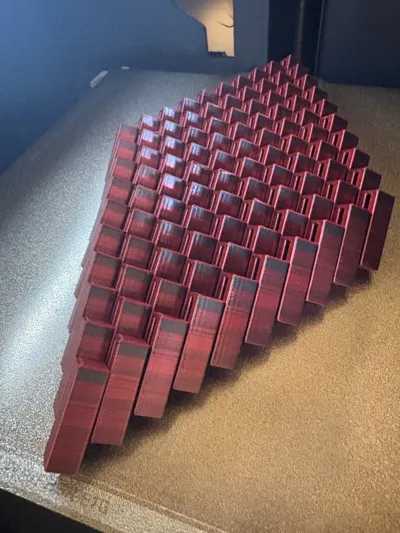
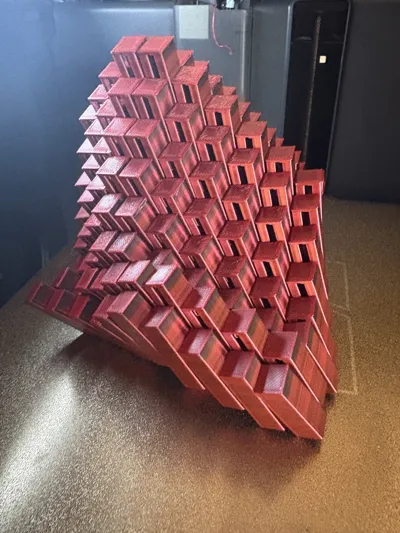
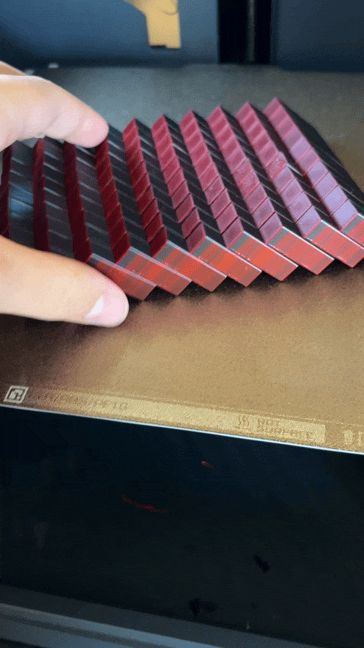
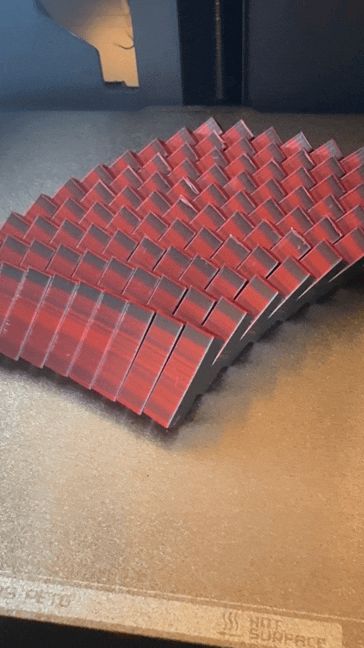
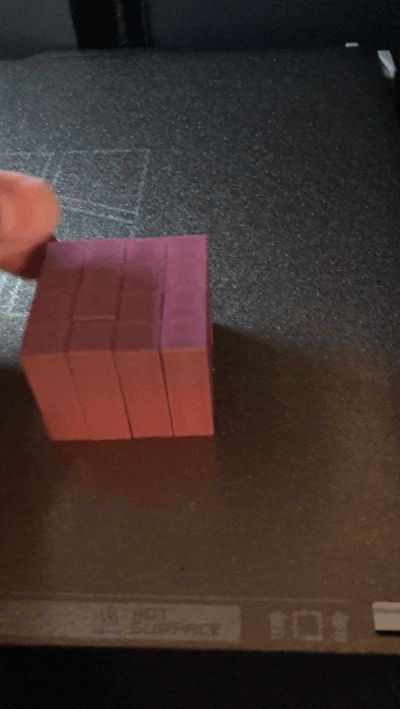
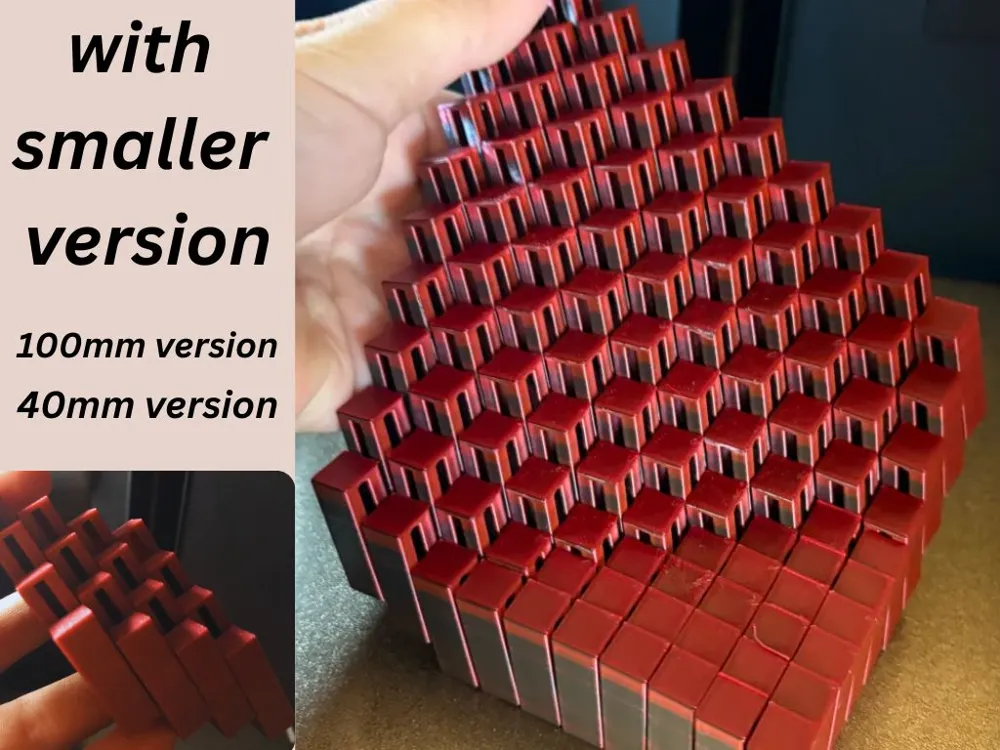
Flexi Grid WITH SMALLER SIZE
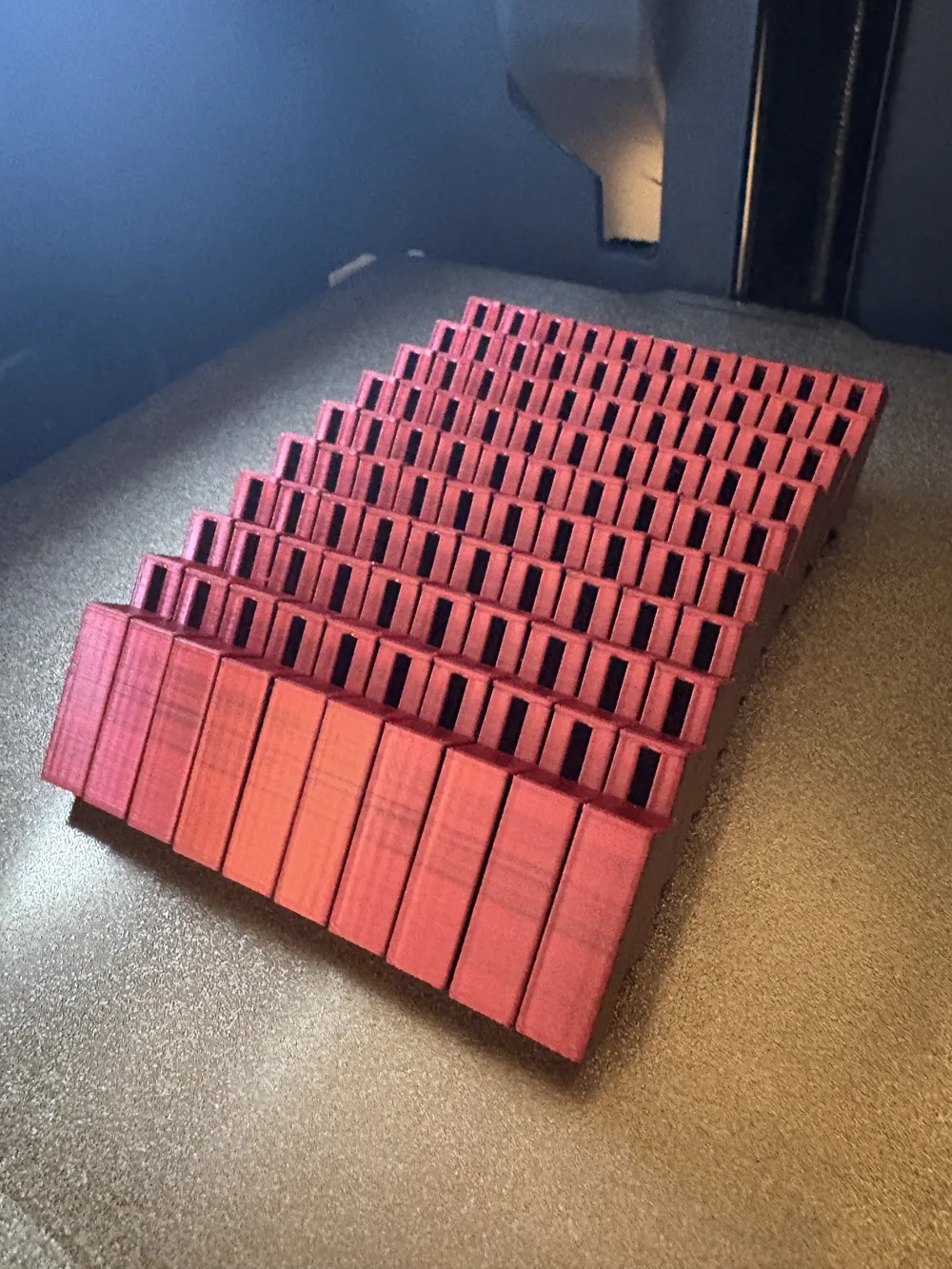
GIF
GIF
GIF
GIF
GIF

Print Profile(5)

All
P1S
X1E
H2D Pro
X1 Carbon
A1
H2S
X2D
X1
H2C
P2S
P1P
H2D
A1 mini
A2L

0.16mm layer, 2 walls, 15% infill
Designer
10.3 h
1 plate
4.8(44)

SILK PLA 0.16mm layer, 2 walls, 15% infill
Designer
1.6 h
1 plate
4.5(19)

silk pla sliding elipse easy print
Designer
5.9 h
1 plate

ABSOULTLY MASSIVLY HUGE 23*23
Designer
72.6 h
1 plate
Click to see more

Open in Bambu Studio
Boost
363
880
105
24
2.6 k
1.3 k
Released 

Description


FOLLOW FOR MORE! 🚀🚀🚀


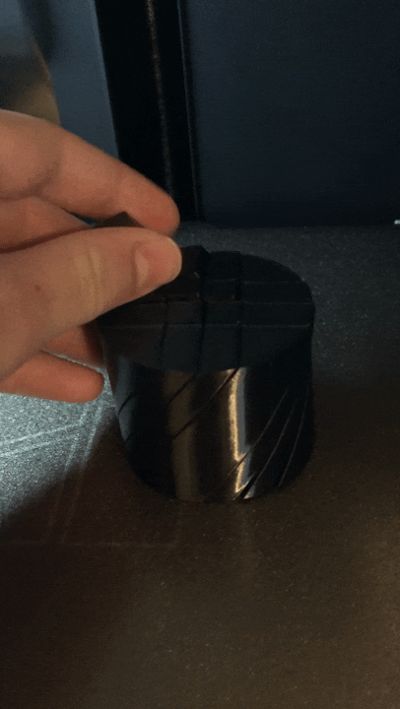
BIG EDIT: added a completly new design, that twists on a spiral path. 
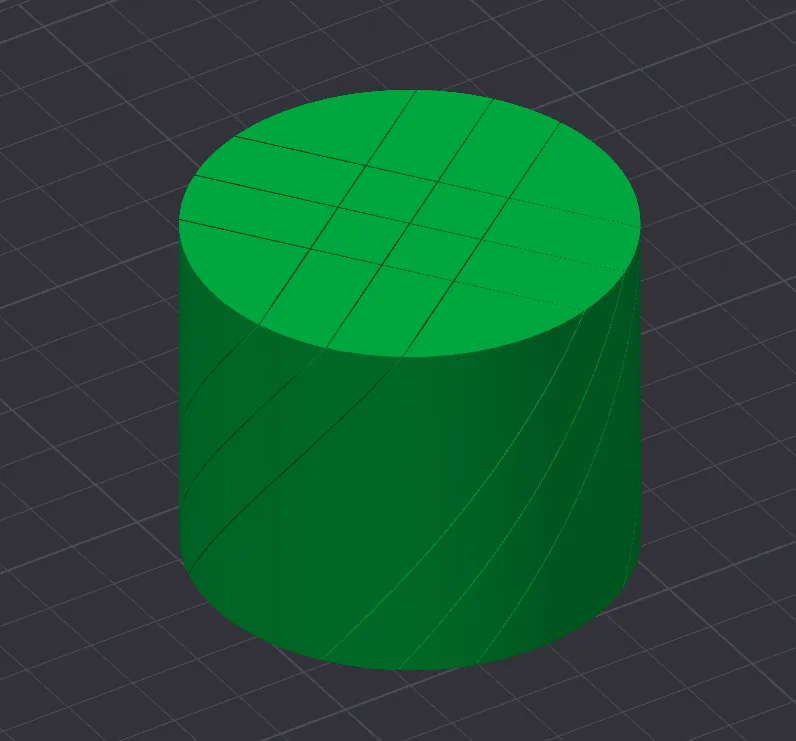
you will need to print it with -0.08 tollerences on on xy. 
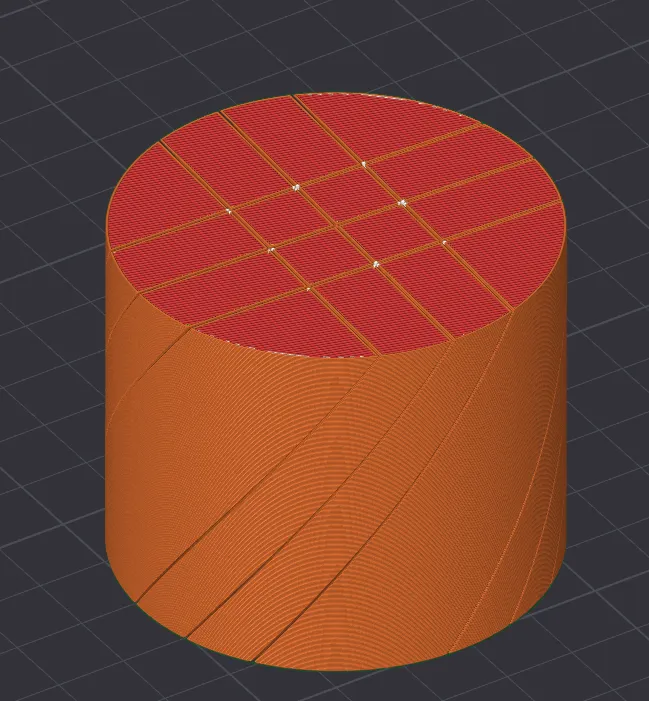
 

I have printed it but I have not uploaded pictures, but I will when i have the chance!

note: if bambu studio, or whatever you open the stl with has and error, please reopen it or allow bambu studio to do what it thinks best. model was designed in millimeter, so if you have us customary settings on in bambu studio, the model will become extremely tiny.


Check out my other models!

Spiral Christmas Tree with Legs- Christmas Themed!

Pin Art Board
Articulated Fire Breathing Dragon

VERSION 2.3 



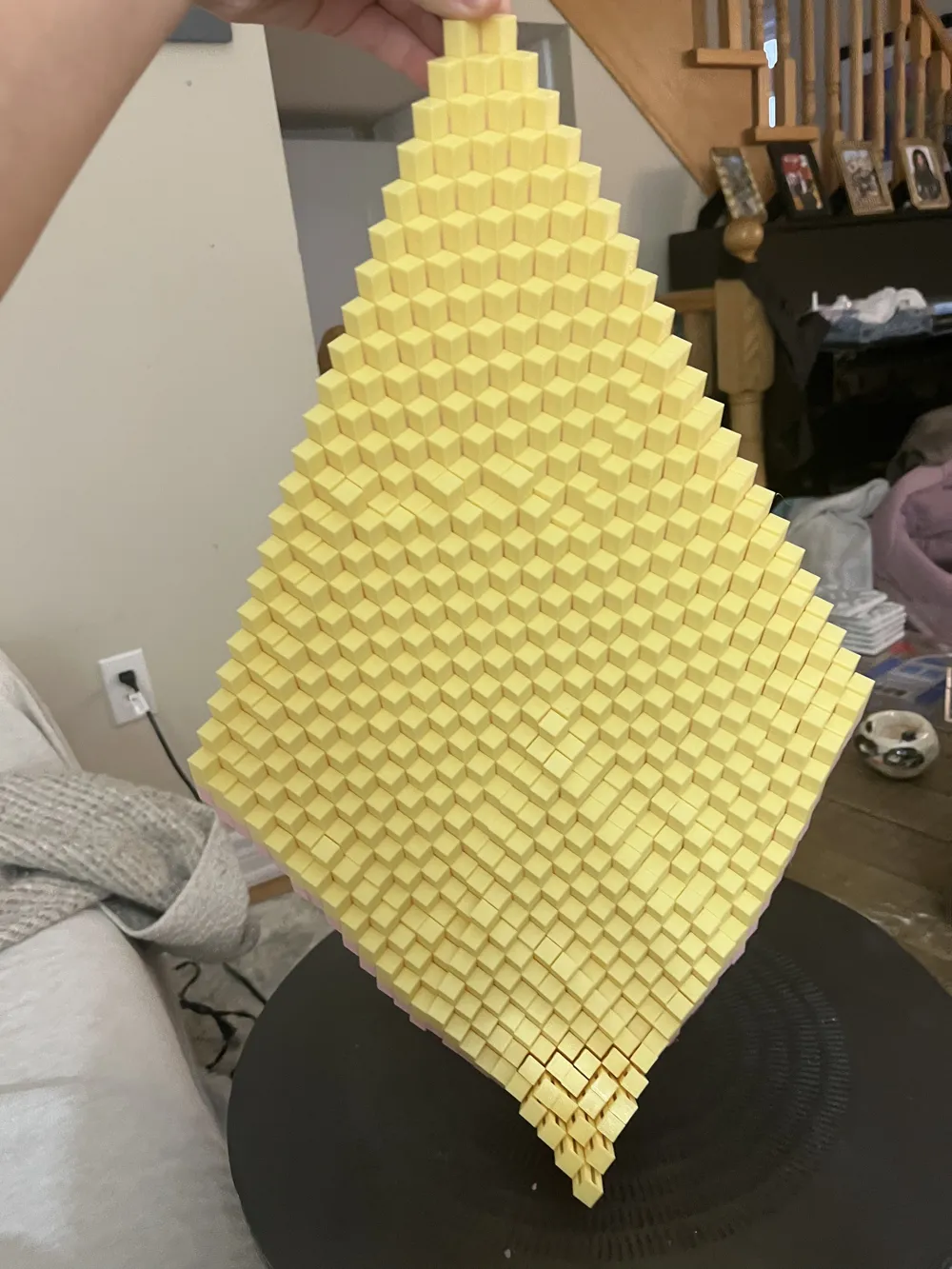
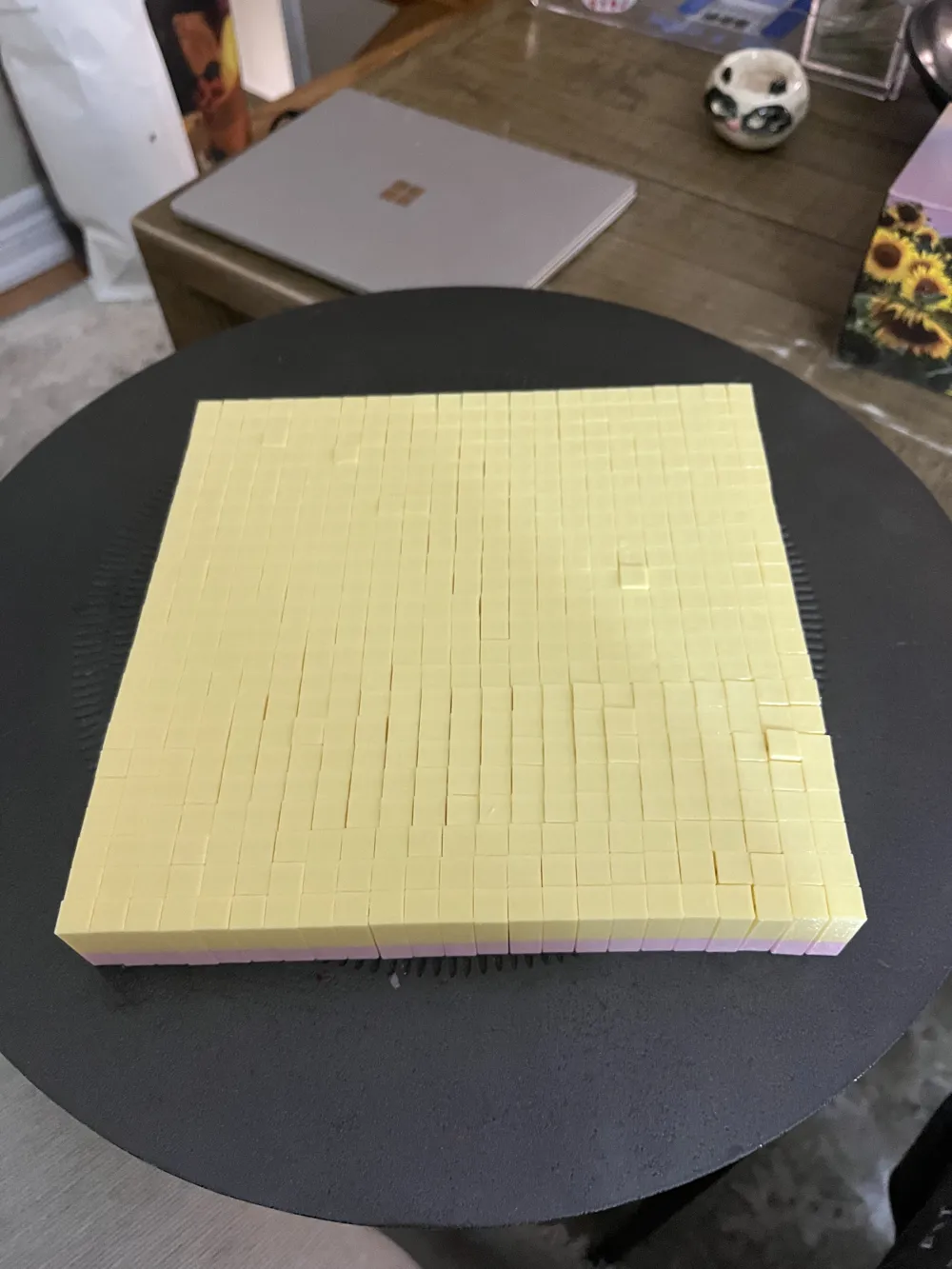
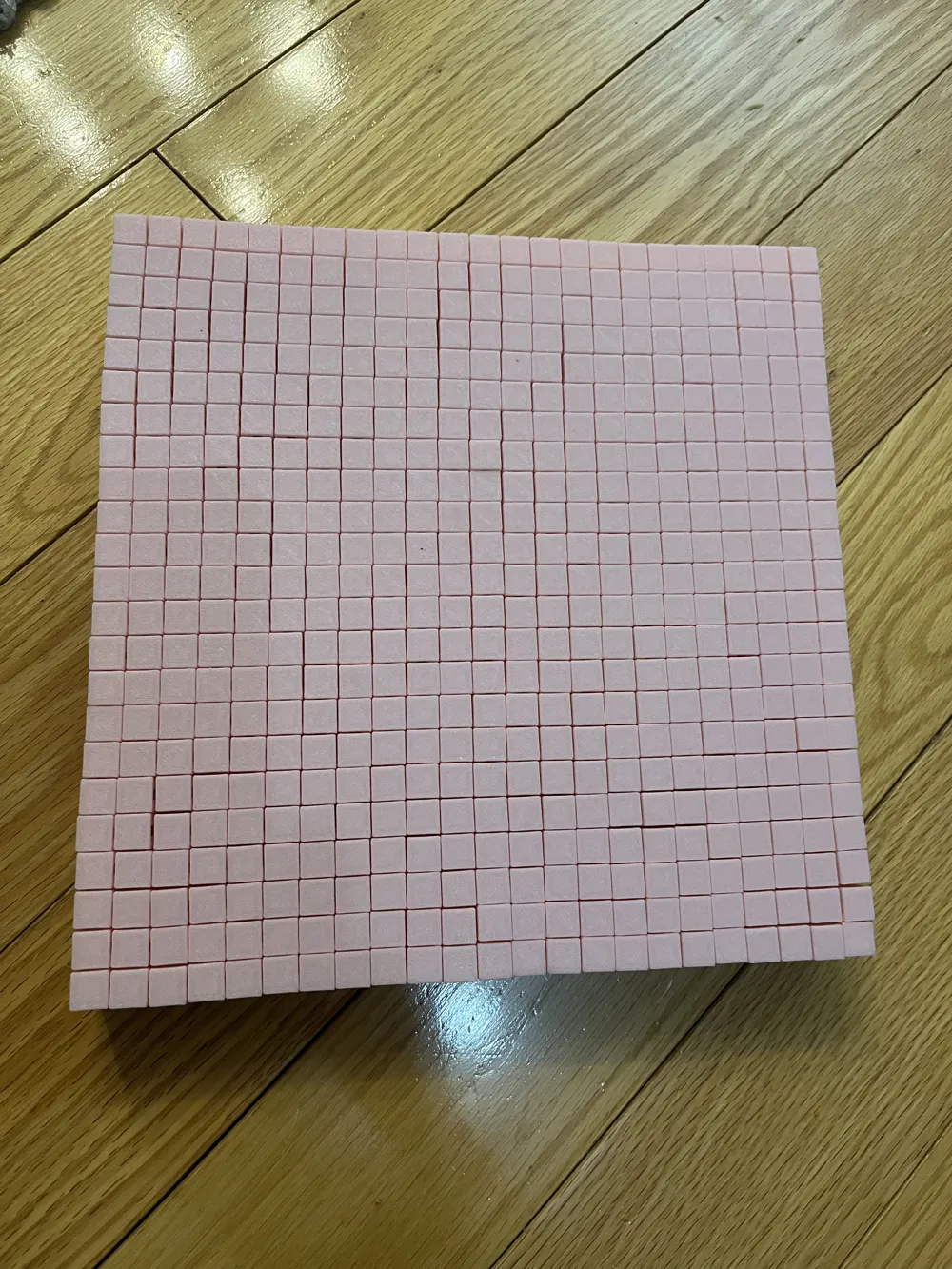
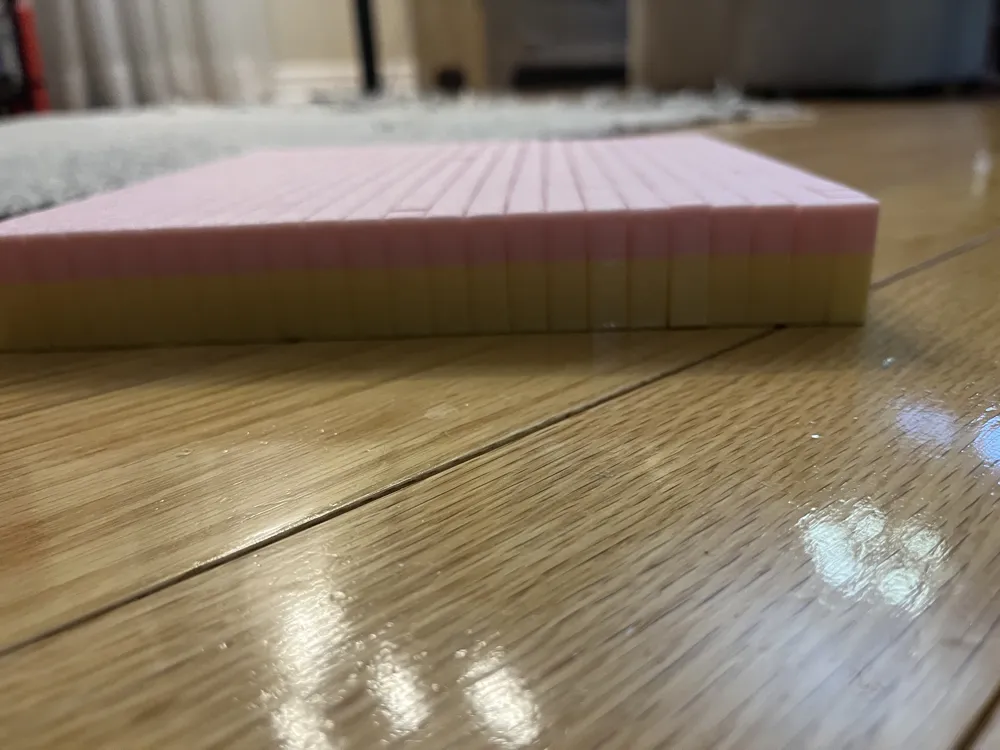
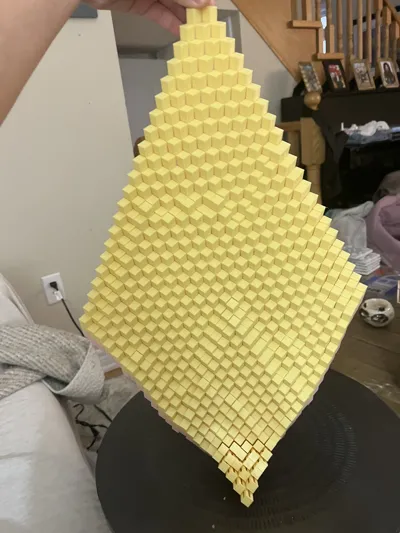
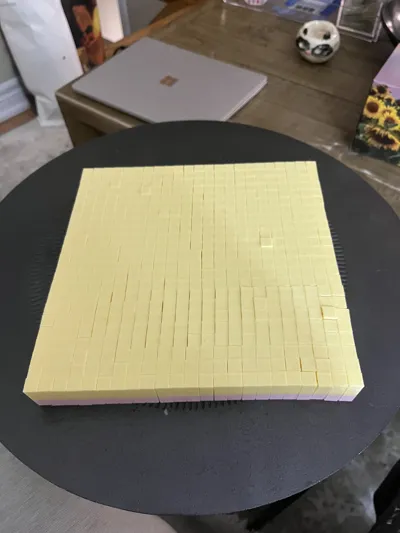
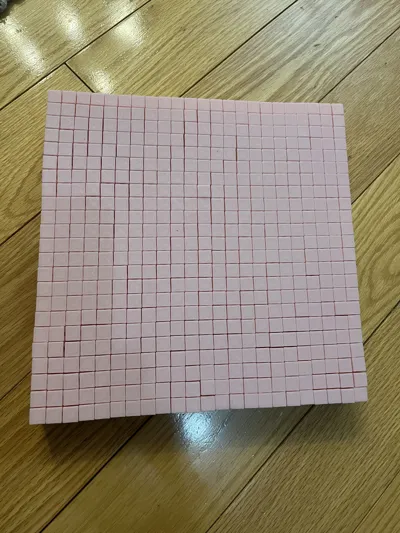
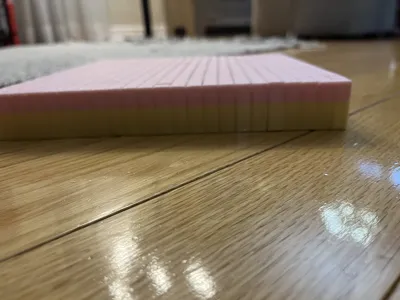

This is the first version of a flexi grid, made entirely by me in Onshape! For all designers out there, this is actually a really fun project to make in CAD—especially if you use variables. If anyone wants me to upload a video, comment below.


Unlike most fidgets, this one actually works, although you do need a well-tuned machine. On my P1S, it took just over 10 hours to print, which is quite long, but I used a 0.12 mm layer height. A 0.16 mm layer height would be fine; I do not recommend 0.2 mm.


The tolerances are 0.2 mm everywhere, so if you want to print this on an Ender 3, you’ll probably want to use XY compensation in the range of about −0.08 mm to −0.1 mm. Bed adhesion is acceptable, although you’ll most likely want to print it on a clean bed. I personally printed it with −0.08 mm tolerance, which results in very smooth, easy movement.


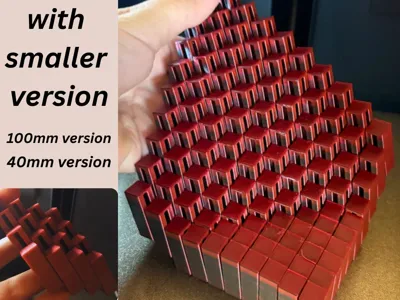
NOW WITH A 24 BY 24 VERSION FOR A1 USERS, AND A 23 BY 23 VERSION FOR P1/X1 OWNERS!

 

EDIT:

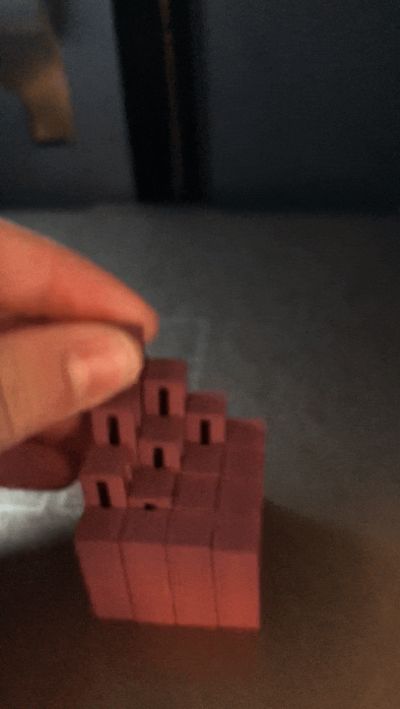
added a 4*4 section, for users with a1 mini


cascading fidget slime ball on eliptical path, flexi grid and small flexi grid 3 by 3.

Comment & Rating (105)

(0/1000)

Print Profile
0.16mm layer, 2 walls, 15% infill
had amazing print quality and was a really good design too
The profile uploader has replied
1
Reply
thank you for the review!
0
Reply
Print Profile
0.16mm layer, 2 walls, 15% infill
love these I play with it as much as my kid!
The profile uploader has replied
1
Reply
thank you!
0
Reply
Unfortunately, I have to say that the layer slowly shifted halfway through the grid. I can't explain why. I used all the settings, and it looked successful at first. Now it's unfortunately unusable because the parts are stuck together due to the slight shift. I printed it with my Qidi 4 Max. Maybe someone can help. Regards
The designer has replied
Show original
0
Reply
oh no! yes, as someone who comes from the world of the ender 3, layer shifts are very common. the most likely problem is the stepper drivers on the mainboard not getting enough cooling, or just not have a heatsink entirely.the second problem is that the motors have not enough voltage which happens (usually) with new/custom firmware. another is simply just when an object is put in the way of the the print bed, so it physicaly can not move back fare enough. given the fact that you have a nicer printer then an ender 3, all three of these problems seem to be not realated. try tightening the belts, lubricating the rails, cleaning the z axis lead screw, and check to make sure cooling to the mainboard is sufficient. (basicly just check and make sure the fan is spinning normal) thanks for reading this! i like sharing my experiences!
0
Reply
it didn’t really work. the bottom had a problem I had to take some apart
The designer has replied
0
Reply
you could try putting glue down, if you print it again. that would most likely be the problem
0
Reply
Print Profile
SILK PLA 0.16mm layer, 2 walls, 15% infill
Works great my kiddo loves these we are printing them in every color.
(Edited)
The profile uploader has replied
0
Reply
thank you! consider boosting!
0
Reply
Print Profile
SILK PLA 0.16mm layer, 2 walls, 15% infill
I printed in PLA it worked amazingly
The profile uploader has replied
0
Reply
thank you for the picture and rating!
0
Reply
bro.. i gotta take these off one by one😭😭😭
The designer has replied
0
Reply
that does not look like fun.. what happend? was there a blob on the hotend while leveling the bed?
0
Reply
Thank you! This is very well thought up. It is probably my favorite print so far.
0
Reply
Print Profile
0.16mm layer, 2 walls, 15% infill
very nice
0
Reply
Print Profile
0.16mm layer, 2 walls, 15% infill
1
Reply

License

This user content is licensed under a Standard Digital File License.

You shall not share, sub-license, sell, rent, host, transfer, or distribute in any way the digital or 3D printed versions of this object, nor any other derivative work of this object in its digital or physical format (including - but not limited to - remixes of this object, and hosting on other digital platforms). The objects may not be used without permission in any way whatsoever in which you charge money, or collect fees.