
Balancing bird
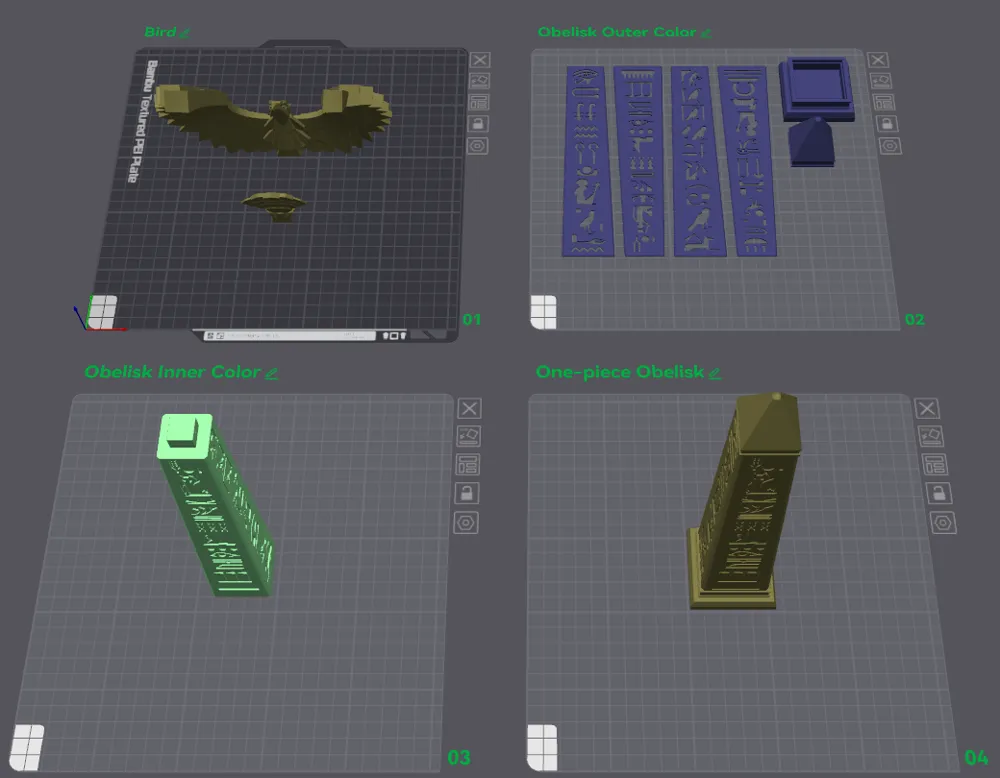
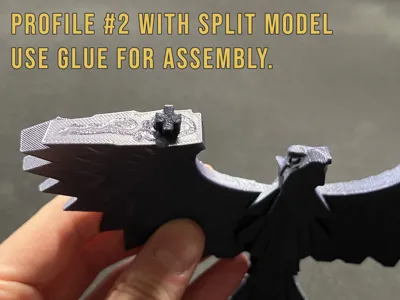
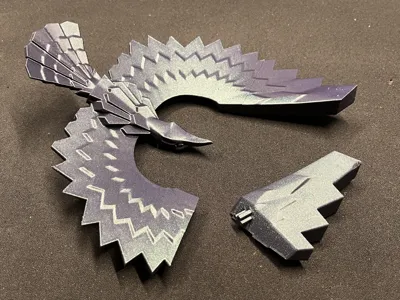
Print Profile(3)


Bill of Materials


Description
------------------------------------------------------------------------------------
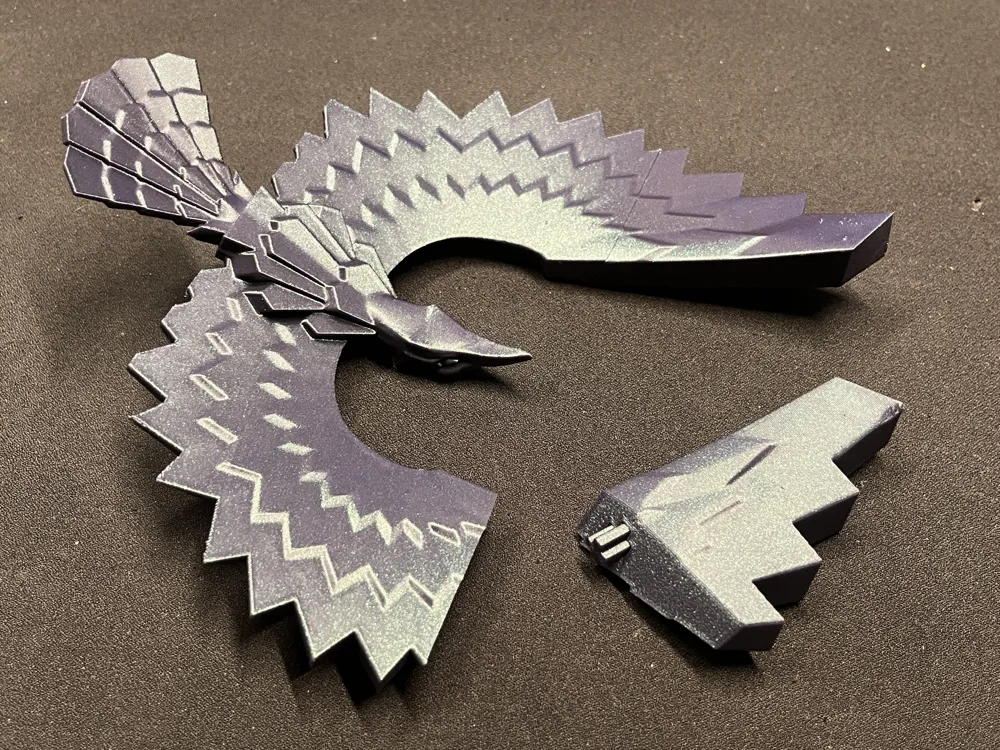
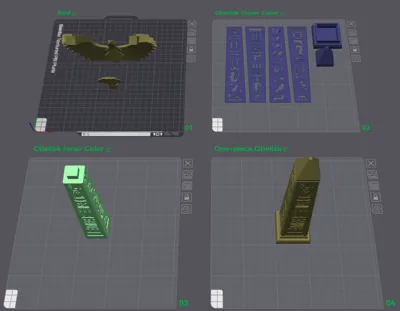
Advanced print (not beginner-friendly). This model requires proper flow calibration. If your printer is over-extruding (this can happen with automatic flow calibration, e.g. on some A1 setups), the nozzle may hit/drag the top layers, which can knock the print off the plate or even snap it in half mid-print.
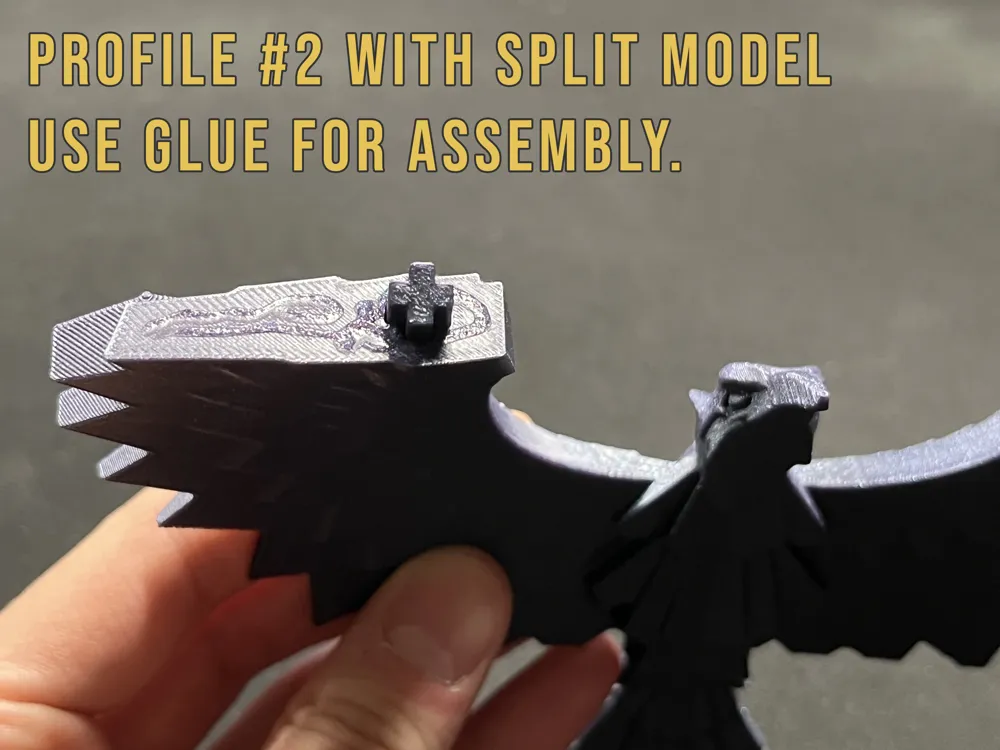
If you are not 100% sure that your filament is calibrated, use profile #2 with glue.
If you don’t want to risk wasting 90 grams of filament and 4 hours, use profile #2.
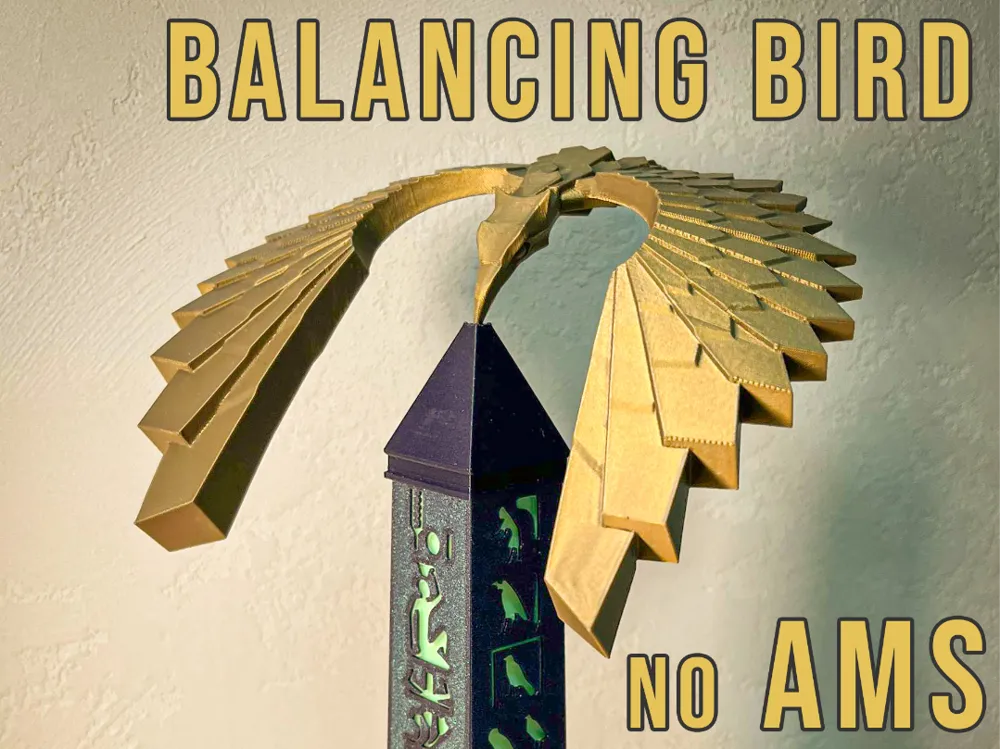
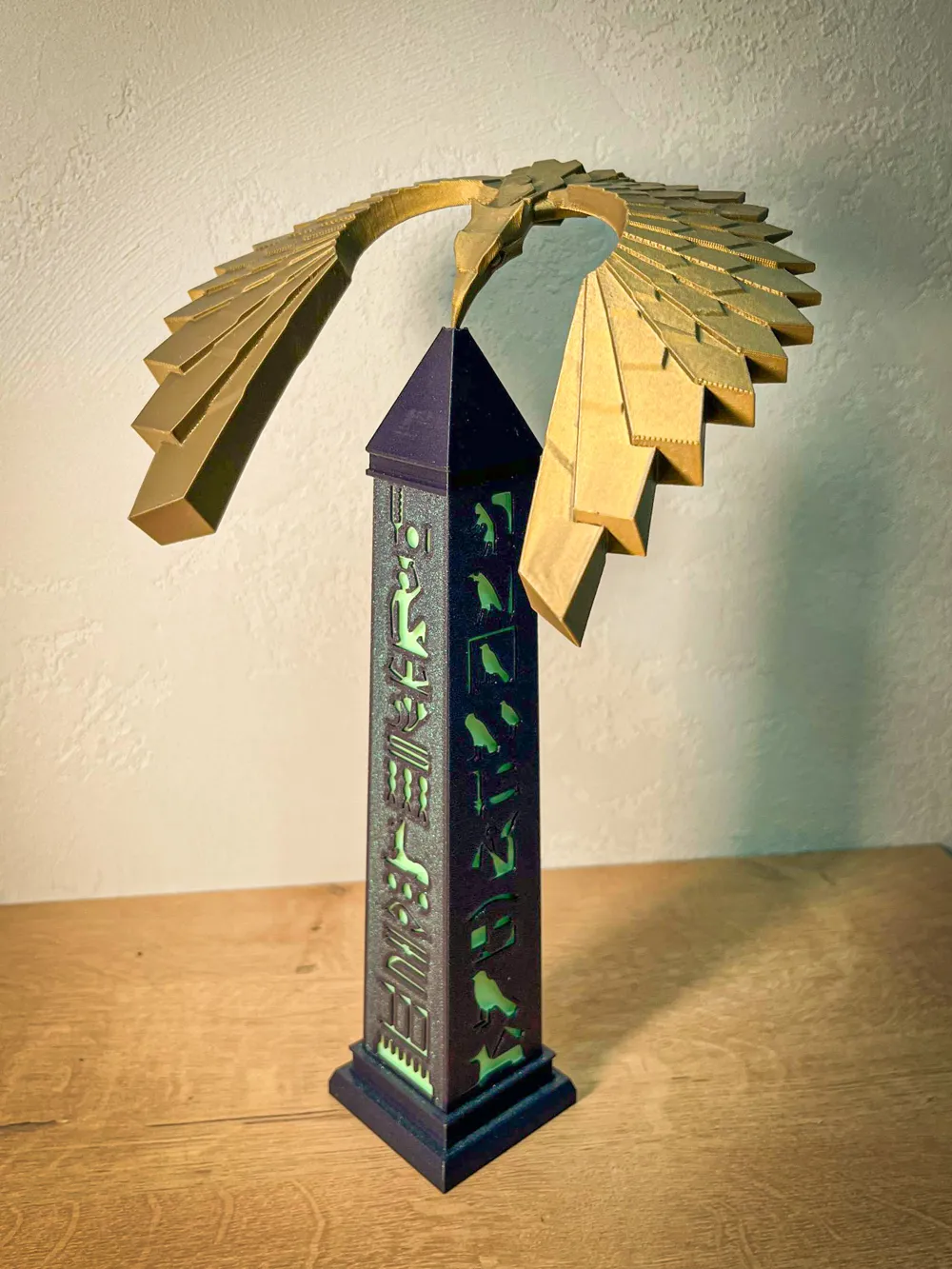
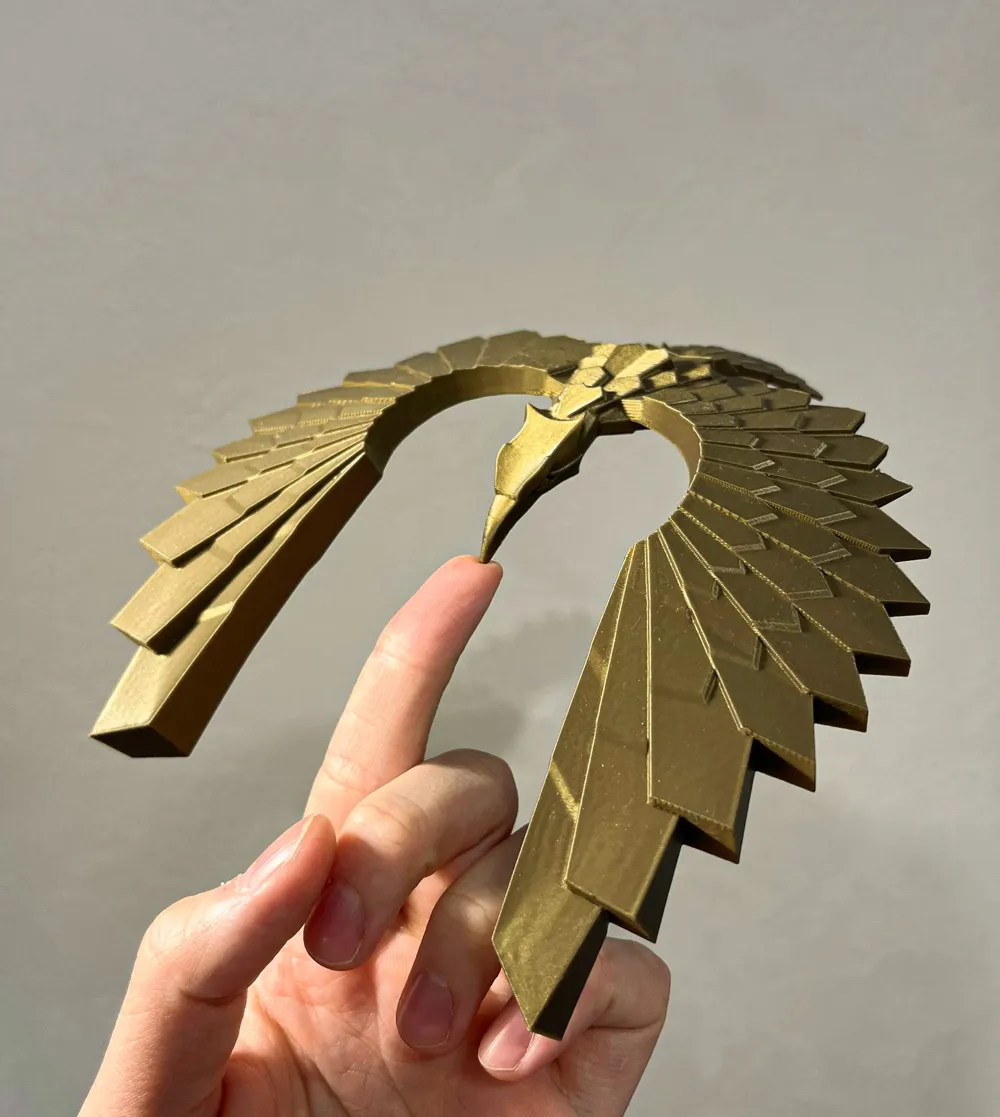

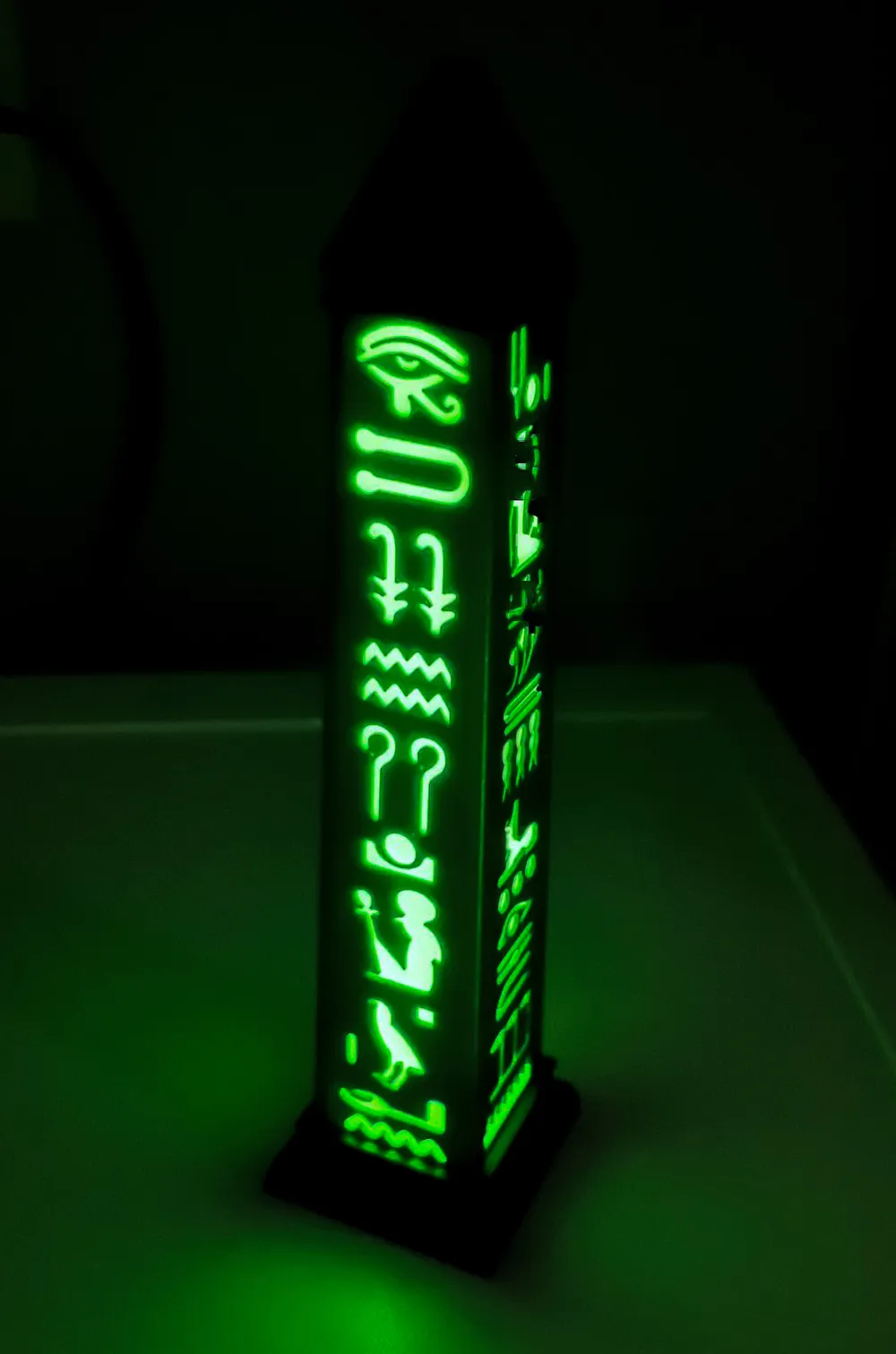
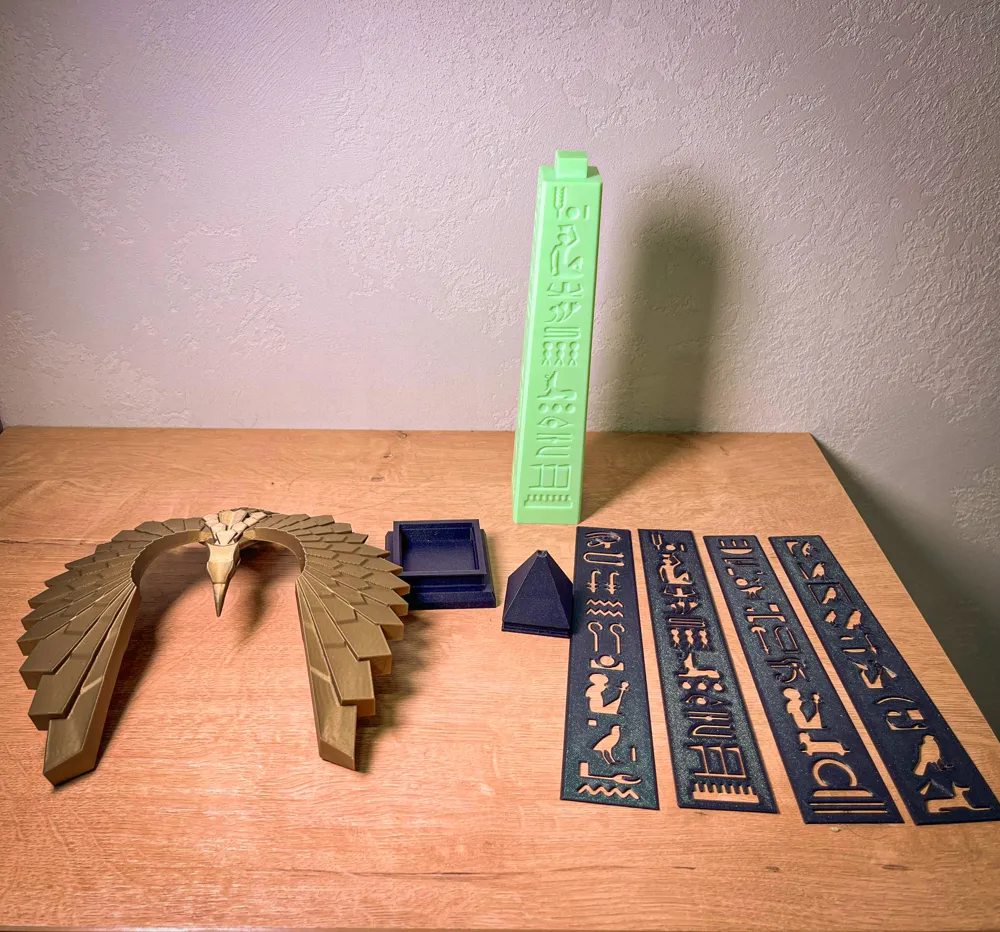
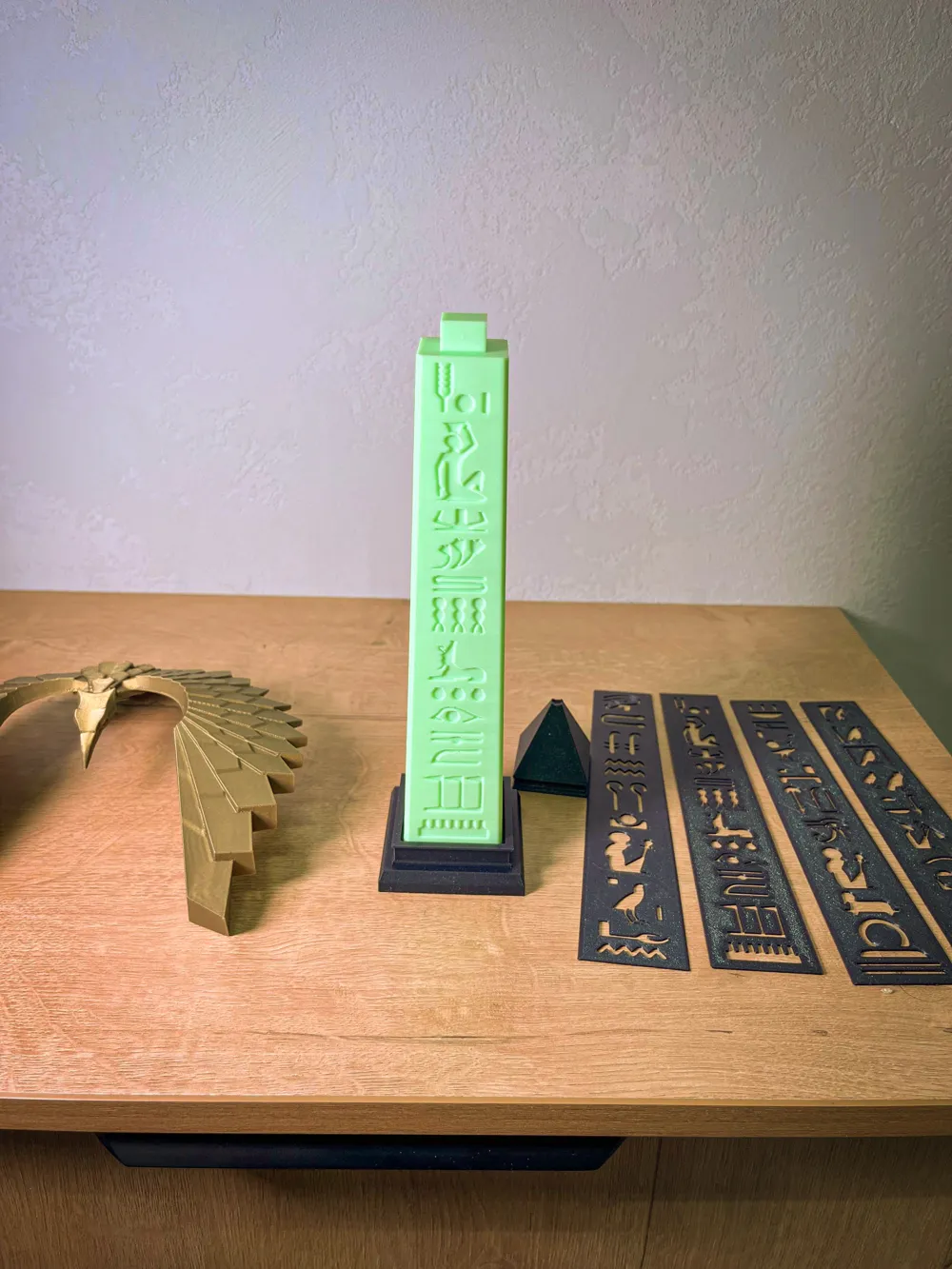
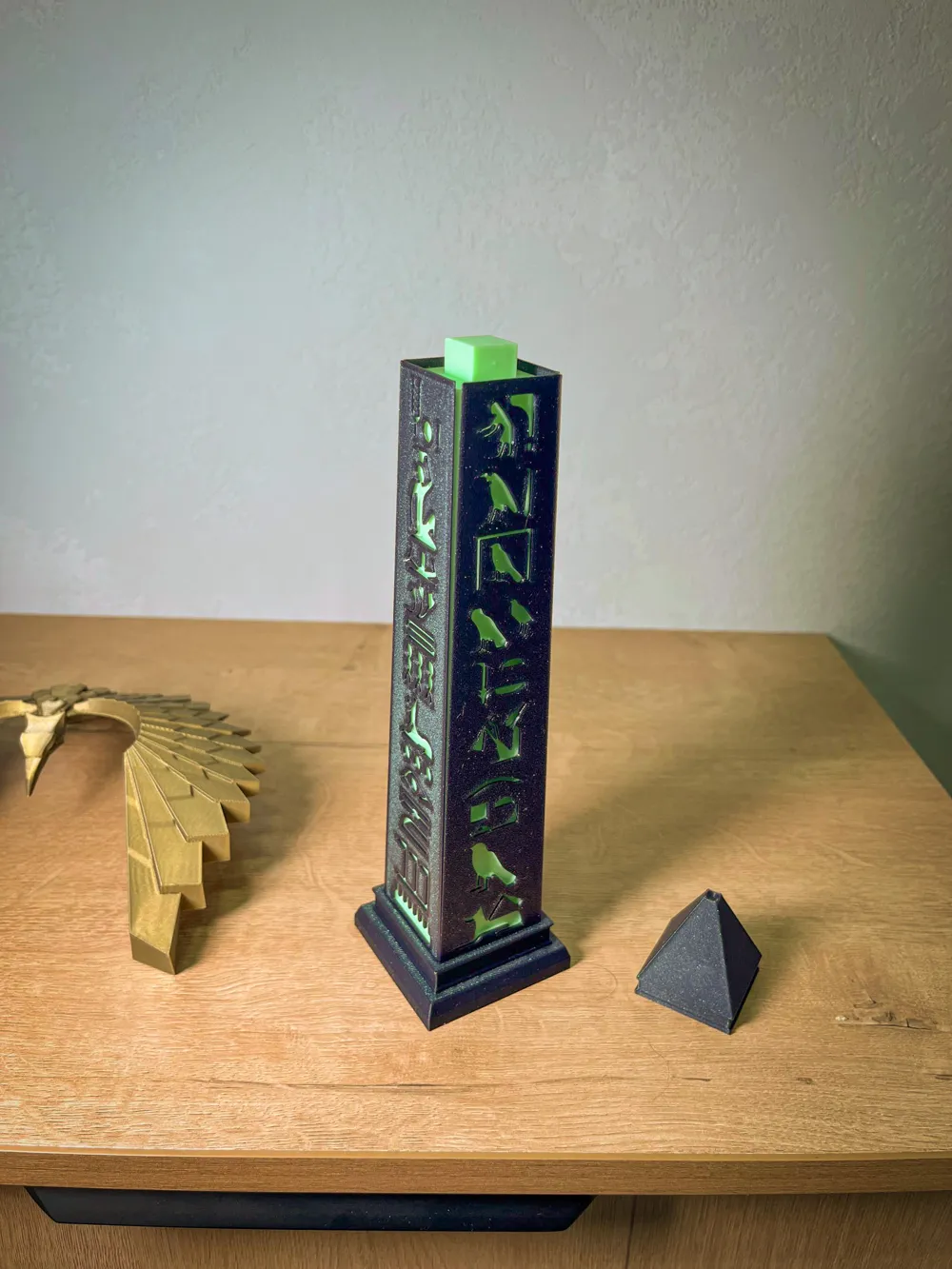
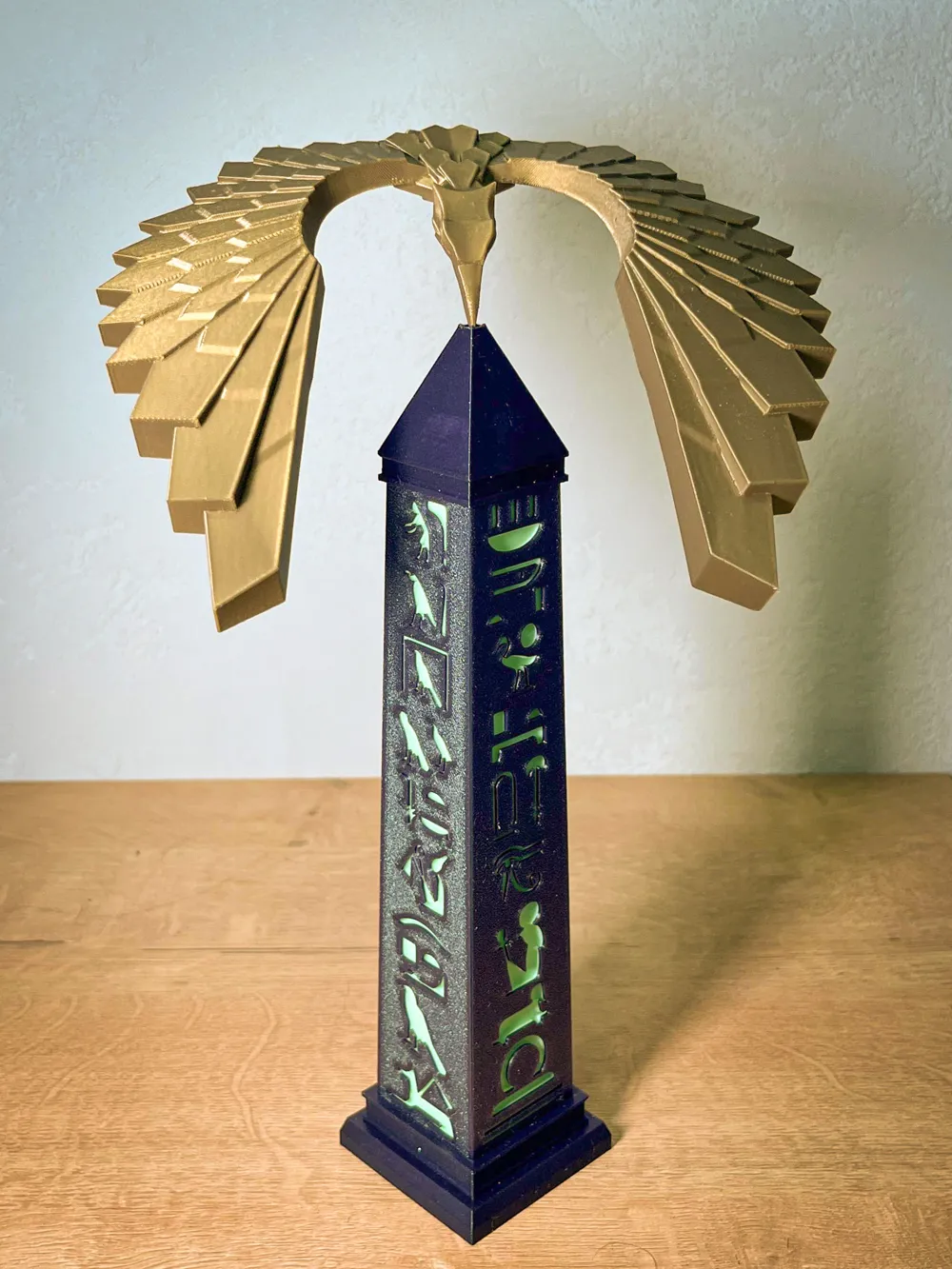

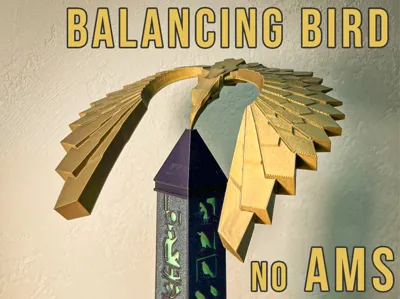
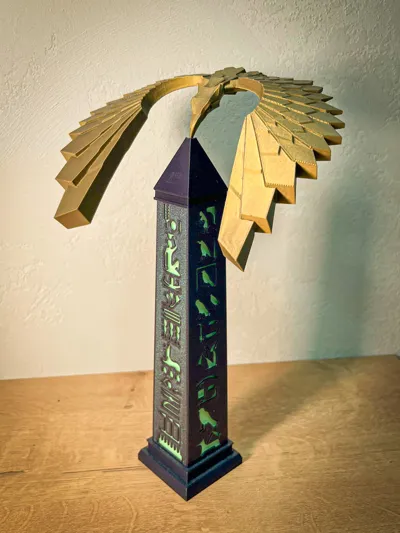
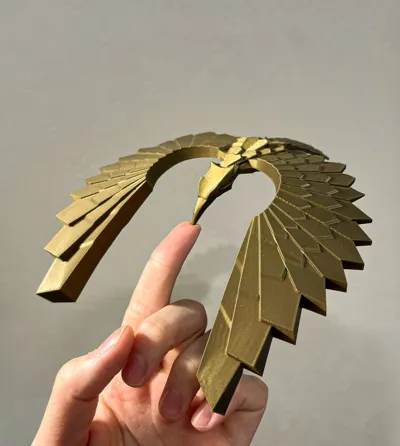
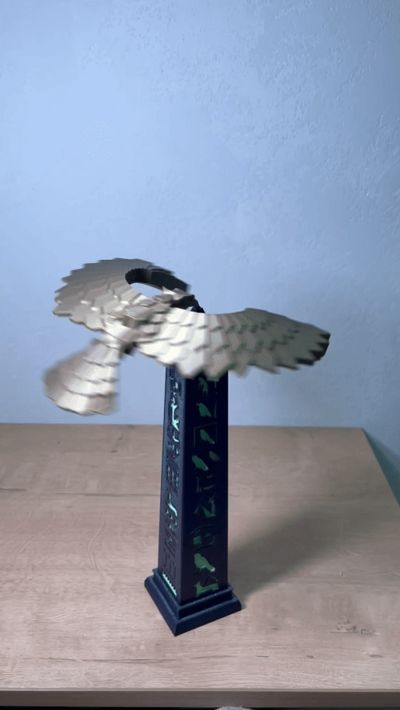
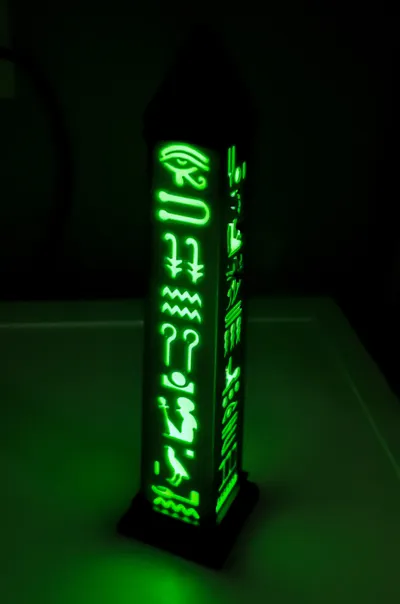
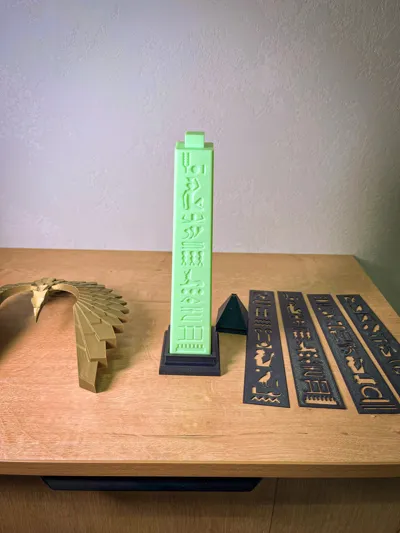
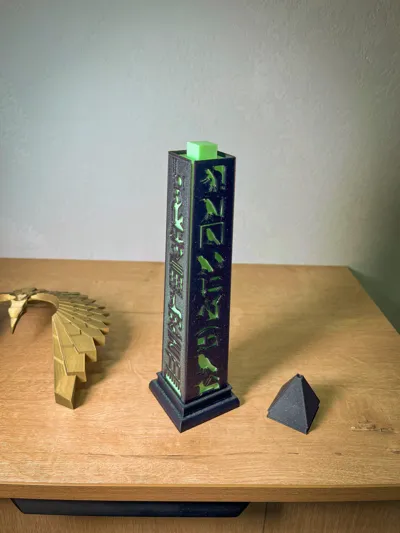
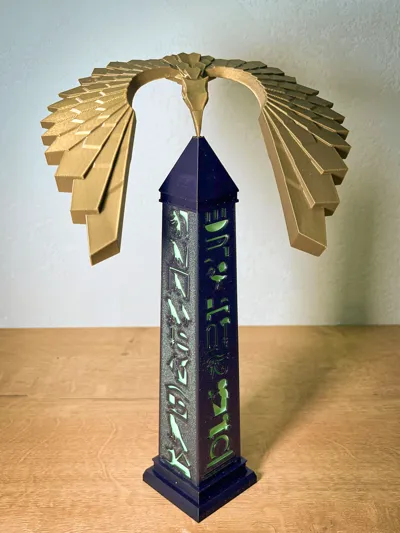
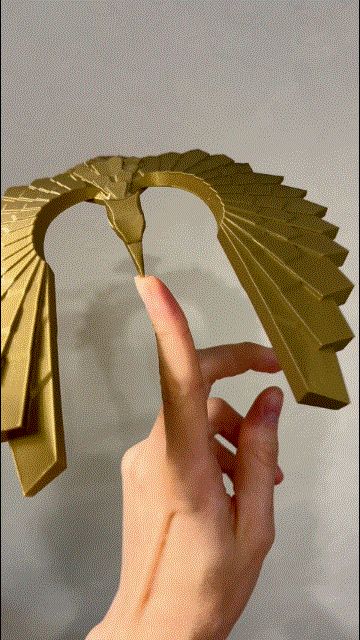
Balancing bird with an obelisk stand.
Designed to be 3D-printed without AMS or any multi-material system.
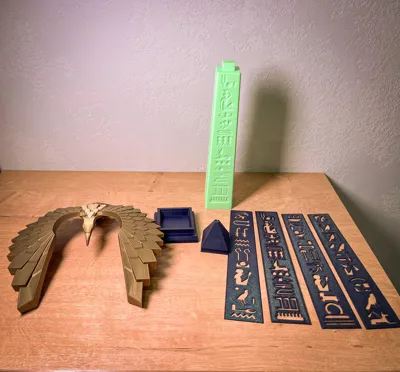
Includes two obelisk options:
- Two-color version (printed from two different filaments)
- Single-color solid version
Important notes:
- Clean the build plate before printing. A dirty plate reduces adhesion and makes any nozzle contact issues much more likely to end in a detachment.
- Flow calibration is mandatory. With ~100% infill, even slight over-extrusion can cause nozzle rubbing/strikes. Calibrate flow until the nozzle doesn’t drag on top layers.
Boost Me (for free)
This is my first model on this site, please give it a boost 🙂
------------------------------------------------------------------------------------
License

You may create derivative works based on this object, provided that all such derivative works are published exclusively on the MakerWorld platform and include proper attribution to the original creator. You may not share, upload, host, distribute, or publish this object—or any derivative work of this object—on any other digital platform, marketplace, or distribution channel. Commercial use of this object and any derivative works is strictly prohibited. This includes, but is not limited to, selling, renting, sublicensing, or using the object in any context in which you receive monetary compensation or other financial benefits.


Comment & Rating (145)