Search models, users, collections, and posts

Mega Brick Giant Torch (10:1 scale)
Print Profile(1)

All
A1 mini
P1P
X1E
X1 Carbon
H2D
H2C
H2S
H2D Pro
P2S
P1S
A1
X1
X2D
A2L

0.2mm layer, 2 walls, 15% infill
Designer
12.6 h
6 plates

Open in Bambu Studio
Boost
200
698
12
7
105
46
Released 

Bill of Materials

Maker's Supply Kits and Parts
Select all
Bambu Filaments
Select all
Orange (13301) / Filament with spool / 1 kg
Brown (10800) / Refill / 1kg
Gray (10103) / Filament with spool / 1kg

Description

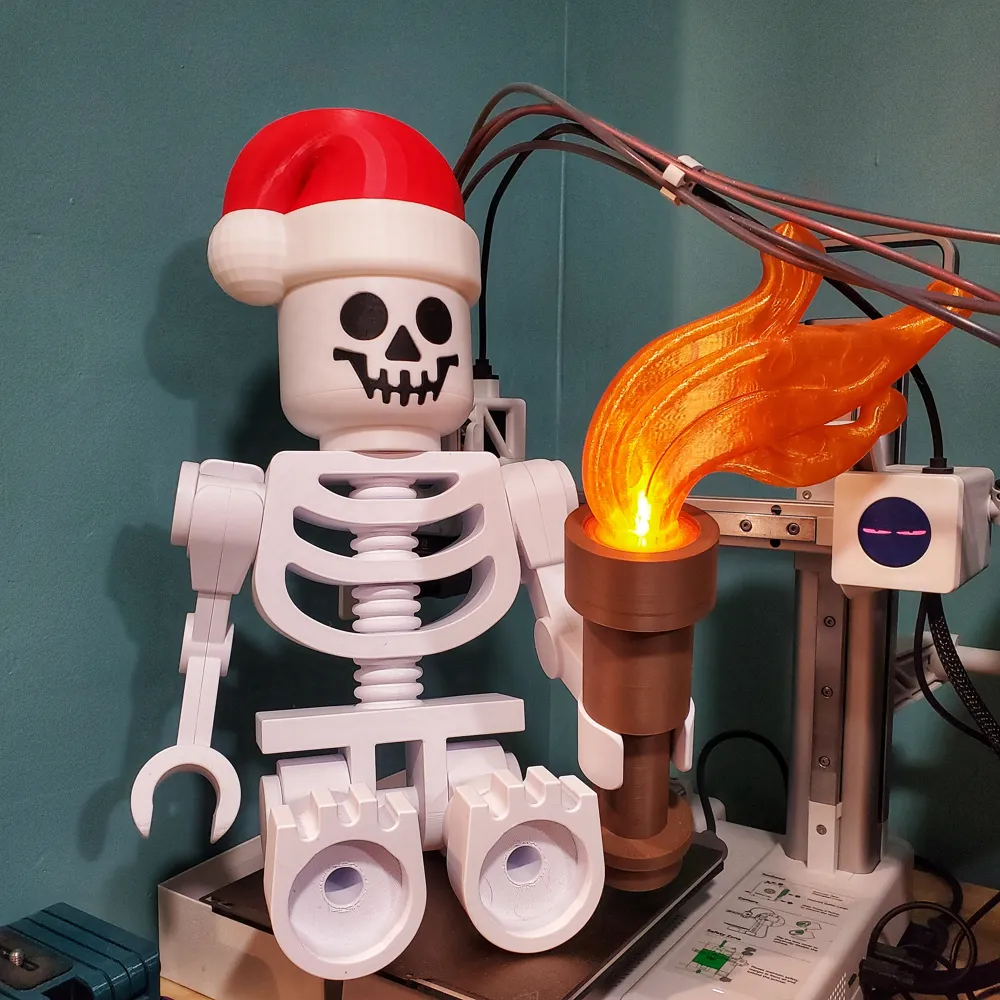
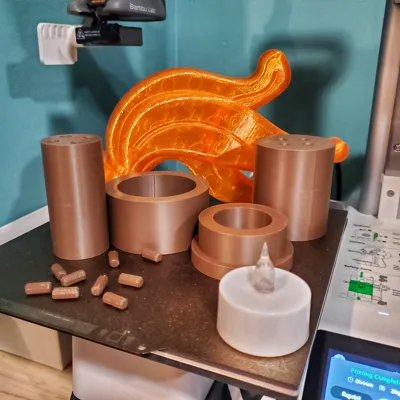
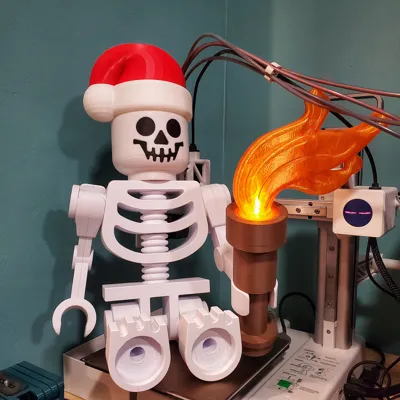
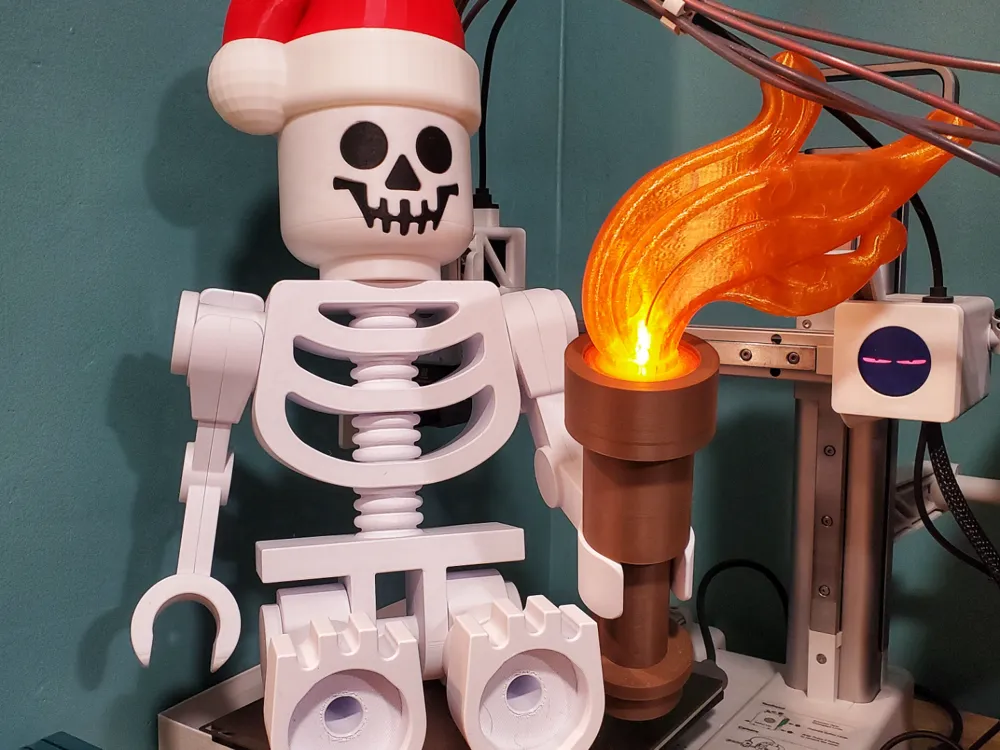
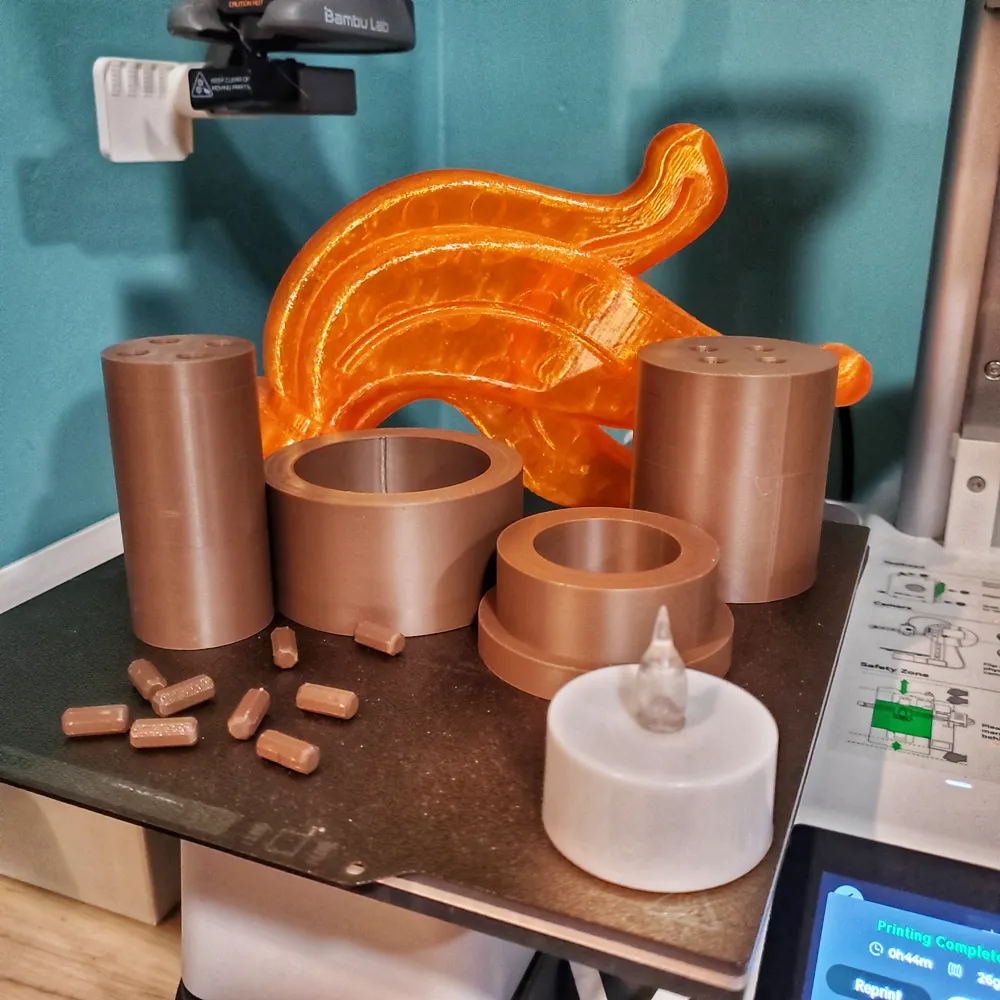
This was inspired by Julia Ebert's fantastic Mega Brick Skeleton (if you have not printed this yet, do so now). I printed the Santa hat and candlestick for Christmas, but received complaints that the candlestick “wasn't accurate.” Well, this is accurate. The flame is the plume from the pirate hat, which has overtaken the old dragon-style flame as the torch flame in modern kits. I used Julia's connector pins, so if you printed a ton, use them. The flame is hollowed out to accept a 37mm tea light (like the Bambu Maker Supply ones). You definitely want to glue the connectors in.


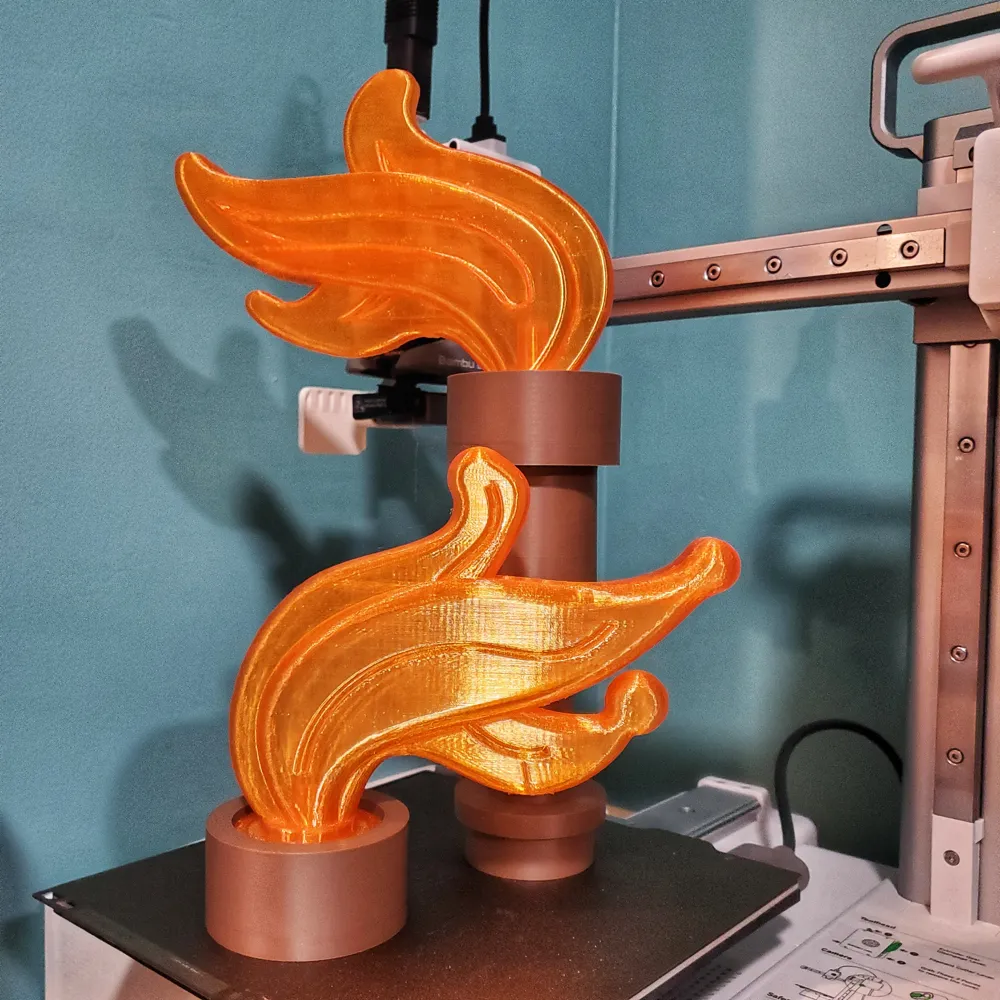
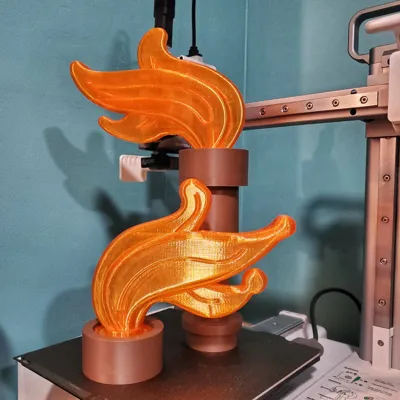
I created multiple flames for use with this torch: The traditional flame, which is a little chunky. A modded flame that is still a little chunky but respects the form of the traditional piece. The last version is off of the plume with the Pirate Skeleton collection. That piece had internal geometry that looked weird when printed in translucent. I removed that geometry and added my tea light mod.


My settings are meant to make light strong parts. The flames are all hollow (0% infill) with 2 walls. There is support on the flames and some supports in the holes for the connectors. These pulled out easily. Cleaning the flames takes a little work; the Pirate collection flame is definitely the easiest to remove. I printed everything on my A1 Mini.


I went overboard and created a wall mount.

Comment & Rating (12)

(0/1000)

I have tried all 3 flame profiles on 2 machines (P1S and X1 Carbon) with a total of 9 different filaments (3 brand new and all dried using the AMS2) and not a single one works. A pile of spaghetti for each one as it tries to print the flame overhang with absolutely no supports. Has anyone actually printed this design? No problem with the handle since it is just a stack of tubes.
(Edited)
The designer has replied
2
Reply
Oh no! It requires supports. I said it in the description. You're not seeing supports in the print profile?
0
Reply
I’m having the same problem. there are no supports.
0
Reply
no supports in the print profile or when printing through Handy app
0
Reply
Boosted
Awesome!
1
Reply
can you make the flame with supports and room for a larger tea light?
0
Reply
tried 3 different times to print the flame and it always failed . what a waste of filament. dont waste your time with this print
0
Reply
i think i got it to work. 0 infill hybrid supports and cleaned the buildplate first.
0
Reply
I want the plans for the Santa hat!
0
Reply
Is there a way to add supports without an actual computer? I only have a Chromebook so cannot use bambu studio yet.
0
Reply
Boosted
Love the lego replica!
0
Reply
No more