
Print Profile(1)

Description
Please bear in mind that with infinite combinations come infinite edge cases. The generator might occasionally glitch or produce unexpected geometry that I wasn't able to catch during testing. Apologies in advance if that happens! If you run into any specific bugs, please let me know in the comments.
❄️ Infinite 3D Snowflake Creator - User Manual
I have designed this tool to be your personal factory for winter wonders. It is not just a simple random generator; it is a bridge between mathematical precision and your artistic vision.
Why did I create this?
I wanted to give you a tool that offers infinite possibilities. With this configurator, you will never have to print the same design twice - unless you want to.
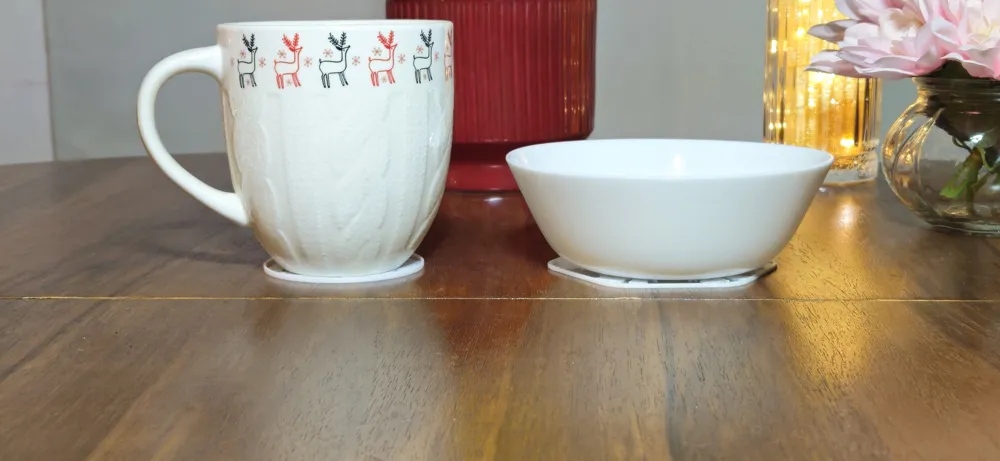
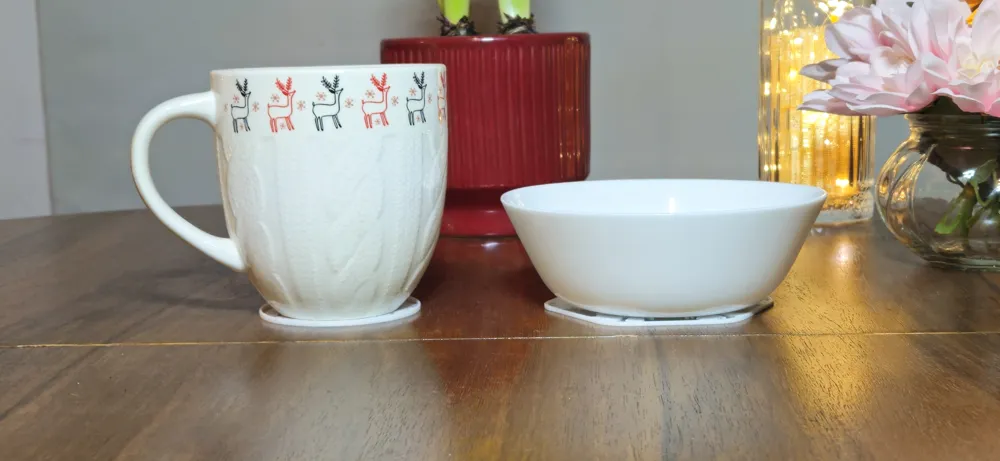
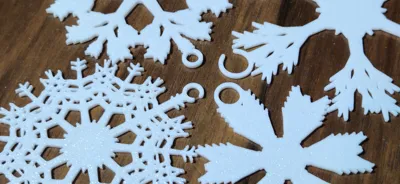
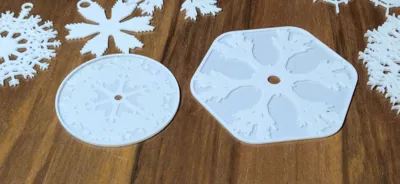
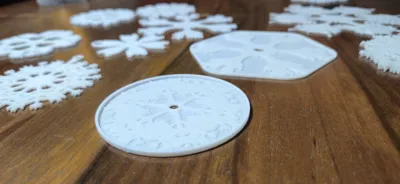
- From Ornament to Utility: I made sure that every single design you generate can be instantly transformed from a delicate Christmas tree hanger into a sturdy coaster, a jewelry bowl, or a soap dish.
- Total Control: You can let fate decide the shape, or you can manually sculpt every detail, from the thickness of the core to the angle of the tiniest frost needle.
Let me guide you through my tool. Don't worry, it's designed to be intuitive!
________________________________________________________________________________________________________________________________________________
🚀 How It Works: A Deep Dive into the Sections
I have organized the interface into logical sections. Here is exactly what they do and how I recommend using them to get the best results.
Main Settings - The Command Center
This is where I set the global boundaries of the project.
Arm_Count: This determines the symmetry. Standard snowflakes have 6 arms, but I left this open for you. 3 arms look like sci-fi symbols, while 12 arms create dense, star-like bursts.
Diameter_mm: The target size. (Note: See the warnings below about how this can change!).
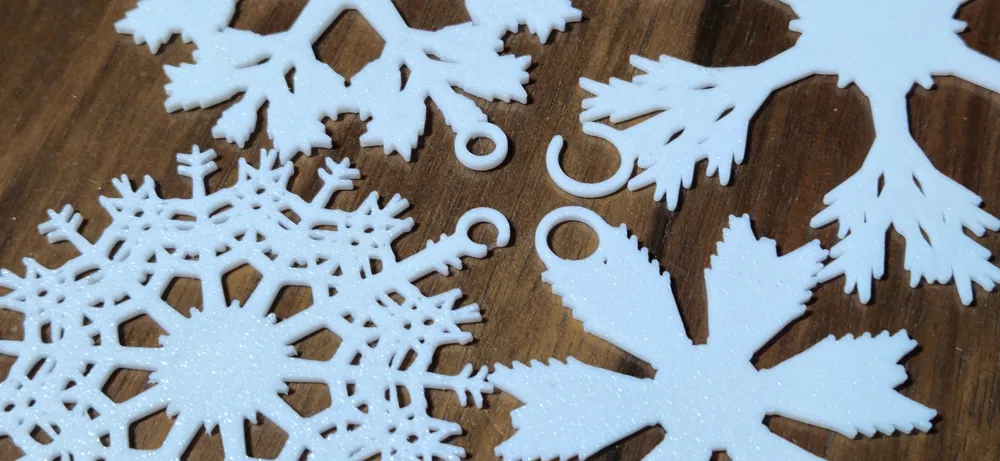
Hanging_Loop: Keep this checked for ornaments. Uncheck it if you are making a coaster or a table decoration, so the surface remains flat.
Random Generator - 🎲 The Heart of the Machine
This is my favorite feature. If you don't have a specific blueprint in mind, let the math surprise you.
Enable_Random_Gen: Switch this ON to start the magic.
Random_Seed: Think of this as a radio tuner. Every number generates a completely different, unique snowflake structure. I recommend scrolling through these numbers until you spot a shape that catches your eye.
Random_Density_Base: This controls the overall "business" of the snowflake. Low values make it sparse and airy; high values make it dense and frozen.
Random_Deviations: This adds "Natural Chaos."
Off: The snowflake is perfectly symmetrical (mathematically perfect).
On: The branches grow unevenly, like in nature. Warning: This can sometimes make the snowflake look lopsided!
General Appearance - The DNA
Here, I define the fundamental style and "texture" of the snowflake.
⚠️ CRITICAL NOTE: When Enable_Random_Gen is switched ON, this entire section is disabled. The generator takes full control and automatically decides the Style, Complexity, and Twist based on your random seed. The sliders here will not affect the model until you turn Random Generation OFF.
- Growth_Style: I included 5 distinct architectural styles (only active in Manual Mode):
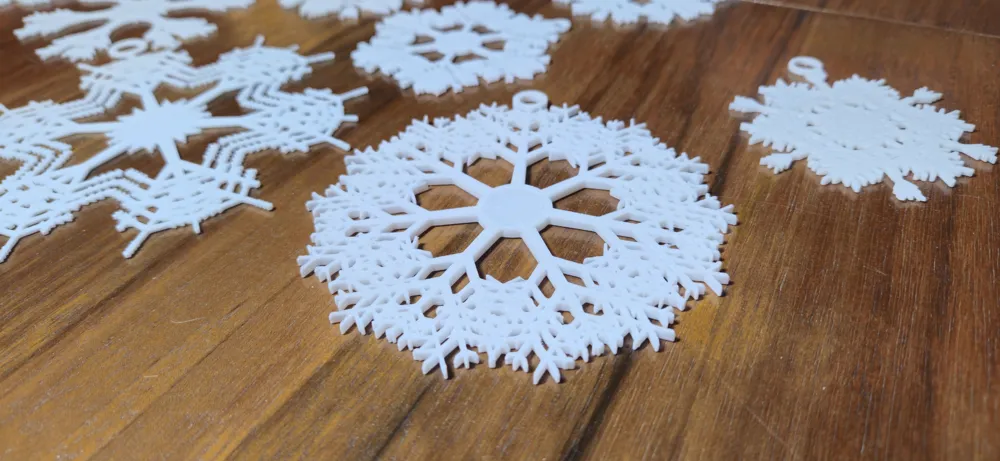
0. Spiky: Classic, needle-like frost.
1. Crystal: Geometric plates and hexagons.
2. Fern: Organic, curved, plant-like shapes.
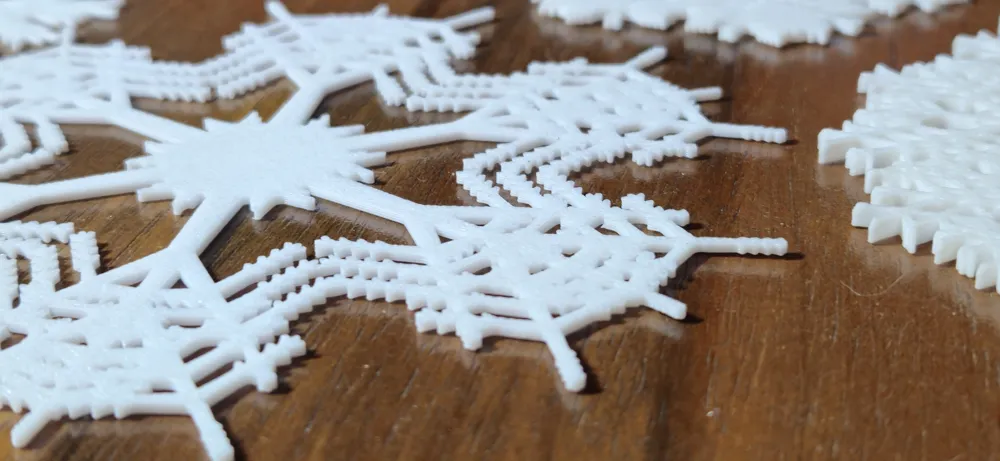
3. Techno: Square, digital, pixel-art vibes.
4. Brutalist: Constant width lines, very modern and sturdy. - Complexity: How deep does the fractal go? 3 is the sweet spot for 3D printing. 4 creates incredible detail but might take longer to slice.
Spiral_Twist: This swirls the main arms.
Tip: If you use the Hanging Loop, I recommend keeping this near 0. If the twist is too strong, the arms might curve away from the hook support, breaking the visual symmetry.
The Zones (1, 2, 3) - Fine-Tuning the Random
This is the most powerful part of the tool. I have split the snowflake anatomy into three zones. Even when Random Generation is ON, these sliders act as modifiers (offsets). This means you can take a random shape and "nudge" specific parts of it.
- Zone 1: Inner (The Trunk): This affects the very center.
Use case: If the center looks too weak to hold the print together, increase Thickness or Density here without making the tips heavy. - Zone 2: Middle (The Branches): The main body of the snowflake.
Use case: Changing the Angle here dramatically changes the silhouette of the snowflake. - Zone 3: Outer (The Tips): The final details.
Use case: I often increase the Length here to make the snowflake look "sharper" and reach further out.
Coaster / Base Options - The Transformer ☕
This is the feature I am most proud of. I wanted you to be able to use these beautiful patterns all year round. ANY snowflake you create can become a functional object.
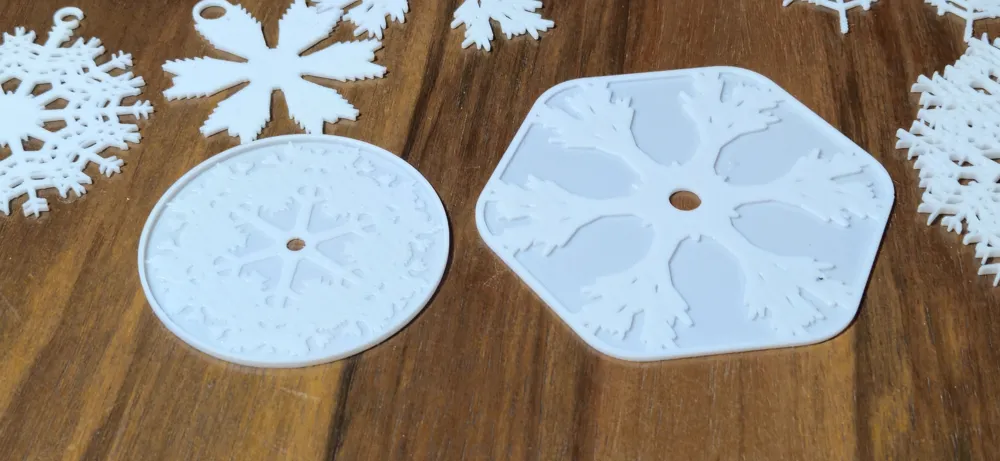
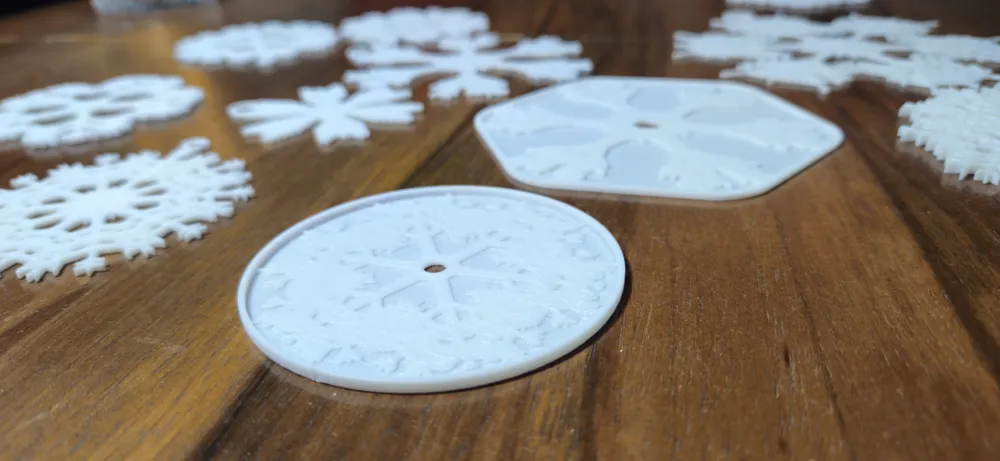
- Enable_Base: Check this box, and I will generate a solid floor underneath your pattern. Your ornament is now a coaster!
- Base_Scale: Controls the size of the floor plate.
1.0: The floor ends exactly where the snowflake ends.
>1.0: Creates a margin (border) around the snowflake. - Enable_Rim & Rim_Height: Want a jewelry tray or a key bowl? Enable the Rim! It builds a wall around the base. You can control how high this wall is.
- Base_Rounding: This defines the shape of the coaster.
Slide Left: The base follows the hexagonal shape of the snowflake.
Slide Right (Max): The base becomes a perfect circle.
Thickness & Hook - The Engineering
Here I handle the technical printing aspects to ensure your print succeeds.
- Auto_Thickness: I usually leave this ON. It calculates the perfect Z-height based on the diameter so the print is stiff enough.
- Hook Settings:
Stem_Width_Scale: If you see the snowflake's top arm blocking the hole or overlapping weirdly with the hook's support, lower this value (e.g., to 0.5). This makes the connector thinner and hides it inside the branch.
⚠️ My Pro-Tips & Warnings
I want your prints to be perfect, so here are a few technical things to keep in mind while you experiment:
Size Matters (and it changes!):
Please be aware that when you use Random Generation and start modifying the lengths in the Zones, the final diameter of the snowflake might differ from what you set in Diameter_mm.
Why?The generator builds the branches based on your rules. If you tell the tips in Zone 3 to be extra long, the snowflake will grow beyond the original boundary. I don't force-scale it back down because that would distort your custom proportions. Always check the size in your slicer if fit is critical.
The "Open Hook" Quirk:
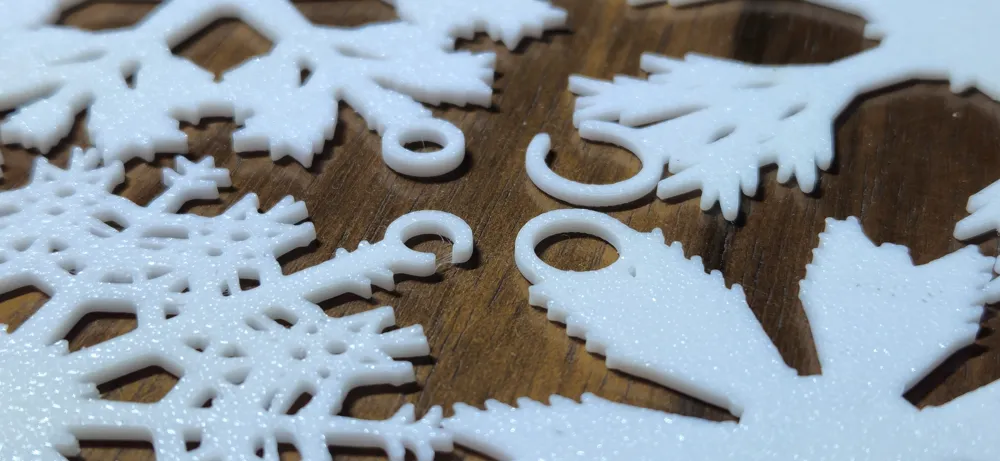
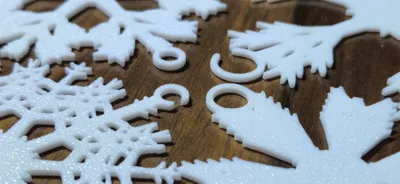
I added the option for an open "C" style hook, but geometry can be tricky. Sometimes, if a random branch lands exactly where the gap is supposed to be, the "cutting" function might struggle or leave artifacts.
The Fix: If the hook isn't cut cleanly, try changing the Hook_Gap_Angle to rotate the opening to a clear spot, or simply switch back to a standard closed loop.- Where the Real Fun Is:
Technically, you can build a snowflake from scratch using just the "General Appearance" tab (Manual Mode), but... honestly? It's not as fun.
My Recommendation: I designed this tool to be an explorer. You will get the most stunning results by starting with a Random Seed to get a complex base, and then using the Zone tabs to refine it. That's how the magic happens!
🎓 My Quick Start Guide
If this is your first time, here is exactly what I would do:
- Find a Shape: Turn on Enable_Random_Gen. Scroll the Random_Seed until you see a cool pattern.
- Refine It: Does the center look empty? Go to Zone 1 and increase Density. Are the tips too short? Go to Zone 3 and increase Length.
- Choose Your Purpose:
Ornaments: Keep Hanging_Loop ON, Enable_Base OFF.
Coasters: Turn Hanging_Loop OFF, turn Enable_Base ON. Set Base_Rounding to max for a circular coaster. - Create
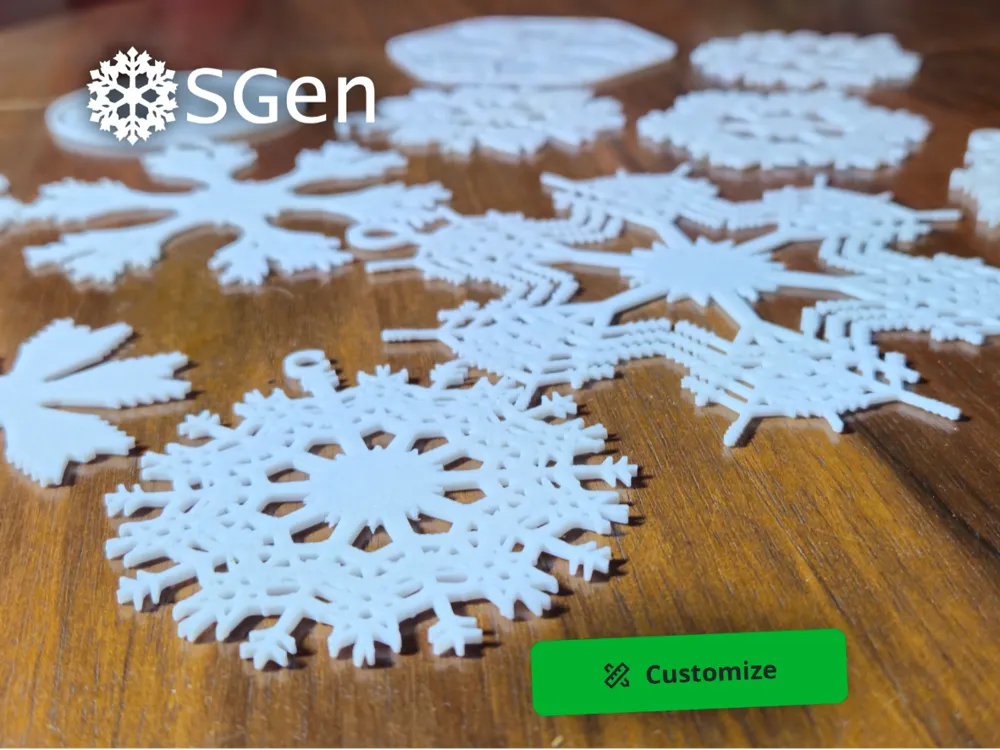
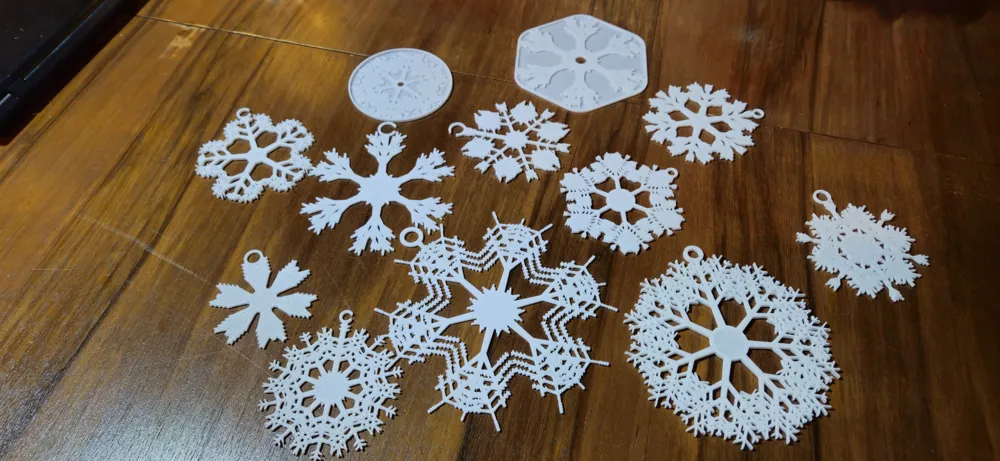
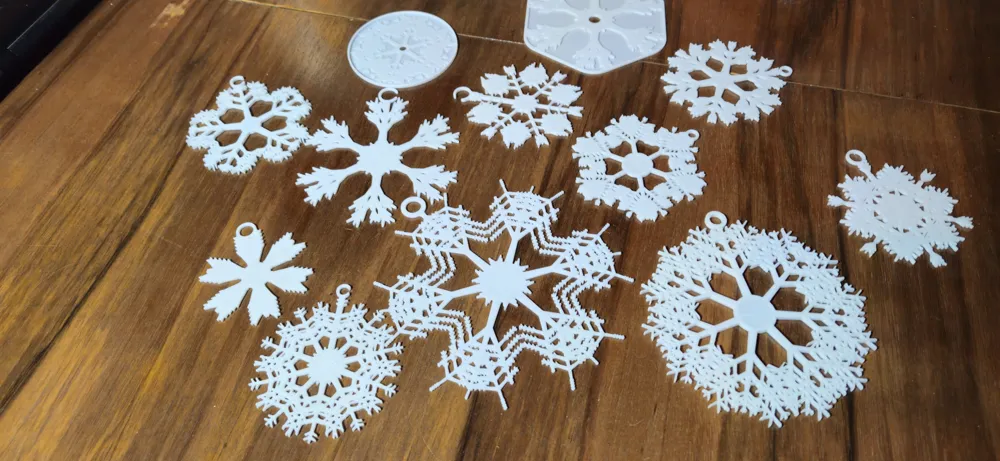
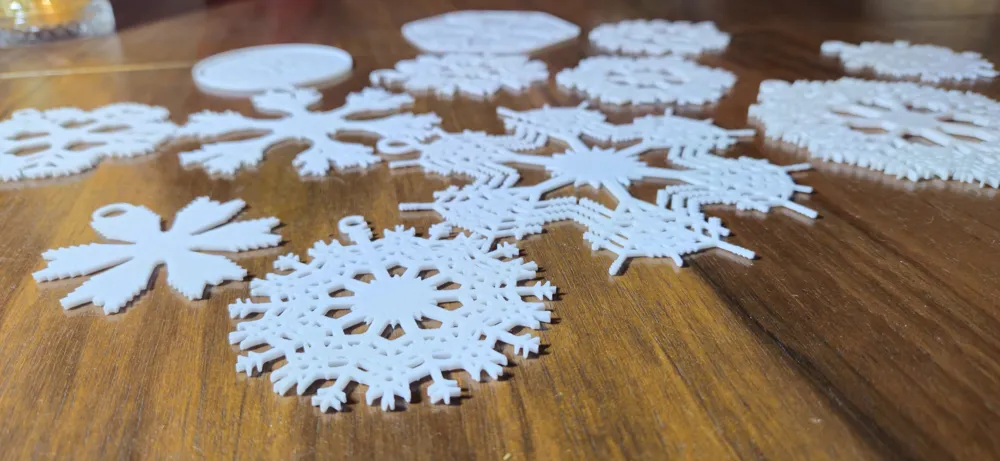
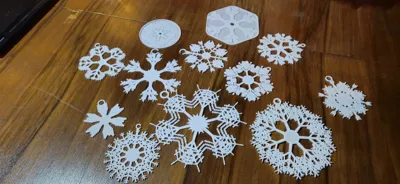
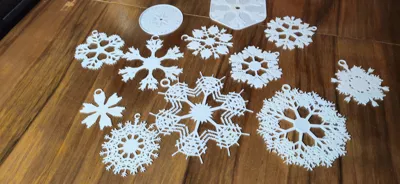
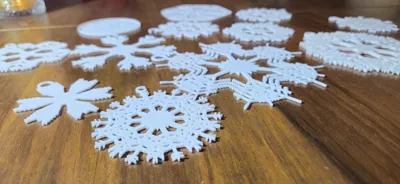
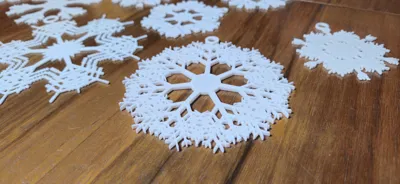
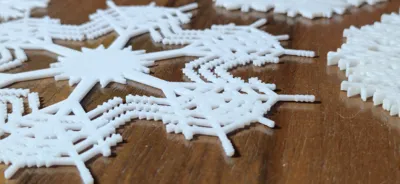
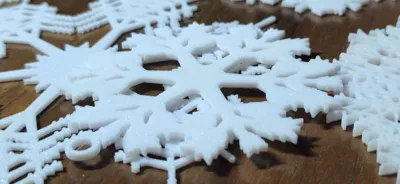
Here are a few reference images showing some example creations.
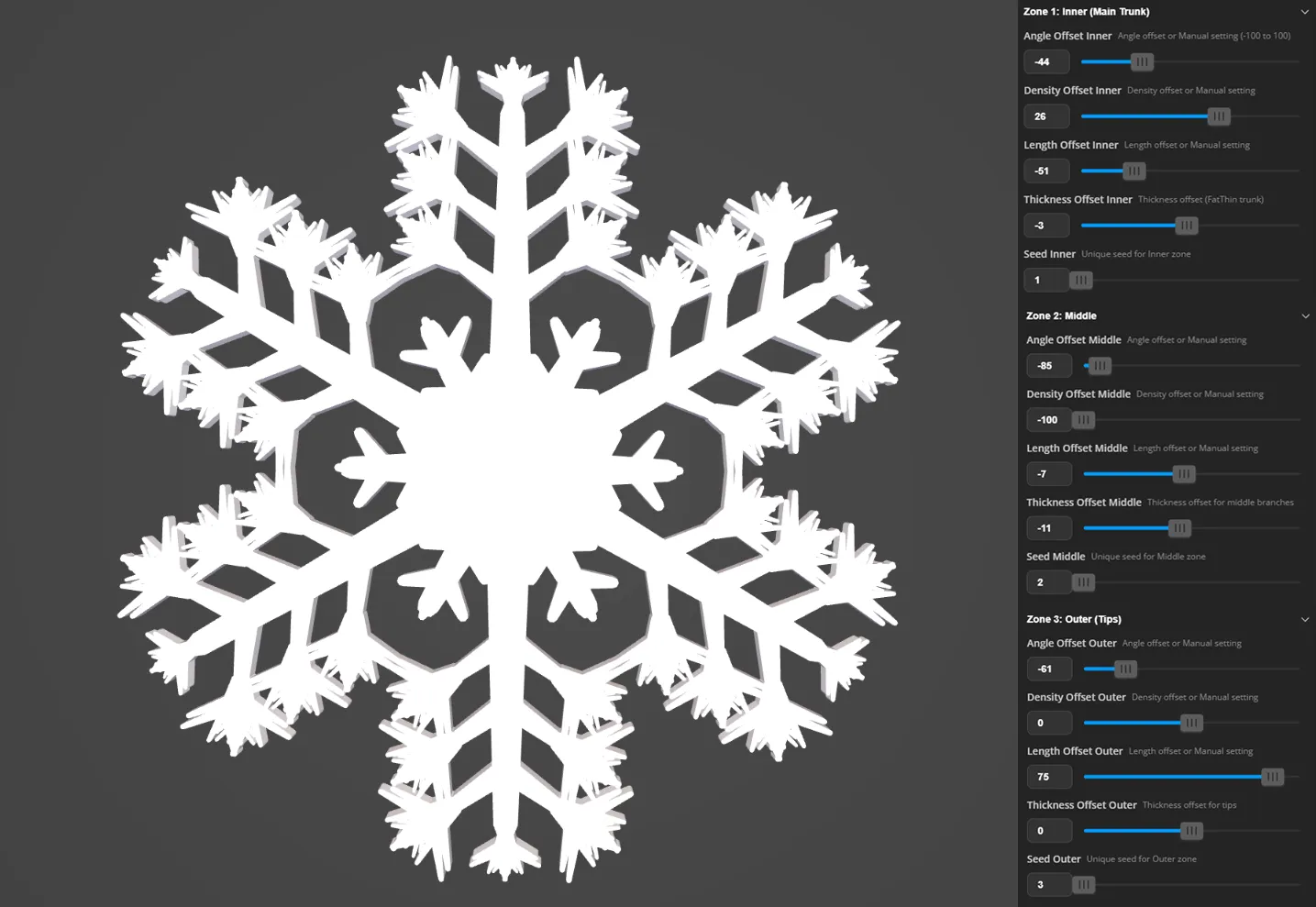
This type is one of the basic ones. I didn’t use the Random Gen function here; I only adjusted the snowflake zone parameters shown in the image. The other parameters weren’t touched, which is why they aren’t visible in the screenshot. The same rule applies to the next screenshots. As you can see, manipulating just this section can produce very satisfying results.
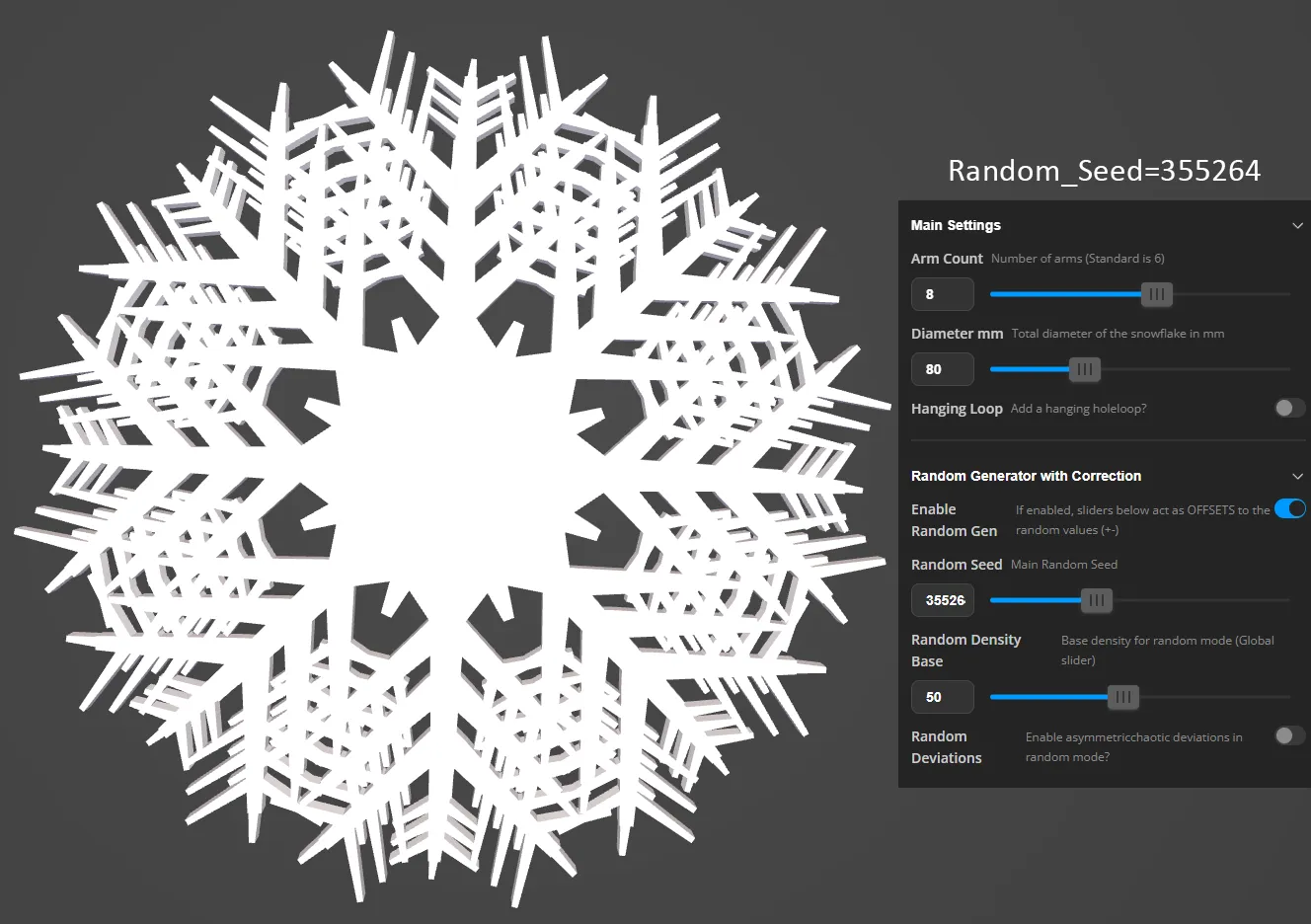
The second image is an example of a completely random generator run. No other parameters were changed except for the number of arms. In this case, the fractal branches are quite small but still printable. When the branches become really tiny, I recommend reducing the number of branches / increasing the snowflake’s diameter / increasing the thickness of the relevant branches. This may result in fewer details on the snowflake.
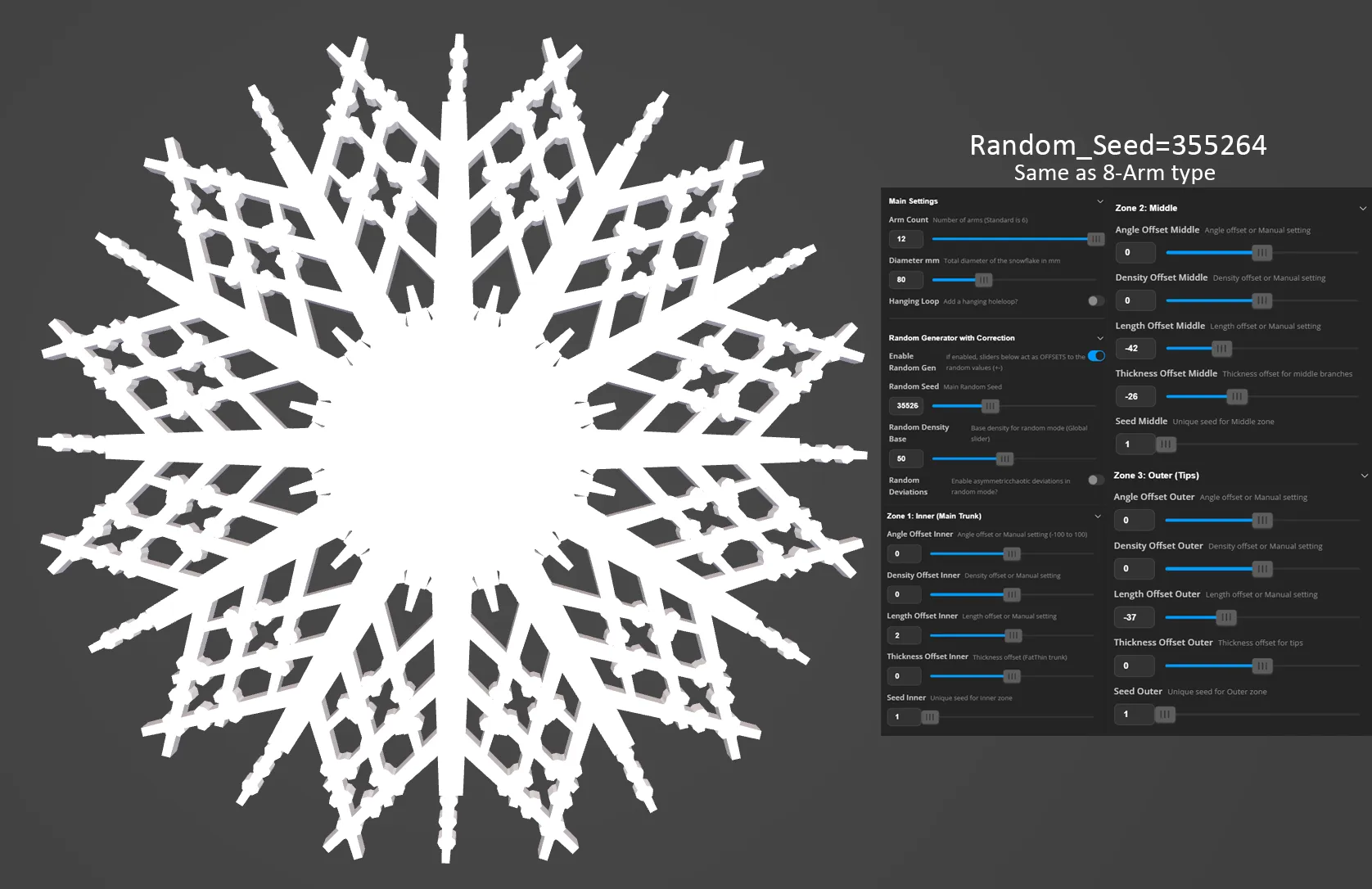
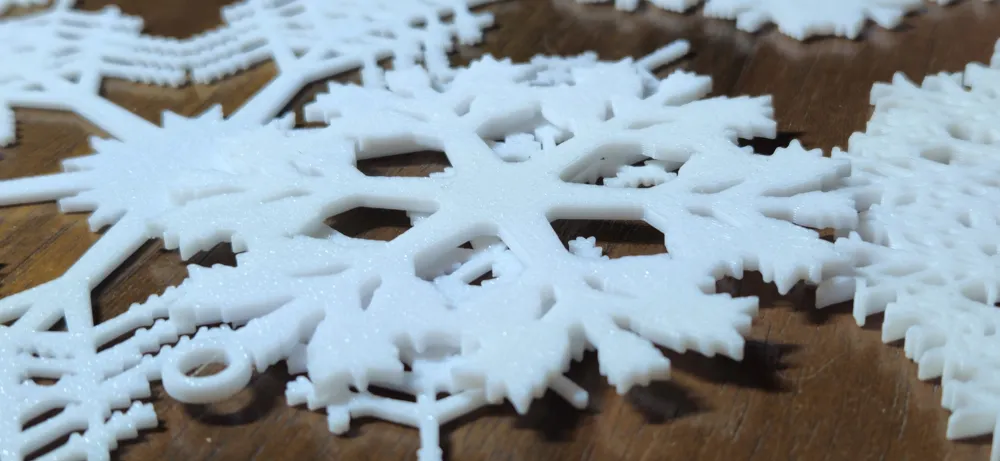
The third screenshot uses the same seed number as the second one. The only difference is the number of arms – 12. In this case, simply shortening the arm length in sections 2 and 3 was enough to get an interesting result. In some random snowflakes you’ll probably also need to slim down the arms (using Thickness Offset or Random Density Base for a global reduction) to achieve a satisfying outcome.
📸 I Want to See Your Creations!
I built this tool, but you are the artist. Nothing makes me happier than seeing these snowflakes in the real world.
Please post photos of your printed snowflakes (and coasters!) in the comments below. I can't wait to see what you come up with! ❄️
Boost Me (for free)
Working on this generator was a long and challenging road. It took a lot of hard work—mostly satisfying, though sometimes a little less so when the math fought back! 😅 If you have fun creating with this tool, I would be incredibly grateful for a Boost. I won't promise that I'll build another generator of this scale soon, but this was a truly interesting experiment. Thank you for your support!
License

You shall not share, sub-license, sell, rent, host, transfer, or distribute in any way the digital or 3D printed versions of this object, nor any other derivative work of this object in its digital or physical format (including - but not limited to - remixes of this object, and hosting on other digital platforms). The objects may not be used without permission in any way whatsoever in which you charge money, or collect fees.


Comment & Rating (2)