
Bissell Vacuum Cleaner Power Button 1620838
Print Profile(1)

Description
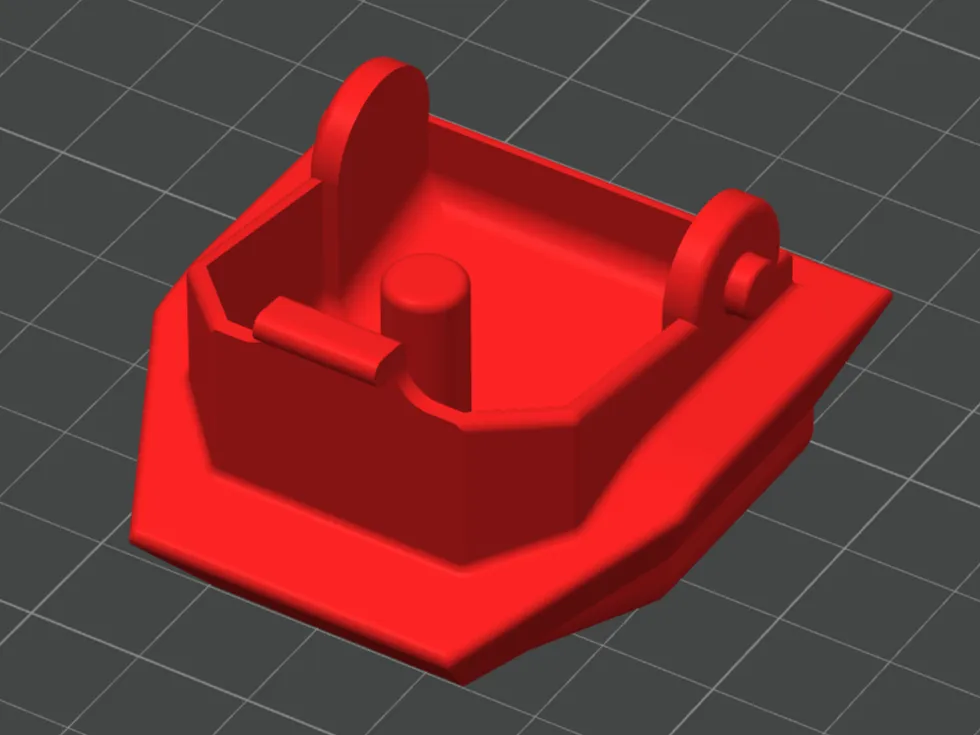
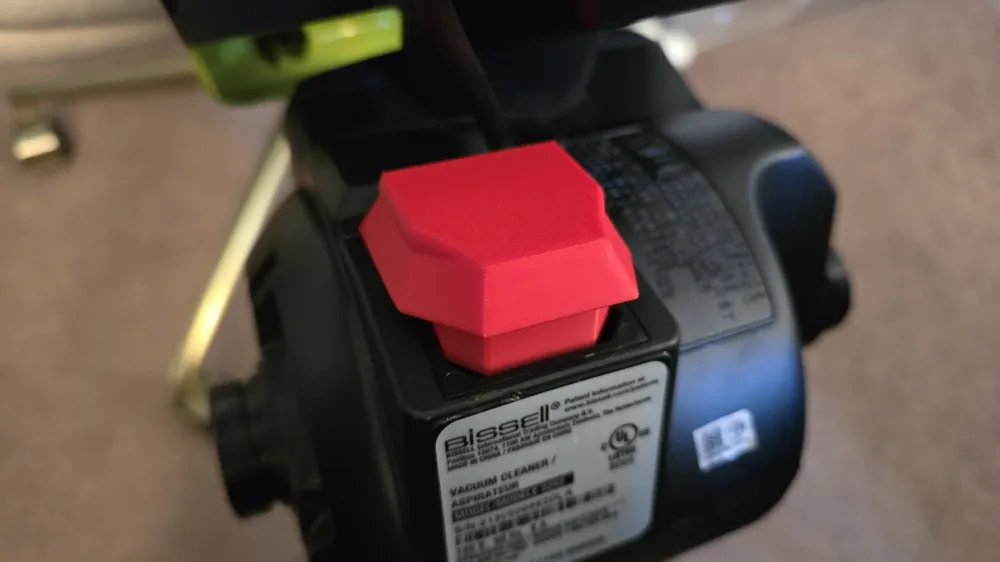
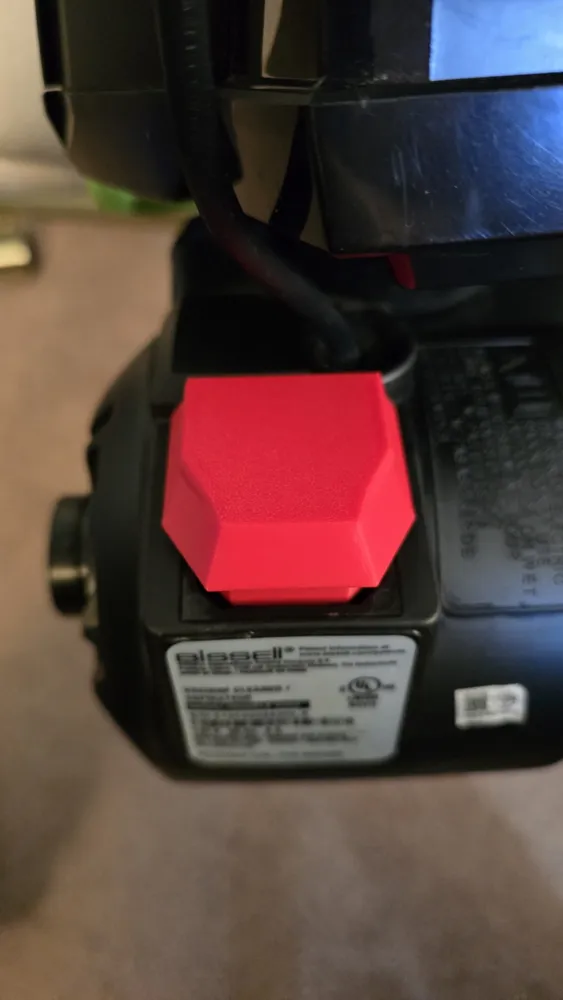
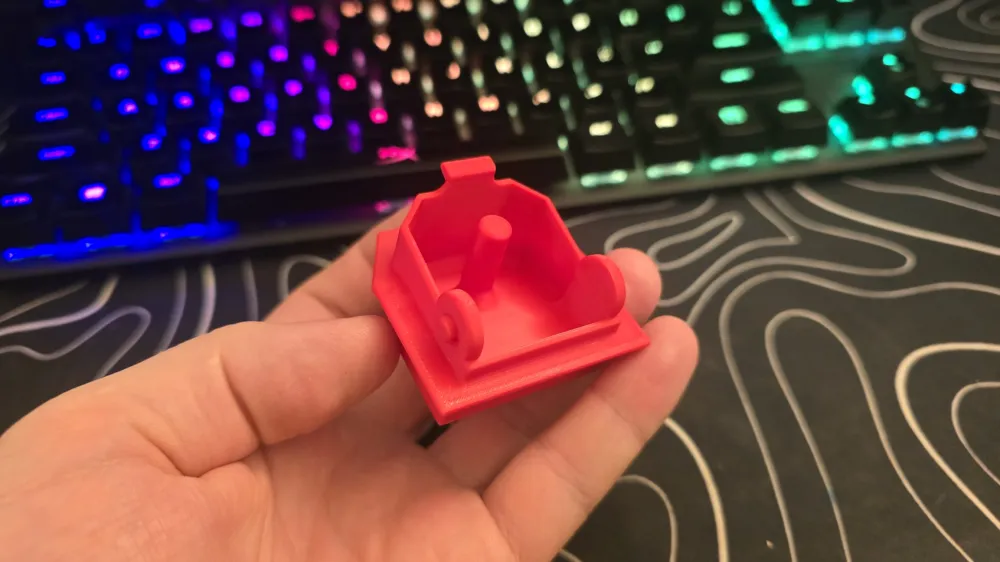
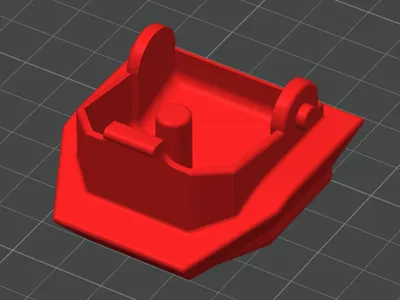
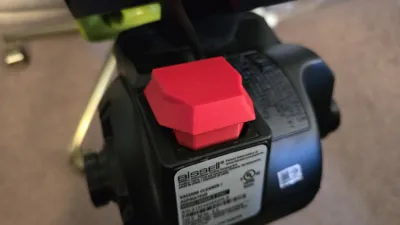
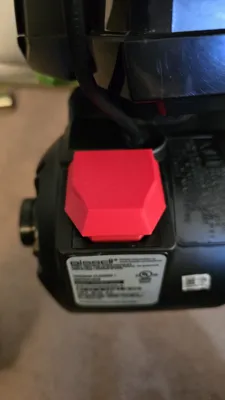
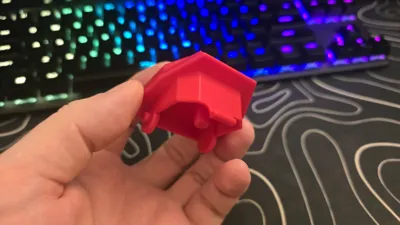
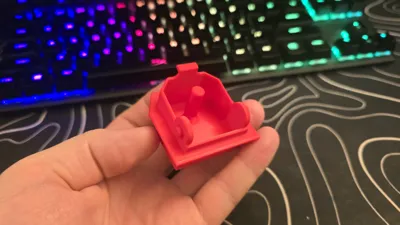
This 3D model is a replacement for Bissell Part #1620838 power button. It is intended as a spare part if the original button is broken, cracked, or lost. The button is designed as a drop-in replacement – after printing, it should fit in place of the original part without modification, assuming your printer is properly calibrated.
Compatibility
Compatible with the following Bissell models:
2258, 22549, 2259, 2256, 2254, 2739, 2260, 2253, 2252, 2316, 22547
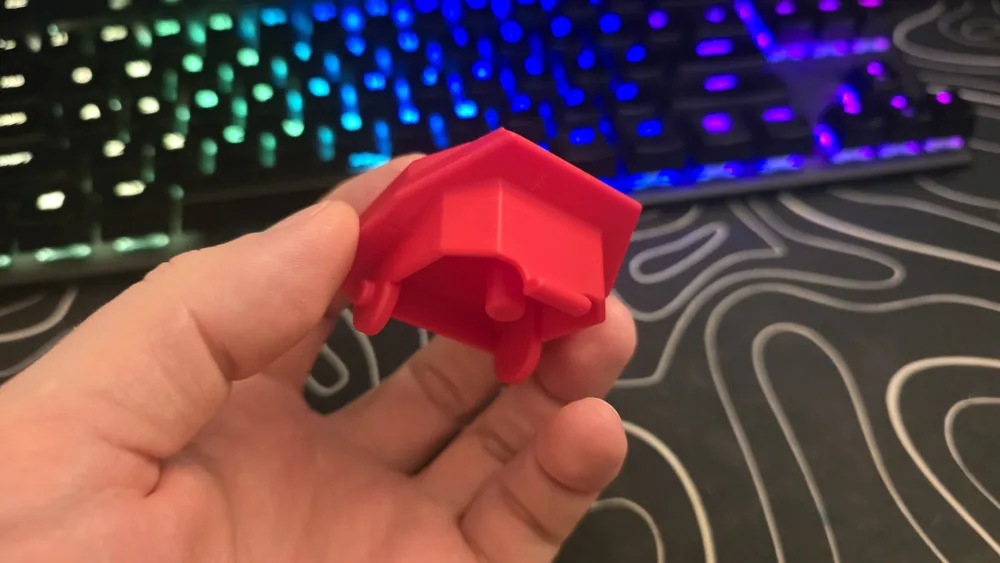
(Please compare the original button with the 3D model before printing – check overall shape, size, and clips.)
Print notes
I printed this part in PLA and it works fine for me. However, PETG or ABS/ASA should work as well and are probably an even better choice for long-term durability and heat resistance. I simply do not have those materials to test, so my real-world experience is only with PLA.
My reference settings:
- Layer height: 0.08 mm, first layer 0.10 mm
- Line width: ~0.42 mm
- Walls: 4 perimeters
- Top/bottom: about 0.8 mm (8 layers at 0.1 mm)
- Infill: 30%, cubic pattern
- Speeds: outer wall ~30 mm/s, inner wall 80 mm/s, infill up to 150 mm/s
- Supports: enabled only where needed for better surface quality
You can, of course, adjust these settings to match your printer and material.
Installation and safety
- Always unplug the vacuum cleaner from the mains before disassembly.
- This is a user-made 3D model and not an official Bissell spare part. Use at your own risk.
License



Comment & Rating (3)