
Configurable WiFi realtime bitcoin price tracker
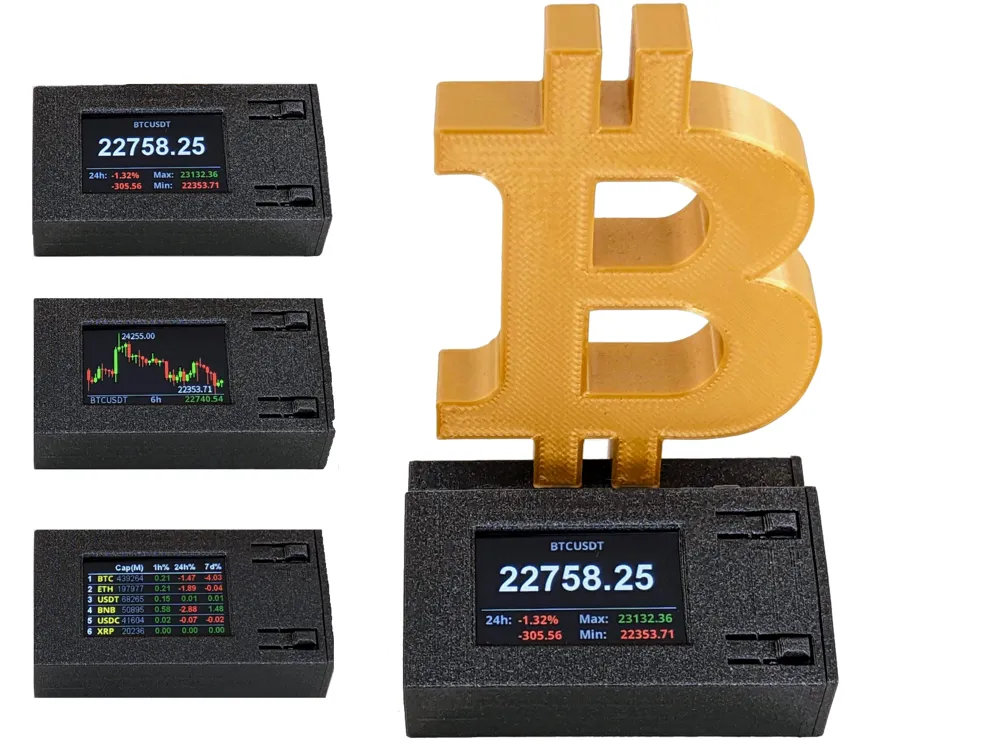
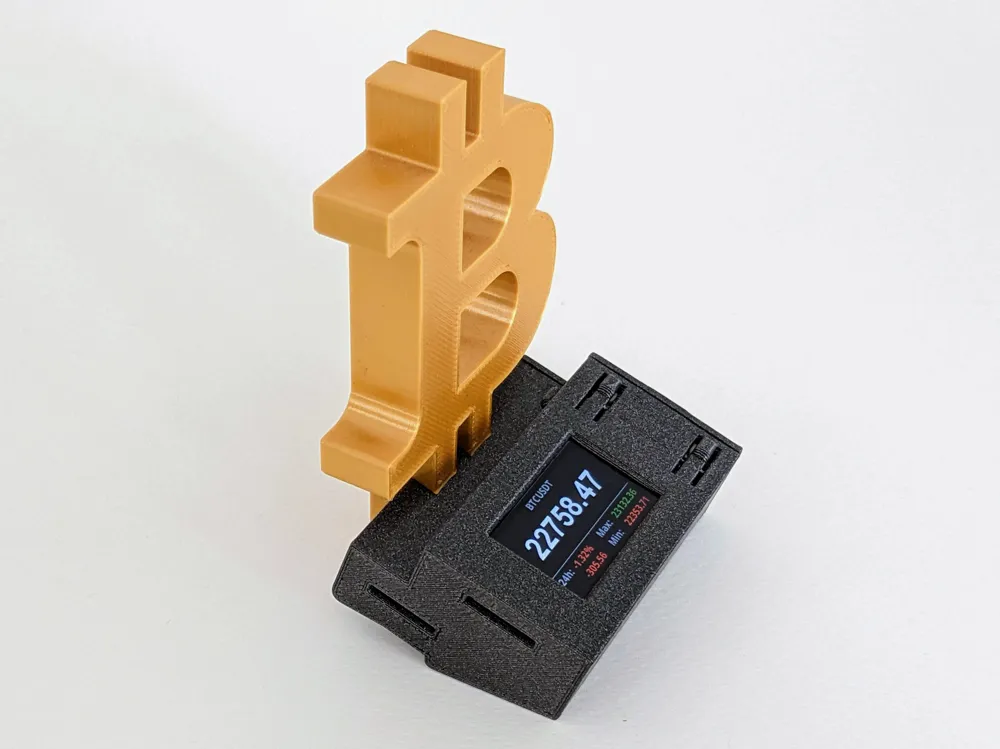
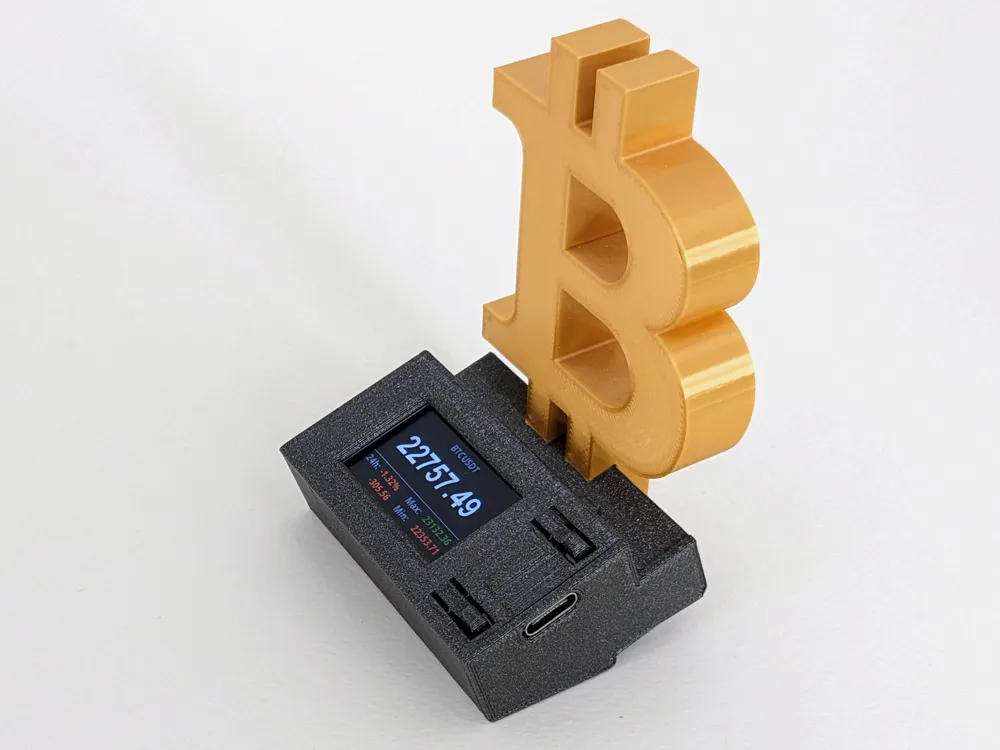
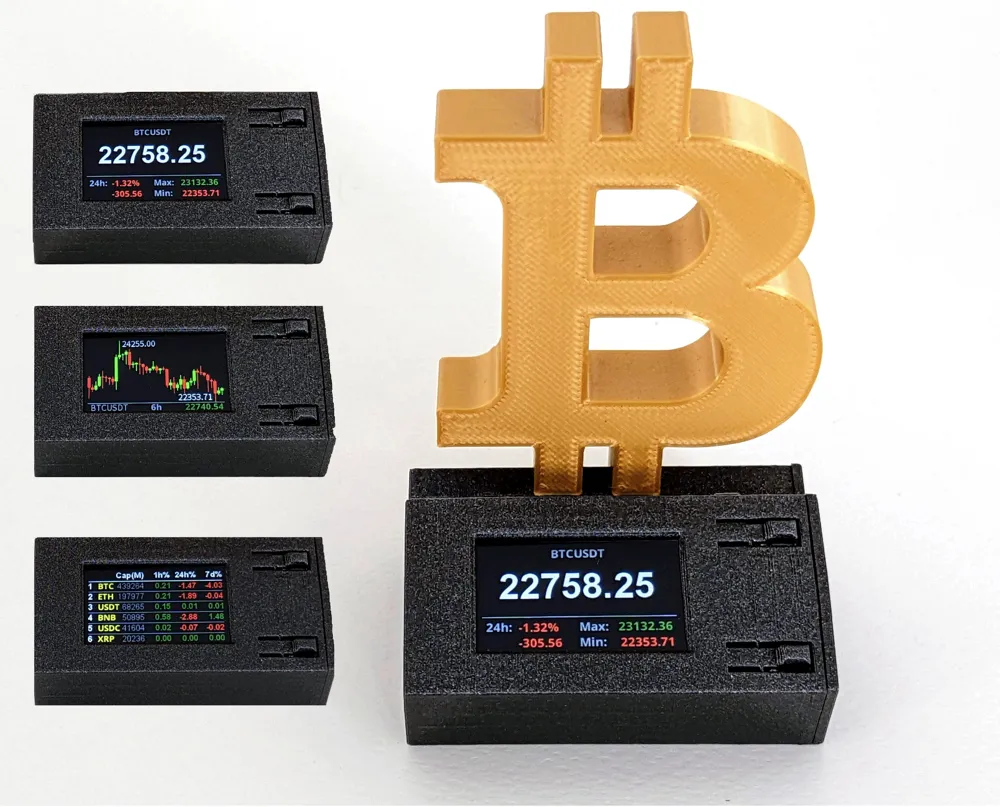
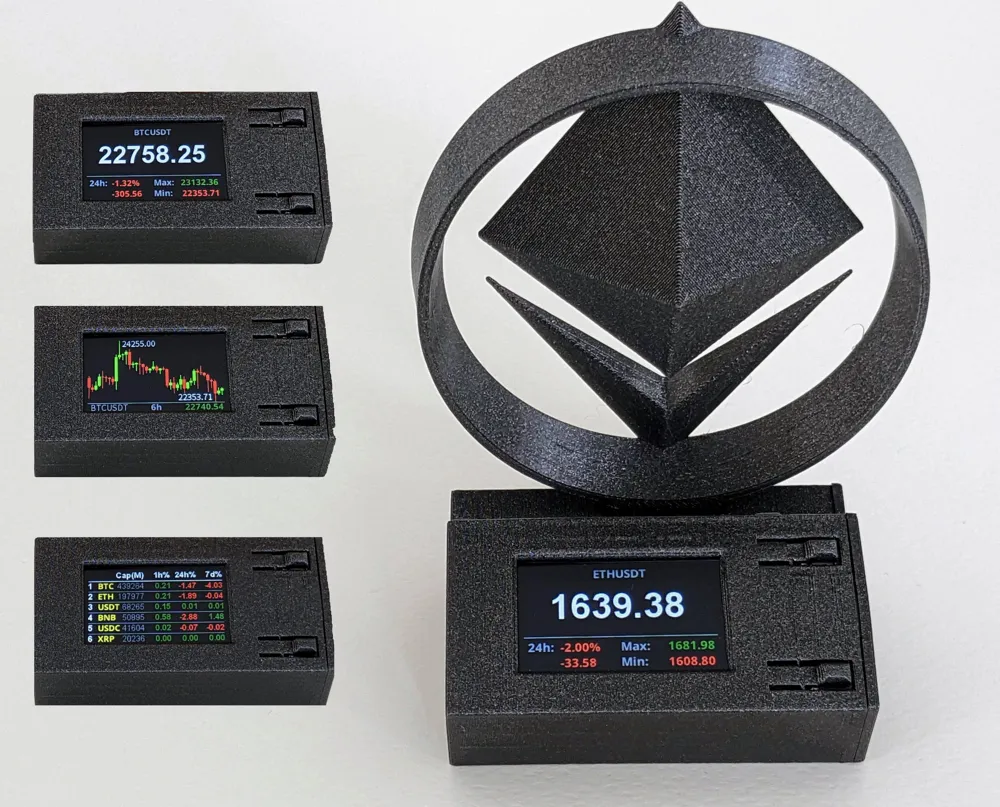
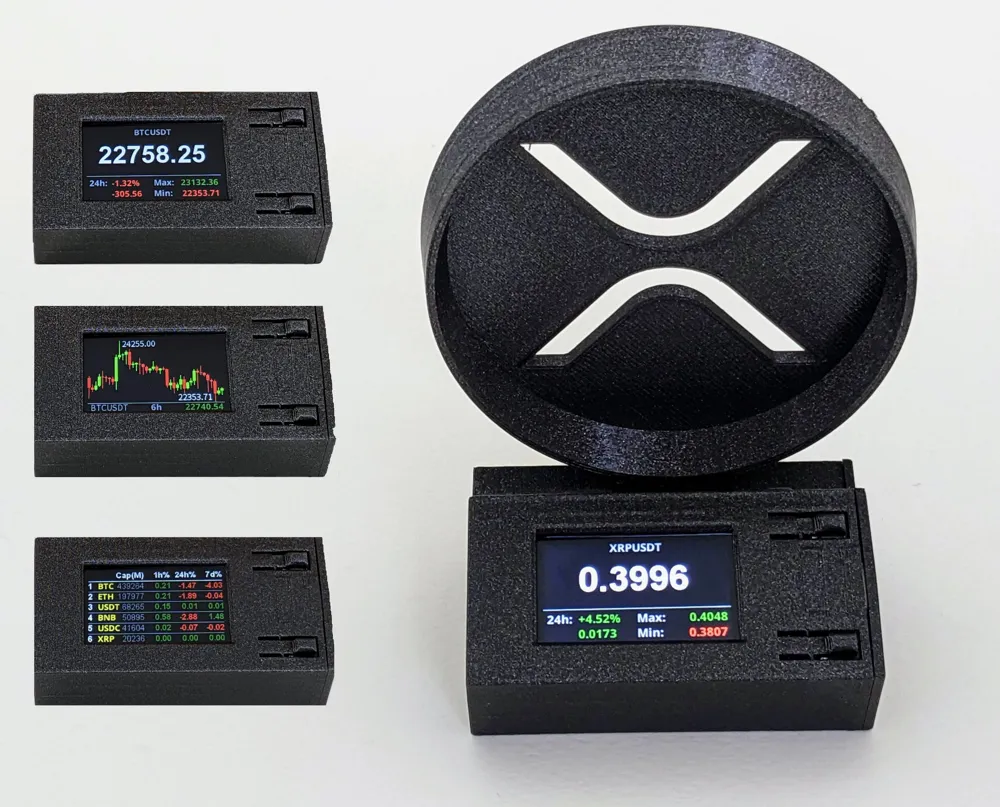
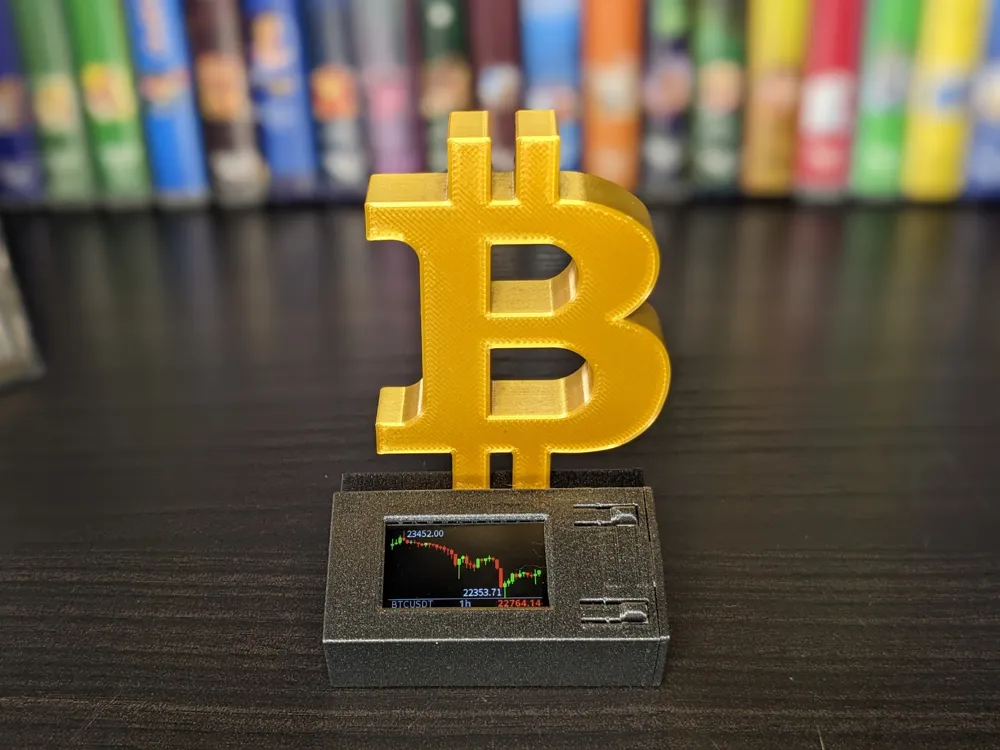
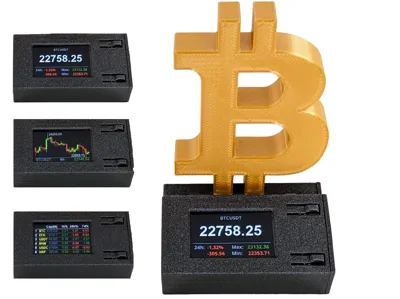
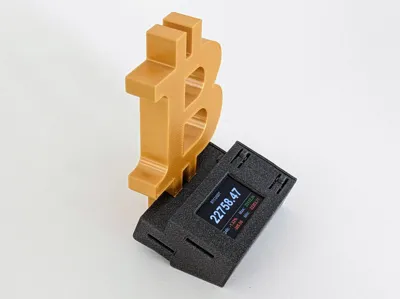
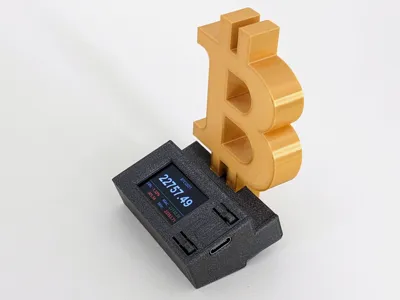
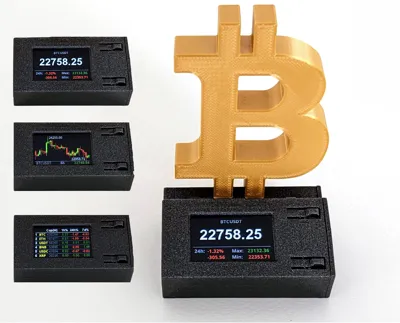
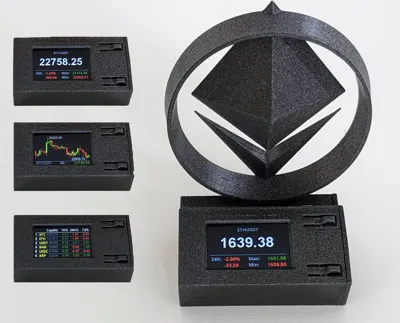

Print Profile(3)


Description
Boost Me (for free)
If you liked it or want to support me, please consider boosting. Thanks
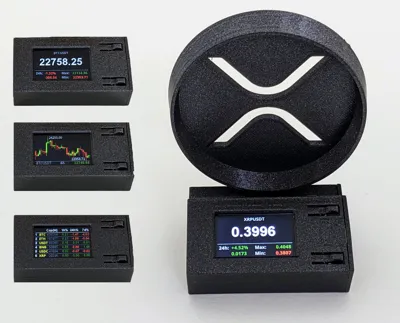
This is a free and open-source project that lets you monitor cryptocurrency prices in real time using a small hardware device.
Unlike many similar gadgets, it uses WebSockets to push live updates to the display—multiple times per second—so the information you see is always current.
I originally built these devices for personal use while experimenting with 3D design and ESP32 development, and decided to release them publicly so anyone can build their own.
Available versions: Bitcoin (BTC), Ethereum (ETH), and Ripple (XRP).
Original repository: https://github.com/giovantenne/CG2
Features
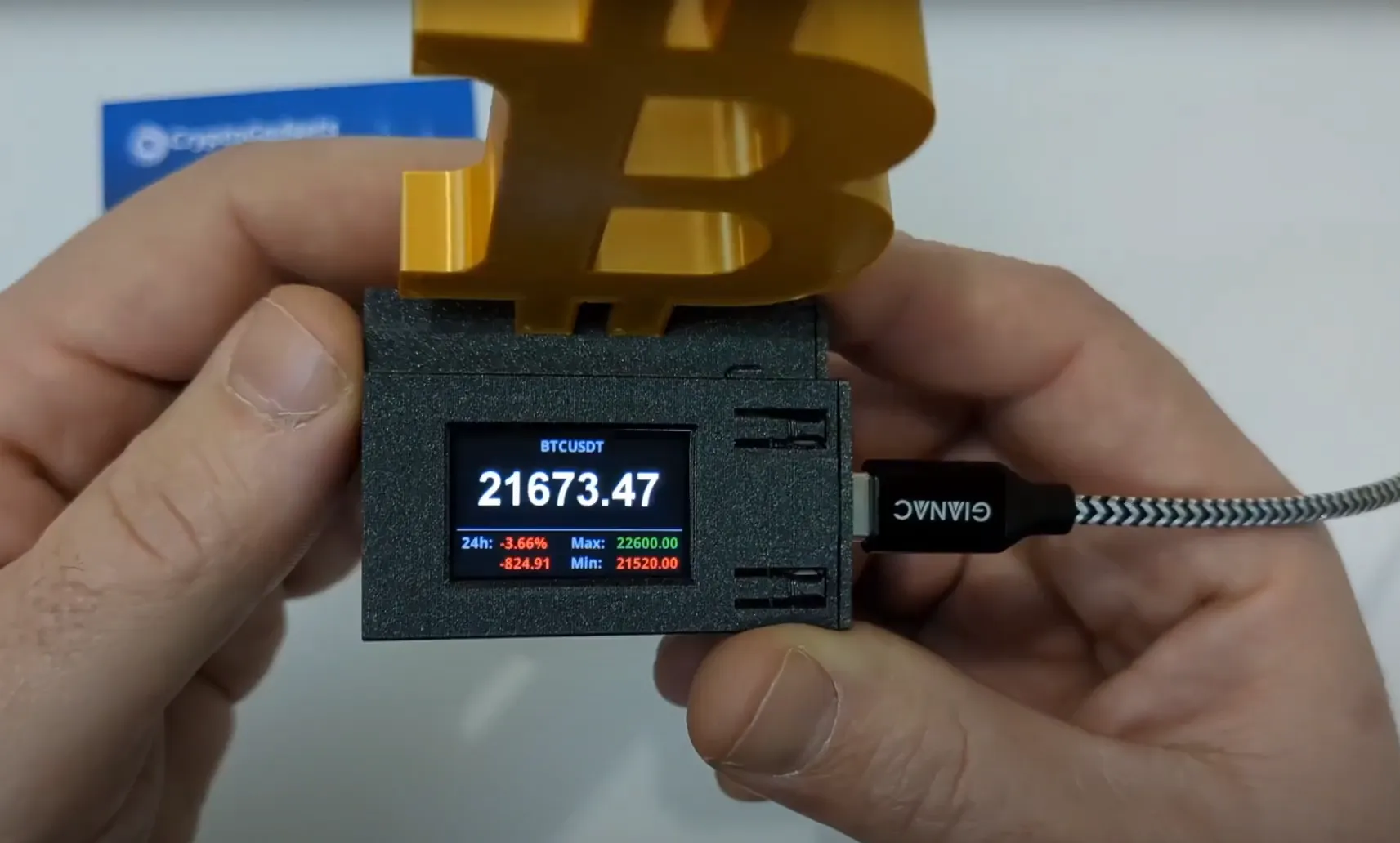
- WiFi powered. No PC needed
- True real-time price
- Display up to 9 digits
- Adjustable display brightness
- 24h price change
- Support for more than 600 pairs
- Upgradable firmware
User manual
This is a stand-alone device. This means that you don’t need a PC to get it running and that you can simply power it through the micro-usb port. Before doing so you will need to connect it to your WiFi network by following these simple steps:
- Power-up your device. When setting it up for the first time, and everytime it is not able to connect to an existing WiFi network, the device will start in “access-point/captive-portal" mode and it will broadcast the WiFi SSID “ToTheMoon”.
- Connect your phone/computer to the “ToTheMoon” WiFi network using the following password: 12345678
- Your phone/computer should prompt you with a login/welcome page. If not you can simply browse to the following address: http://172.217.28.1. You should then be able to see and access the device setup interface.
- On the menu click “Configure new AP”. You should then be presented with a list of existing WiFi networks.
- Click on your network SSID name, enter your passphrase and click “Apply”.
After the first setup, may you want to change your currency pair, adjust the number of decimal digits or change the display brightness, you can simply browse to the address shown on the display during the booting process after the logo. Before doing so, please ensure to be connected to the same WiFi network.
You also can easily update the device firmware by downloading the latest version, if needed, from the following link: https://github.com/giovantenne/CG2/releases
You can check the firmware version you are currently running by simply looking at the display during the booting process, below the bitcoin logo.
Unboxing and setup video
Requirements
- TTGO T-Display - here
- 3.7V 1100mAh LiPo Battery with Micro JST 1.25 connector (optional)
Download and load the firmware
The easiest way to flash firmware. Build your own CGv2 using the following firmware flash tool:
- Download the latest firmware from the Releases page
- Download the partitions.bin file
- Download the bootloader.bin file
- Open the ESP Web Tool to flash the firmware directly from your browser (recommended via Google Chrome incognito mode)
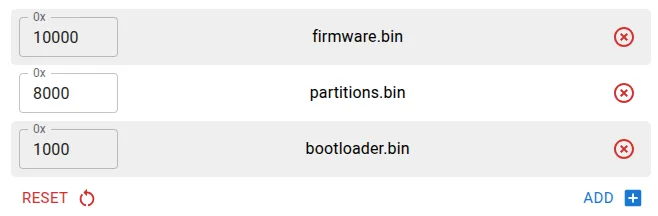
- Connect your device, set the table as shown in the image below, and click PROGRAM:
Build from source and load the firmware
- Install PlatformIO Core
- Connect the board via USB
- Clone the repository: $> git clone https://github.com/giovantenne/CG2
- Run cd CG2 && pio run -t upload
(Optional, but often required) Add UDEV rule on Linux
If the board is not recognized correctly or you get permission errors, add this UDEV rule
Donations/Project contributions
If you would like to contribute and help dev team with this project you can send a donation to the following LN address ⚡cg@pos.btcpayserver.it⚡ or on-chain bc1qdxyt2df70xh6cnysenr32pt0z0pyuelschsctv
If you want to order a fully assembled multipurpose V2 or V3 devices you can contribute to my job at https://www.cryptogadgets.net
Boost Me (for free)
...and happy bull-run 😄
License

You shall not share, sub-license, sell, rent, host, transfer, or distribute in any way the digital or 3D printed versions of this object, nor any other derivative work of this object in its digital or physical format (including - but not limited to - remixes of this object, and hosting on other digital platforms). The objects may not be used without permission in any way whatsoever in which you charge money, or collect fees.


Comment & Rating (3)