
F-16 Fighting Falcon Plane Glider
Print Profile(5)


Description
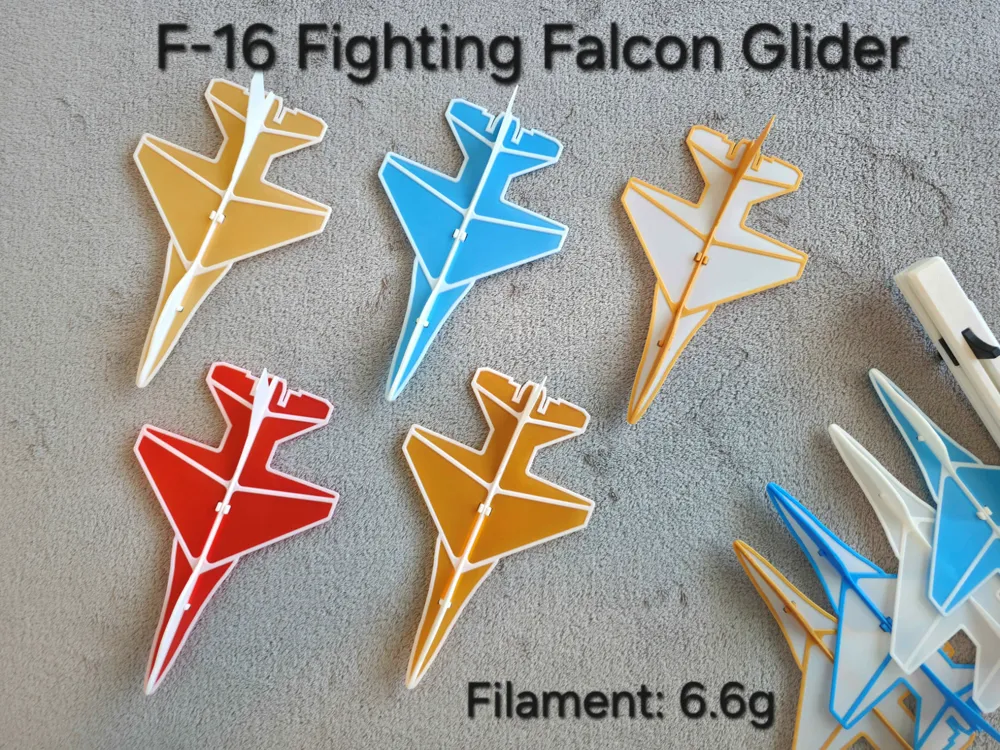
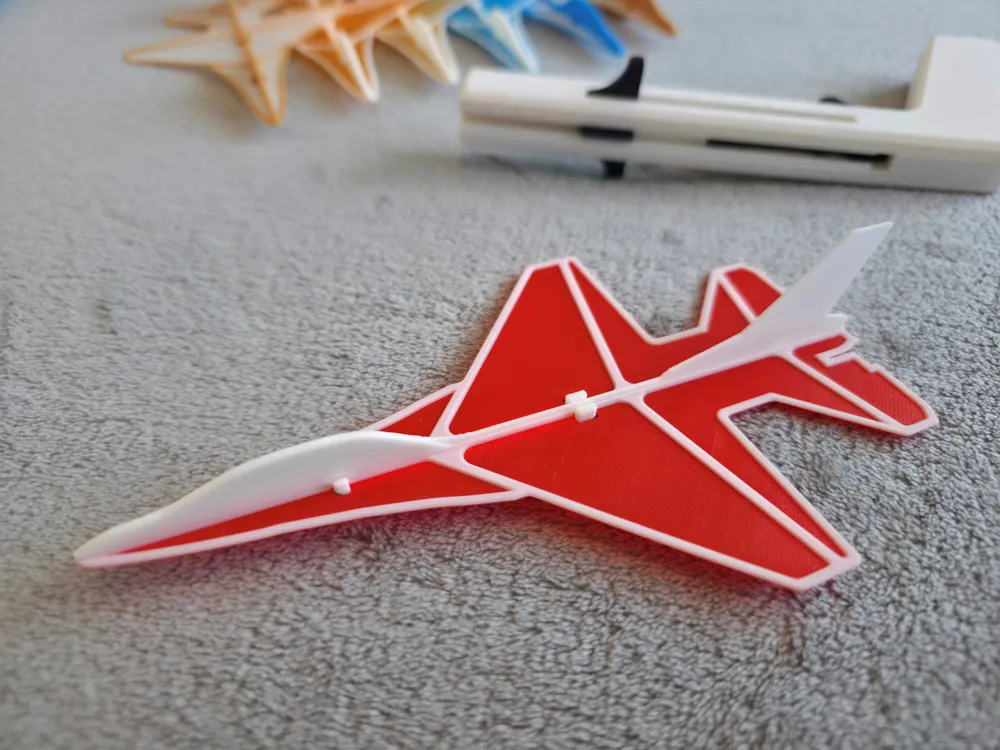
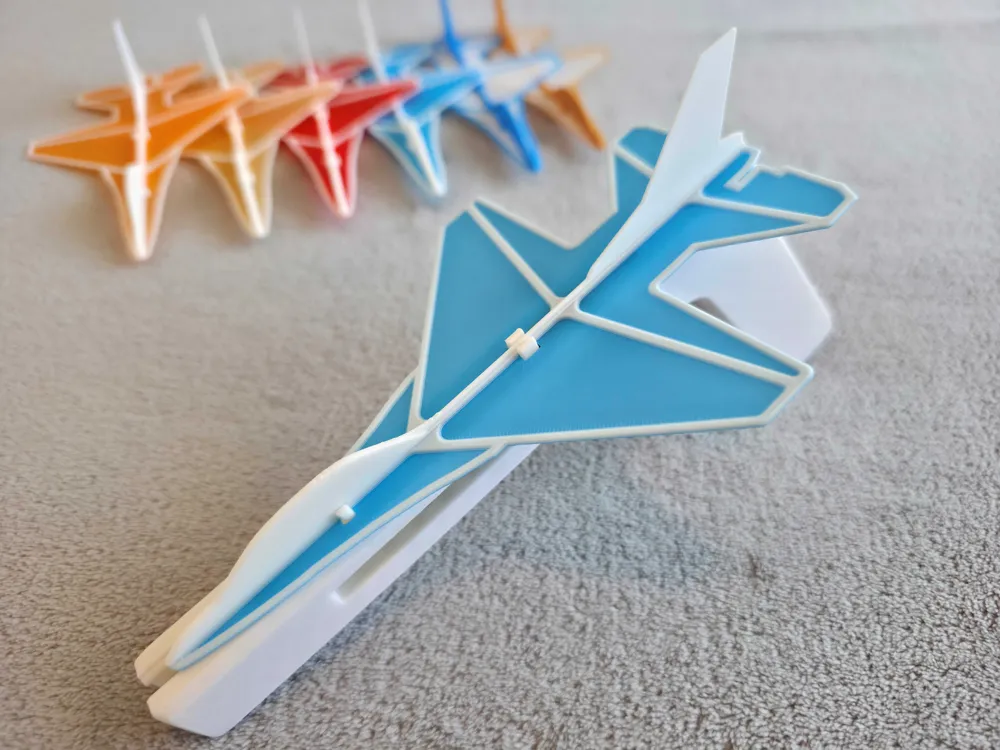
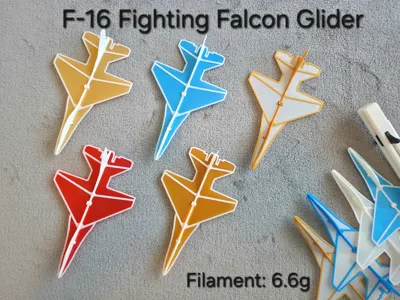
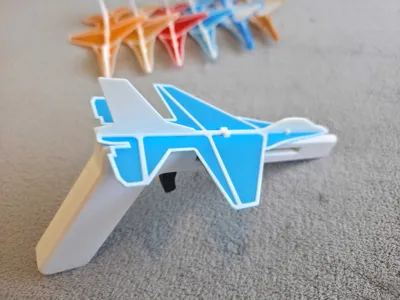
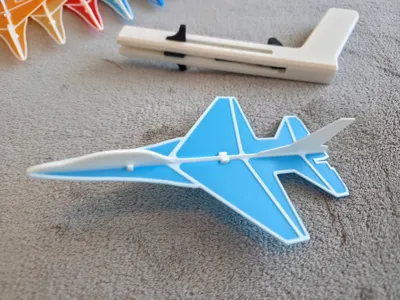
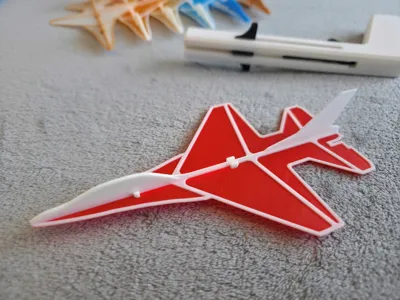
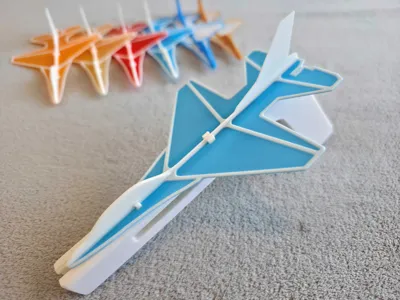
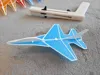
F-16 Fighting Falcon Glider
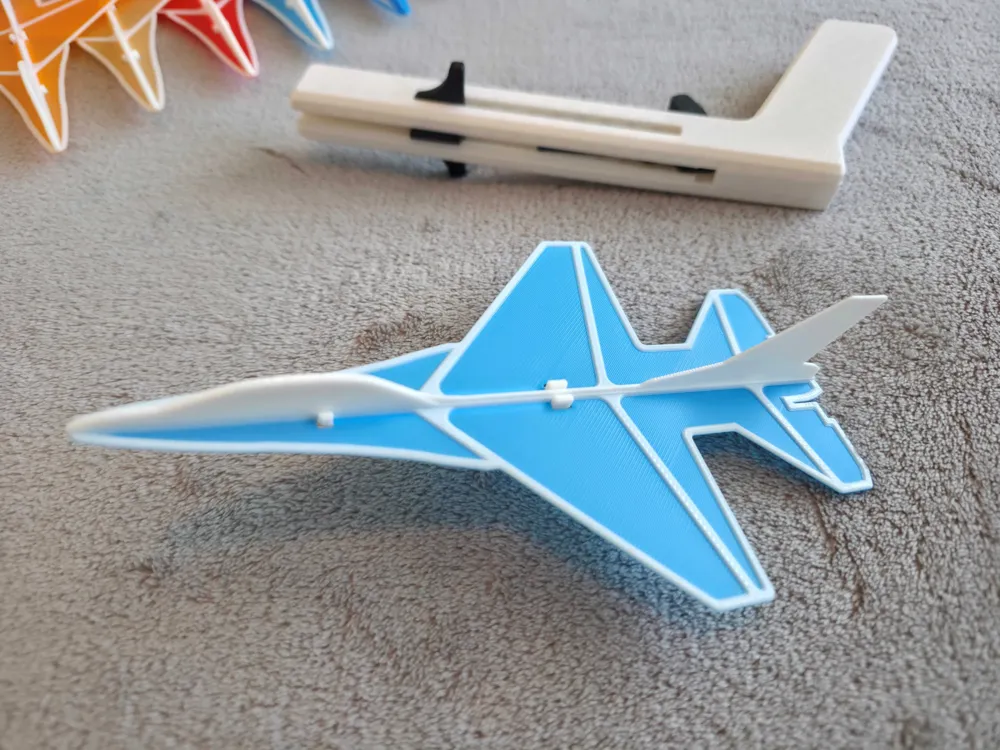
Modeled after one of the most iconic F-16 fighter jet, this glider combines combine aesthetics with balanced aerodynamics for smooth, stable flight. Reinforced nose and wings ensure durability, while the jet‑style fuselage adds a striking look compared to traditional gliders.
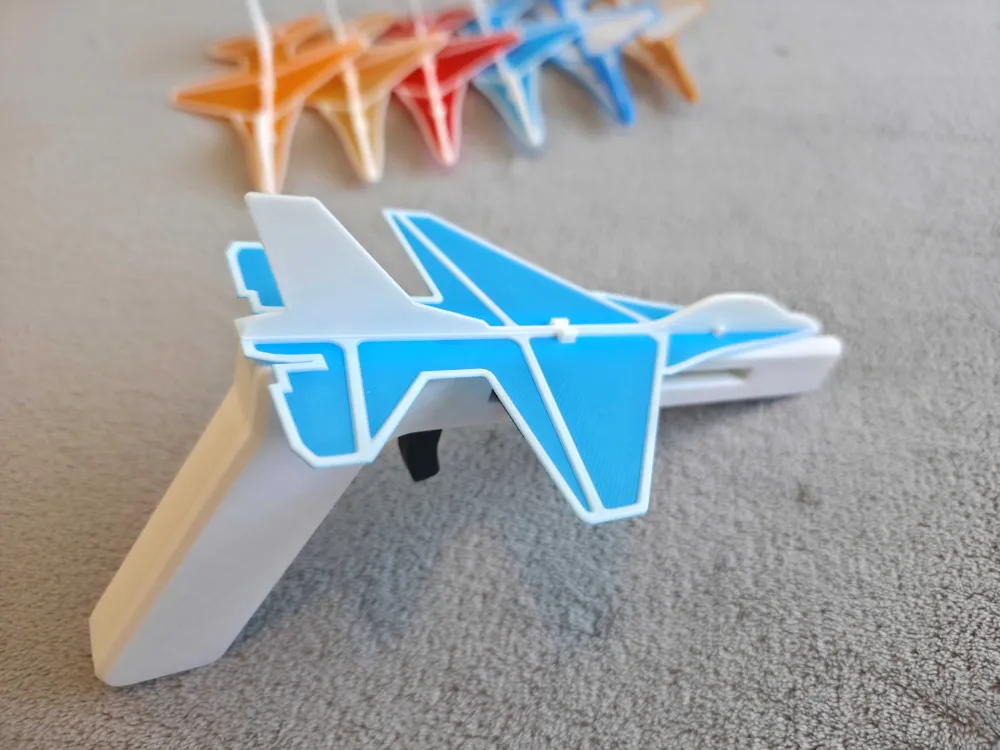
This glider is also fully compatible with my Plane Launcher (Highly recommended):
https://makerworld.com/en/models/1031904-plane-launcher-for-lightweight-glider#profileId-1014864
Check out my latest glider designs:
F-22 Raptor Plane Glider by Tieq MakerWorld
Key features:
- Fully compatible with my Plane Launcher (Highly recommended)
- Reinforced nose cone and wing roots for improved impact resistance

- Optimized lift and weight distribution for consistent gliding performance
- Lightweights design only 6.3 g, making it a safe toy and durable.
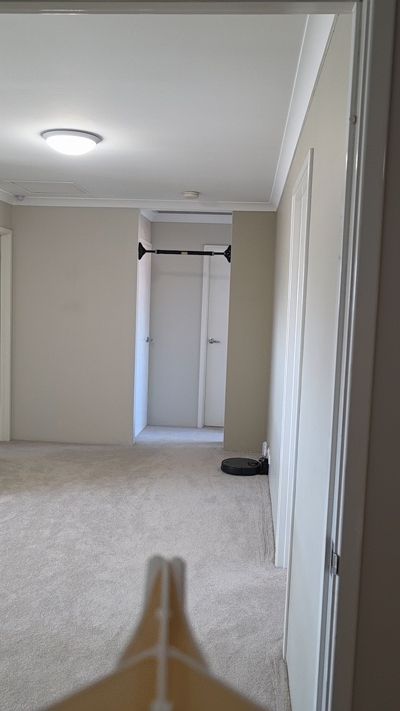
- Compact footprint makes it ideal for both indoor spaces and outdoors.
Assembly instruction:


(Make sure your rubber band used is strong, the stronger it is the further the plane can glide.)
3D print instructions (Please read! especially if you don't use my print profiles)
- Use 100% infill (Important! as it keeps the plane balanced)
- To make the wings stronger and looked better, the first 2 layers need to be printed in 0.1mm layer height, and 0.2mm for the rest. (All configured in my print profiles)
- Make sure your print bed is clean and levelled or turn on auto leveling (Important! otherwise you will get adhesion issue).
- Let the bed completely COOL before carefully removing the glider with a scraper or you will risk damaging the print.
- Optional - You can print a dual-colour glider even without AMS, just add a pause at the 3rd layer to change colour manually.
Happy Printing!
Boost Me (for free)
Thank you for your support!
Membership
If you like my design and would like to sell it. You can subscribe to a commercial license here
License

You shall not share, sub-license, sell, rent, host, transfer, or distribute in any way the digital or 3D printed versions of this object, nor any other derivative work of this object in its digital or physical format (including - but not limited to - remixes of this object, and hosting on other digital platforms). The objects may not be used without permission in any way whatsoever in which you charge money, or collect fees.


Comment & Rating (236)