Search models, users, collections, and posts

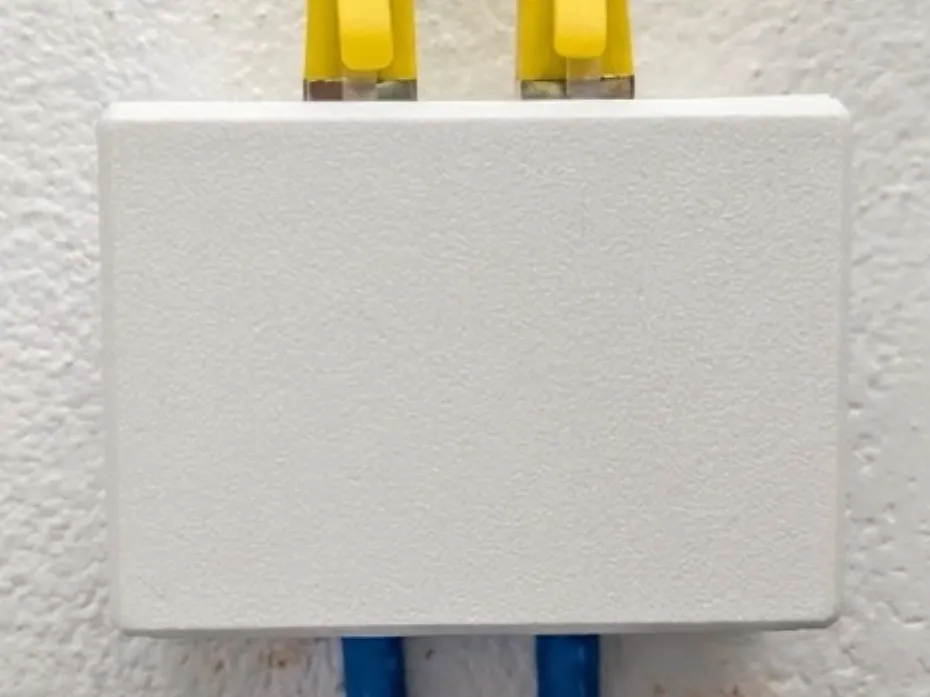
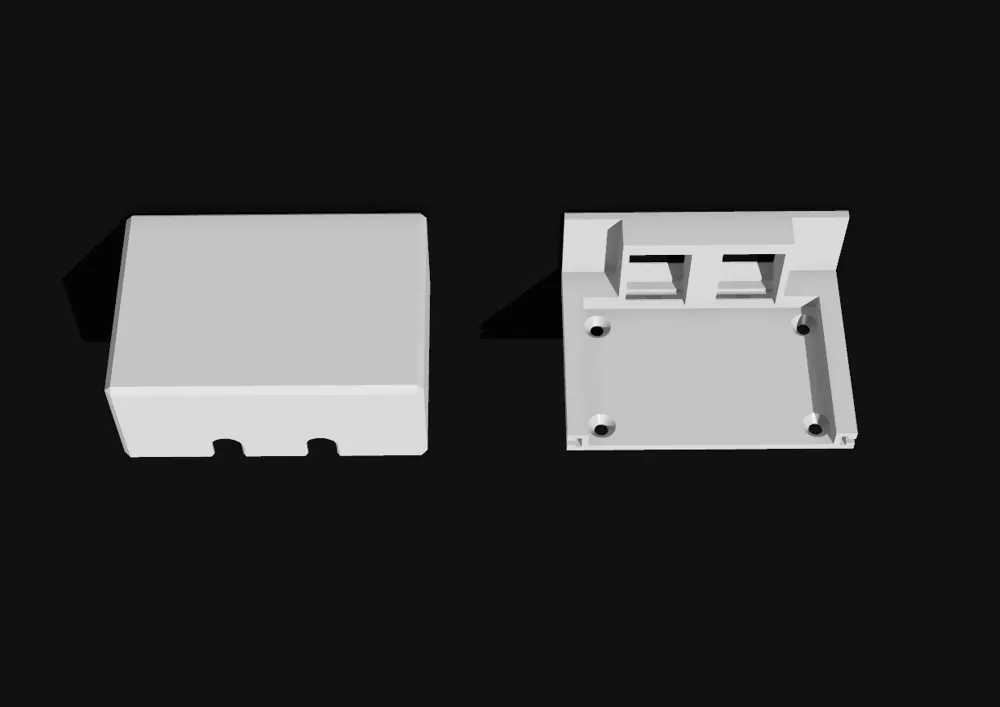
RJ45 Keystone Junction Box - Dual Port, Mounted
IP Report
Print Profile(3)

0.08mm layer, 2 walls, 100% infill
Designer
2.4 h
1 plate

0.16mm layer, 2 walls, 100% infill, no supports

2.2 h
1 plate

0.6mm nozzle, 0.3mm layer, 2 walls, 100% infill

59 min
1 plate
Open in Bambu Studio
Boost
27
77
3
0
79
50
Released
Description
The dual-port version of my keystone junction box - perfect for locations where you need two network drops or want a data + spare configuration.
Features:
- Two-part slide-in-fit design - tool-free assembly
- Accommodates two standard keystone jacks side by side
- Tested with Ubiquiti keystone jacks, compatible with most standard keystones
- Four corner mounting holes for screws, or mount with double-sided tape
- Clean industrial look that doesn't scream "IT closet"
- Solid, snug fit between parts
Use Cases:
- Dual network drops at a desk location
- Data + phone combination
- Primary + backup connection
- Anywhere you need professional-looking network termination
Assembly:
- Mount using the four screw holes or adhesive mounting
- Insert both keystone jacks into the faceplate from the rear
- Thread your cables through the holes in top body
- Slide top body onto the faceplate until the end
Print Settings I Used:
- Layer height: 0.2mm
- Infill: 100%
- Supports: required
- Material: PLA advised
License

This user content is licensed under a
Creative Commons Attribution-Noncommercial-Share Alike


Comment & Rating (3)