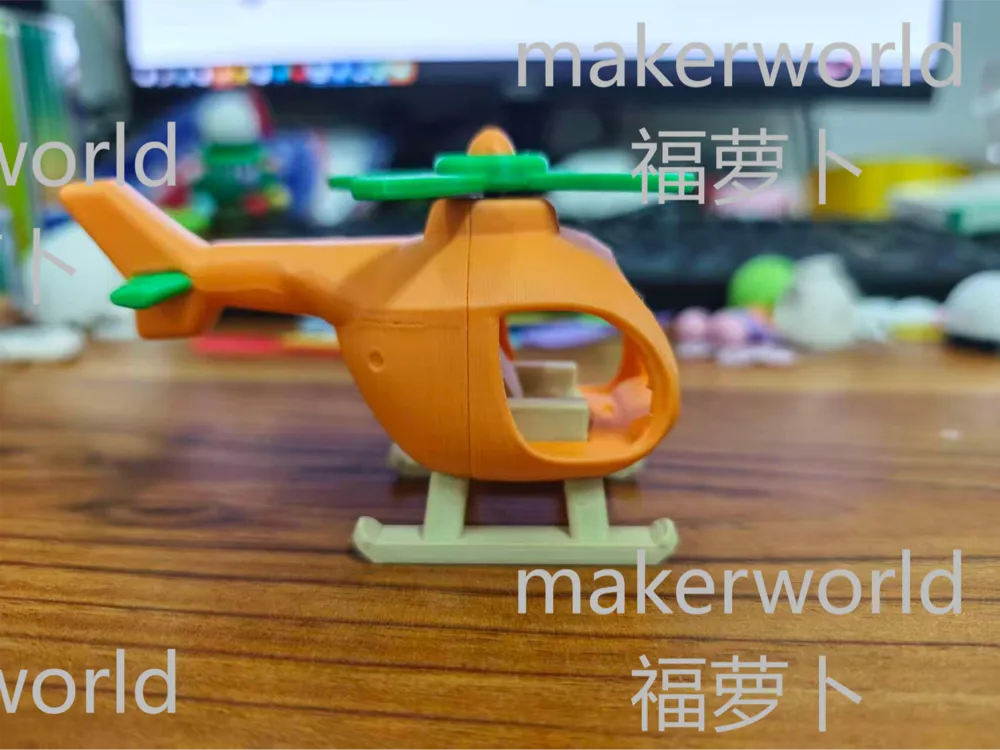
The open-source nature means everyone is free to print the model, I am neutral on whether someone uses it for commercial purposes, but I cannot accept some people reselling it without even bothering to print it themselves and take a photo, so I haphazardly added watermarks to all the images in a very crude way
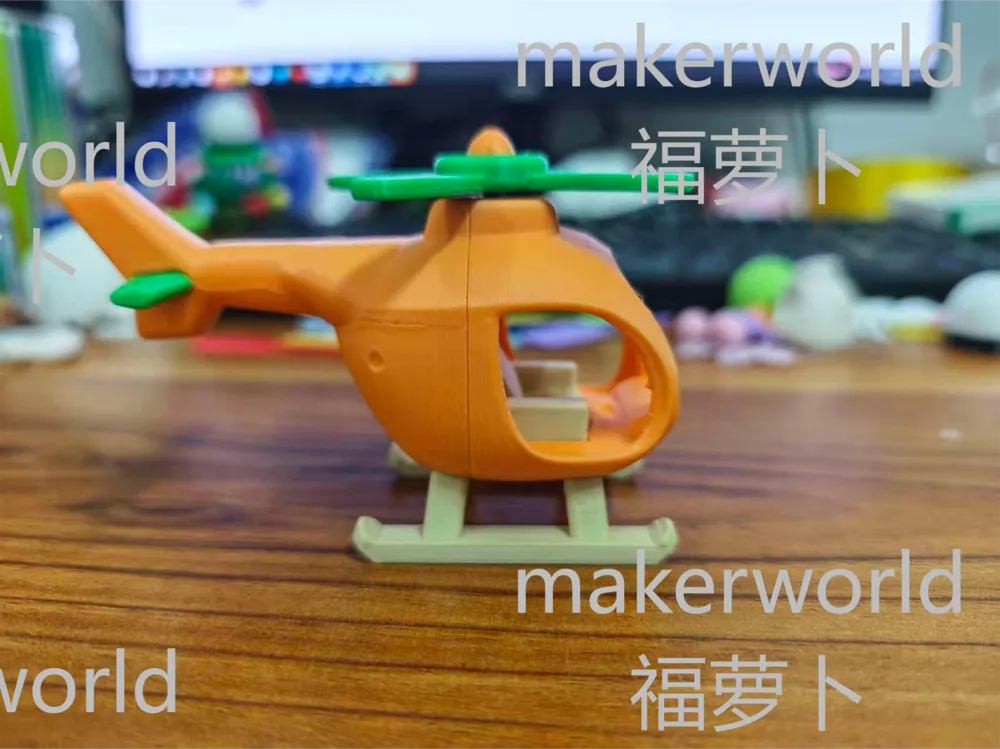
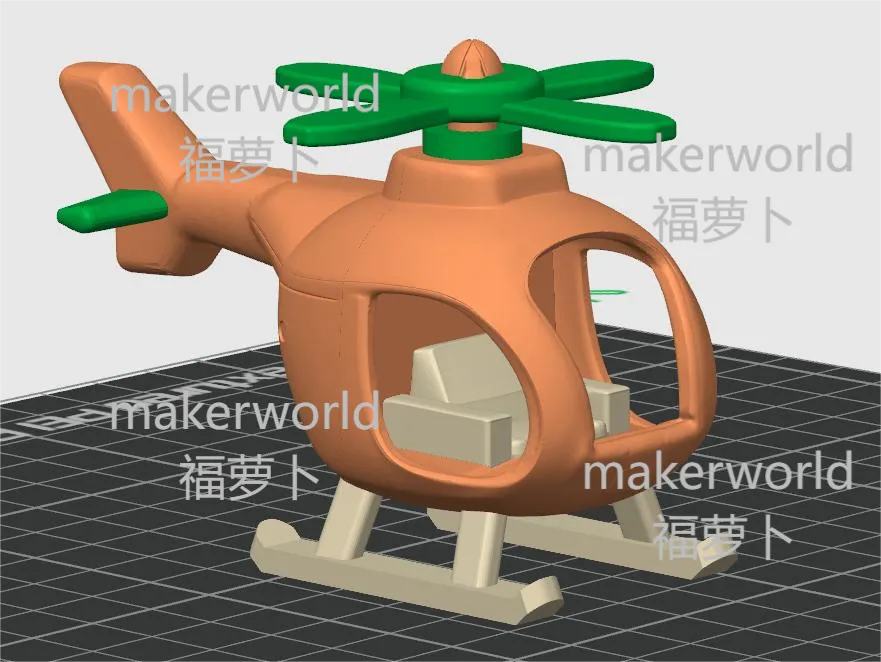
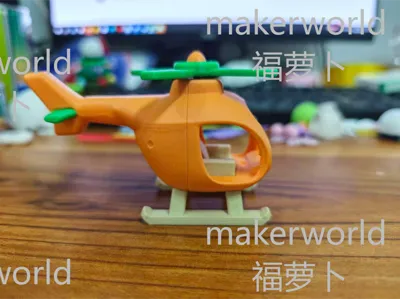
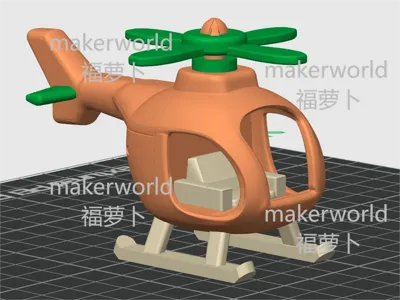
This model is colored with carrot orange and green and is named Carrot Plane [short for Bo Bo Ji (homophone for Bòbò Jī)]
Originally, I planned to install bearings and shafts on the propeller to allow for smooth and silky rotation when manually flicking it. However, considering the need to purchase additional bearings and shafts, which would incur extra small expenses and waste more waiting time, I canceled this rotation method and opted for all 3D Printed parts, increasing the dimensional clearance in the moving parts to allow the propeller to rotate flexibly. I used Bambu Lab filaments for this project, I am unsure if other filaments will affect the rotation
The model comes with built-in tolerance gaps, for the initial printing, it is recommended not to enable the 'XY contour size compensation' function. Enable this function additionally if needed
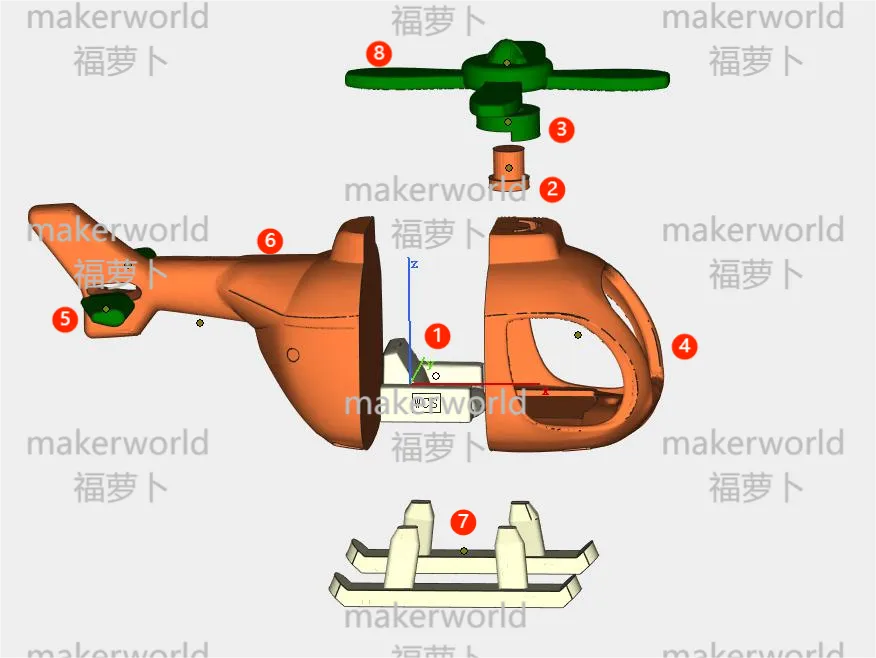
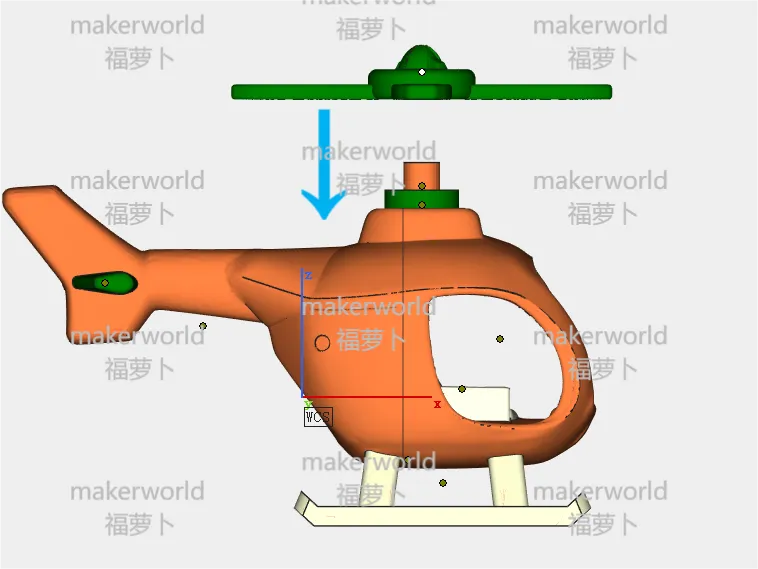
After all printing parts are complete, use a small knife to trim any excess skirt from the tail fin. Without using any super glue, first assemble according to the illustrated order to familiarize yourself with the assembly logic
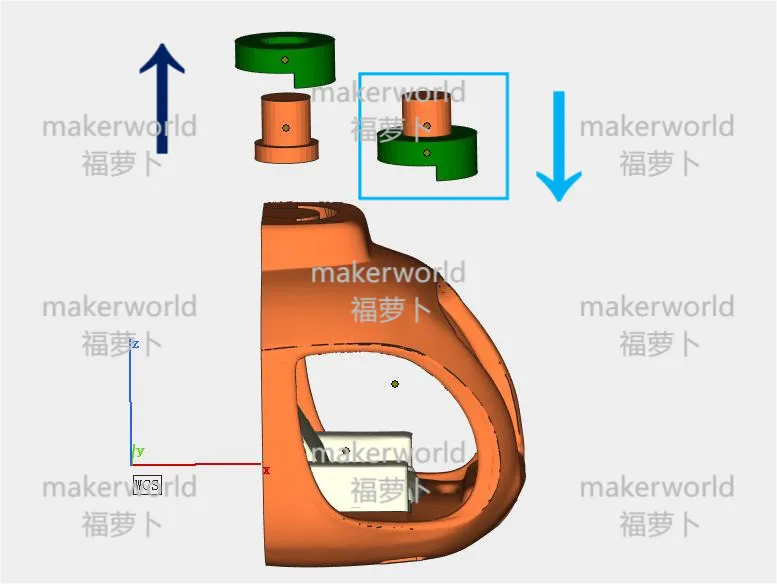
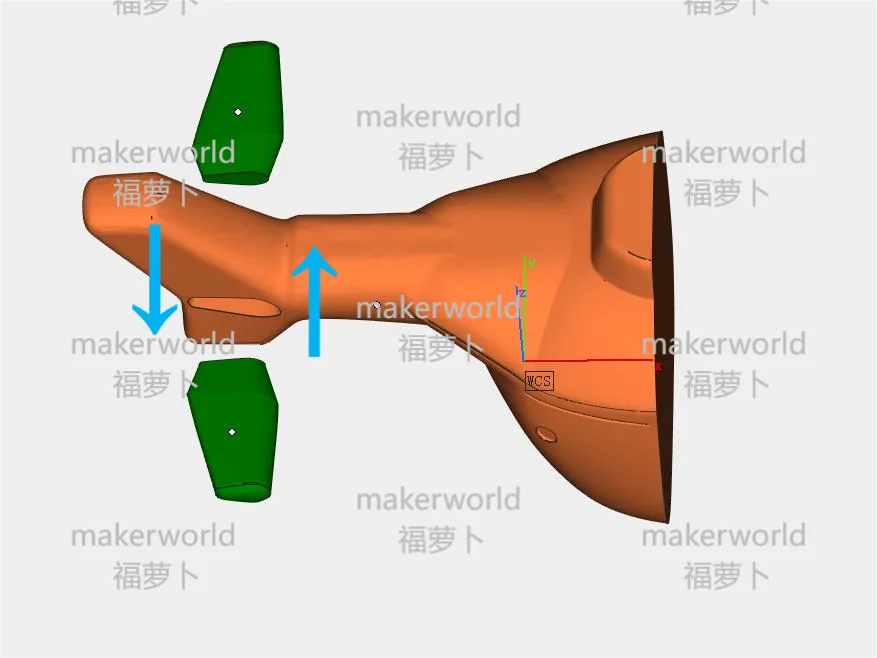
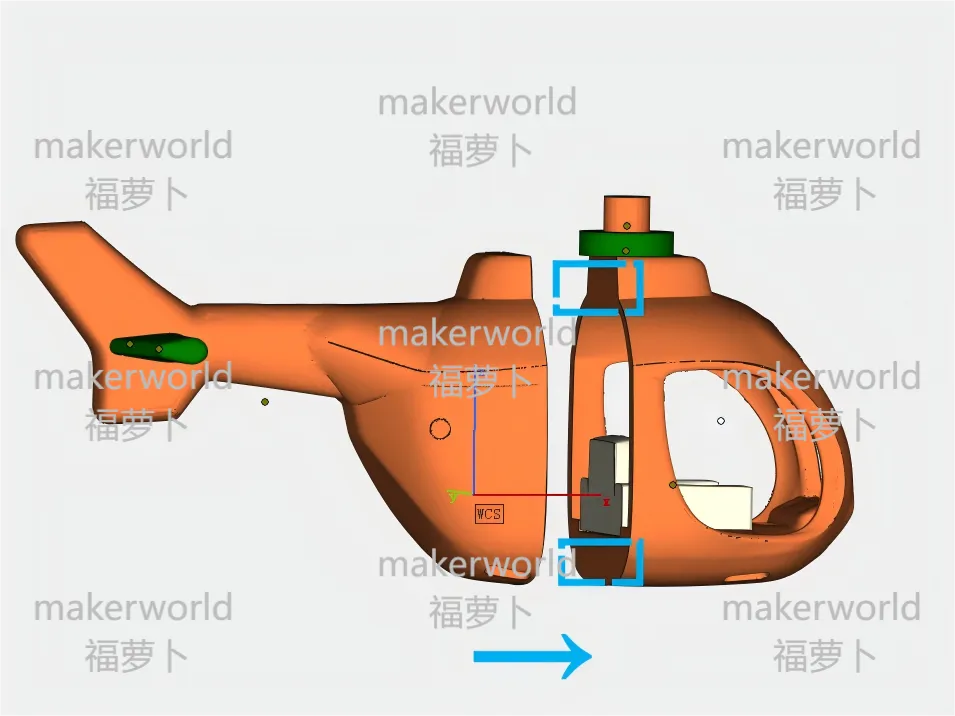
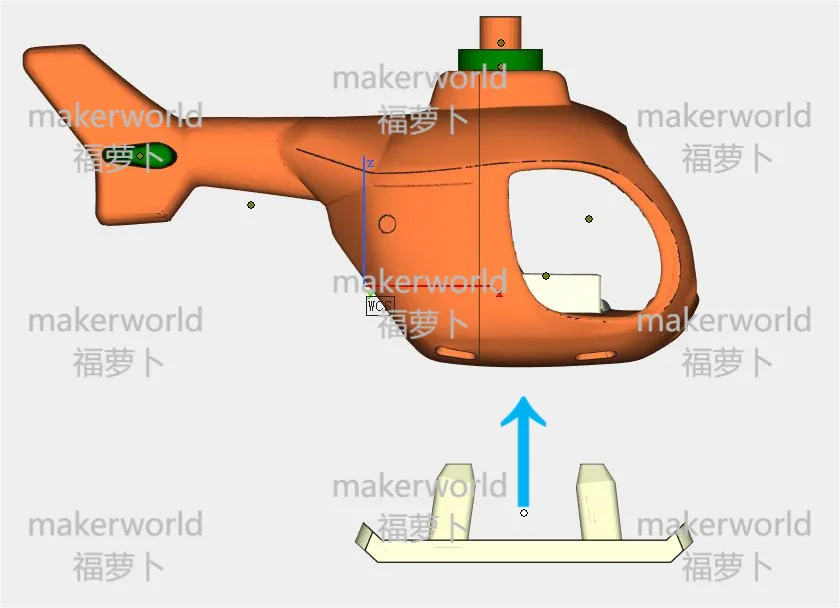
Assembly sequence example diagram
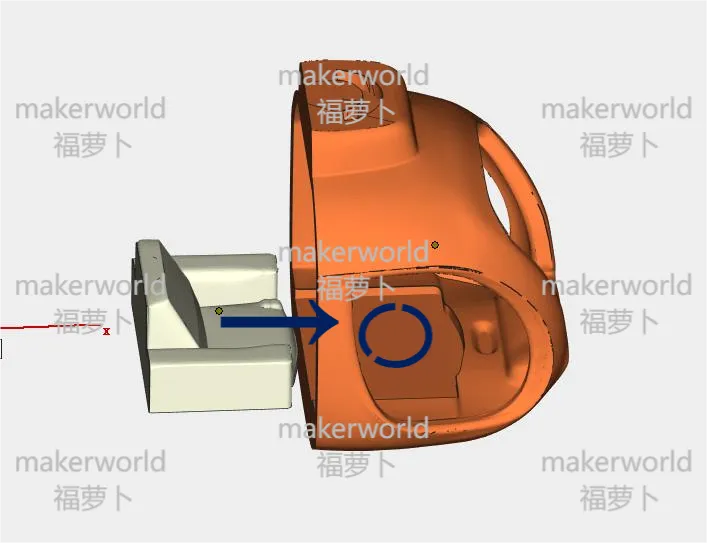
① Drip an appropriate amount of super glue into the front fuselage groove and embed the seat to fix it
② Apply a small amount of super glue to the groove on top of the front fuselage
③ Insert the orange pivot into the green retainer, Note: Do not use super glue on both parts. Both components are embedded into the groove together. Secure the green retainer, but ensure the orange part remains rotatable
④ Apply super glue to the end of the tail fin and embed it into the groove of the rear fuselage
⑤ Apply an appropriate amount of super glue to the blue area, be careful not to let the super glue overflow, to avoid white marks appearing on the fuselage surface. Then use the green retainer to assist in positioning and bonding the front and rear fuselages
⑥ Apply a small amount of super glue into the landing gear groove and embed the landing gear into the groove. Then place the plane on a desktop and wait for the super glue to set. Note: It must be placed flat to set, do not hold it by hand, to prevent the landing gear from tilting due to clearance settings
⑦ Apply an appropriate amount of super glue into the propeller groove, place the propeller flat on the pivot and wait for the super glue to set
This user content is licensed under a Standard Digital File License.
You shall not share, sub-license, sell, rent, host, transfer, or distribute in any way the digital or 3D printed versions of this object, nor any other derivative work of this object in its digital or physical format (including - but not limited to - remixes of this object, and hosting on other digital platforms). The objects may not be used without permission in any way whatsoever in which you charge money, or collect fees.






Comment & Rating (1)