
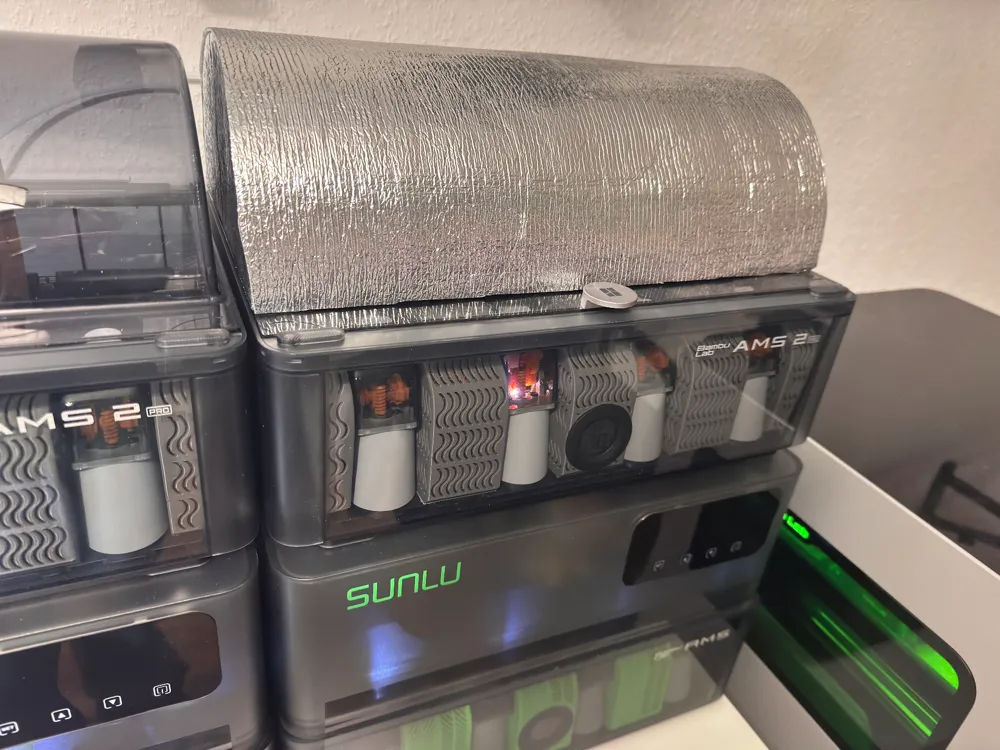
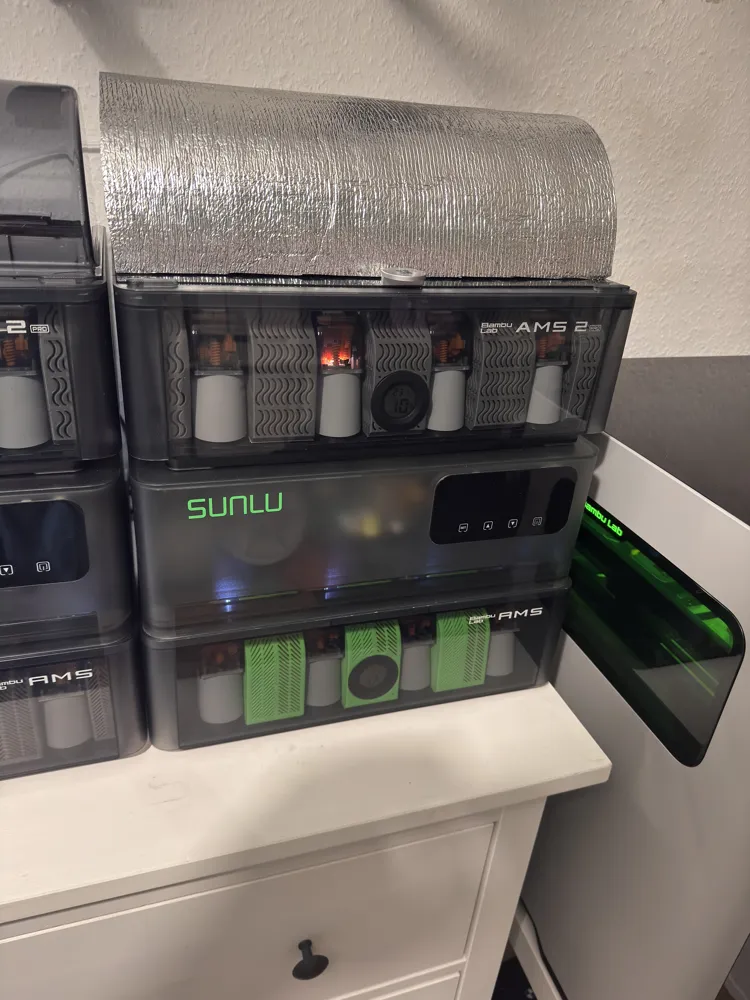
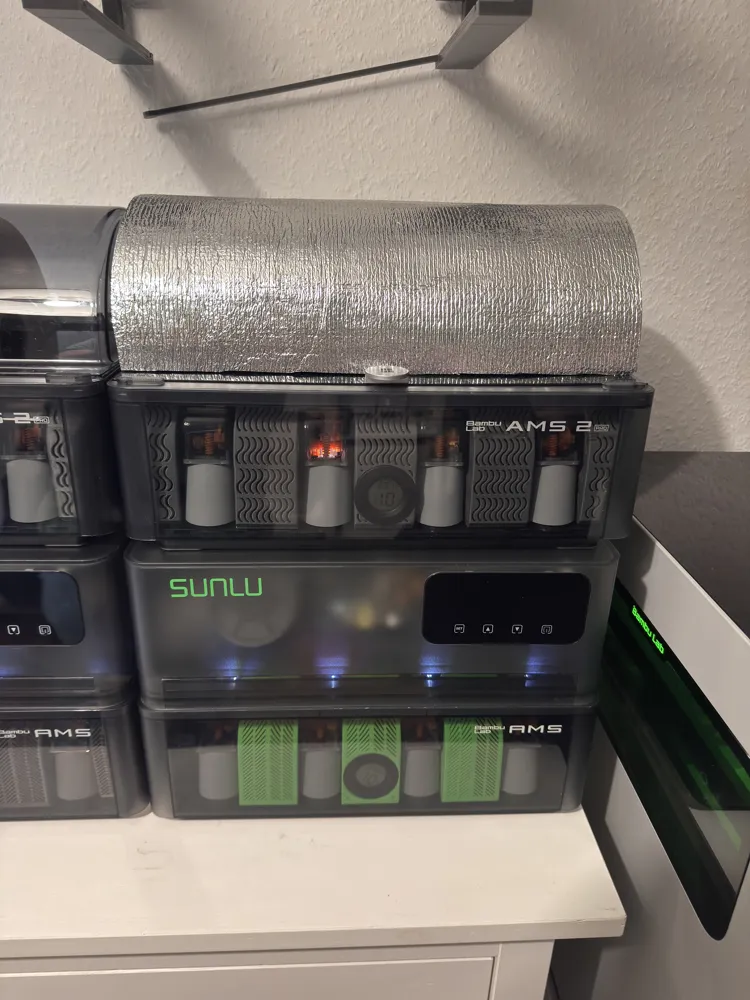
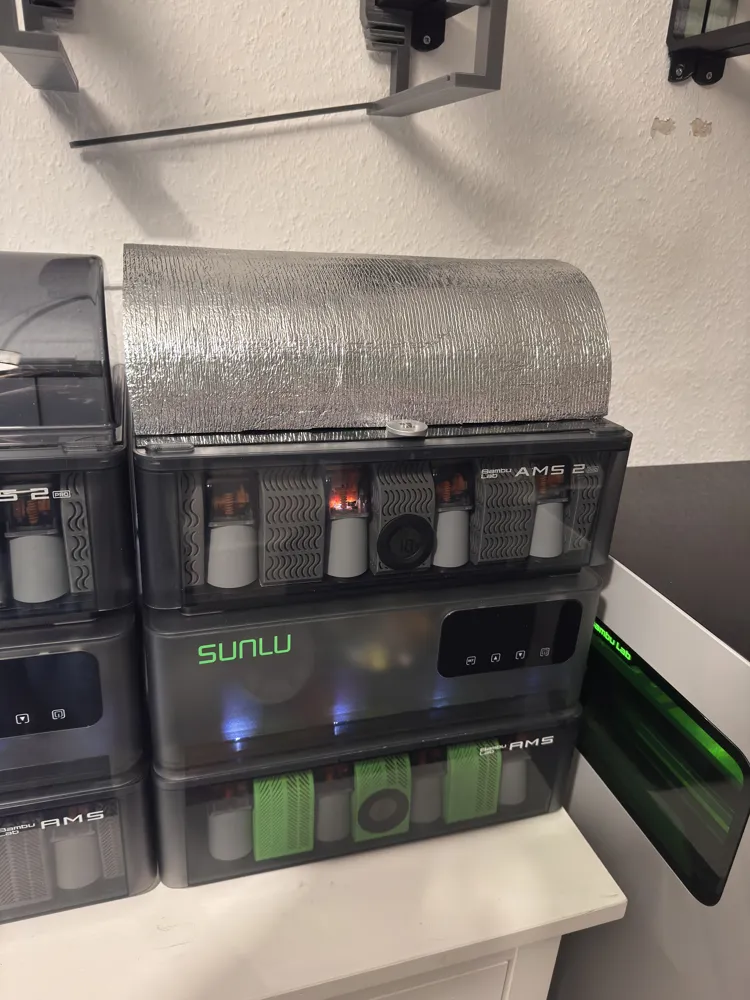
AMS 2 Pro Thermal Cover

Print Profile(1)

Description
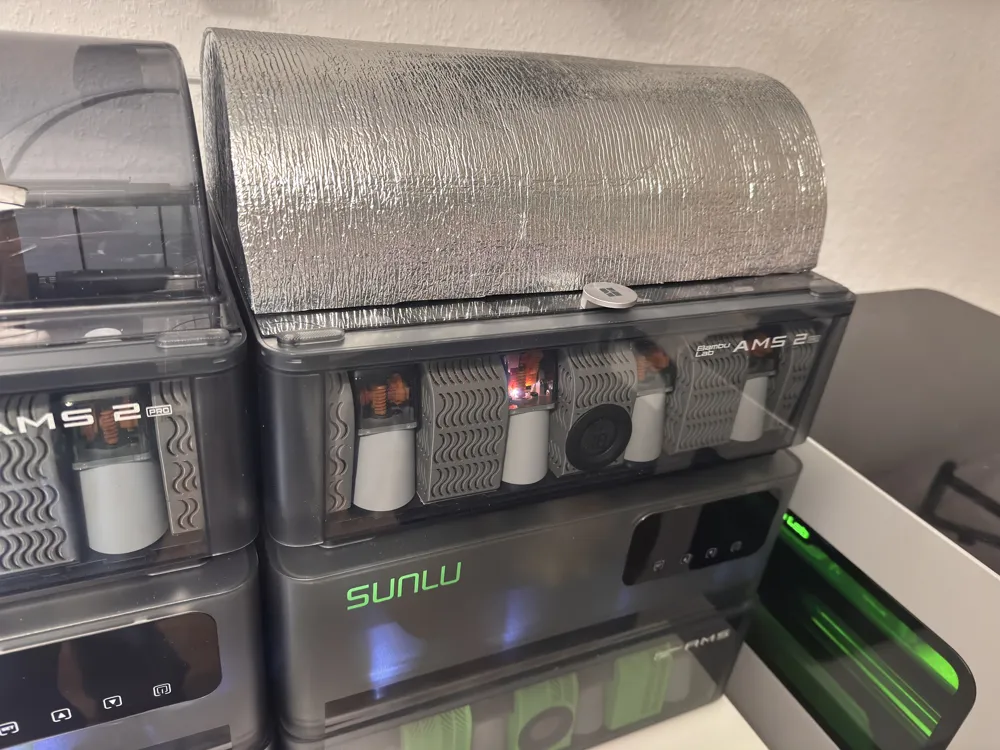
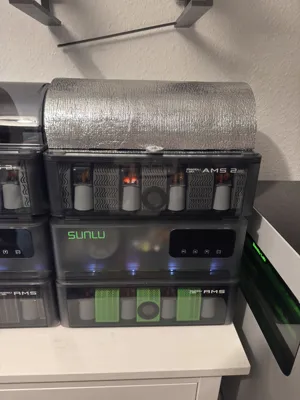
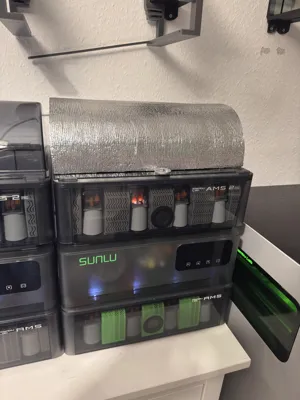
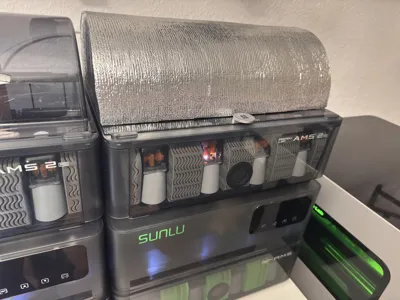
🌡️ Thermal Cover for the AMS – How it's done
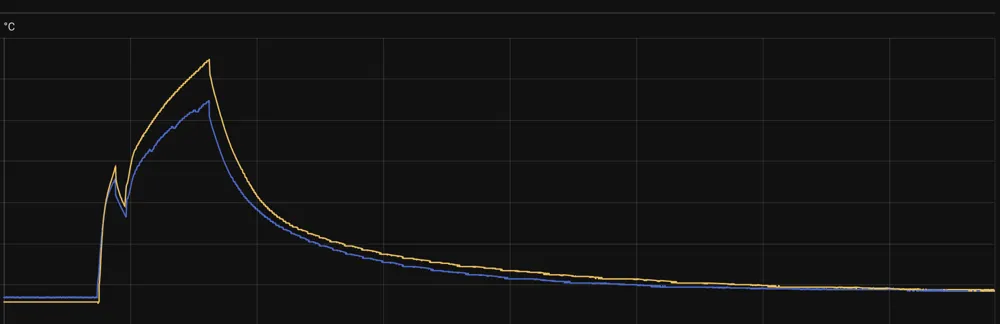
💡 This cover helps to save energy and keep the filament dry.
🧩 Glue parts together:
- Pay attention to the left 🔹 and right 🔸 side.
- (You need a bit of patience to glue them together)
📏 Insert connector rods:
- There are two different lengths – insert each appropriately.
🛡️ Attach thermal film:
- Stretch over the finished cover and glue it firmly to reduce heat loss.
✅ Done! Save energy and keep filament optimally dry.
License

You may create derivative works based on this object, provided that all such derivative works are published exclusively on the MakerWorld platform and include proper attribution to the original creator. You may not share, upload, host, distribute, or publish this object—or any derivative work of this object—on any other digital platform, marketplace, or distribution channel. Commercial use of this object and any derivative works is strictly prohibited. This includes, but is not limited to, selling, renting, sublicensing, or using the object in any context in which you receive monetary compensation or other financial benefits.


Comment & Rating (1)