Search models, users, collections, and posts

Sauron: The Dark Lord 3D Model

Print Profile(1)

All
P1S
H2S
H2C
H2D Pro
X1 Carbon
A1
X1E
X1
H2D
A1 mini
P2S
P1P
X2D
A2L

0.16mm layer, 2 walls, 10% infill
Designer
3.7 h
1 plate
3.8(8)

Open in Bambu Studio
Boost
276
759
17
5
378
95
Released 

Description

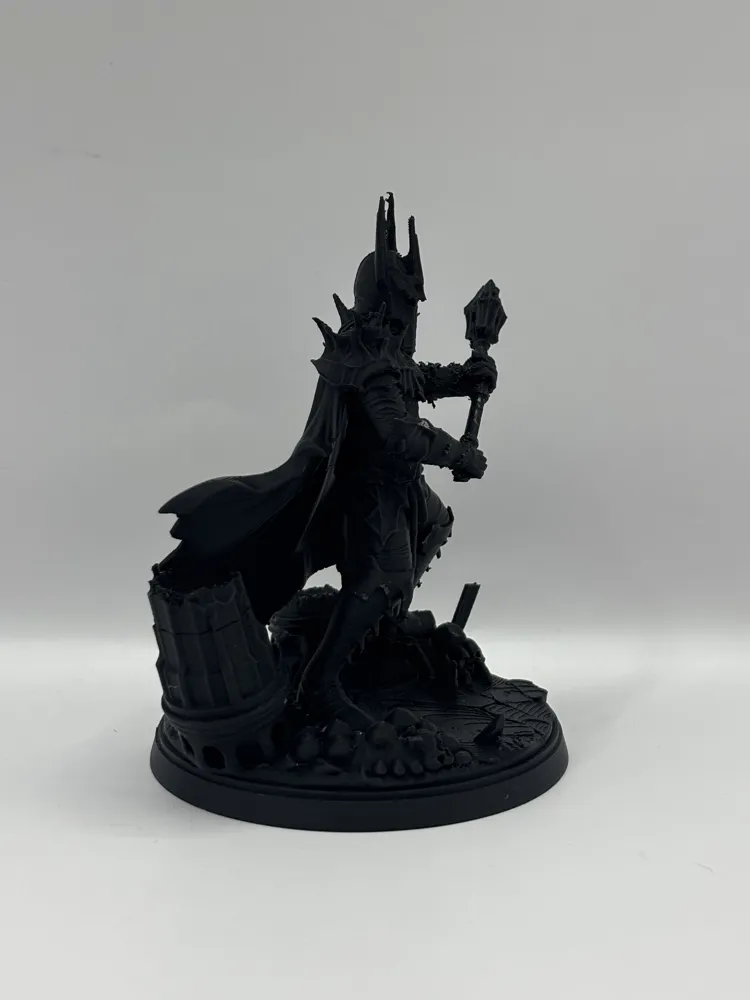
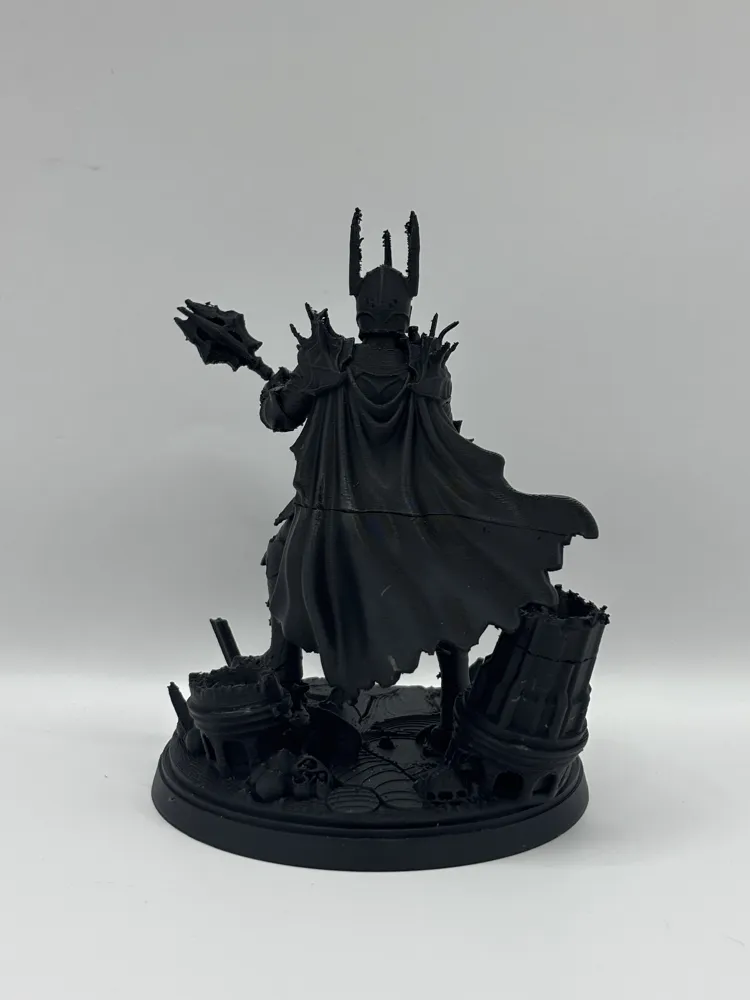
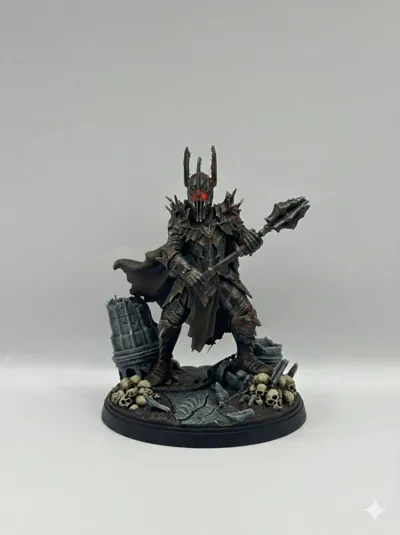
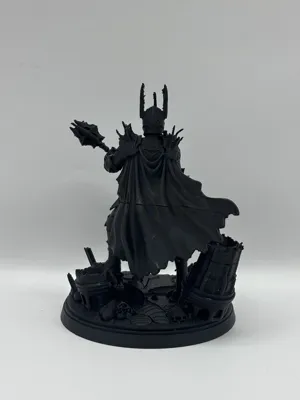
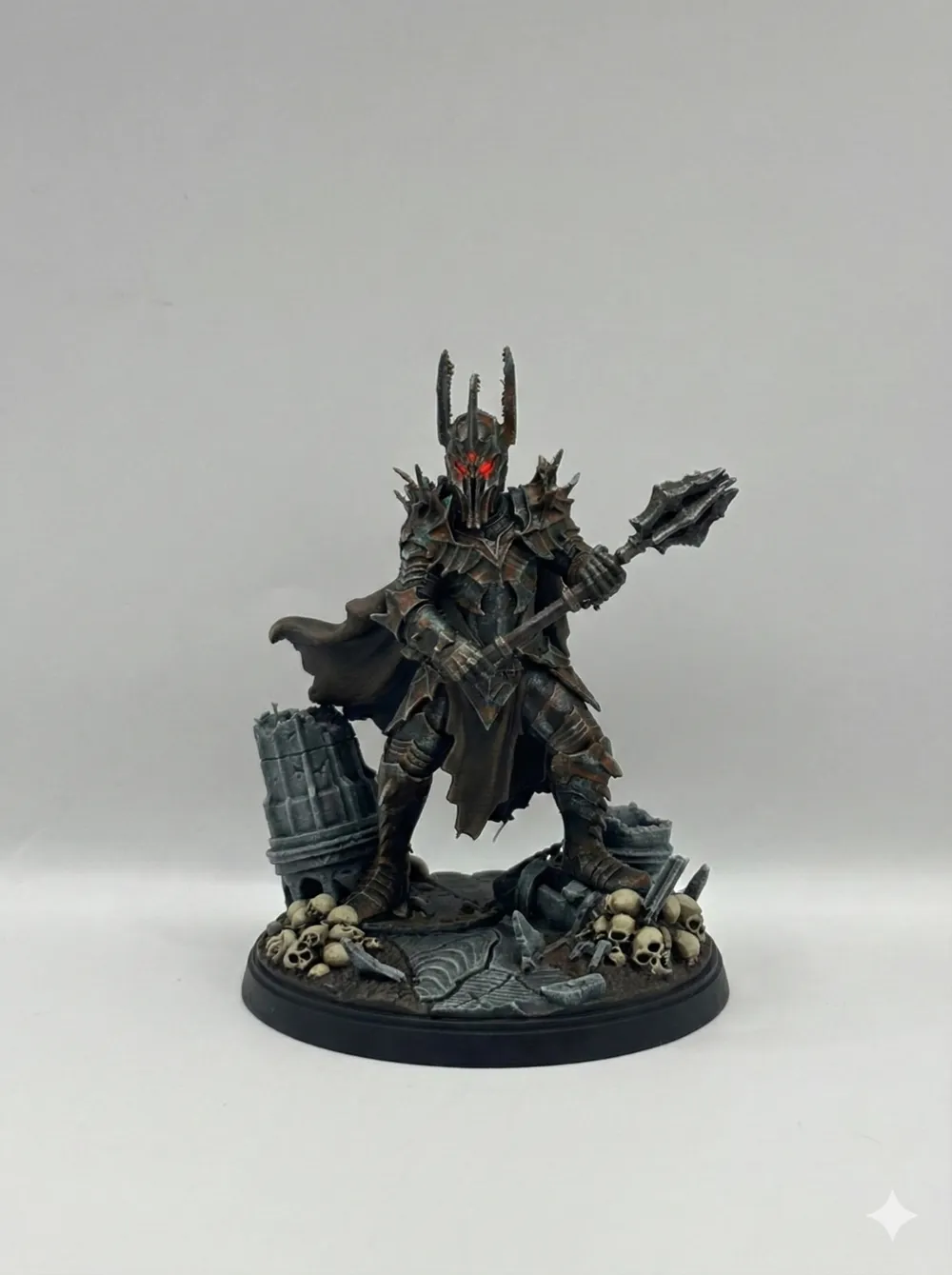
Behold the imposing 3D model of Sauron, the Dark Lord, in his dark iron armor ⚔️. 


Standing tall on a detailed base of skulls and ruin 💀, he wields his menacing mace against a fiery, volcanic Mordor landscape 🌋. His red eyes glow with malice under the towering Barad-dûr.


 A perfect fantasy collectible 🛡️.


Boost Me (for free)

Thanks for support!


Comment & Rating (17)

(0/1000)

I am so upset that I did not check the model properly before I started to print... It is just a piece of AI generated garbage, total waste of filament. Strongly do not recommend to print and waste your material and time with that... What are these supposed to be? Skulls? From Chernobyl or? And swords? Blade with 4 edges? You better delete this model...
The designer has replied
1
Reply
dude. my bio says I’m making ai generated models XD what do you wanted to find here instead? maybe stop wining like a little princess and make one on your own?
1
Reply
Unfortunately, no good supports on the cape
Show original
0
Reply
Super. print thank you
Show original
0
Reply
not on the first attempt, but it turned out to be printed)
0
Reply
Print Profile
0.16mm layer, 2 walls, 10% infill
Support Issue:This model has failed twice for me. Not enough supports. Really like the model but moving to another one.
The profile uploader has replied
1
Reply
couldn’t you just use your own support settings? mine and lots of other peoples printed fine, so maybe try to tune up you printer and filament settings? :)
(Edited)
2
Reply
I’m determined to get it to print. Once I get there I can update the rating. Rating as it stands is purely based on the file with no tweaks.
(Edited)
1
Reply
the file has poorly generated supports the layer start failed
Show original
0
Reply
Unfortunately, there are not enough supports, and if you adjust the support profiles, it takes just as long to remove the supports as it does to print them What a shame! I cannot recommend the model unfortunately =(
Show original
0
Reply
Print Profile
0.16mm layer, 2 walls, 10% infill
0
Reply
Print Profile
0.16mm layer, 2 walls, 10% infill
0
Reply
Print Profile
0.16mm layer, 2 walls, 10% infill
Support Issue:lack of supports on the cape, put it on your slicer and redo the support settings
0
Reply

License

This user content is licensed under a Standard Digital File License.

You shall not share, sub-license, sell, rent, host, transfer, or distribute in any way the digital or 3D printed versions of this object, nor any other derivative work of this object in its digital or physical format (including - but not limited to - remixes of this object, and hosting on other digital platforms). The objects may not be used without permission in any way whatsoever in which you charge money, or collect fees.