
Print Profile(14)


Description
📋 Changelog
v4.0 — Compound name support
- New: support for compound names (e.g. "Emma Rose") — add a second name and optionally a second big initial
- New parameters to control position, size, and font of the second name
- Automatic overlap detection between the two names, with configurable split across plates
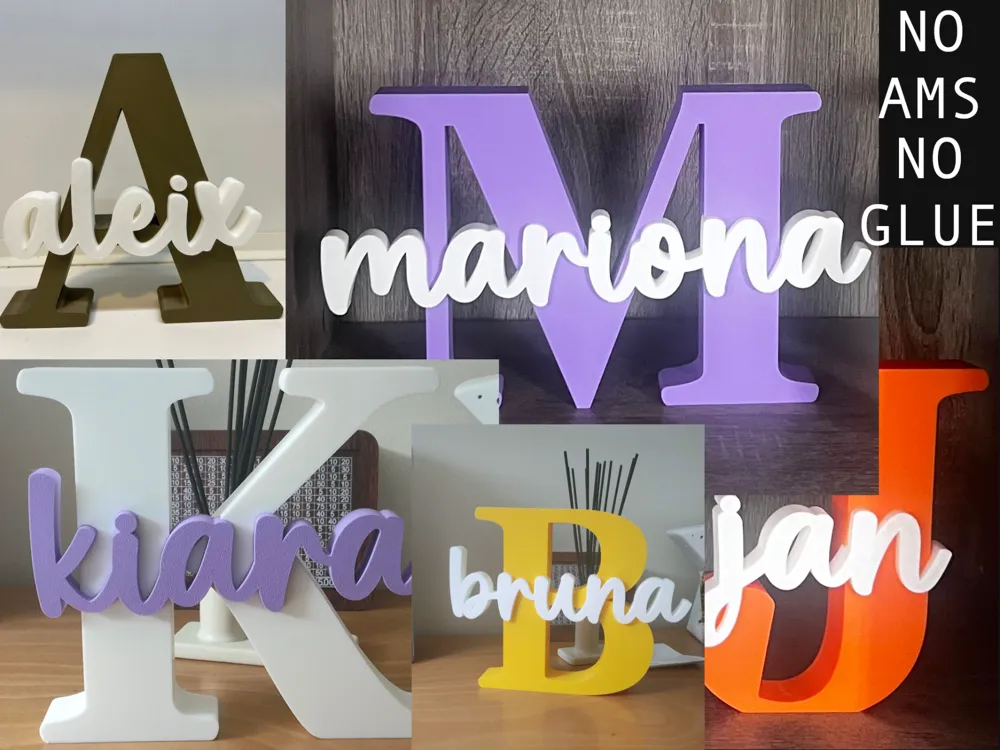
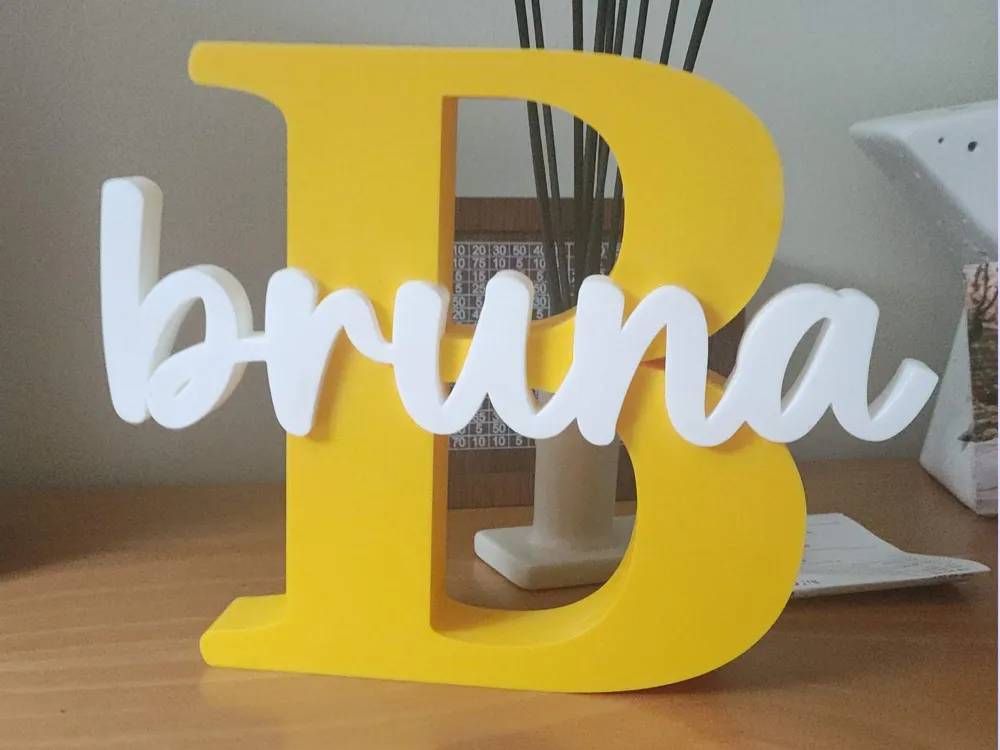
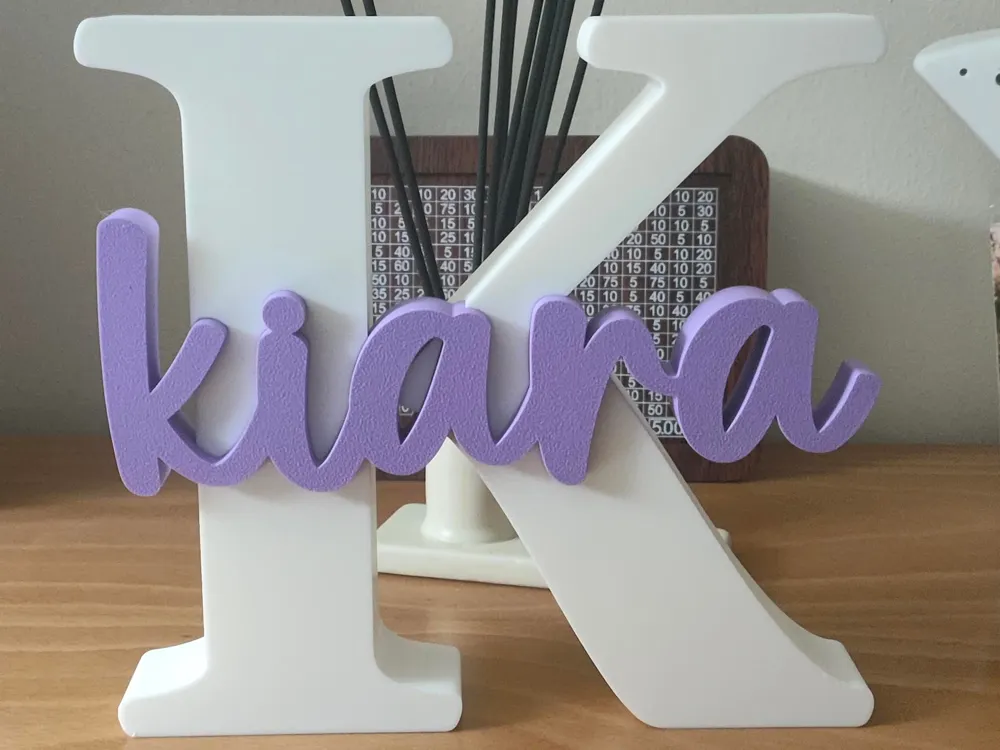
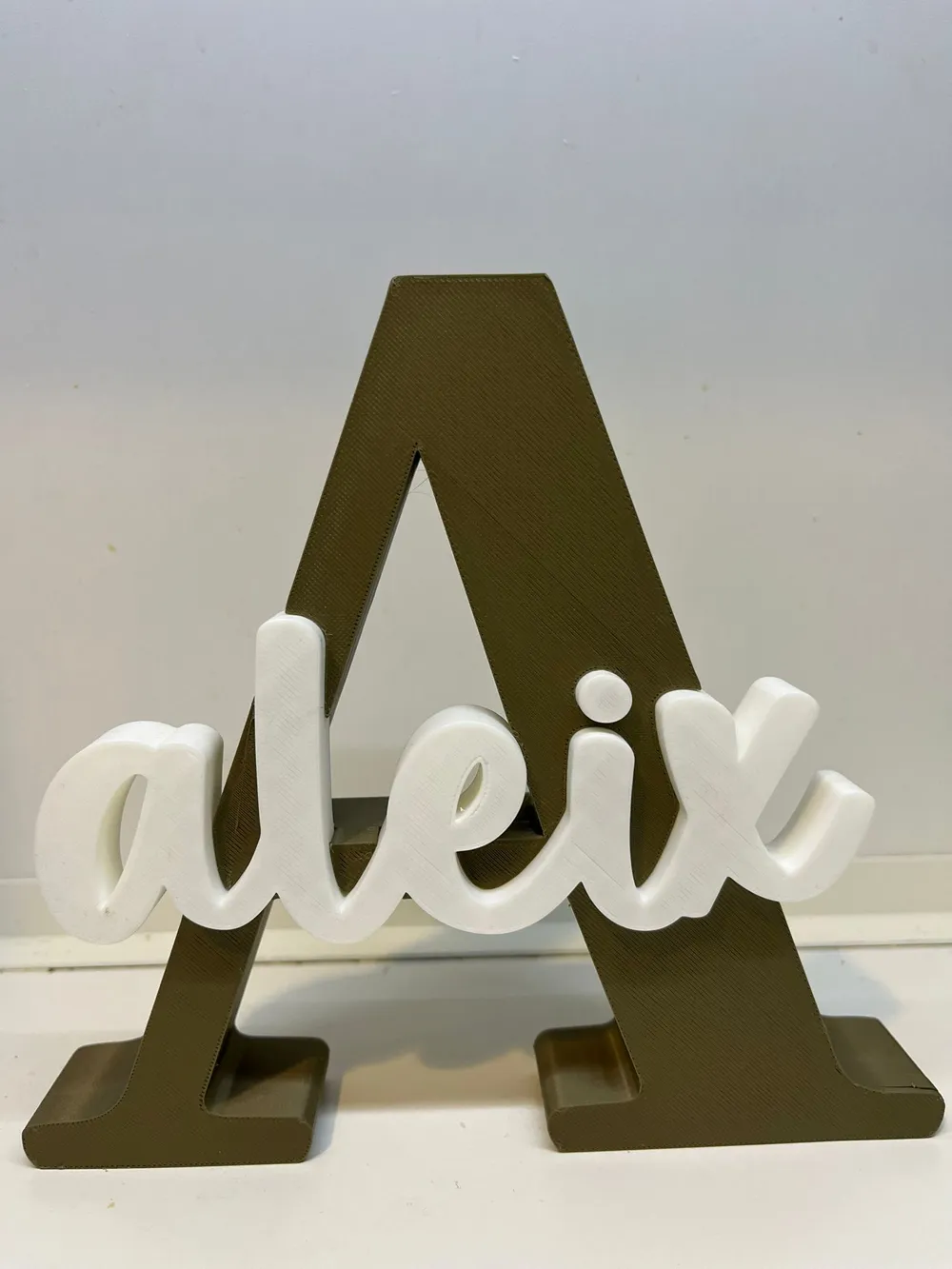
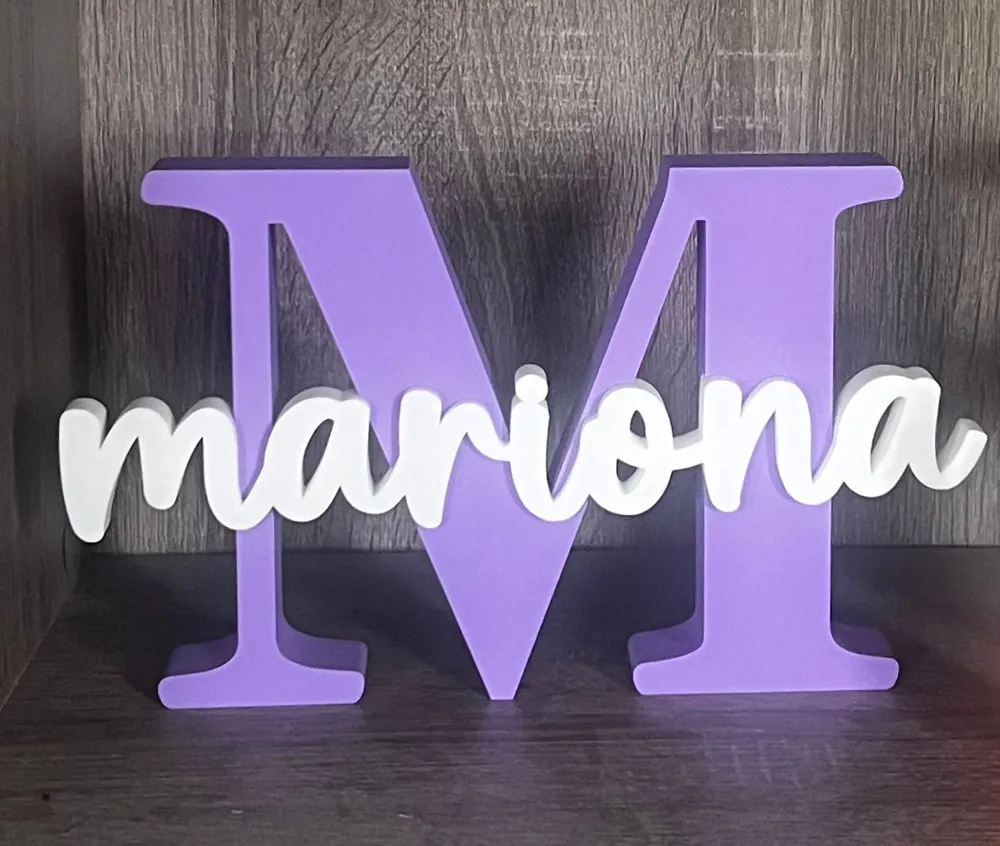
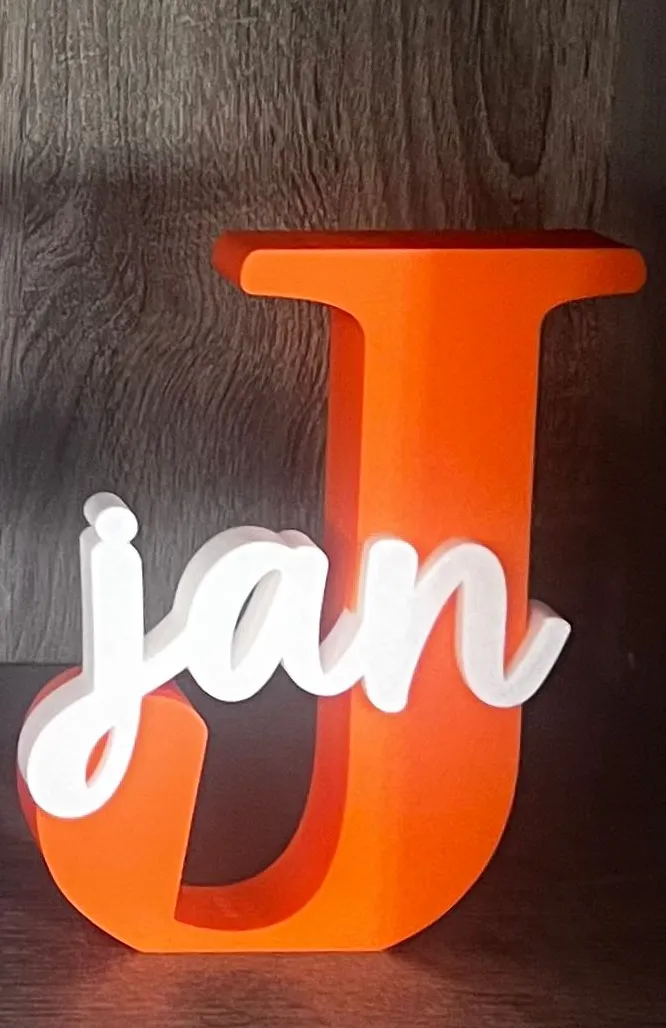
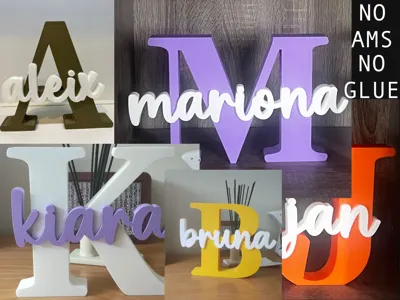
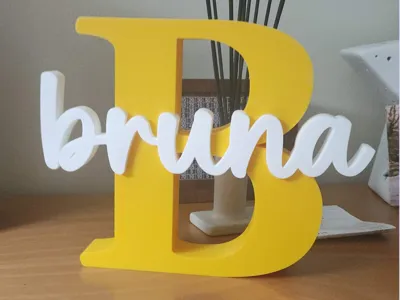
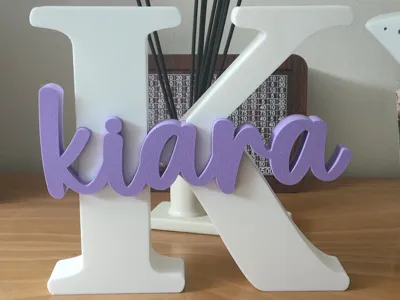
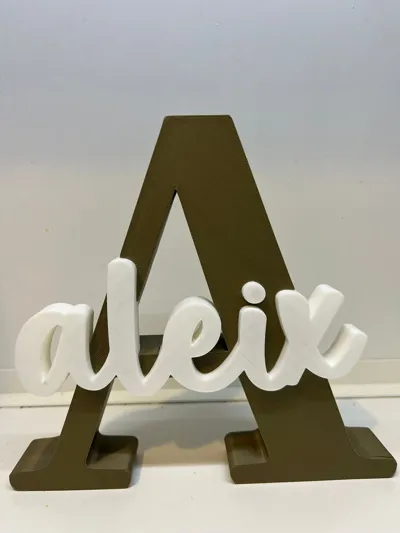
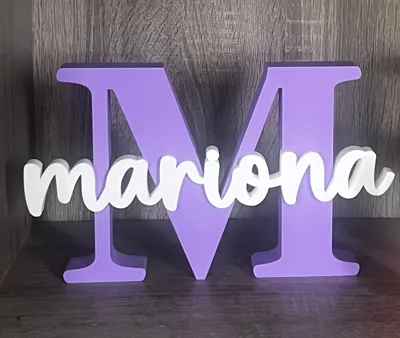
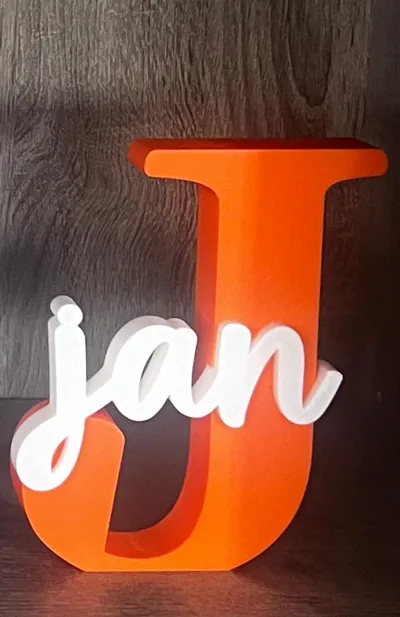
This model is a layered decorative name sign combining a large serif initial letter with a script-style name placed on top.
It’s designed as a clean, elegant, and easy-to-print personalized decor piece, perfect for nursery rooms, kids’ bedrooms, gifts, birthdays, or custom home decoration.
This model is the main hub of the Layered Initial + Name Sign collection.
You can:
- download an already available name,
- request a new name in the comments,
- or create it yourself instantly using the Parametric Model Maker.
No AMS required · No glue required (except optional dots) · Parametric
🔤 Ready-made names (recommended)
Many names are already published and organized alphabetically:
- A–D → https://makerworld.com/es/models/2112801-layered-initial-and-name-sign-a-d
- E–J → https://makerworld.com/es/models/2112720-layered-initial-and-name-sign-e-j
- K–M → https://makerworld.com/es/models/2112746-layered-initial-and-name-sign-k-m
- N–Z → https://makerworld.com/es/models/2112761-layered-initial-and-name-sign-n-z
👉 If your name is already there, this is the best option, as it uses my original manual workflow and typography.
✍️ Want me to personalize a name for you?
That’s totally fine — I’ll keep doing it.
If you don’t find your name in the alphabetical models, just write it in the comments and I’ll add it when possible.
⚙️ Instant DIY with Personalize (Parametric Model Maker)
If you prefer to create the name yourself (or want it instantly), click Personalize to open the model in Parametric Model Maker.
Why use the parametric version?
- No external software needed
- Instant STL generation
- Easy adjustments for tricky names
- Includes Plate 2 with optional dots for i and j
- New in v4.0: compound name support (e.g. "Emma Rose") with optional second big initial
- Perfect if you want to experiment or fine-tune placement
⚠️ Important:
Customization is done before downloading the STL, not in the slicer.
Printed a name you like?
Boost Me (for free)
If you enjoyed this model, please consider boosting the model
Your support helps me keep creating new names and improving the parametric model.
If you’d like to support my work further:

👫 Compound names (new in v4.0)
You can now add a second name to create compound name signs like "Emma Rose" or "Ana María".
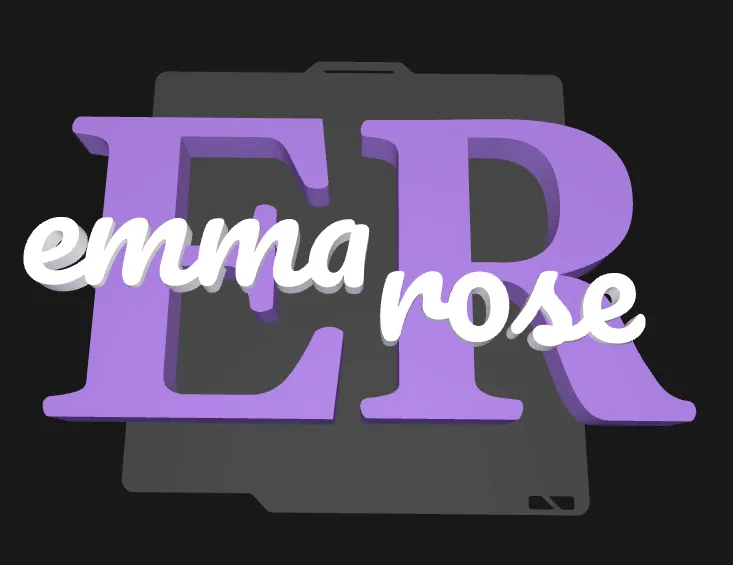
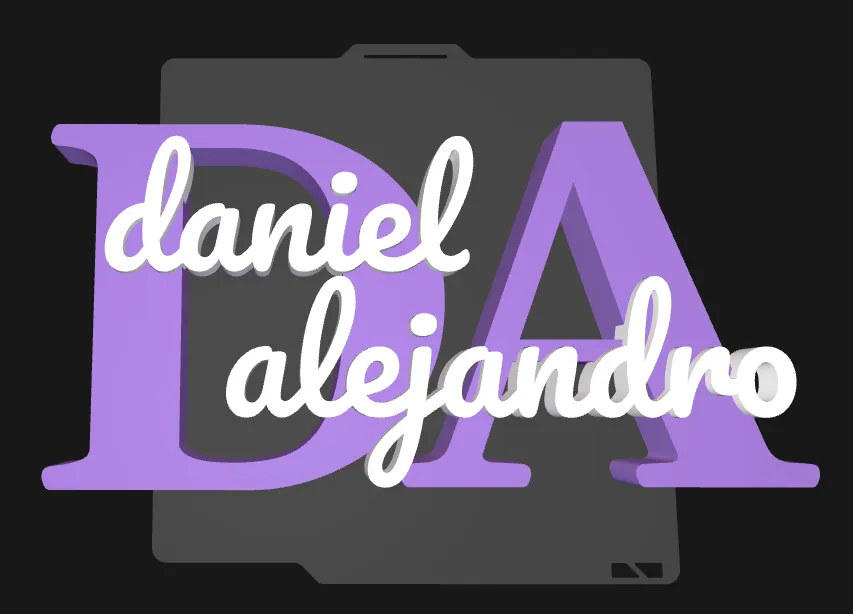
To enable it, set name2_active = true and fill in the name2 field. You can also show a second big initial alongside the first by enabling name2_show_Big_Initial.
The model handles everything automatically:
- If both names fit inside the initial, they share Plate 2
- If they overlap, the second name is automatically moved to Plate 4
- You can override this with name2_split_mode if needed
Note: Compound name support is only available in the parametric version. Ready-made names in the alphabetical models are single names only. If you need a compound name, use Personalize or request it in the comments.
🔤 Font note (parametric vs manual names)
- The parametric version uses the “Pacifico” font
- My manually created names use “Peanut Butter”
- They are very similar, but not identical
This is a limitation of Parametric Model Maker, which does not allow Peanut Butter.
If you want the exact same typography as the ready-made names, use the alphabetical models or request a name in the comments.
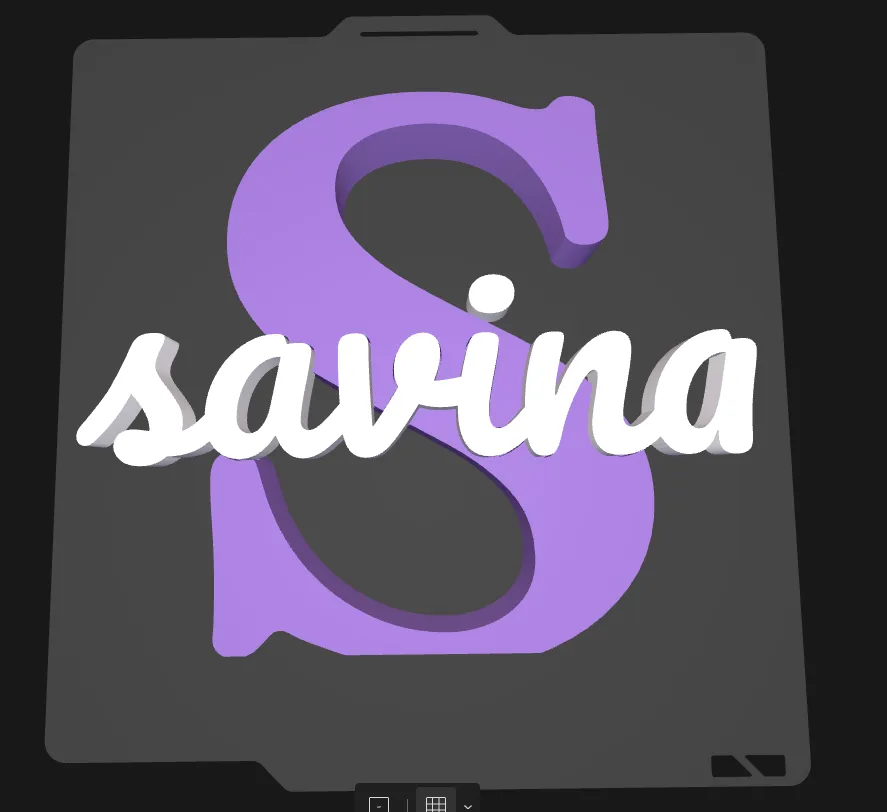
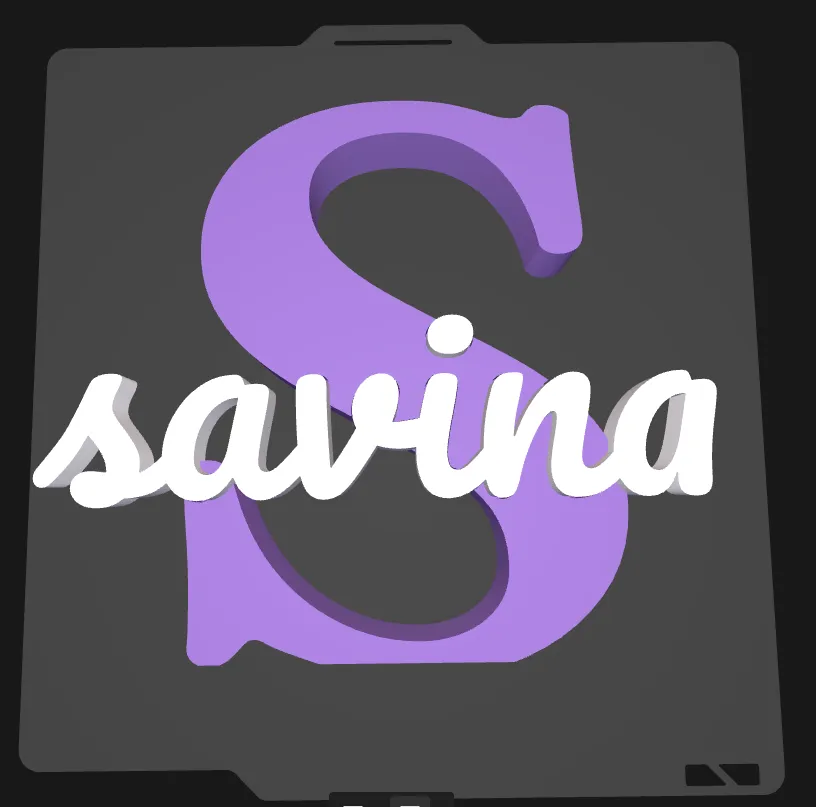
🔠 Dots on “i” and “j” – three possible approaches
Depending on placement, the dot on i or j may appear floating.
You can choose one of these three solutions:
1️⃣ Adjust the name position (recommended)
Move the name slightly left / right or up / down so the dot rests on the big initial.
- ✔ Cleanest solution
- ✔ No glue required
❌ Not always possible if it shifts the name too far off-center
→
2️⃣ Remove the dots
Use the name without dots on i and j.
- ✔ Simple and effective
- ✔ No glue required
✔ Works well visually in many names

3️⃣ Use the separate dots from Plate 2 (exception)
Plate 2 generates separate dots with a special shape designed for easy placement
- ✔ Best visual result when the dot must remain
- ⚠️ Requires a small drop of superglue
✔ Only case where glue is needed

⚙️ Parameters explained (Parametric Model Maker)
These are the actual parameters available in the OpenSCAD file:
Name style
| Parameter | Description |
|---|---|
| name_text_raw | The name to display. You can type it in any case — it will be automatically converted to lowercase (e.g. "EMMA" → "emma"). |
| name_size | Font size of the name in mm. Increase to make the name larger relative to the initial. Default: 60. |
| name_font_choice | Cursive font used for the name. Options: Pacifico (recommended), Playwrite NL, Playwrite ES, Playwrite DK Loopet. Same font used for second name (Optional) |
| name_offset_x | Moves the name left (−) or right (+) in mm. Use this to fine-tune its horizontal position inside the initial. Range: −200 to 200. |
| name_offset_y | Moves the name down (−) or up (+) in mm. Use this to fine-tune its vertical position. Range: −120 to 120. |
| name_rotate_z | Rotates the name slightly in degrees. Useful if you want a subtle tilt. Range: −20° to 20°. |
| name_thickness | Total thickness of the name insert piece in mm. Default: 15. Same thickness used for second name (Optional) |
Initial style
| Parameter | Description |
|---|---|
| capital_letter_size | Font size of the big initial in mm. This controls the overall size of the decoration. Default: 180. |
| capital_letter_thickness | Thickness (depth) of the initial piece in mm. The name insert sits recessed into this. Default: 30. |
| flat_base | If true, letters with a rounded bottom (C, G, J, O, S, U, V) get a flat cut at the base so they stand upright on a surface without rocking. Recommended: ON. |
Second name (optional)
| Parameter | Description |
|---|---|
| name2_active | Set to true to enable a second name (e.g. for compound names like "Emma Rose"). Default: OFF. |
| name2 | The text of the second name. Same rules apply as name_text_raw. |
| name2_size | Font size of the second name in mm. Default: 60. |
| name2_offset_x | Horizontal position of the second name in mm. Default: 170 (placed to the right of the first name). |
| name2_offset_y | Vertical position of the second name in mm. Default: −30. |
| name2_rotate_Z | Rotation of the second name in degrees. Range: −20° to 20°. |
| name2_split_mode | Controls how the two names are distributed across print plates: auto = the model detects overlap and decides automatically; force_plate4 = always print the second name on Plate 4 (separate plate); force_plate2 = always keep both names on Plate 2 (same plate). |
Second initial (optional)
| Parameter | Description |
|---|---|
| name2_show_Big_Initial | Set to true to add a second big initial (Plate 3) next to the first one. Only works when name2_active is also ON. Default: OFF. |
| name2_initial_gap | Edge-to-edge spacing between the two big initials in mm. 0 = touching, negative = overlapping, positive = visible gap. Default: 30. |
Keep first capital (Not recommended)
| Parameter | Description |
|---|---|
| keep_first_capital | If true, the first letter of the name stays capitalized instead of being lowercased. This can cause the capital letter to disconnect visually from the rest of the cursive name in some fonts. Not recommended. |
| keep_first_capital_name2 | Same as above but for the second name. Not recommended. |
| alternative_font | Switches to the font Meddon (a different cursive), which starts with a lowercase connector. Use this if the first capital letter appears disconnected from the name in the default font. |
Fit & assembly
| Parameter | Description |
|---|---|
| clearance_xy | Extra gap in mm applied in X and Y between the pocket and the insert, so the name piece fits in smoothly. The pocket grows and the insert shrinks by this value. Start with 0.10 mm and increase slightly if the fit is too tight. Range: 0 to 0.6 mm. |
| name_protrude_front | How many mm the name insert sticks out in front of the initial surface. 5 mm means the name is proud of the initial face by 5 mm. Range: 0 to 10 mm. |
🖨️ Printing & assembly
- No AMS required
- No glue required for normal assembly
- Parts fit and rest together naturally
- Prints flat on the build plate
- Ideal for manual color changes
- PLA recommended
❤️ Final note
If you’re not sure which option to choose:
- alphabetical model
- comment-based personalization
- or parametric customization
👉 Just ask. I’m always happy to help.
And if you print one, photos and boosts are always appreciated 😊
Membership
A lot of you have asked about selling prints of my models. If you want to use my designs commercially, just sign up for the commercial license membership — you can click this box to subscribe directly.
License

You may create derivative works based on this object, provided that all such derivative works are published exclusively on the MakerWorld platform and include proper attribution to the original creator. You may not share, upload, host, distribute, or publish this object—or any derivative work of this object—on any other digital platform, marketplace, or distribution channel. Commercial use of this object and any derivative works is strictly prohibited. This includes, but is not limited to, selling, renting, sublicensing, or using the object in any context in which you receive monetary compensation or other financial benefits.


Comment & Rating (1763)