
P2S - Mid Side Spool Holder
Print Profile(1)

Description
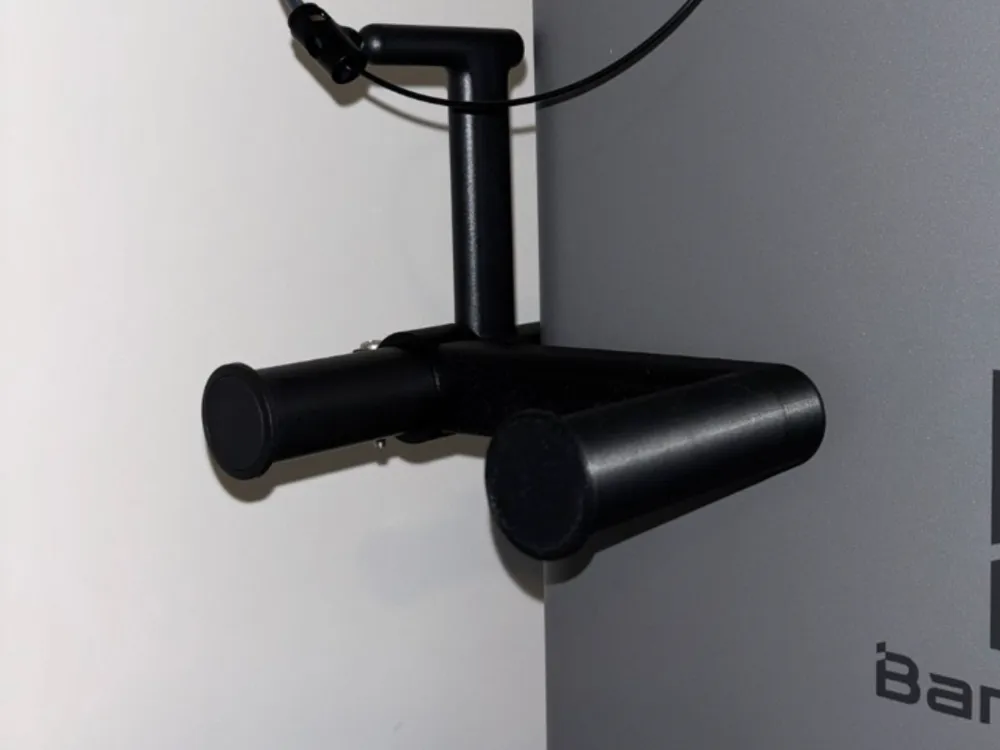
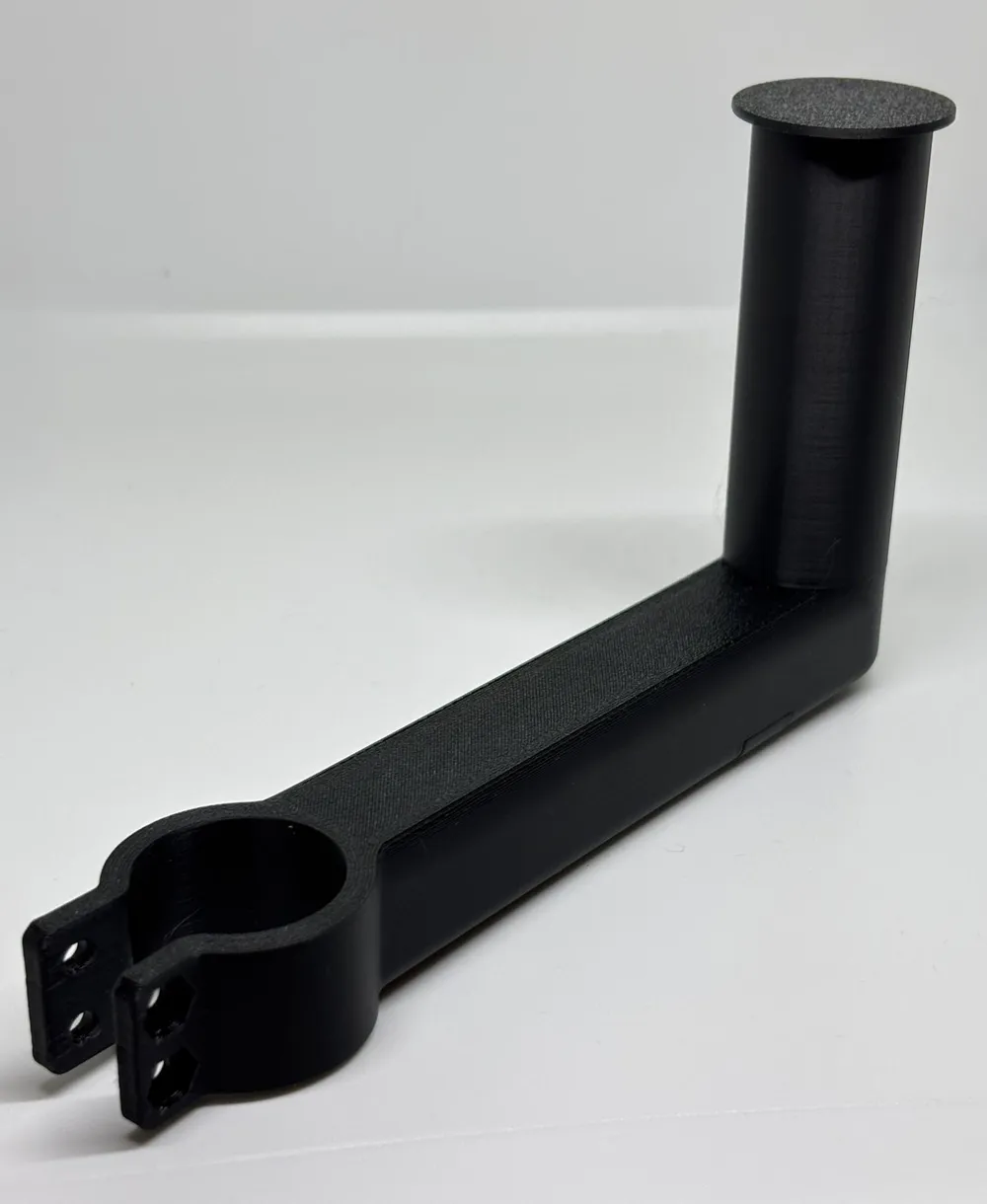
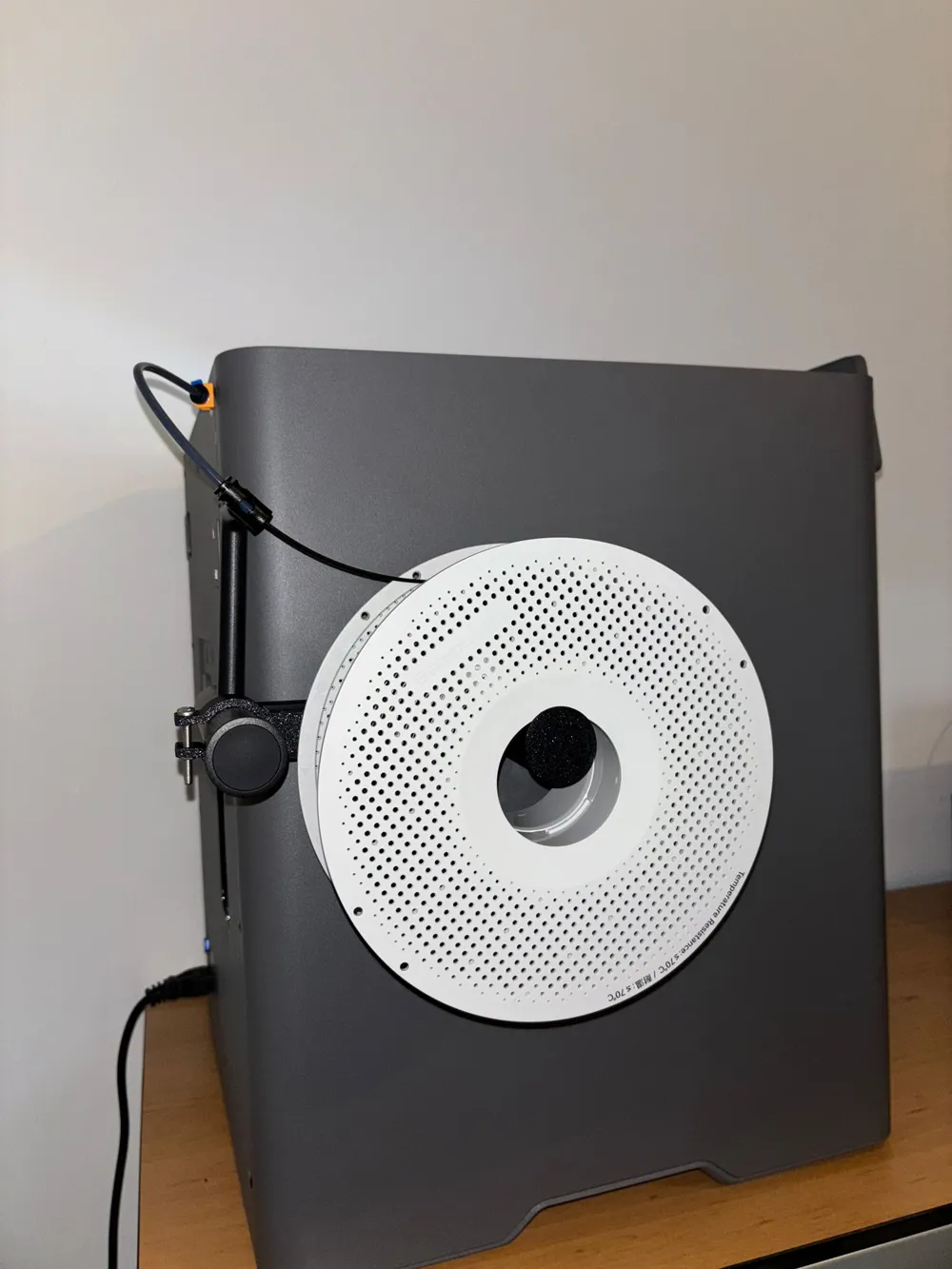
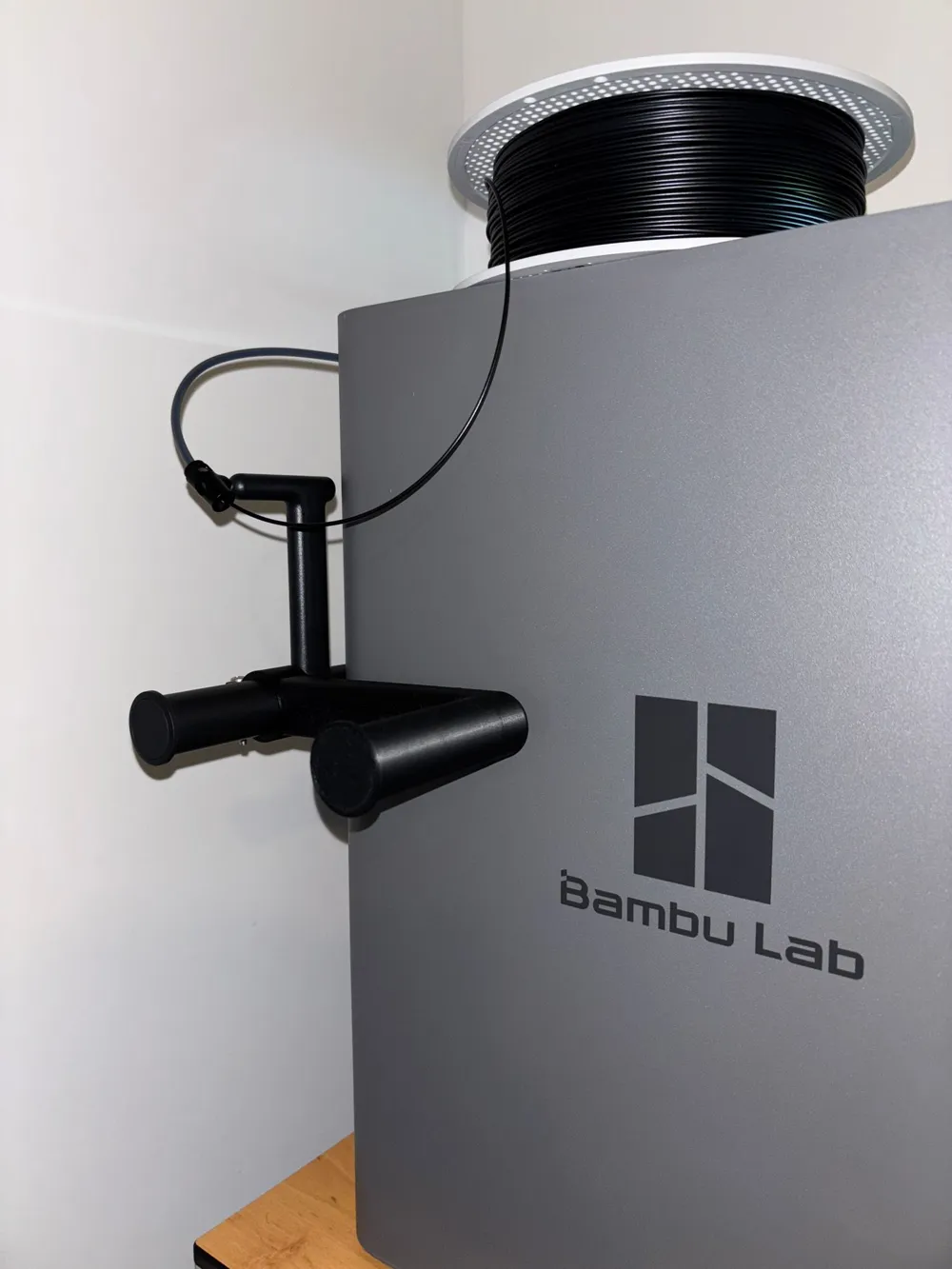
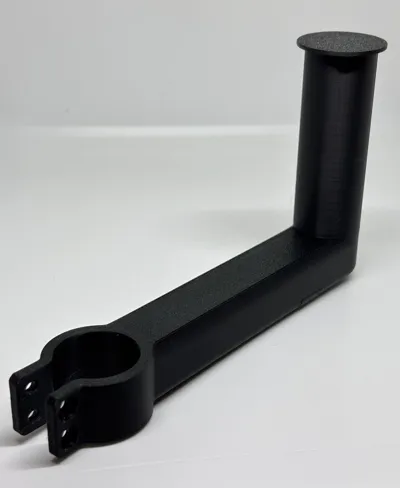
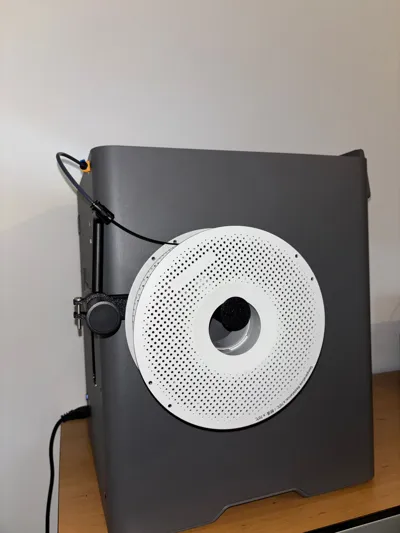
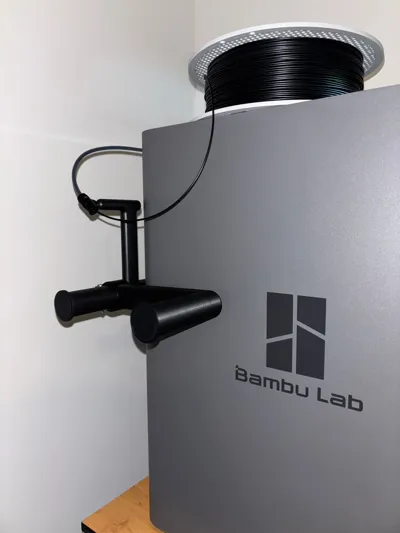
I wanted to place my P2S as close as possible to the wall. The external spool holder was limiting the distance. By adding the mid side spool holder I was able to use the external spool holder and place the P2S close to the wall.
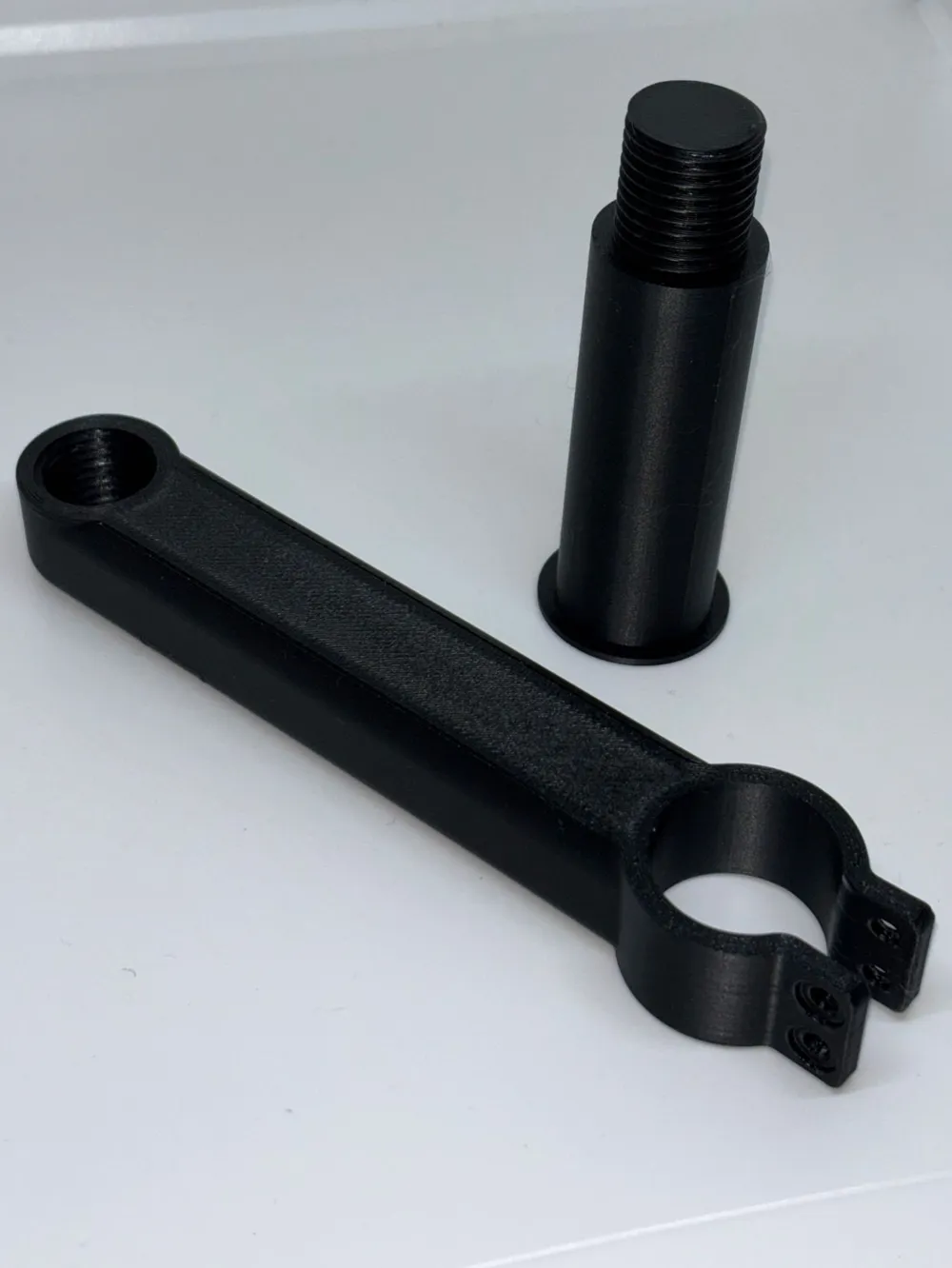
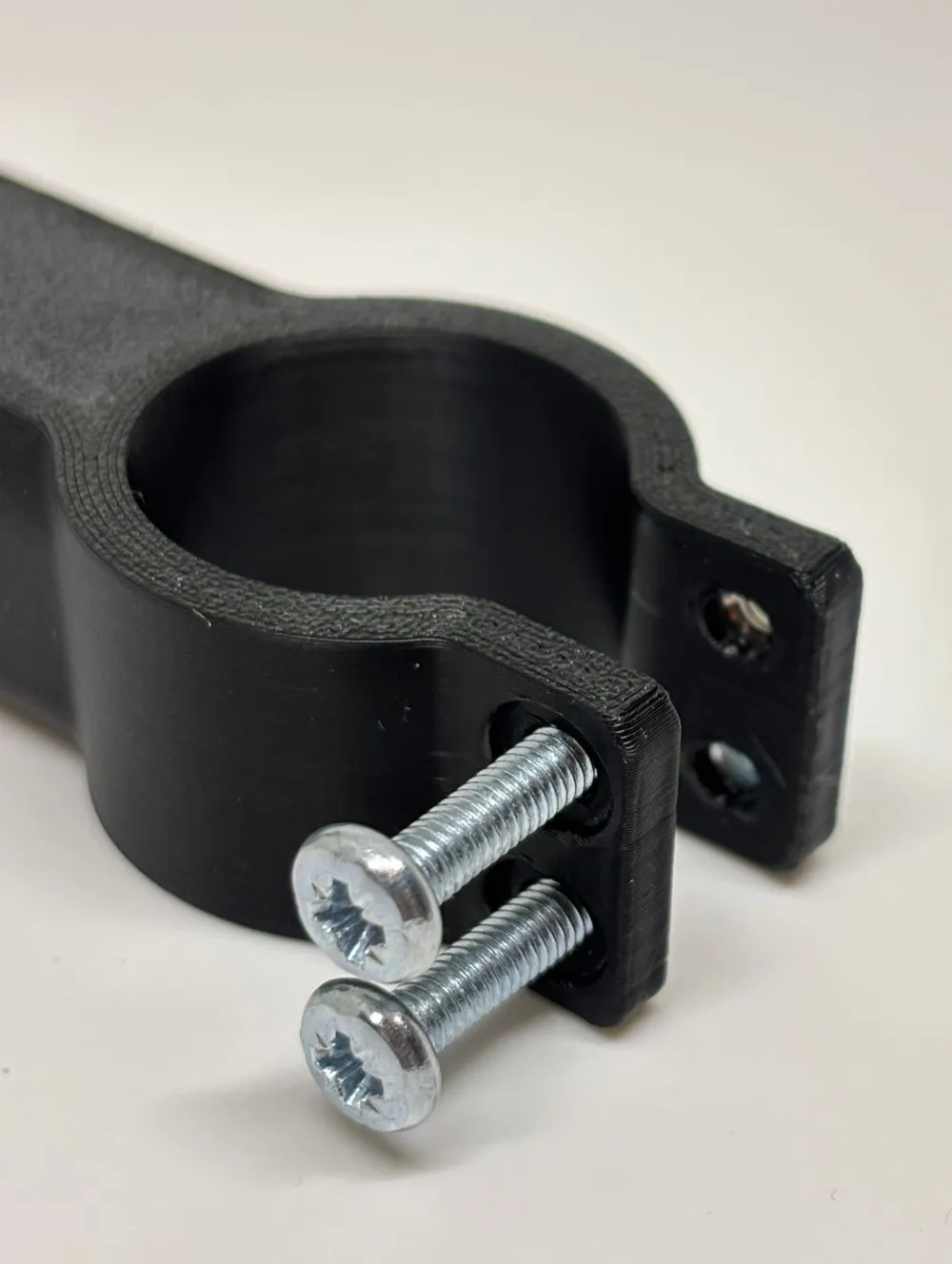
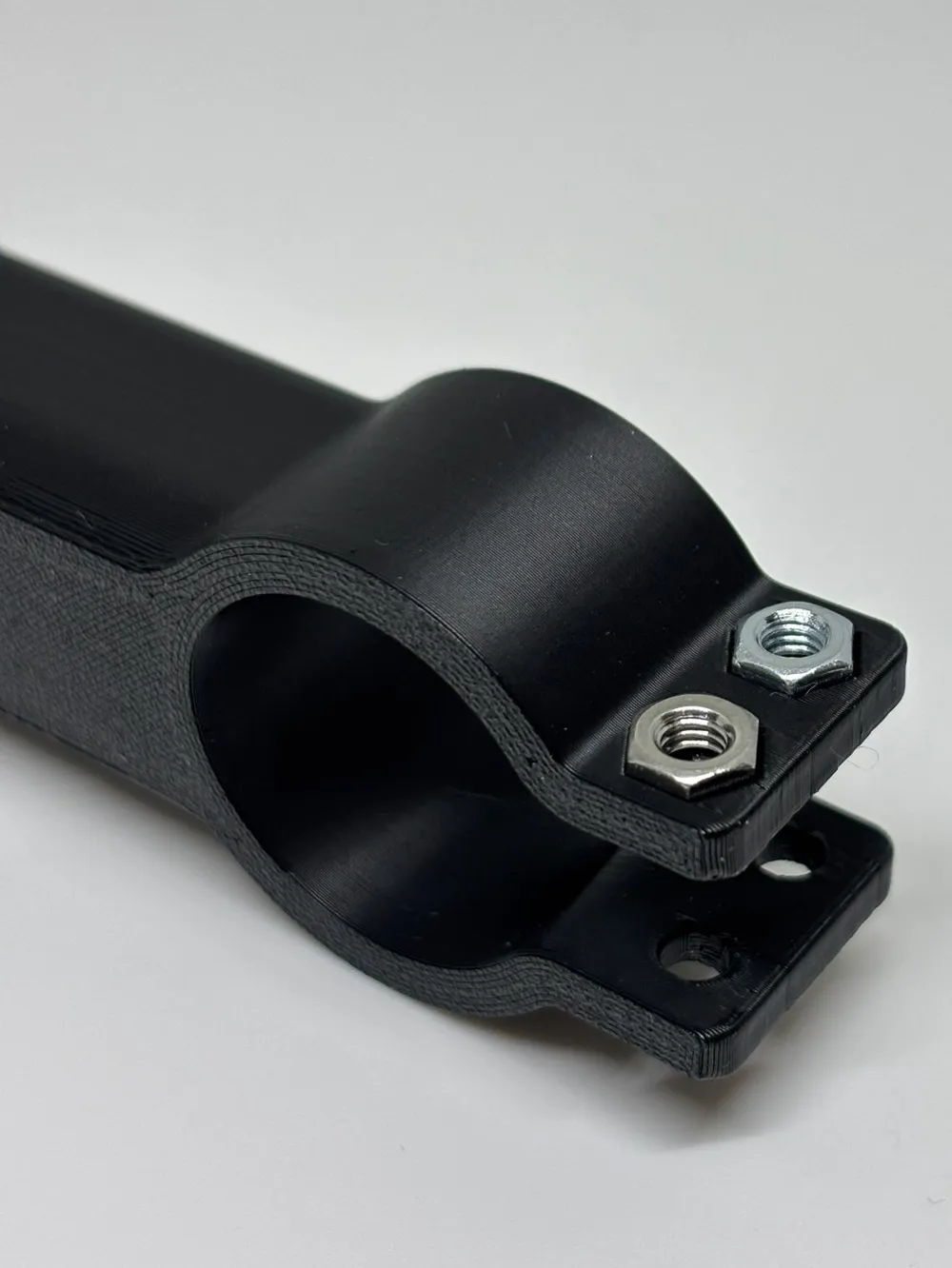
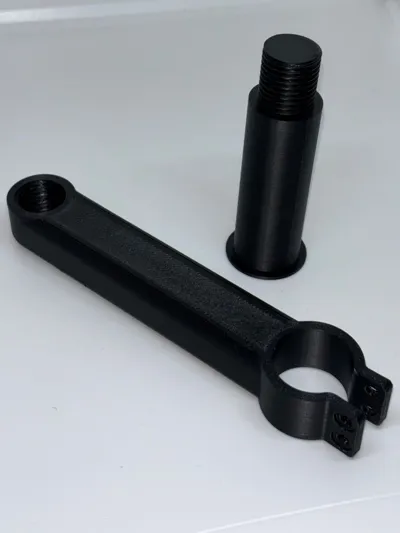
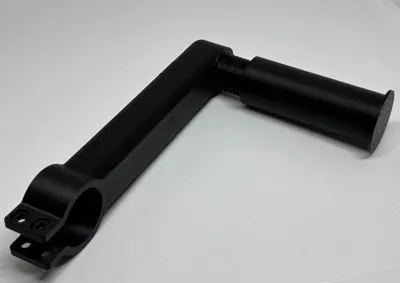
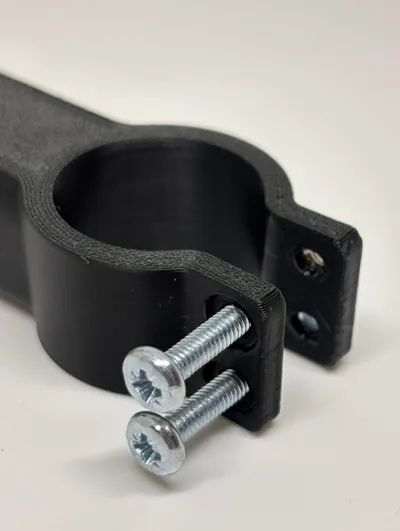
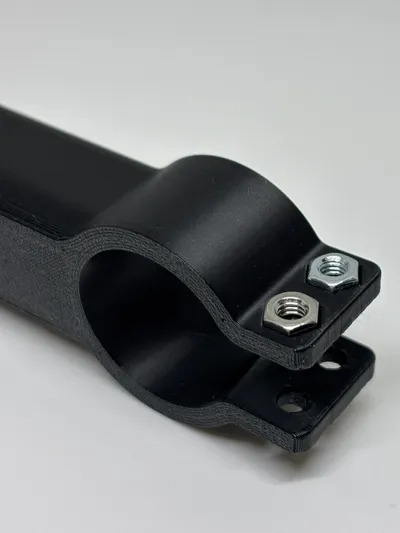
Add after printing 2x M4 x 20 mm machine screws (ISO 7045) and 2x M4 nuts (ISO 4035).
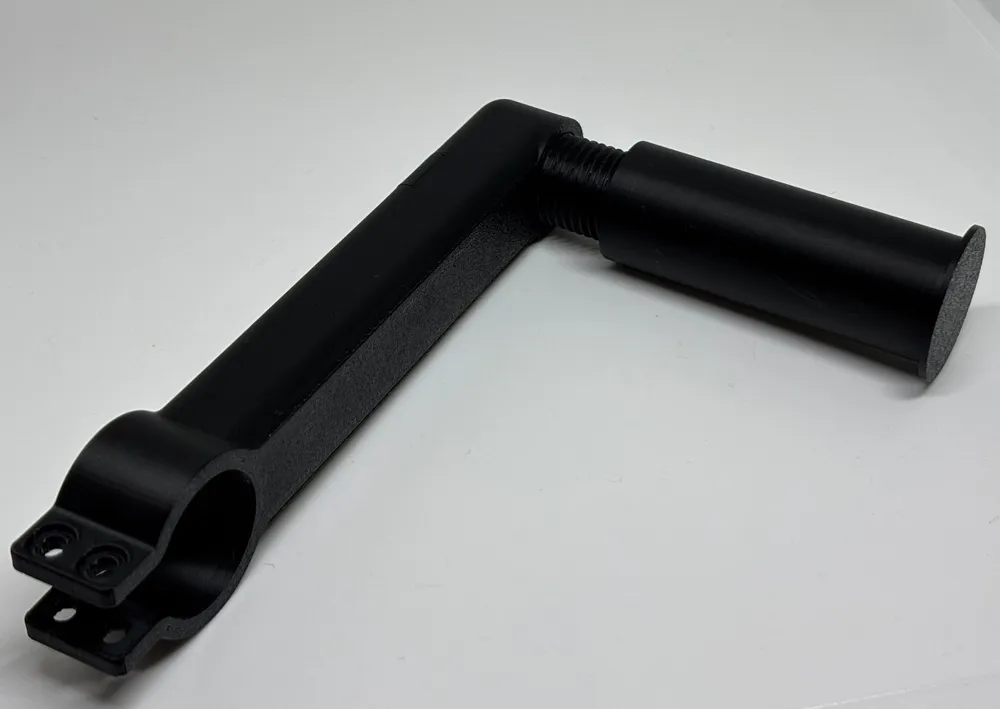
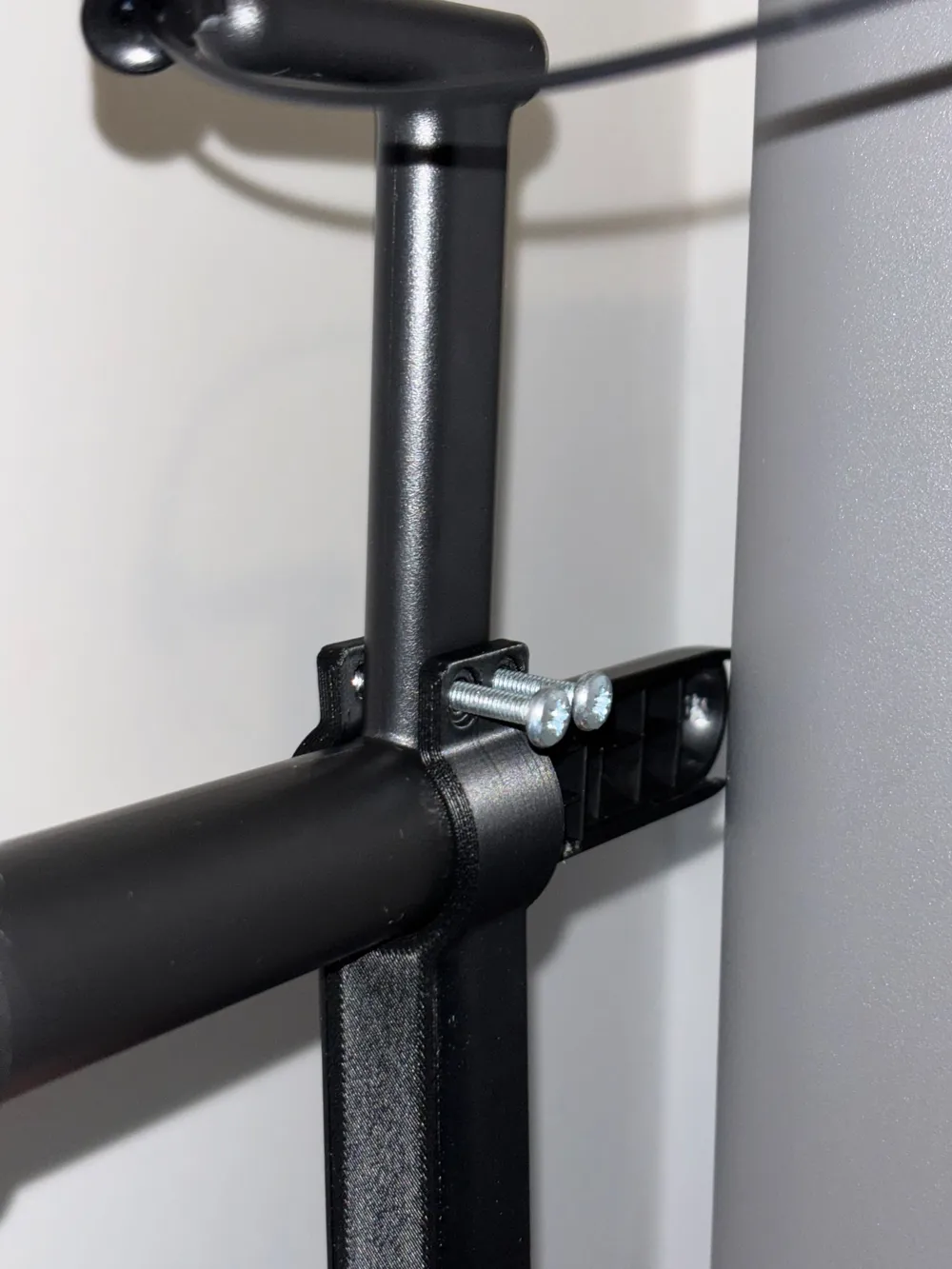
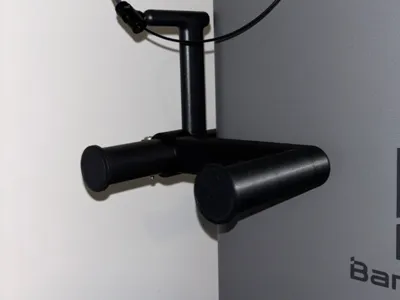
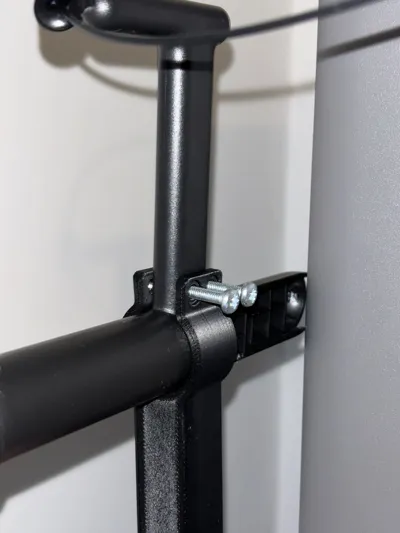
For assembly you can disconnect the existing spool holder. Slide the Mid Side spool holder passed the arm and place the existing holder back in place on the printer. Now place the mid side spool holder and place it he correct (horizontal) position. Tighten the screws and place a spool. Place your P2S to the wall and you're ready to print.
License

You shall not share, sub-license, sell, rent, host, transfer, or distribute in any way the digital or 3D printed versions of this object, nor any other derivative work of this object in its digital or physical format (including - but not limited to - remixes of this object, and hosting on other digital platforms). The objects may not be used without permission in any way whatsoever in which you charge money, or collect fees.


Comment & Rating (5)