
Bose qc20 quietcomfort 20 enclosure
Print Profile(1)
Description
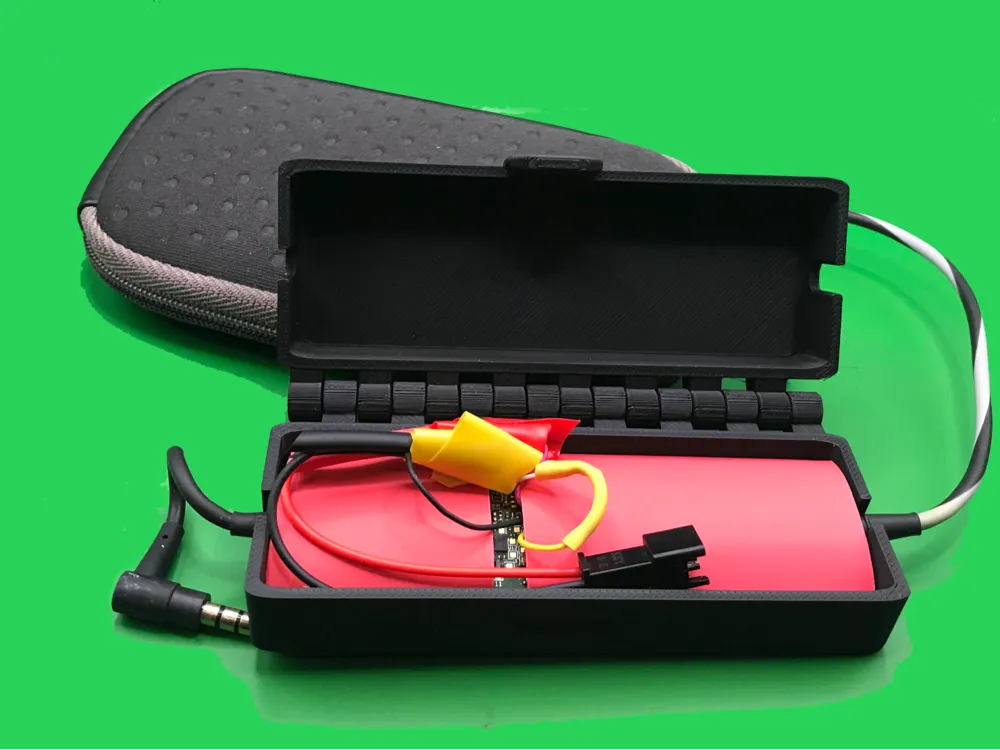
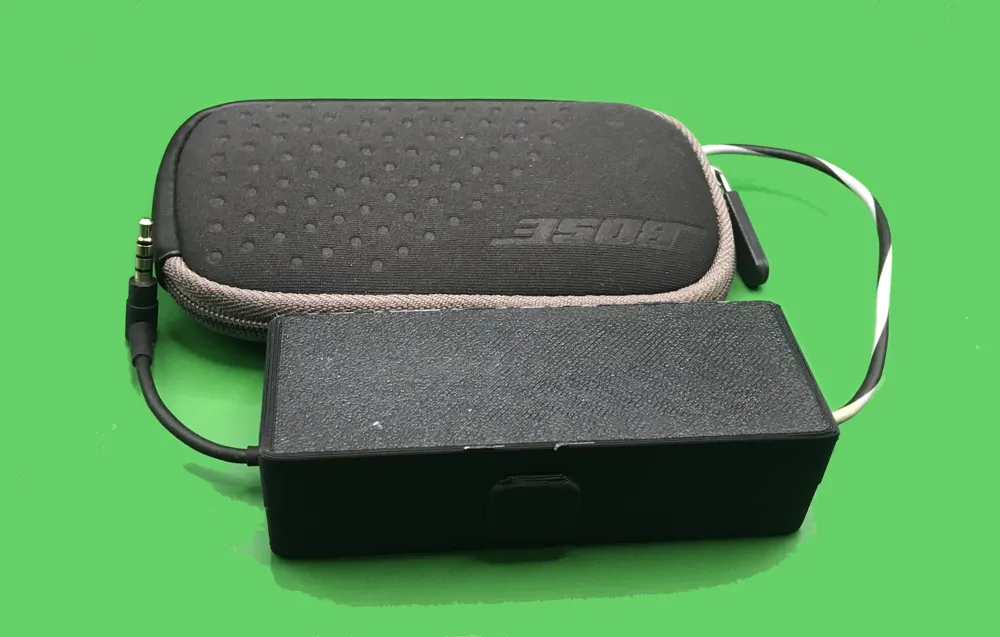
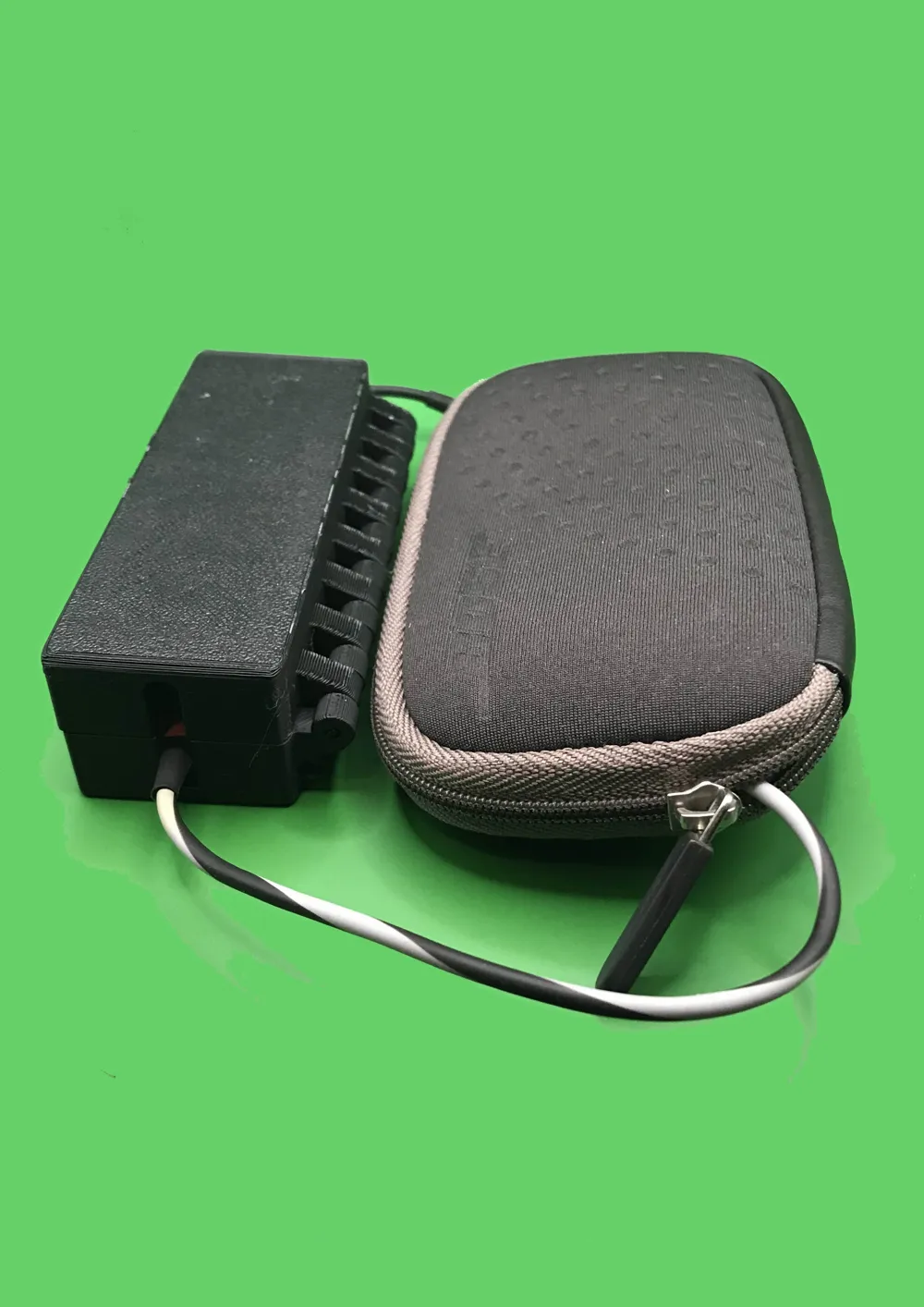
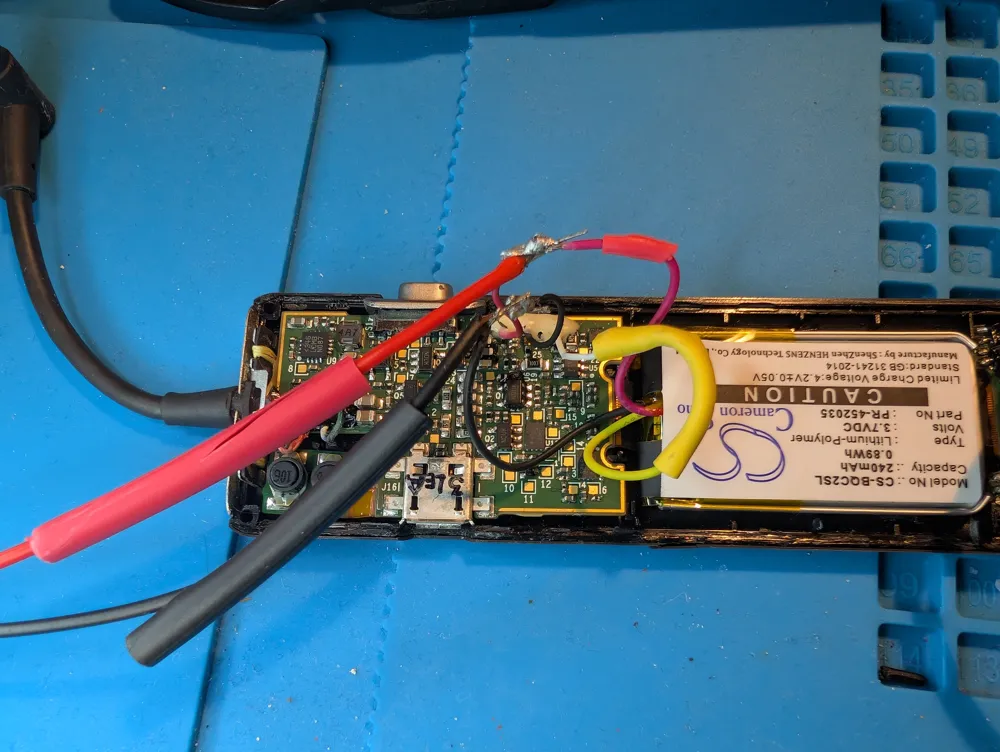
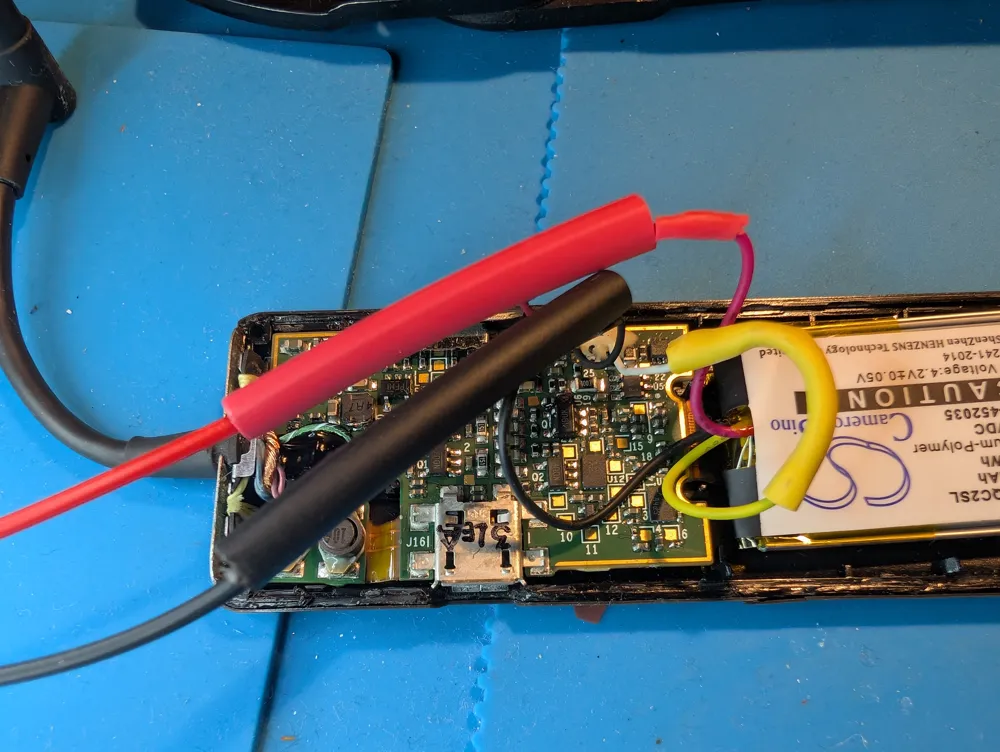
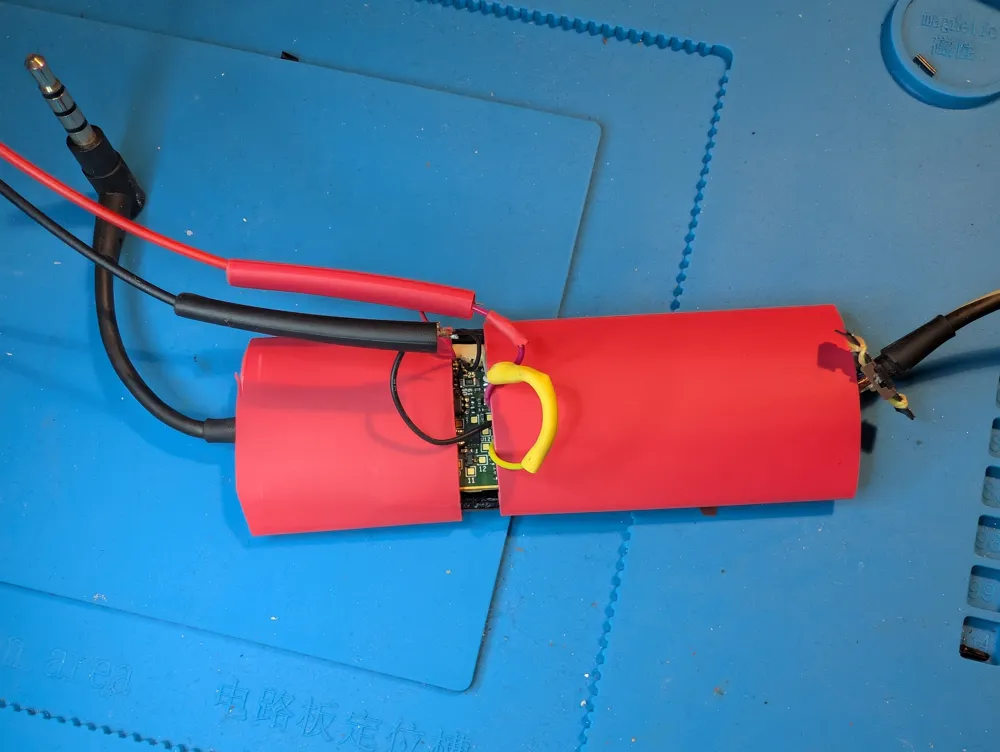
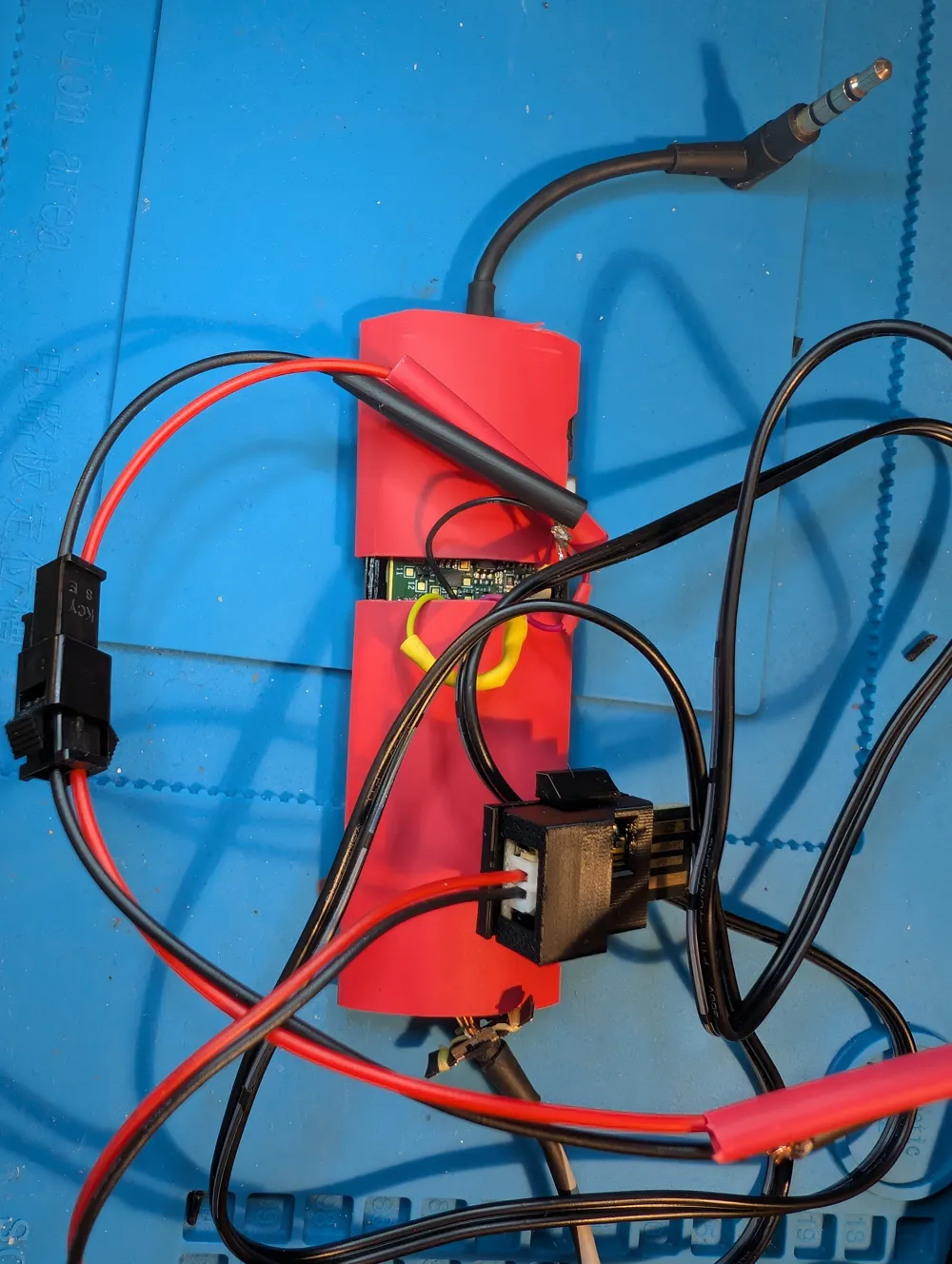
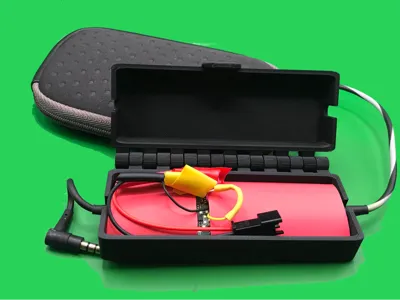
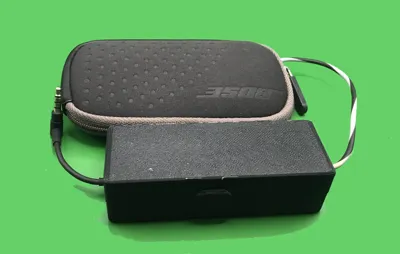
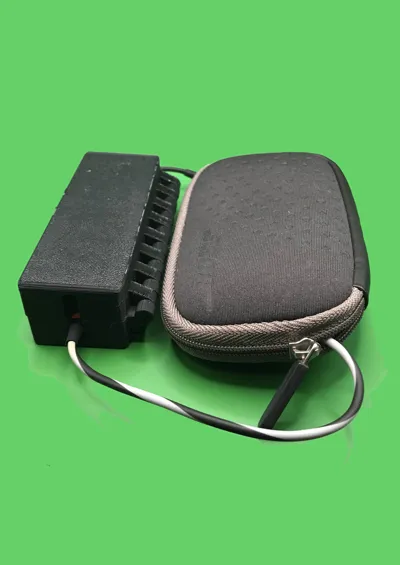
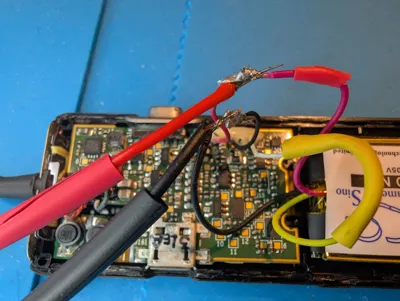
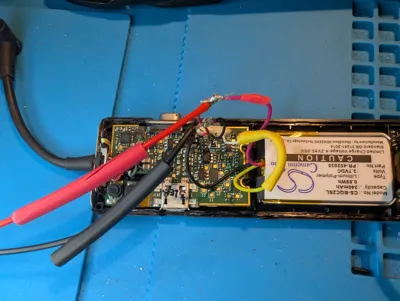
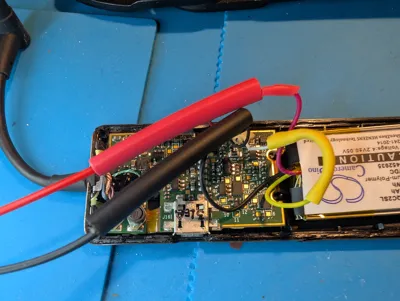
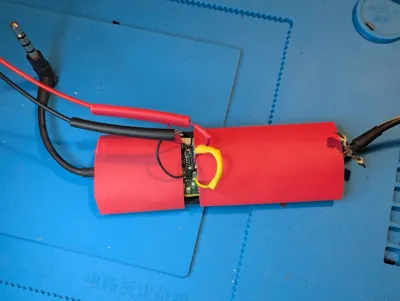
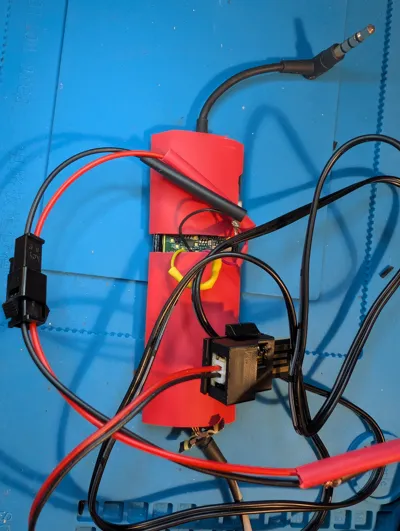
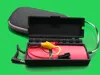
This is a box I made to keep my Bose QC20 in. I had replaced the battery, and I didn't manage to cut the case open neatly, AND I did a different fix than the standard ones. It got a bit messy, and I'm not a pro at soldering. So I decided to cover the whole thing in heat shrink tubing, and adding a box that has space for the charging port as well. The box is a bit rough, and I had glue on the bed. I have added supports, though the designer of the hinges said that wasn't necessary. But they're much farther from the bed on this box, so better use supports. I think? I'm also going to use a pouch to keep the box and original pouch in, just in case the snap comes loose.
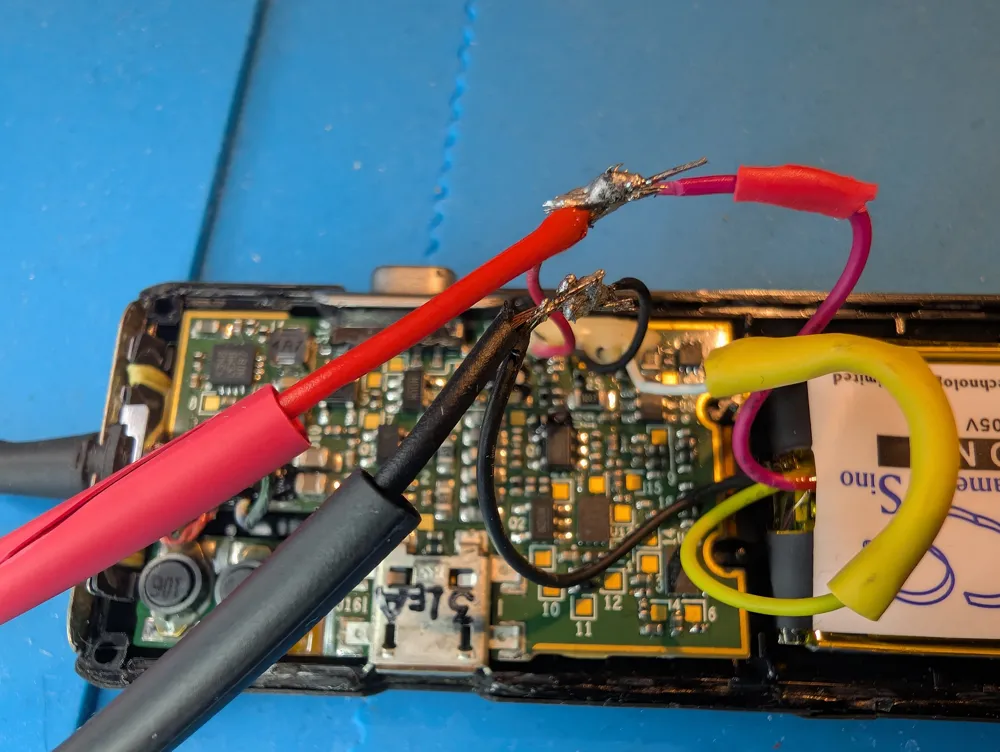
I meant to use a lipo charger and use the existing USB port on the unit to charge, but that didn't work. Bose has done their best to block us from replacing the batteries on these. If I'd done exactly as they told me (remove the bit from the original battery and solder - actually spot weld - it on to the new, AND match the charge level of the old and new battery exactly), it might have worked. But I figured I would do it a simpler way. I would solder the plus and minus cables from the lipo charger onto the point where I had soldered the new battery on to the cables used by the old battery, thus bypassing the blocking hardware. Getting those original cables stripped is hard, BTW, and if you're good at soldering, replace those instead. That's the most difficult part of the whole process. This is a messier (see how messy the soldering is), but much easier process than the original process, and I think it could easily be done even by soldering newbies (which is what I am). I haven't run a full cycle on the new battery, but the battery light was blinking before, and doesn't now after charging. BTW, it charges so slowly with the setting on the charger, that you may want to make sure it charges.
I used this charger: https://www.adafruit.com/product/1304
At this point there's a new one that would be better suited, and I would have used a USB version instead. Make sure to choose one that does very slow charging: https://www.adafruit.com/category/575?srsltid=AfmBOoqZau2zky1hLwRBgOsL9dmxRcJDOKzbdyG0nQ-YH16fBcsTlB3S
I used this enclosure for the plug end of the lipo charger: https://www.printables.com/model/15989-case-for-adafruit-micro-lipo-usb-liionlipoly-charg
I also bought a set of cable contacts for two leads (see photos, though I'm sure there are better choices on Amazon), and soldered one end to the solder points at the battery and another to the lipo charger. i have three sets of QC20. My original one that failed sufficiently it needed the battery replacement, and two second hand ones with batteries that still work well enough I can get through a whole long haul flight without charging them in the air. But they will eventually need new batteries as well, so I got cables for them too.
I used the hinges (a bit resized) from this Tinkercad project: https://www.tinkercad.com/things/fIw5rEbveFt-hinged-box-print-in-place-jewelry-box
License

You may create derivative works based on this object, provided that all such derivative works are published exclusively on the MakerWorld platform and include proper attribution to the original creator. You may not share, upload, host, distribute, or publish this object—or any derivative work of this object—on any other digital platform, marketplace, or distribution channel. Commercial use of this object and any derivative works is strictly prohibited. This includes, but is not limited to, selling, renting, sublicensing, or using the object in any context in which you receive monetary compensation or other financial benefits.


Comment & Rating (1)