
Laguna Seca
Print Profile(3)






Description
Please Read Before Printing
Before starting your print, make sure to read the Model Notes section and always check the profile description and photos for each setup. Profiles differ in visual detail depending on printer and nozzle size.
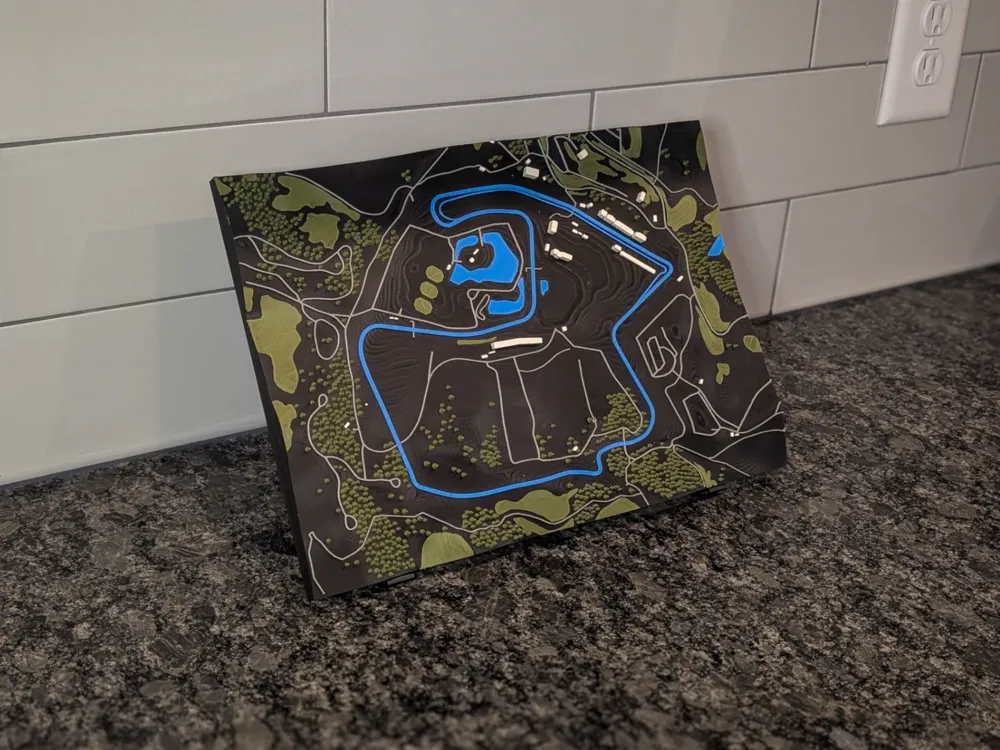
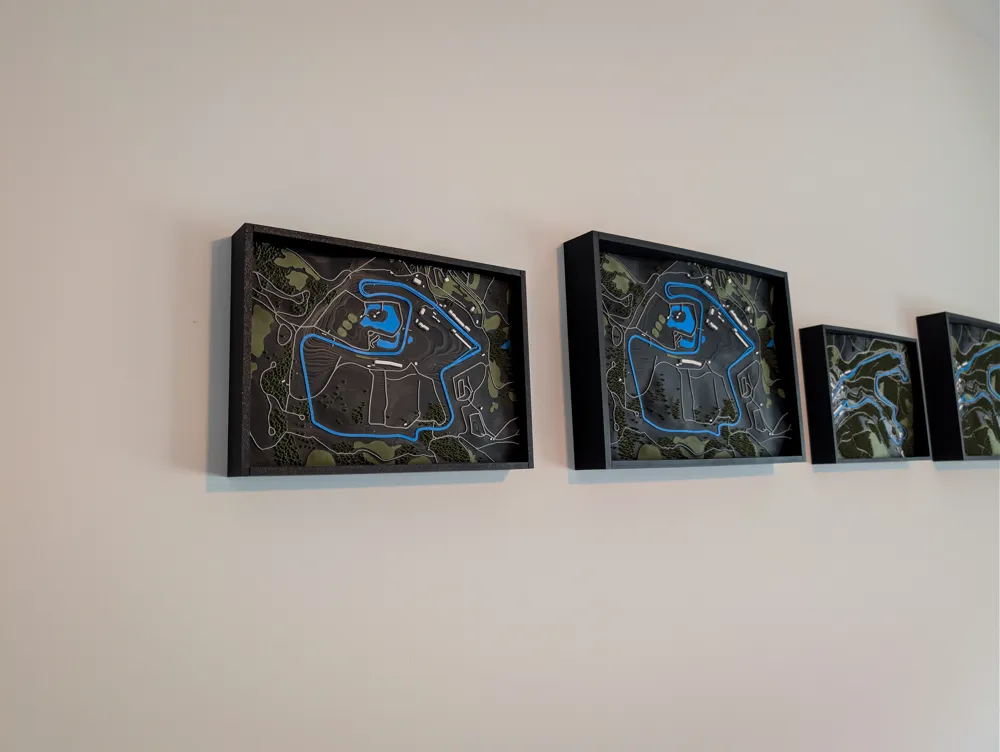
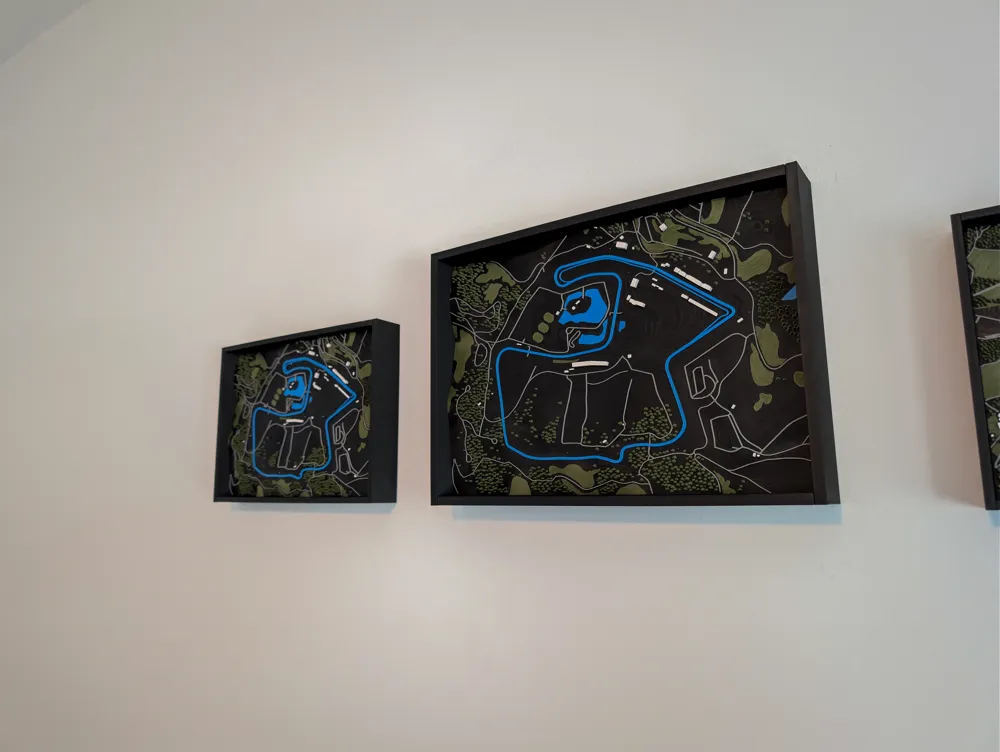
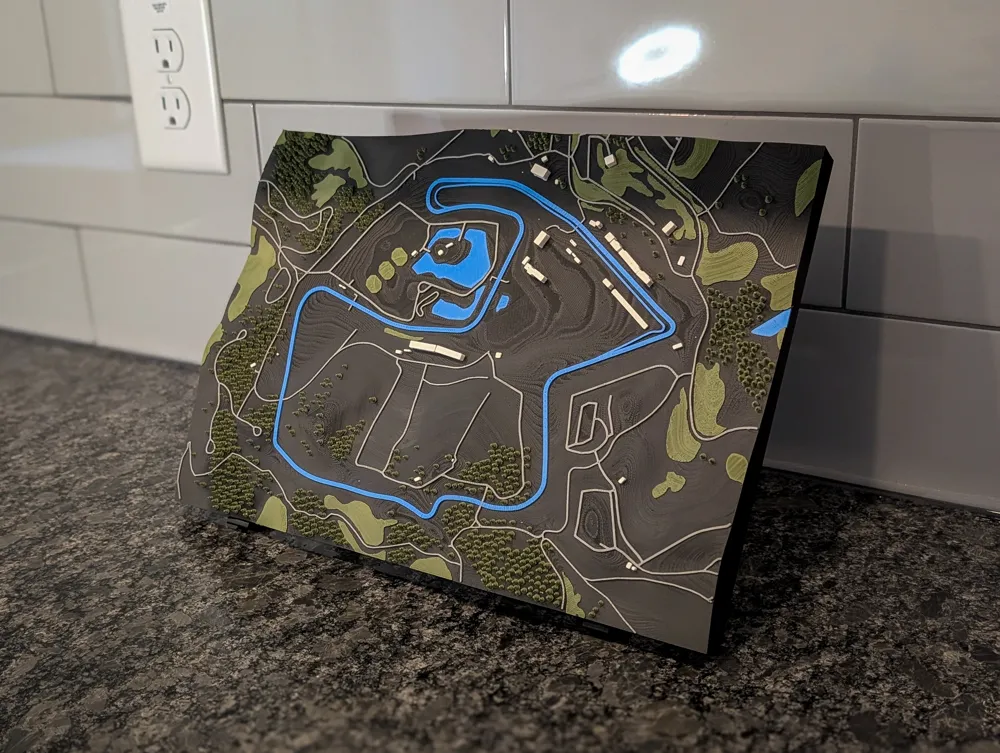
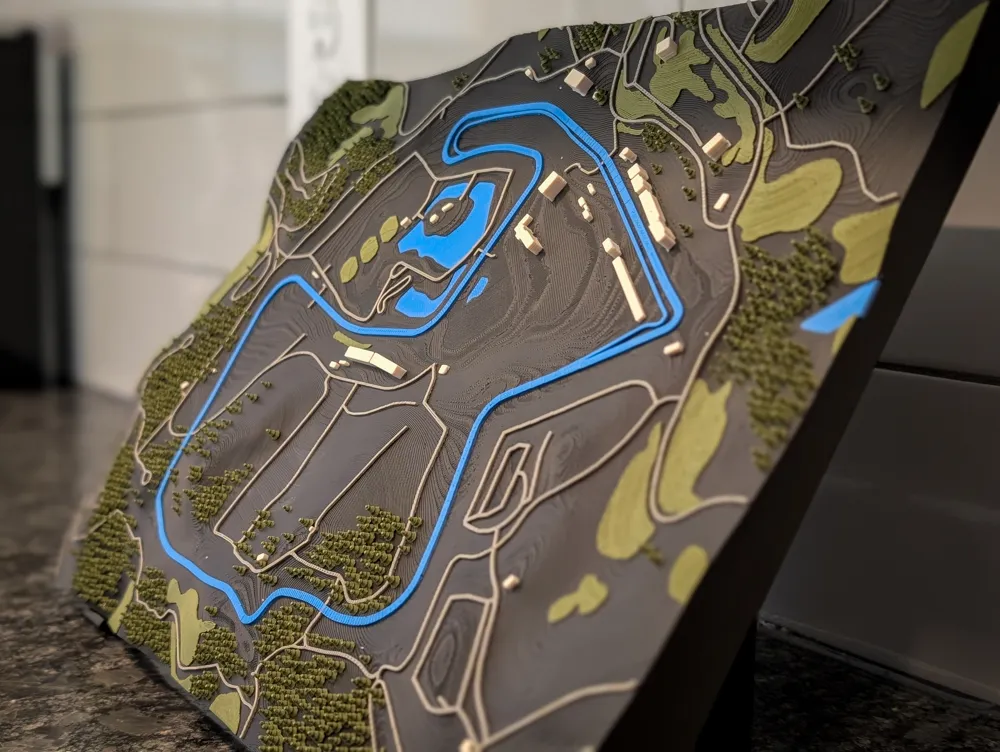
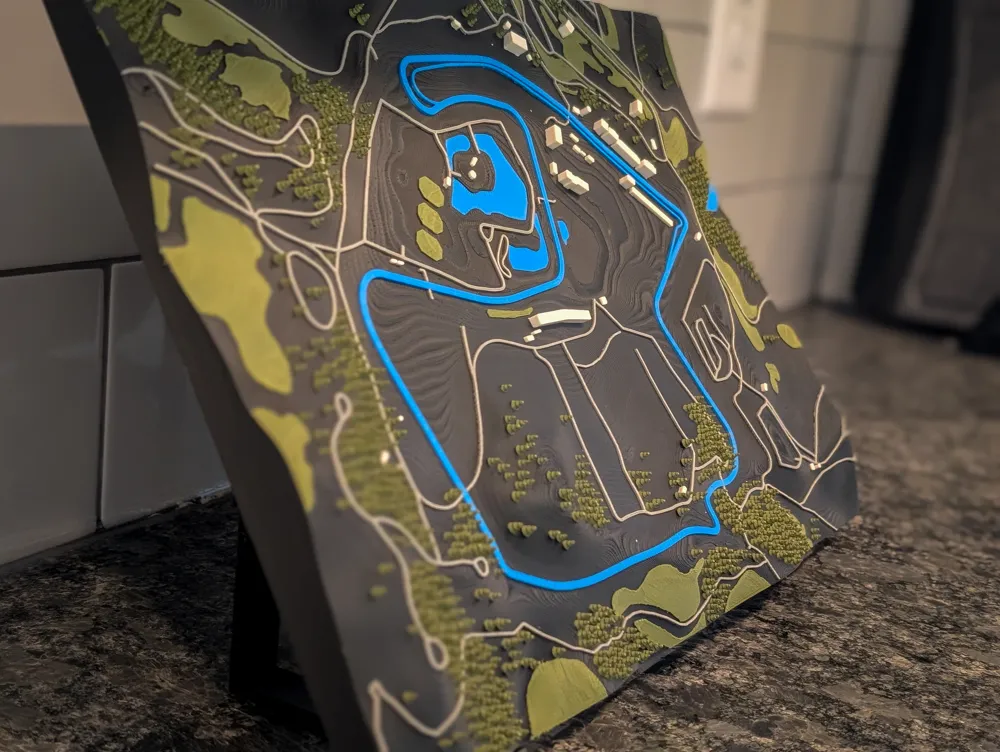
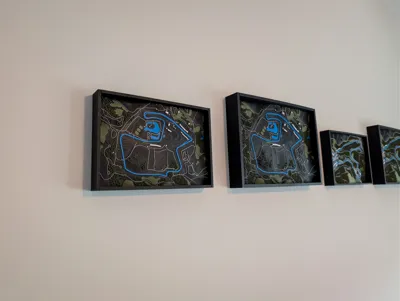
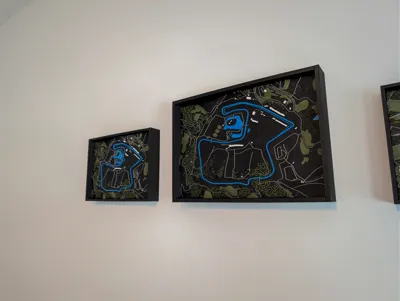
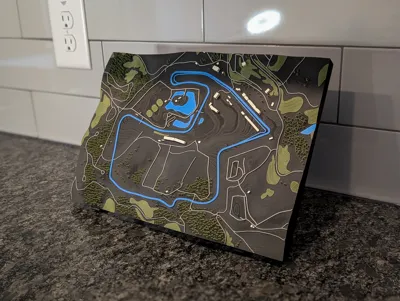
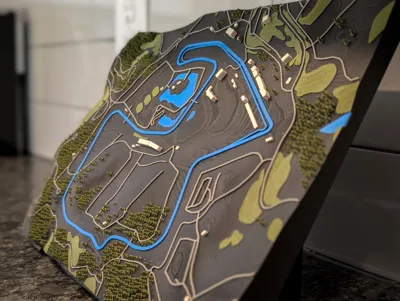
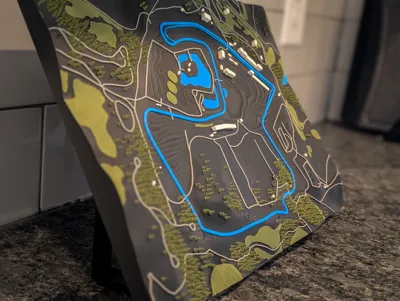
🏁 3D Topographic Model of Laguna Seca
V2 Updates:
- Rotated the map 90 degrees to take up more of the frame with the track.
- H2 and X/P versions now keep trees, vegetation, and roads at the same printable size after scaling
- Follows the same standard scaling as the rest of my tracks now.
- Dropped H2 support for .2 nozzles due to continuous nozzle defects and clogs. 3MF with profile settings can be found in STL / CAD files for those interested.
🛠️ Model Notes
I’m not a professional 3D modeler, so if you see ways to improve it or have suggestions, I’d love to hear them.
- Approx. 1 : 4,548 scale on H2D and 1 : 5,831 scale on X1P1
- There is no Z-boosted version for this model. Similar to Spa, the terrain already has a lot of elevation and the model is fairly thick as-is.
🌲 Tree Notes
- Trees account for a large portion of print time. Remove them if you want a faster, cleaner terrain-only print
- Tree tips are fragile; avoid touching them or holding the model by the canopy
- A light torch pass helps remove minor stringing without melting detail
🖨️ Slicing & Printing Tips
- 0.08–0.10 mm recommended for the best clarity
- XP 0.4 mm version : Prints well and is fully usable, but will naturally soften the finest vegetation detail and some buildings will disappear after slicing. Printing with a 0.2 mm nozzle will mitigate this.
- Very important: This model reaches near full bed size
- Use glue stick, a PEI smooth plate, or the SuperCool plate for X1/P1 users
- Bed adhesion matters a lot on long prints
- Dry filament and run the test plate print first
🎨 Color Recommendations
These color setups are not tied to specific printers, use whatever works best for your hardware and preferences.
5-Color (Full Setup)
- Matte Charcoal – terrain
- Matte Dark Green – trees and vegetation (this gives the appearance of two different colors for the vegetation and the trees)
- Matte Marine Blue – water and track
- Matte Nardo Gray – roads and buildings
- Matte Bone White – buildings
4-Color (Simplified Setup)
- Matte Charcoal – terrain
- Matte Dark Green – trees and vegetation (this gives the appearance of two different colors for the vegetation and the trees)
- Matte Marine Blue – water and track
- Matte Nardo Gray – roads and buildings
Matte filaments tend to produce better visual results for elevation detail due to how they interact with light.
🖼️ Display Tip
Want a clean way to show off your track?
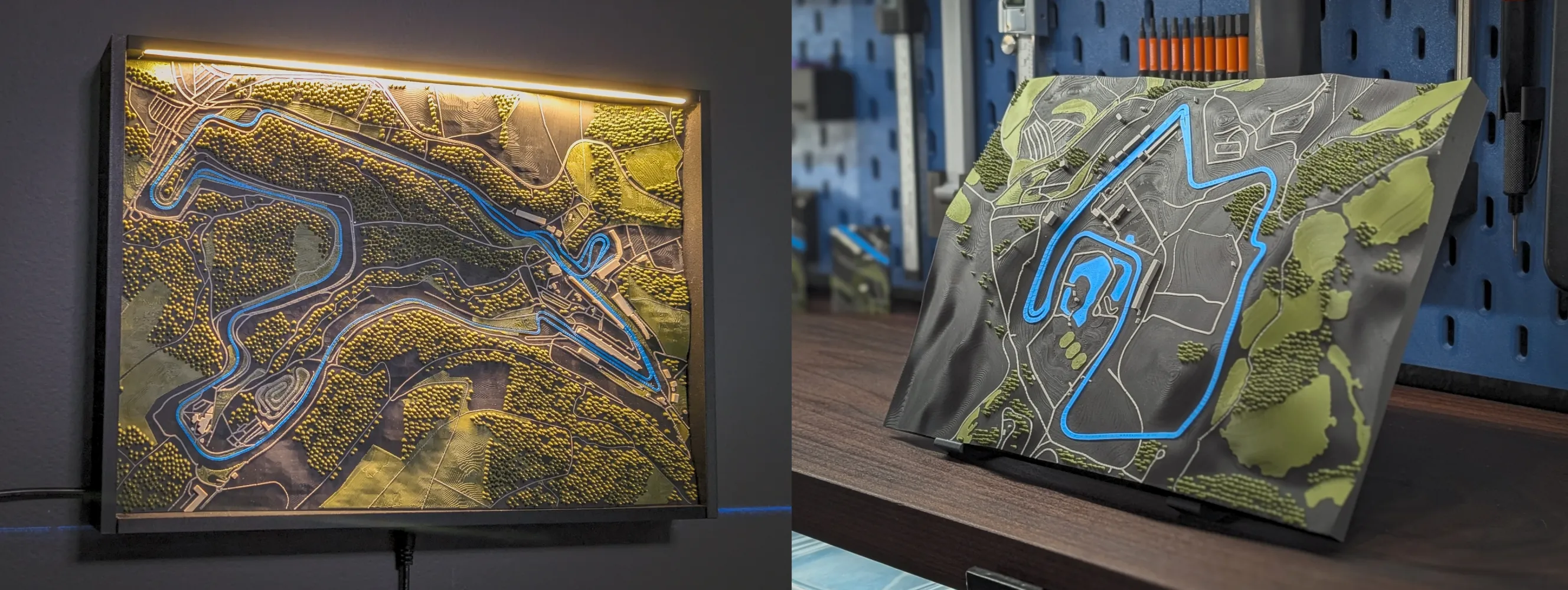
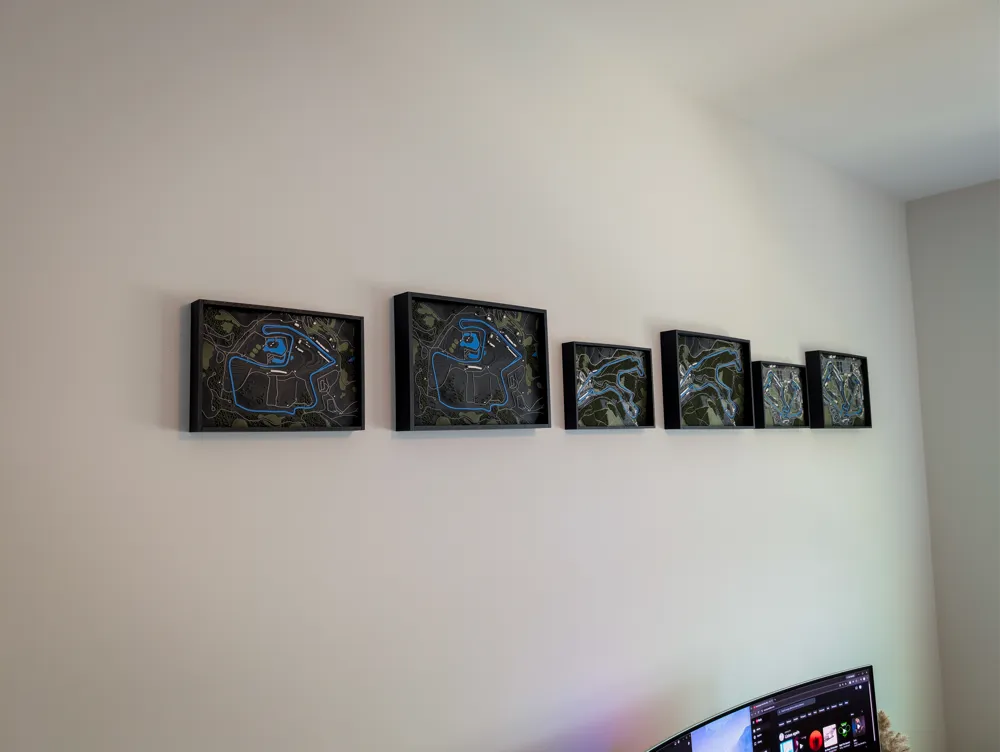
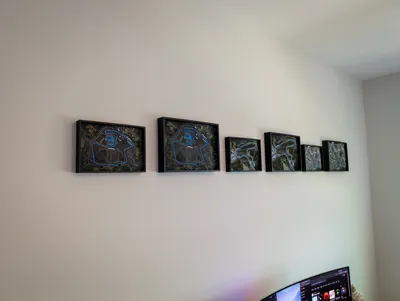
- Standard Wall Frame works with all track sizes
- LED Wall Frame only works with H2 track sizes
- Desk Stand works with all track sizes
All frame options are currently in beta and will continue to be refined.
🔗 Wall Frame:
https://makerworld.com/en/models/1974807-3d-track-wall-frame-standard-led-options#profileId-2123804
🔗 Desk Stand:
https://makerworld.com/en/models/2070029-3d-track-model-desk-stand#profileId-2235682
📦 Coming Soon
- Suzuka Curcuit
💬 Final Thoughts
If you remix, improve, or just print the model, I’d love to see your results and hear your thoughts. Thanks again for checking it out and happy printing!
Special Thanks
Huge thanks to Hector for helping me work through some roadblocks on this project. He’s helped me on a few projects now when I hit walls I couldn’t quite figure out on my own. He’s very knowledgeable in Blender and also has solid experience with 3D printing.
If you’re looking for Blender help or freelance work, you can check him out here:
https://www.upwork.com/freelancers/~012490709a58bdabe0?mp_source=share
📦 Coming Soon
- Monza
License

You may create derivative works based on this object, provided that all such derivative works are published exclusively on the MakerWorld platform and include proper attribution to the original creator. You may not share, upload, host, distribute, or publish this object—or any derivative work of this object—on any other digital platform, marketplace, or distribution channel. Commercial use of this object and any derivative works is strictly prohibited. This includes, but is not limited to, selling, renting, sublicensing, or using the object in any context in which you receive monetary compensation or other financial benefits.


Comment & Rating (7)