
Genie In My Fettuccine
Print Profile(1)

Description
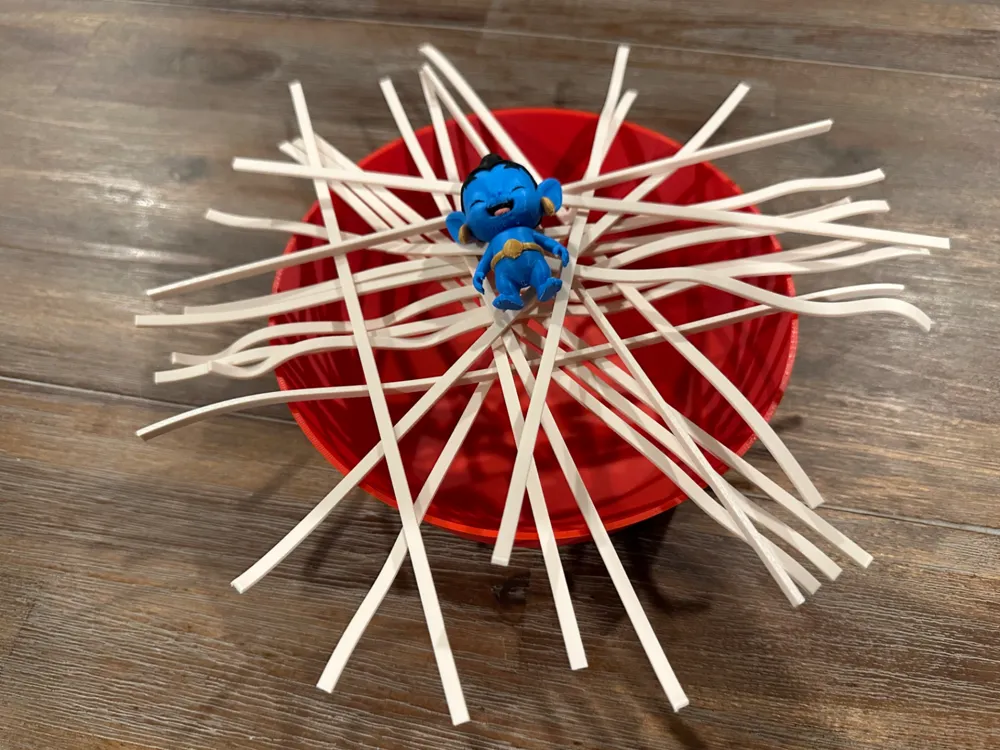
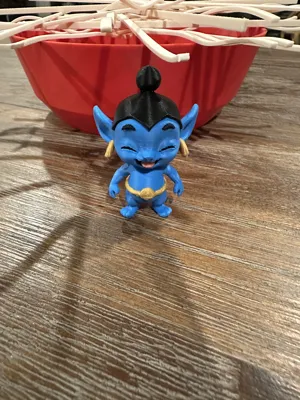
My kids came home from their after school program asking if we had a particular game (with a similar name). We didn't, so we took the opportunity to make our own version. Here it is!
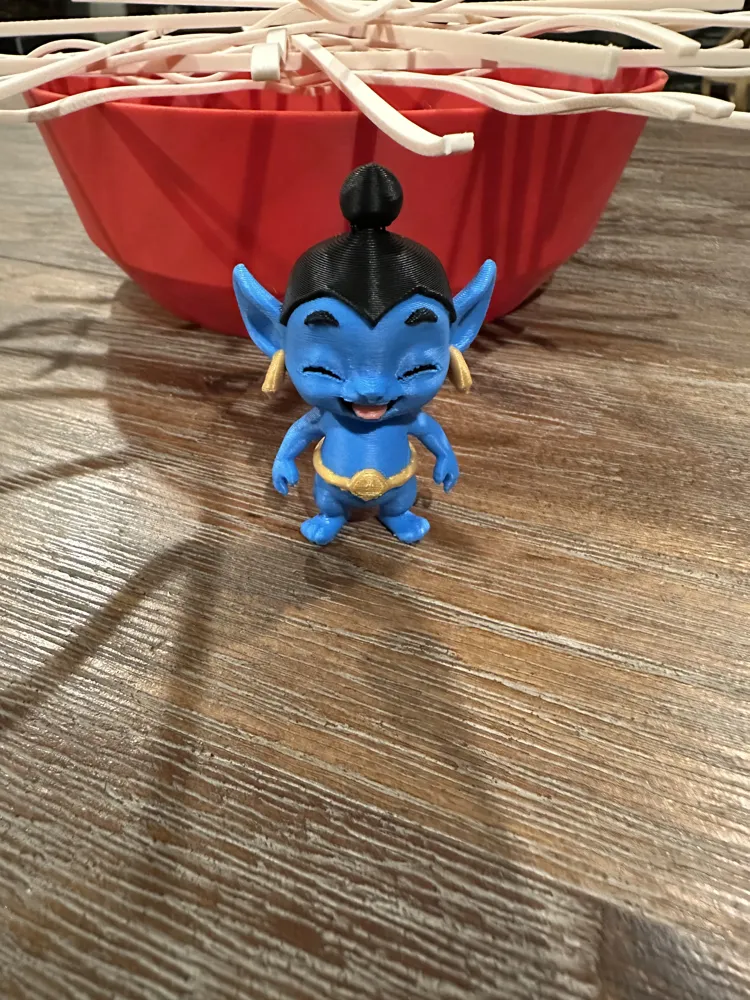
We used MakerWworld's PrintMon feature to create the Genie model and then fixed its coloring in Bambu Studio.
How to play:
1. Place the bowl on a flat surface
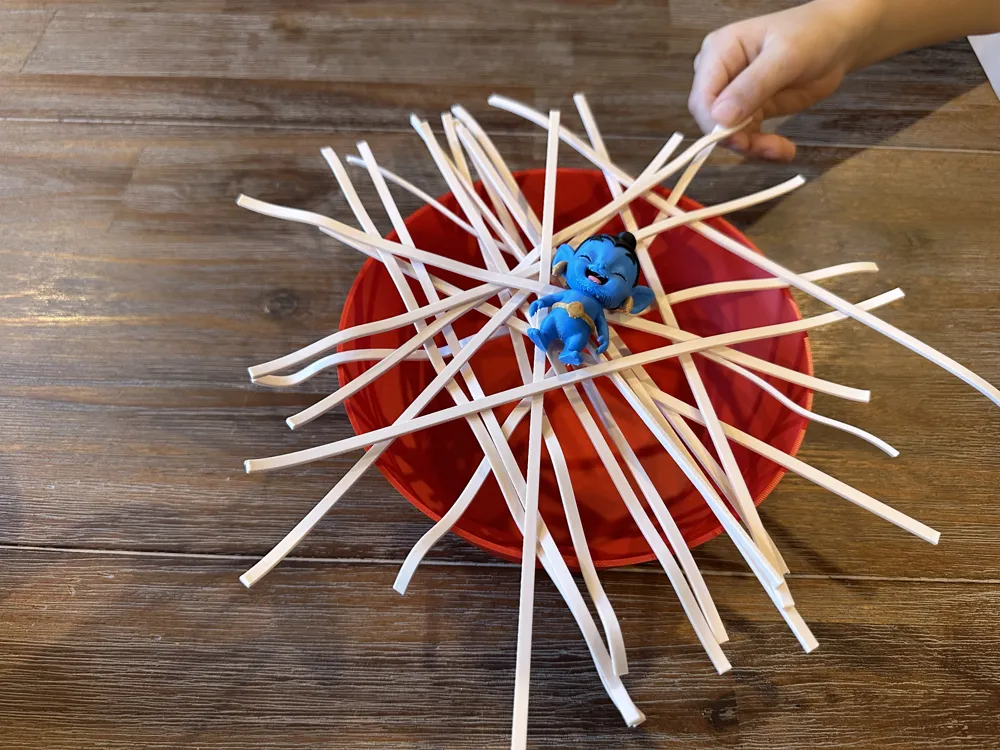
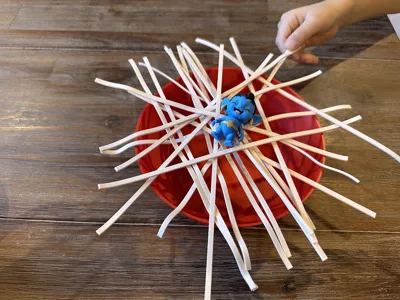
2. Set up by crisscrossing the fettuccine noodles across the bowl and gently placing the Genie on top.
3. Players take turns removing one noodle at a time, using one hand at a time to touch and remove a noodle
4. The game ends when the Genie falls into the bowl and the player who made the Genie fall loses, while the player who last successfully removed a noodle wins
Notes:
-Printing the Genie in color requires an AMS. I've included a single color Genie as well for those without or those who don't want to wait forever for it to print.
-I've included several different types of fettuccine ranging from very easy (flat) to somewhat difficult. Print what you need. They require brims to print properly which are included in the print profile.
-You can also use your own bowl as this one isn't anything special.
Powered by PrintMon from MakerWorld (https://makerworld.com/makerlab/printMonMaker)
License

You shall not share, sub-license, sell, rent, host, transfer, or distribute in any way the digital or 3D printed versions of this object, nor any other derivative work of this object in its digital or physical format (including - but not limited to - remixes of this object, and hosting on other digital platforms). The objects may not be used without permission in any way whatsoever in which you charge money, or collect fees.


Comment & Rating (0)