

The Parametric Lamp "Clea" Christmas Tree Edition

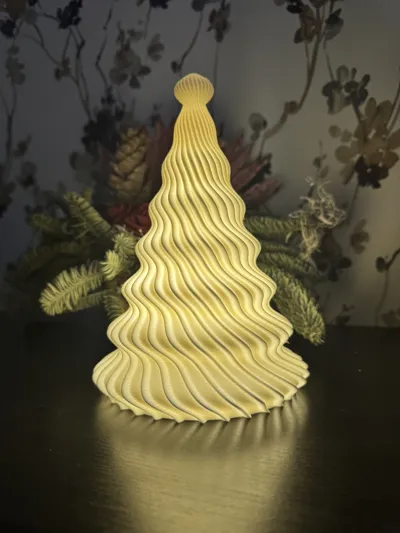
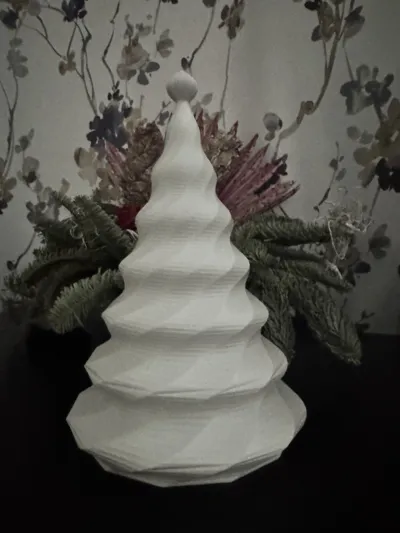
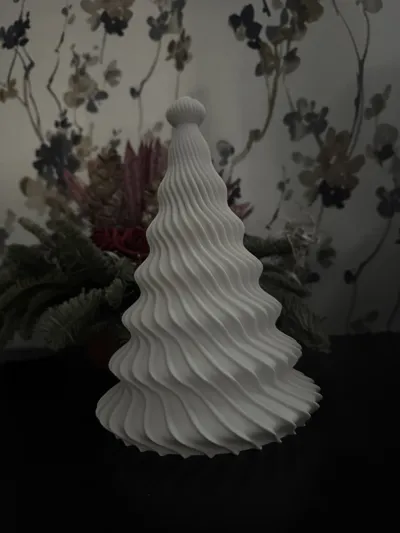
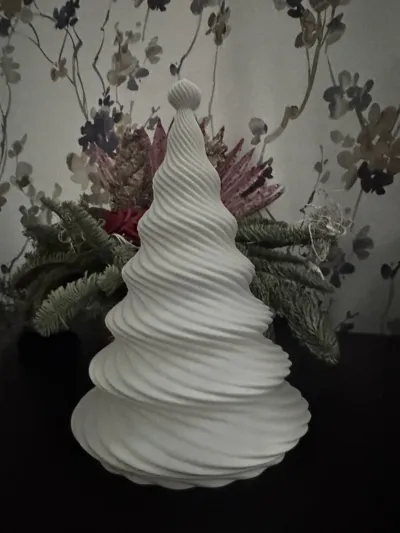
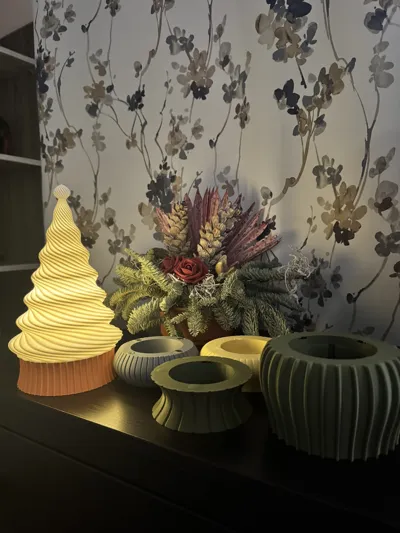
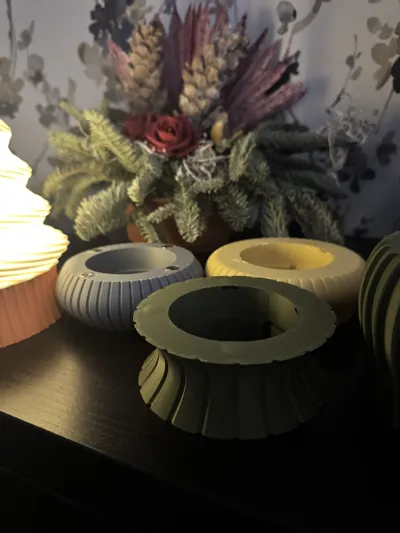
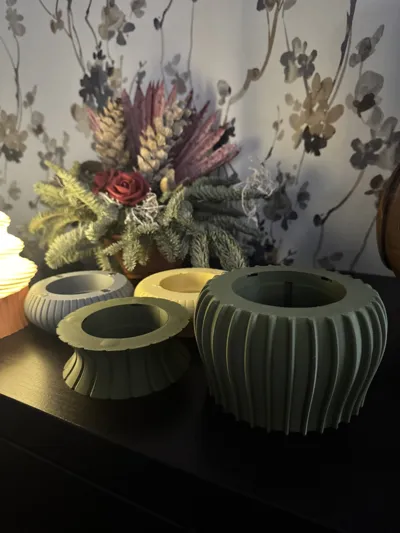
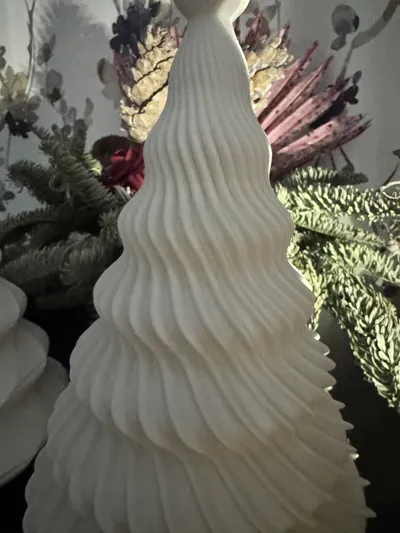
Print Profile(1)

Bill of Materials
- D10x2 mm Round Magnet (20PCS) - CA016 x 1: CA016
Description
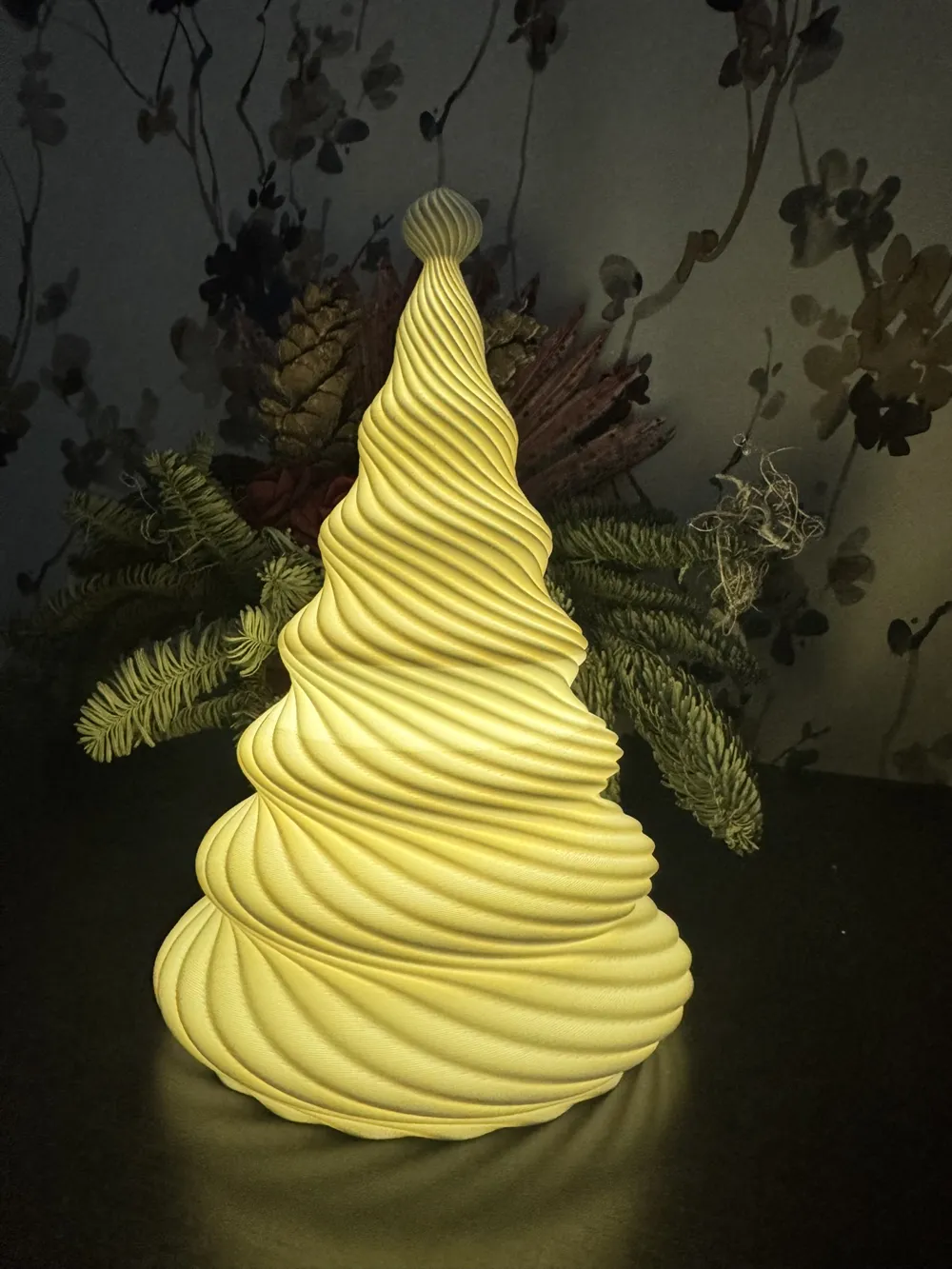
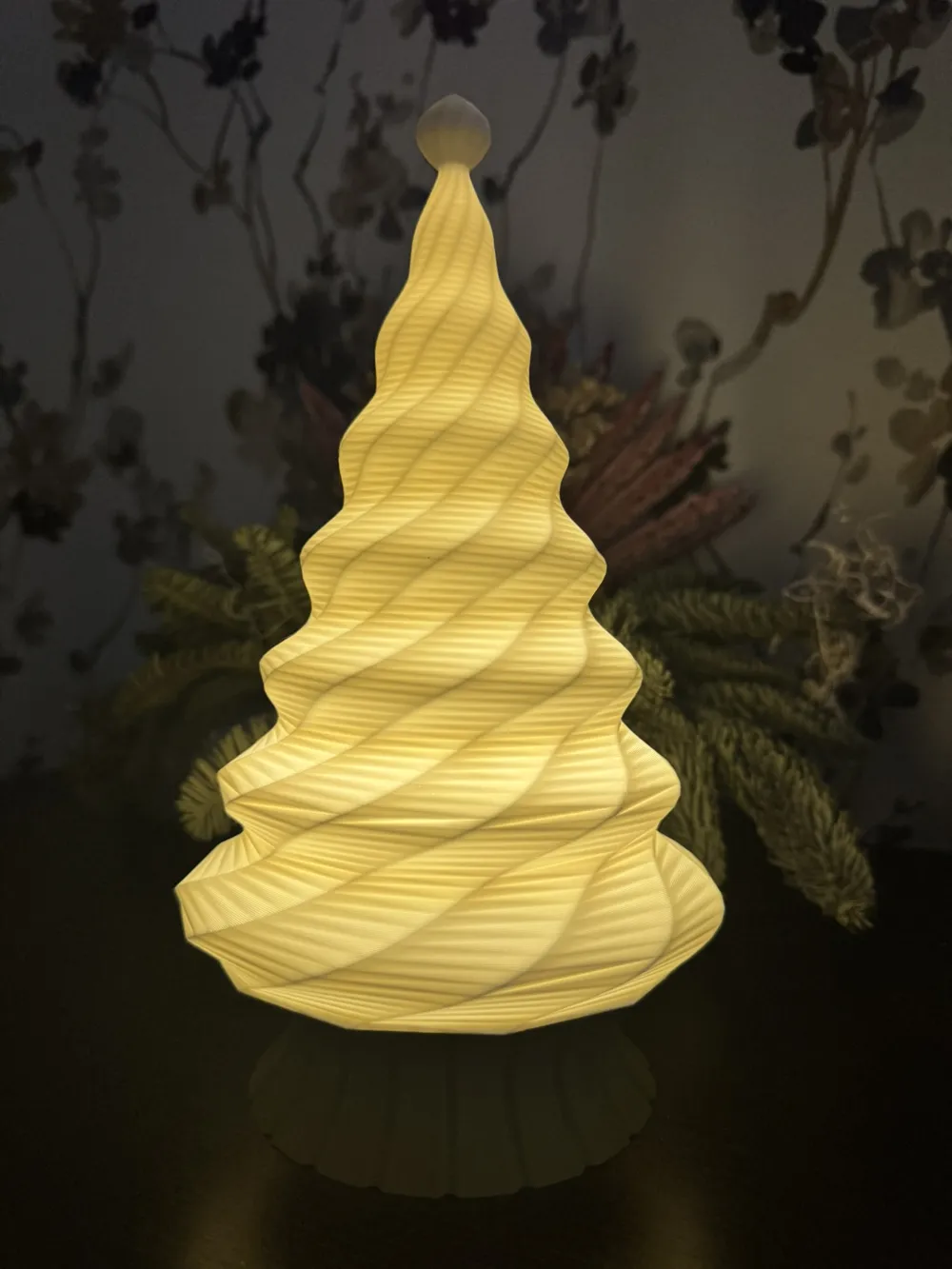
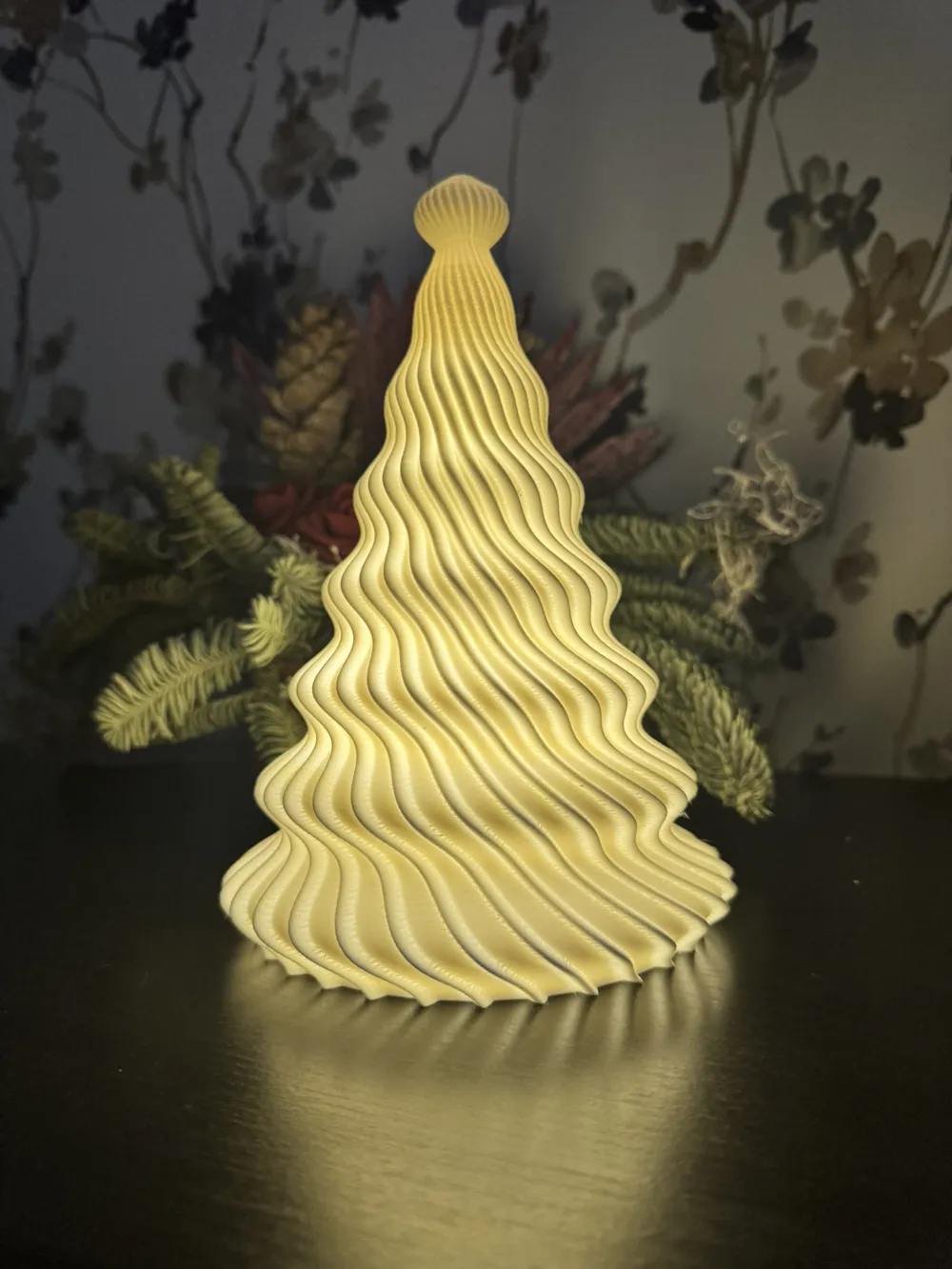
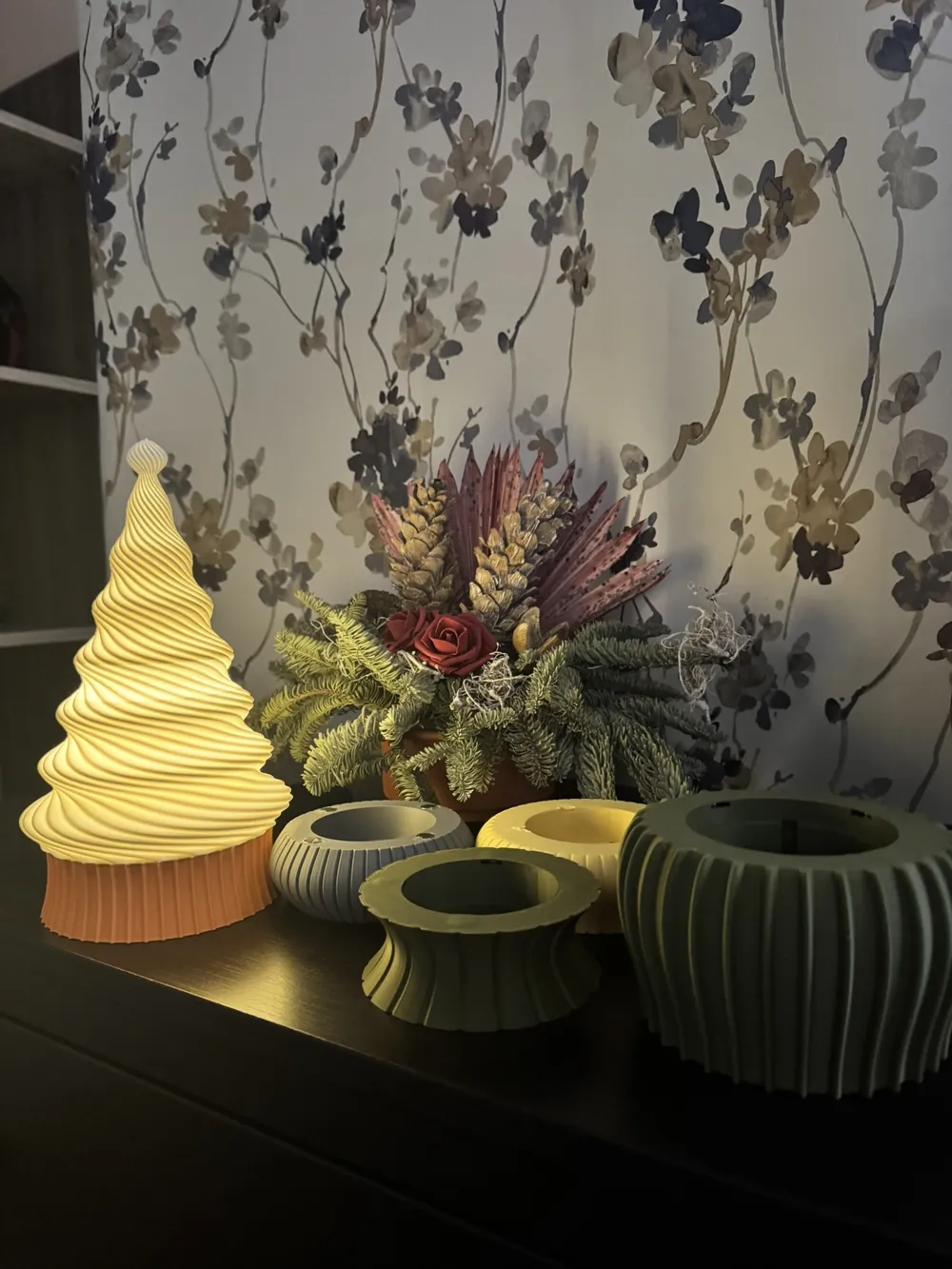
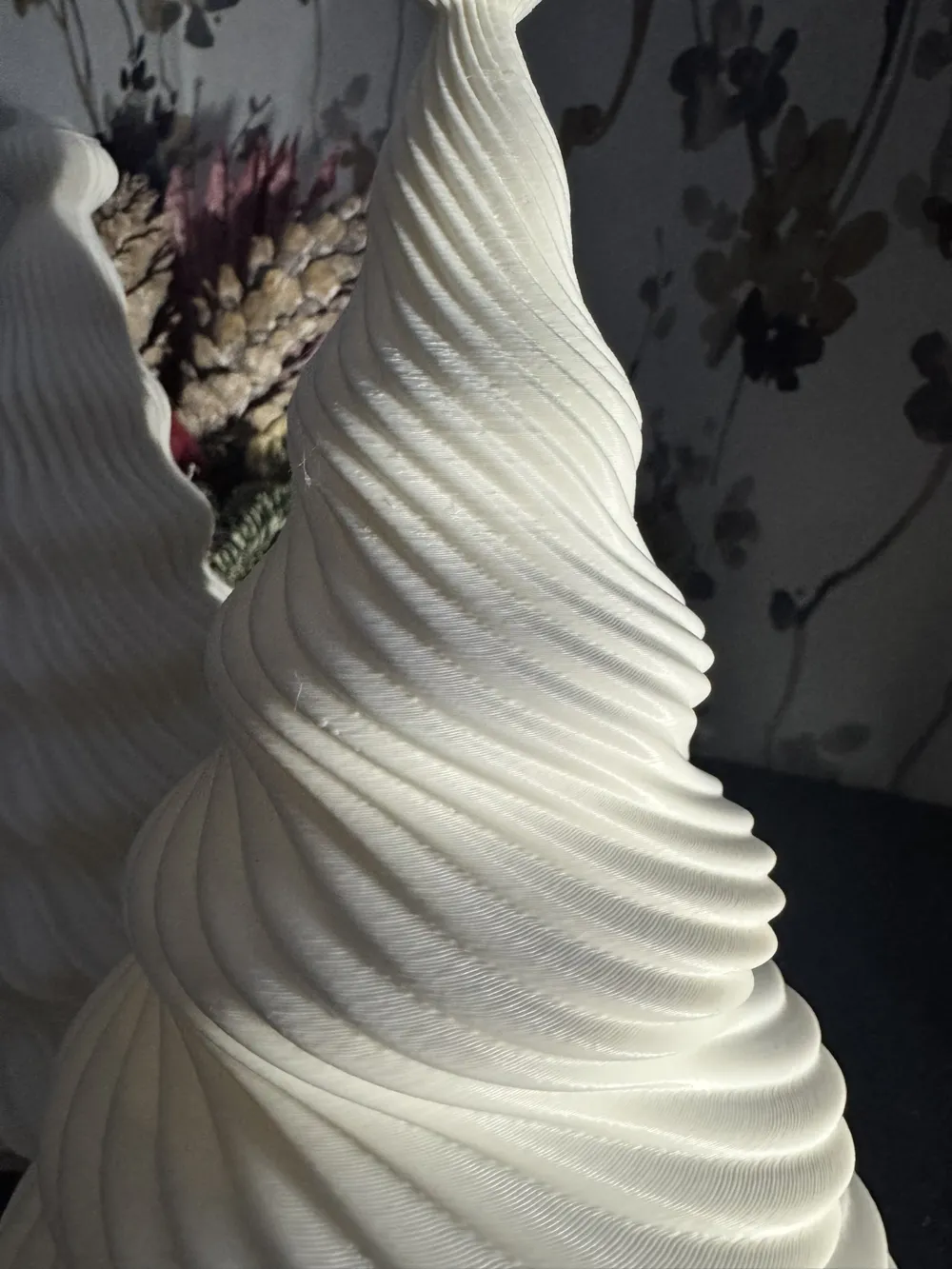
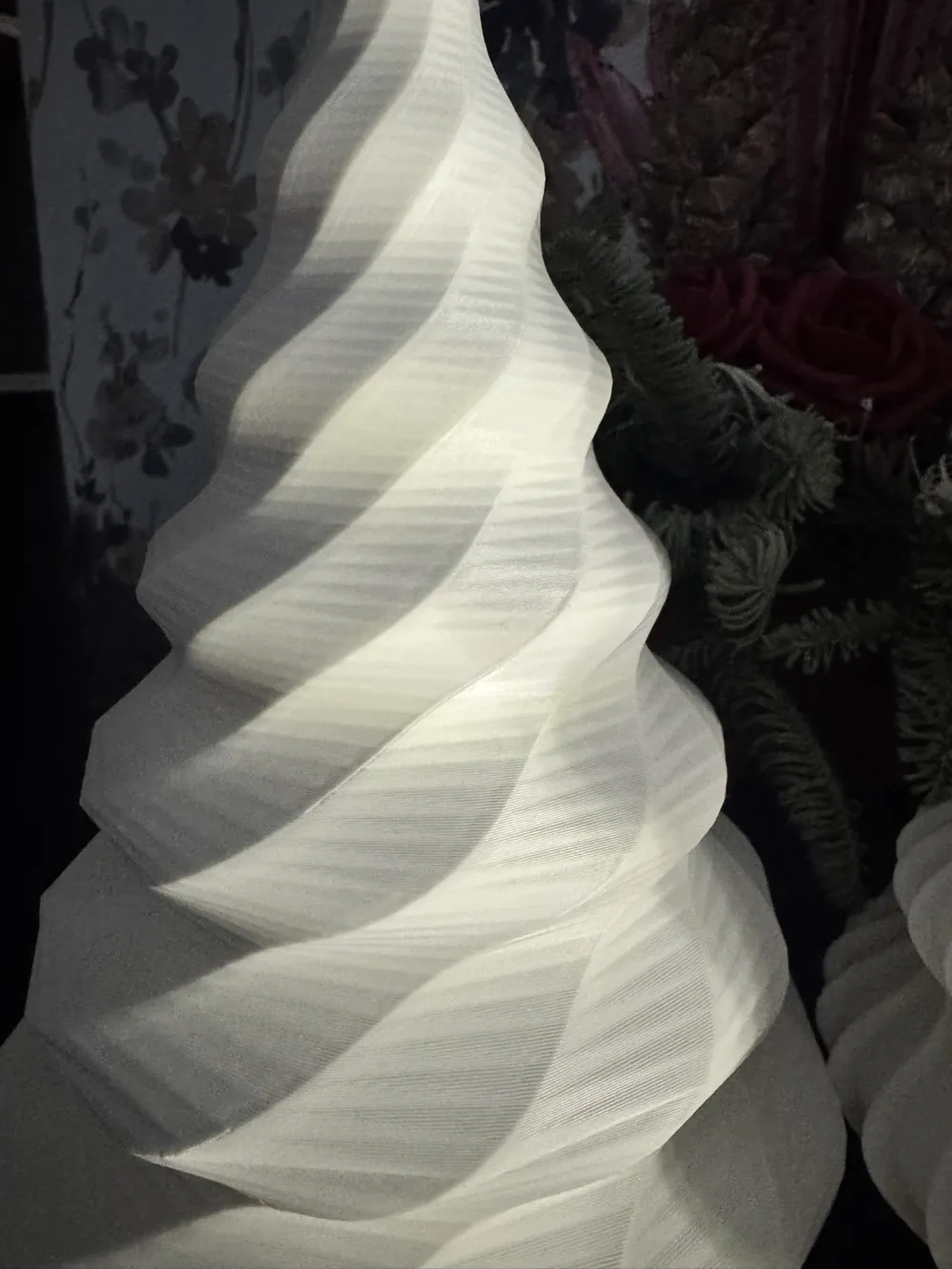
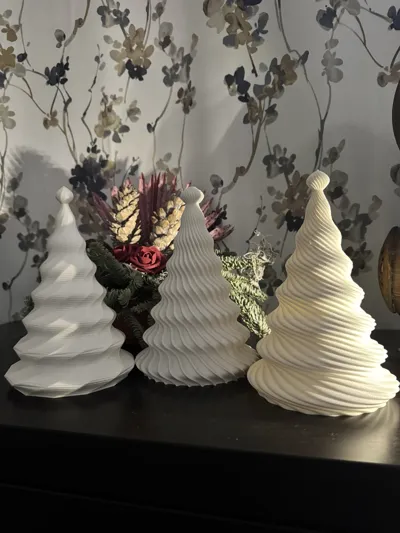
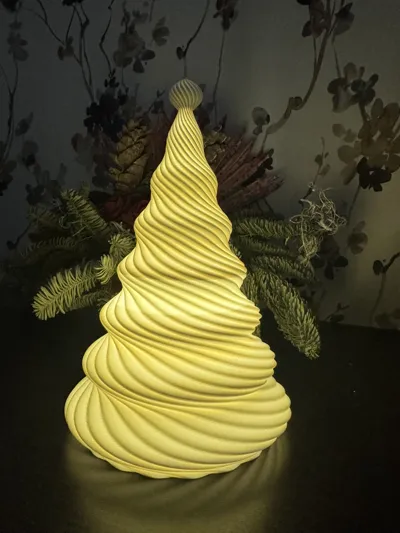
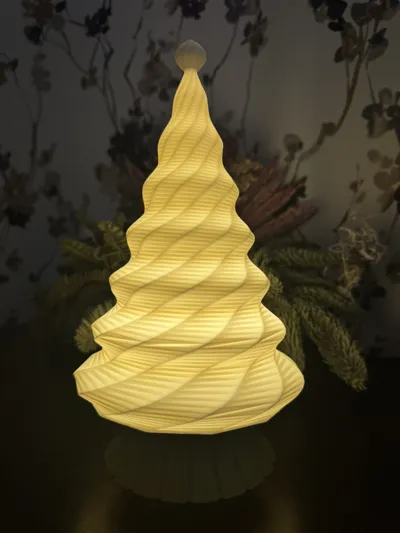
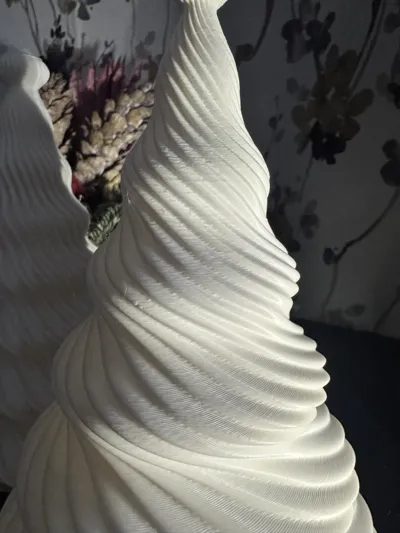
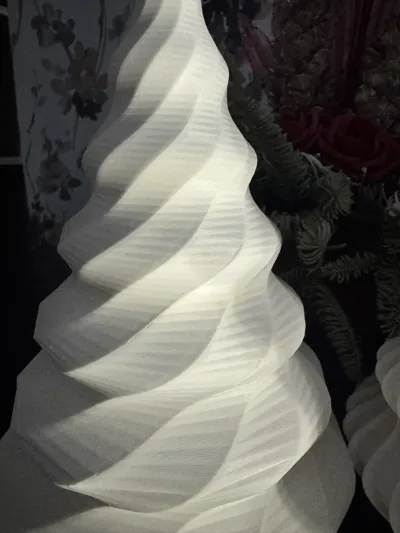
Bring a cozy Christmas atmosphere to your home with The Parametric Lamp "Clea" — Christmas Tree Edition 🎄✨
This model is part of “The Parametric Lamp ‘Clea’” system: a family of lampshades and bases that are fully customizable from parametric controls — no CAD skills required.
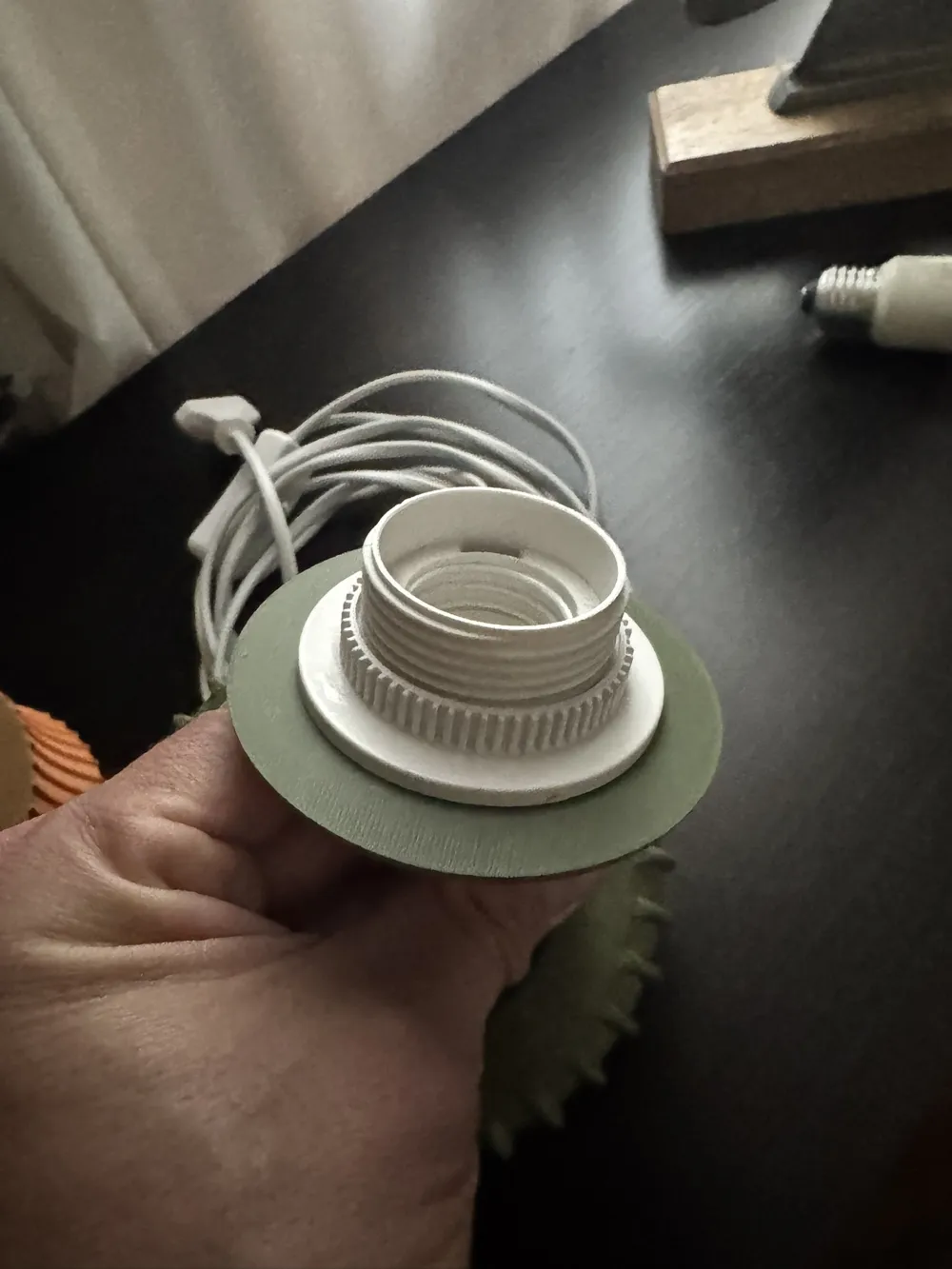
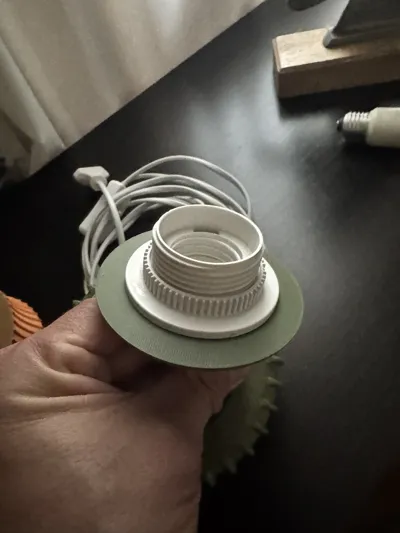
Universal lighting system compatibility—adjust the base parameters to match your hardware dimensions. Includes an E27 / E14 adapter and is fully compatible with the LED Lamp Kit Collection
With this Christmas Edition you can:
- Adjust the tree height and overall shape
- Control the bulge or volume of each layer
- Enable or tweak the decorative top ball (finial) 🎀
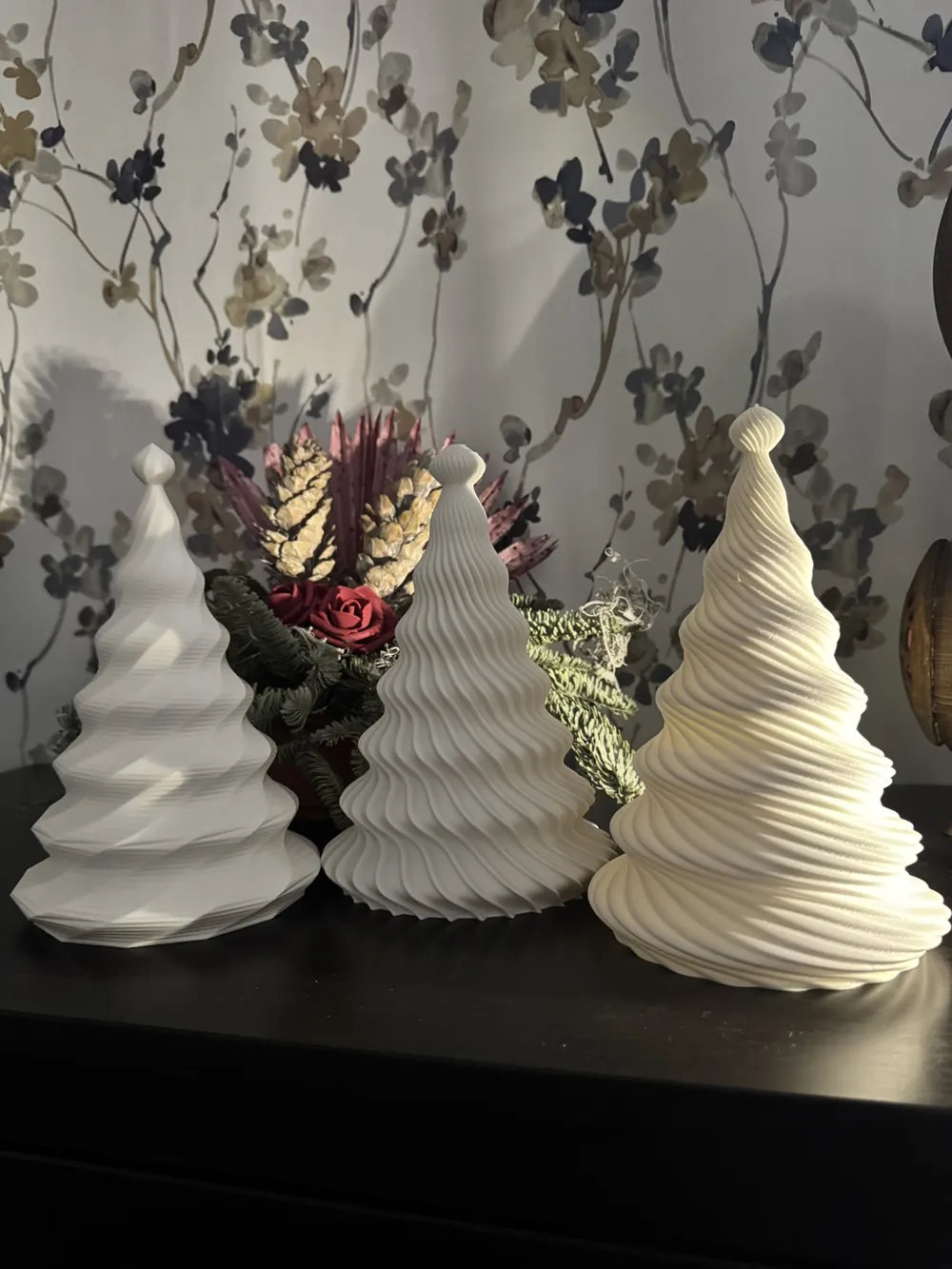
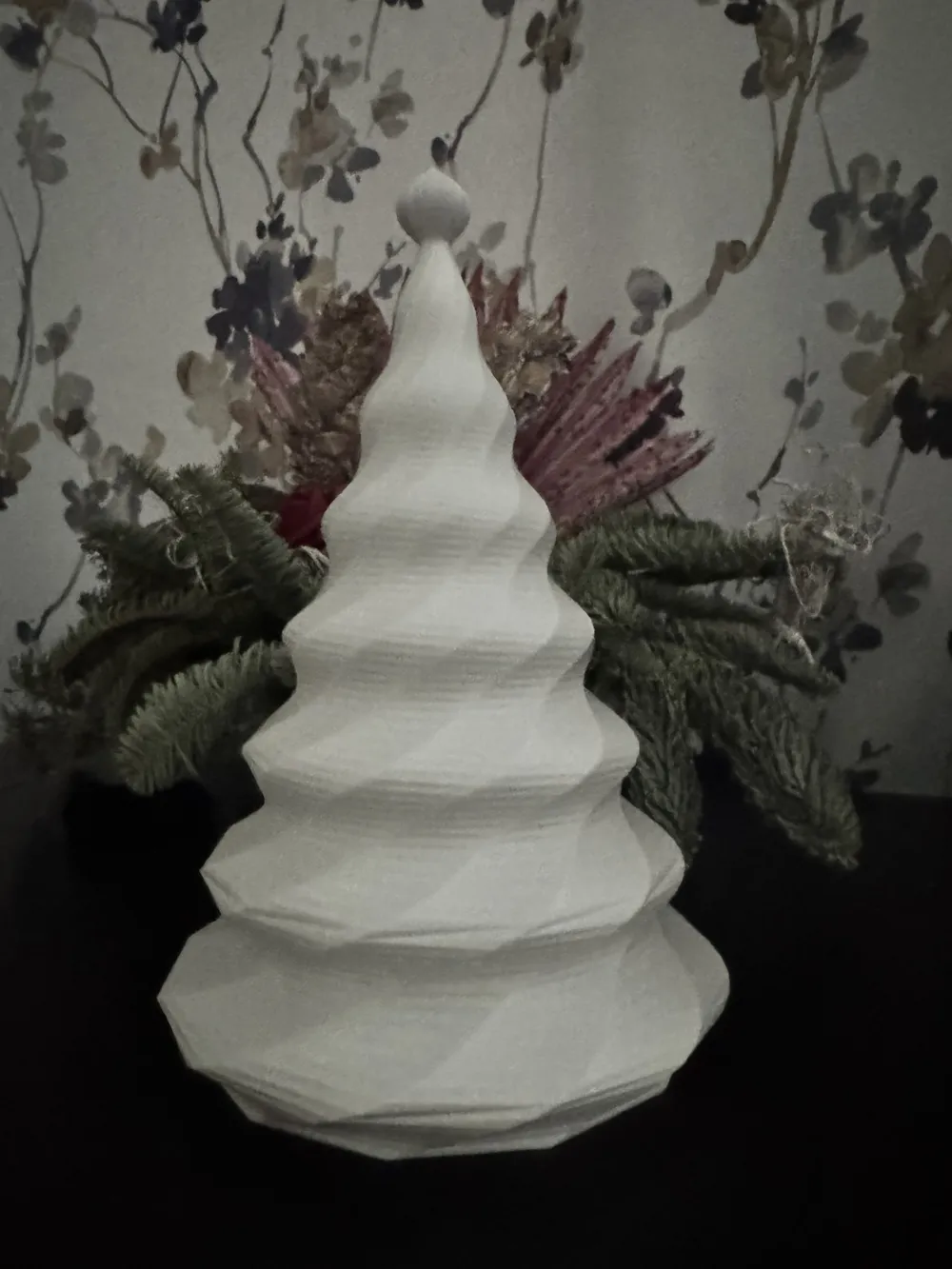
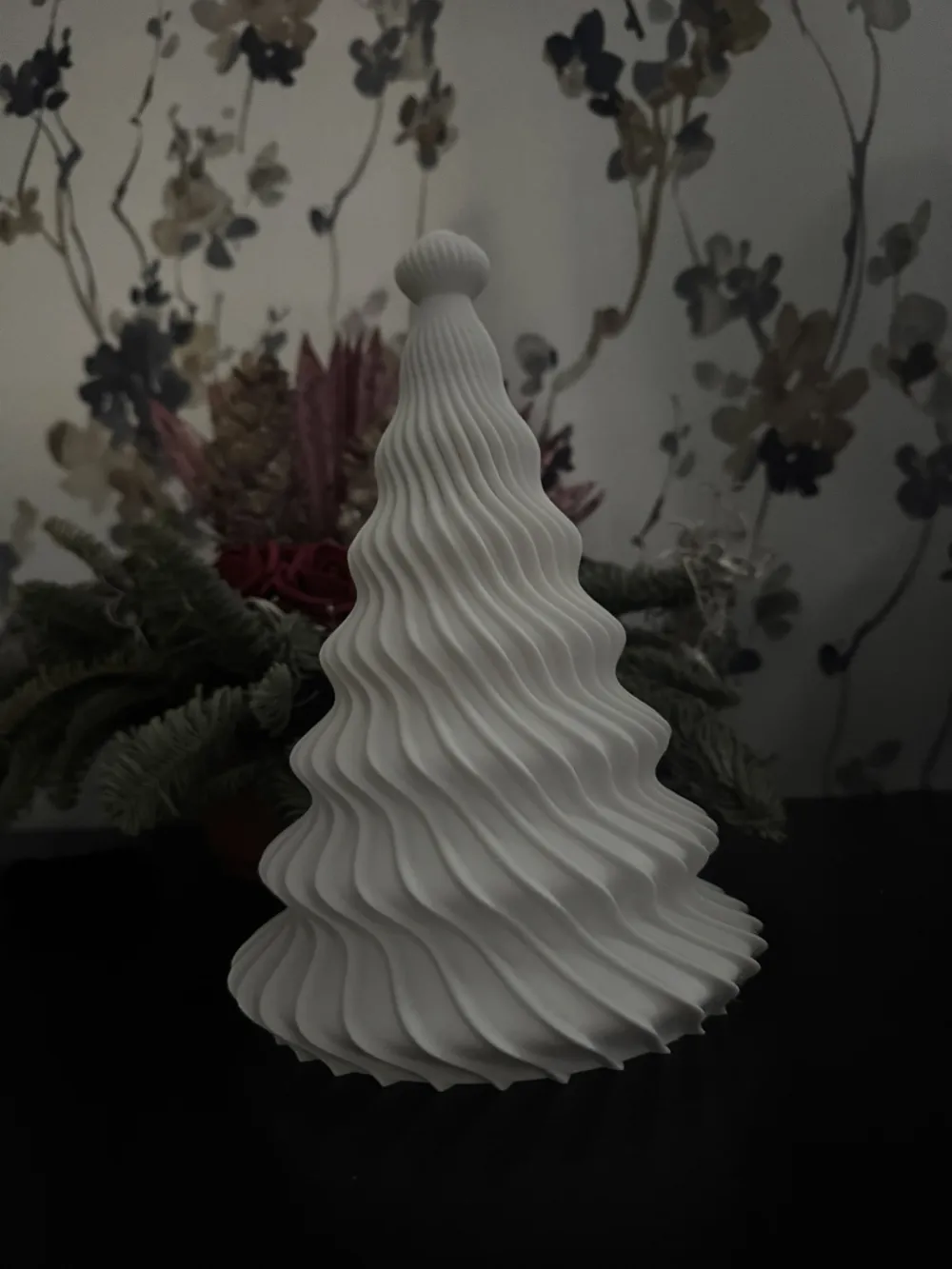
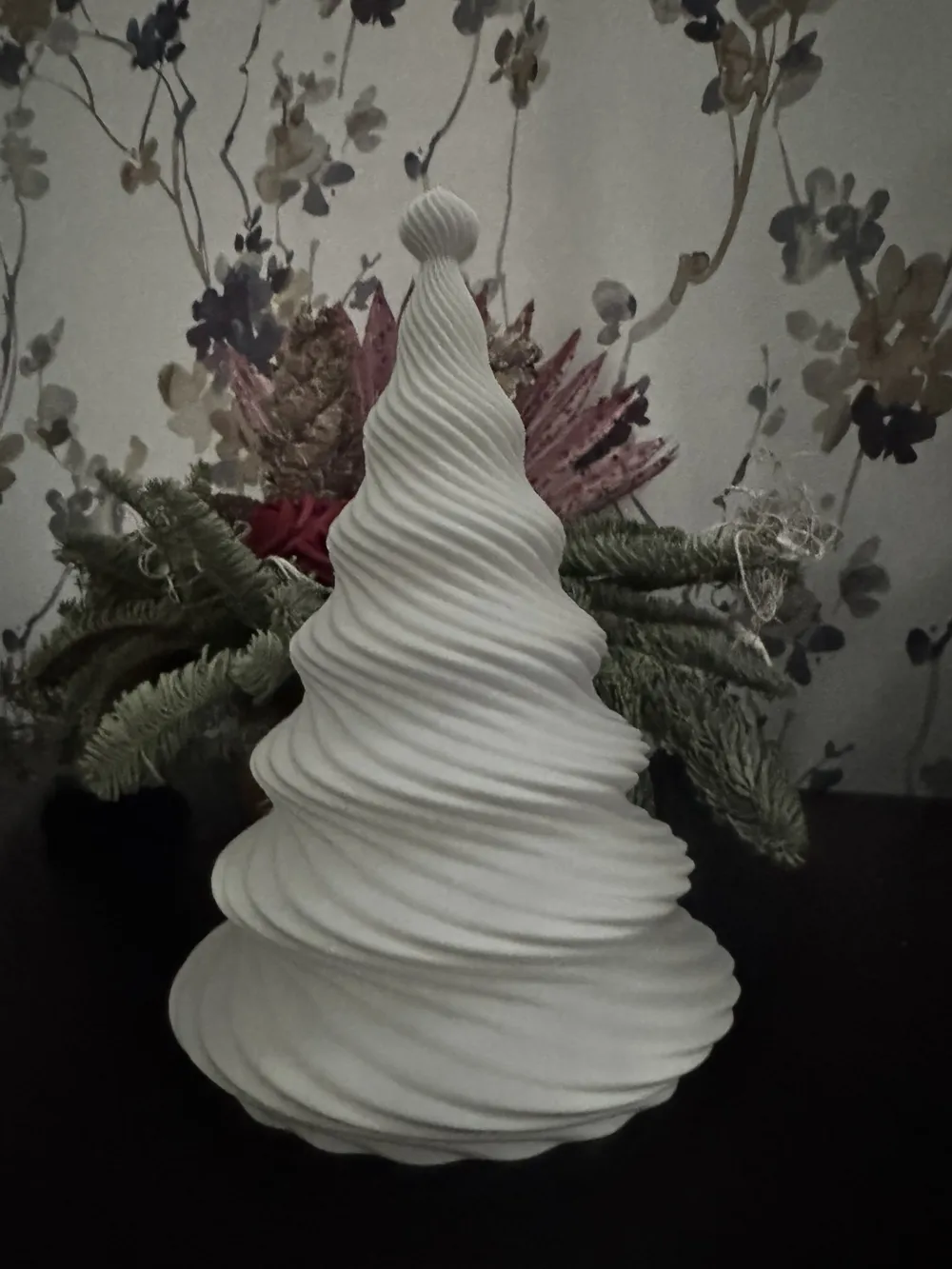
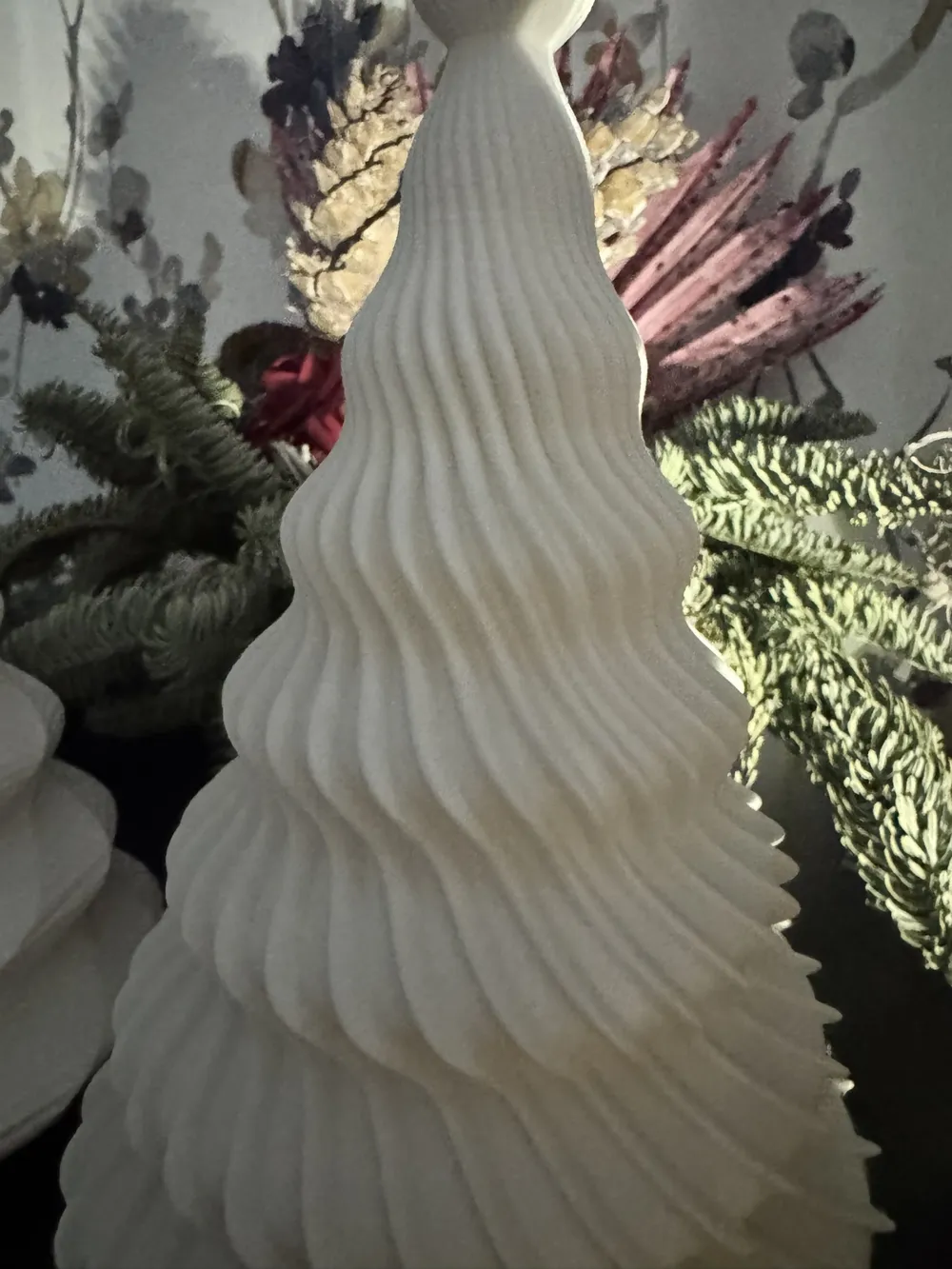
- Choose between multiple surface styles (soft waves, raised bands, twisted faceted shell)
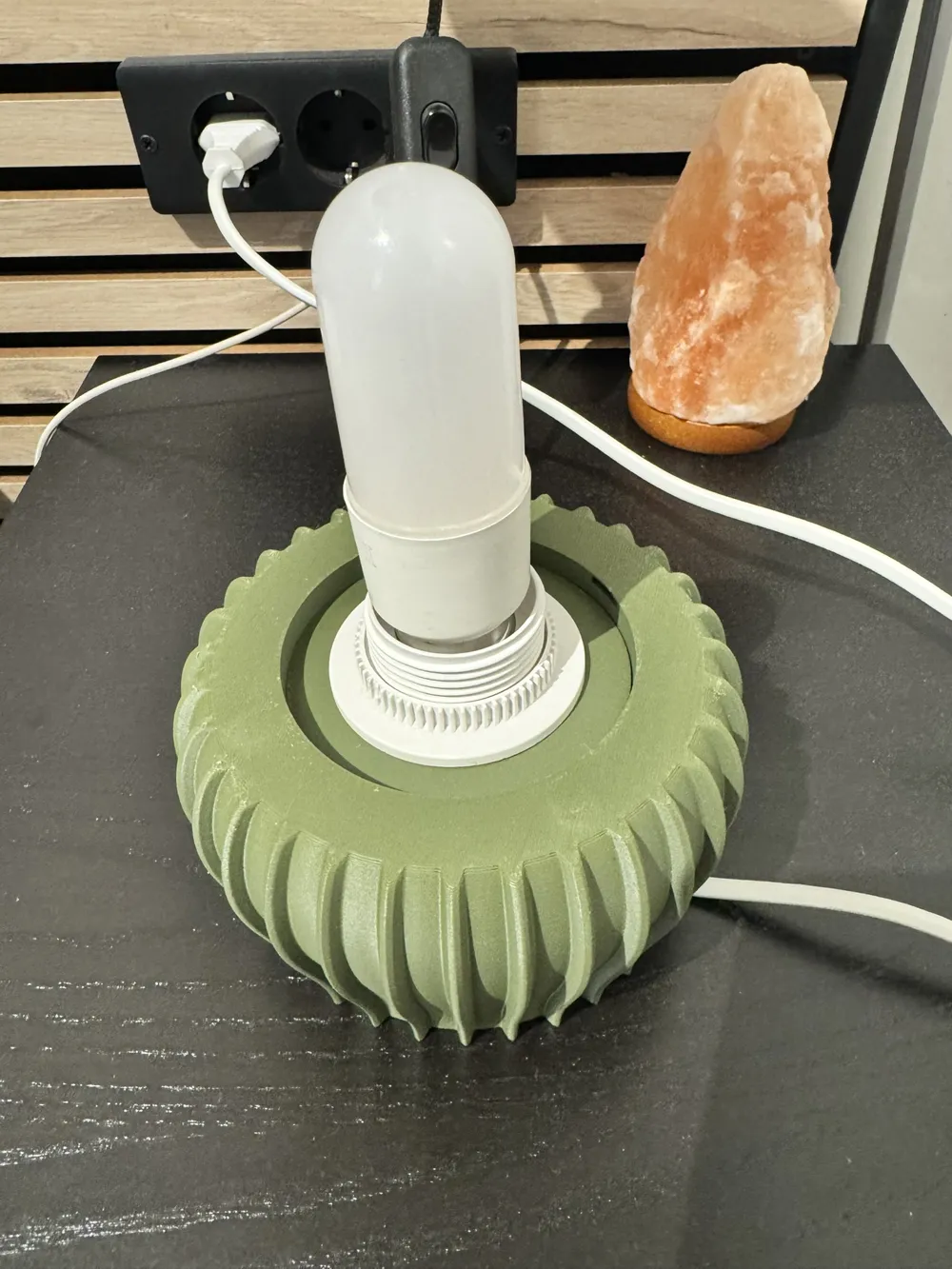
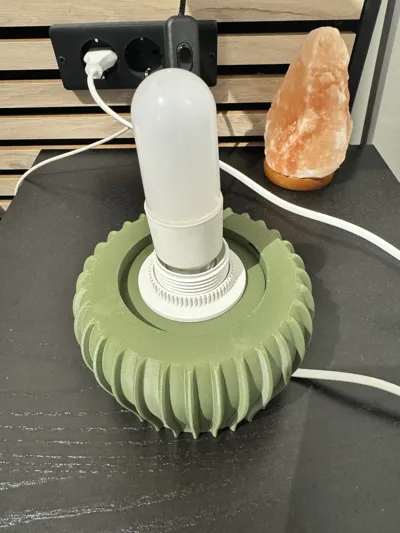
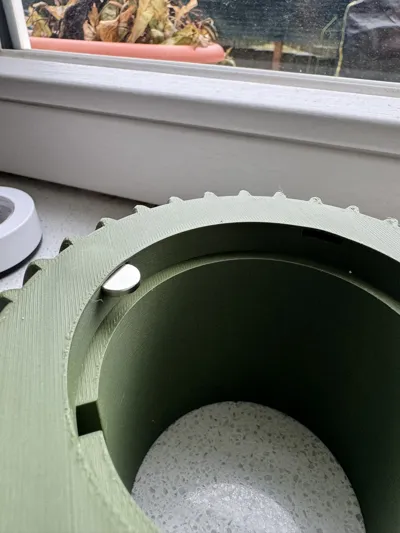
- Generate a standalone parametric base with textures, cable channel and magnets
- Export and print each part separately (lampshade, base, socket adapter, vase-mode disc, etc.)
All from the sliders and dropdowns in MakerWorld’s parametric view.
🧩 How the system works
In the parametric view you’ll see several groups of controls that match the icons used in the model.
👁️ View / assembly
Use the “View / assembly” menu to choose which part you want to export:
- lampshade → tree-shaped lampshade only
- base → standalone base only
- socket_adapter → socket adapter disc
- vase_disc → disc for vase-mode printing
- assembly → full assembled preview
👉 Select a view, let it generate, then export that STL.
🎄 Christmas Tree Shape
Available controls:
- Total height → overall tree size (including the top ball)
- Bottom radius → how wide the tree is at the bottom
- Number of layers → number of vertical “tiers” of the tree
- Bulge intensity → how much each layer sticks out
- Wall thickness → adjust for your printer and material
You can create anything from a cute small tree to a big centerpiece for a table.
🎀 Tree Topper / Finial
You can fine-tune the decorative top ball with:
- Ball height
- Ball diameter
- Neck diameter (the connector between ball and tree)
This lets you create a more elegant, minimal look or a playful, bold topper.
✨ Texture Style Selector — Lampshade Surface Styles
In Texture style you can choose:
- Soft Waves → smooth, organic wave-like shape
- Raise → strong vertical raised bands
- Twisted Poly Shell → twisted faceted geometry (looks amazing with matte or metallic filaments)
Additional controls depending on the style:
- Number of waves / bands
- Texture depth
- Pattern twist
- Pattern phase / rotation
- For Twisted Poly Shell: number of faces, twist strength and vertical resolution
This lets you go from a smooth, flowing organic tree to a sharp, crystalline faceted one.
🧱 Integrated Shade Base (optional)
The lampshade can include a simple integrated base disc at the bottom:
- Enable/disable the integrated base
- Adjust the disc thickness
- Set the center hole diameter (for cable or socket)
- Add a decorative ring of holes for extra light spill and visual effect
If you want something more complex, use the independent parametric base instead 👇
🏺 Independent Base Settings — Standalone Parametric Base
The standalone base has its own parametric engine, and it is compatible with any lampshade in The Parametric Lamp "Clea" system.
You can customize:
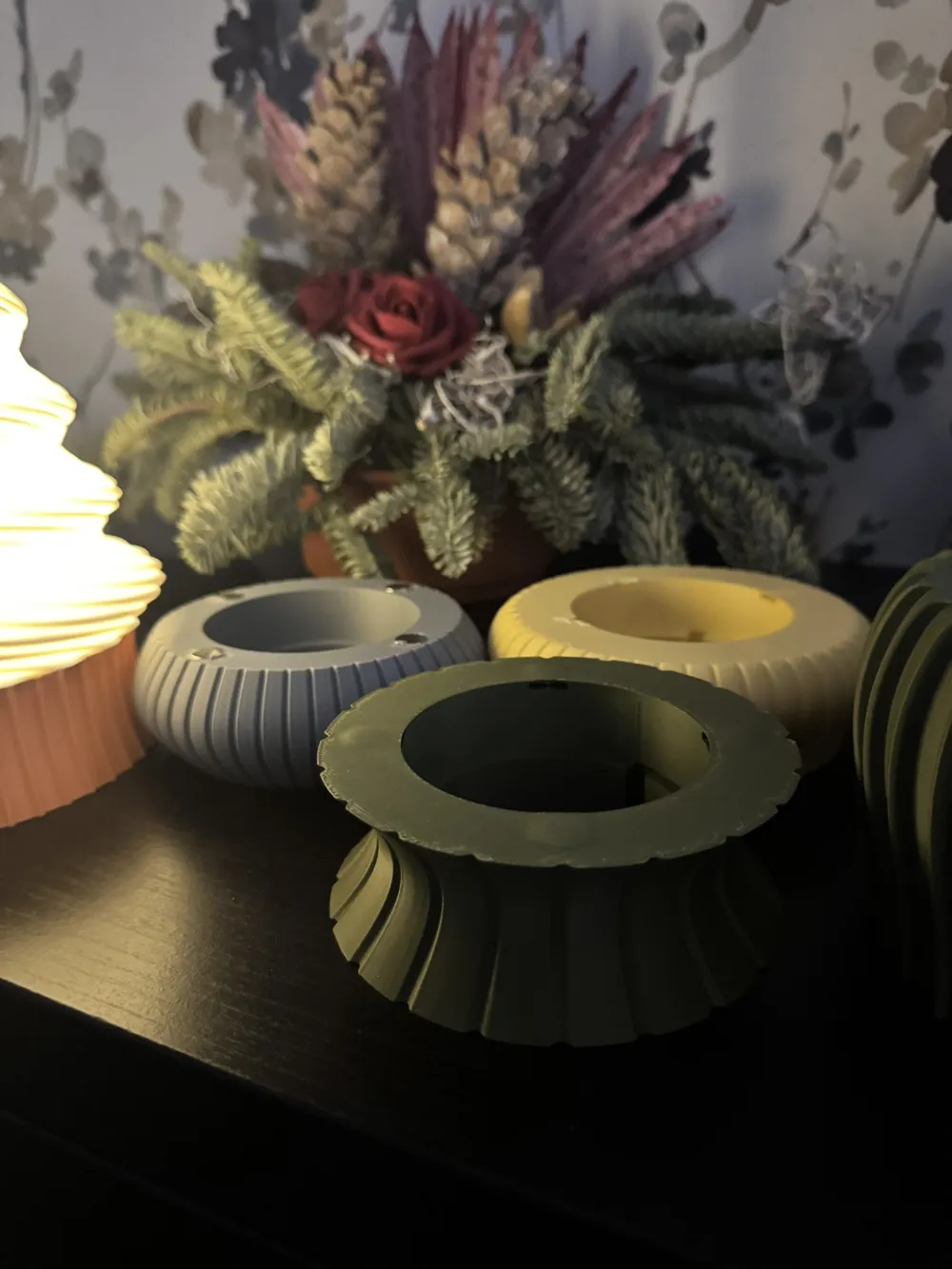
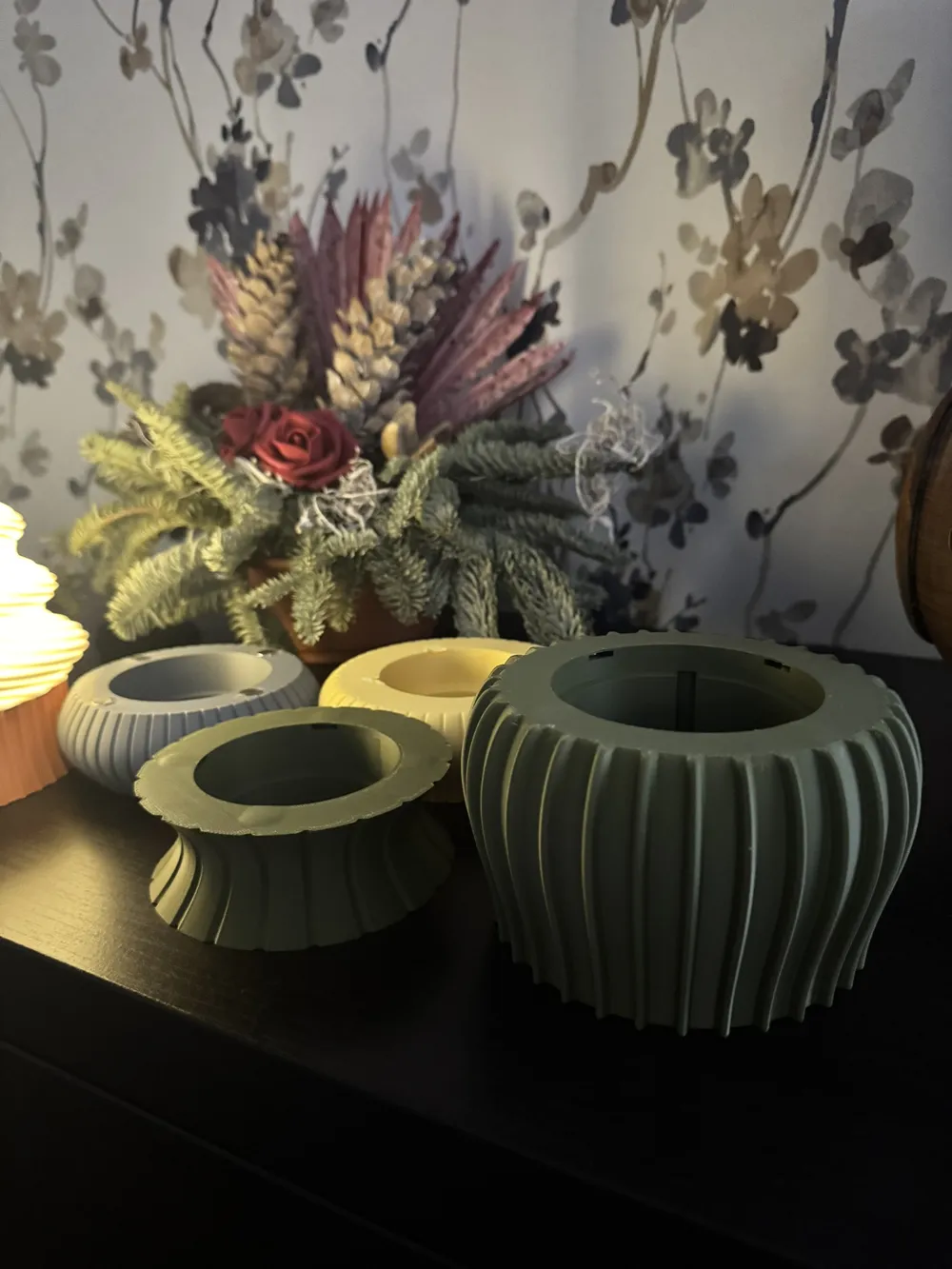
- Overall base shape
- Surface texture
- Dimensions (height, diameters, inner hole)
- Central curve / “waist”
- Cable channel
- Magnet system
🔵 Base Profile Shapes
Choose the general silhouette of the base:
- 📏 Straight – modern and clean
- 🍷 Flare – elegant, wider at the bottom
- 🍩 Donut – soft and rounded
- 🔔 Bell – classic and refined
- 🌷 Tulip – open, flower-like profile
- 〰️ S-curve – double curved, very aesthetic
- 💡 Bulb – chubby and rounded shape
🔶 Base Texture Styles
These textures are independent from the tree textures:
- none → plain and smooth
- groove → vertical inward cuts
- raise → raised vertical bands
- wave → smooth wave pattern
- crumpled → wrinkled, organic texture
- roof_tiles → tile / scale-like pattern
- tech → technical / geometric pattern
- classic_zigzag → classic zigzag
- classic_star → classic star-like pattern
You can match or contrast the lampshade surface for endless combinations.
⚙️ More base options
You can also control:
- Base height
- Top diameter
- Bottom diameter
- Inner hole diameter (for socket or cable)
- Central curve amount (S-shaped profile)
- Preview color (for visualization only)
- Or switch to Twisted Poly Base for a faceted twisted base
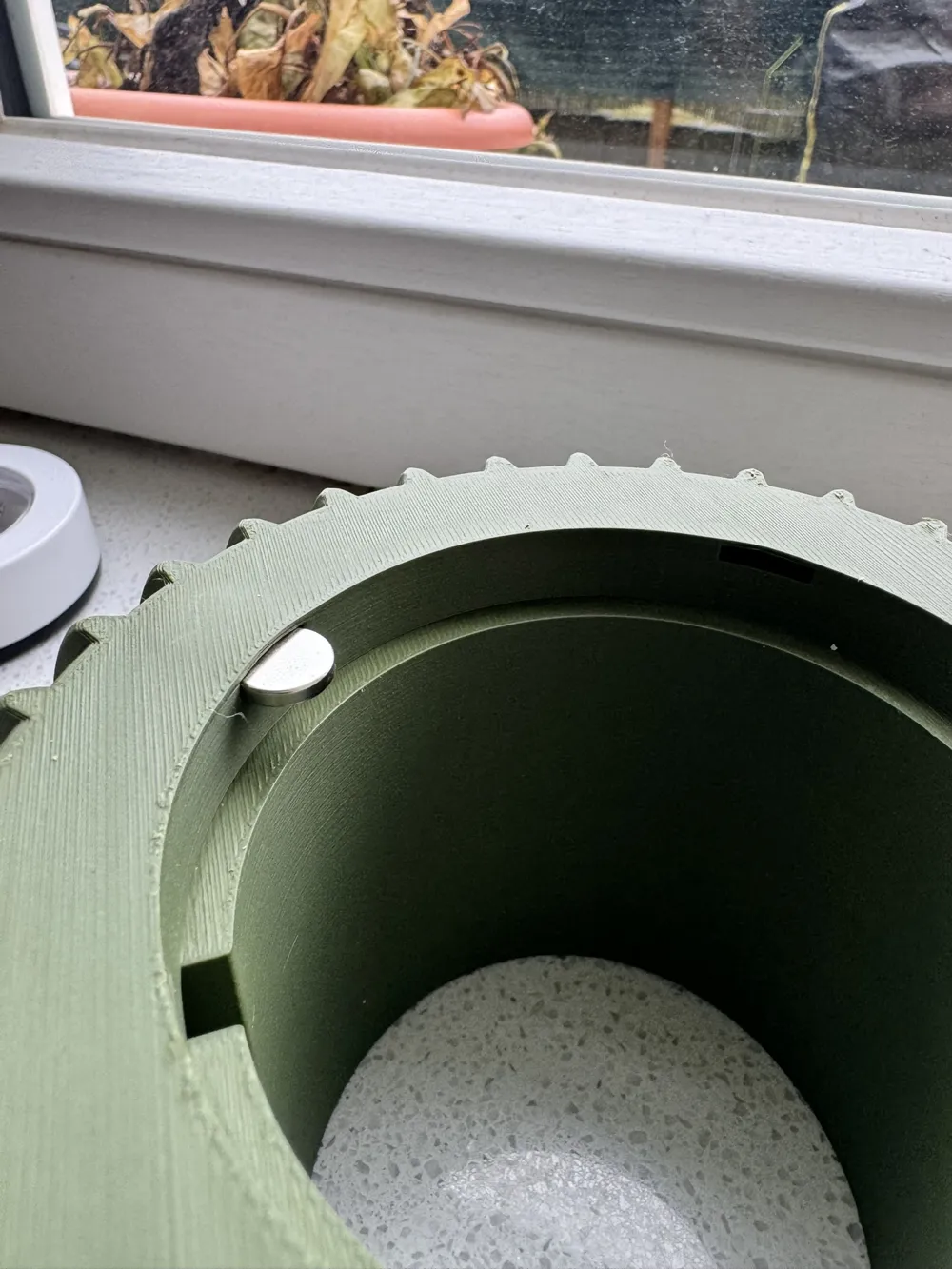
🧲 Magnets & Hidden Slots
The lampshade and base can be connected using magnets:
- Enable/disable magnets
- Set magnet diameter
- Set magnet pocket depth (in shade and/or base)
- Choose how many magnets around the ring
- Adjust the radial position of the magnet ring
The base can also generate hidden internal slots, so magnets are completely invisible from outside.
🔌 Cable channels
You can add a cable channel in:
- The lampshade disc
- The base
- Or both
Controls:
- Channel width
- Channel depth
- Cable exit angle
Perfect to route the cable to the back or to one side and keep the lamp visually clean.
🌀 Vase Mode — Spiral Vase Printing
The model also supports vase mode printing:
- Enable solid-shell mode for the shade
- It generates a body ideal for single-wall spiral printing
- Use the vase_disc as a connector between shade and base
In your slicer:
- Enable spiral/vase mode
- 1 perimeter
- 0% infill
🖨 Recommended Print Settings
🟢 Lampshade (normal mode)
- Layer height: 0.16–0.20 mm
- Perimeters: 3
- Infill: 10–15%
- Material: translucent PLA or PETG for best light diffusion
🌀 Lampshade (vase mode)
- 1 perimeter
- 0% infill
- Translucent filament recommended
🧱 Base
- Layer height: 0.20 mm
- Infill: 15–25%
- Perimeters: 3–4
⚠️ Safety
- Use LED bulbs only (low temperature).
- Do not use halogen or incandescent bulbs.
- Make sure there is enough clearance between the bulb and the inner wall of the shade.
✅ Quick Start Guide
- Open the model in MakerWorld’s parametric view.
- In 👁️ View / assembly, select which part you want to export.
- Adjust the 🎄 tree shape (height, layers, bulge, wall thickness).
- Choose a ✨ surface style for the lampshade.
- Configure the 🎀 top finial if you want a decorative ball.
- Customize the 🧱 integrated base or the 🏺 independent base (shapes, textures, magnets, cable).
- Export the STLs.
- Print your parts.
- Insert the magnets (if used), install the socket and cable.
- Turn it on and enjoy your The Parametric Lamp "Clea" — Christmas Tree Edition 🎄💡
License



Comment & Rating (0)