Search models, users, collections, and posts

Tp Link TL-SG1005D - under desktop holder
IP Report
Print Profile(1)

0.2mm layer, 6 walls, 25% infill
Designer
1 h
1 plate
Open in Bambu Studio
Boost
2
13
2
0
23
12
Released
Description
Content has been automatically translated.
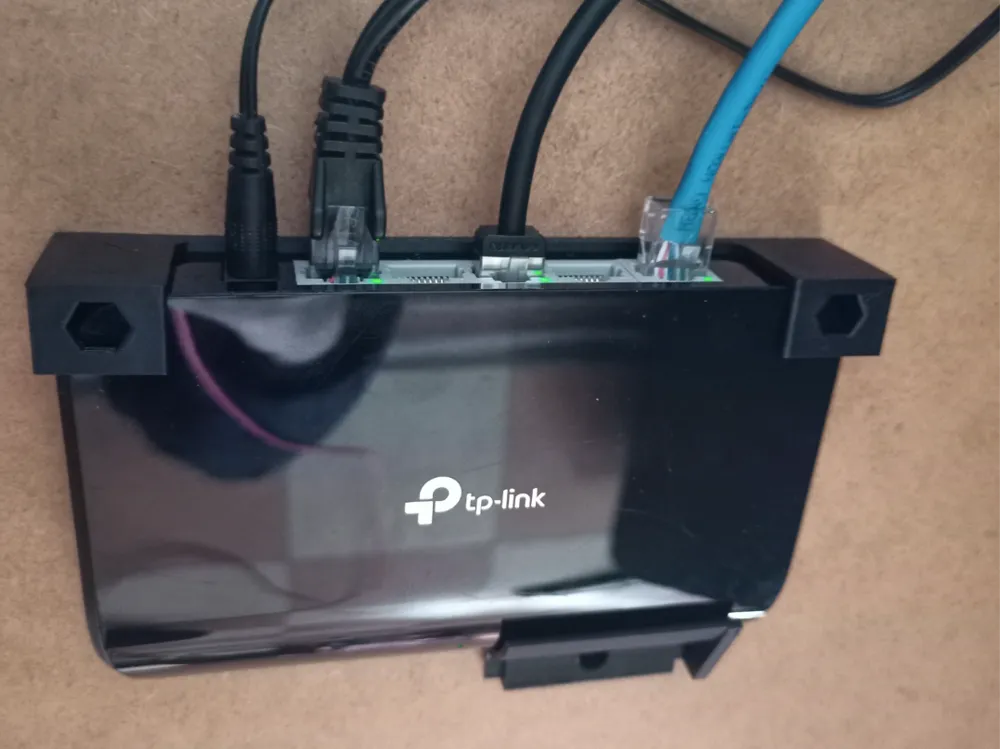
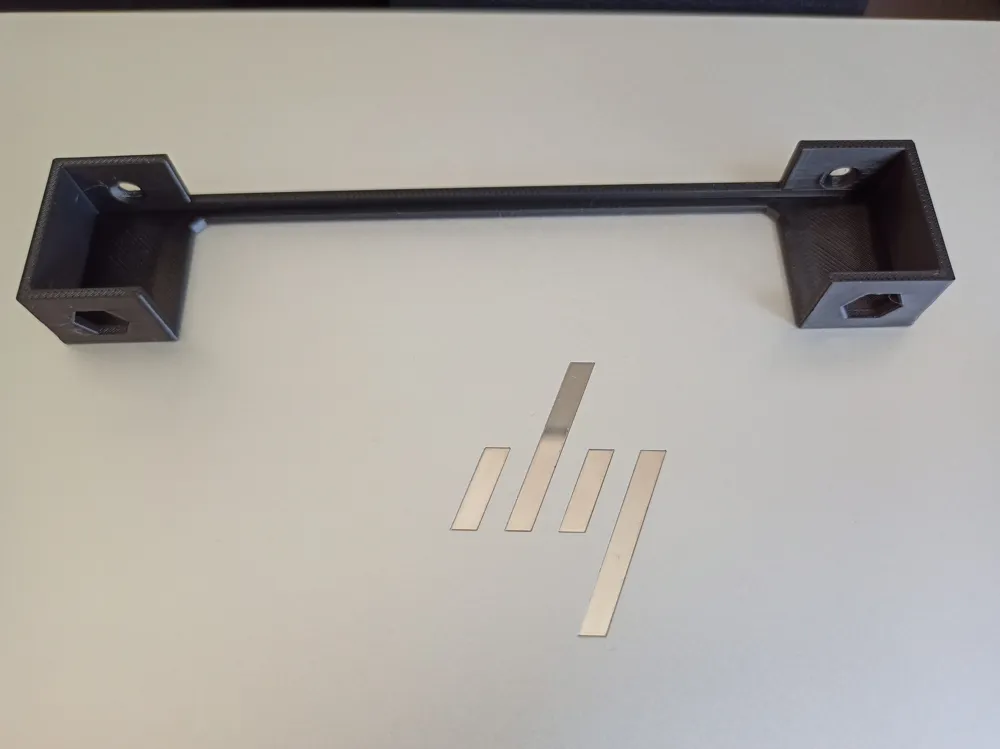
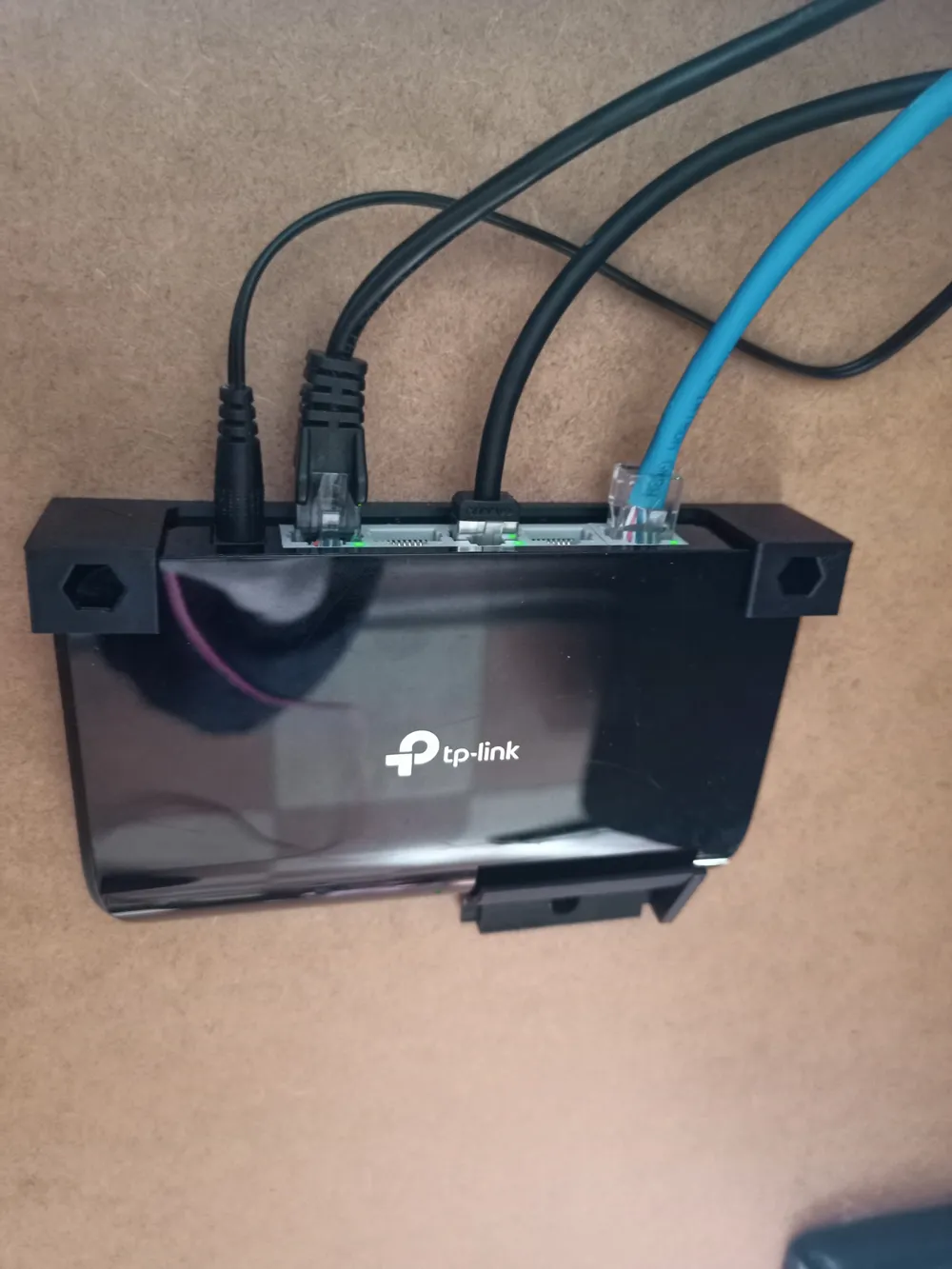
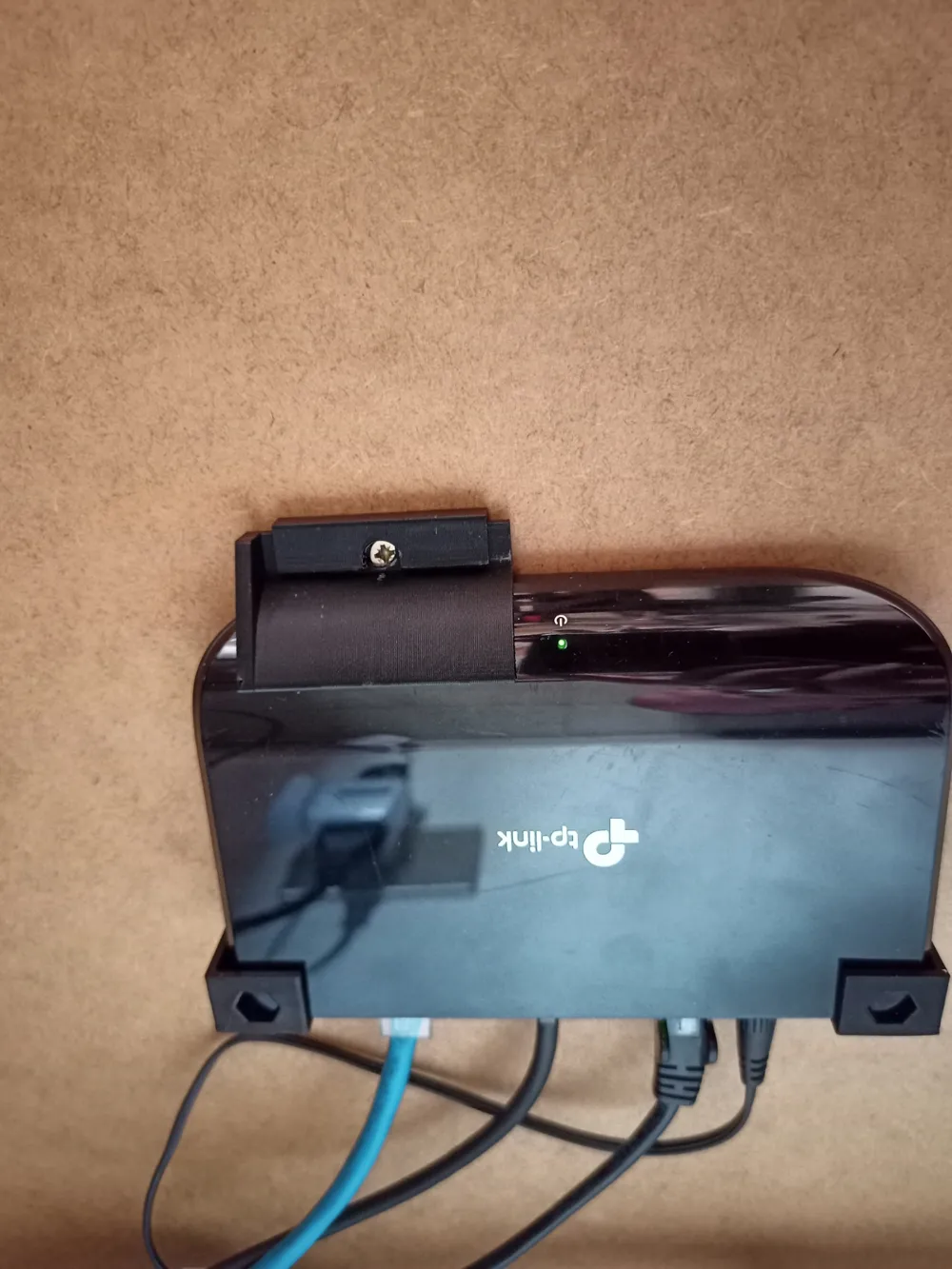
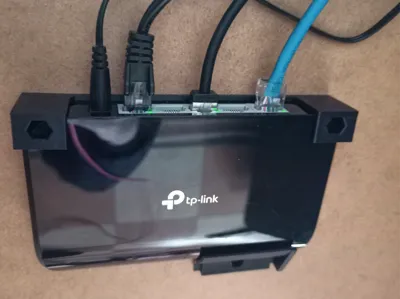
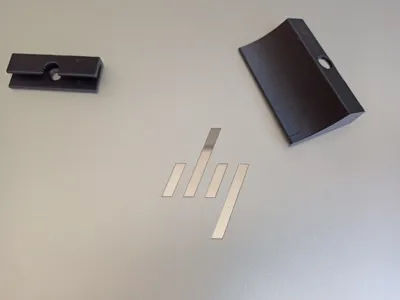
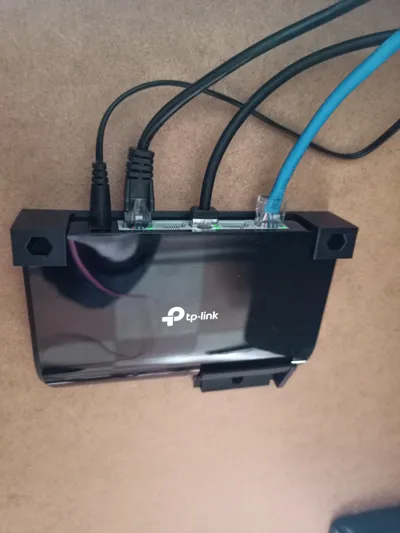
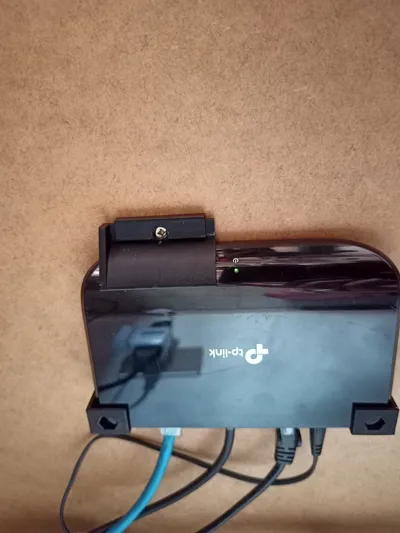
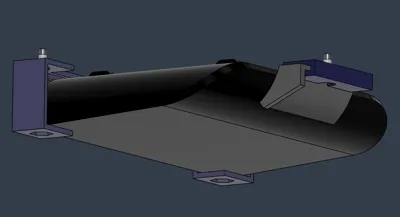
I needed to fix the network switch under the desk and created this three-part holder.
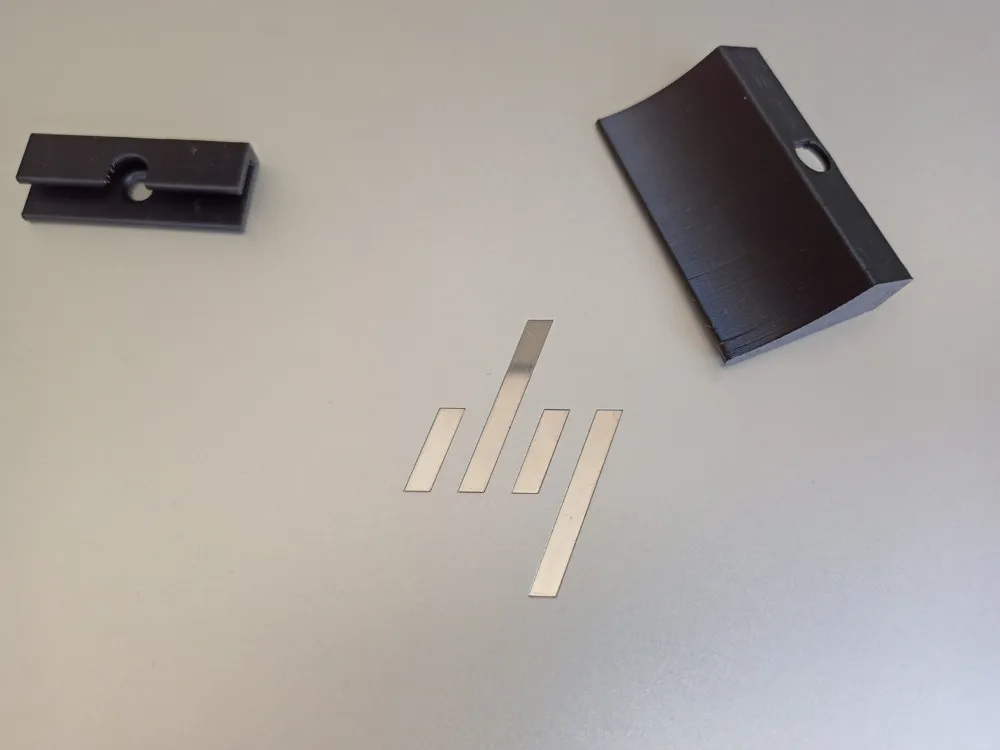
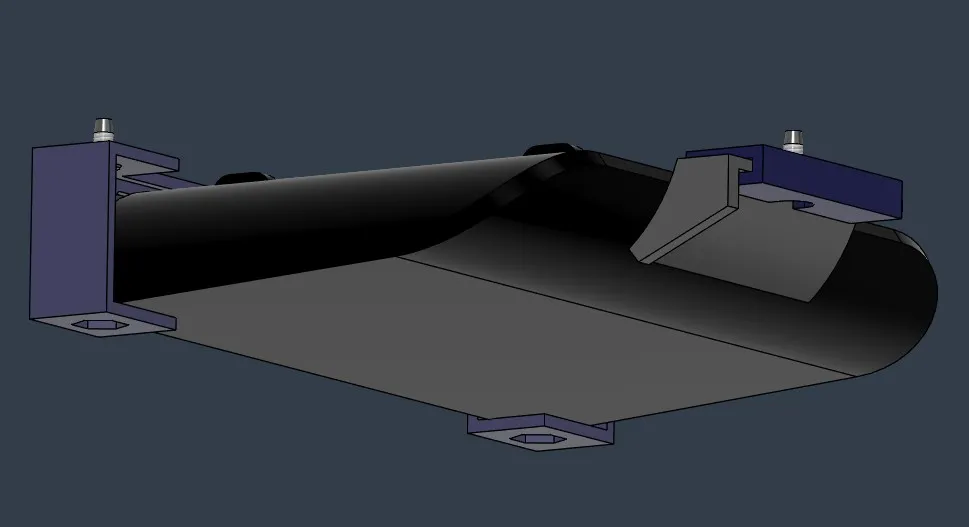
- Preparation: insert the tab into the small C-shaped holder, so that the screw pass-through holes are aligned
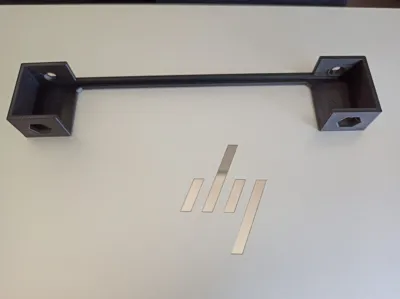
- First, attach the rear part of the holder (the longer one) to the desk with two screws
- Insert the TP-Link TL-SG1005D switch into the fixed holder
- Place the front part of the holder so that the tab conforms to the curvature of the switch
- Secure the tab holder with the third screw
- Screw the third screw all the way in, so that the screw head does not obstruct the sliding of the tab.
Documentation (1)
Assembly Guide (1)
montaggio.pdf
License

This user content is licensed under a
Creative Commons Attribution-Noncommercial-Share Alike


Comment & Rating (2)