
ARC Raiders Dog Tag Keychains (12 pcs)
Print Profile(5)


Bill of Materials



Description
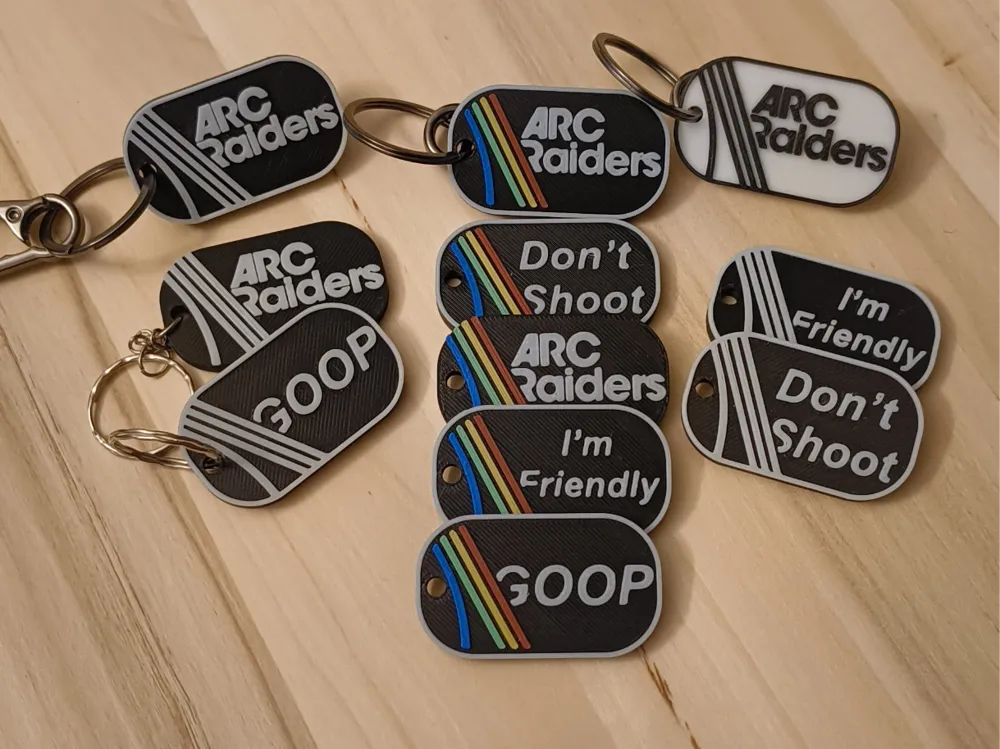
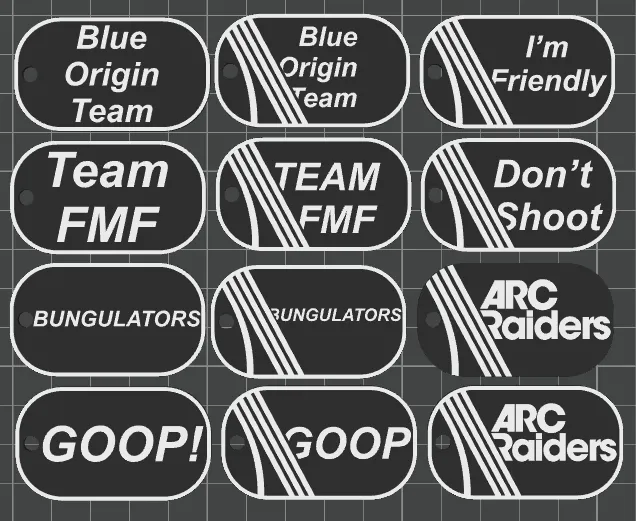
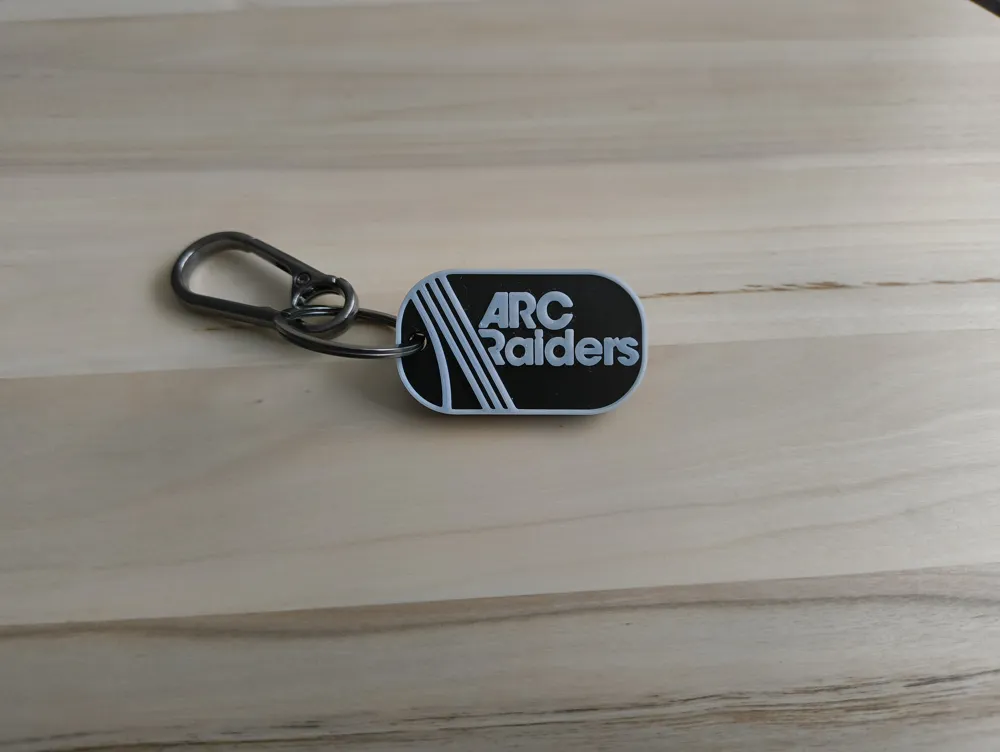
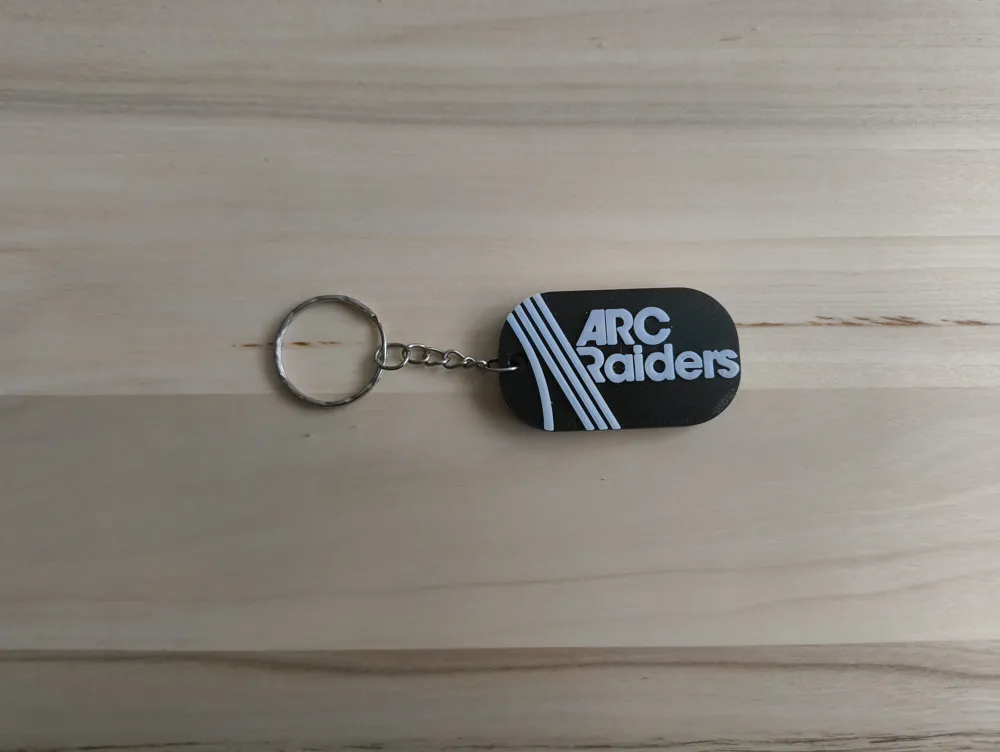
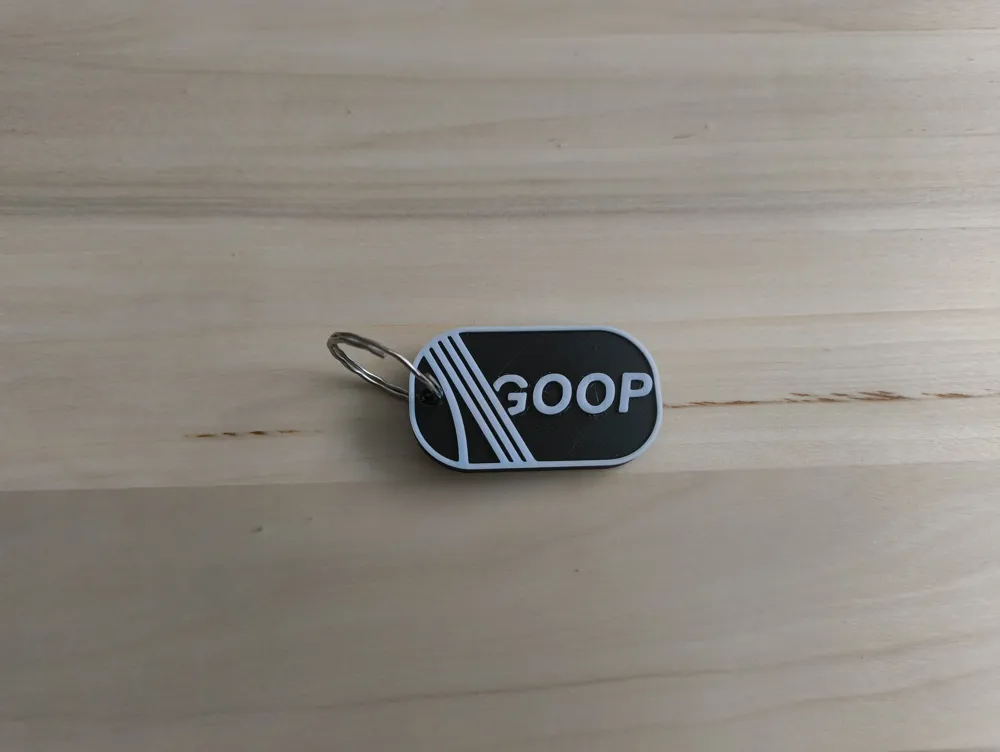
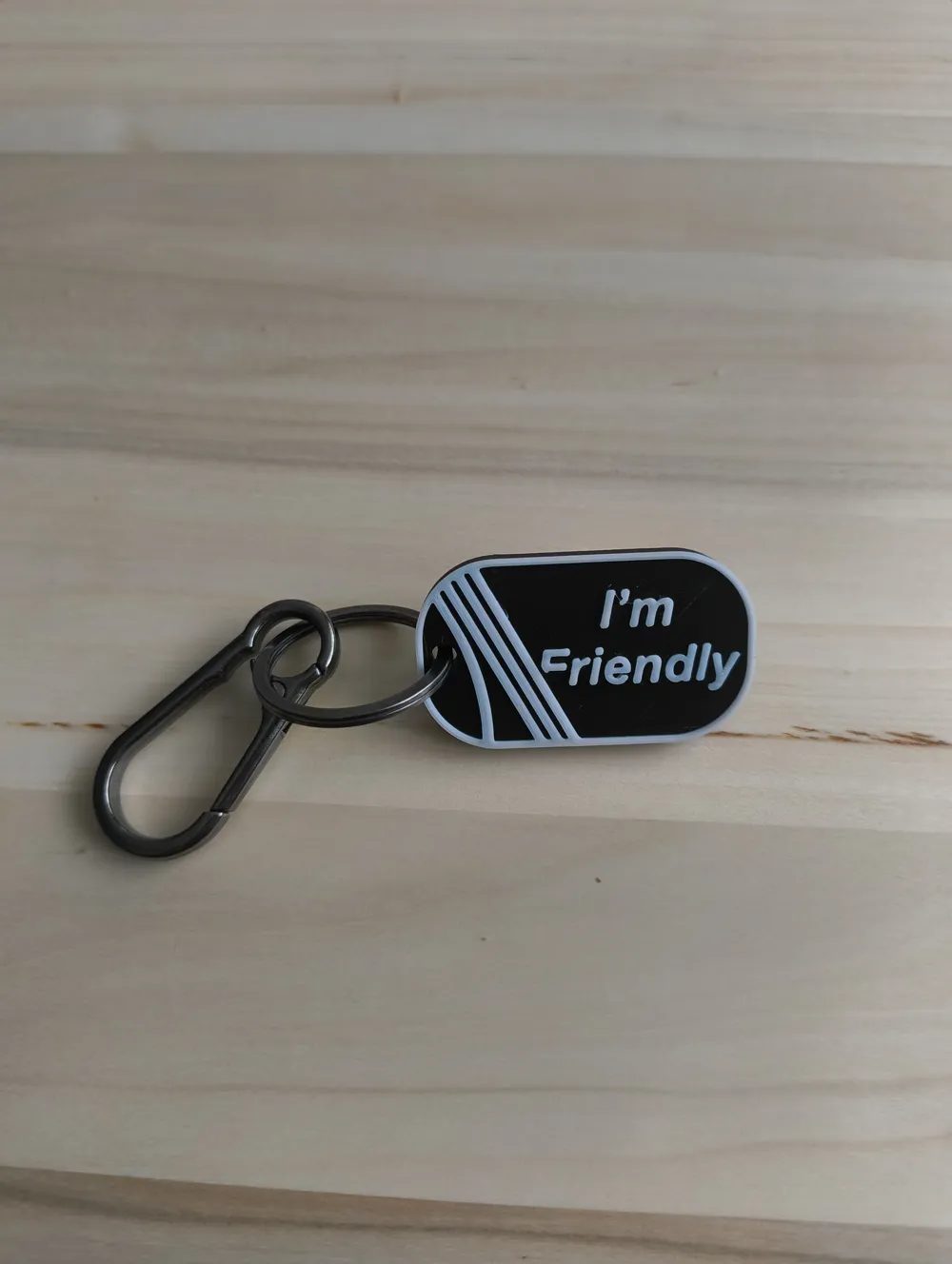
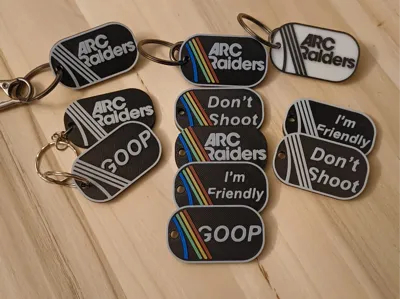
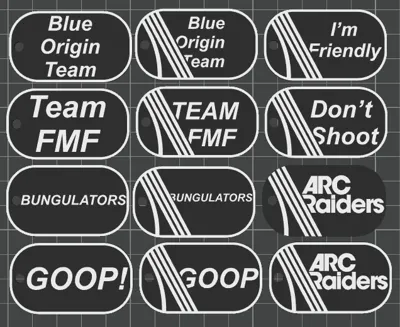
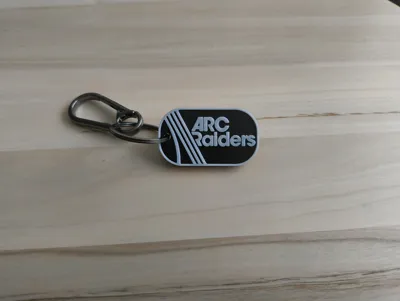
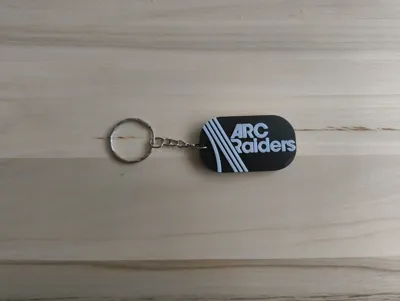
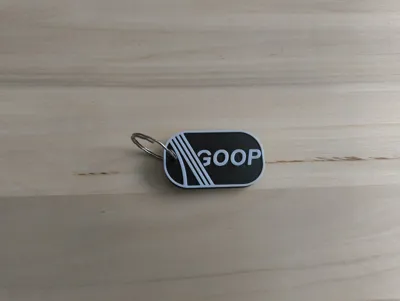
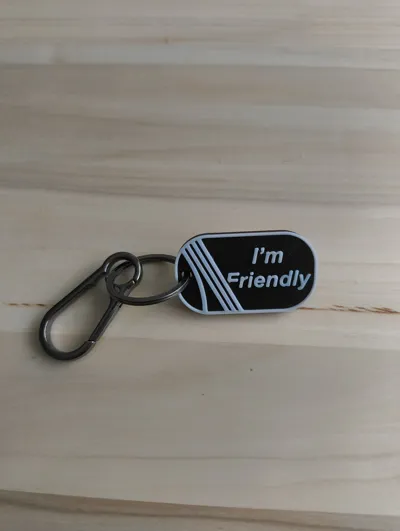
This is a small collection of ARC Raiders–inspired dog-tag style keychains, featuring designs like GOOP, Bungulators, FMF, ARC Raiders, and a few fun extra variations.
All tags are designed to be easy, clean prints with no supports needed. They’re fully flat, the edges are simple, and the raised line details are optimized for FDM printers.
The hole diameter is 4 mm, which fits standard key rings and small carabiners.
They make great small gifts, game-themed accessories, or just a simple way to customize your keys or gear.
I printed mine in PLA, and it works perfectly. If you’re printing without an enclosure, I recommend using PLA or PETG for the best reliability. Both materials handle the flat geometry well and give a clean finish.
You can also use other materials, but PLA/PETG will give you the easiest results.
Just drop the models on the plate, press print, and they’re good to go.
🔄 Note about filament changes (AMS or manual)
These tags were tested both with AMS and without AMS:
- With AMS: the color swaps are fully automatic and require no user input.
- Without AMS: I used a print profile without AMS support and added manual filament change points (M600) in the slicer. This works great too — just be ready to swap filament when the printer pauses.
Both methods print cleanly because the models are flat and require only a single color change for the top details.
🔧 Print Settings (my setup)
- Layer height: 0.08 mm (Extra Fine)
- Walls: 2 wall loops
- Infill: 15% gyroid
- Infill lines: 1
- Supports: none needed
- Material: PLA
- Material recommendation: PLA or PETG
The models are small and simple, so they slice cleanly and print quickly.
The 0.08 mm layer height gives very crisp text and detailed raised lines.
🟩 1 AMS Setup — Short Instructions
This method uses one AMS slot for manual swaps (Slot 1 in my example).
All other colors stay loaded the whole time.
- The print begins with black in Slot 1.
- When the printer switches to yellow/blue/green, Slot 1 is not in use — this is the safe moment to swap filament.
- First swap: Black → Red
- When Slot 1 is free again, swap: Red → White
- Then continue swapping Red ↔ White (red → white → red → white) whenever needed, always during the moments when the printer is using the other AMS slots.
🔄 Optional: Adjusting the Color Order
You can also change the color order in the slicer (Plate Settings → Filament Sequence) to optimize the workflow.
By adjusting which color comes next in the sequence, you can make the next layer start directly with white (or red), reducing waiting time and making swaps cleaner and easier.
This lets you plan the color transitions so each layer ends and begins with the most convenient color.
You can choose any AMS slot as your “swap slot” — I just used Slot 1.
This lets you print the full multicolor tag with one AMS and a few simple manual swaps.
License

You shall not share, sub-license, sell, rent, host, transfer, or distribute in any way the digital or 3D printed versions of this object, nor any other derivative work of this object in its digital or physical format (including - but not limited to - remixes of this object, and hosting on other digital platforms). The objects may not be used without permission in any way whatsoever in which you charge money, or collect fees.


Comment & Rating (85)