
PLA Temperature Tower (185–230°C)
Print Profile(1)

Description
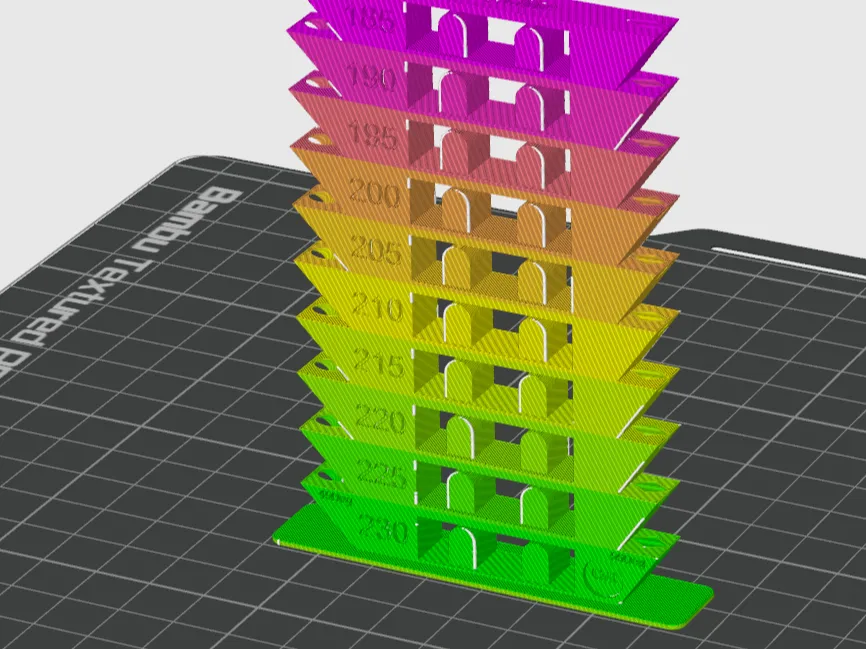
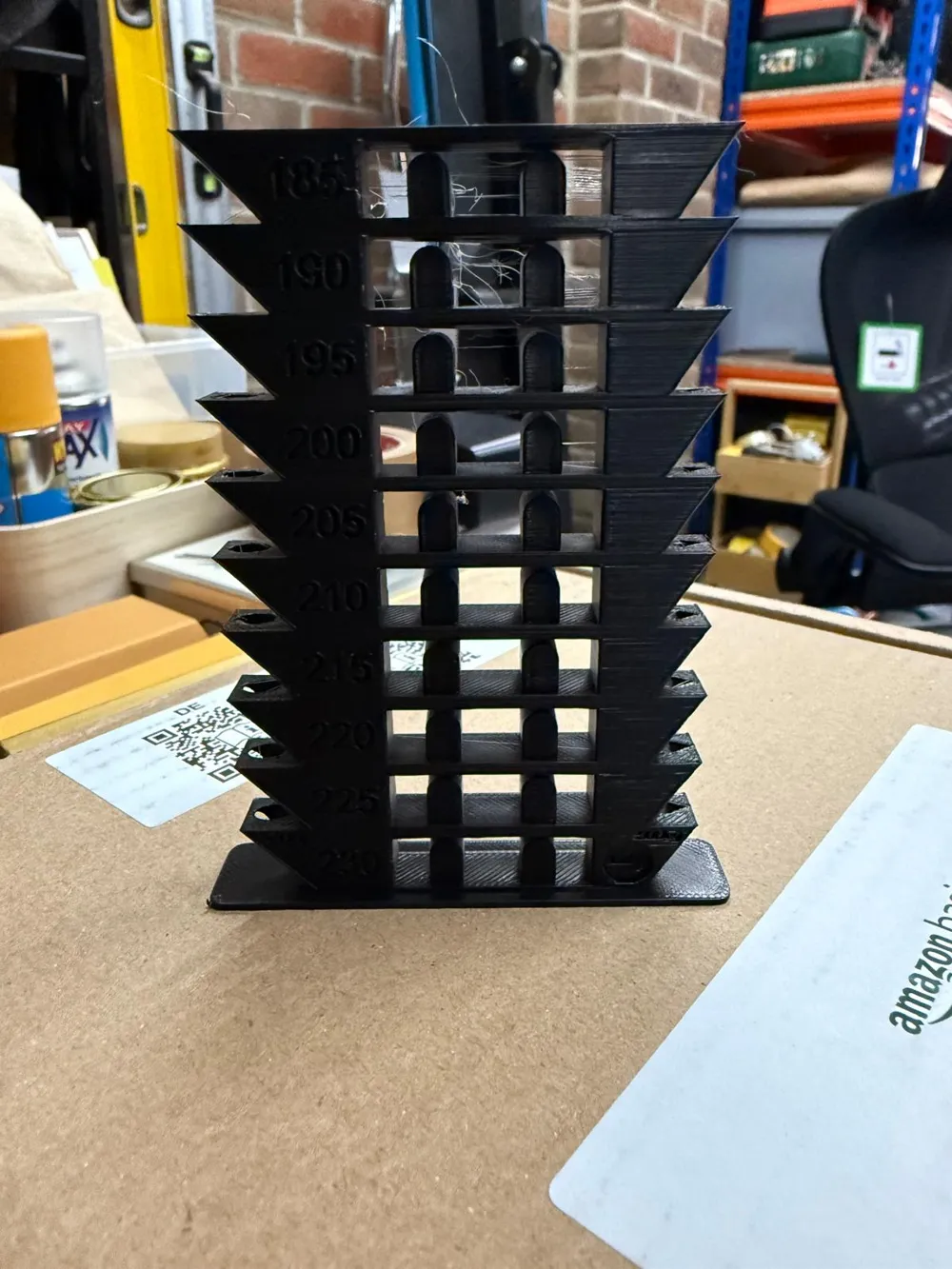
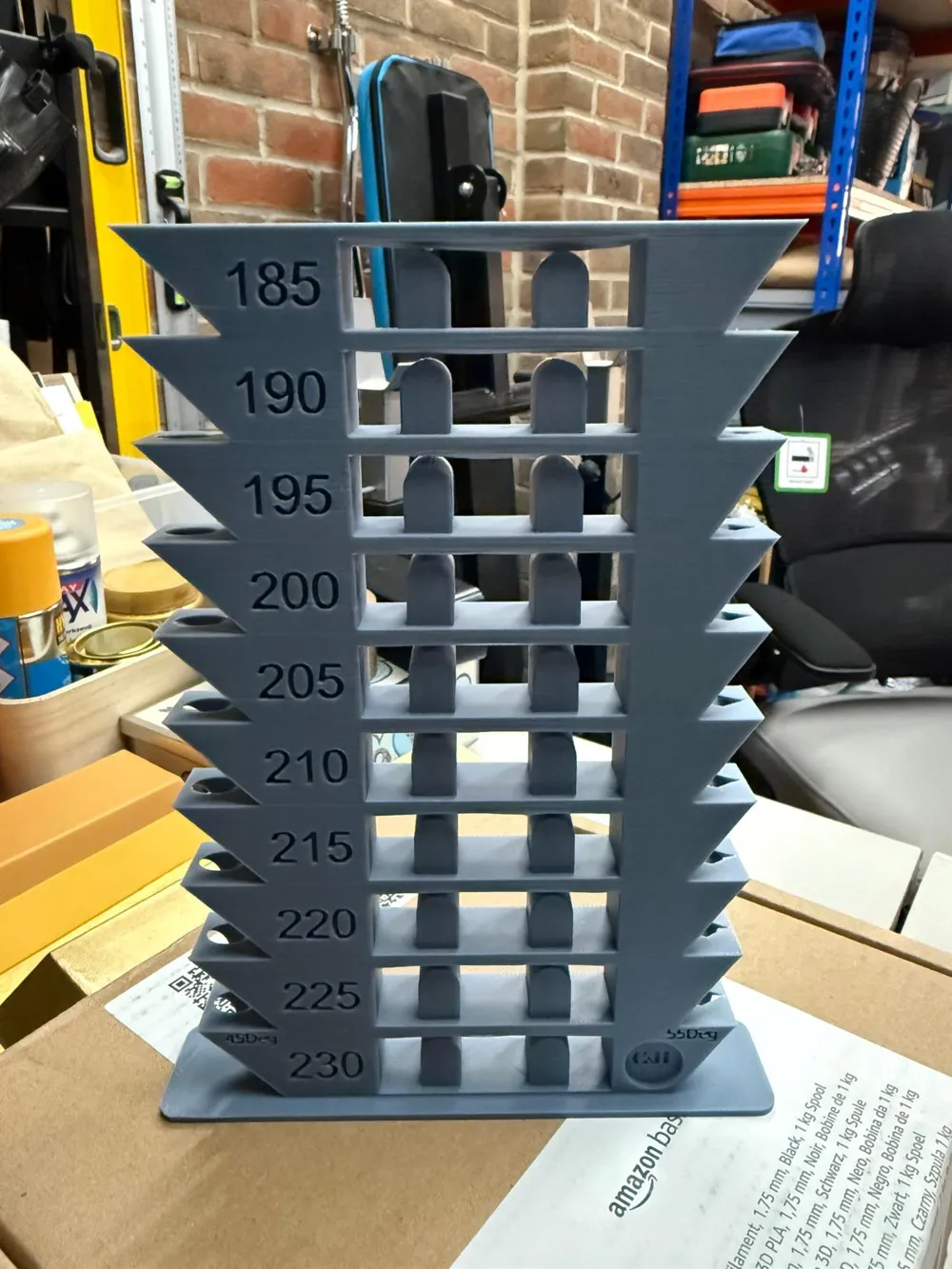
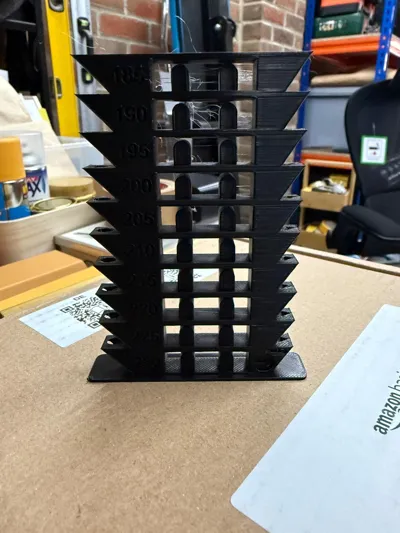
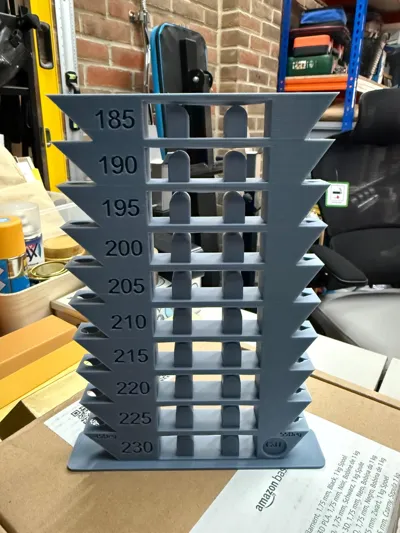
A premium PLA temperature calibration tower designed by Craft & Hue for precise, real-world filament tuning.
This tower covers 185°C to 230°C in 5°C steps and includes a full suite of structural tests to reveal the true performance of your filament.
A pre-configured G-code file is available in the Raw Files section of this listing.
It already includes all temperature changes from 230°C down to 185°C in 5°C steps, so you can print the tower immediately without entering any manual commands.
Simply download it, load it into your Bambu printer, and you’re ready to go.
🔧 Features
- Temperature Steps (185 → 230°C)
Clearly engraved labels for easy evaluation. - 45° and 55° Overhang Tests
Instantly shows sagging, cooling behaviour, gloss changes and layer stability at each temperature. - Bridging + Arch Geometry
Tests unsupported spans, dimensional accuracy, and heat softening in a realistic environment. - Smooth Calibration Surfaces
Each fin provides clean planes for assessing layer consistency and surface finish.
🎯 What This Tower Helps You Determine
- Best printing temperature for your filament
- Matte vs gloss transition point
- Overhang behaviour at 45° and 55°
- Stringing level at each temperature
- Bridging performance
- Layer adhesion
- Detail reproduction and sharpness
- Stability during long, thin overhangs
Ideal for PLA, PLA+, Bambu Basic PLA, Matte PLA and most standard filaments.
🔥 Manual Temperature Change Instructions (Custom G-code)
If you prefer manual control over temperature stepping, add the following G-code commands in Bambu Studio → Right Panel → Custom G-code:
Command format:
M104 S[Target temperature]
This sets the nozzle to the next temperature at specific layers.
Custom Layered G-code for This Tower for Plate 2
- Layer 6: M104 S230
- Layer 69: M104 S225
- Layer 131: M104 S220
- Layer 194: M104 S215
- Layer 256: M104 S210
- Layer 319: M104 S205
- Layer 381: M104 S200
- Layer 444: M104 S195
- Layer 506: M104 S190
- Layer 569: M104 S185
Set 230°C as the base printing temperature in your filament profile so the steps work correctly.
In Bambu Studio:
- Slice the file
- Go to Preview
- Switch to Colour by Temperature
- Enter the G-codes under Custom G-code → Layer
🎥 Related Video
This model is featured in Episode 4 of the Bambu Studio series, where it’s used alongside Flow Dynamics and Flow Rate Calibration to compare prints before and after calibration.
Boost Me (for free)
If you find this model useful, a boost on MakerWorld would be really appreciated.
And if you’re not able to boost, hitting like or sharing your print means just as much.
License

You shall not share, sub-license, sell, rent, host, transfer, or distribute in any way the digital or 3D printed versions of this object, nor any other derivative work of this object in its digital or physical format (including - but not limited to - remixes of this object, and hosting on other digital platforms). The objects may not be used without permission in any way whatsoever in which you charge money, or collect fees.


Comment & Rating (34)