
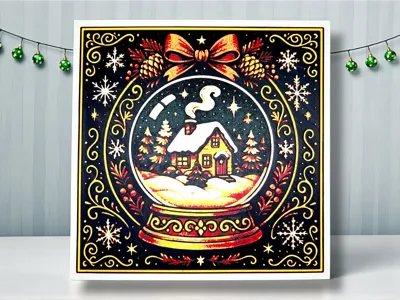
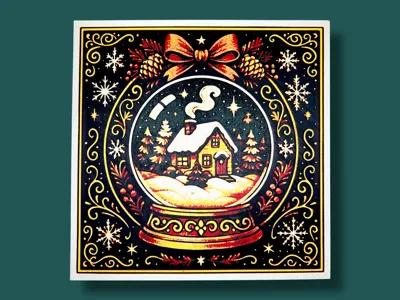
Snow Globe Vintage Christmas Hueforge
Print Profile(1)

Description
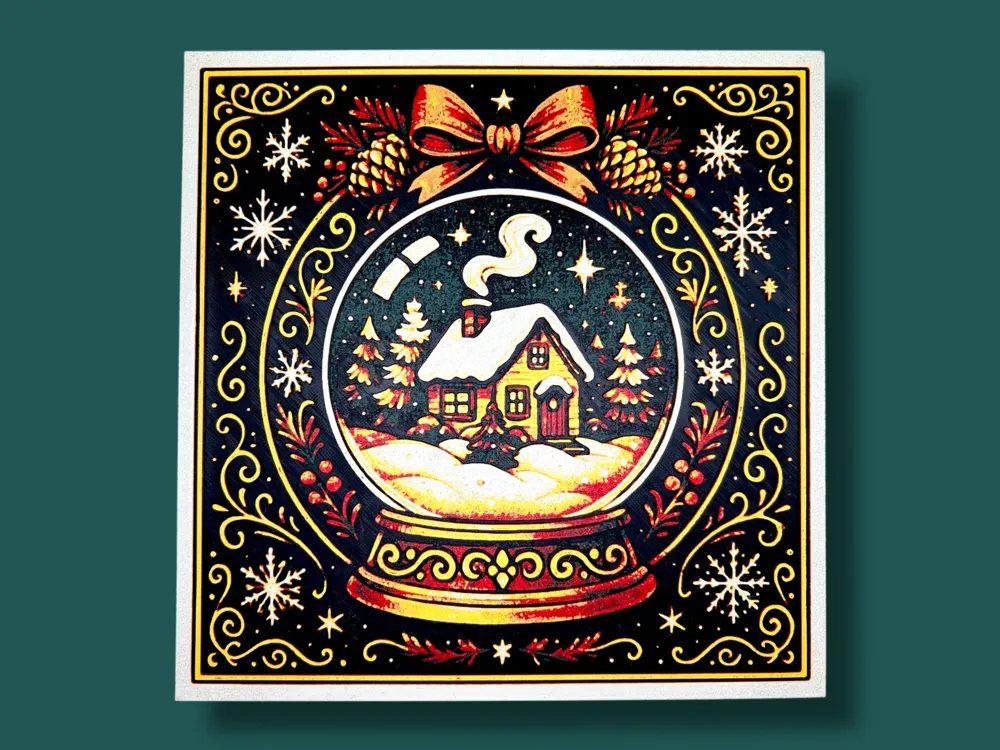
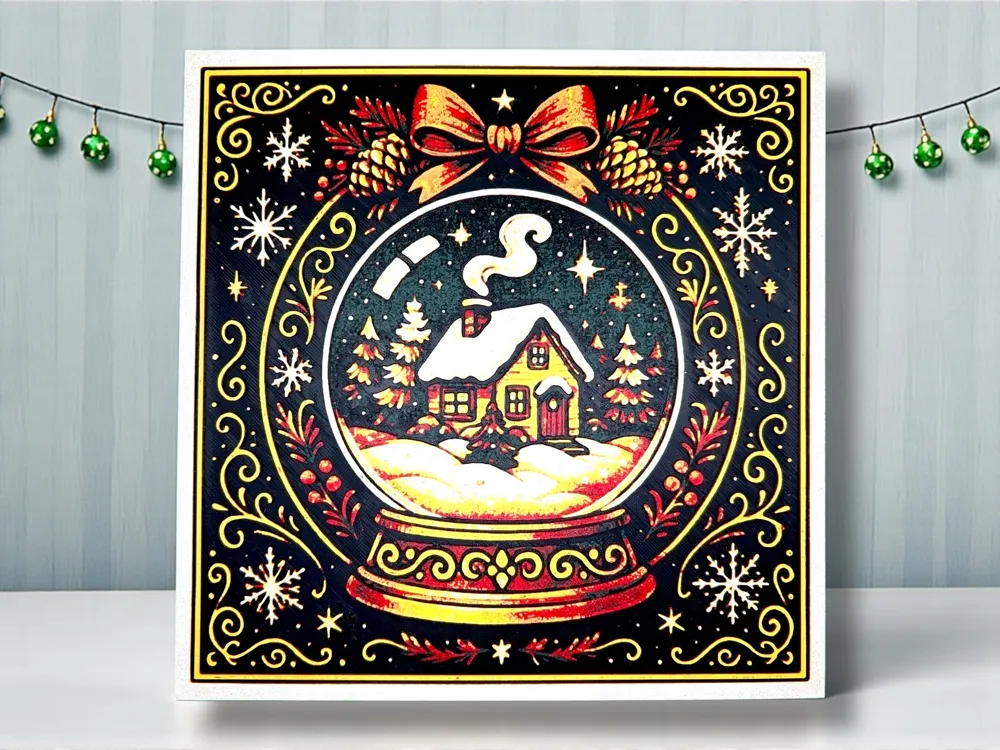
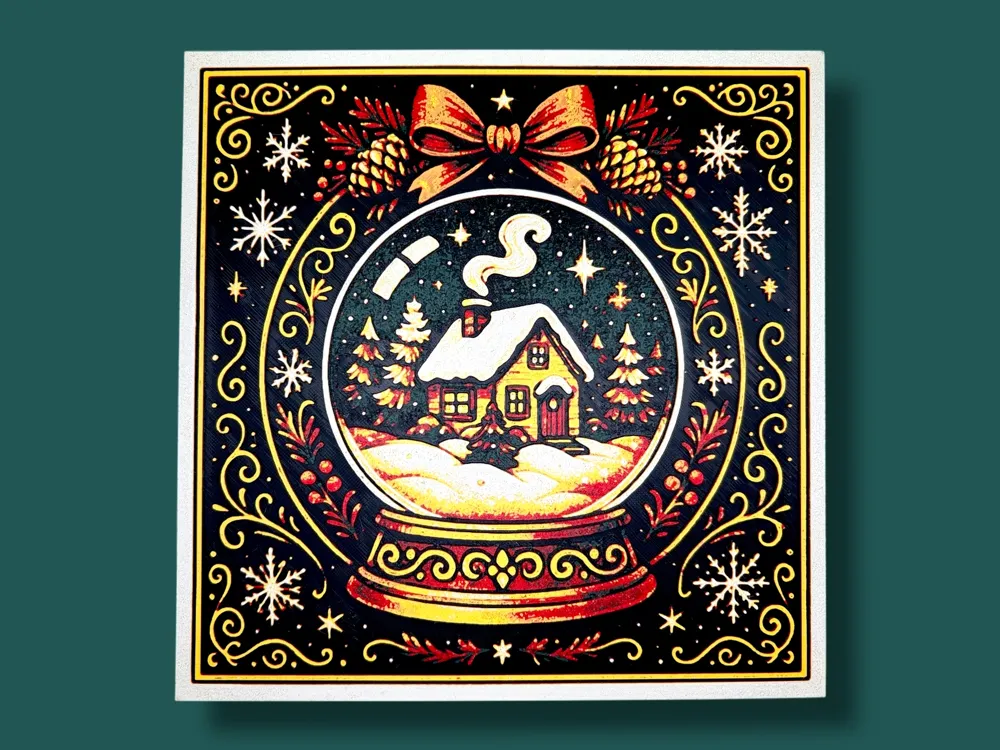
This Vintage Christmas Collection captures the warm, storybook charm of classic holiday illustrations with rich reds, golds, and forest greens. Each piece features ornate borders, hand-drawn textures, and cozy winter motifs—from glowing Christmas trees and ribbon-trimmed wreaths to snow-covered cottages encased in magical snow globes. Designed with nostalgic elegance, every image feels like a treasured page from an old-world holiday card, blending timeless tradition with artistic detail that evokes comfort, cheer, and the magic of
Christmases past.
Project: Snow Globe.hfp
Print at 100% infill with a layer height of 0.08mm with a base layer of 0.16mm
The Model is 200x200mm in size
You may print at higher layer heights below the Base Thickness of 0.64mm
The Max allowed Thickness is 2.24mm and the Actual Thickness is 2.08mm
Filaments Used:
#000000 PLA BambuLab Basic Black Transmission Distance: 0.6
#304301 PLA BambuLab Matte Pine Green Transmission Distance: 1
#c00d1e PLA BambuLab Basic Red Transmission Distance: 4
#e4bb4c PLA Overture Matte Yellow Transmission Distance: 3.6
#f9ece4 PLA Kexcelled Skin Transmission Distance: 4.4
This print uses 5 unique filaments
Swap Instructions:
Start with Black
At layer #10 (0.88mm) swap to Pine Green
At layer #15 (1.28mm) swap to Red
At layer #20 (1.68mm) swap to Yellow
At layer #23 (1.92mm) swap to Skin for the rest. (Can substitute for a light beige or white)
Please note, a height modifier was applied to ensure a thicker base - this results in the layer numbers being offset by 3 layers, however the heights remain consistent.
One AMS? No problem! There is a pause included before the 4th color is completed - one method to utilize one AMS is to assign the additional colors to previously used slots when sending your print. Here is an example of my preferred method and strategy:
 |

If you have more than one AMS or are manually changing filaments, |
This print is part of a coordinated Hueforge series by Manic 3D Prints, designed to showcase various Heavy Metal inspired hueforge pieces. This collection is nostalgic blend of vintage holiday charm and ornate festive details, this collection brings classic Christmas magic to life in every design.
✨🎄 Hueforge: Vintage Christmas Icons 🎄✨
Want to sell your physical prints of this model? A commercial license is available through my profile.
This model was created by Manic 3D Prints using Hueforge, based on a concept and idea fully developed by us. The source image was generated with the help of online tools to bring our vision to life. The 3D model itself was entirely designed and rendered by us using Hueforge as part of our original creative process.
License

You shall not share, sub-license, sell, rent, host, transfer, or distribute in any way the digital or 3D printed versions of this object, nor any other derivative work of this object in its digital or physical format (including - but not limited to - remixes of this object, and hosting on other digital platforms). The objects may not be used without permission in any way whatsoever in which you charge money, or collect fees.


Comment & Rating (0)