
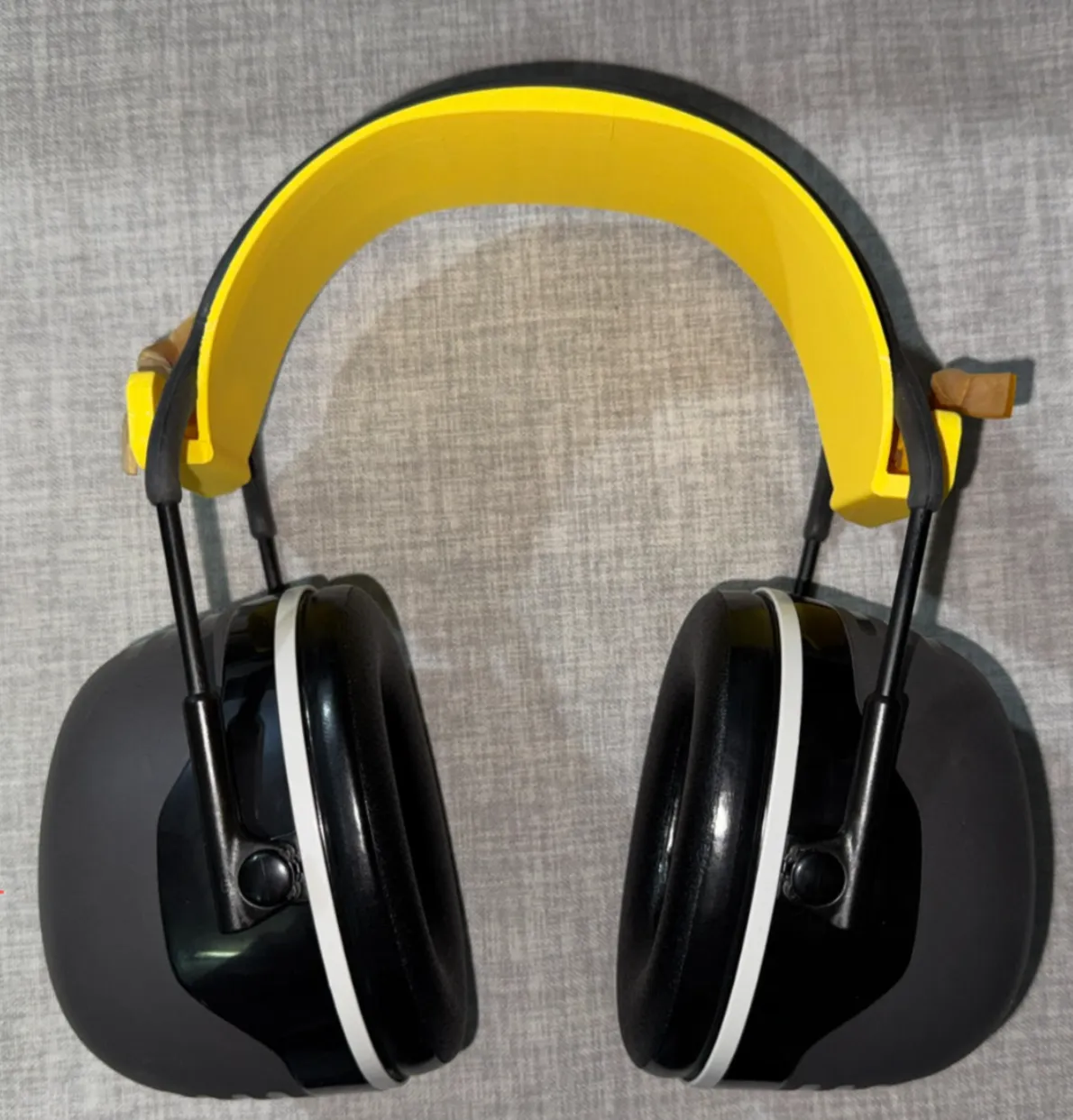
3M X5A Noise-Reducing Earmuffs Headband, More Comfortable Without Pinching Ears
Print Profile(1)

Description
Related accessories
3M X5A Ear-free Support Frame
International site:
https://makerworld.com/en/models/1964555
Domestic site:
https://makerworld.com.cn/en/models/1748068
Model purpose
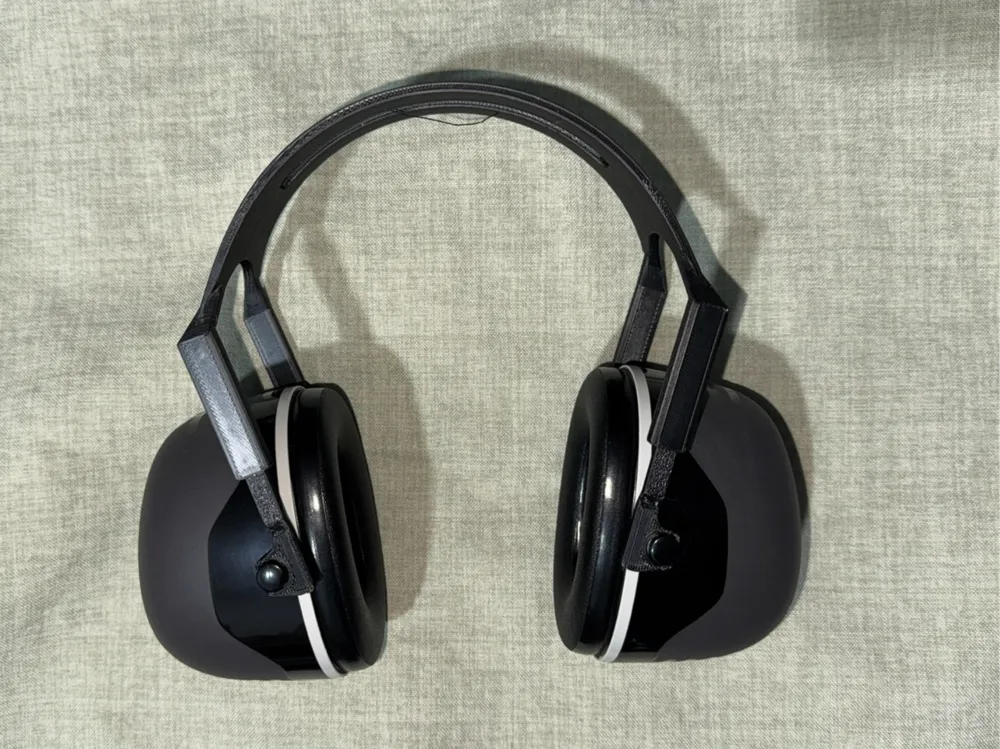
The official 3M earmuffs are too tight, causing ear pain after prolonged wear. This model serves as an optimized alternative, increasing the ear distance on both sides of the headband, significantly extending wearing time and improving user experience.
It is not recommended to wear the headband while sleeping, as the model may crack (unless a hard material with excellent toughness is chosen).
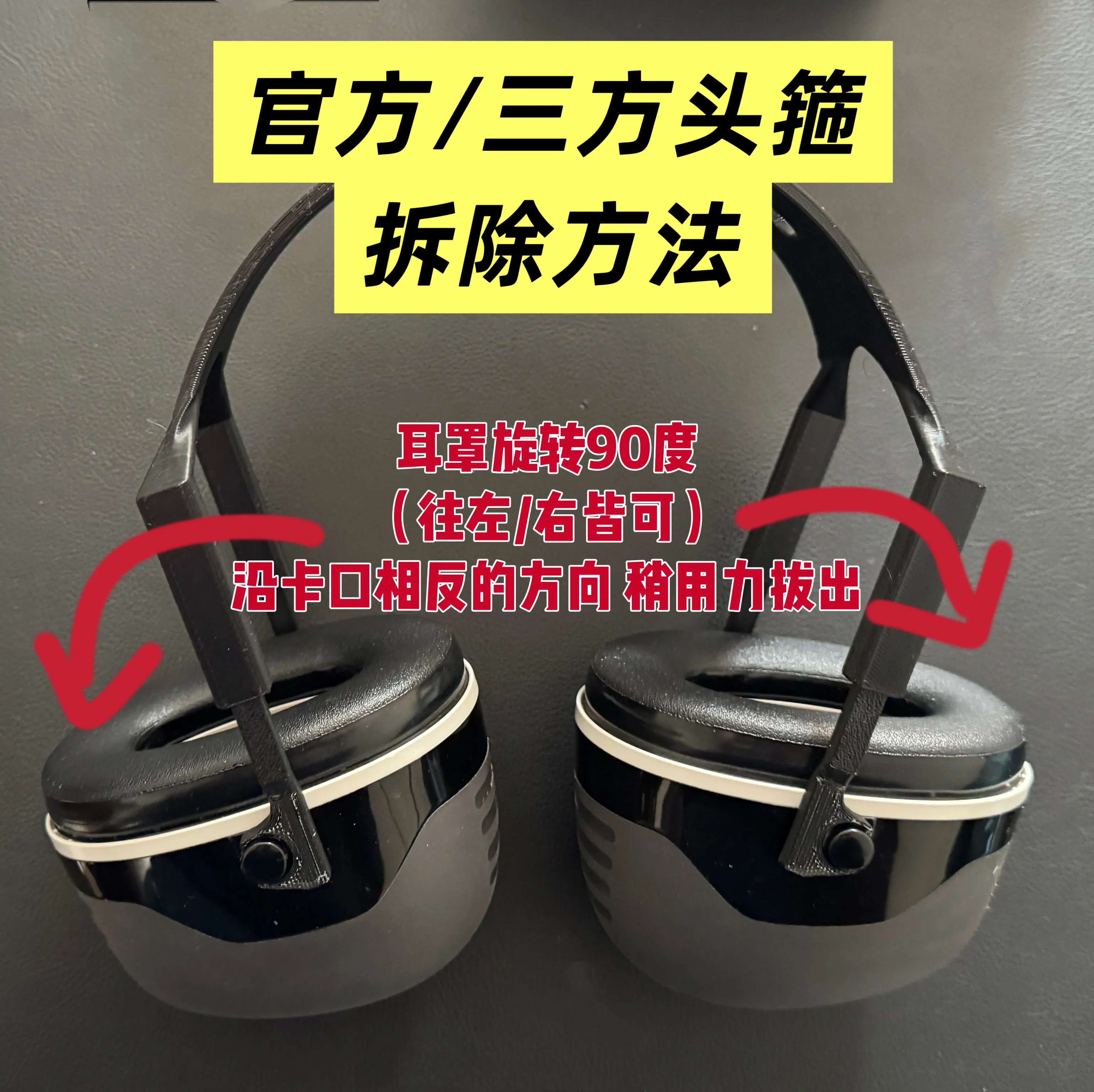
Official headband removal method
As shown in the figure, first rotate the earmuff 90 degrees (either left or right), then pull it out from the opposite direction of the buckle.
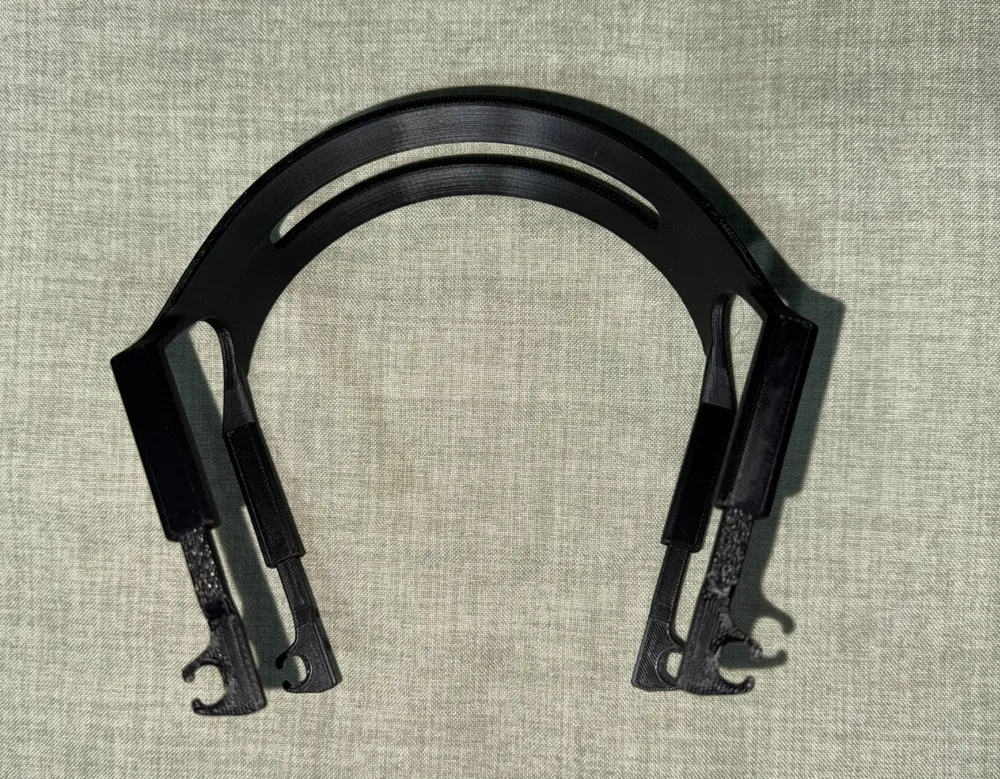
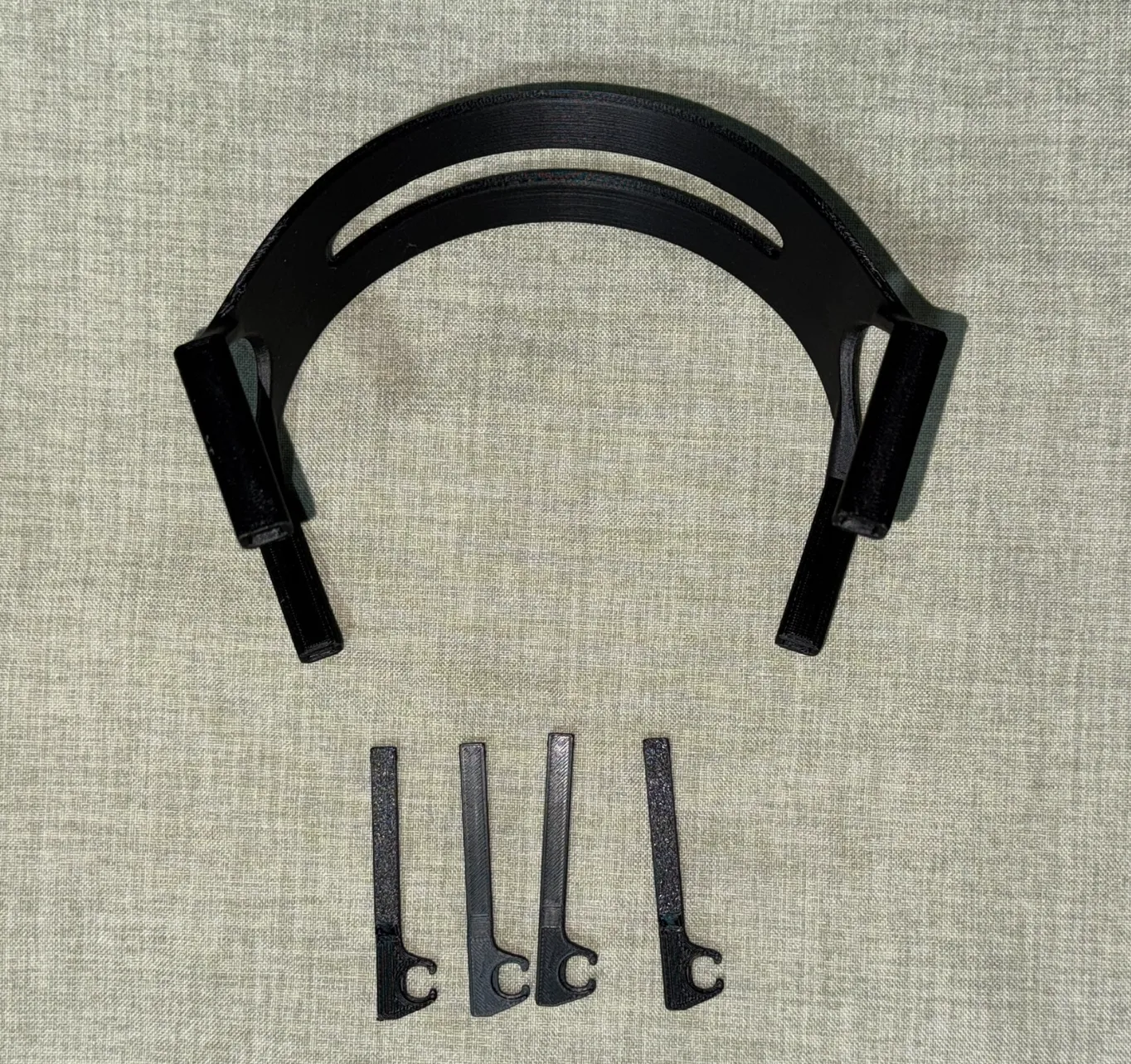
Disassembled parts display
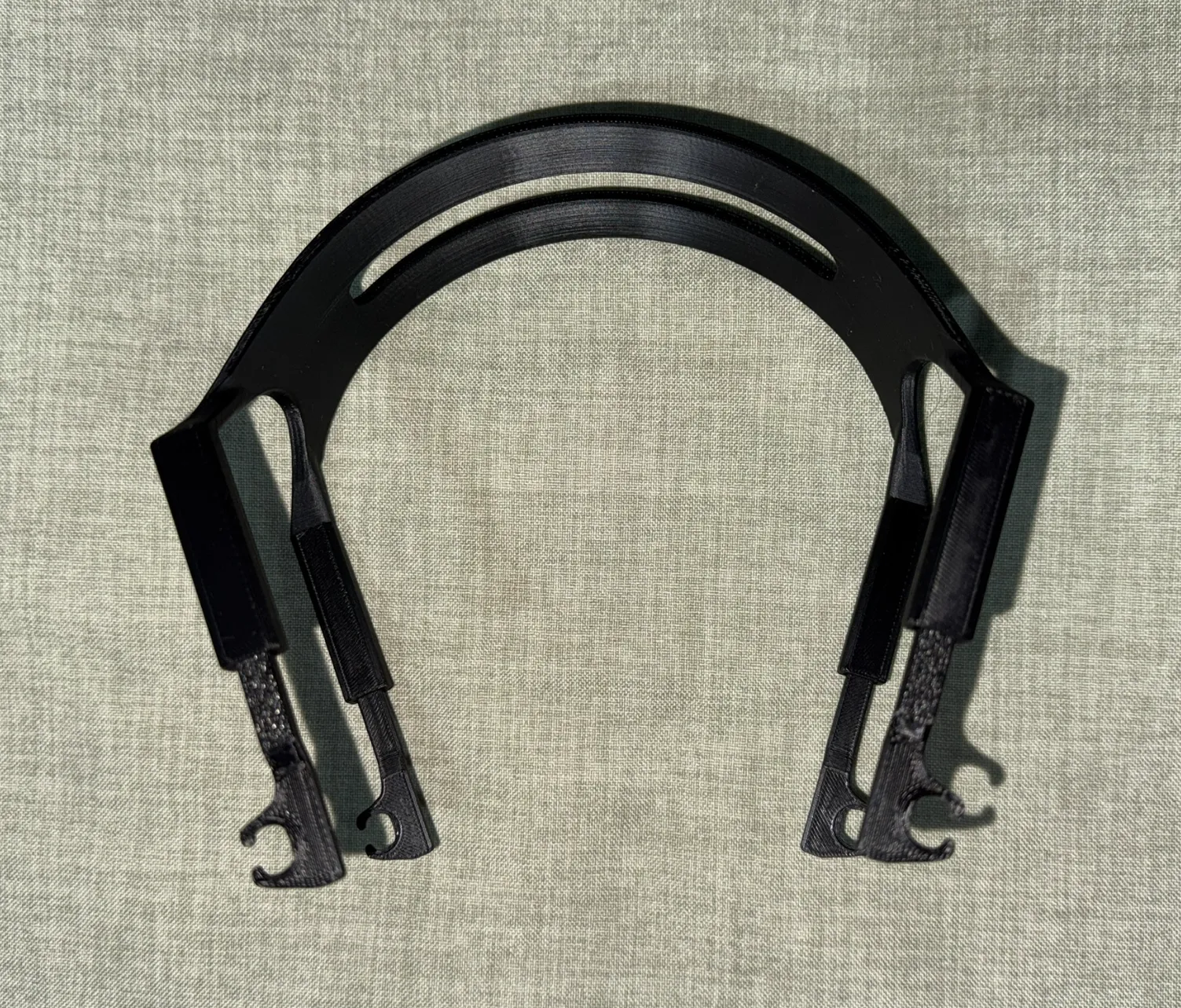
Assembly completed
Front view
Side view
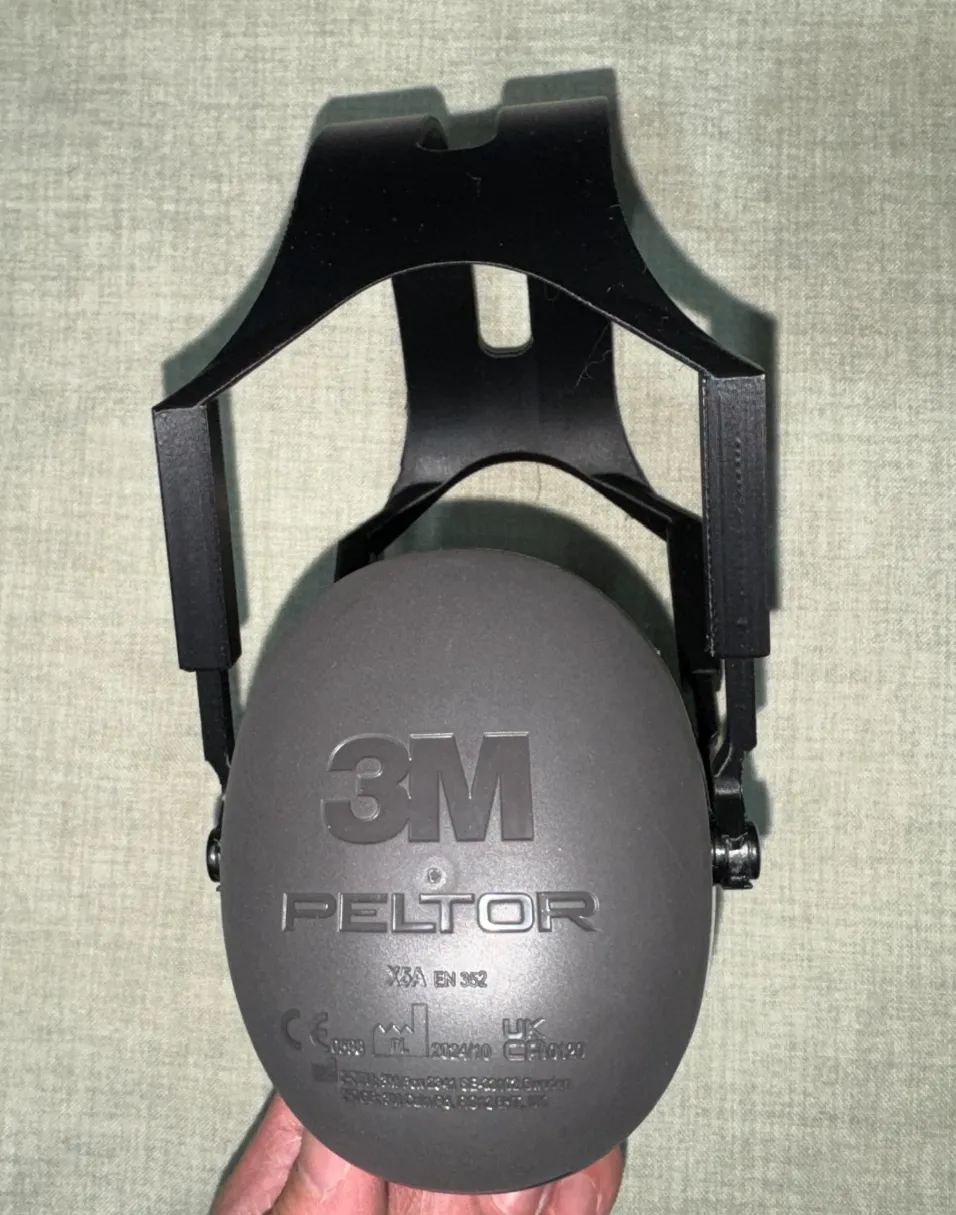
Top view
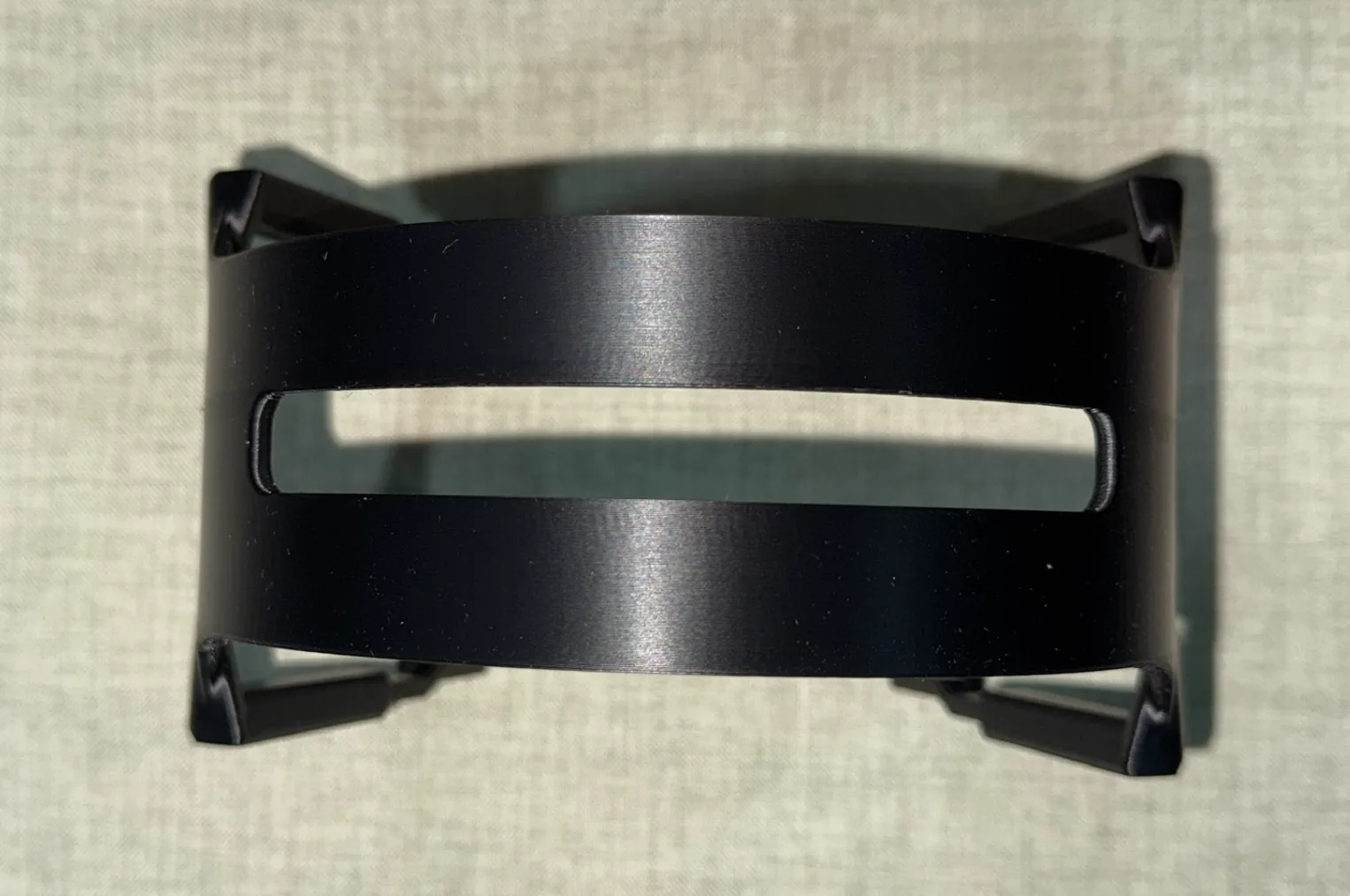
Usage tips
Assembling with the four buckles facing outwards (as shown in the display image) provides a looser fit, suitable for men; facing inwards provides a tighter fit, suitable for women.
The four clips can be pulled up and down (the main body has corresponding slots) to adjust the height of the headband.
Recommended printing filament
The model requires high-toughness materials, such as PETG, ABS, or toughened PLA.
Print parameters
If you need to adjust the print parameters yourself, please note:
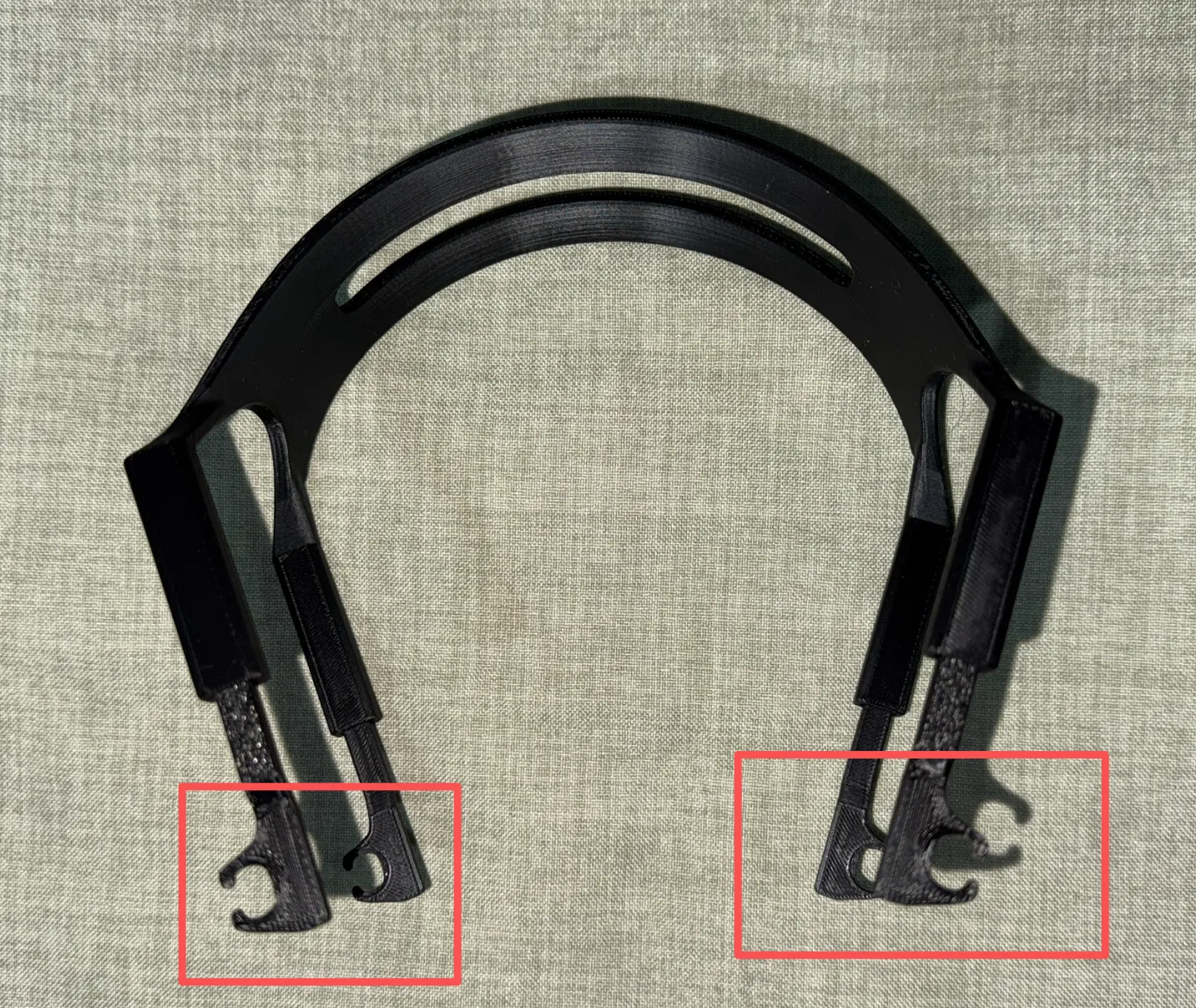
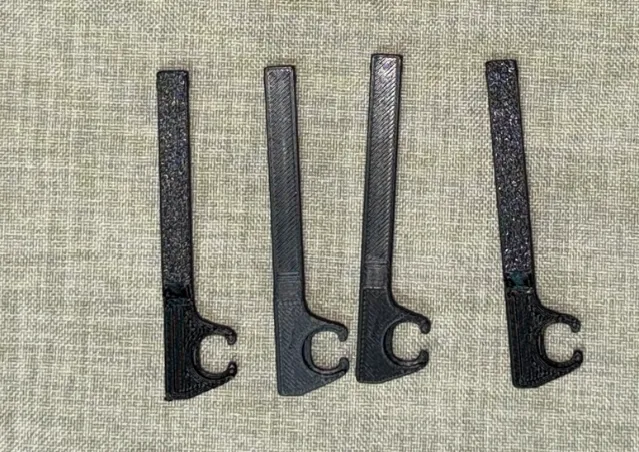
The four accessories shown in the figure must use 100% infill and 4 walls, otherwise they are very easy to break during use.
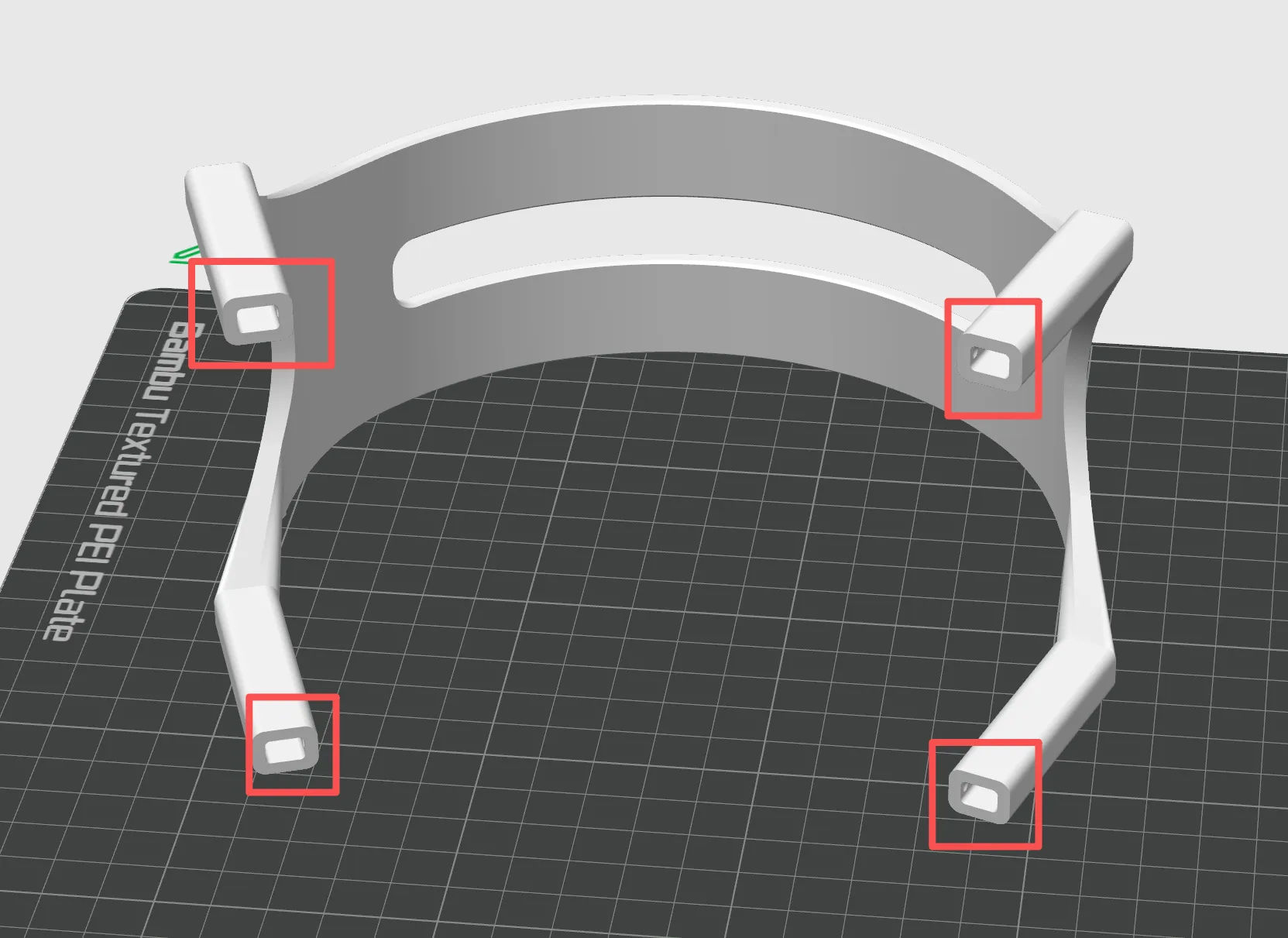
Change the bridge flow rate of the main body to 1.55 and the bridge printing speed to 10. The 4 areas circled in the figure below can then be printed without supports (you need to manually remove the support areas in the slicer software).
Other
STEP editable files provided
License

You shall not share, sub-license, sell, rent, host, transfer, or distribute in any way the digital or 3D printed versions of this object, nor any other derivative work of this object in its digital or physical format (including - but not limited to - remixes of this object, and hosting on other digital platforms). The objects may not be used without permission in any way whatsoever in which you charge money, or collect fees.


Comment & Rating (2)