
Print Profile(1)


Description
Description:
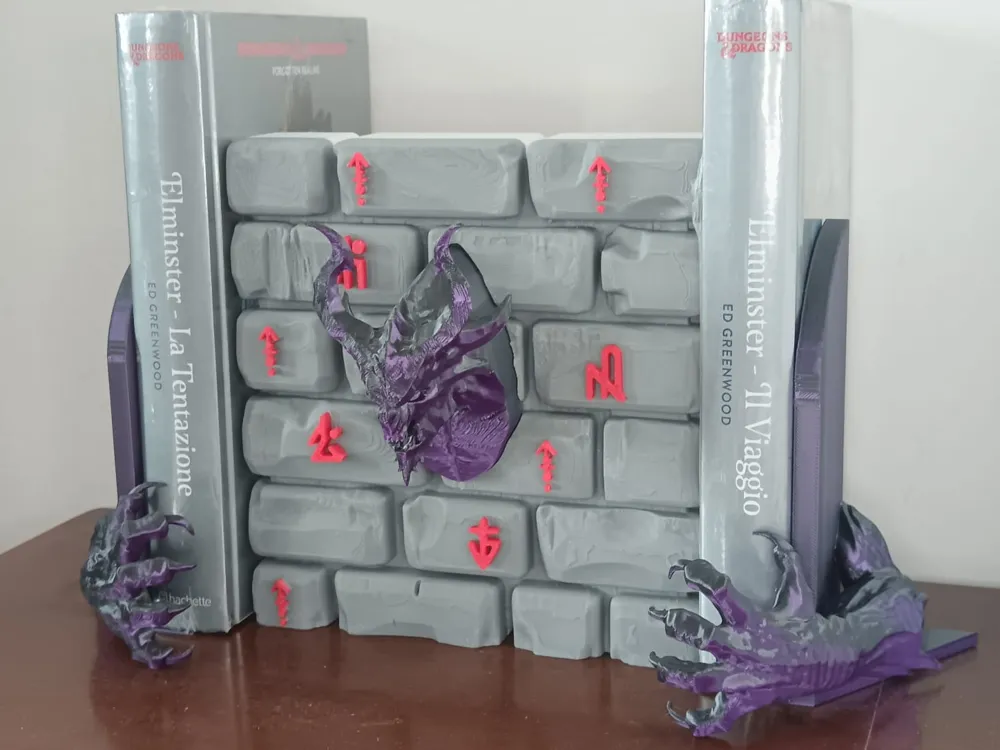
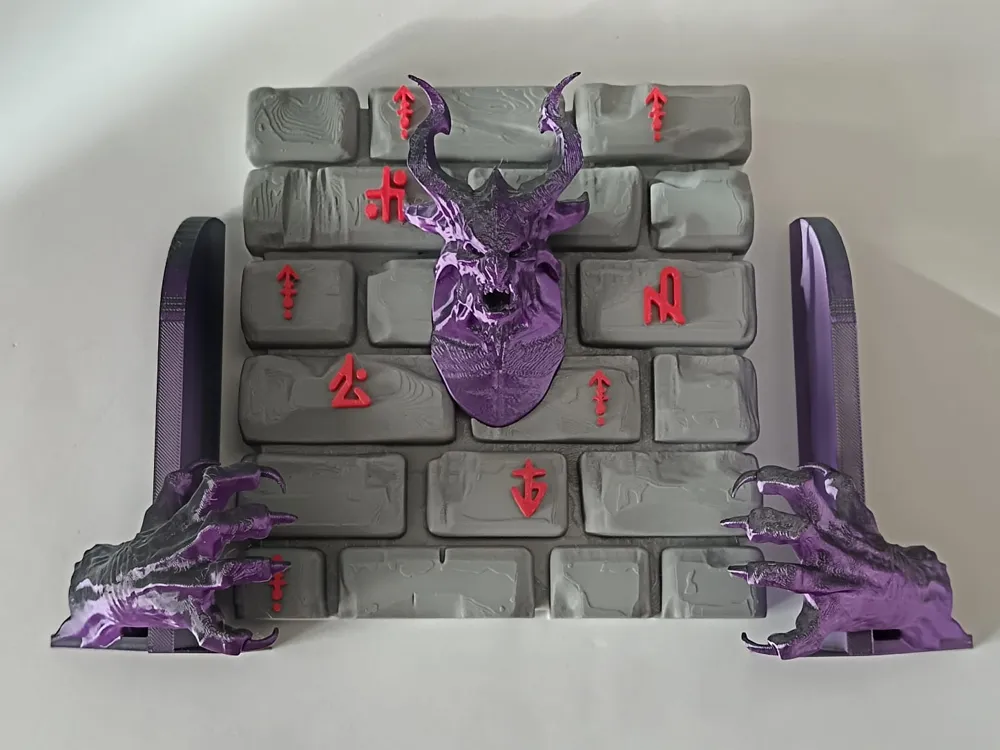
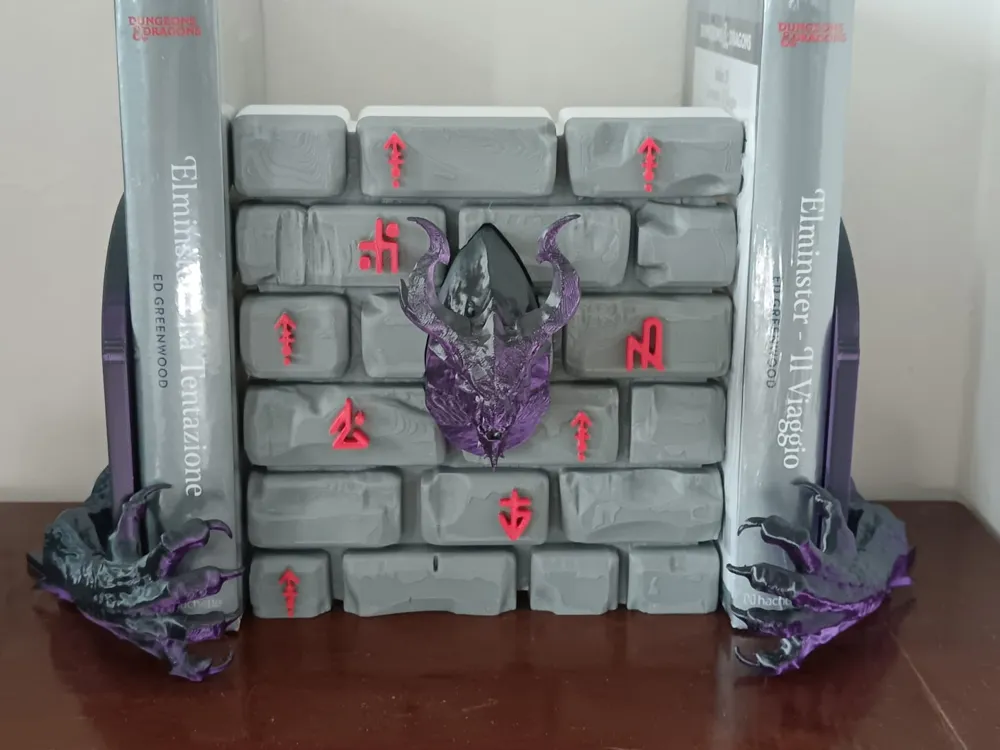
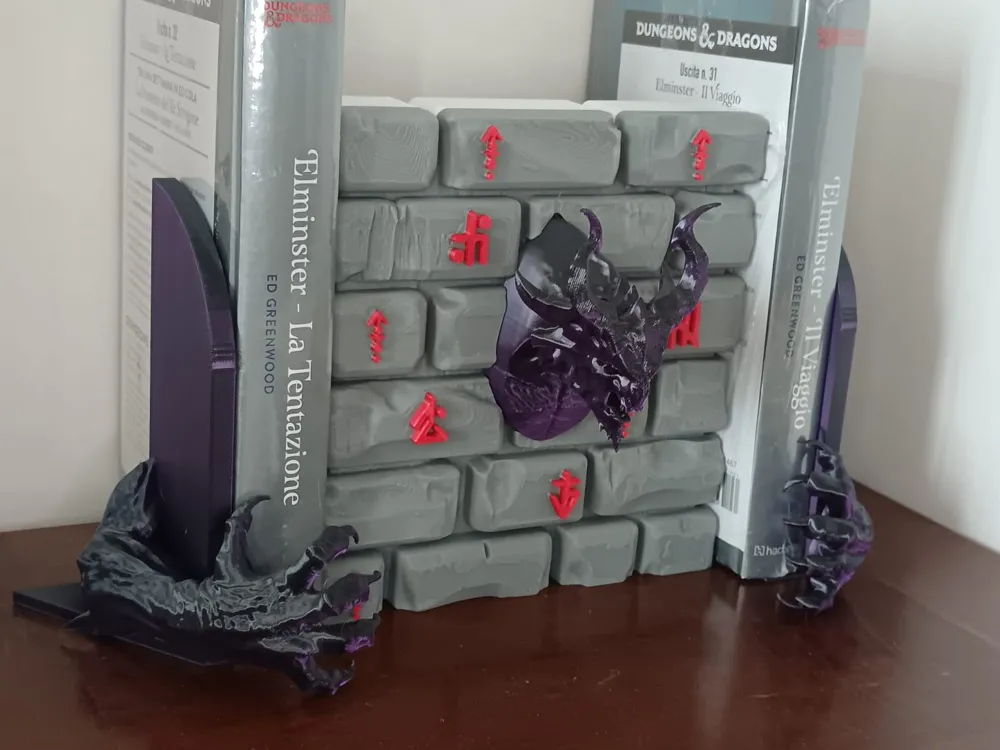
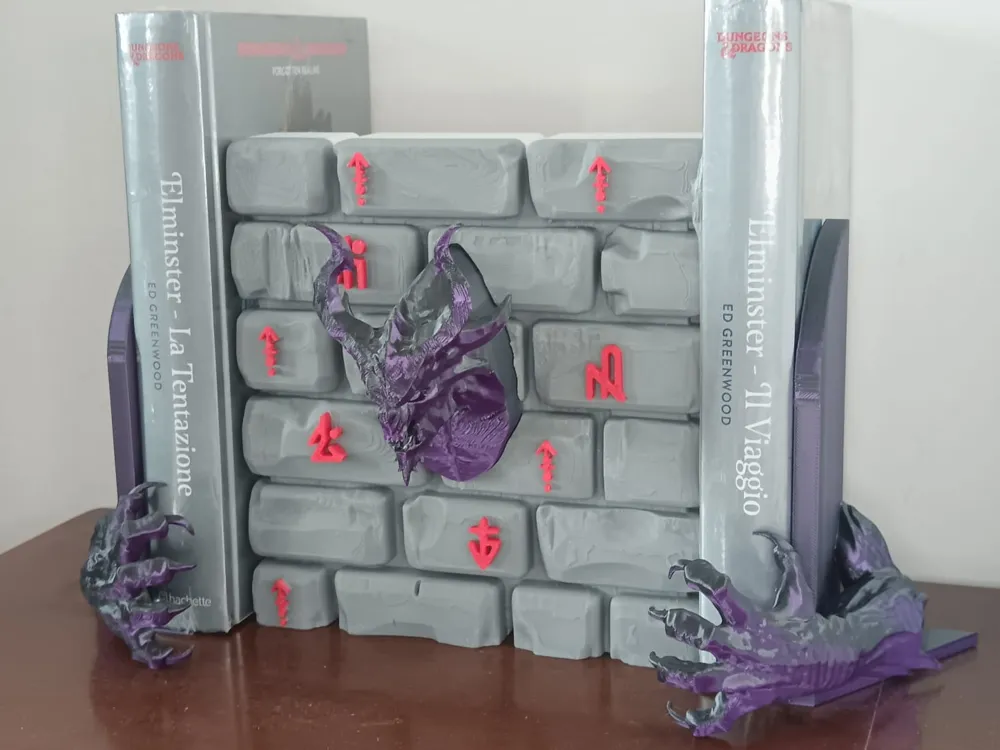
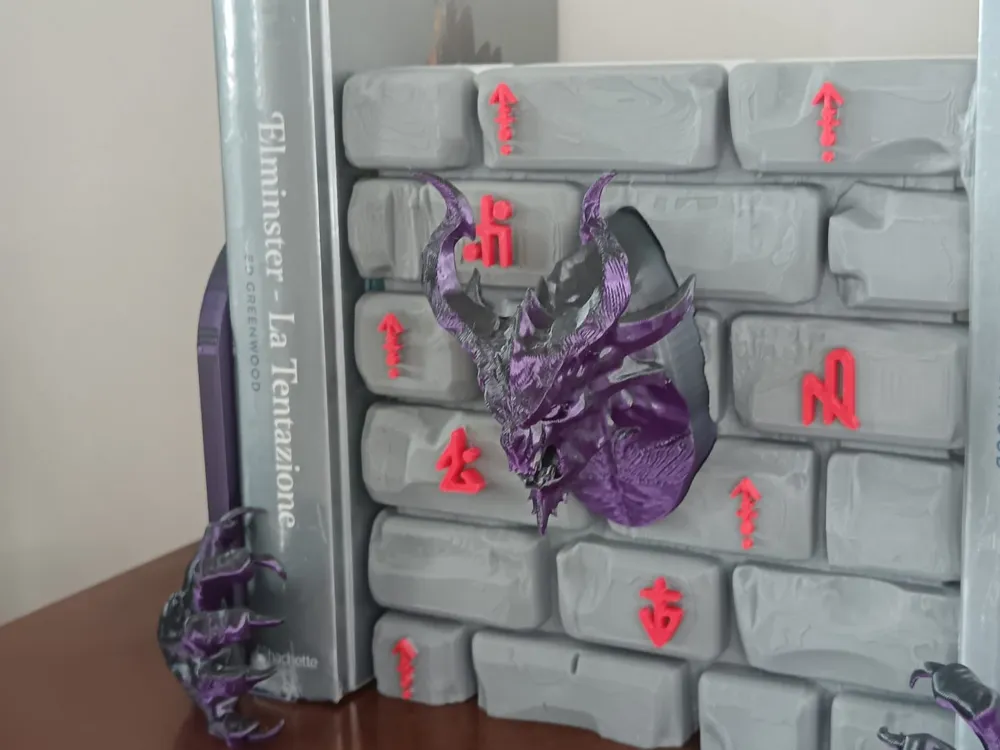
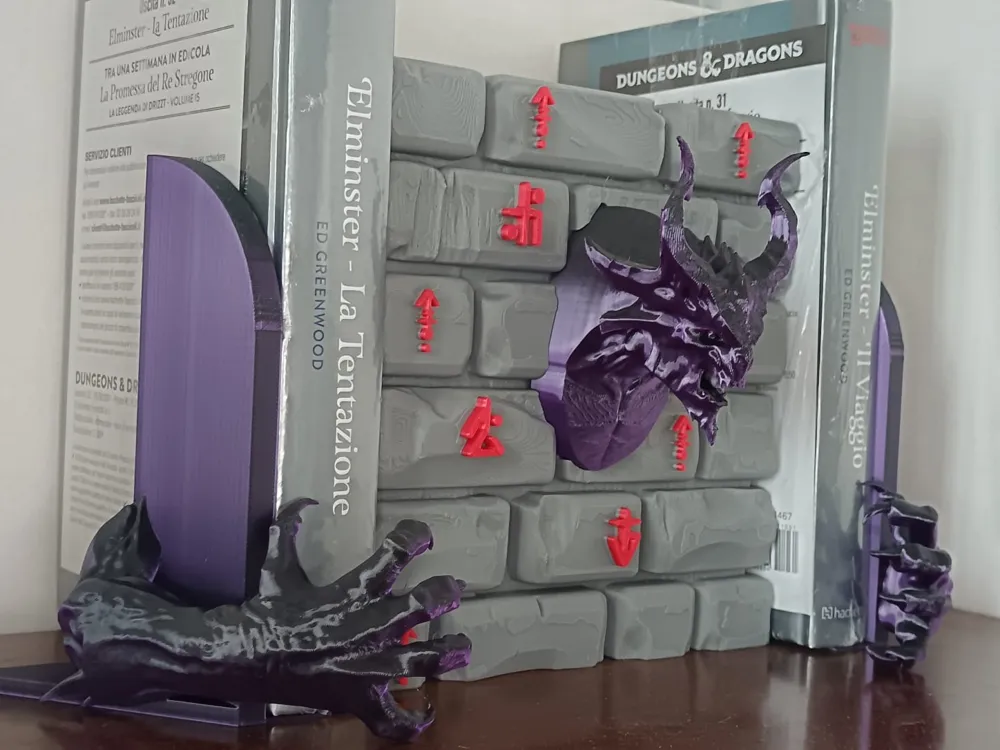
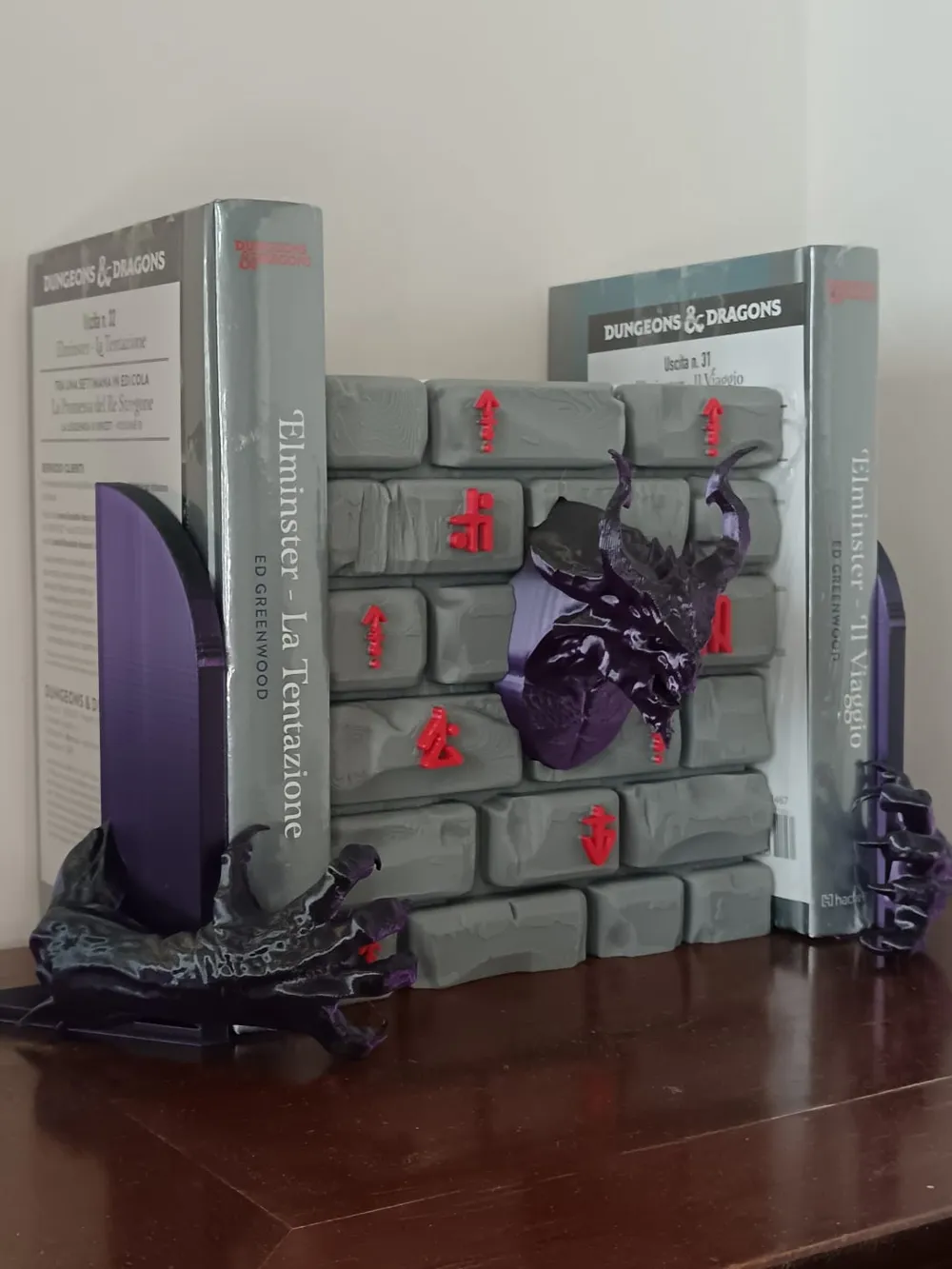
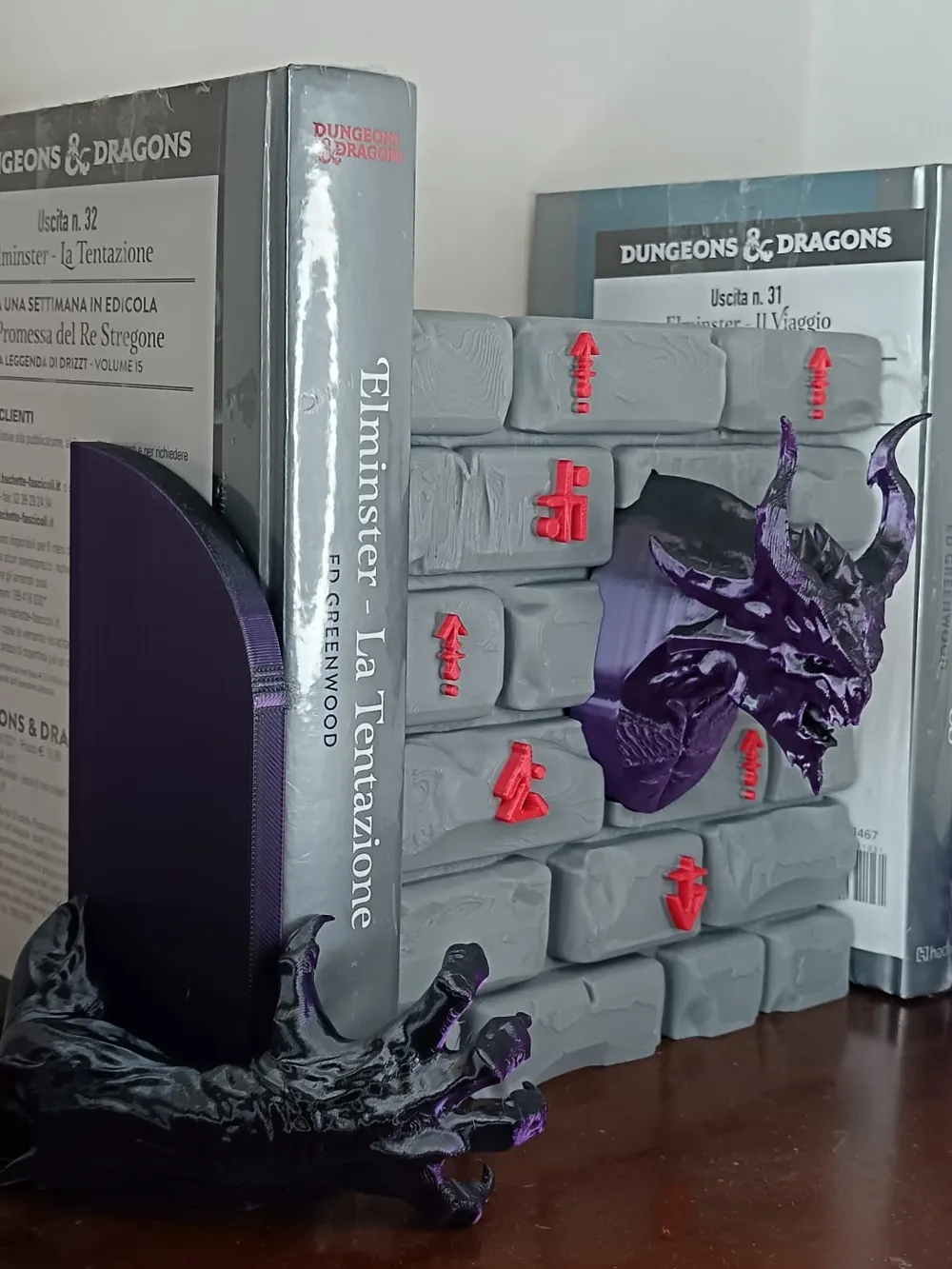
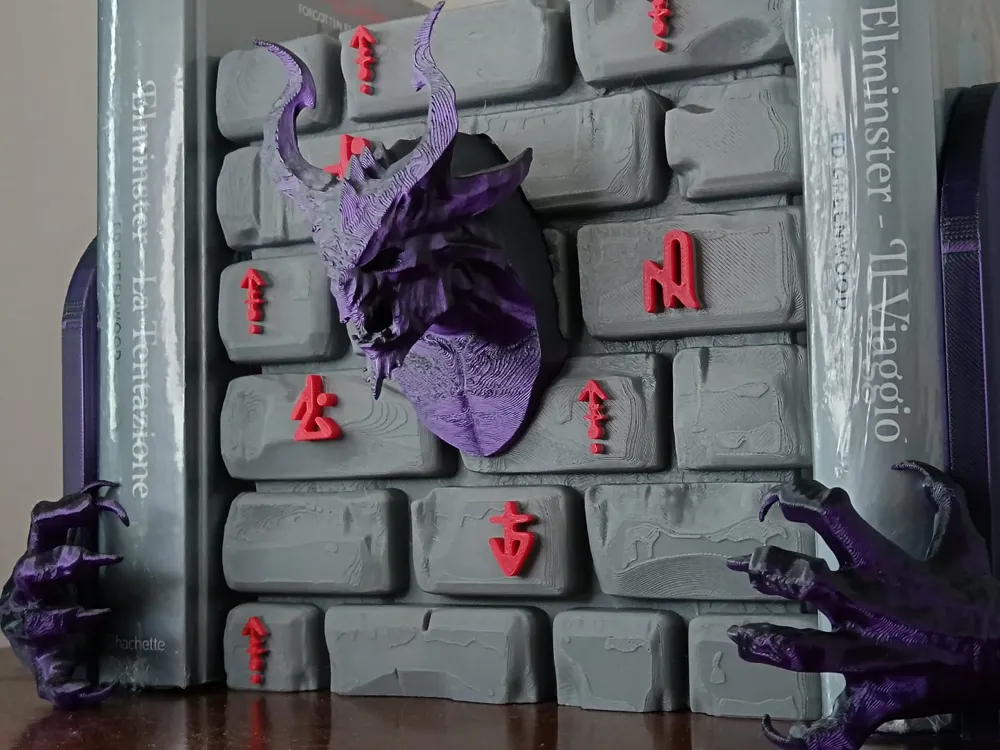
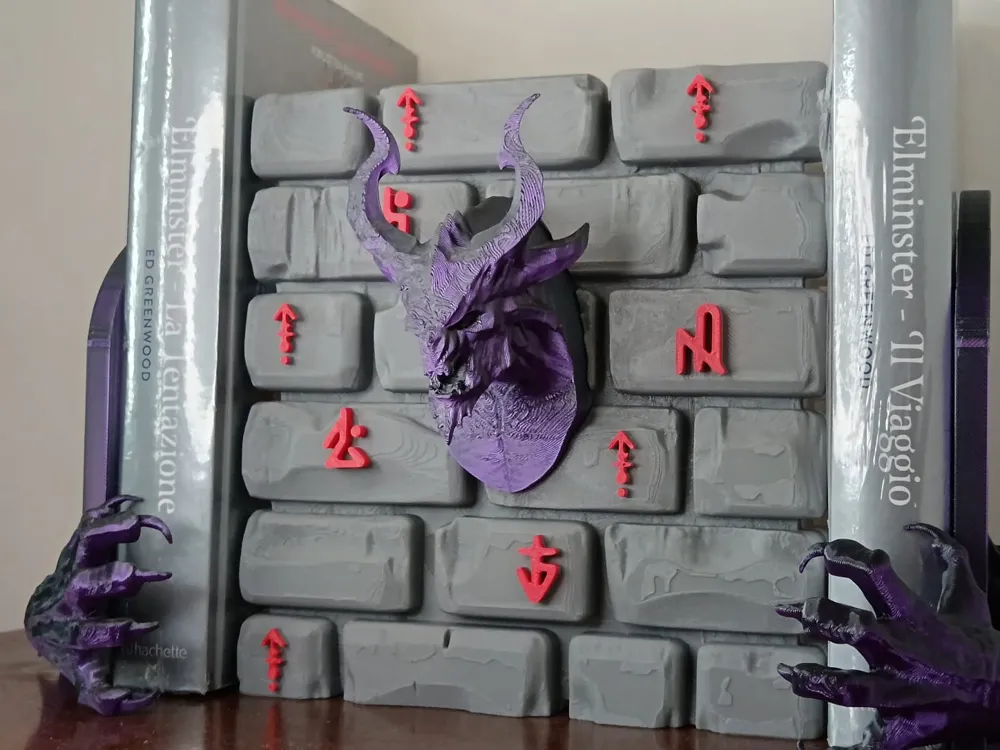
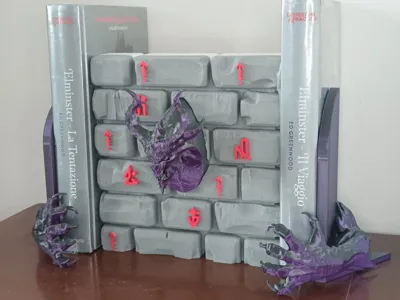
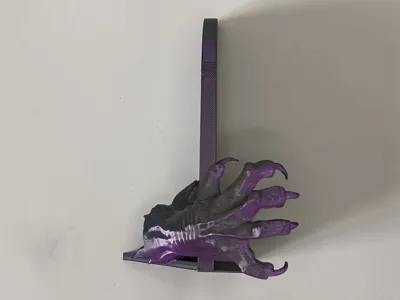
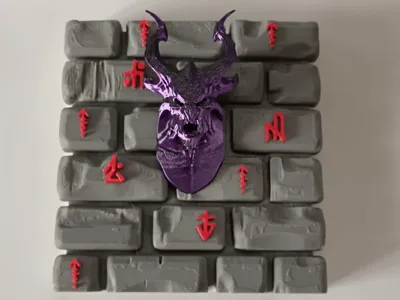
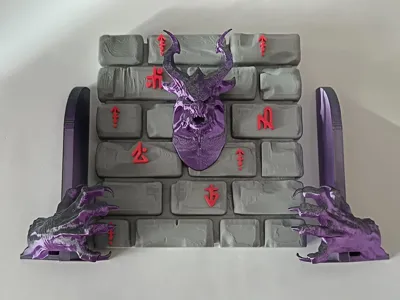
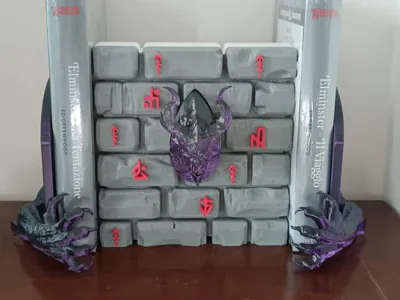
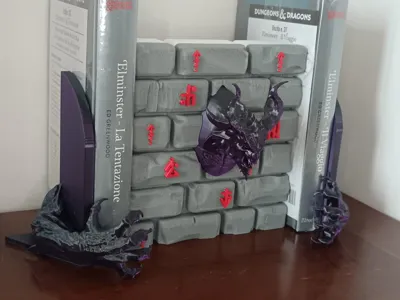
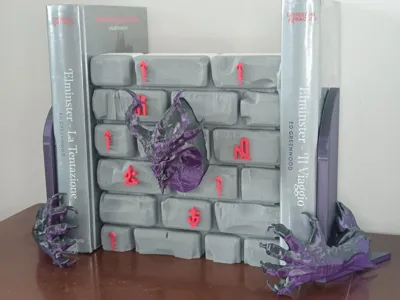
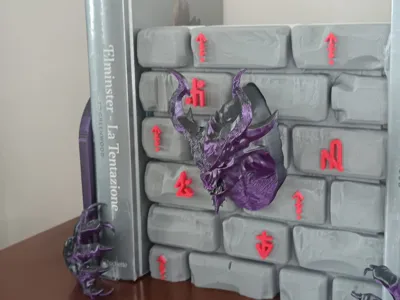
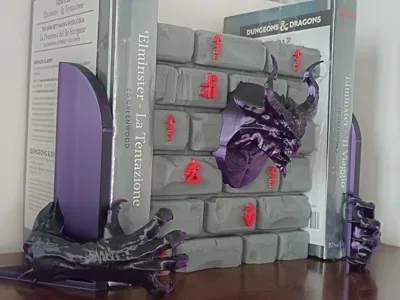
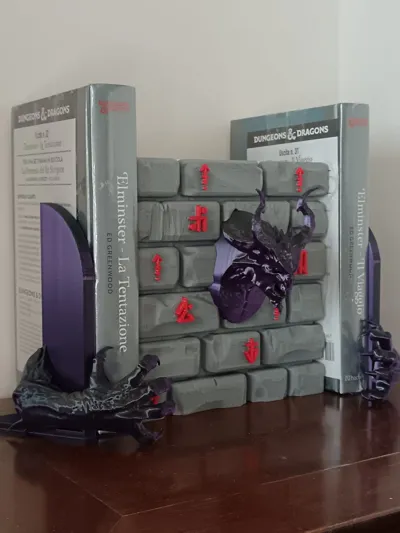
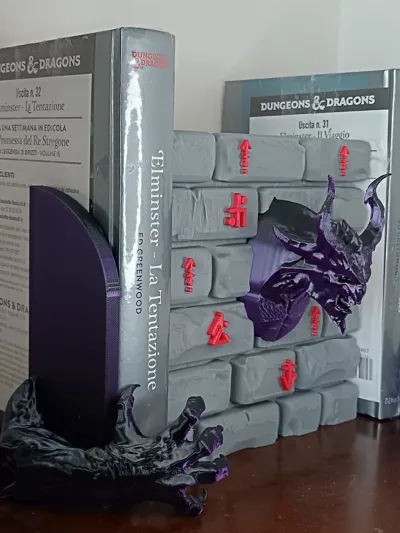
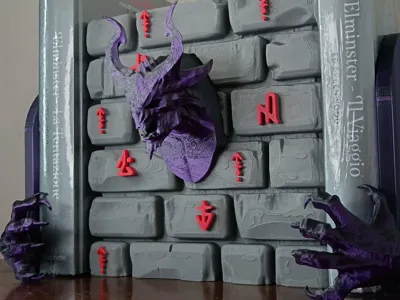
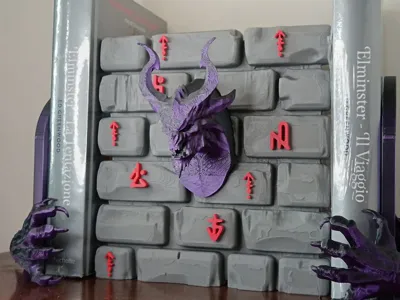
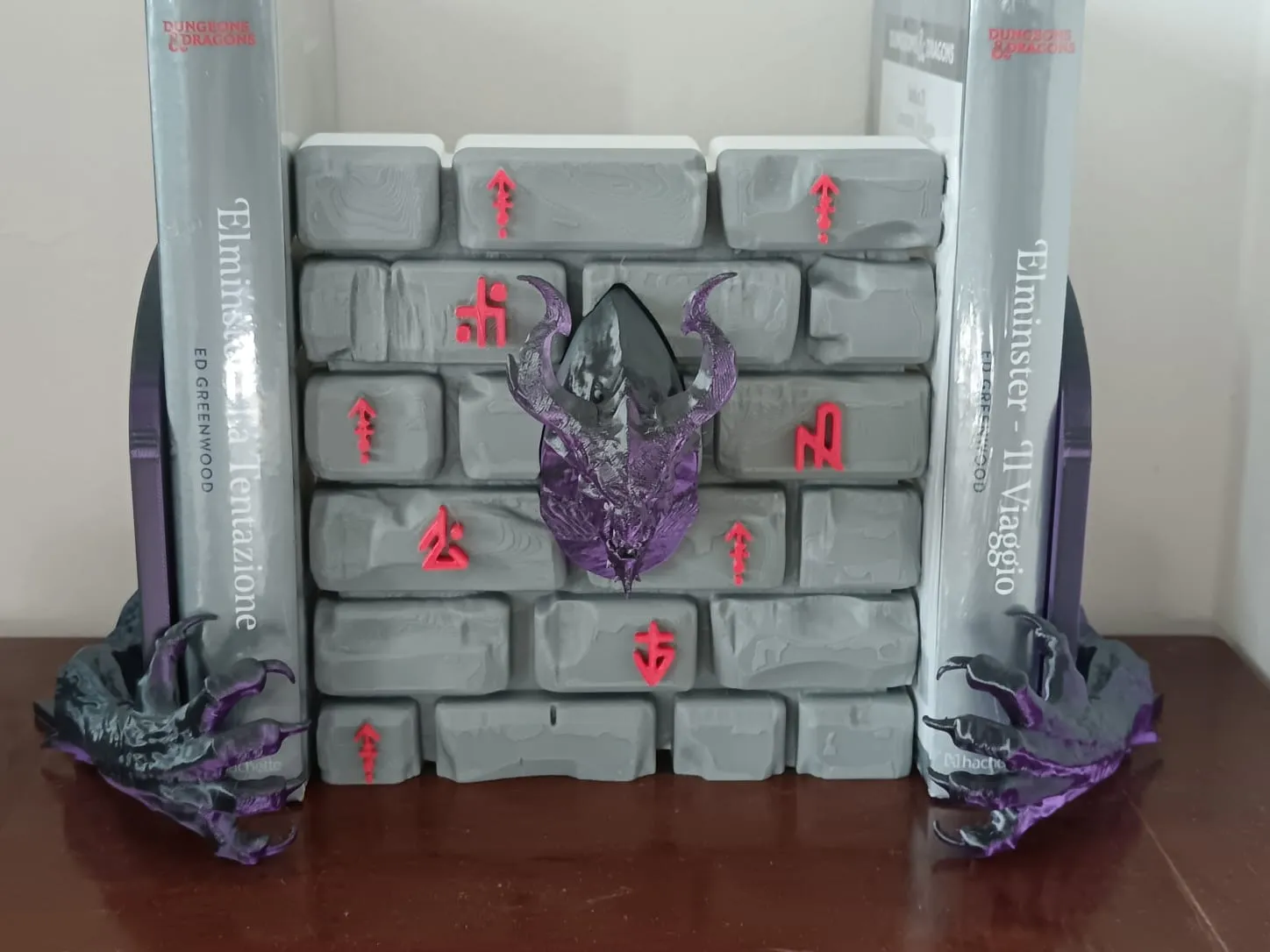
After trying my hand at creating a couple of book nooks, my desire to create something more complex and impressive took over. I decided to create a more dynamic and expansive model: a demon breaking through the barrier protecting our dimension, hidden among my enchanted books.
Print instructions:
The supports are already set to meet the model's requirements.
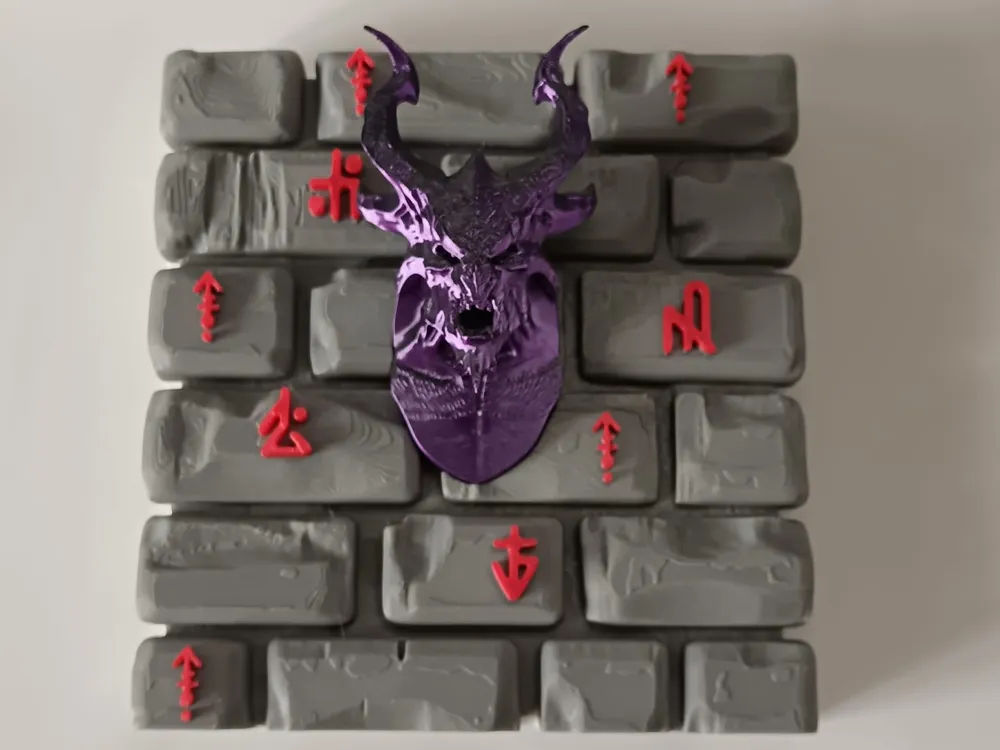
For the multi-color print of the wall, I added a manual color change at layer 202 in the Print Preview tab; since it's only one color change, I disabled the Prime Tower (please ignore the fact that the back of the wall shown in the photos is white; I was short on gray filament, so I chose to start printing with white and then switch to gray. The uploaded print profile only contains gray with red details).
Assembly instructions:
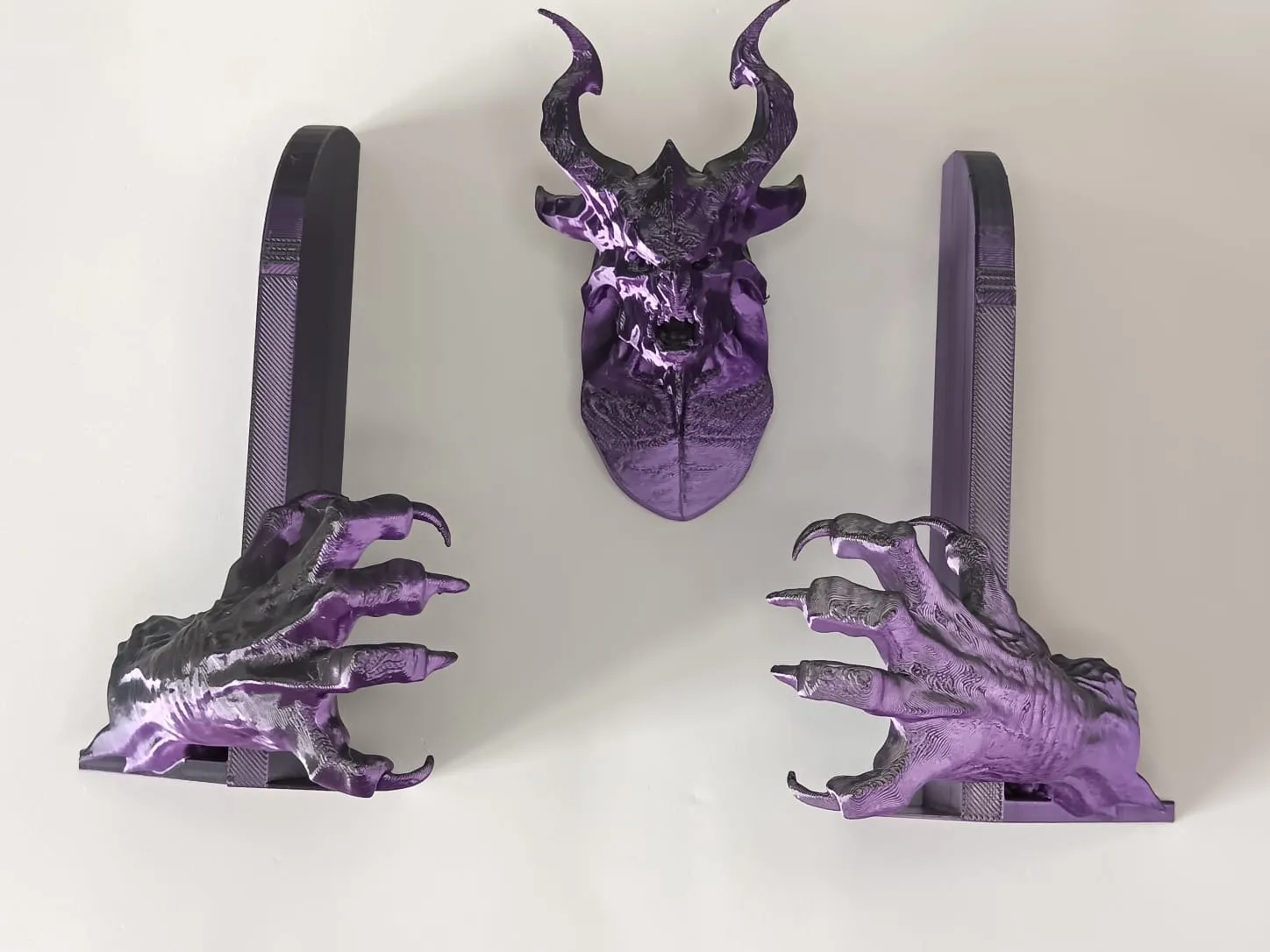
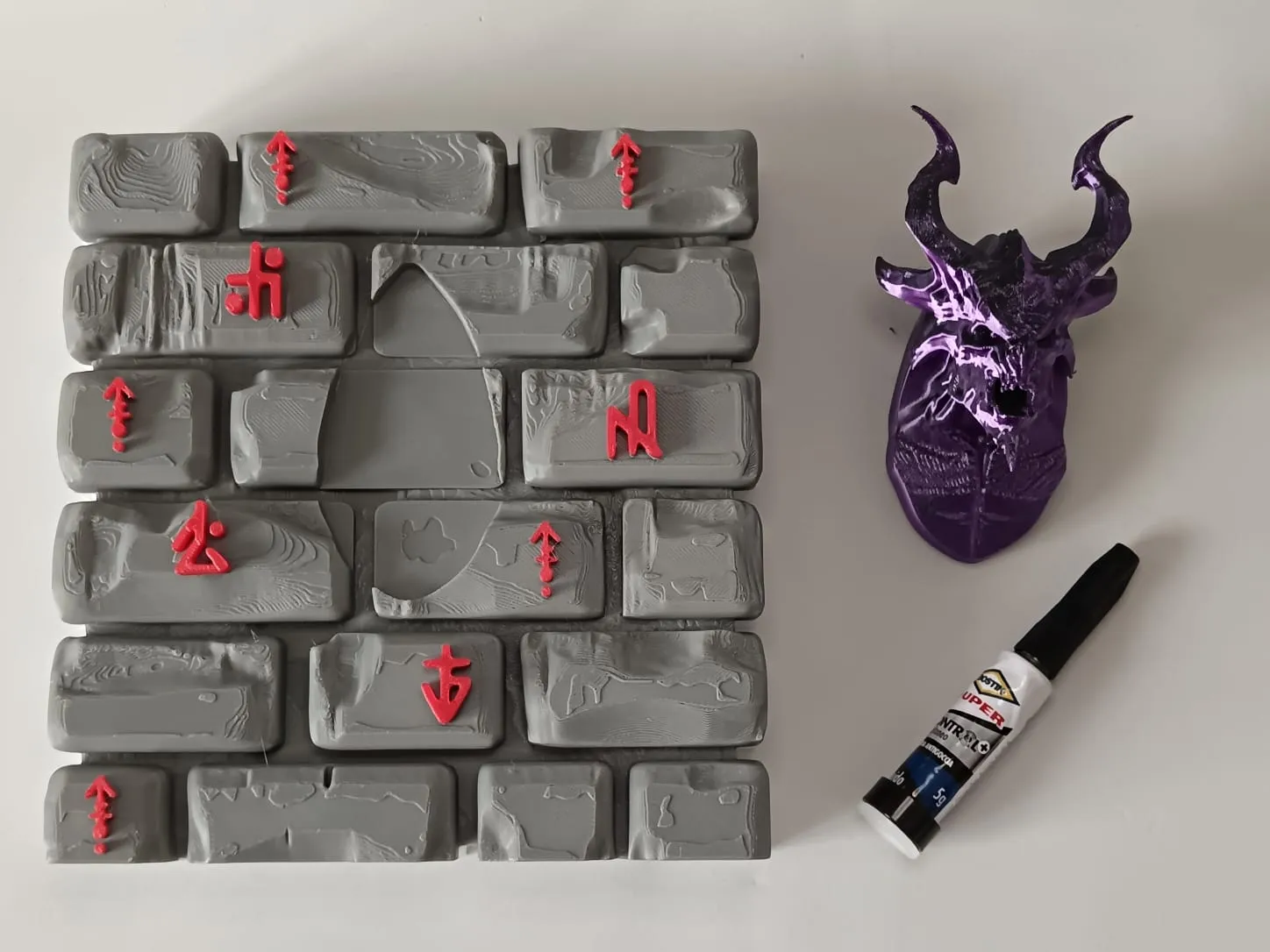
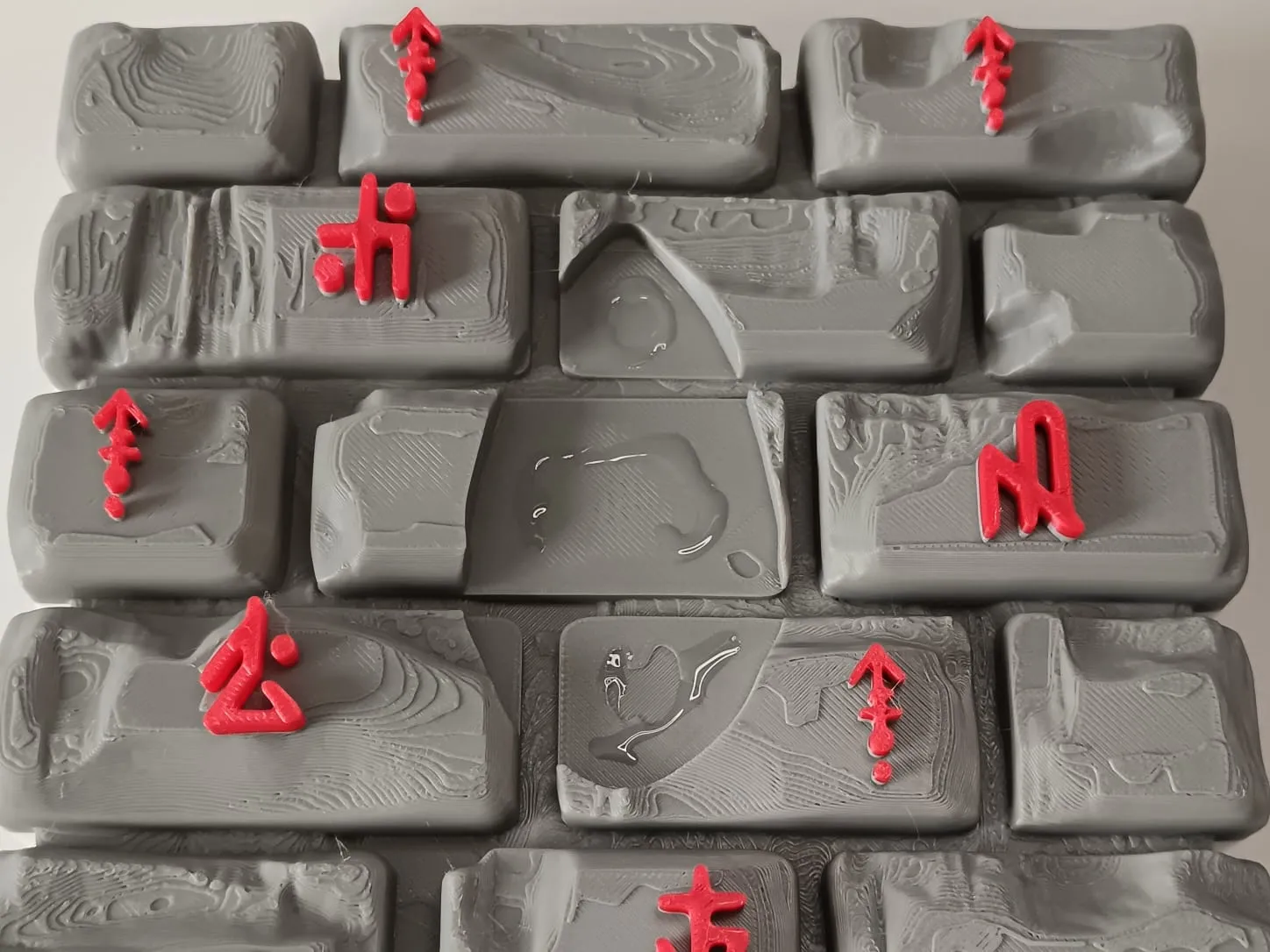
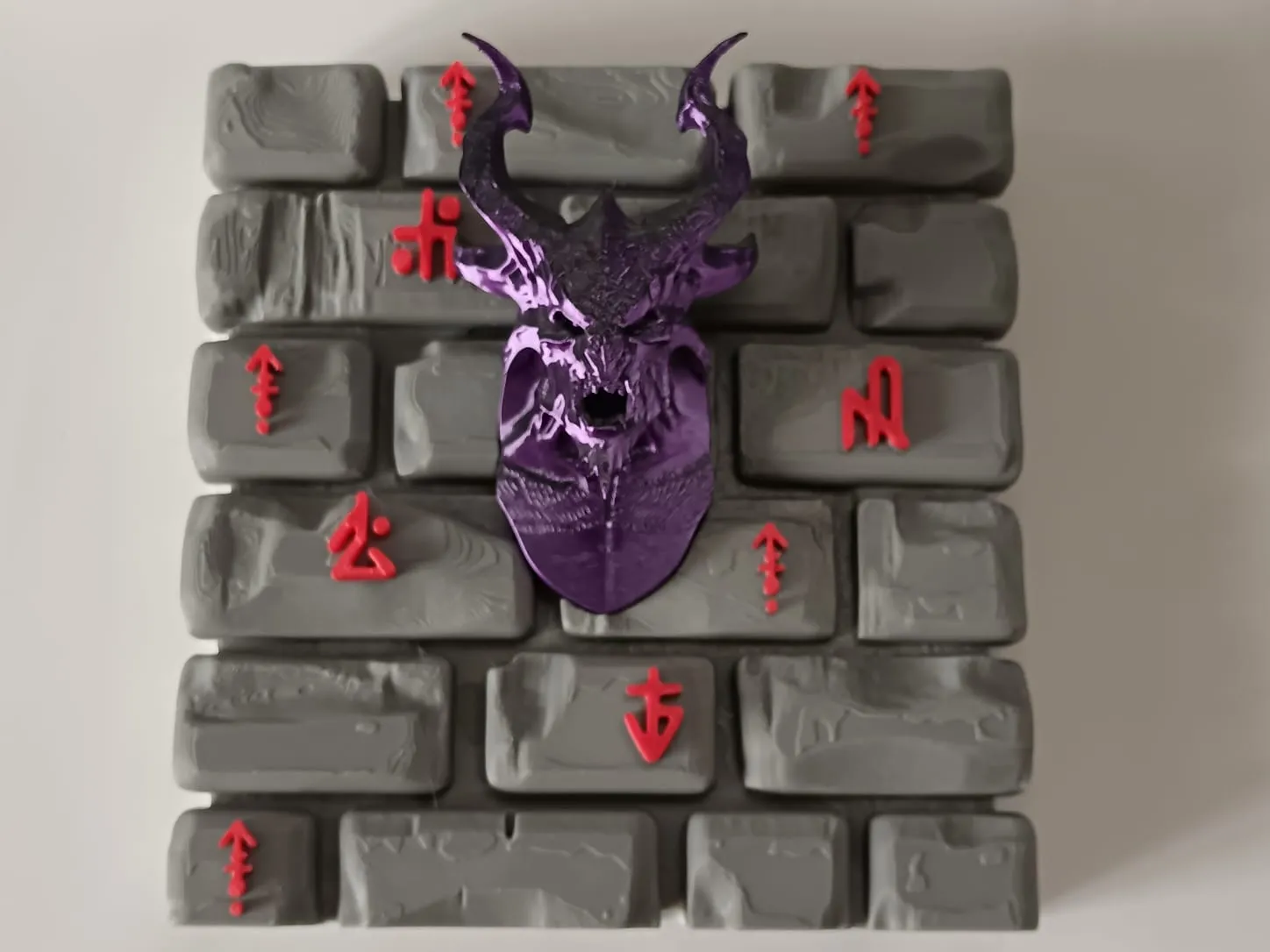
Post-processing:
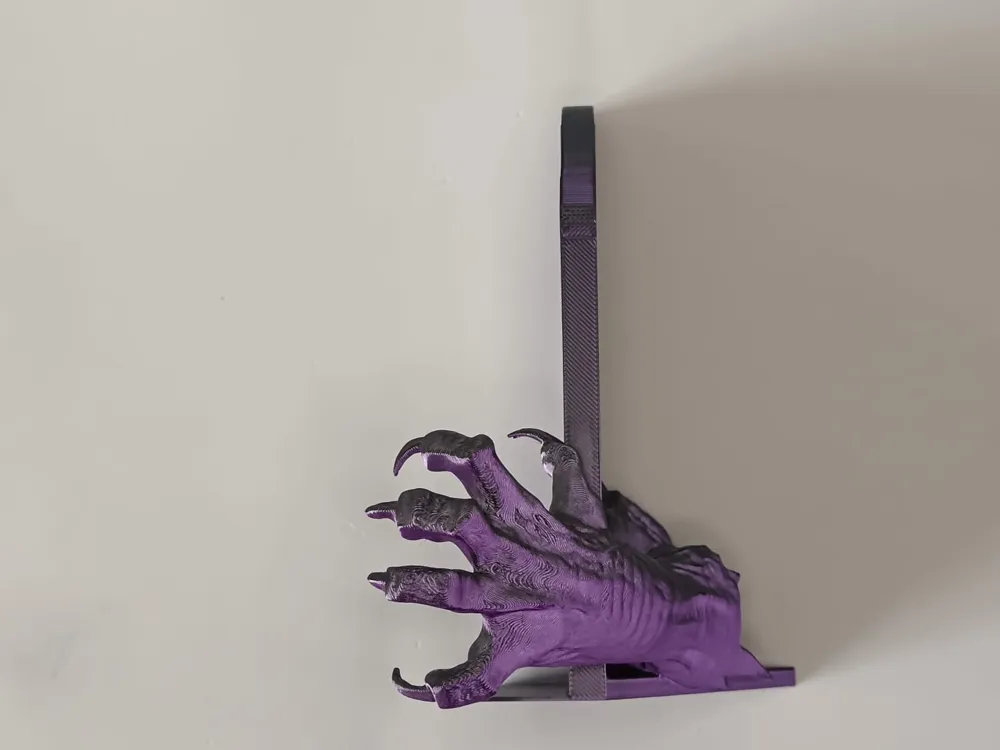
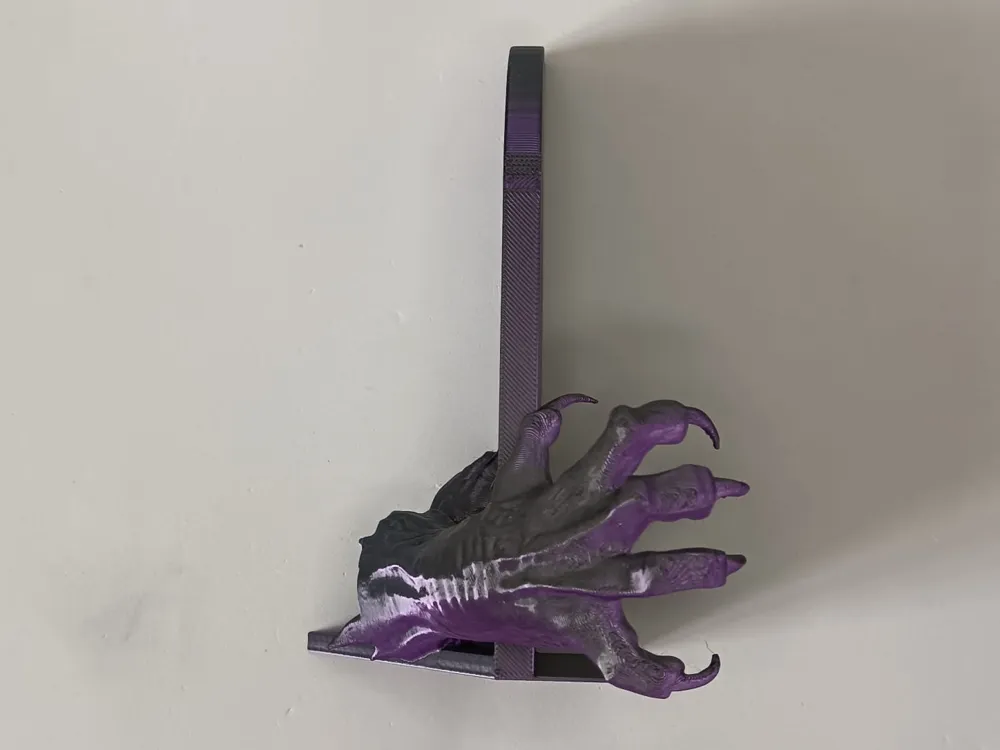
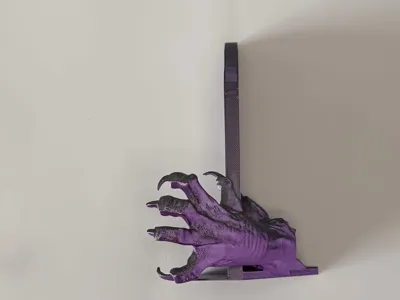
I still recommend using fine-point tweezers to facilitate the process and avoid accidentally damaging the claws or horns. There might be some stringing between the fingers, horns, and bricks; a quick pass with a lighter will solve the problem.
If you like this book nook, I recommend checking out my collection with all the other book nooks I have created: https://makerworld.com/en/collections/15787636-my-book-nook-collection
Boost Me (for free)
If you liked my models and wish to support the creation of more models, I invite you to Boost the models you liked most in my collection This will allow me to develop and print more models, being able to convert points into gift cards to buy more filament, without costing you a single cent =)
Membership
For those interested in the physical sale of my models, you can subscribe to my commercial membership through the subscription program provided by MakerWorld. If you have any questions regarding the membership or wish for a particular model, I invite you to contact me directly
License

You shall not share, sub-license, sell, rent, host, transfer, or distribute in any way the digital or 3D printed versions of this object, nor any other derivative work of this object in its digital or physical format (including - but not limited to - remixes of this object, and hosting on other digital platforms). The objects may not be used without permission in any way whatsoever in which you charge money, or collect fees.


Comment & Rating (0)