
Temperature Tower Test Model with Video Tutorial PETG PLA filament calibration temperature tower to calibrate filament printing temperature for temperature adaptation
Print Profile(2)


Description
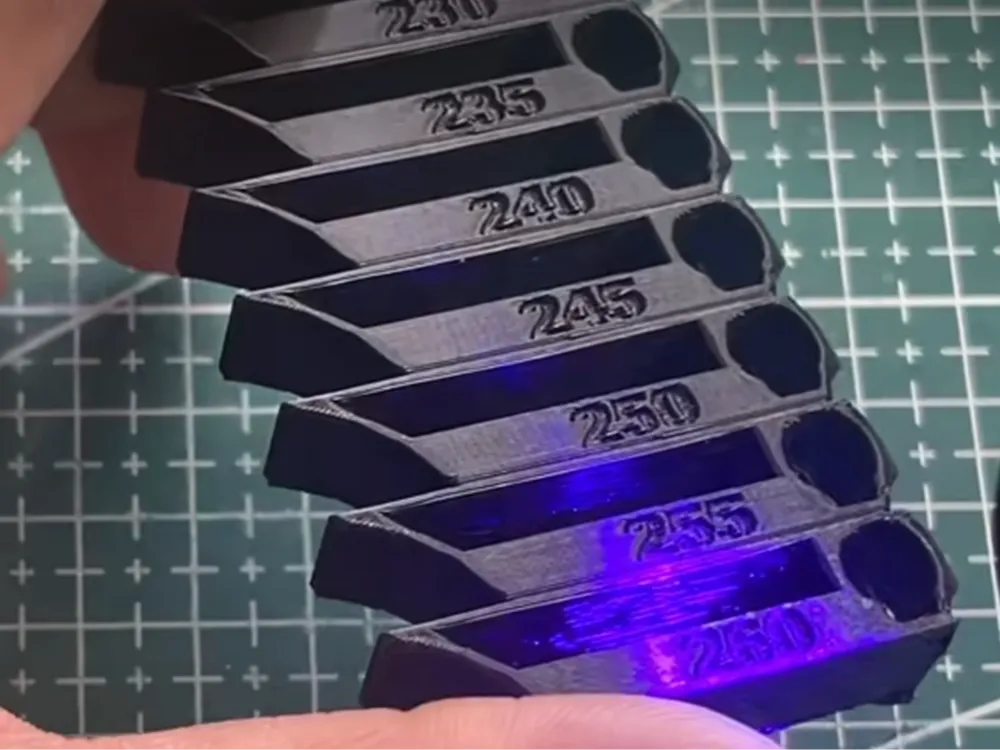
A temperature tower test model is used to calibrate the optimal printing temperature for 3D Printers, solving temperature adaptation issues with different filaments or environments
Below are the specific reasons and application scenarios
Calibrate Optimal Printing Temperature
Different brands of filament (such as black and purple PLA) may require different printing temperatures. The temperature tower visually displays the printing quality at various temperatures (such as layer adhesion, surface smoothness) by gradually lowering the temperature layer by layer (e.g., 5℃ every 25 layers), helping to determine the optimal temperature range
Optimize Printing Quality
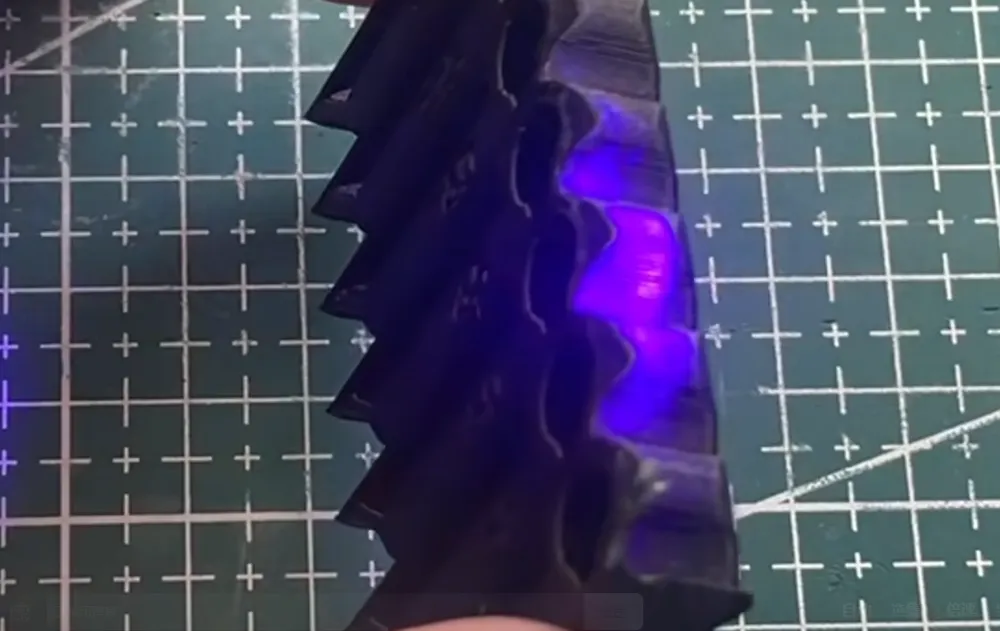
Excessive temperature may cause material deformation or stringing, while too low affects layer bonding. By observing details such as the tower's convex parts and overhang structures, temperature deviations can be quickly identified and parameters adjusted
Adapt to New Filaments or Equipment
When using a new printer or changing filaments, the temperature tower can quickly verify the compatibility between the equipment and the material, avoiding mass printing failures caused by improper temperature settings
Support Pre-testing of Complex Models
Some models (such as the 3DBenchy boat model) require temperature tower testing to ensure the printing effect of complex structures (such as overhangs, curved surfaces) at different temperatures
Reduce Debugging Costs
Traditional trial-and-error methods are time-consuming and waste a lot of material, and the temperature tower provides a systematic testing solution, reducing the number of repeated prints
You can also visit my Bilibili video to try making a temperature tower model that suits your needs (e.g., for ABS, TPU, and other filaments)——
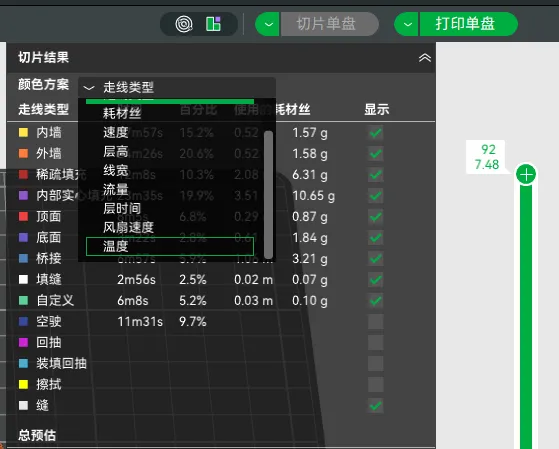
After slicing the temperature tower model, be sure to select Temperature from the dropdown menu under Slice Result—Color Scheme to observe whether different printing temperatures have been set between different layers
Even if you end up using your own generated temperature tower model for printing, please leave a comment or a boost for me here, thank you!
License

You shall not share, sub-license, sell, rent, host, transfer, or distribute in any way the digital or 3D printed versions of this object, nor any other derivative work of this object in its digital or physical format (including - but not limited to - remixes of this object, and hosting on other digital platforms). The objects may not be used without permission in any way whatsoever in which you charge money, or collect fees.


Comment & Rating (6)