
Bucc-ee's Scout Woggle
Print Profile(1)

Description
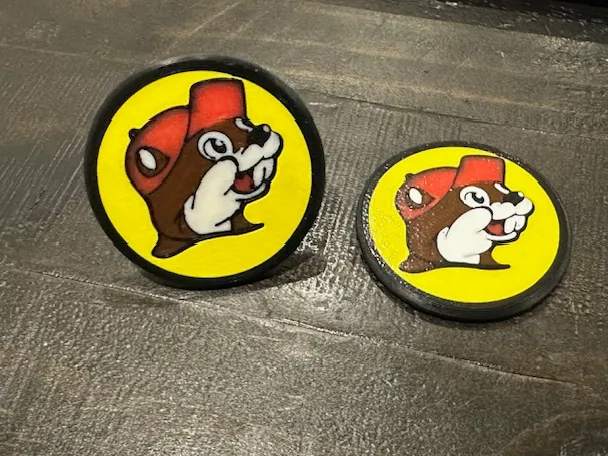
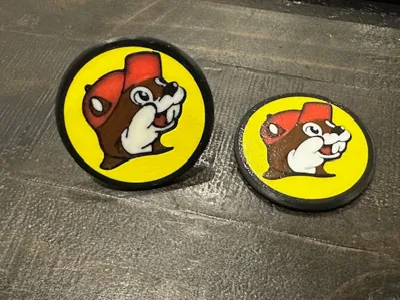
Buc-ee’s Woggle Printing and Assembly Instructions
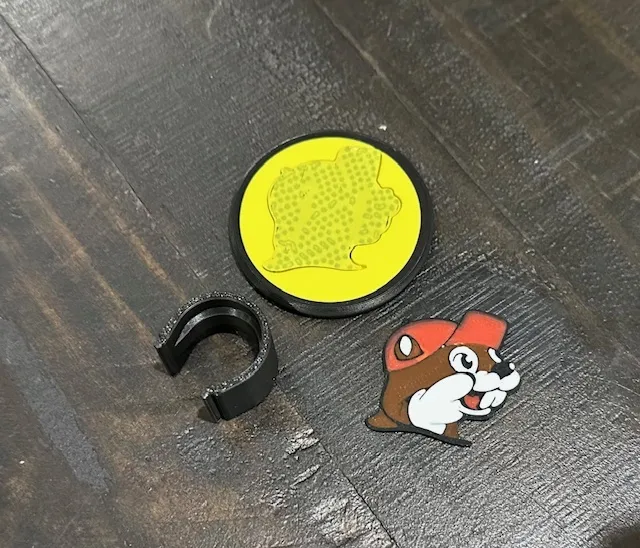
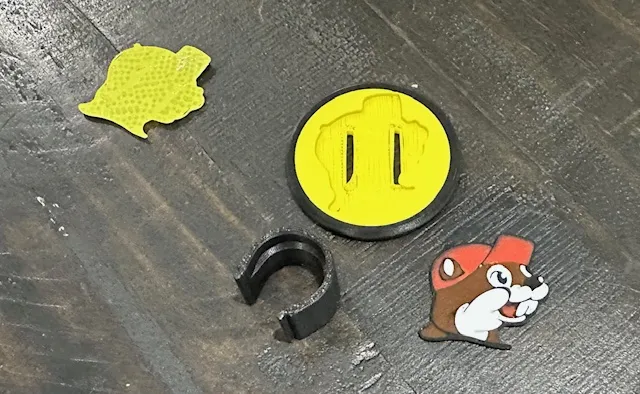
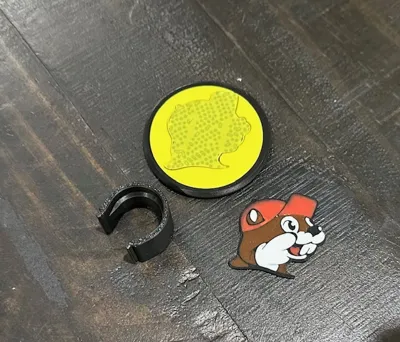
The Buc-ee’s woggle prints in three separate parts:
- Woggle blank (Plate 1)
- Buc-ee’s face (Plate 2)
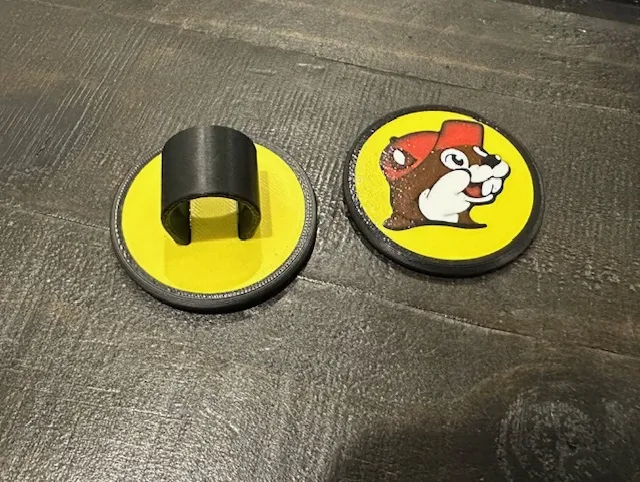
- Neckerchief loop (Plate 3)
Print the woggle blank and Buc-ee’s face face-down on the build plate to capture the plate’s textured surface.
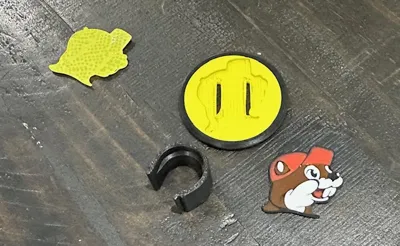
After printing the woggle blank, remove the support material from the recessed area where the face will be inserted. The Buc-ee’s face should snap into place once the supports are cleared.
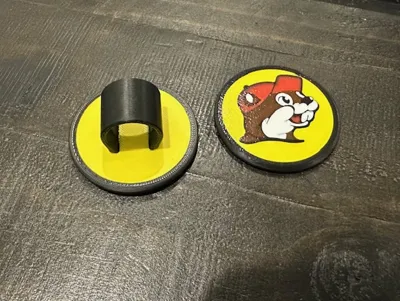
The neckerchief loop also snaps into the slots on the back of the woggle blank.
For best results, secure both the face and the neckerchief loop with a small amount of superglue.
Boost Me (for free)
A boost is much appreciated! Thank You!
License

You may create derivative works based on this object, provided that all such derivative works are published exclusively on the MakerWorld platform and include proper attribution to the original creator. You may not share, upload, host, distribute, or publish this object—or any derivative work of this object—on any other digital platform, marketplace, or distribution channel. Commercial use of this object and any derivative works is strictly prohibited. This includes, but is not limited to, selling, renting, sublicensing, or using the object in any context in which you receive monetary compensation or other financial benefits.


Comment & Rating (1)