
AirPods Max Charging Stand - OEM Thunderbolt Cable
Print Profile(1)
Description
AirPods Max Gen 1 Charging Stand (OEM Thunderbolt Cable Compatible)
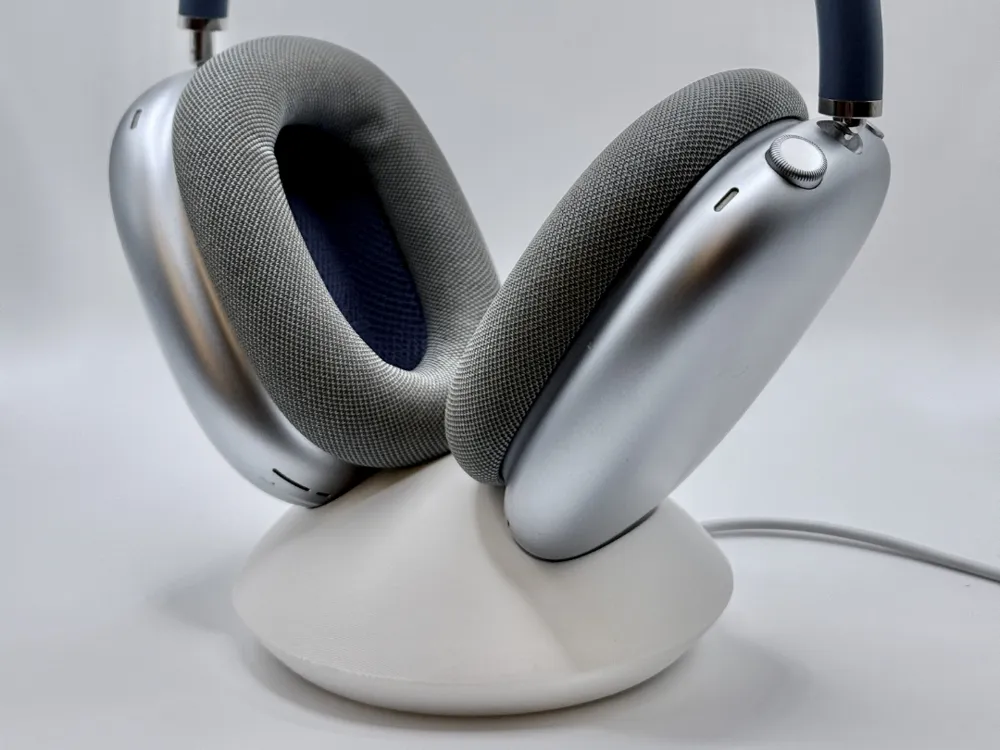
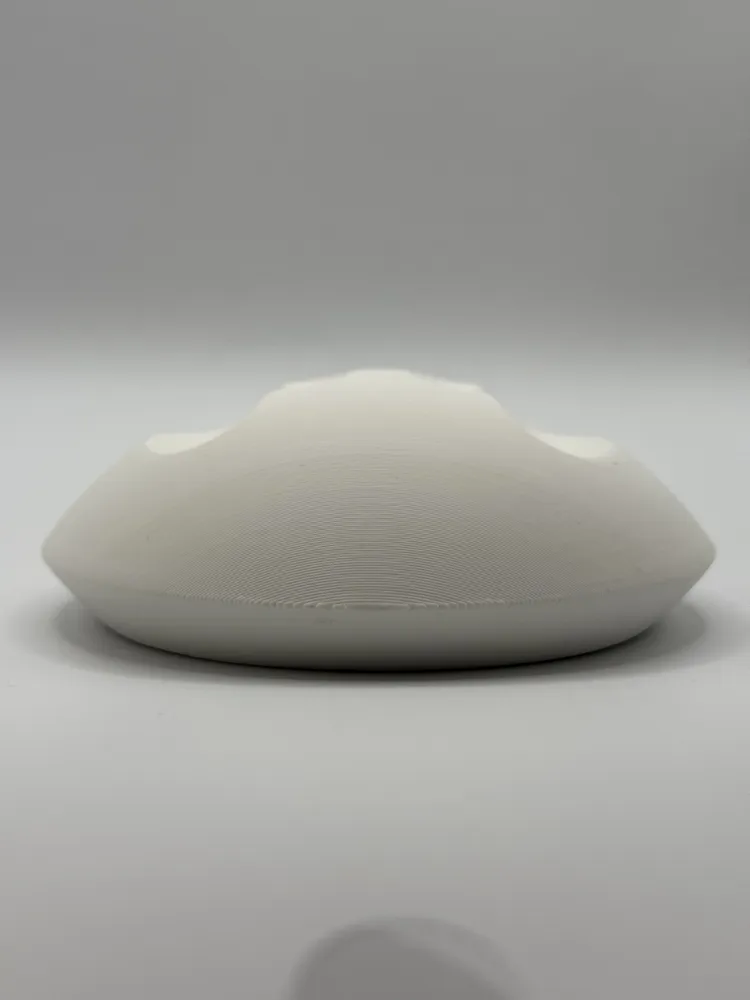
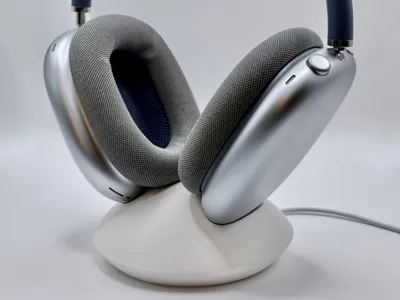
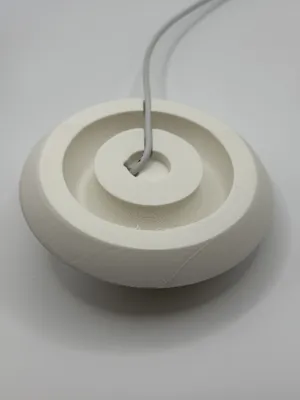
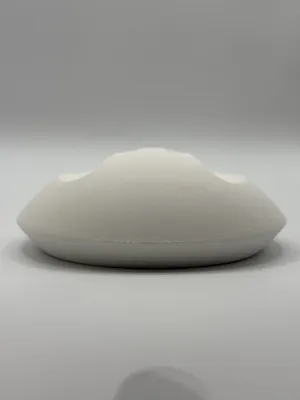
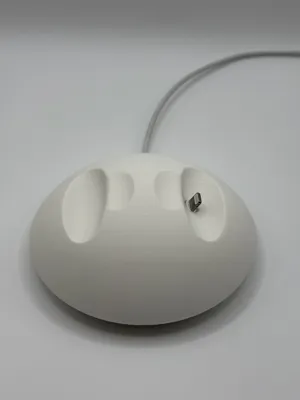
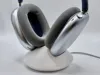
This is a clean, desk-friendly charging stand designed specifically for the AirPods Max (Gen 1). The stand securely holds your headphones while allowing Apple’s OEM Thunderbolt charging cable to route cleanly through the bottom, so your AirPods Max can charge and display at the same time.
Designed to keep your workspace tidy, stable, and aesthetically consistent with the AirPods Max design language.
Features
Designed for AirPods Max Gen 1
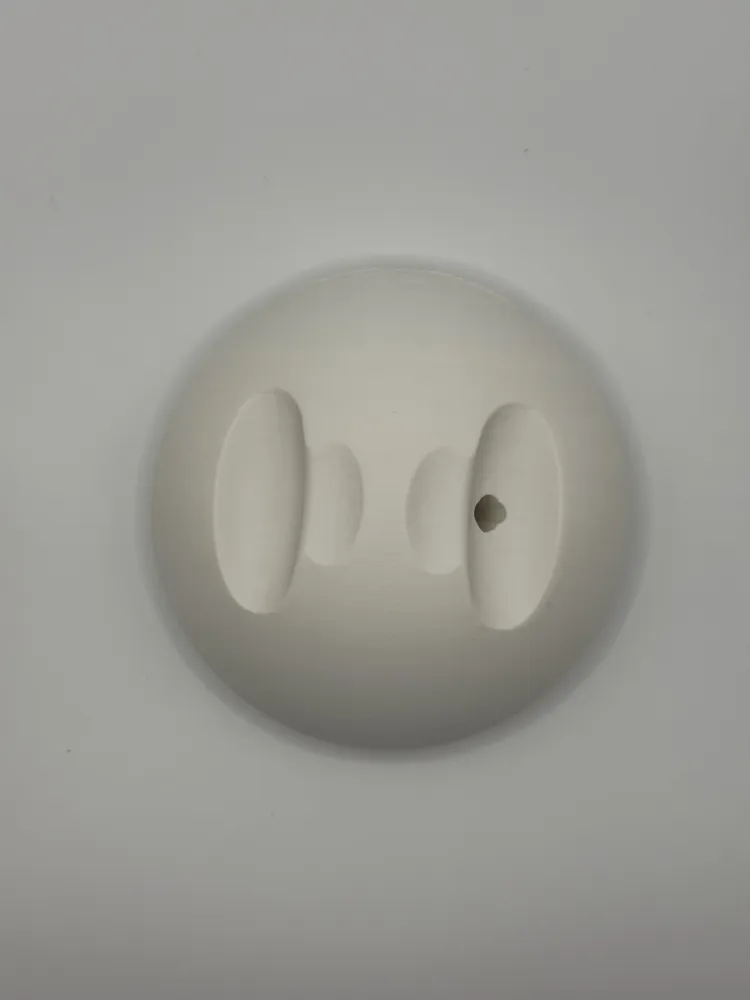
Perfect fit for the ear cup geometry and resting angle.
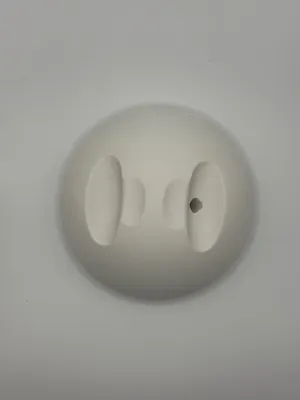
Integrated Cable Channel
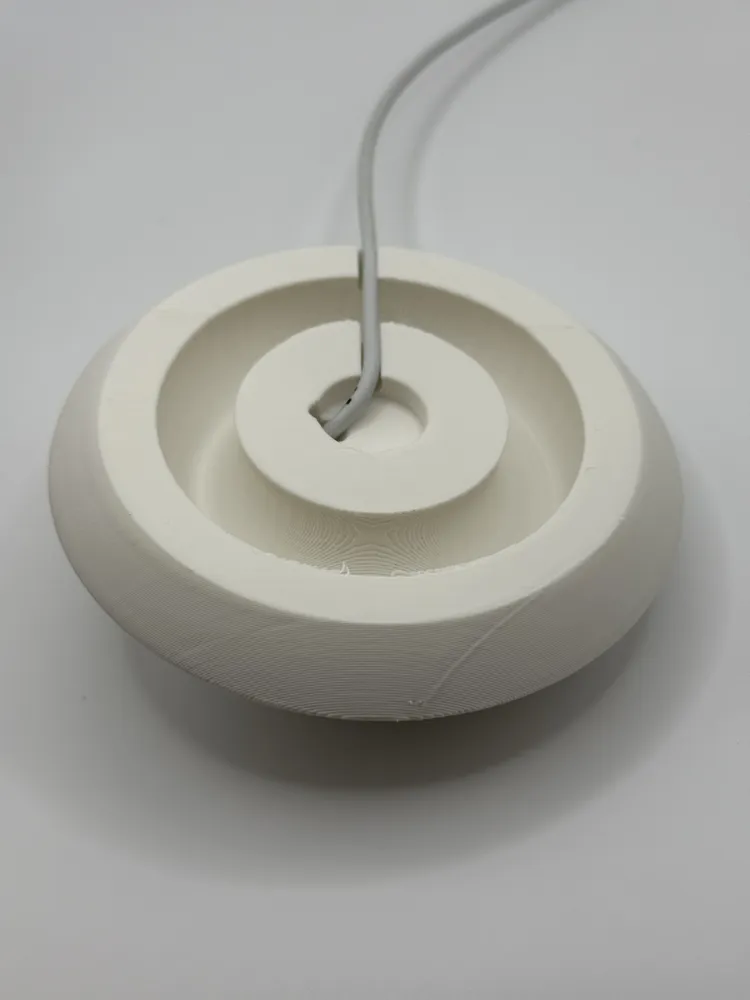
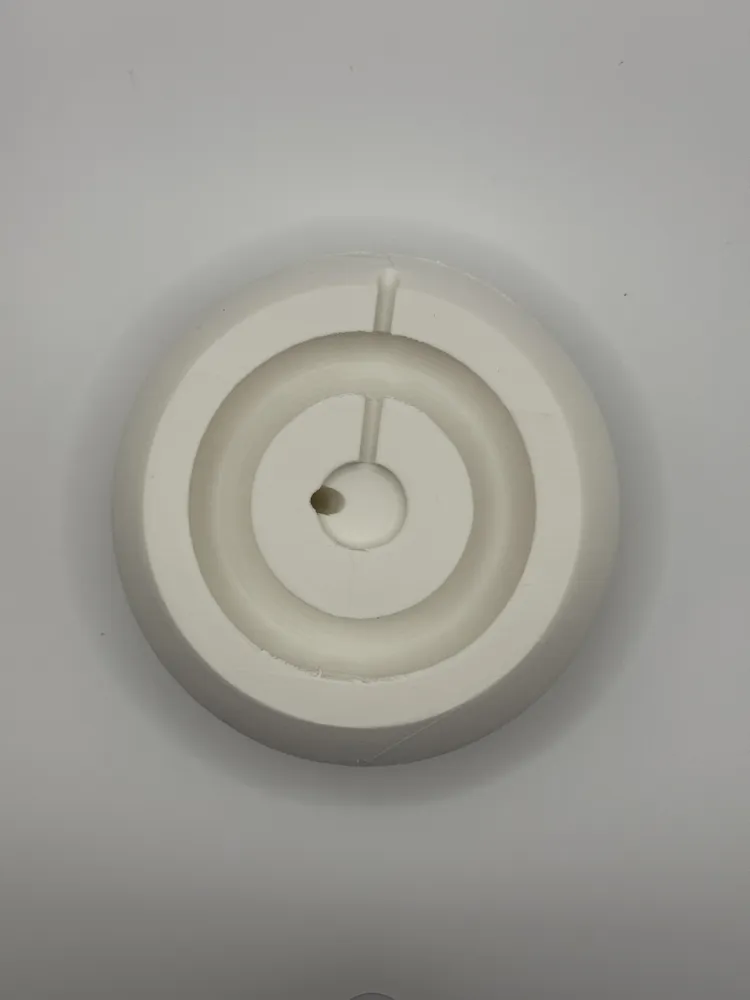
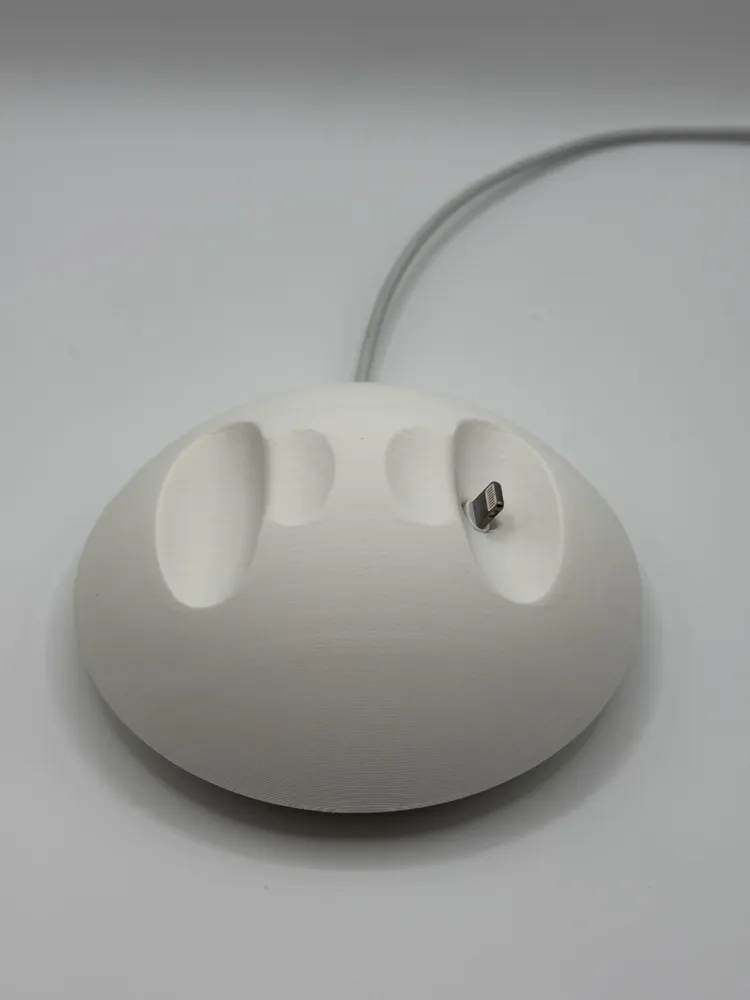
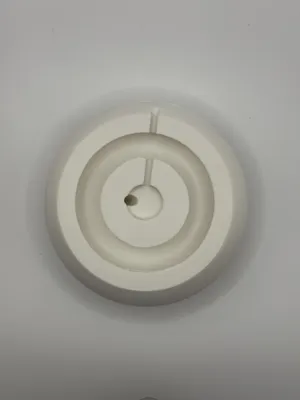
Thread your OEM Thunderbolt charging cable up through the base. The cable seats flush and stays hidden for a clean visual profile.
Stable, Low Center of Gravity
The angled cradle keeps the headphones balanced without wobble. Fully tested with real AirPods Max.
Desk-Friendly Footprint
Smooth base sits flat on your desk without scratching. Compact form factor fits under monitors or between other gear.
Print-Friendly Geometry
No supports needed. Wide bottom layer for adhesion. Designed with hobby printers in mind.
Recommended Print Settings
- Printer: Any FDM machine
- Material: PLA
- Layer Height: 0.20 mm
- Infill: 15–25%
- Supports: Not required
- Walls: 3–4
- Orientation: Print flat on the bottom face for support free print - However this can cause ugly topography in the cups and on the top. Print on its side for a smoother look with supports.
Assembly / Use
- Feed Apple’s OEM Thunderbolt cable up through the bottom channel.
- Push all the way through, twist 90 degrees, and pull back to seat the connector in the recessed slot.
- Place your AirPods Max onto the stand with the cups angled inward.
- Enjoy a clean, always-ready charging setup on your desk.
License



Comment & Rating (8)